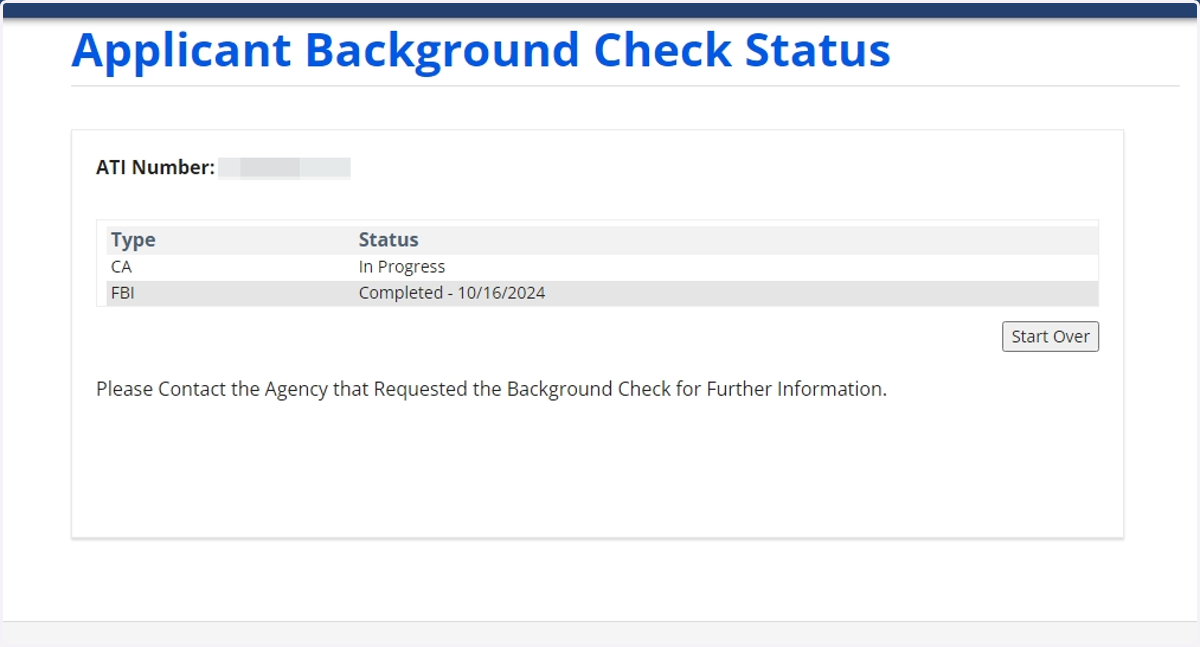
How to Check on Florida Submission Status
Follow the steps below to track your submission status after you have finished getting your fingerprints taken
1. Follow this link to go to our website www.applicantservices.com/florida
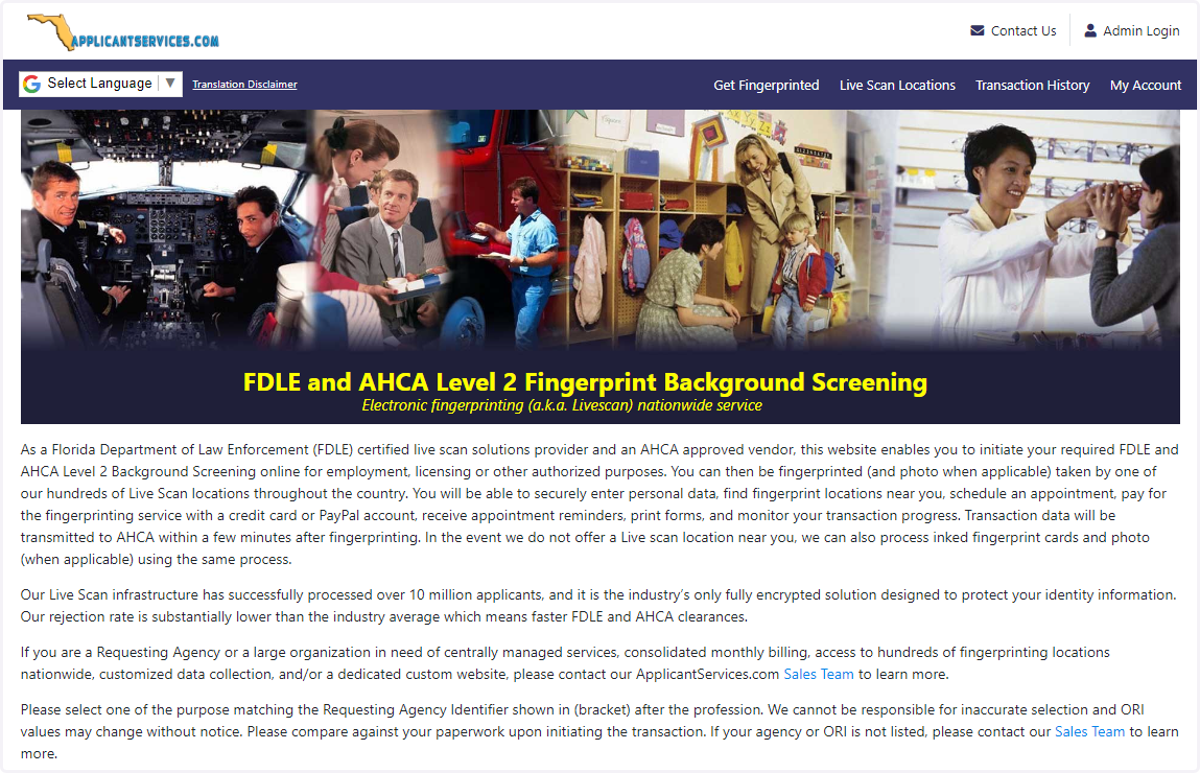
2. Click on the "Transaction History" menu option at the top of the page

3. Enter your email, and click on "Proceed" to access your account
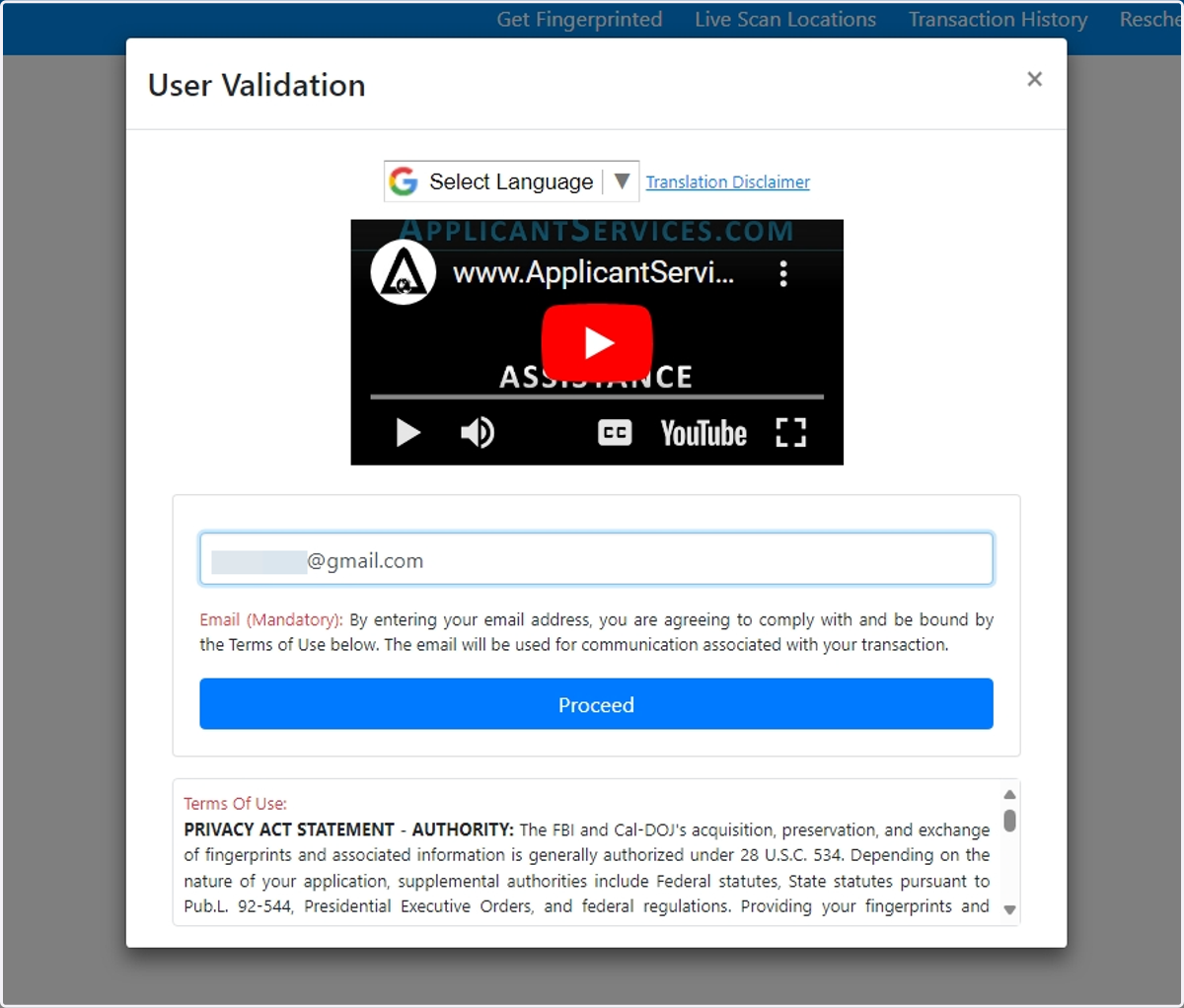
4. This will show your transaction history. If you see a TCN (Transaction Control number) with your transaction, it means your Live Scan transaction was successfully submitted by the Live Scan center.

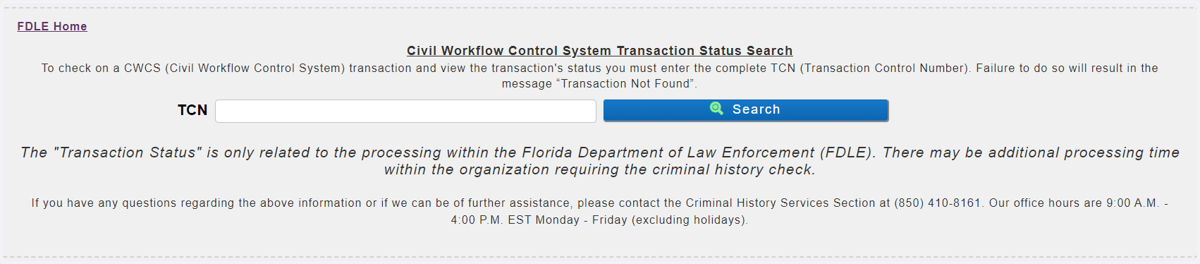
5. Check Submission Status on the FDLE's website
PLEASE NOTE:
We do not have any exposure to what happens after your submission reaches the Florida Department of Law Enforcement. They are the entity that performs the background check. Usually, the results are made available to the Requesting Agency within a few hours. The Requesting Agency is the agency listed on the form as the ORI / Controlling Agency Identifier; this would be the organization that initially required you to complete a background check.You can visit the FDLE's website to check on status by going to cchinet.fdle.state.fl.us/search/app/tcnlookup?2
6. Enter your TCN number. Make sure to then click Search to view the status
7. NOTE: For AHCA Transactions that are completed by the FDLE may take up to 5 Business days to show on the AHCA Portal. Questions for AHCA may be addressed to BGS_SUPPORT@ahca.myflorida.com