Guide: Scheduled Reports
MatrixIQ Telematics
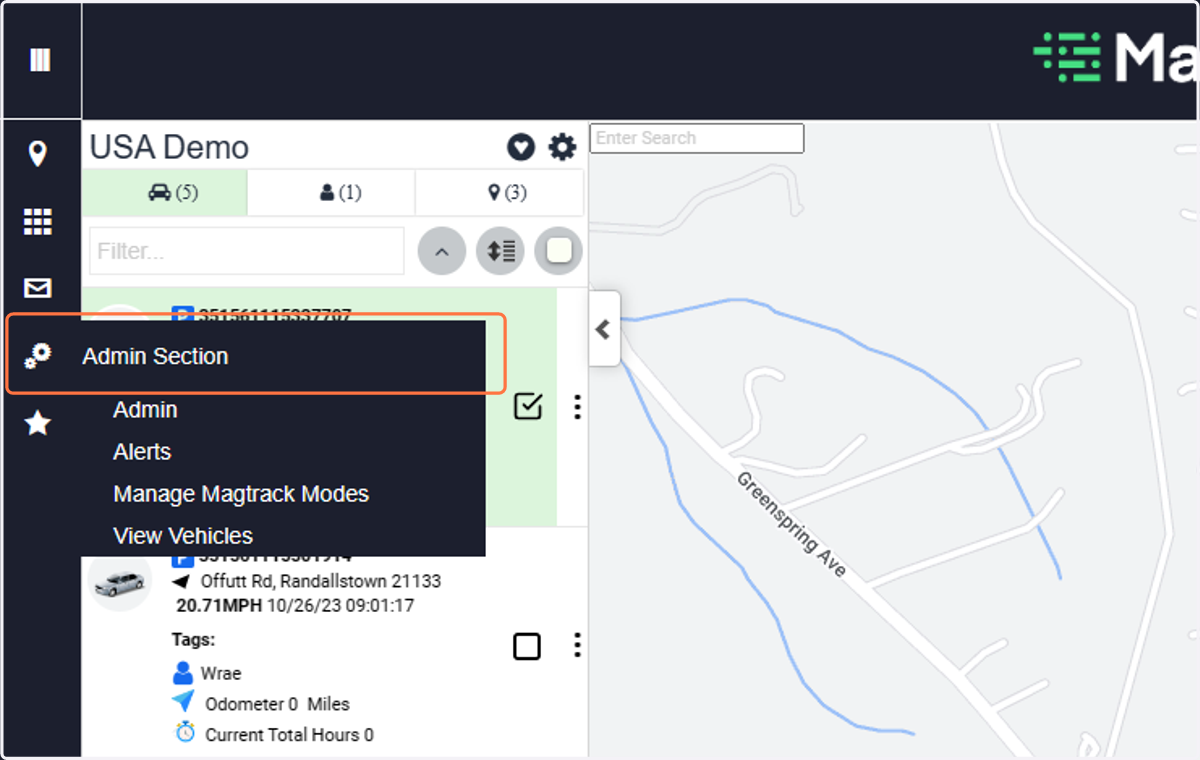
1. Click on Admin Section
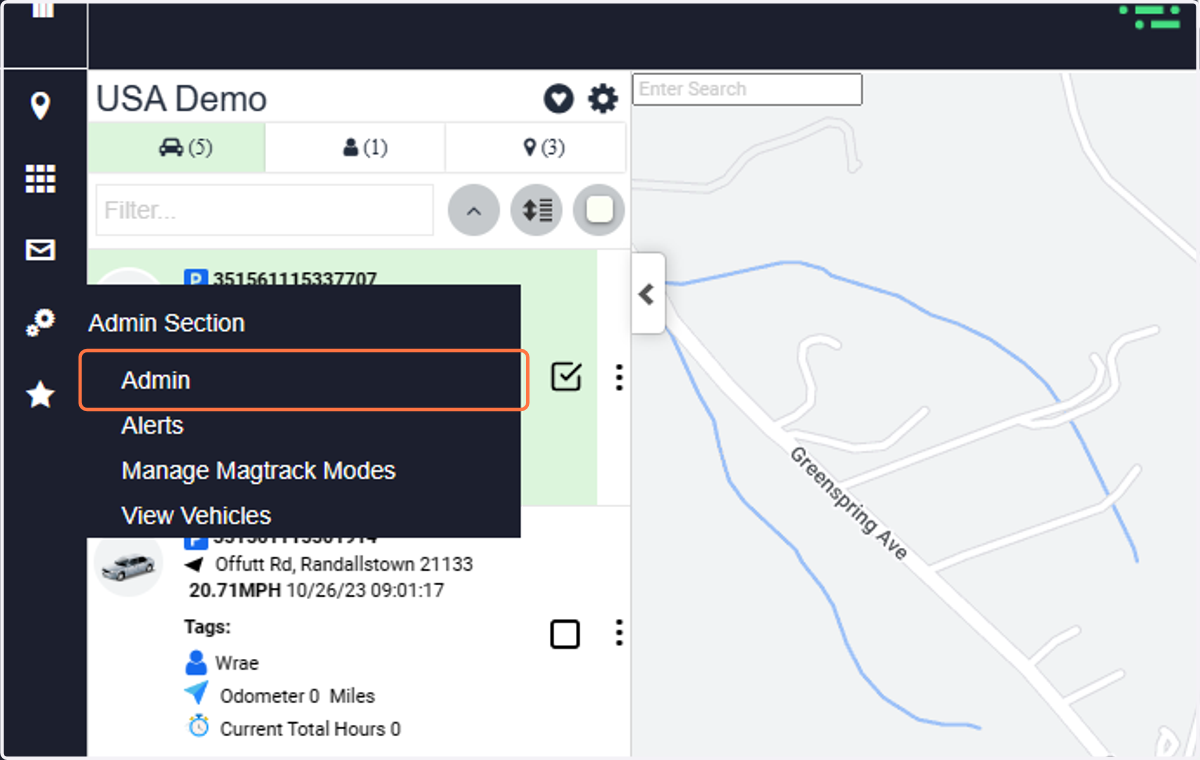
2. Click on Admin
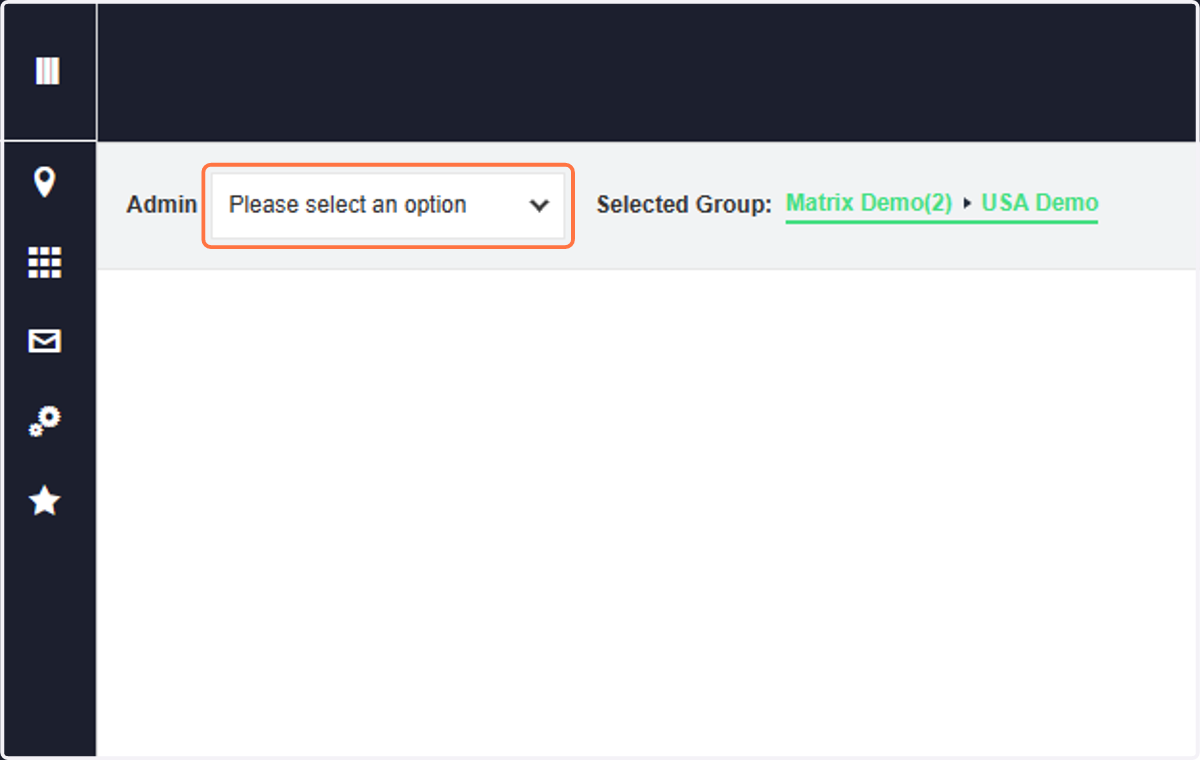
3. Click on Please select an option
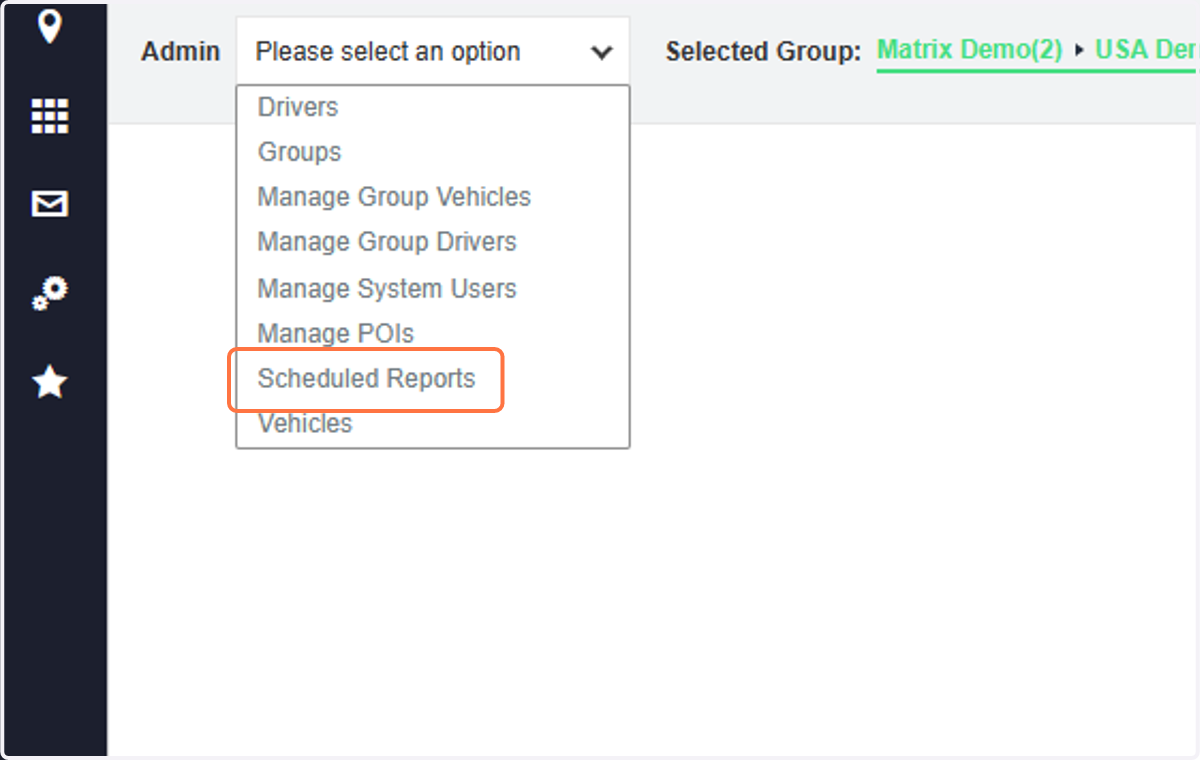
4. Click on Scheduled Reports
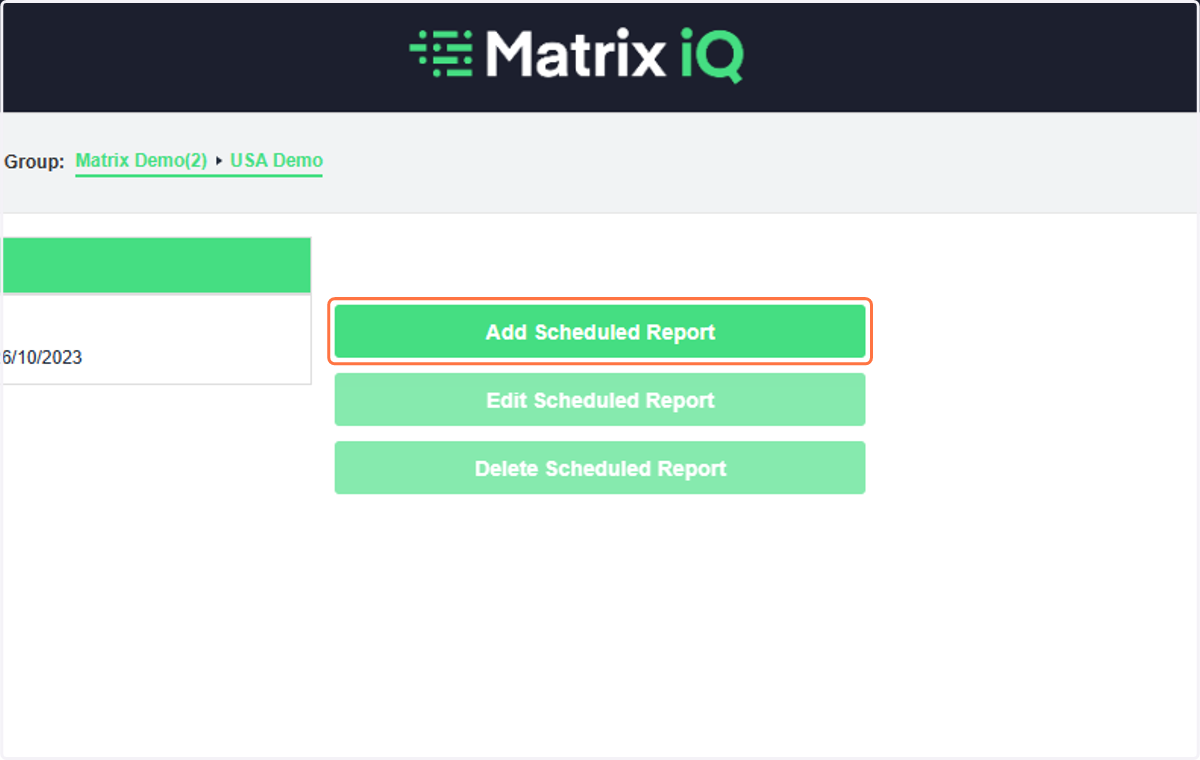
5. Click on Add Scheduled Report
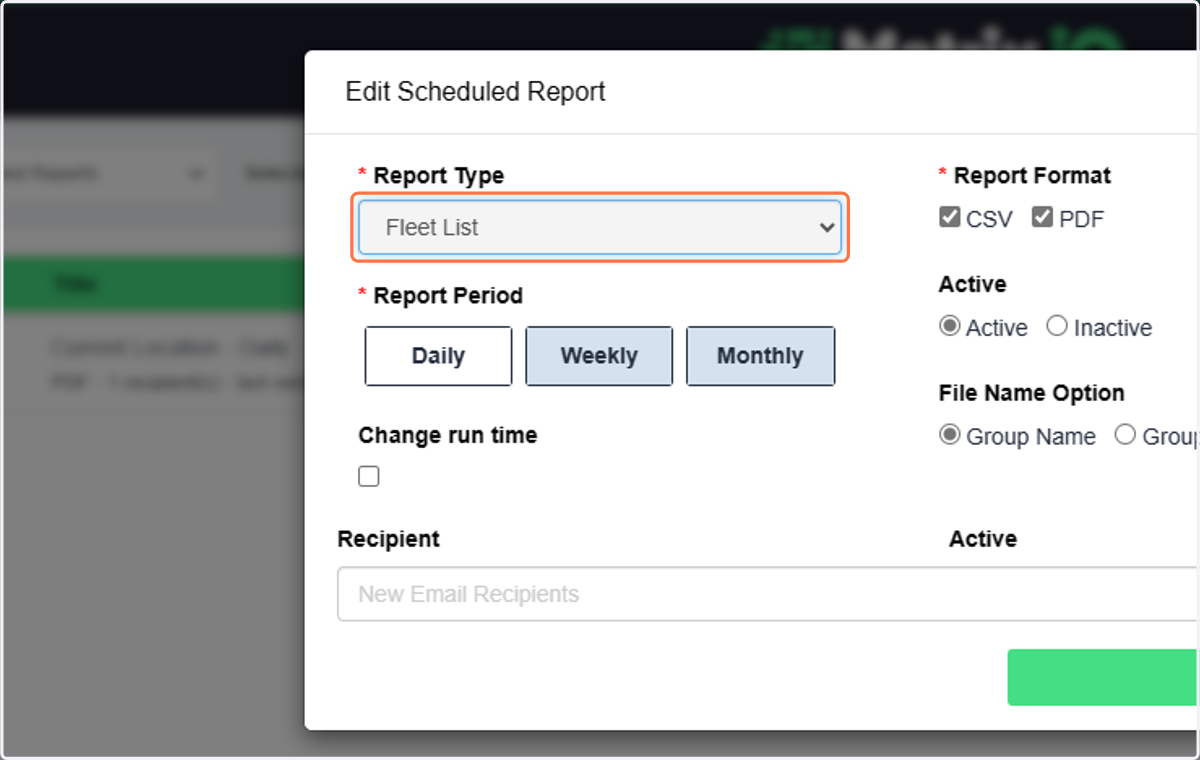
6. Select Fleet List from Report Type
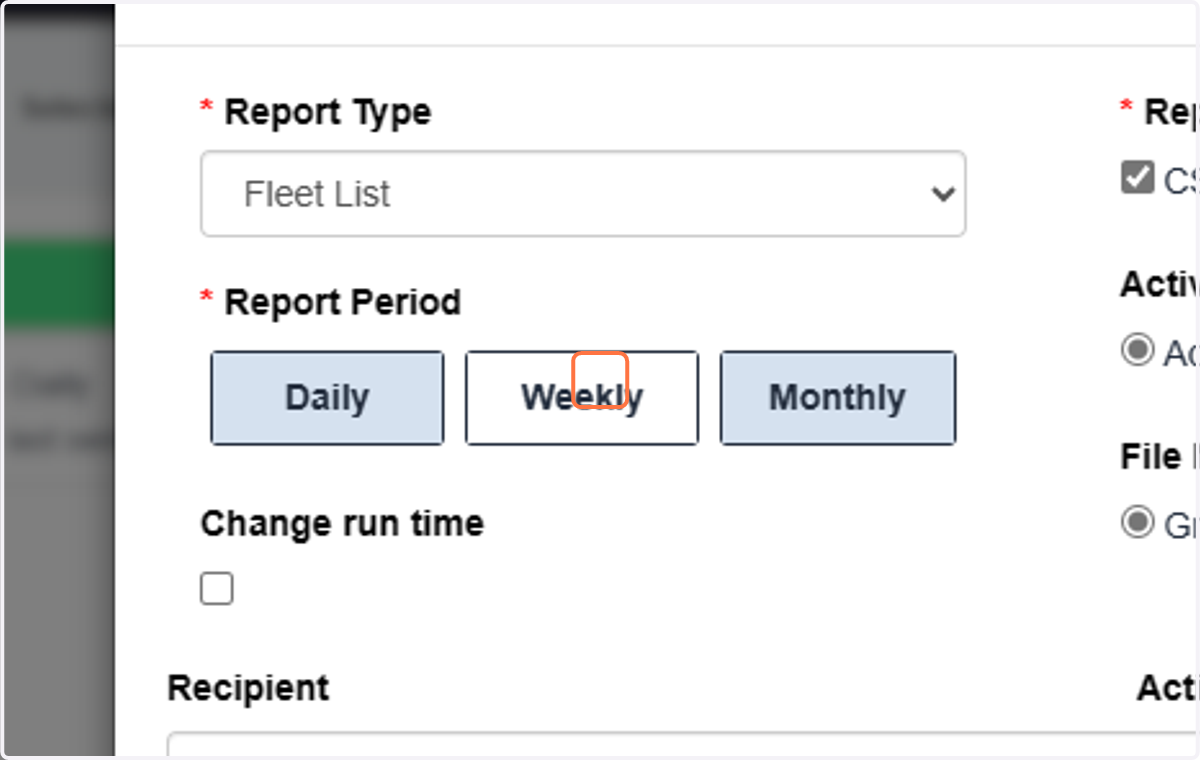
7. Choose the Report Period
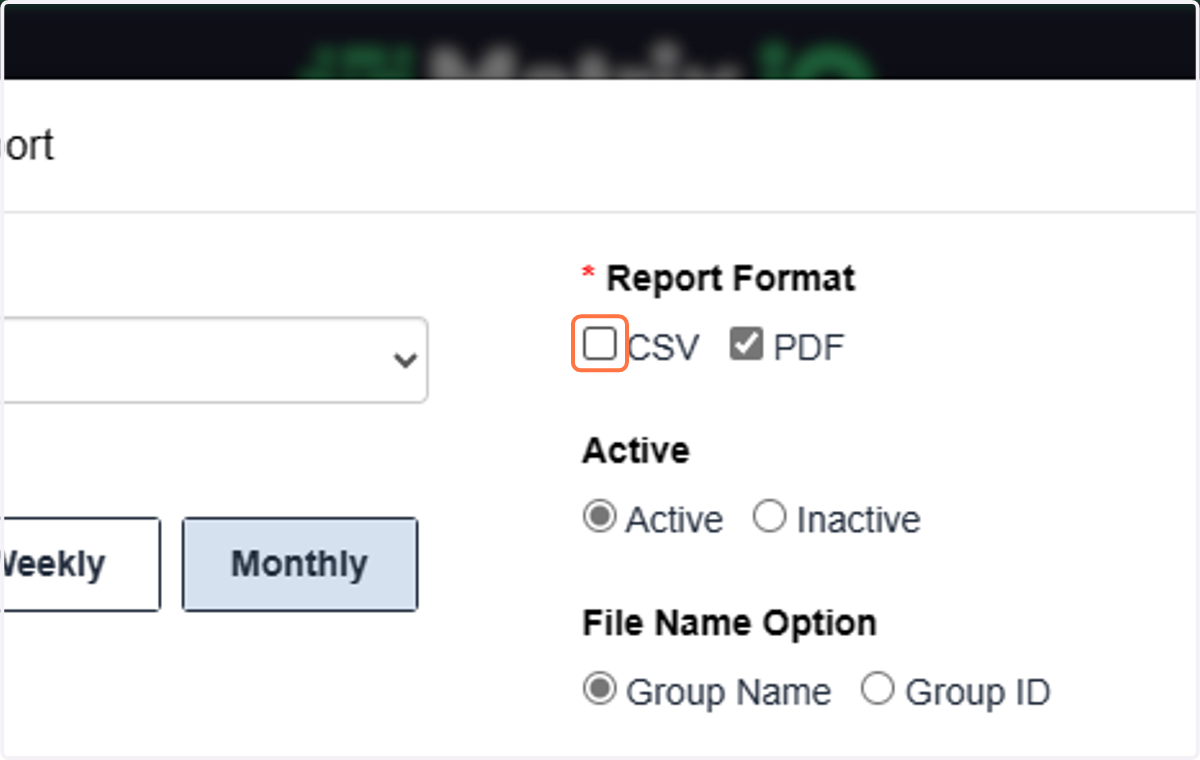
8. Choose the report format
9. Add in the email address(es) to send the report to and hit the "+" after adding each email.
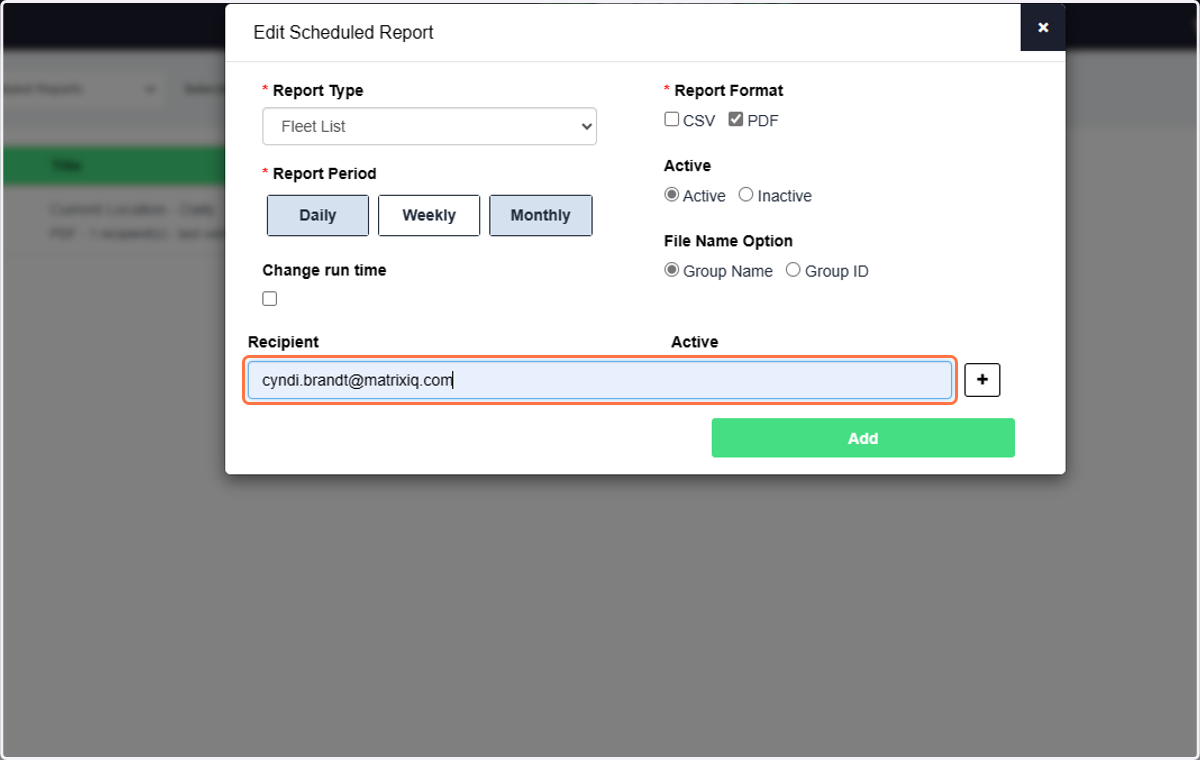
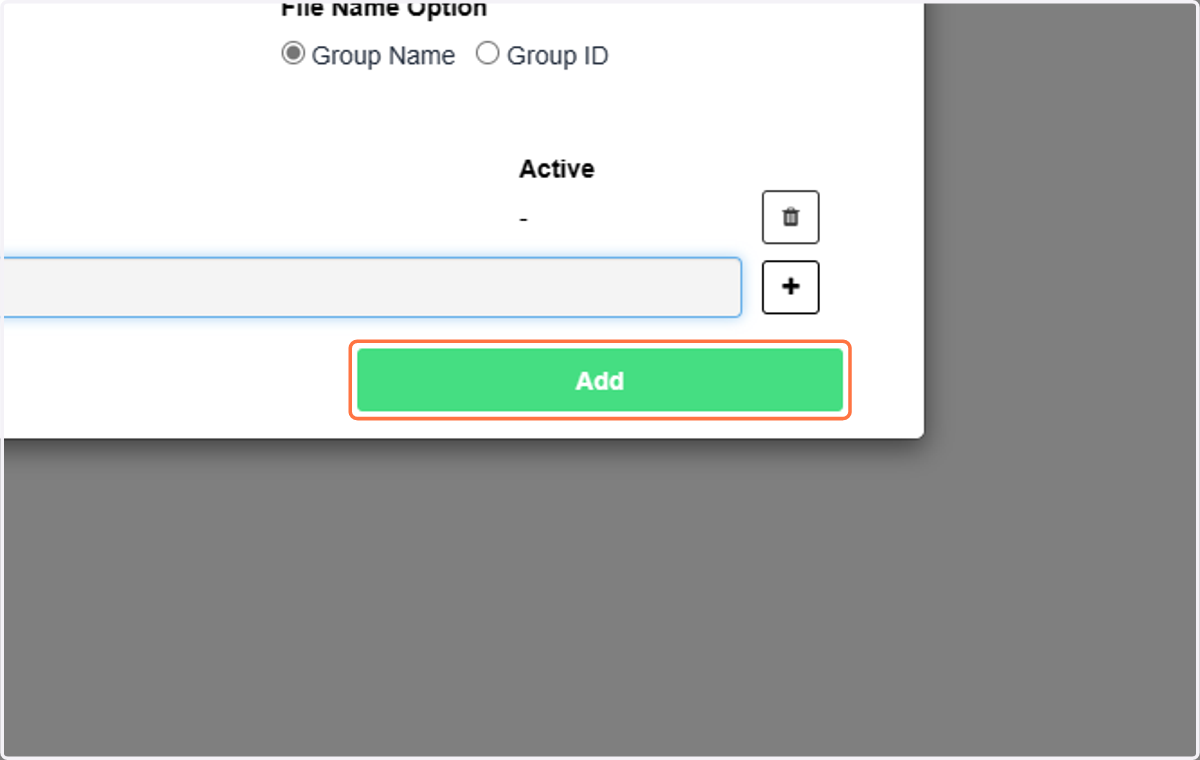
10. Click on Add
Your reports will be emailed on the schedule you selected AFTER the recipient acknowledges that they have been subscribed to this report from noreply@telematicsadmin.co.uk. See sample emails sent from the platform for all emails.