Set a budget

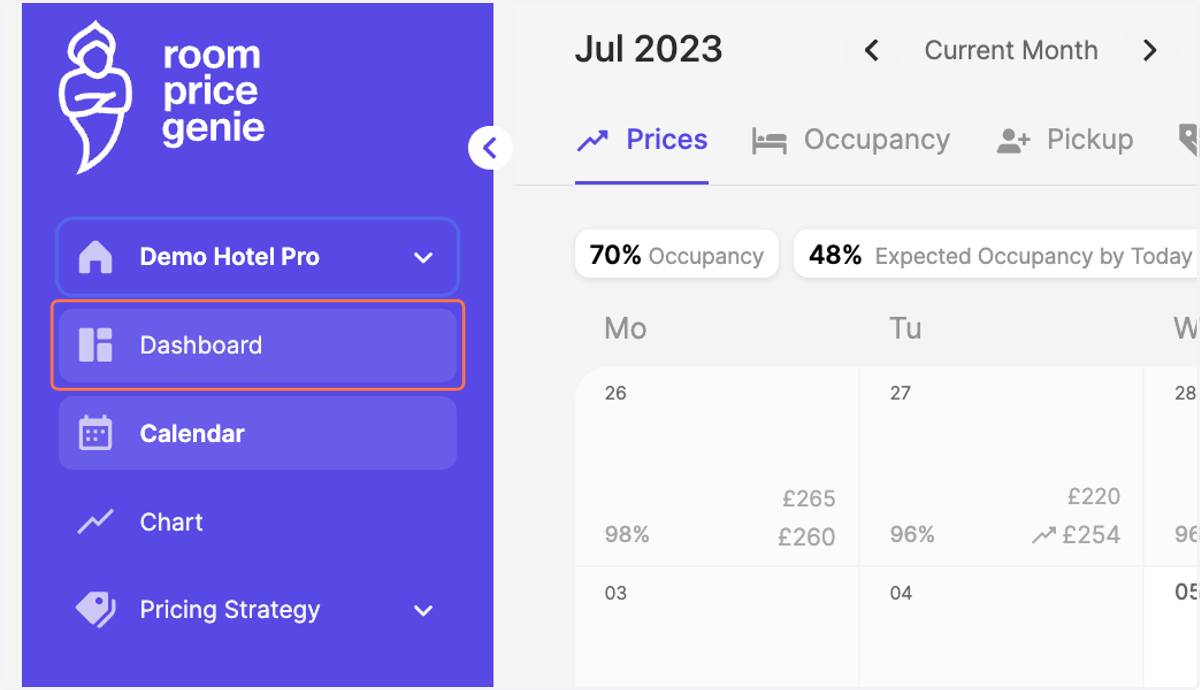
  1. 1. Navigate to the "Dashboard"

    Navigate to the "Dashboard"
  2. 2. Double-check that you're in the "Performance" tab
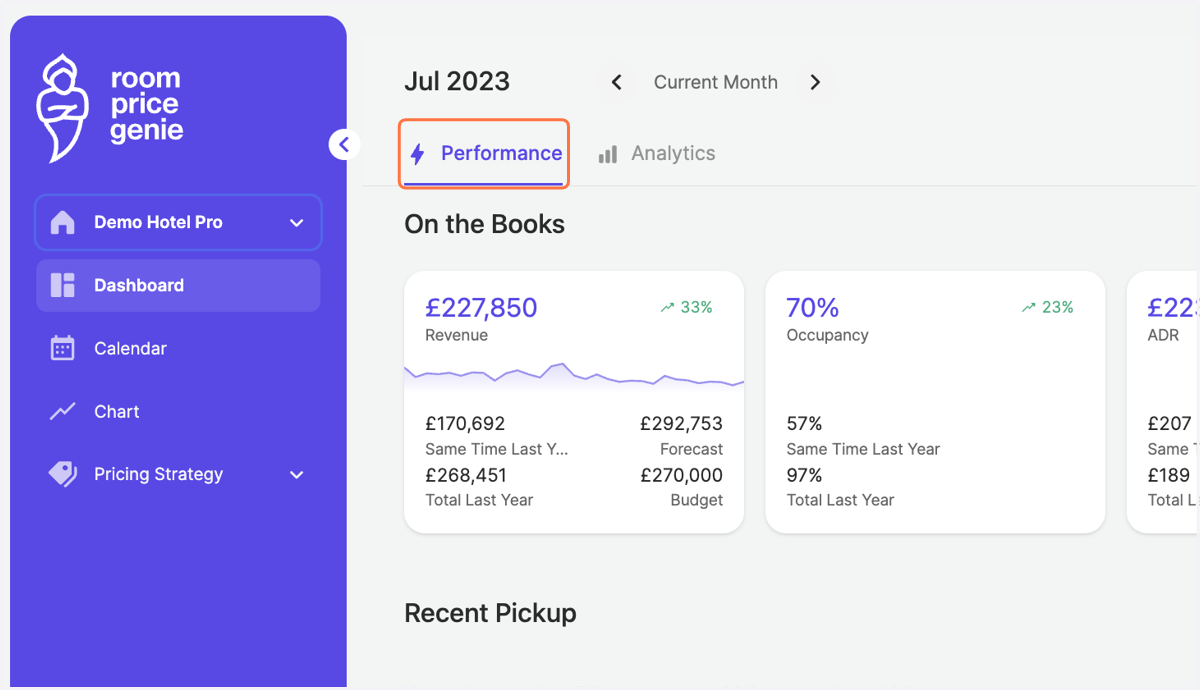
    Double-check that you're in the "Performance" tab
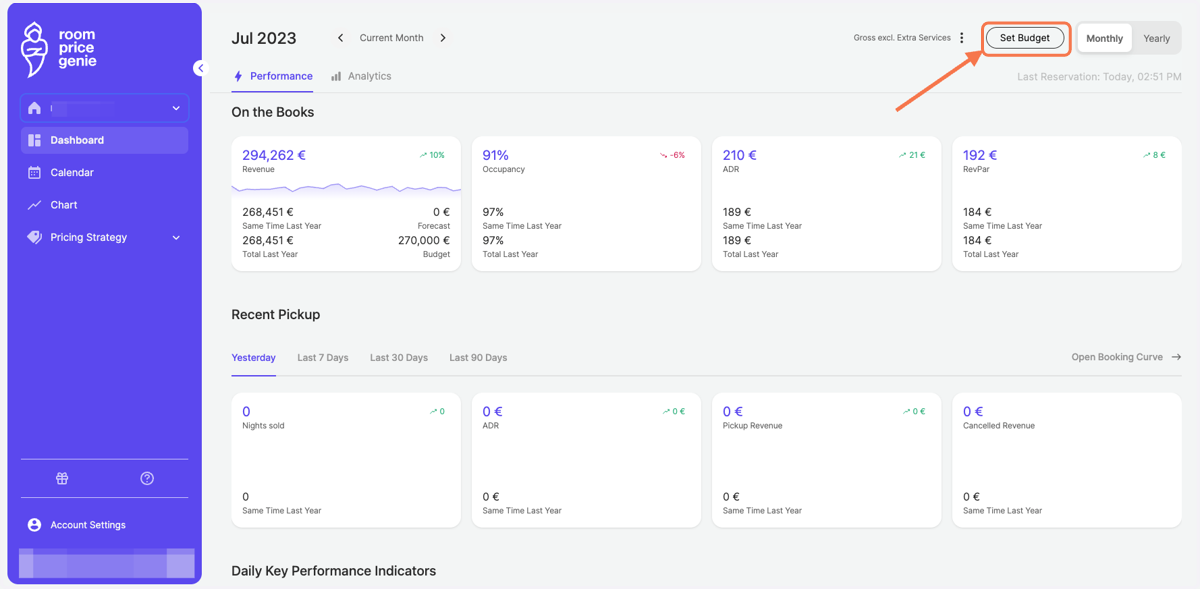
  3. 3. Click on Set Budget

    Click on Set Budget
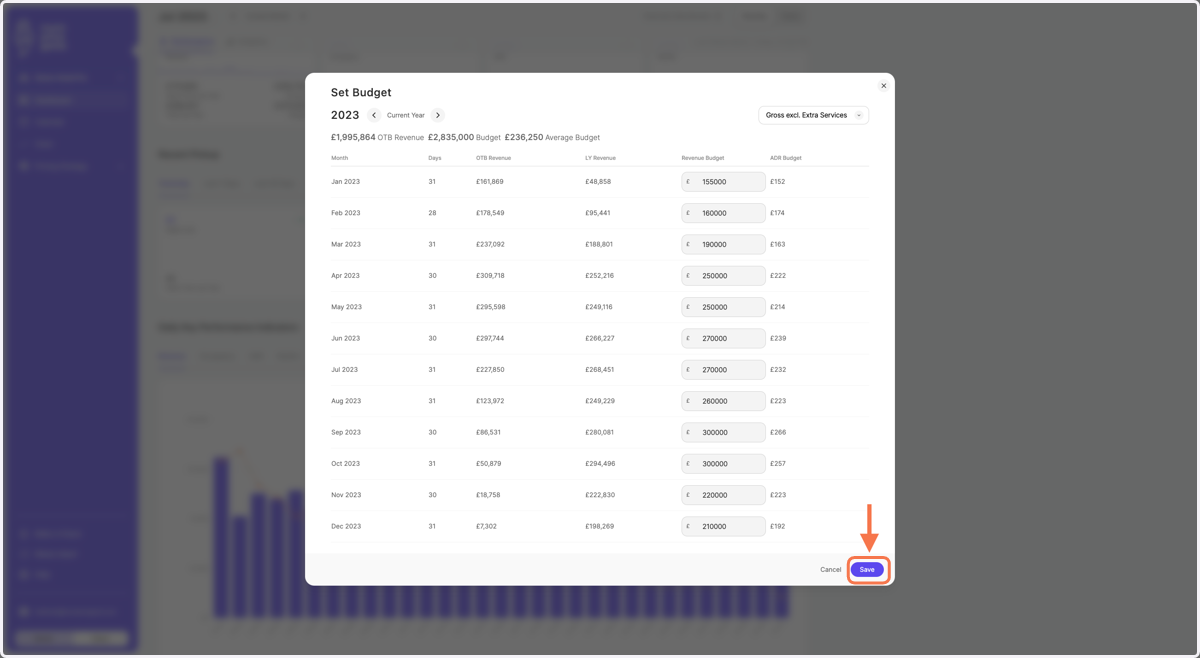
  4. 4. You can set your Gross or Net Budget (both excluding extra services)
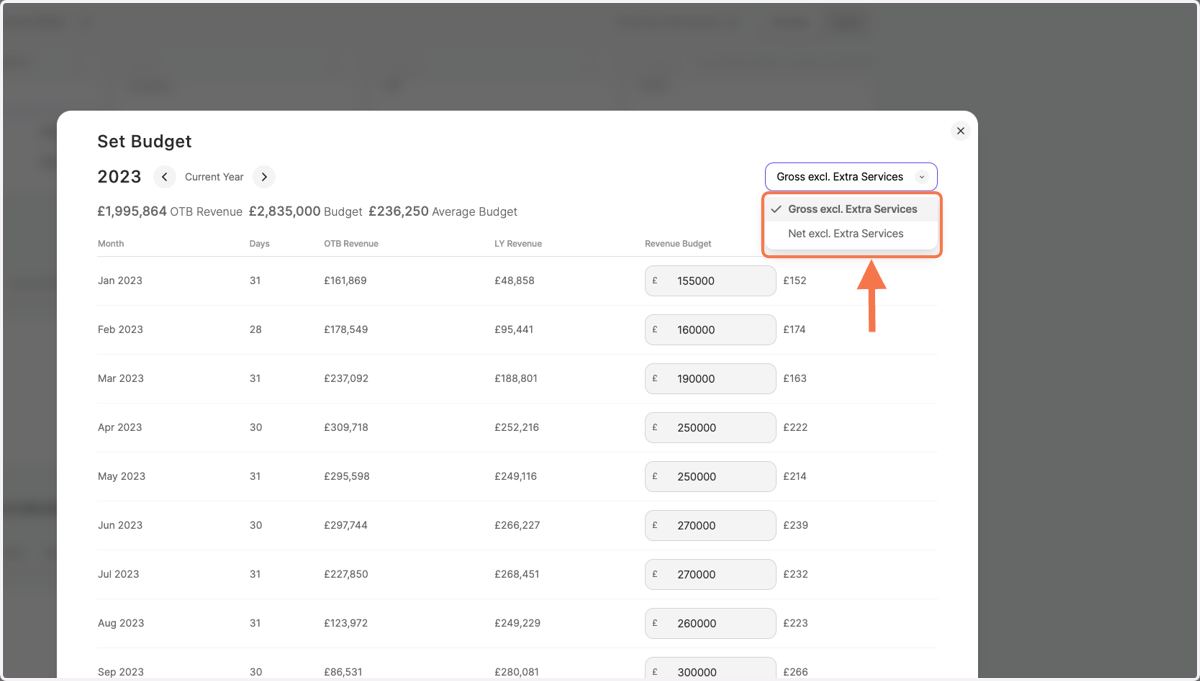
    You can set your Gross or Net Budget (both excluding extra services)
  5. 5. Enter your budget in the empty fields
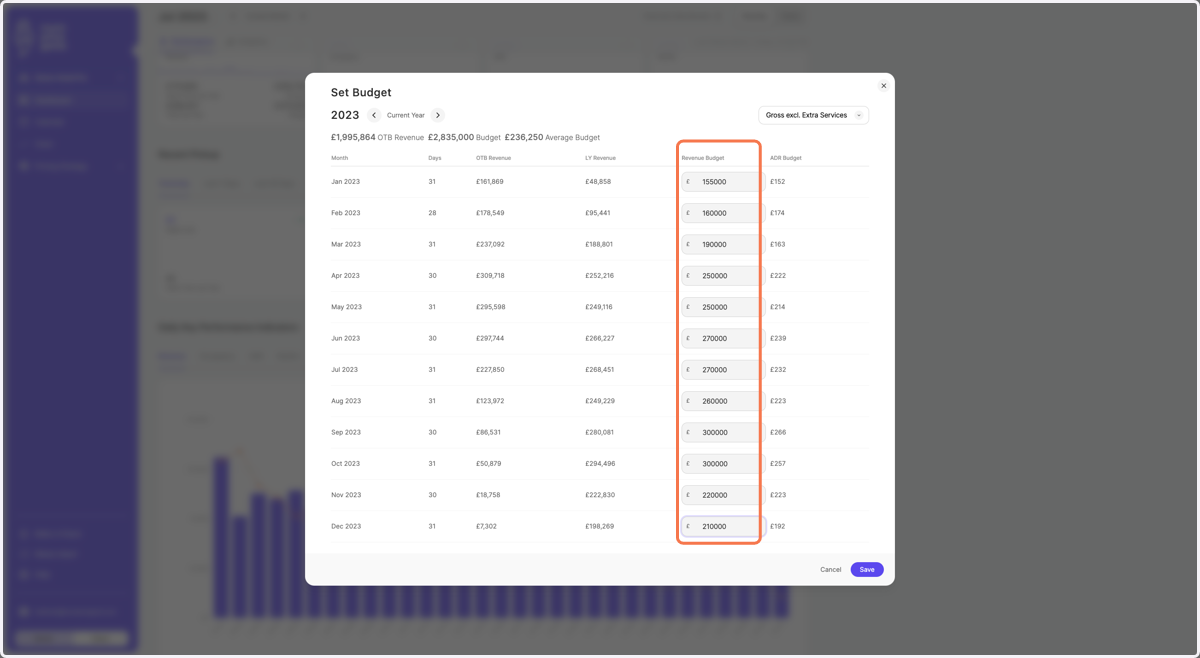
    Enter your budget in the empty fields
  6. 6. Click on "Save"

    Click on "Save"
  7. 7. Click on "Yearly" to change your dashboard view from monthly to yearly
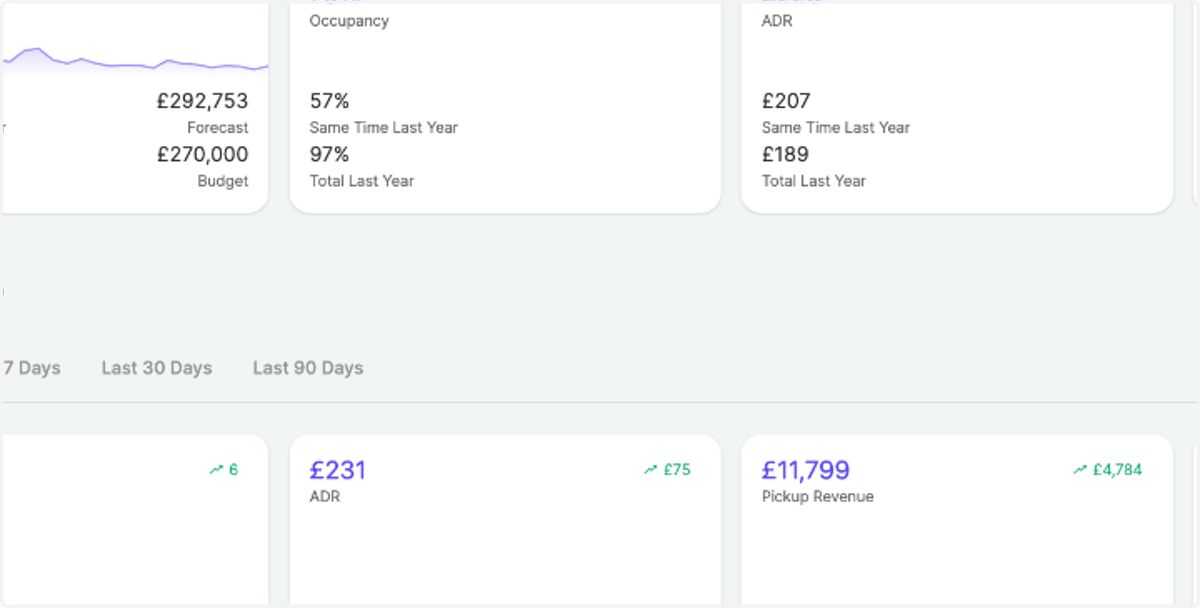
    Click on "Yearly" to change your dashboard view from monthly to yearly
  8. 8. Scroll down a bit to "Monthly Key Performance Indicators and see your budget visualized
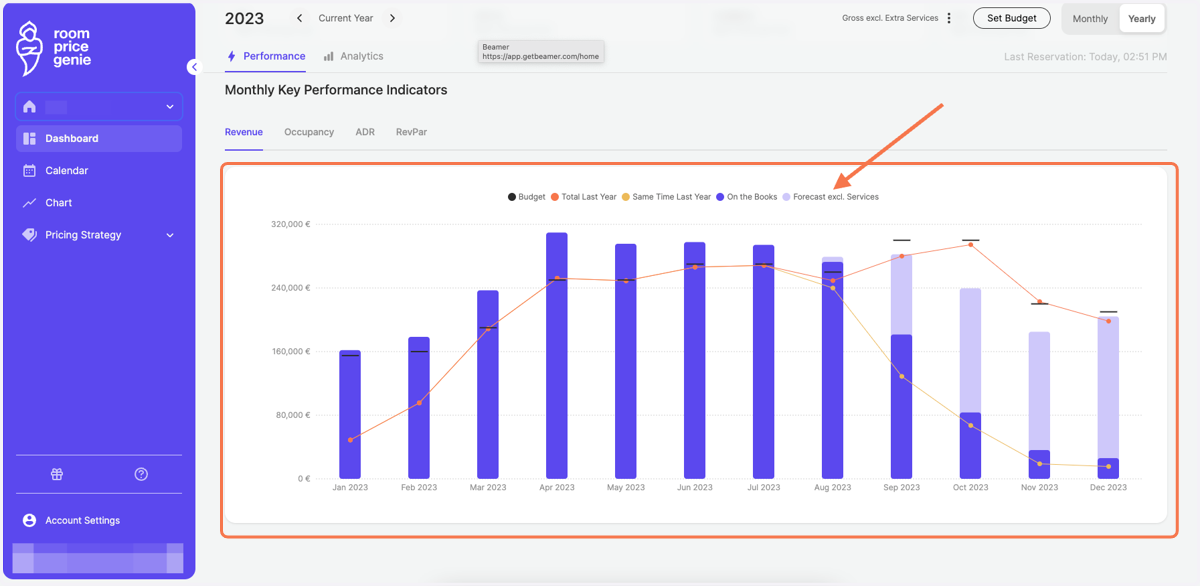
    Scroll down a bit to "Monthly Key Performance Indicators and see your budget visualized