Custom Email Templates
Now you can customise the language in the email templates that are sent to the Case team or employees. These templates are easily editable so that you can add / modify information as per your requirements.
AccommoCare
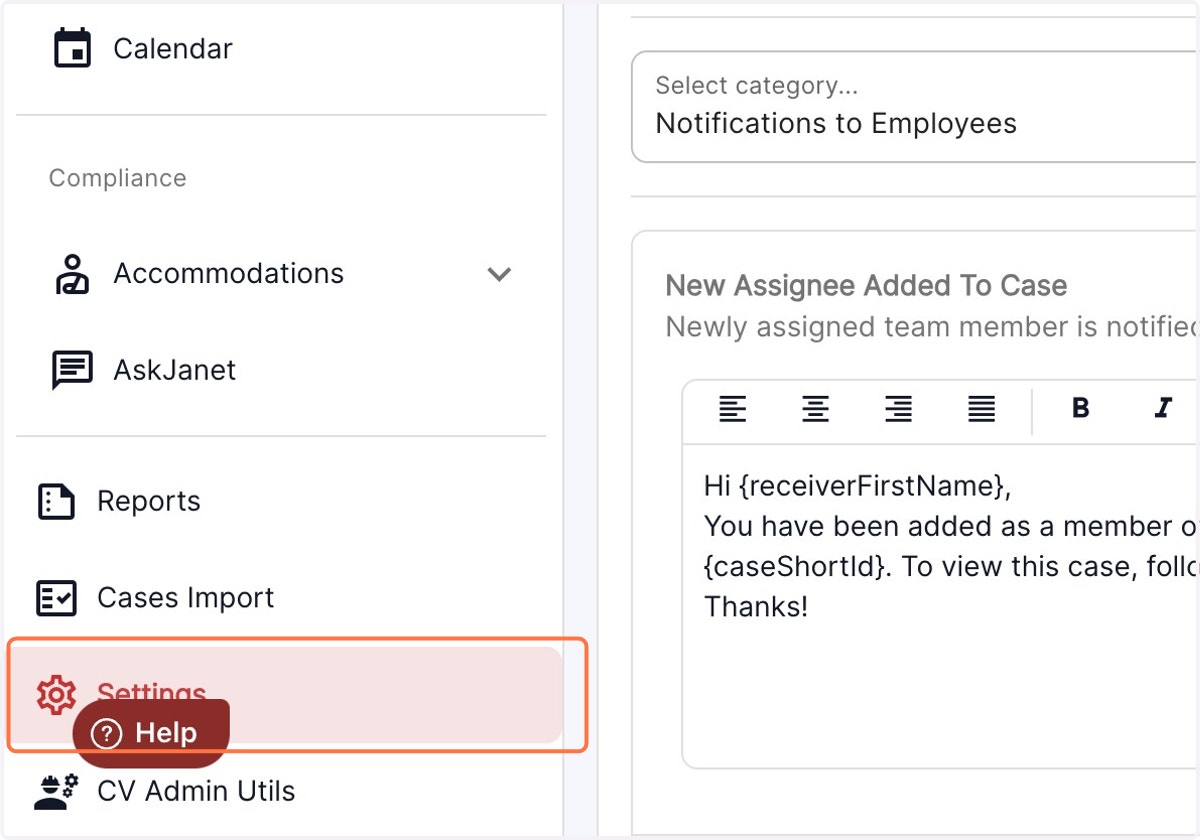
1. Click on settings in the left panel
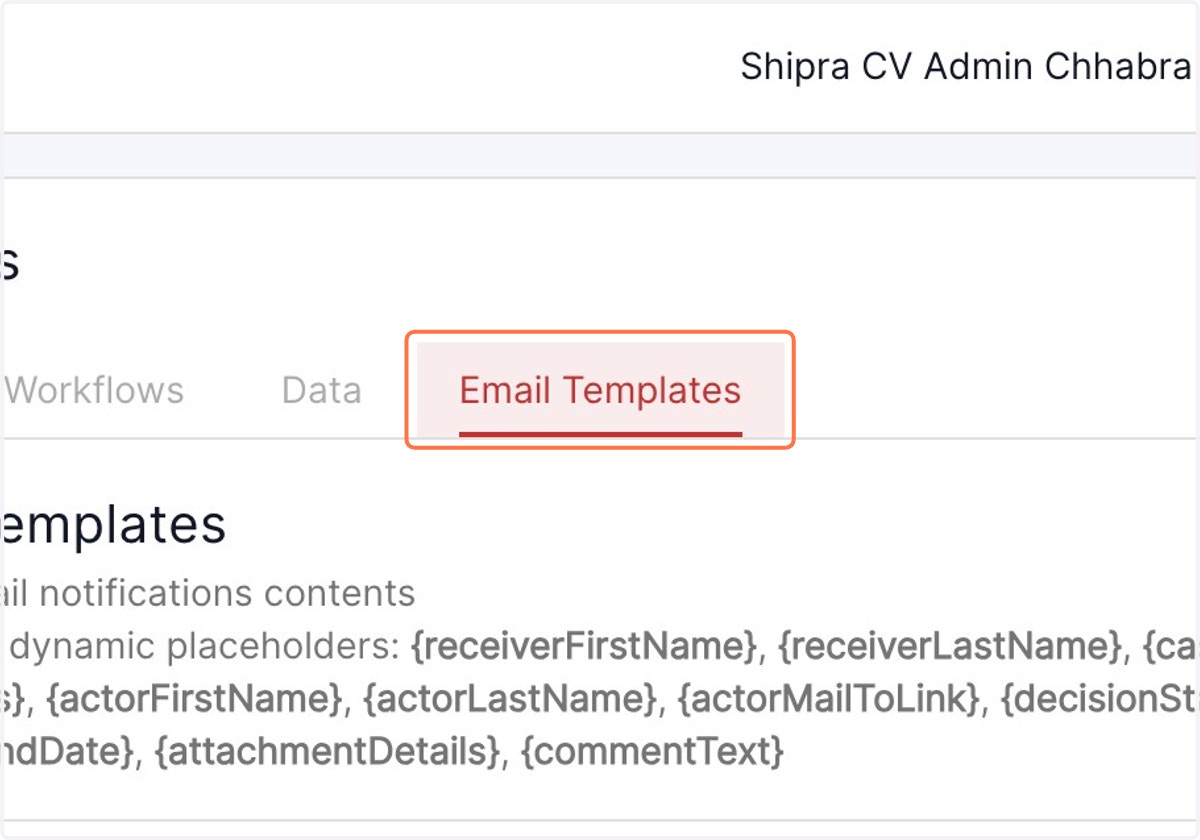
2. Click on Email Templates
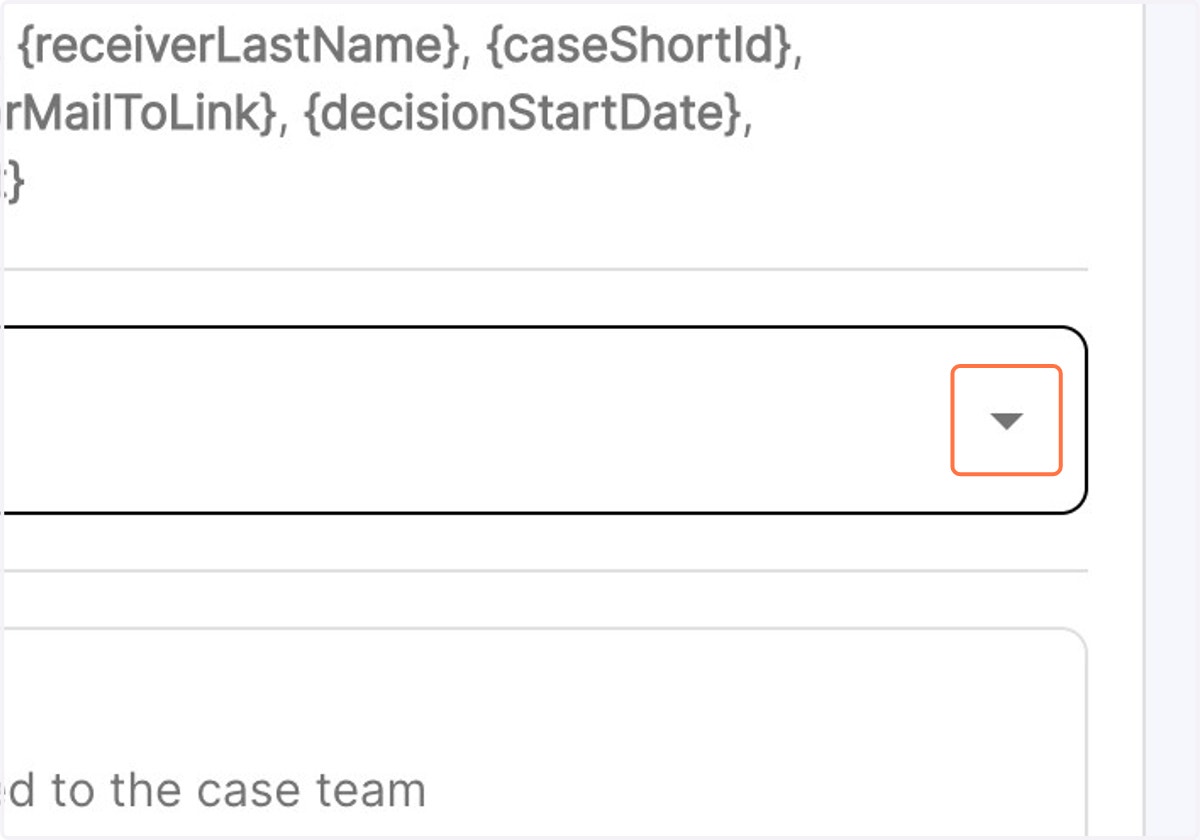
3. Click on the drop down menu to view the email templates for employees or case team
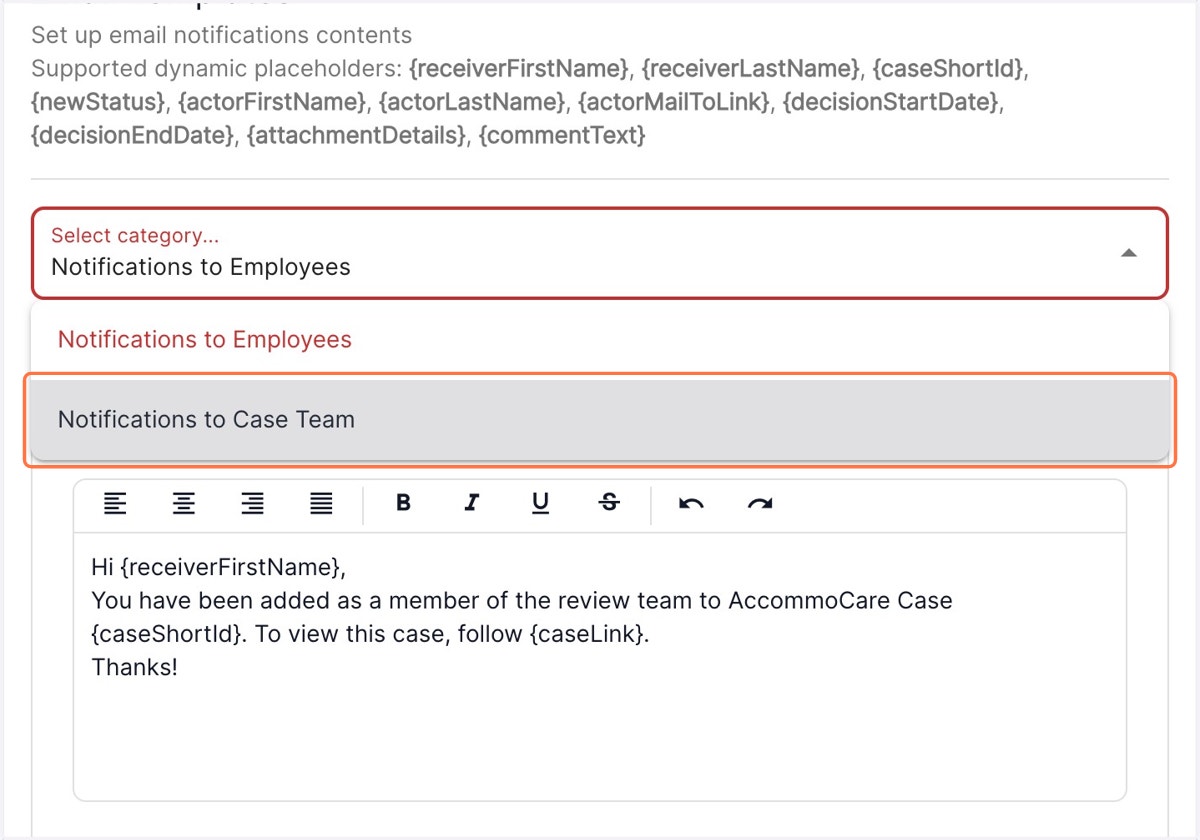
4. Click on Notifications to Employees to view the options for Employee email templates. You can now edit the message template to add / remove / modify information.
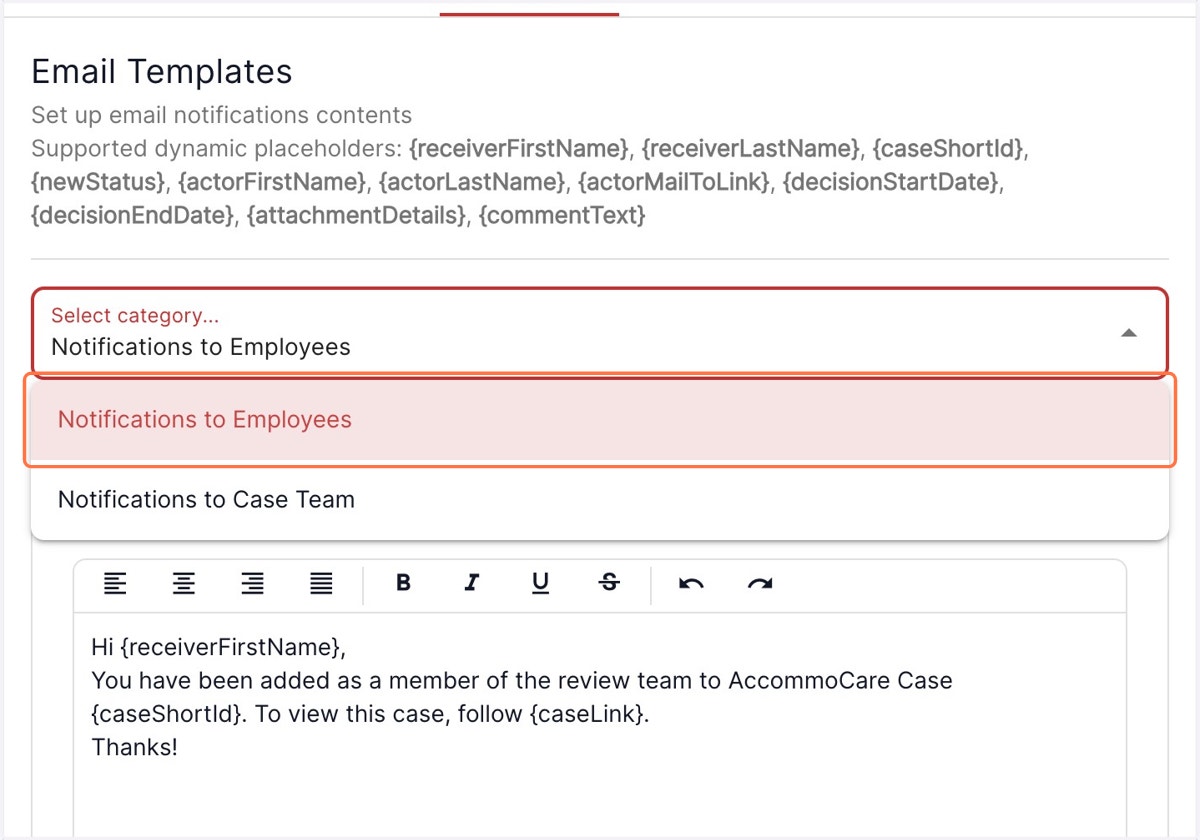
5. Click on Notifications to Case Team from the drop down to view the pre loaded messages for your case team. You can now edit the message template to add / remove / modify information.