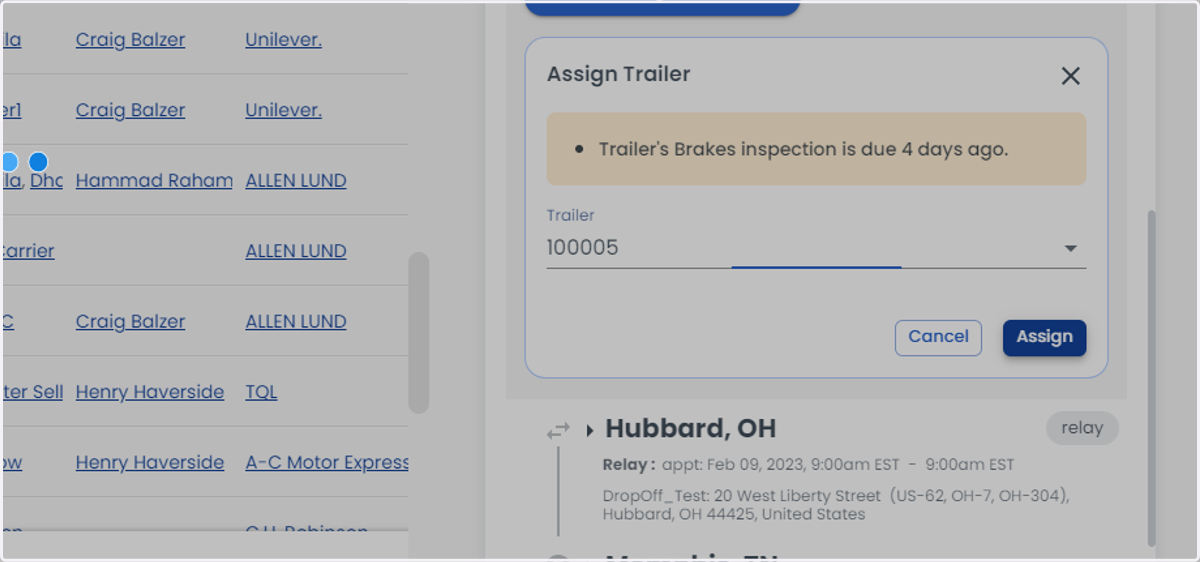
How to change the trailer in a load or a relay
Loadops
1. Go to Loadops by Optym
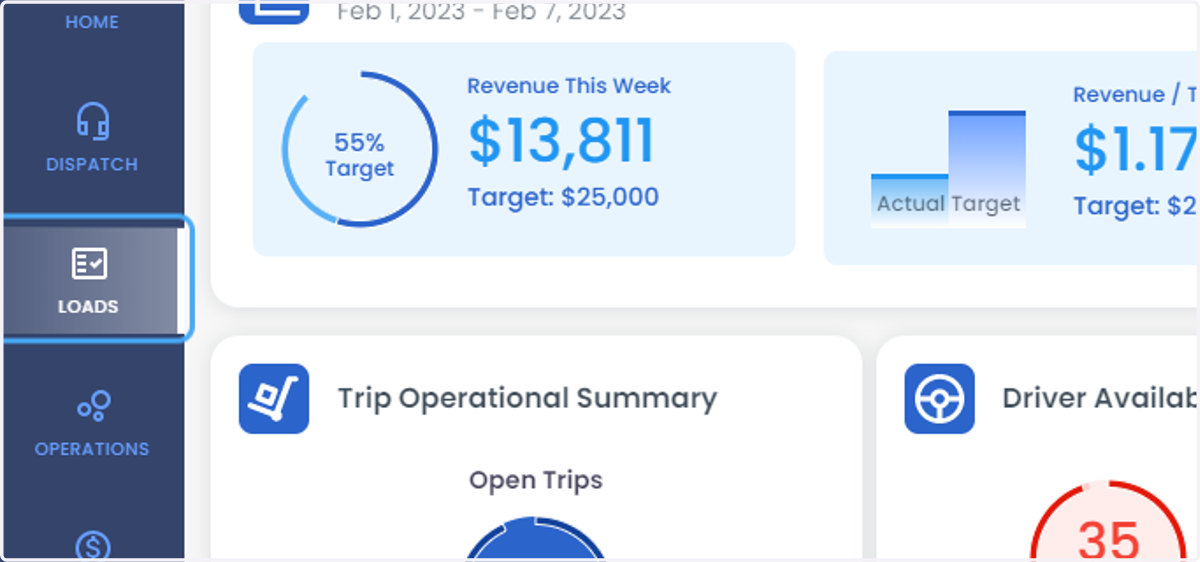
2. Click on LOADS
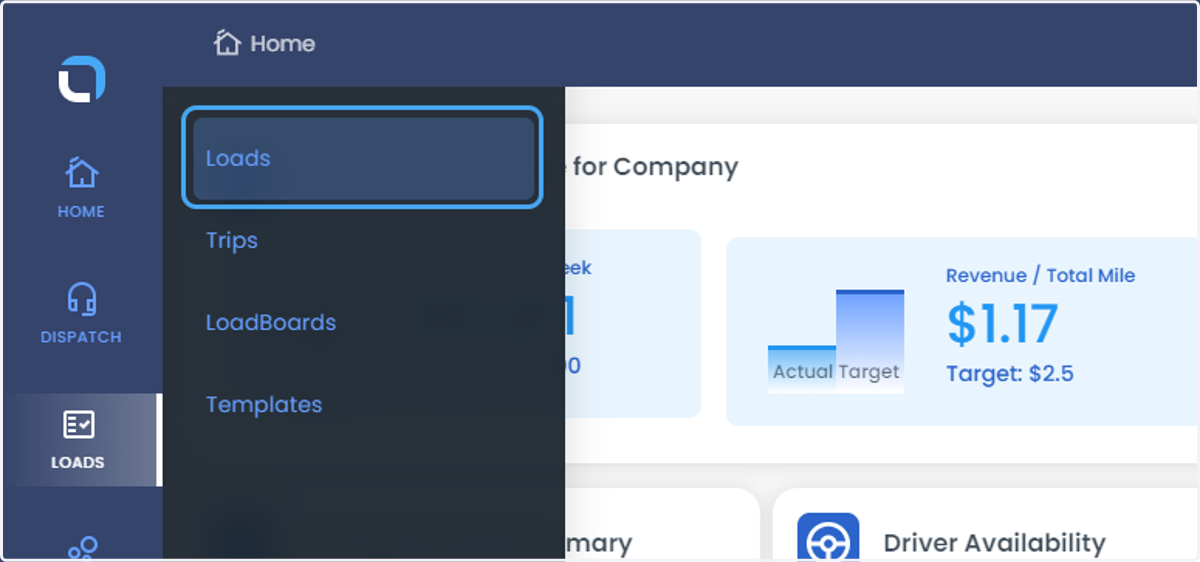
3. Click on Loads
4. Select the Load
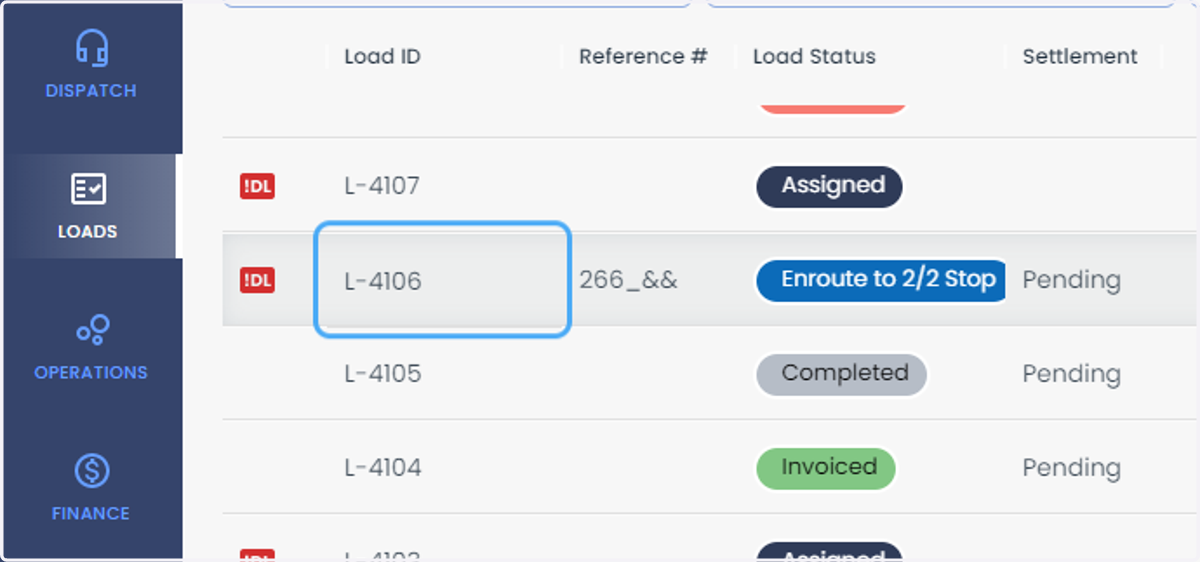
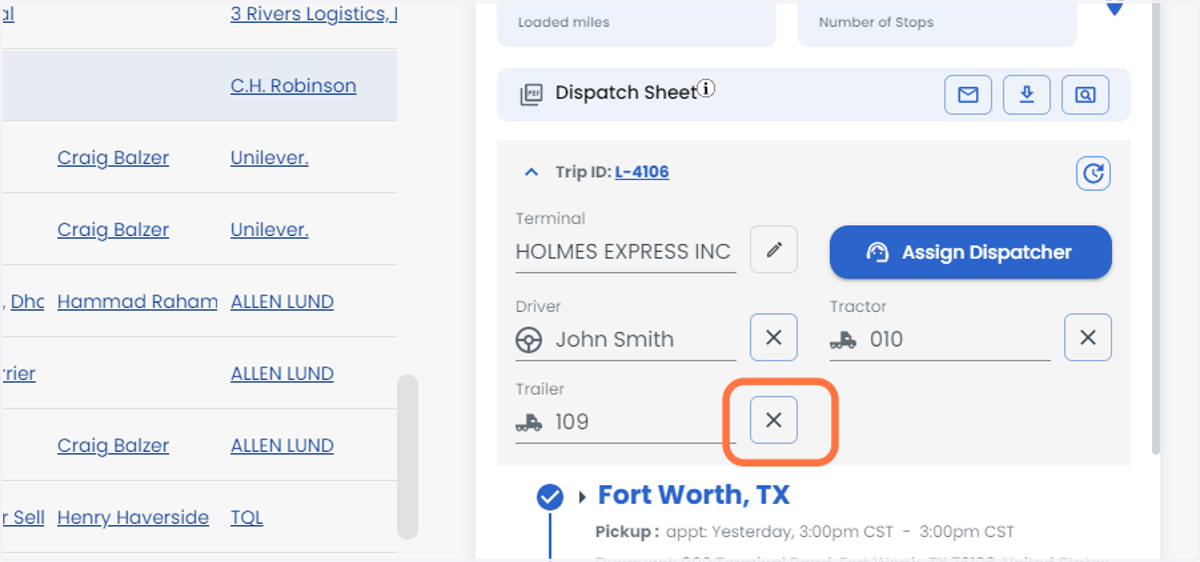
5. Click on Trip ID: L-4106 and click on the X bar next to trailer to remove
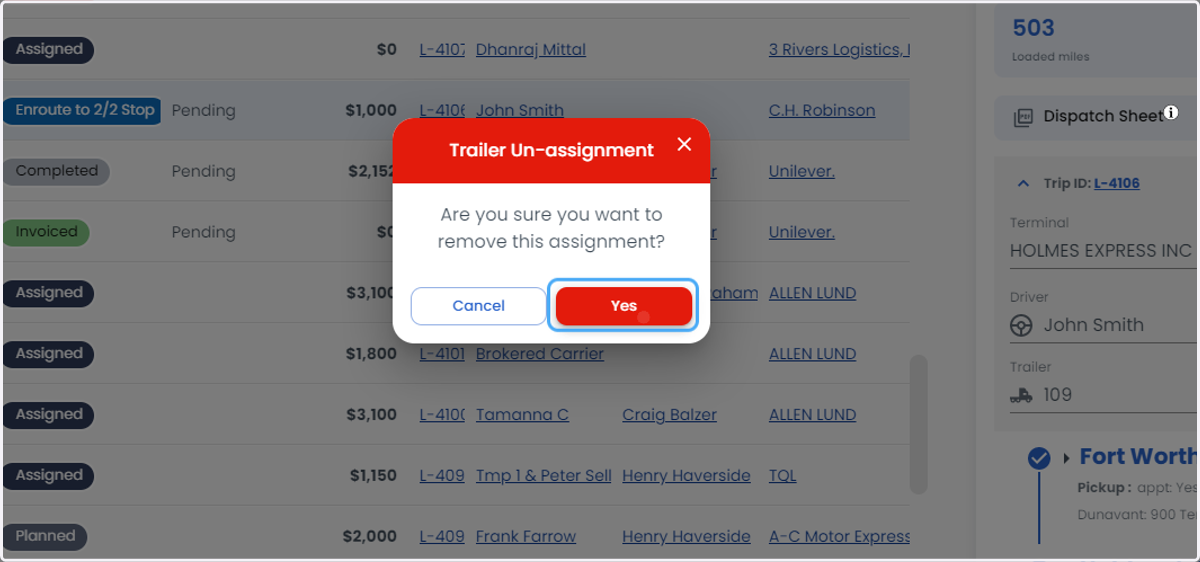
6. Click on Yes
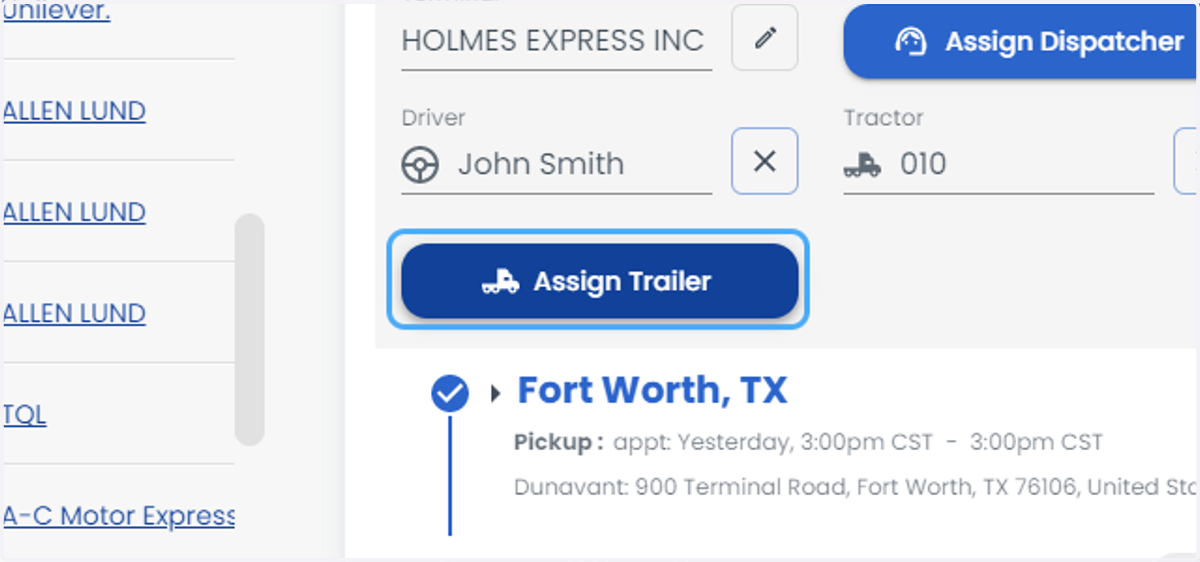
7. Click on Assign Trailer
8. Click on combobox to select the trailer
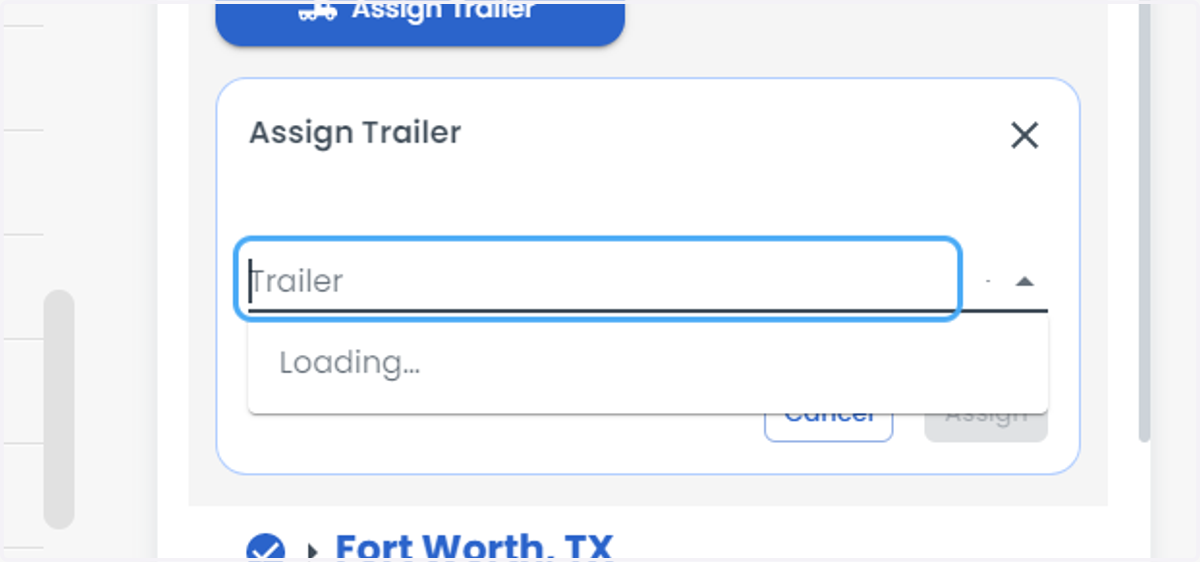
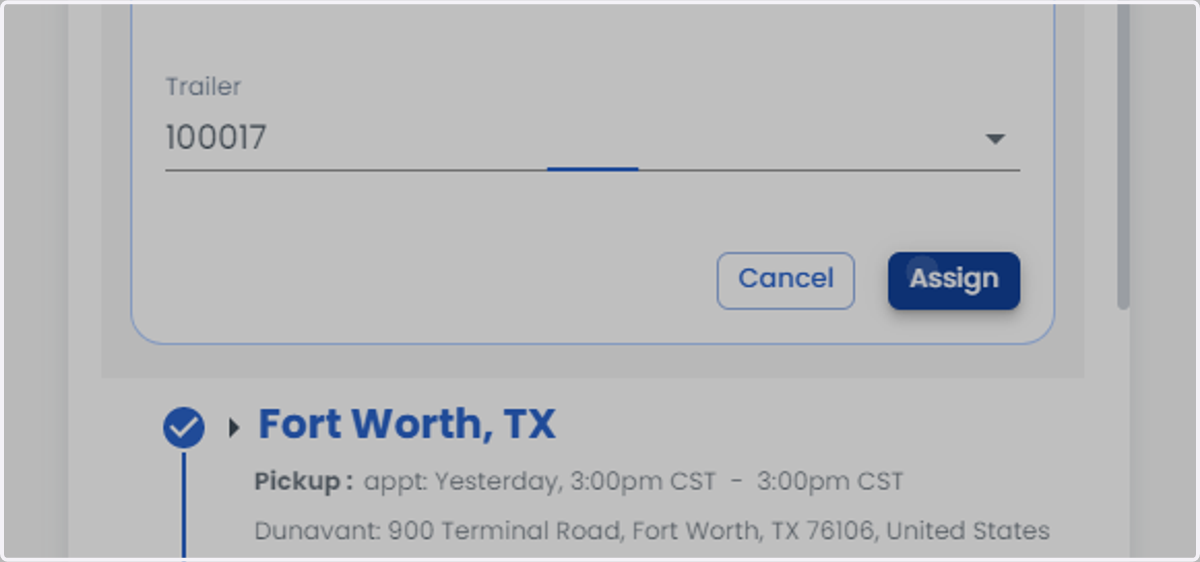
9. Click on Assign
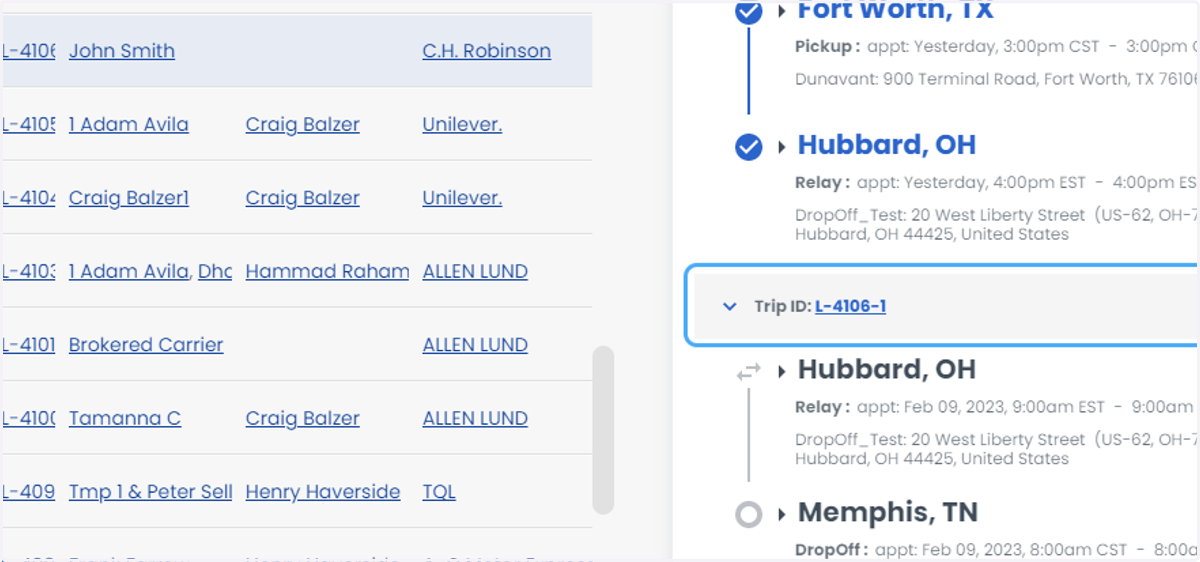
10. Click on Trip ID: L-4106-1
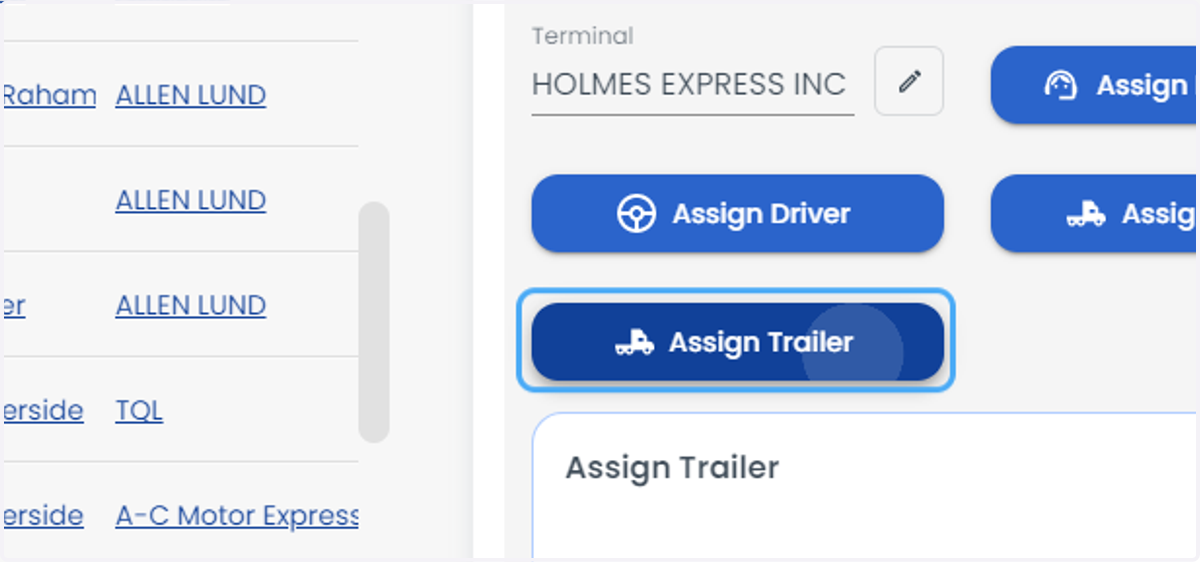
11. Click on Assign Trailer
12. Click on combobox
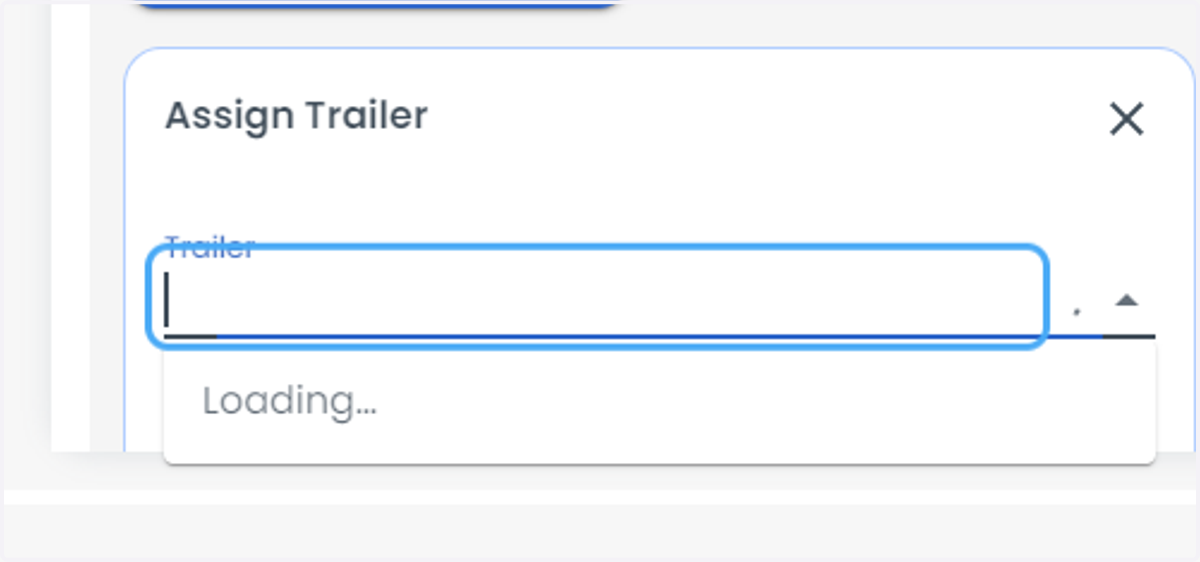
13. Click on option
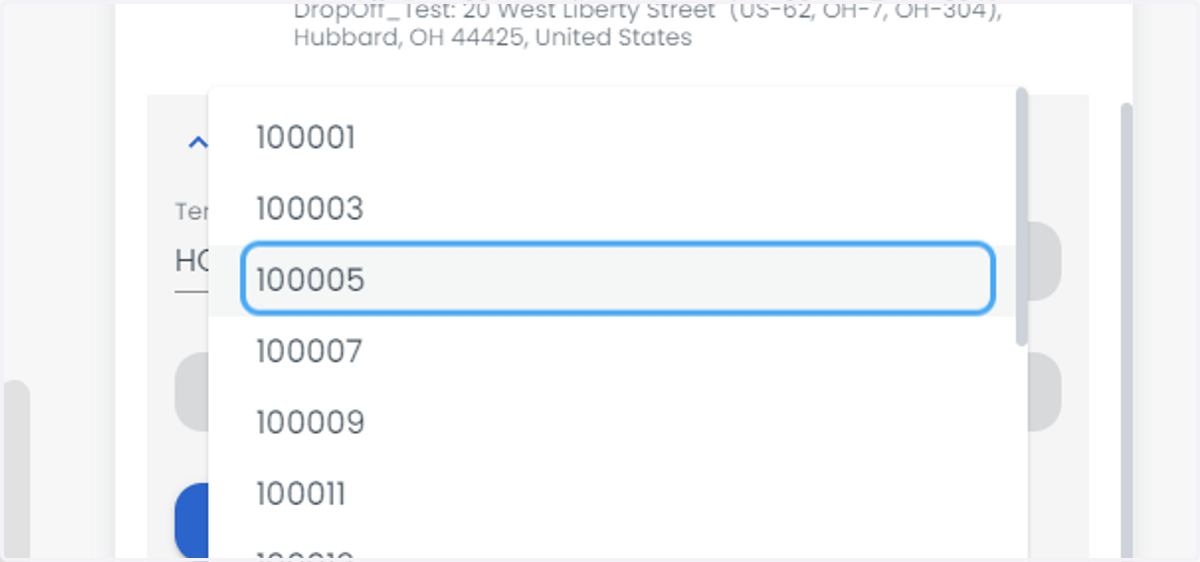
14. Click on Assign