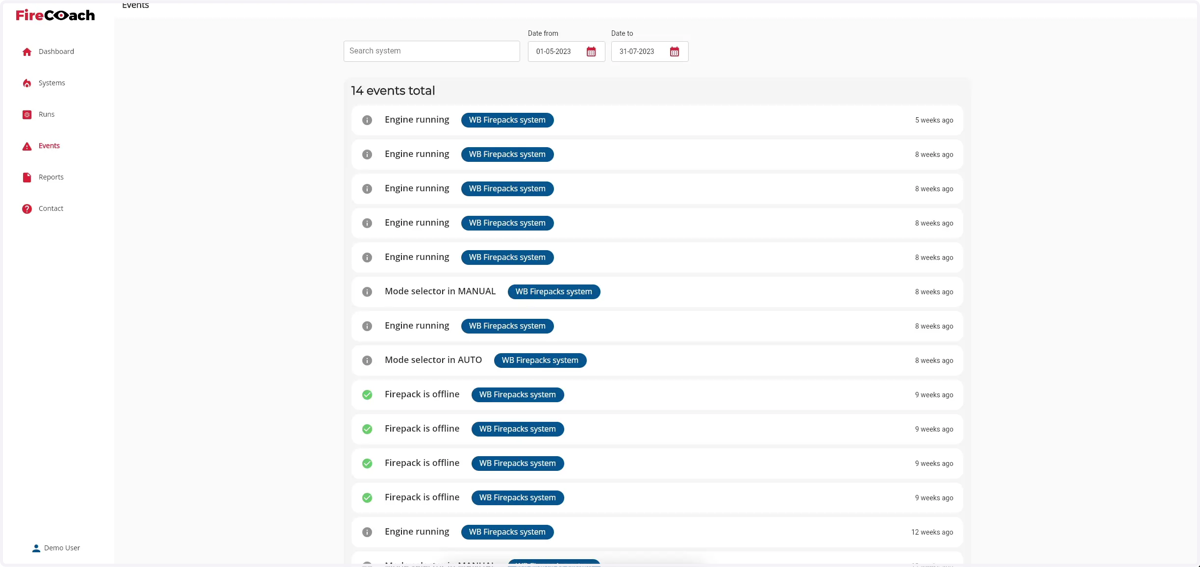
How to enter a date range for search results
1. Navigate to web.firecoach.app
2. Log in with your Firecoach account
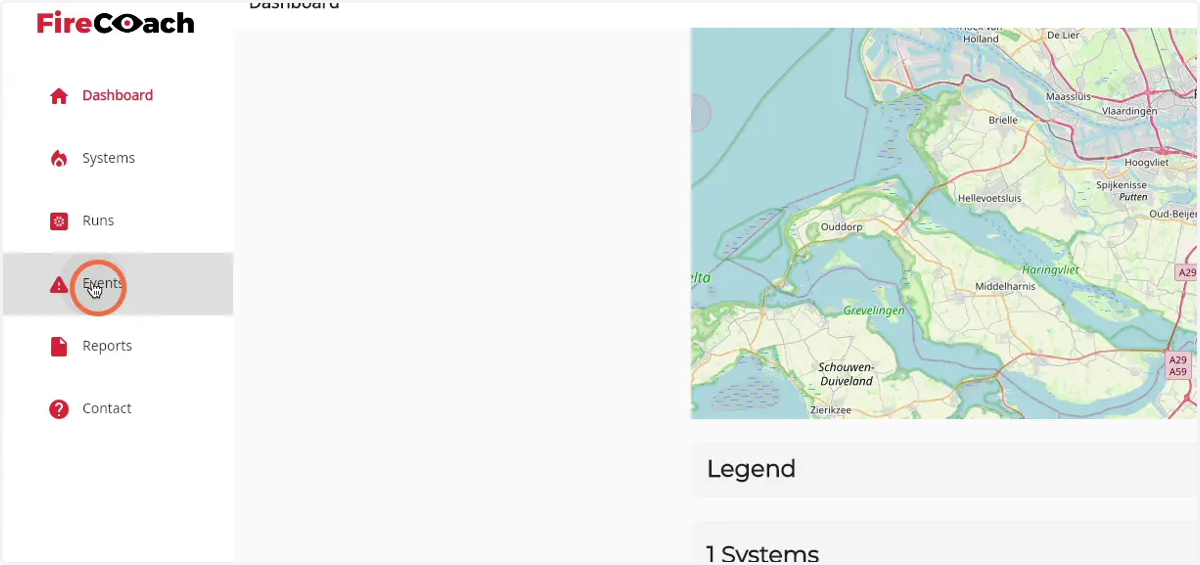
3. Click on 'Events'
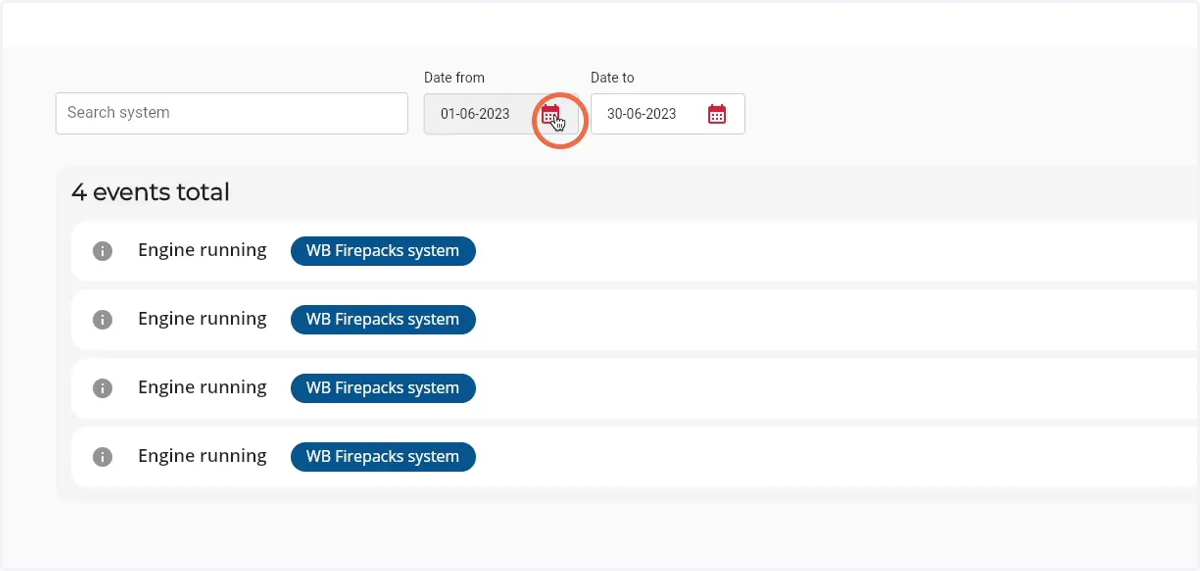
4. Click on the 'agenda' icon of the date from field
5. Select the first day of your preferred date range
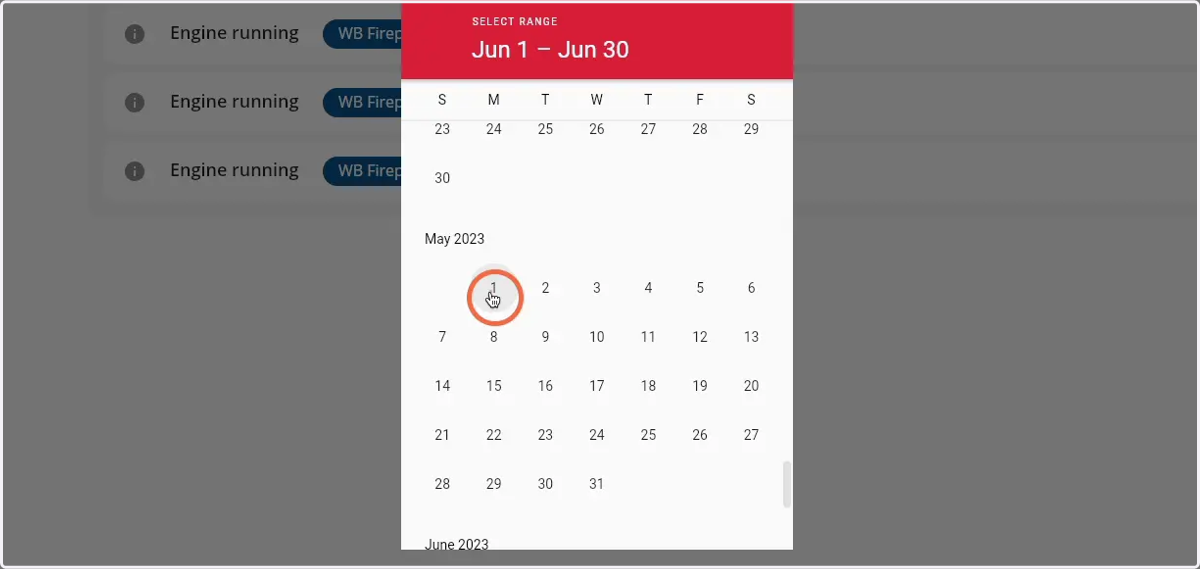
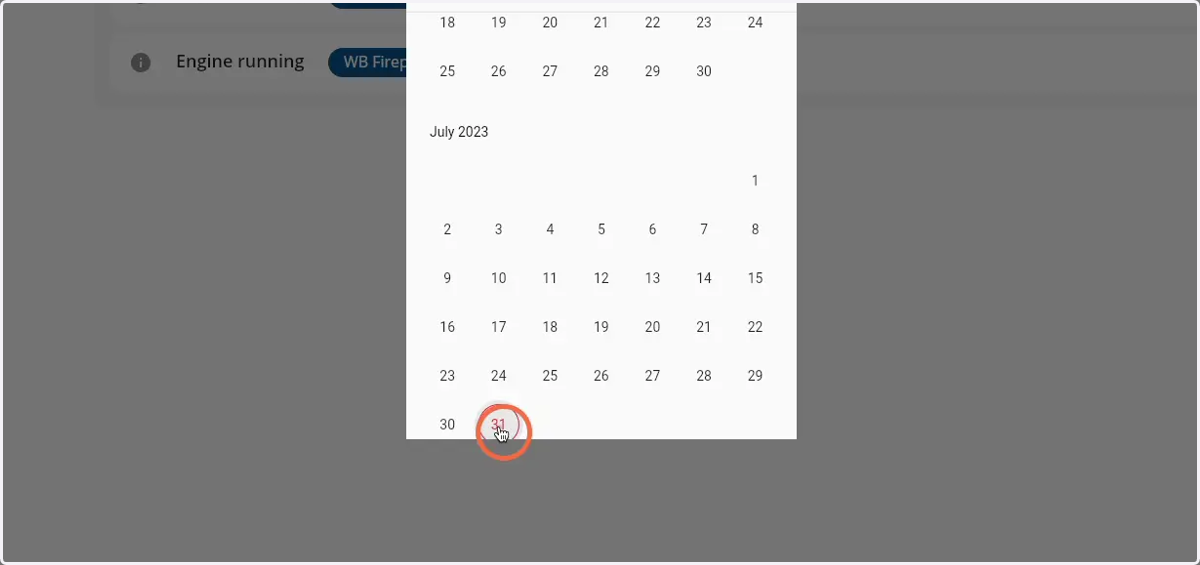
6. Select the last day of your preferred date range
7. Click 'Save' to apply the date range filter
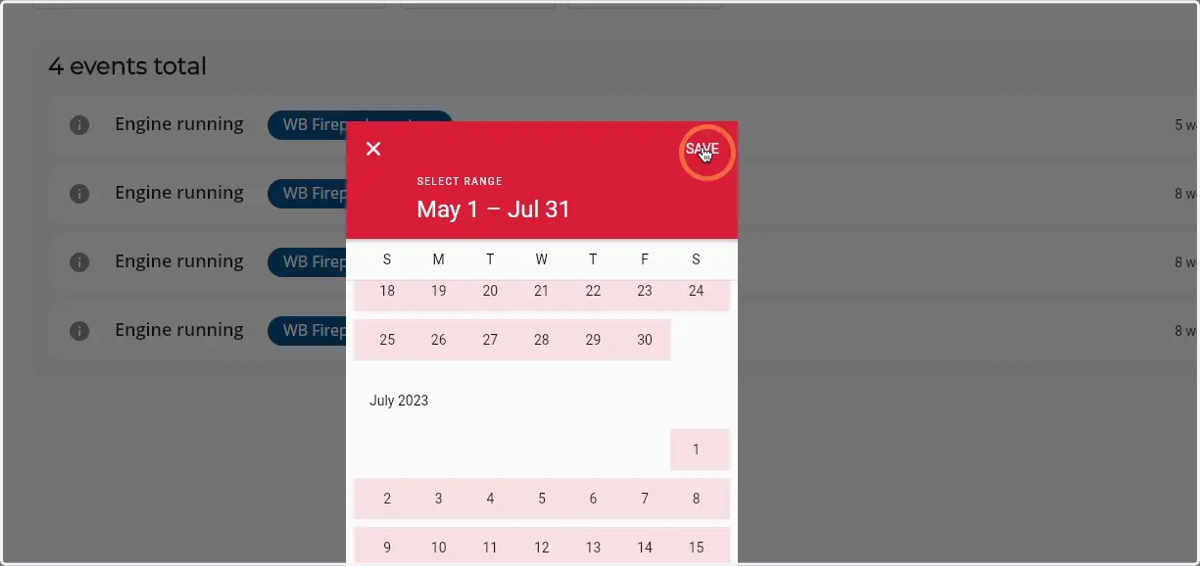
8. The results are now visible in the 'total events' component