Add 920 Week Deal One Green Bay Extranet
Discover Green Bay Extranet
1. Enter email
2. Enter password
3. Click on Login
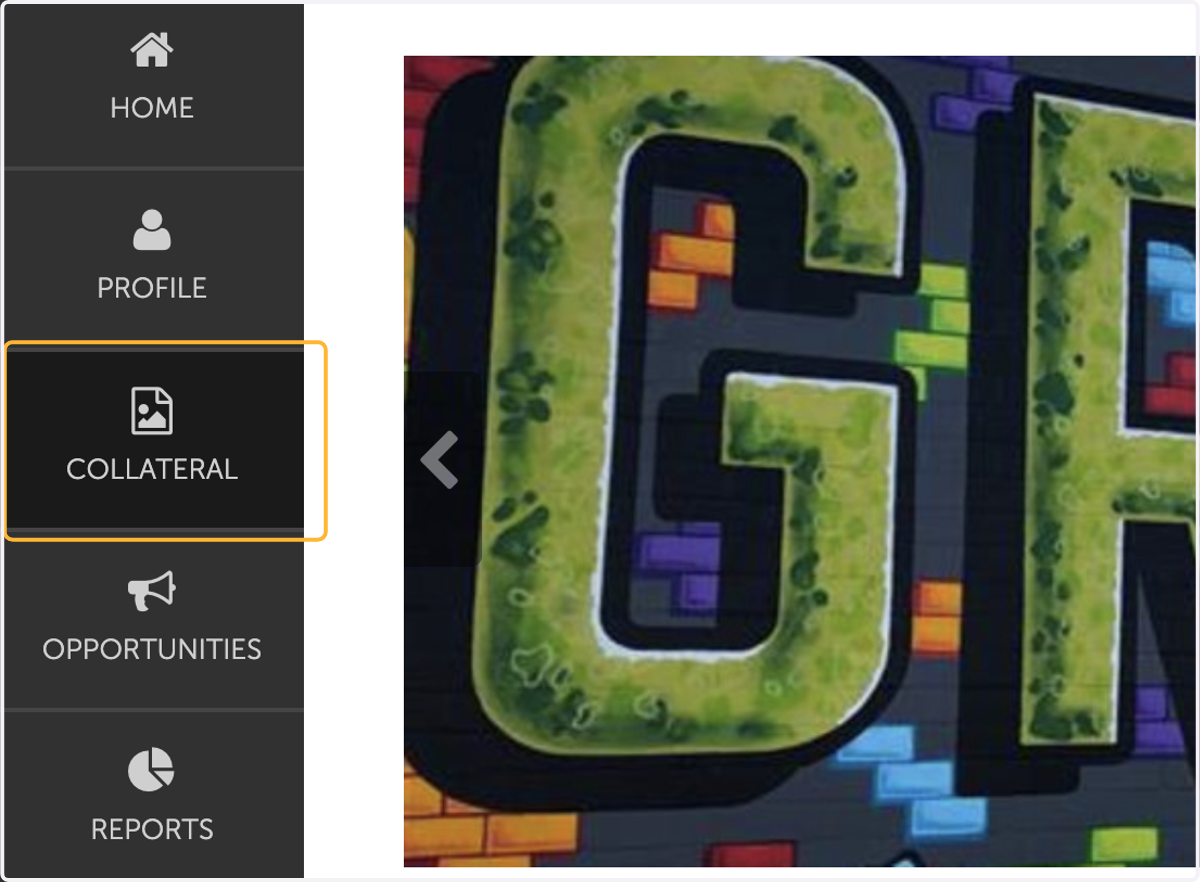
4. Click on Collateral
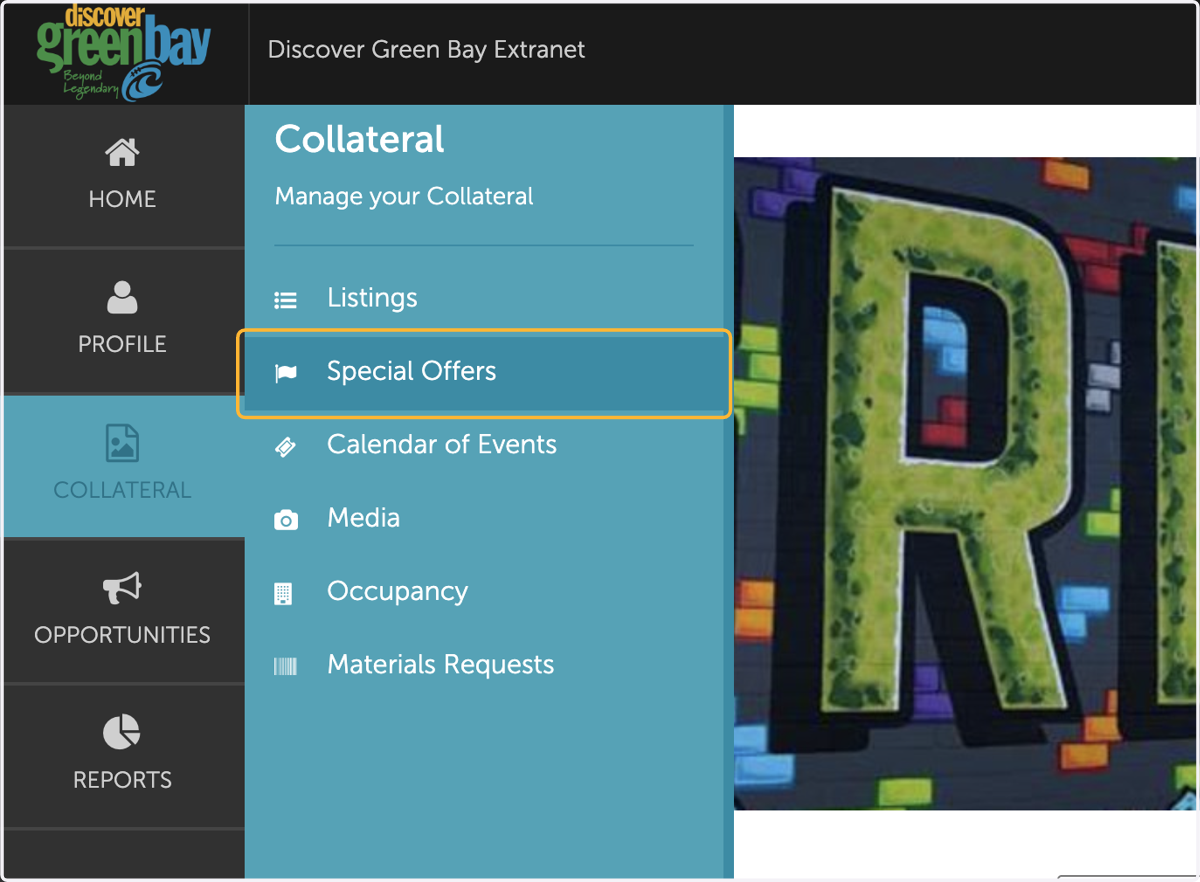
5. Click on Special Offers
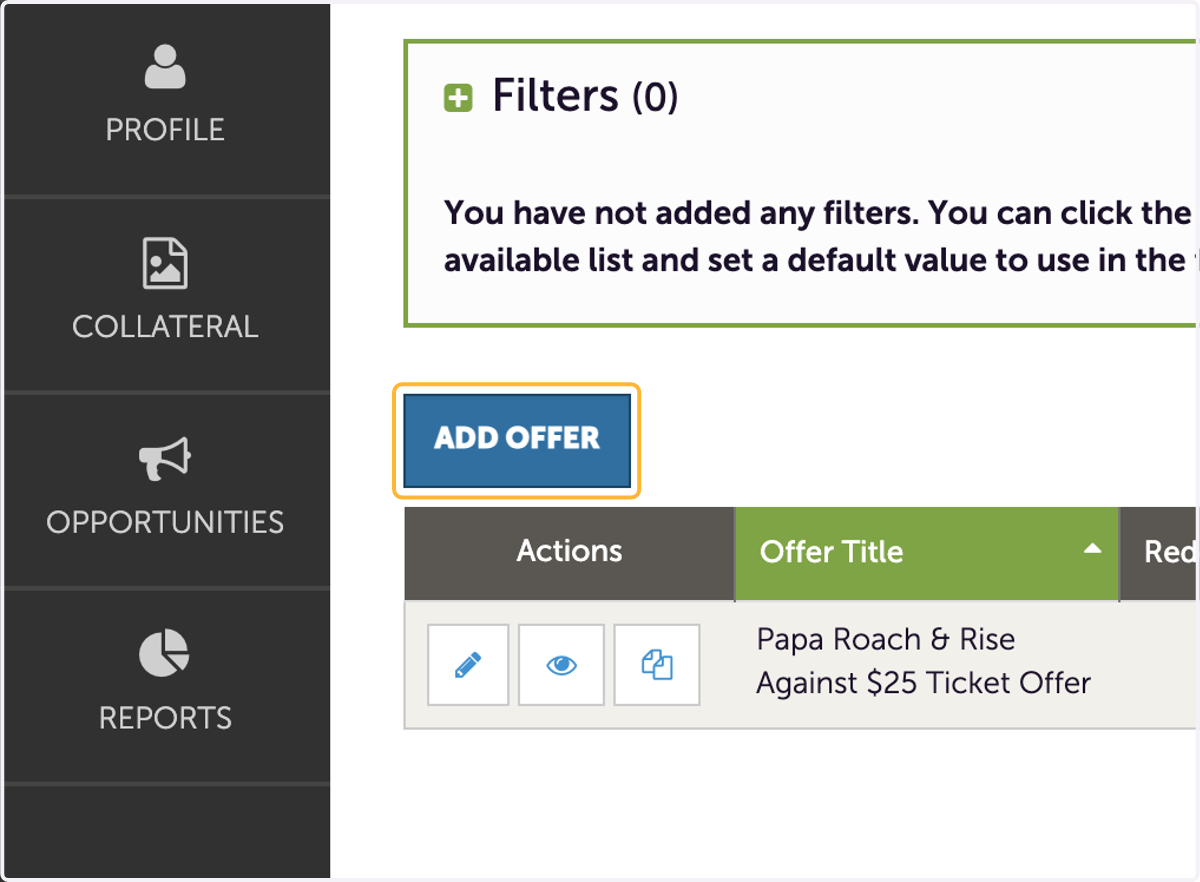
6. Click on Add Offer
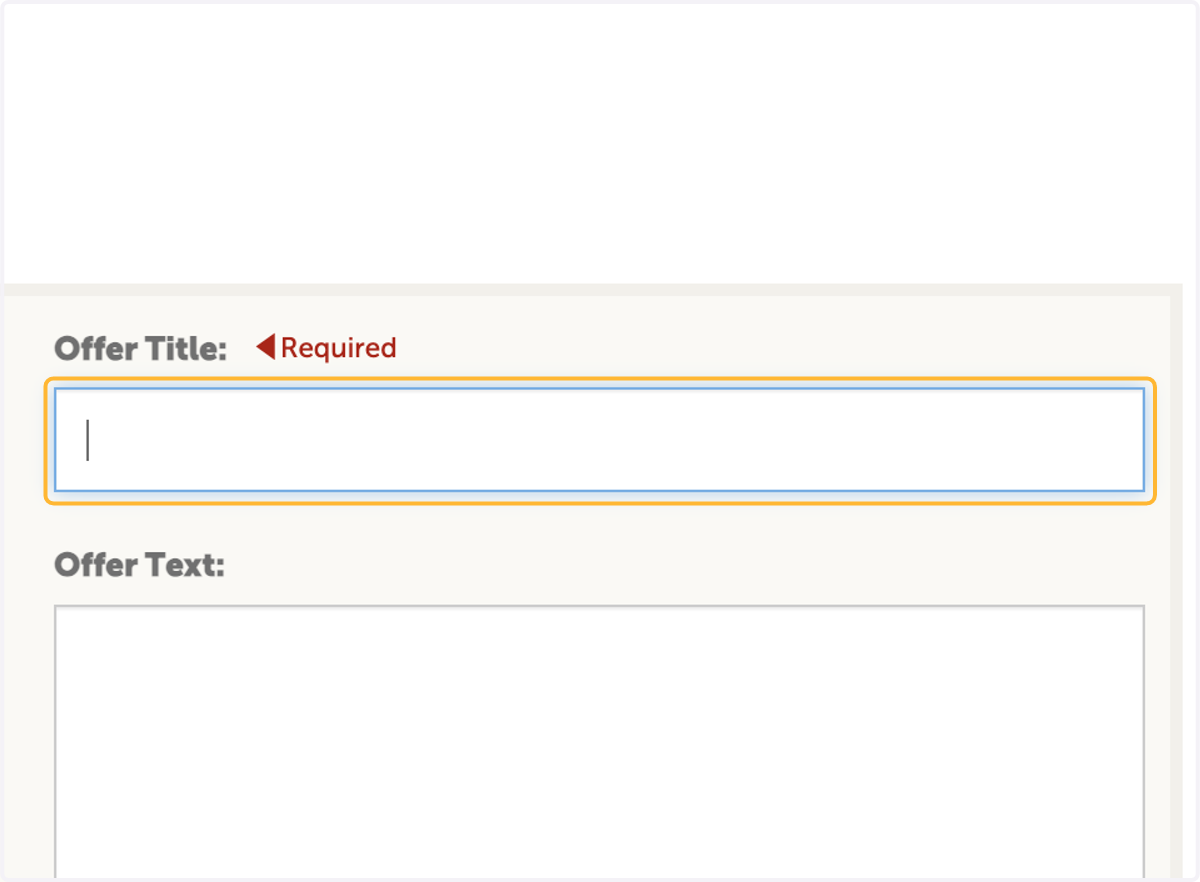
7. Click on Offer Title
Enter the name of your offer or deal that will be available during 920 Week
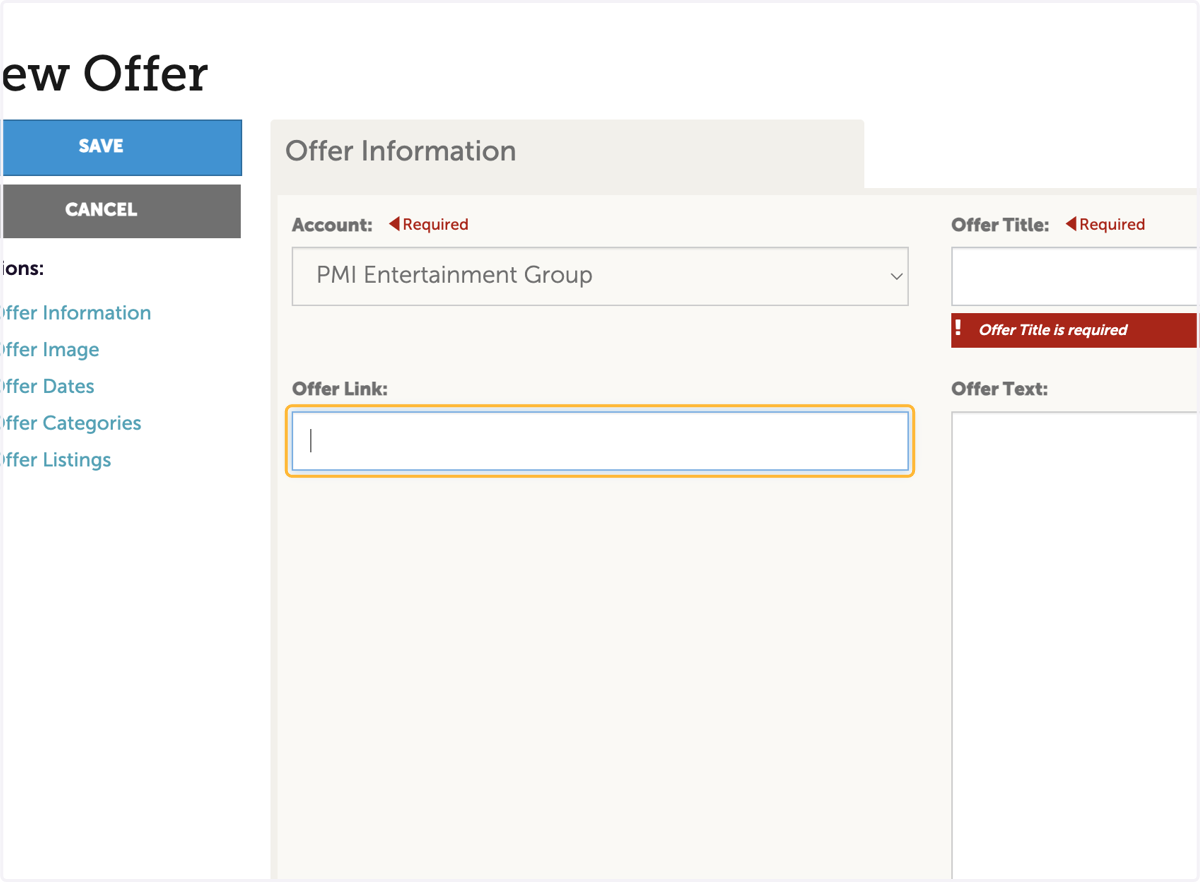
8. Enter the link to more details about your 920 Week deal
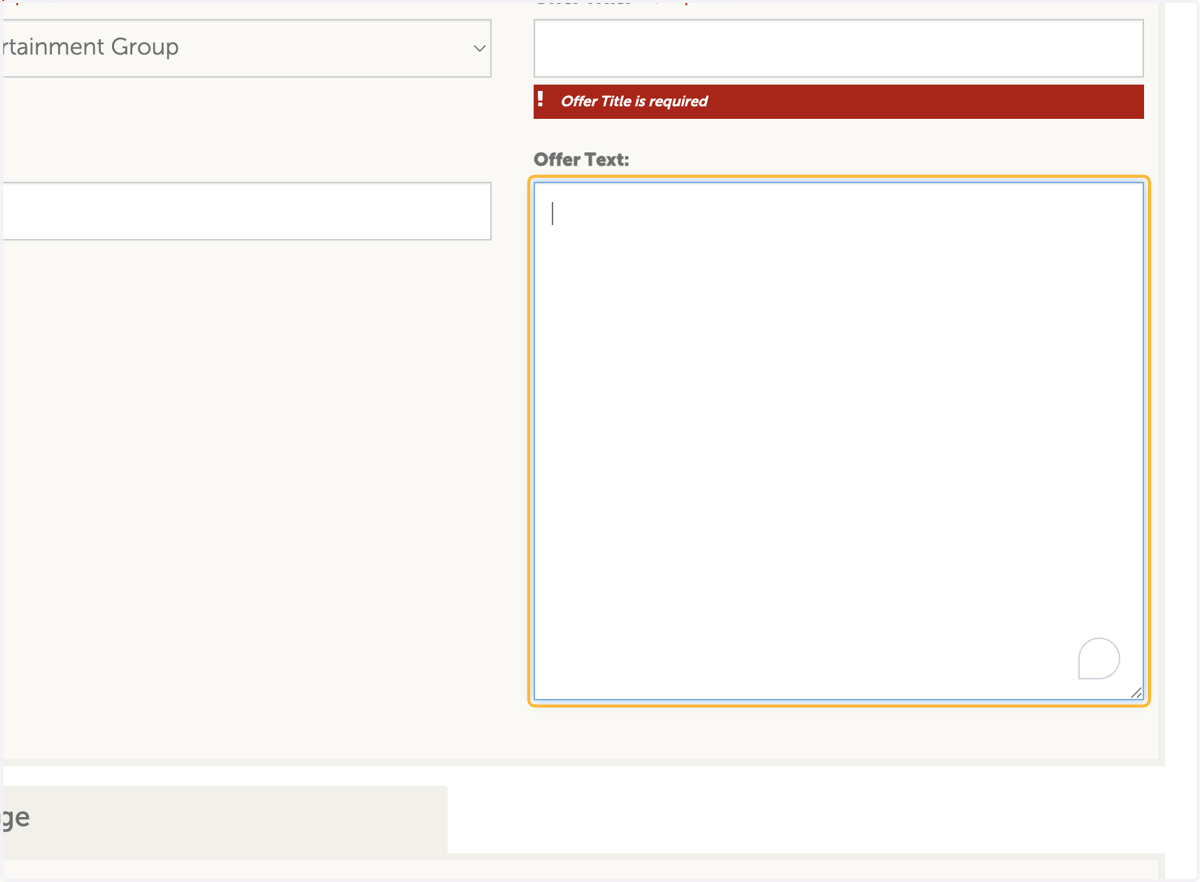
9. Write a brief discription about your 920 Week deal
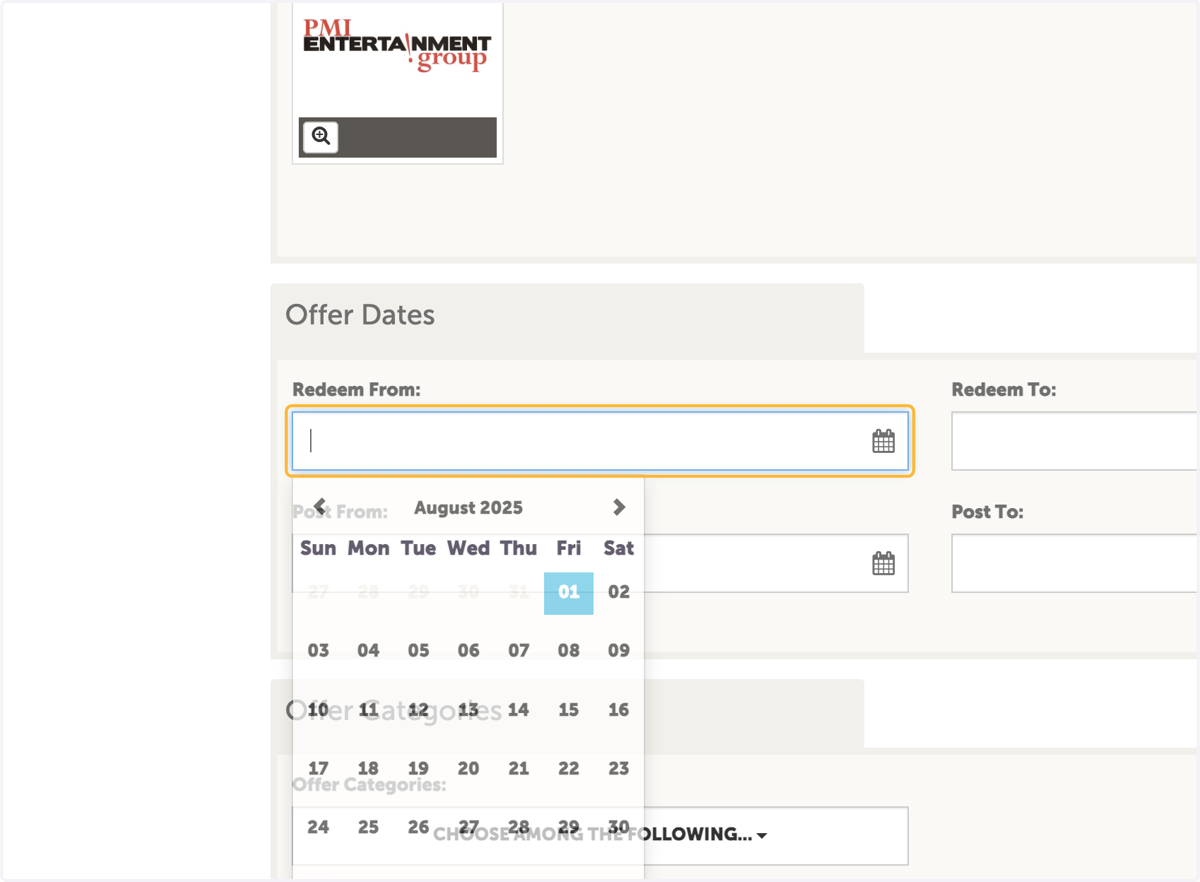
10. Select the date the deal will begin
The official 920 Week begins on Sept. 14, 2025.
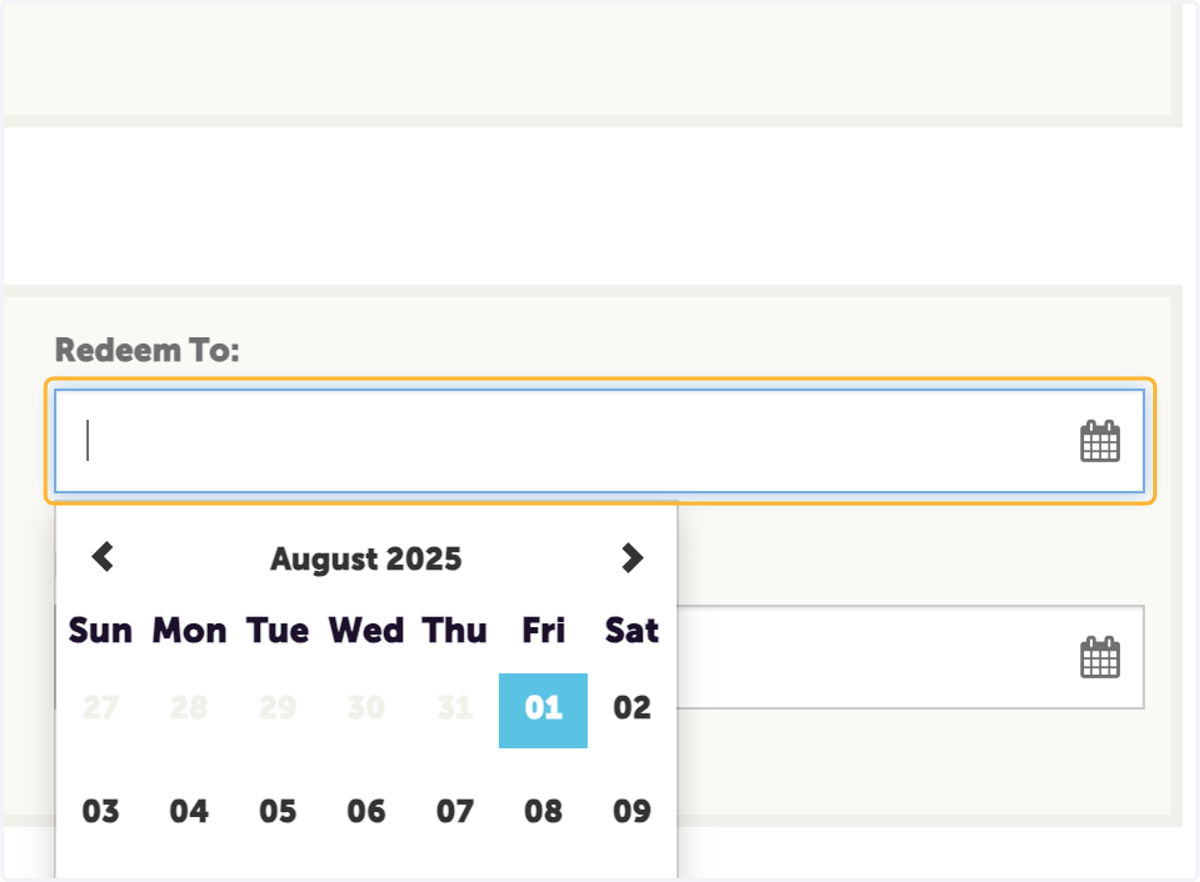
11. Select the last date the deal will be available
The official 920 Week ends on Sept. 20, 2025
12. Select the date you'd like the offer to be visable on the 920 Week landing page.
We suggest selecting today's date so it is visable to those planning their week
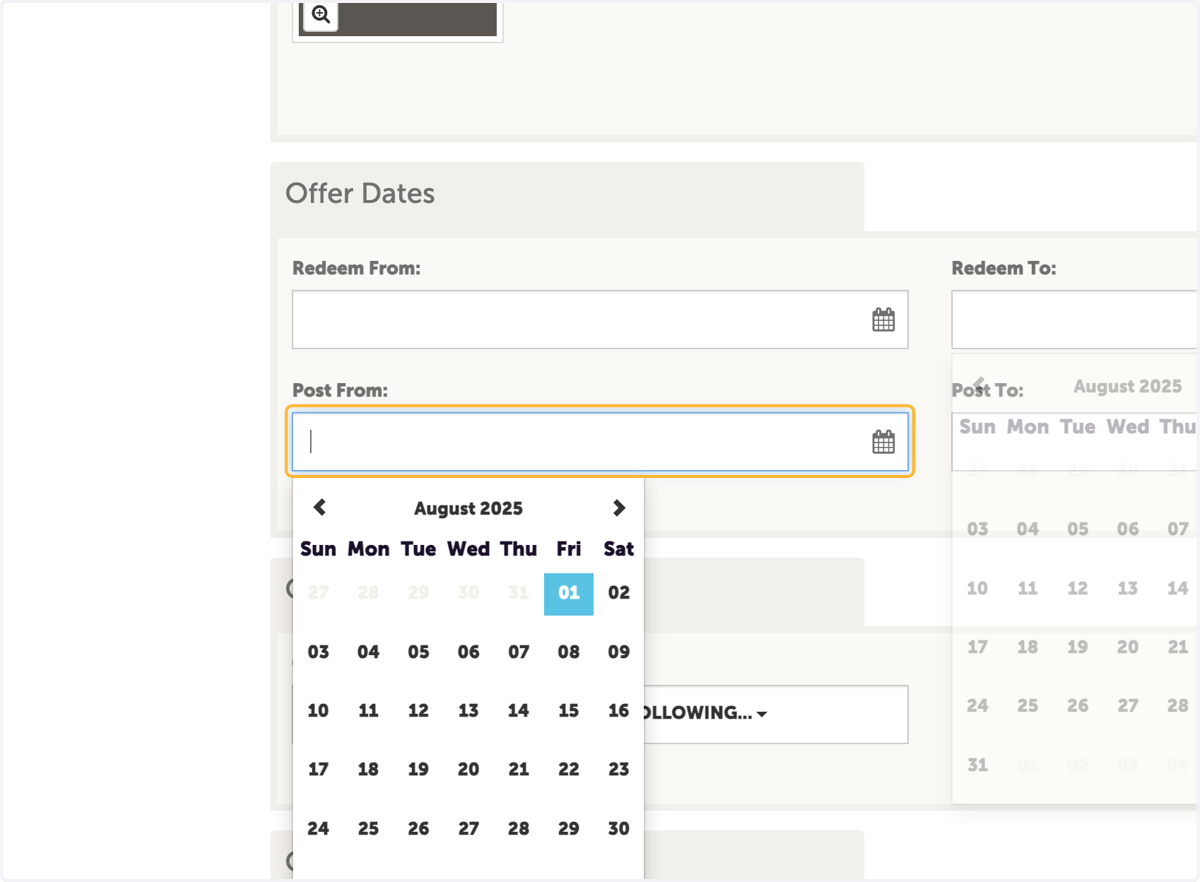
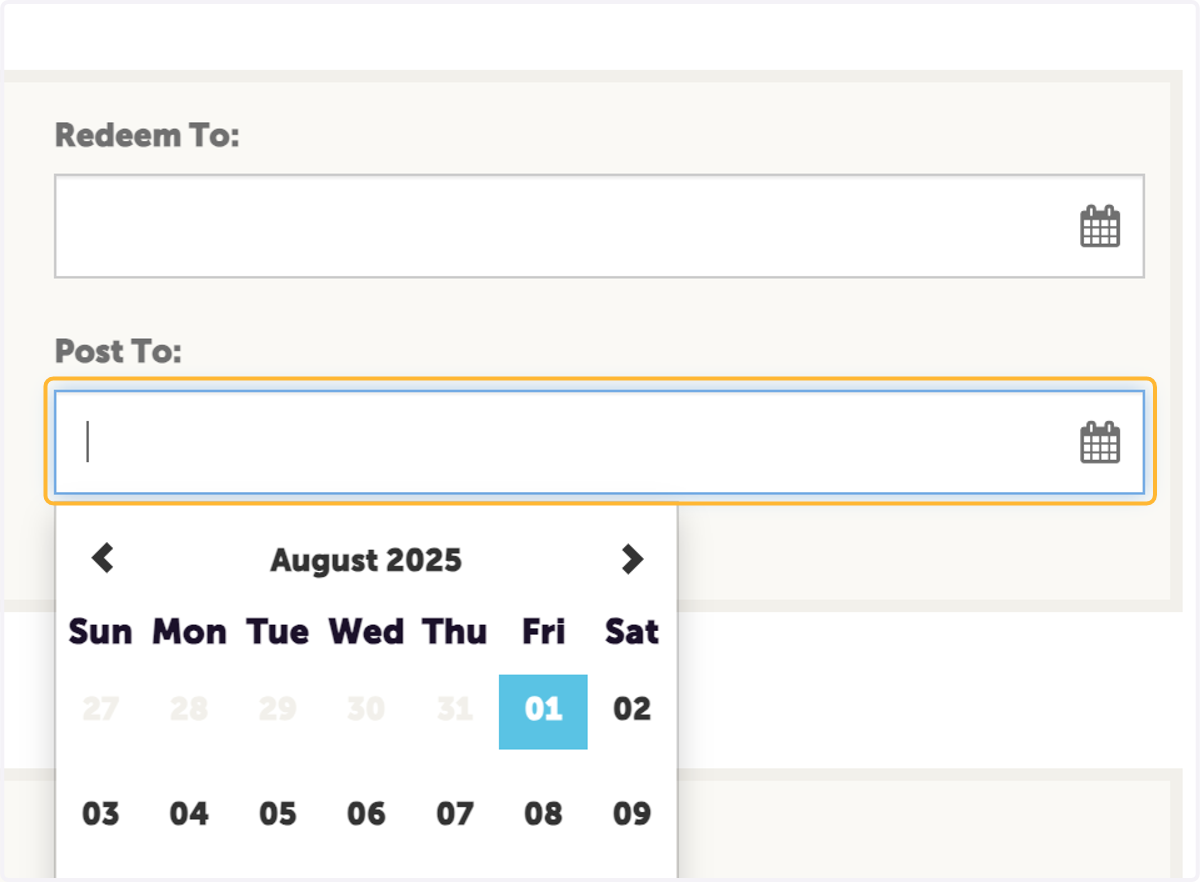
13. Select the date you'd like your offer to be removed from the site
We recommend selecting Sept. 21, 2025 for the final day it will be visable
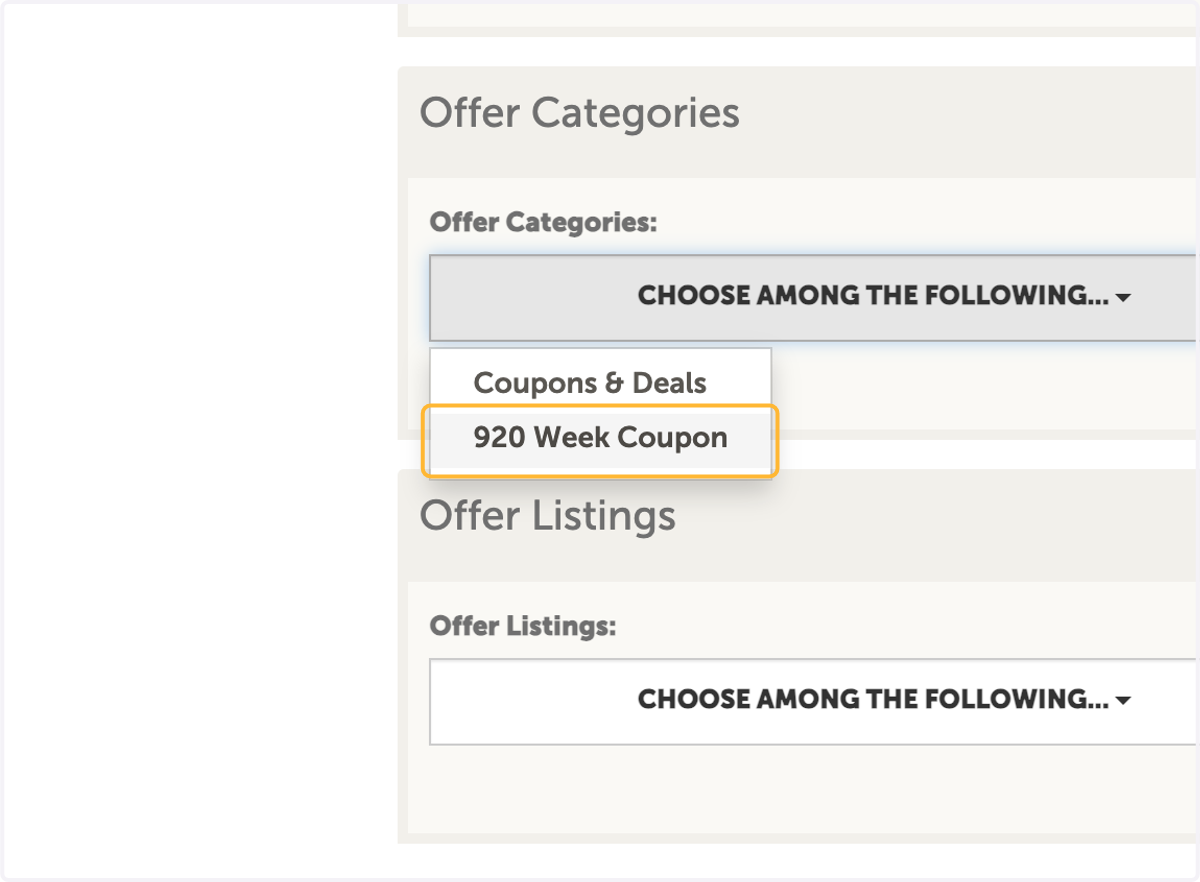
14. Click on offer categories and select "920 Week Coupon" to ensure it appears on the 920 Week Landing Page
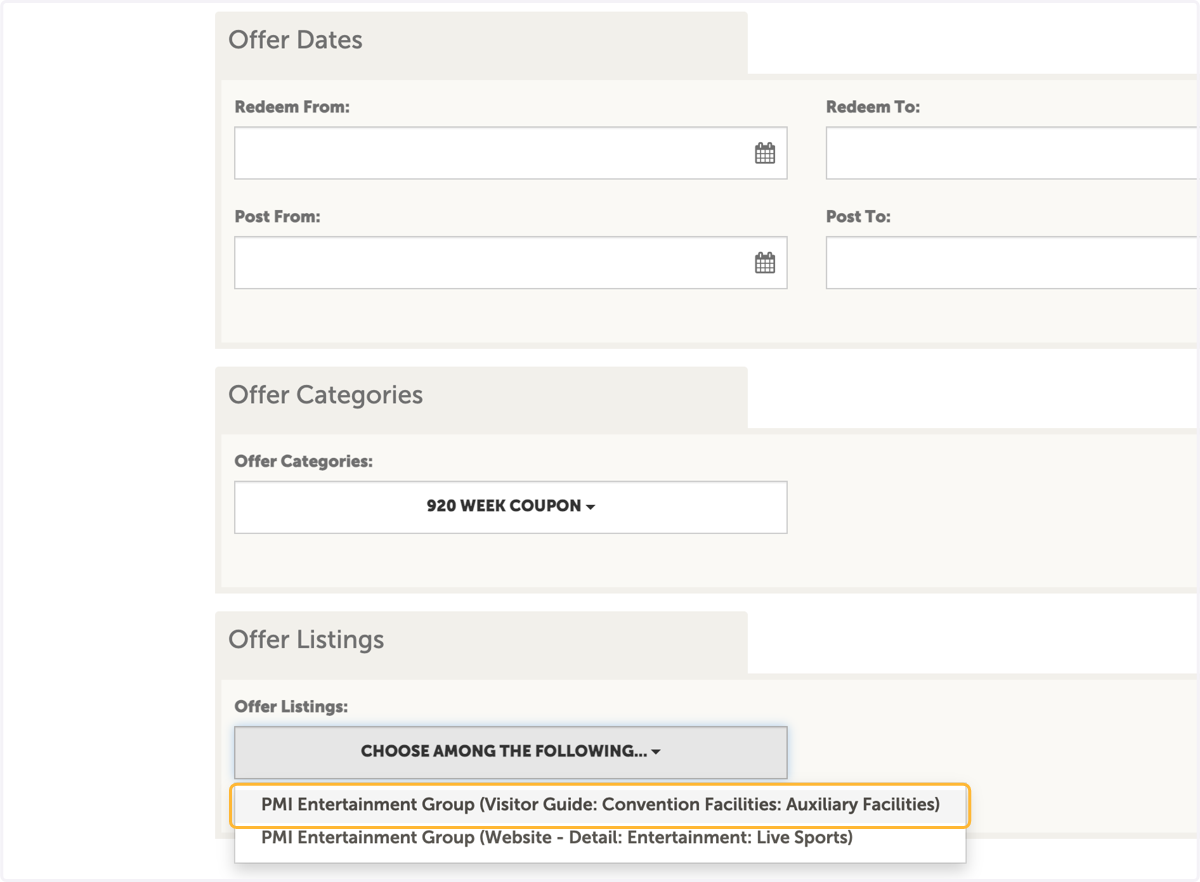
15. Select the listing you'd like the listing you'd like your deal associated with, if available
16. Click on Save