Managing Legislation Notifications
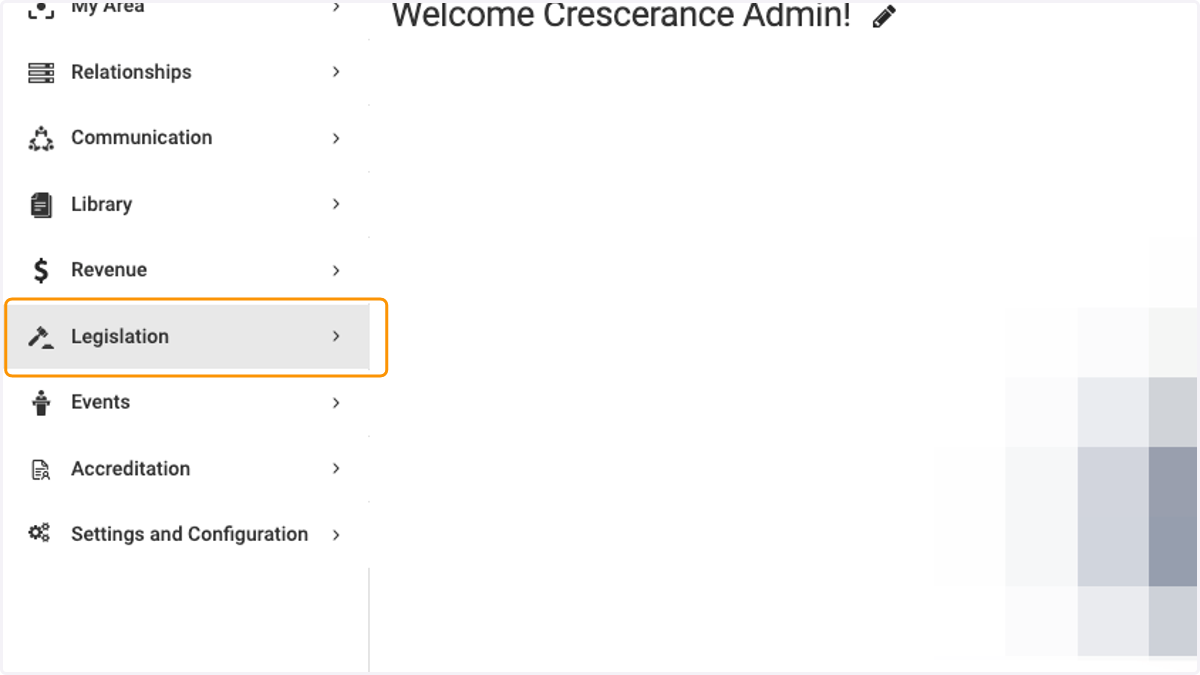
1. Click on Legislation
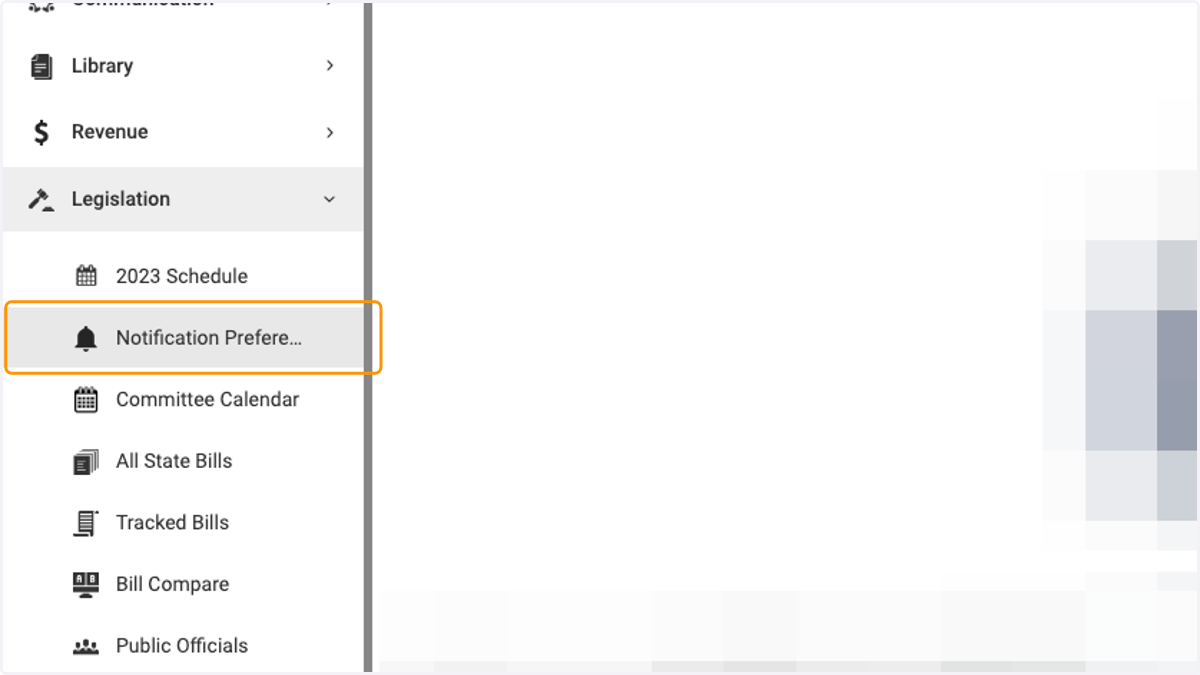
2. Click on Notification Preferences
3. Toggle the intended notification on and then click on the pencil / edit icon
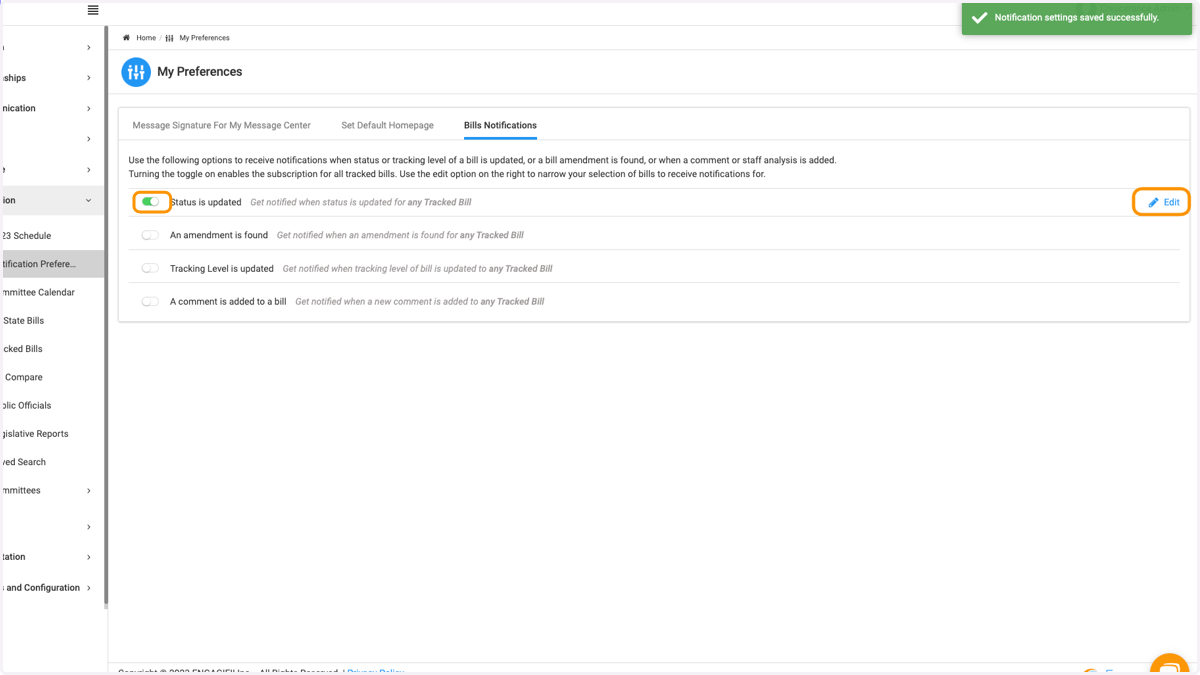
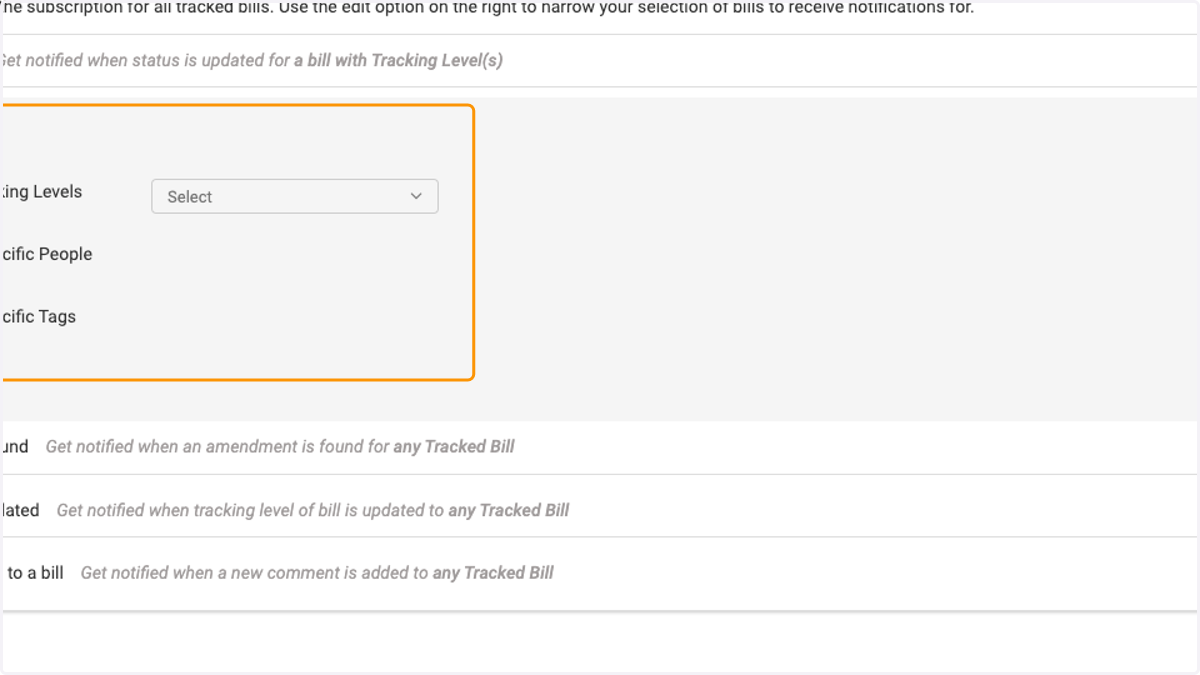
4. Selecting each sub-item will provide a dropdown menu to make your preferences
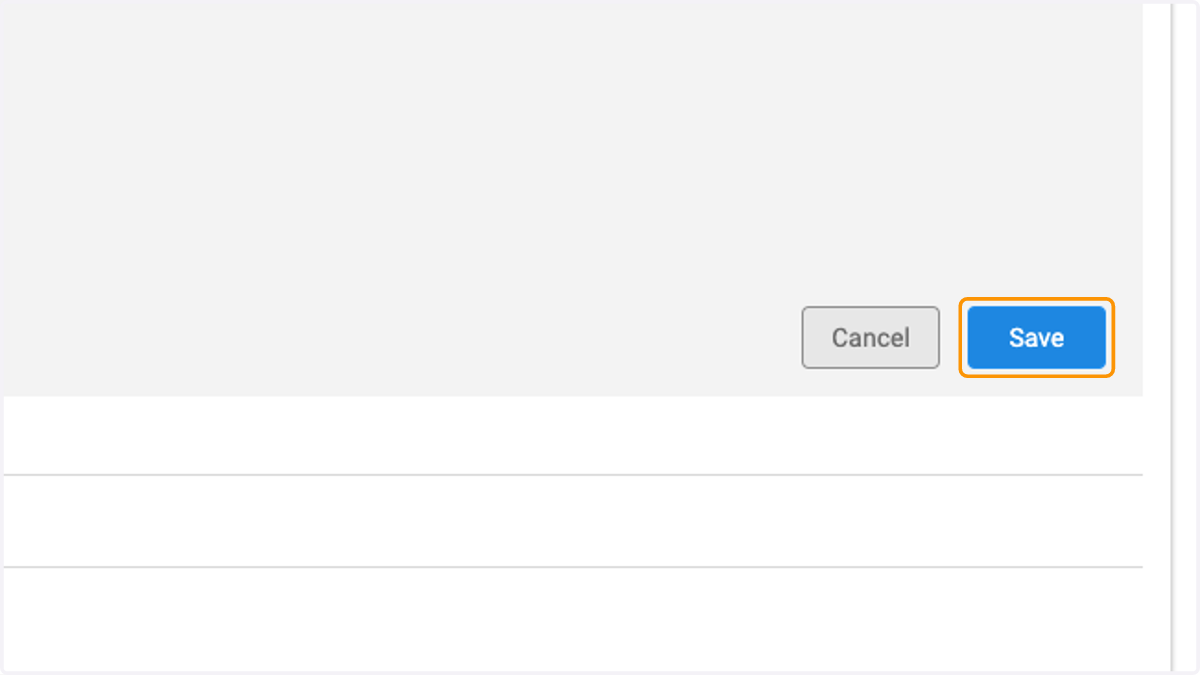
5. Click on Save when finished making your selections