Creating a Parent Account: Step-by-Step Instructions
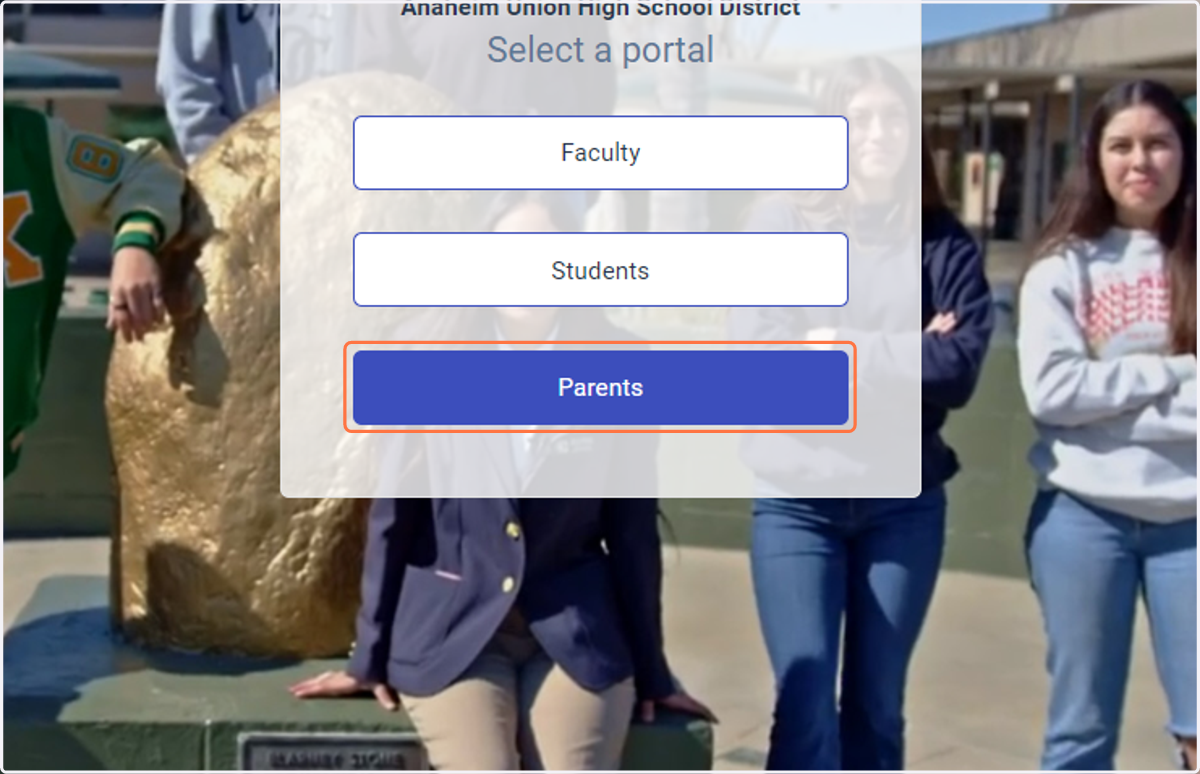
1. Click on Parents
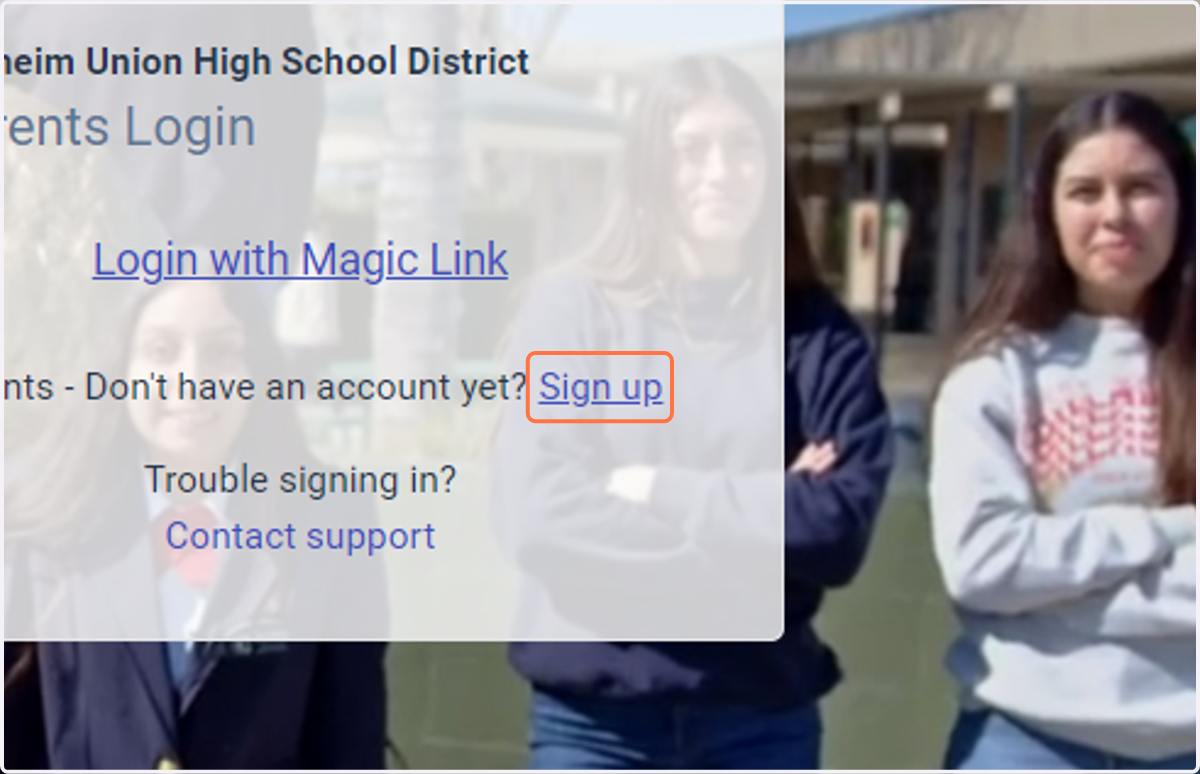
2. Click on Sign up
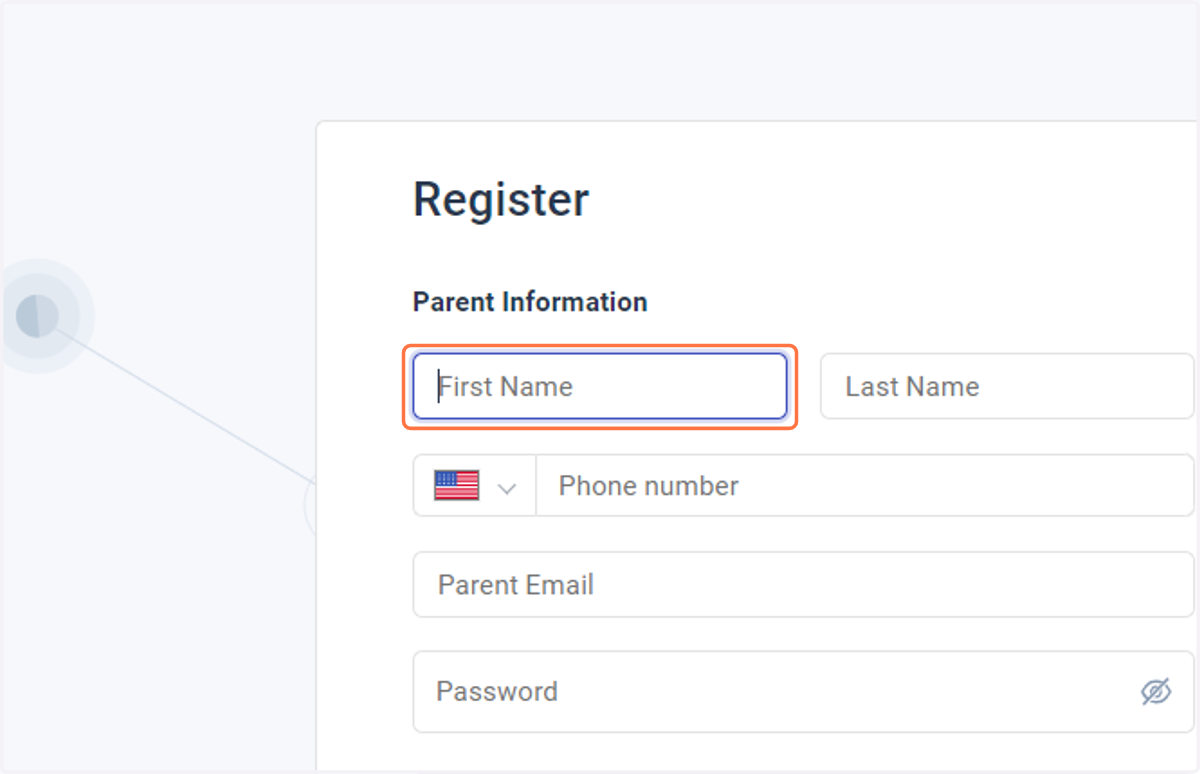
3. Enter First Name
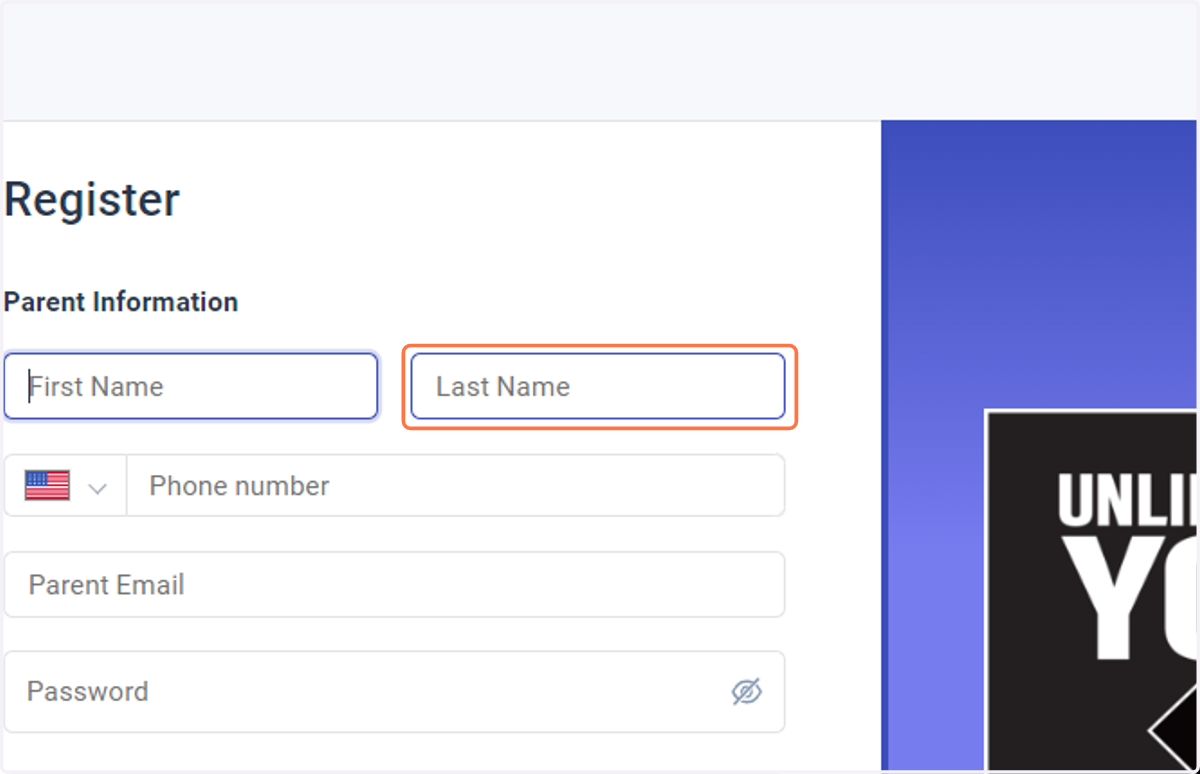
4. Enter Last Name
5. Enter Phone number
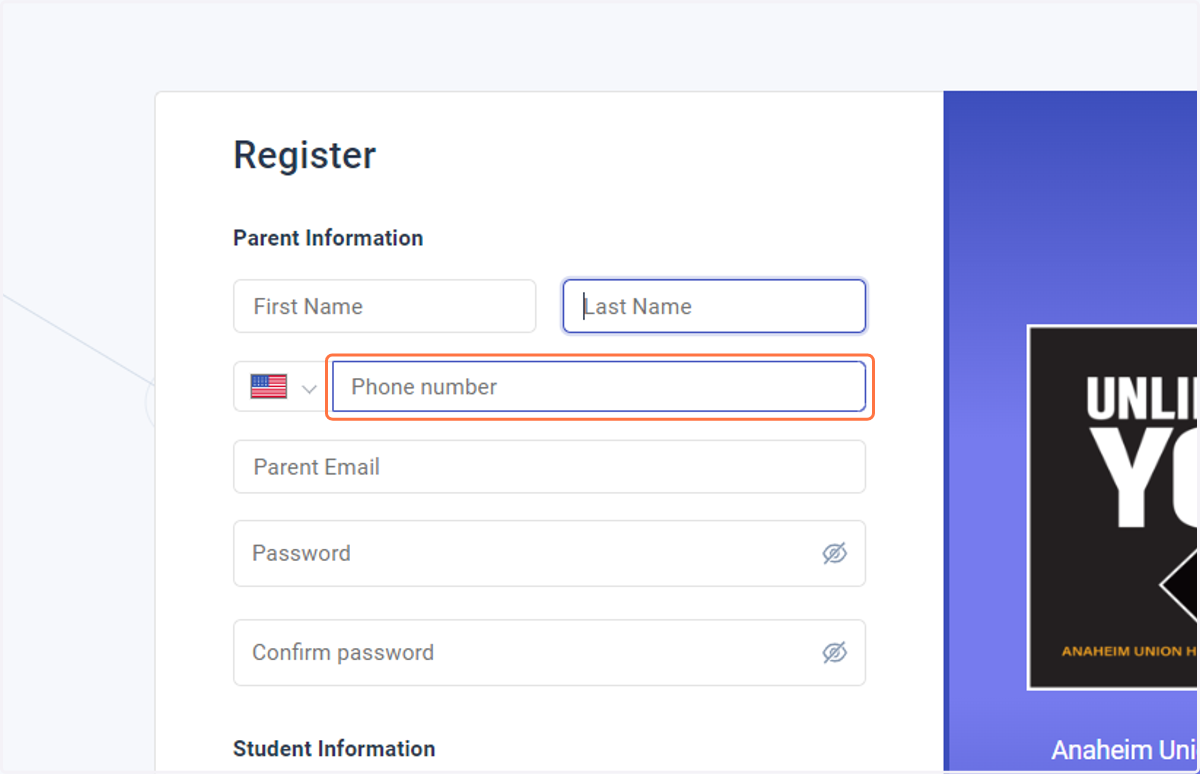
6. Enter Parent Email
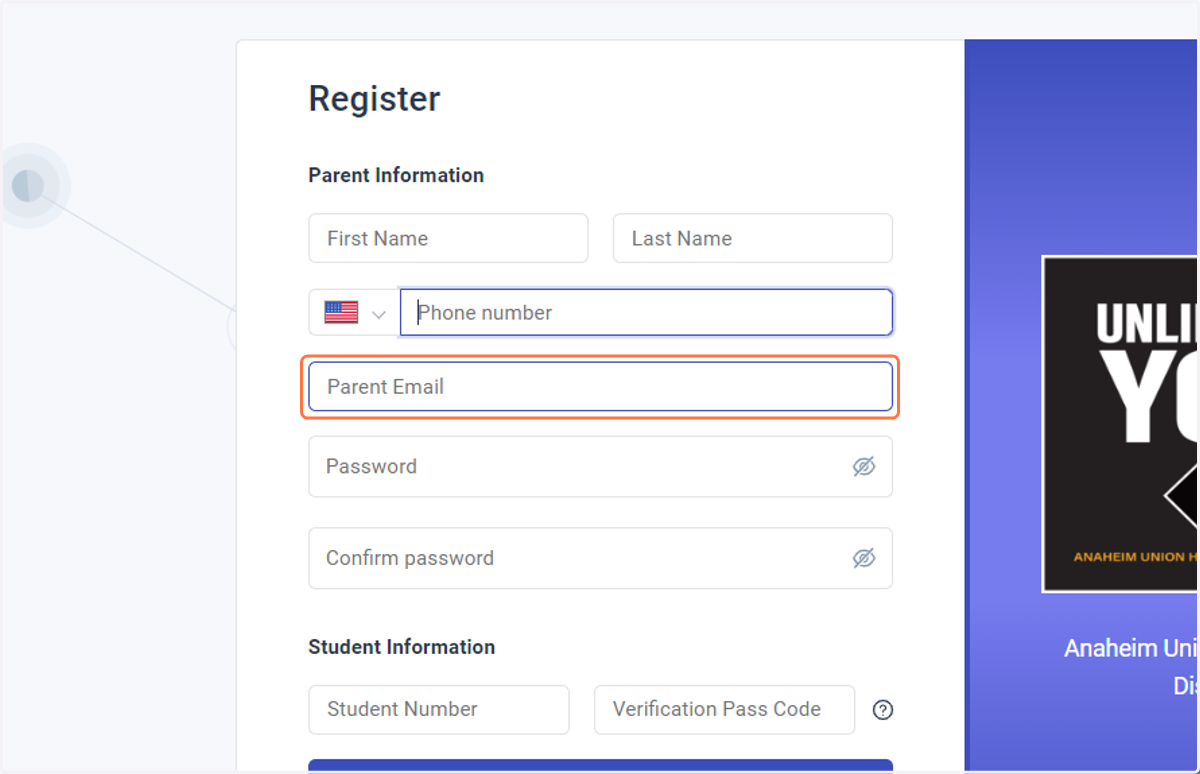
7. Enter password
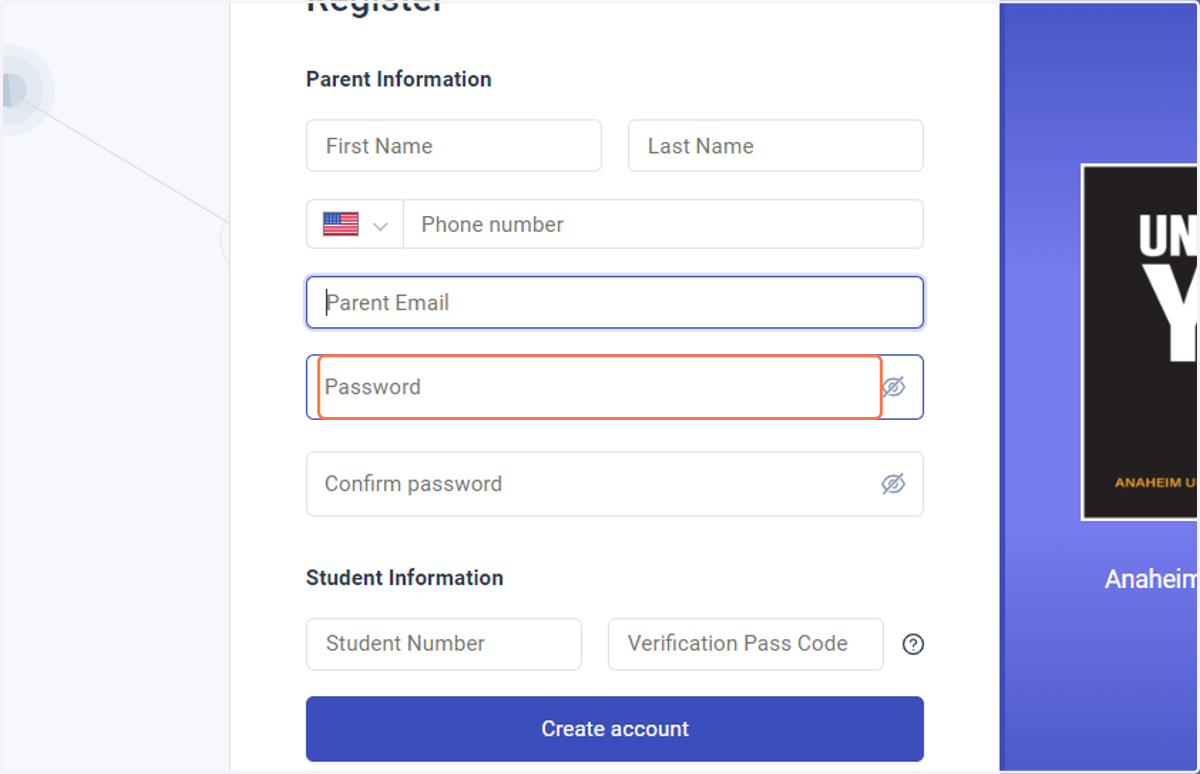
8. Confirm password
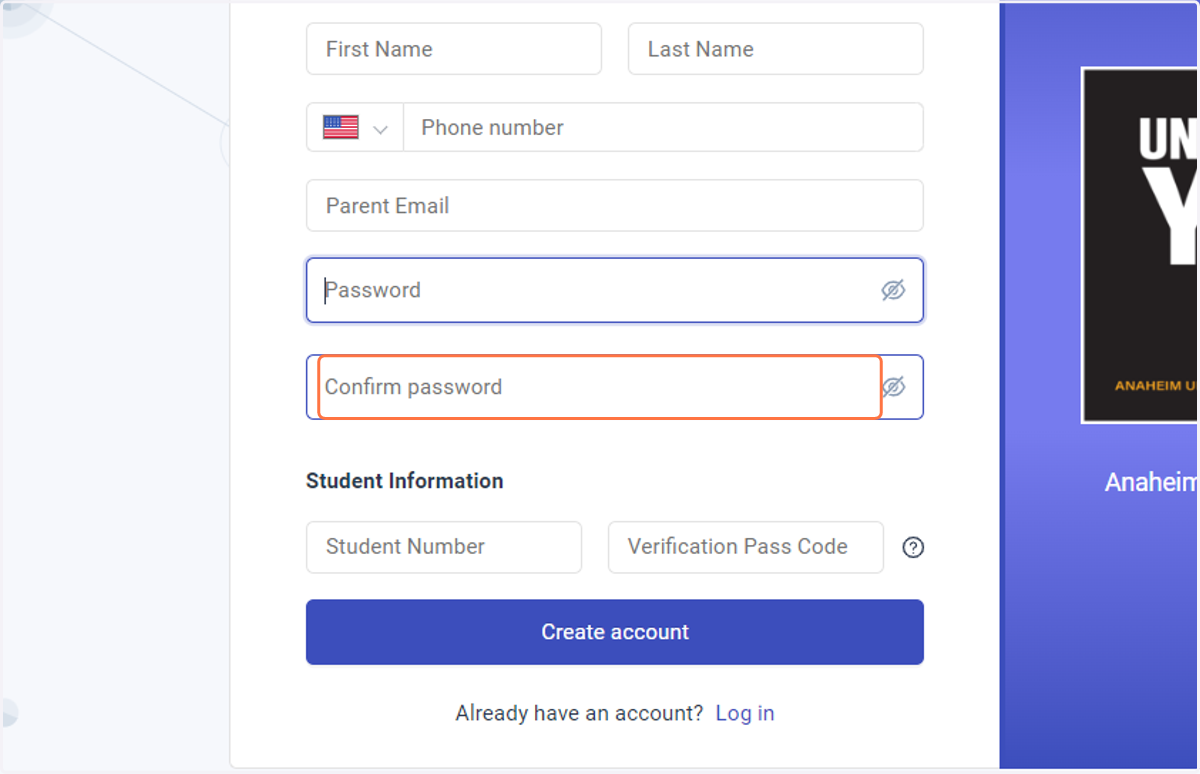
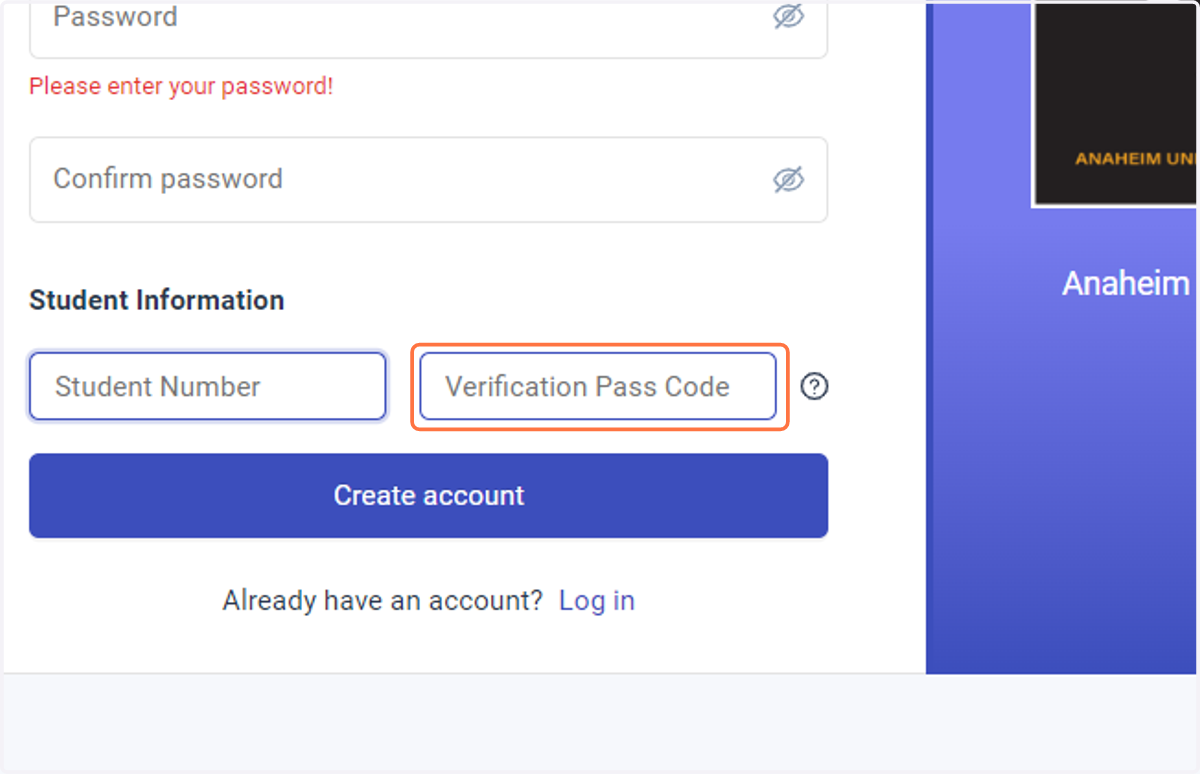
9. Enter Student ID Number and Verification Pass Code (VPC)
VPC is the same code used to create the Aeries Parent Account
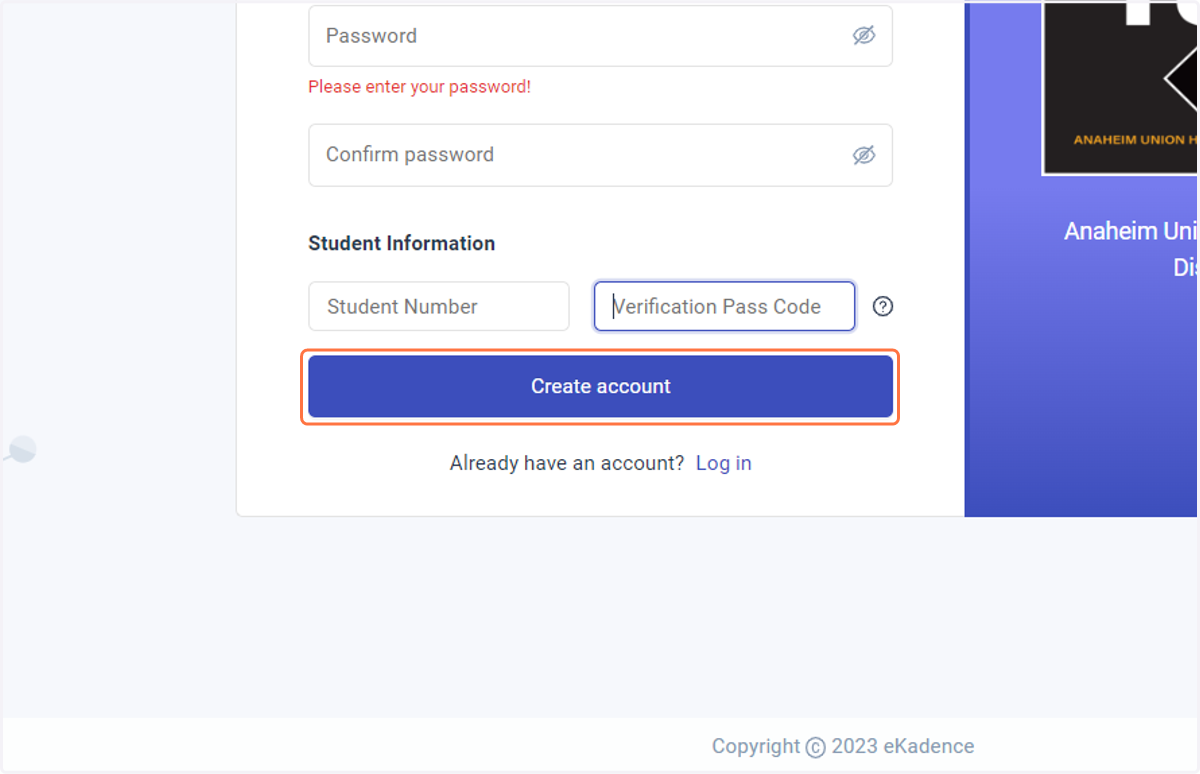
10. Click on Create account
11. Confirm the account in your email to finish the process. You can now log in by completing the Login with Magic Link steps.