Editing a Mobile Service record - Connect Platform

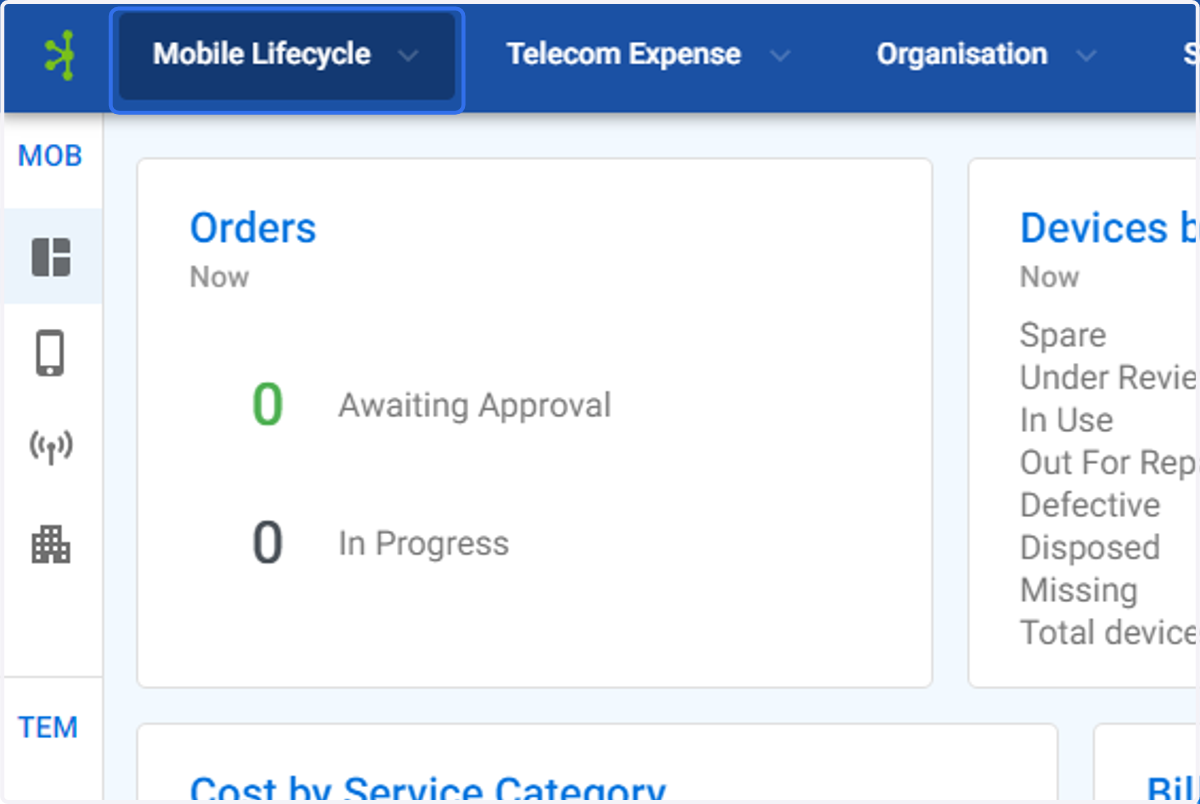
  1. 1. Click on Mobile Lifecycle

    Click on Mobile Lifecycle
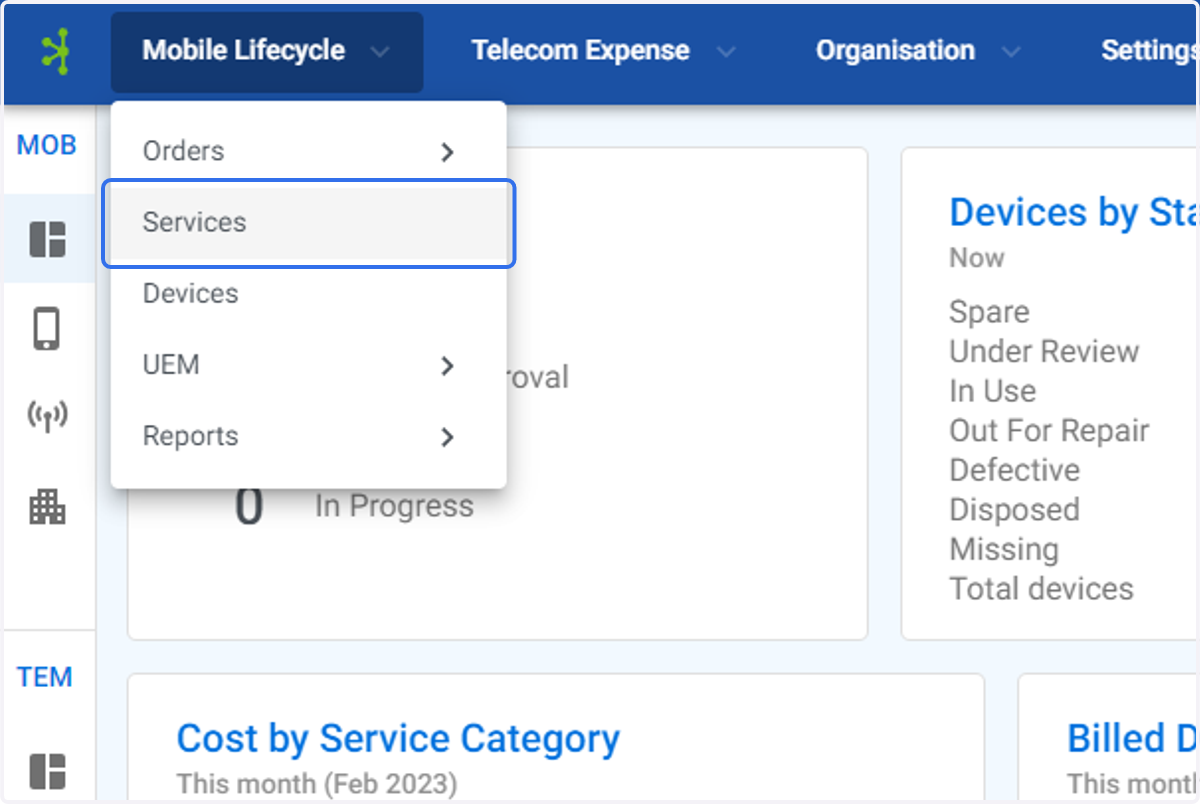
  2. 2. Click on Services

    Click on Services
  3. 3. Click on the mobile service you wish to edit.
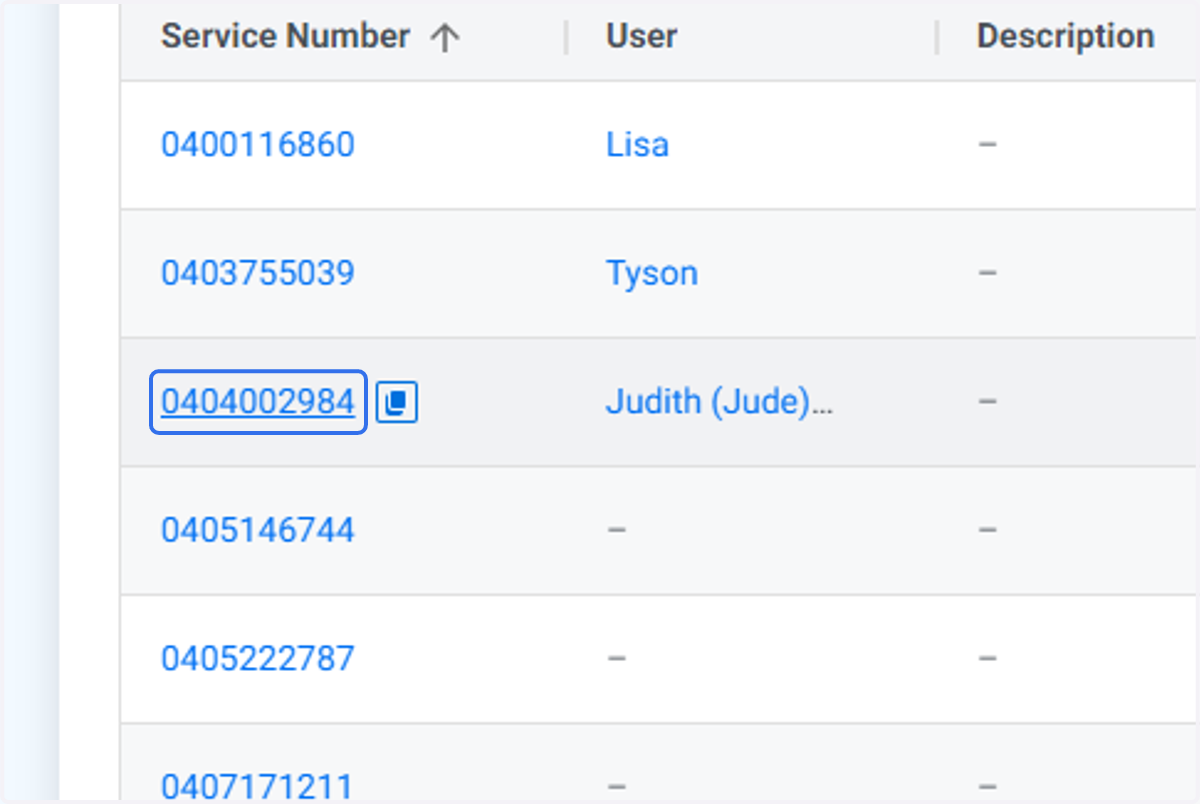
    Click on the mobile service you wish to edit.
  4. 4. The Service Profile screen will be displayed.
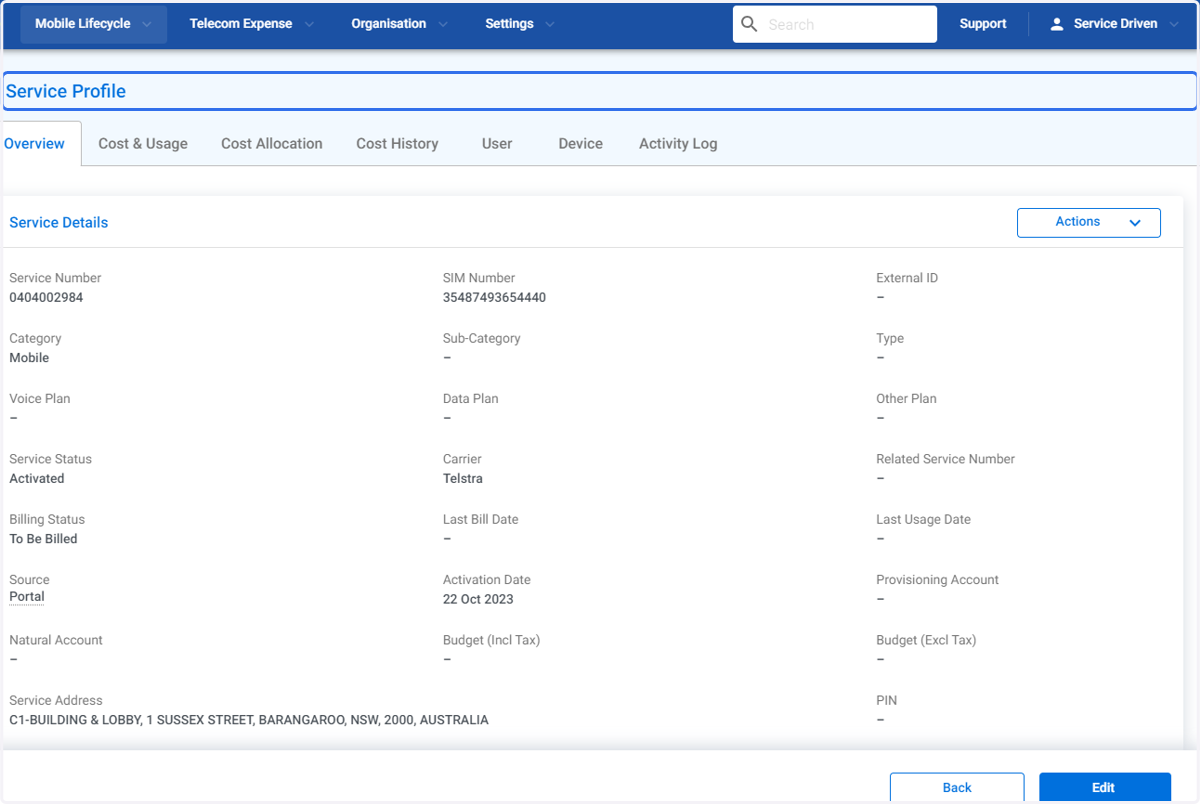
    The Service Profile screen will be displayed.
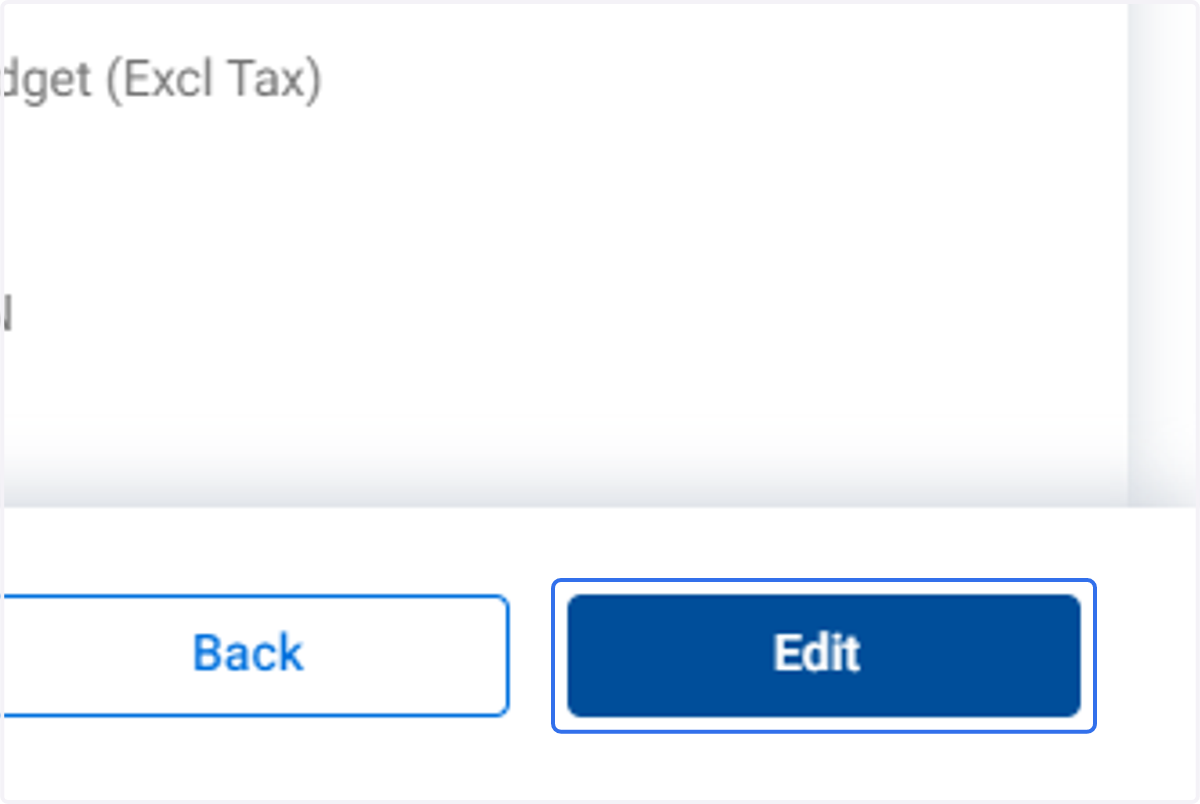
  5. 5. Click on Edit

    Click on Edit
  6. 6. In this example the Budget (Inc Tax) field is being updated.
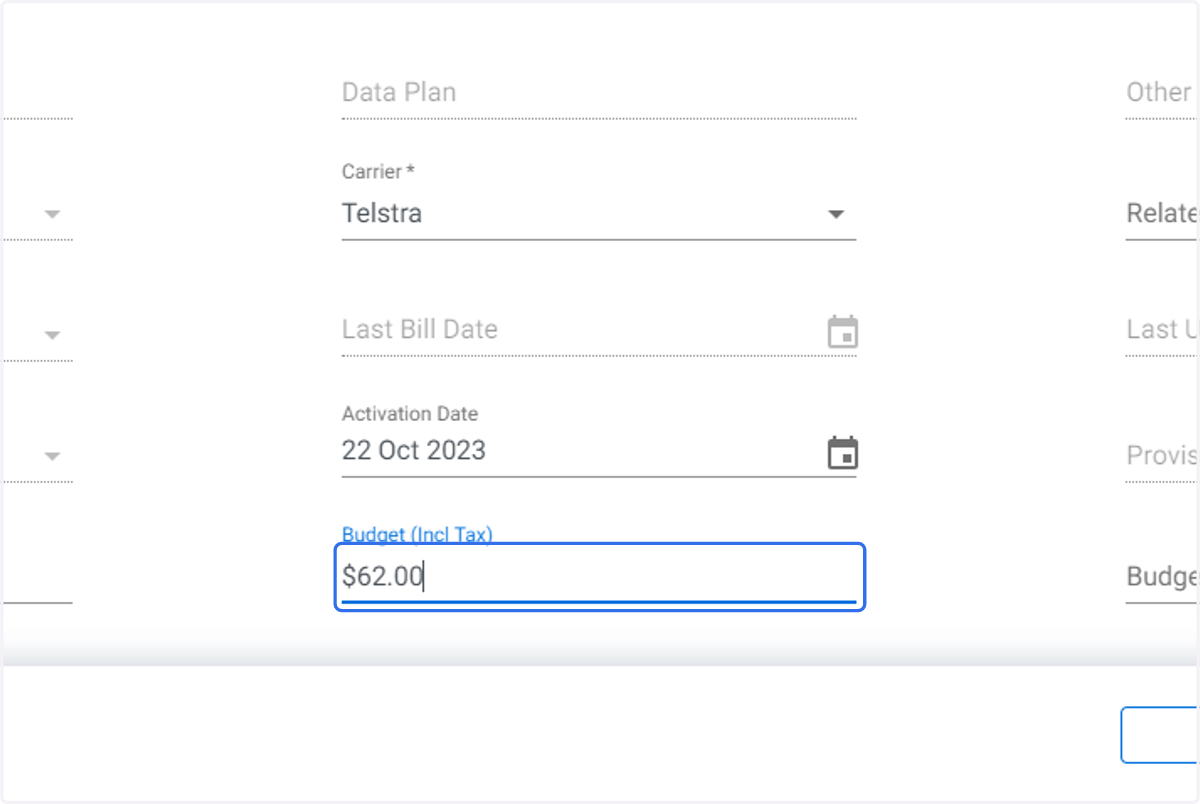
    In this example the Budget (Inc Tax) field is being updated.
  7. 7. In this example the Budget (Excl Tax) field is being updated.
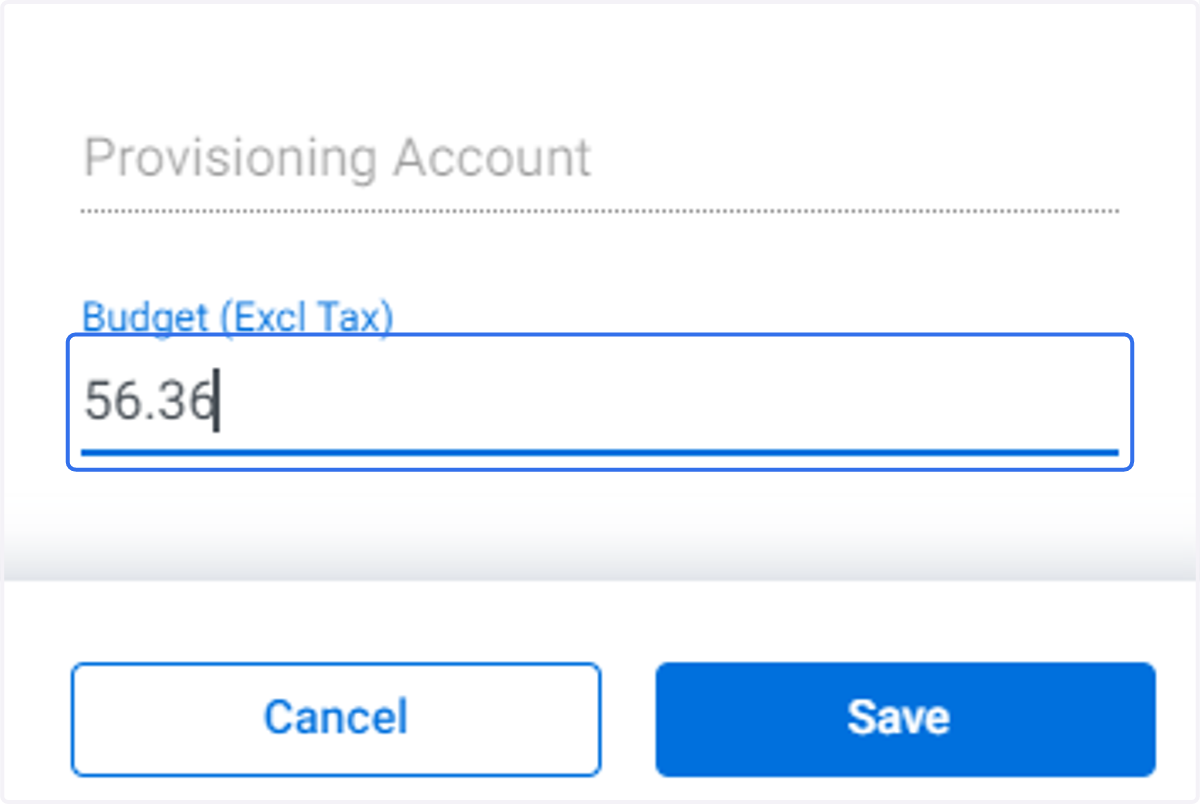
    In this example the Budget (Excl Tax) field is being updated.
  8. 8. In this example the Cost Centre is to be updated.
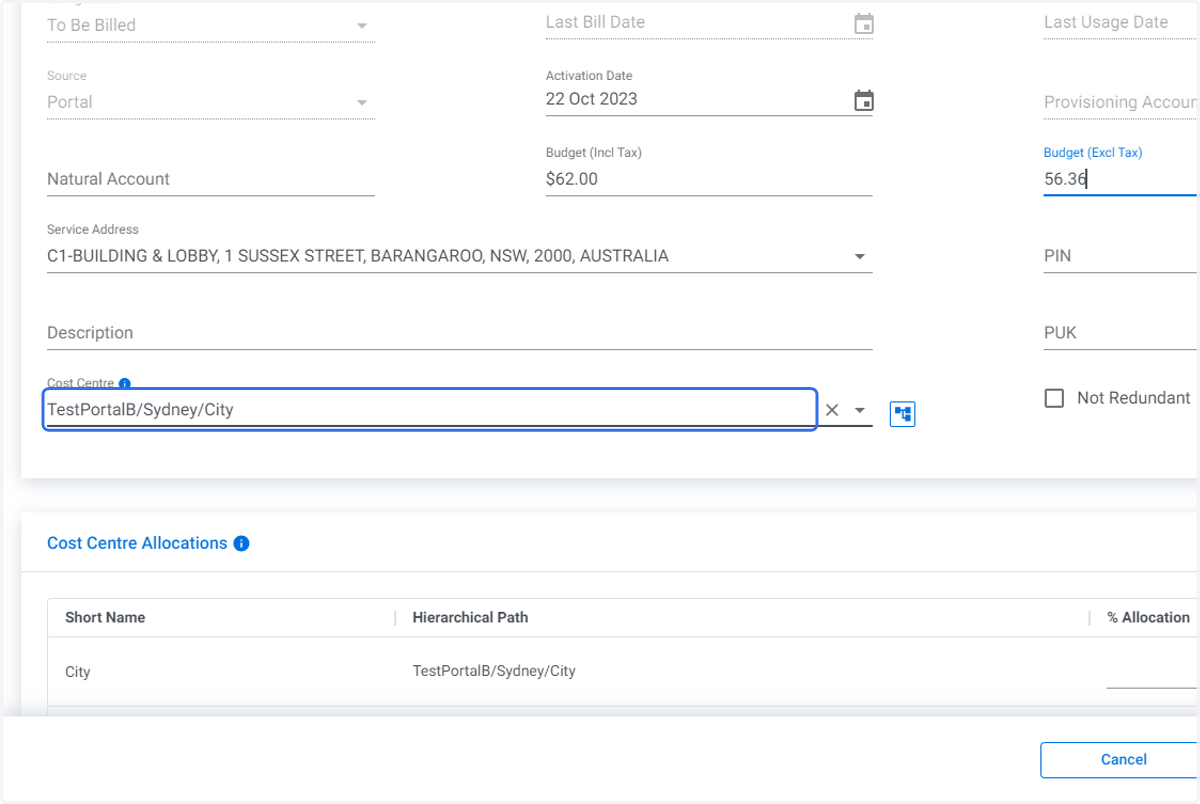
    In this example the Cost Centre is to be updated.
  9. 9. Click on the Cost Center Clear icon
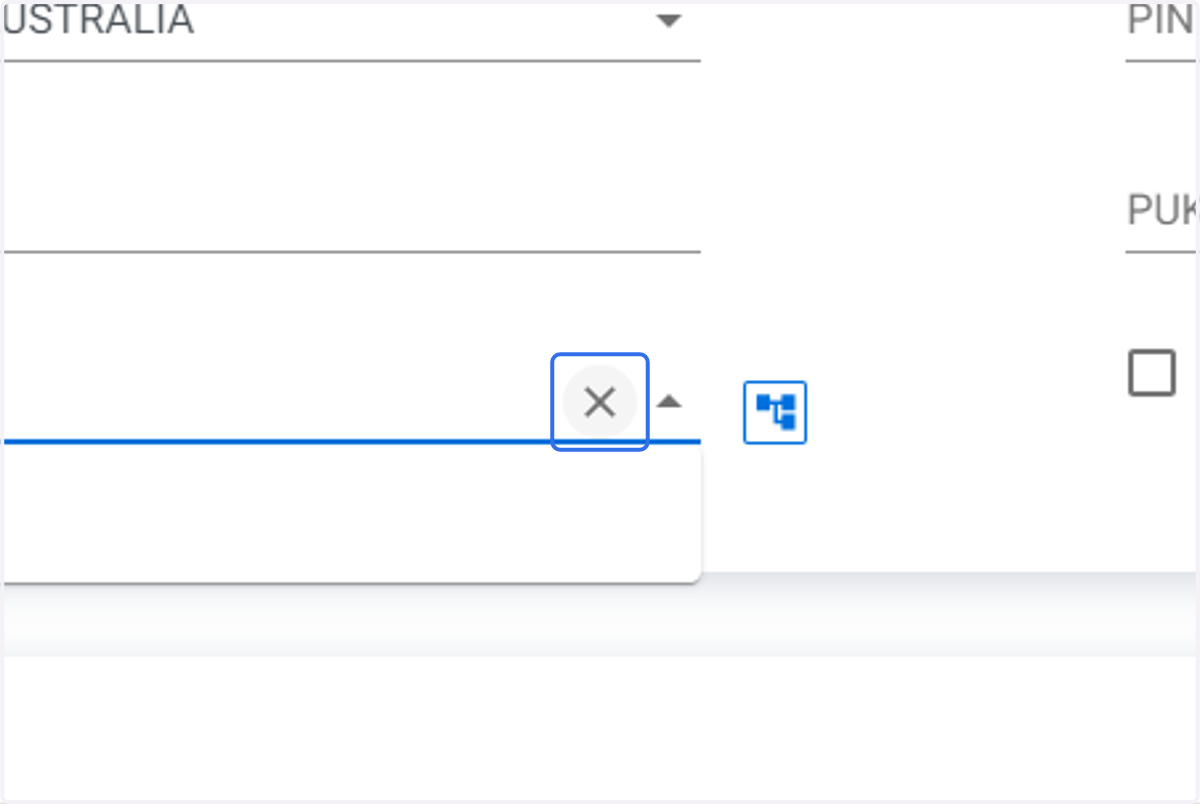
    Click on the Cost Center Clear icon
  10. 10. Type in the new cost center you want to add to the service.
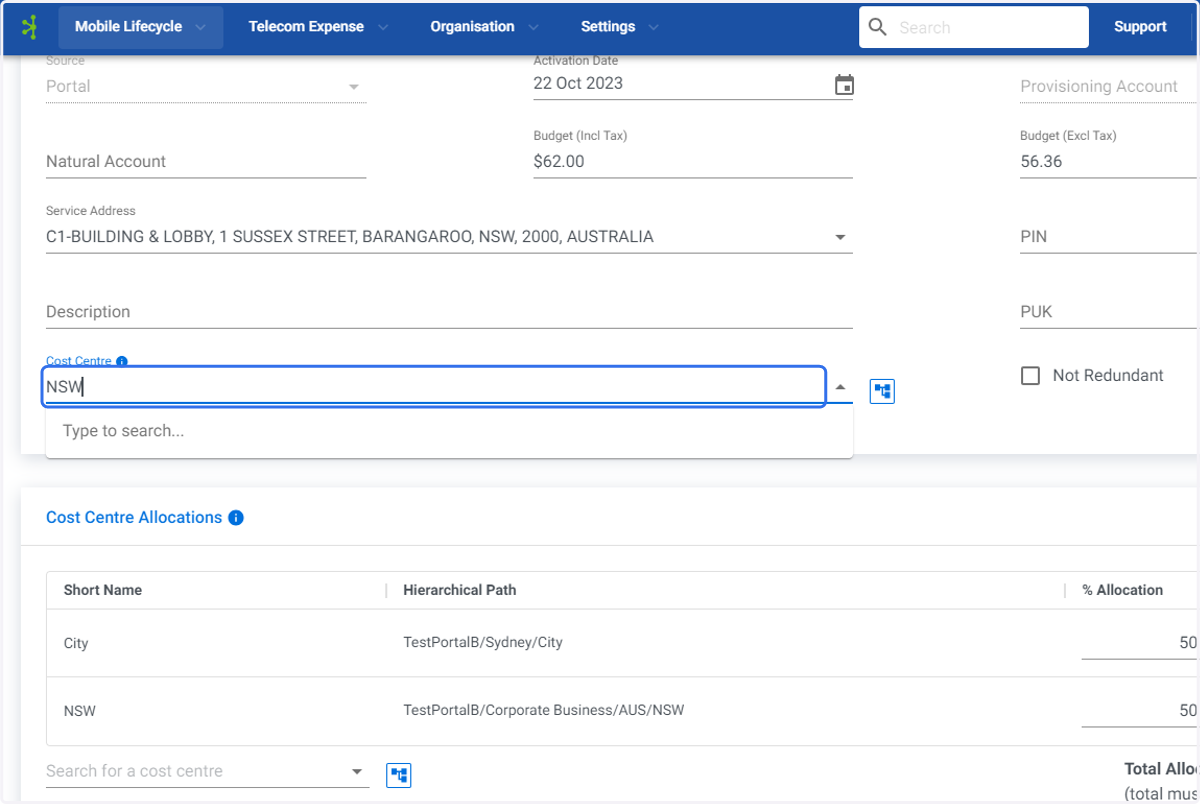
    Type in the new cost center you want to add to the service.
  11. 11. Click on the required Cost Centre.
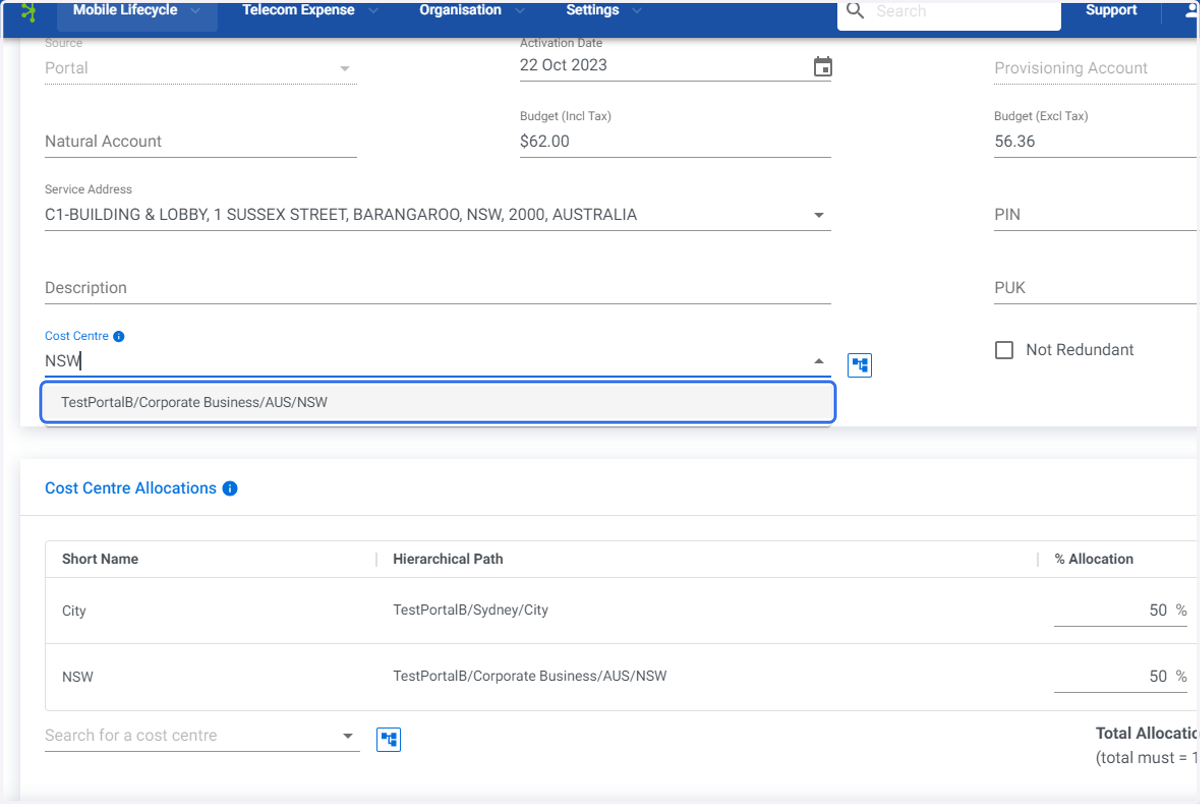
    Click on the required Cost Centre.
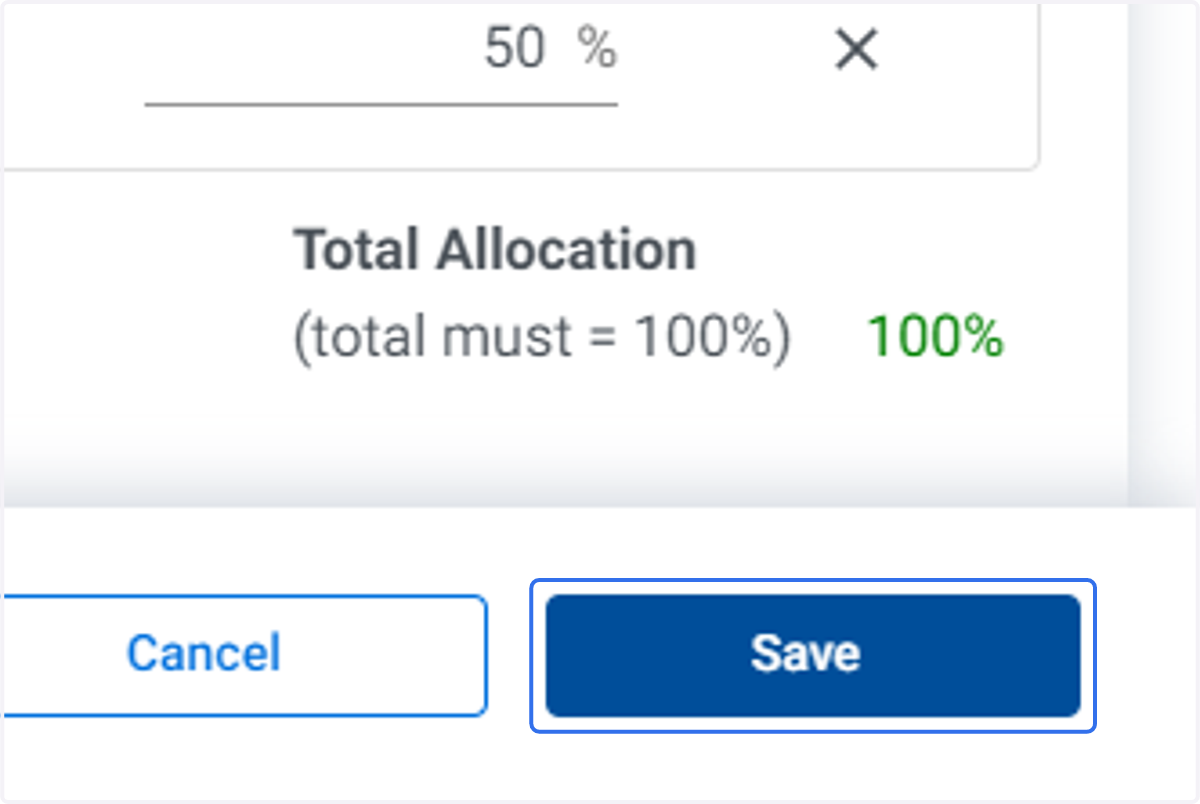
  12. 12. Click on Save

    Click on Save