How to Add Medical Insurance Class in Odoo-iLines HR
Odoo
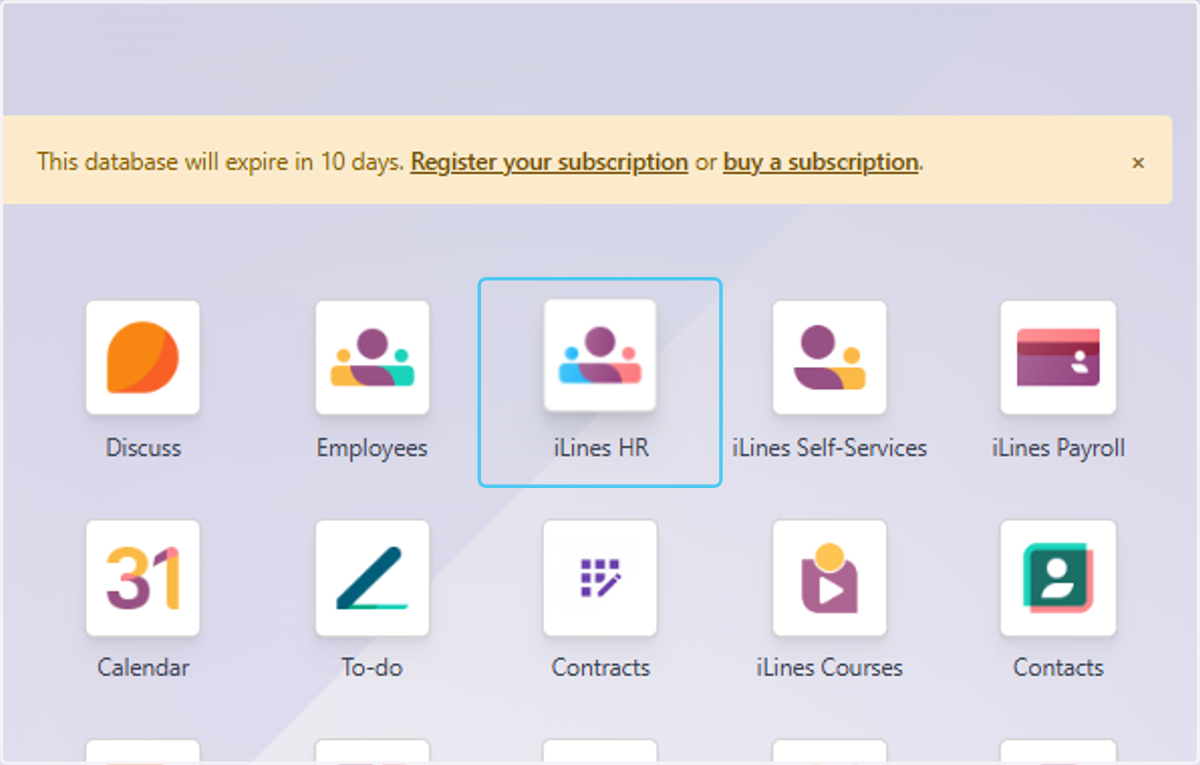
1. Click on iLines HR
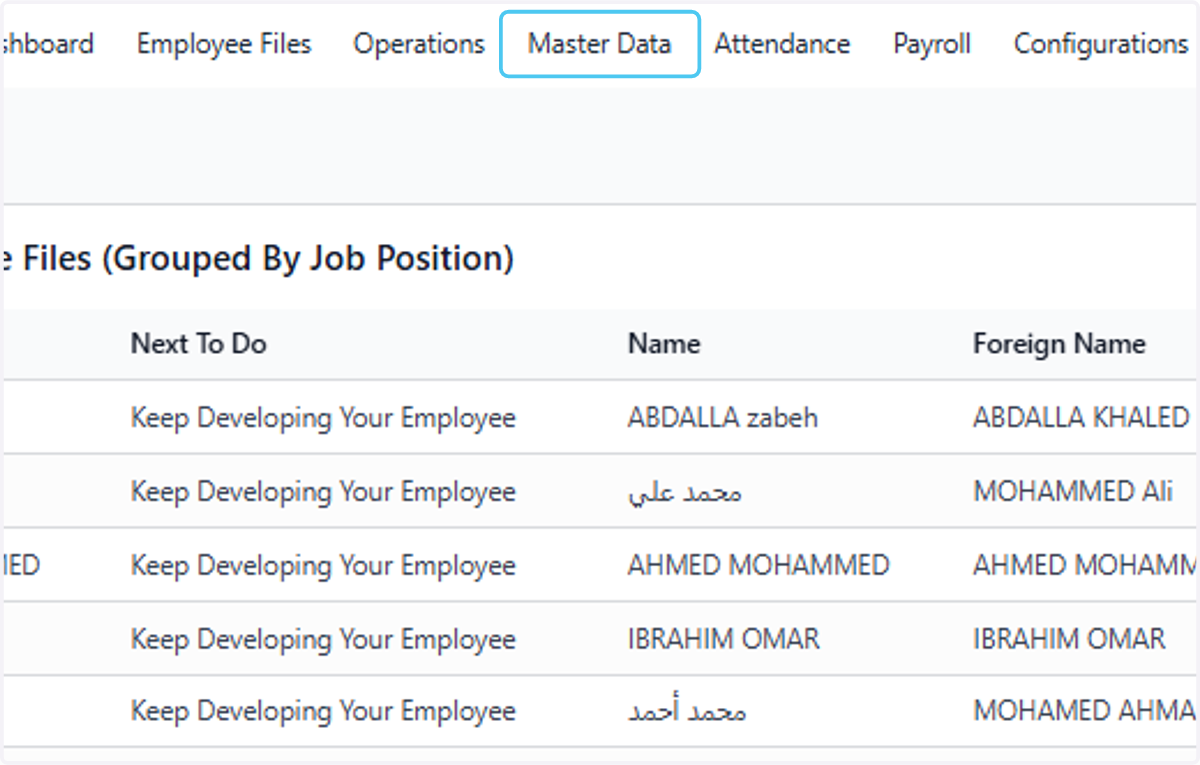
2. Click on Master Data
3. Click on Operations
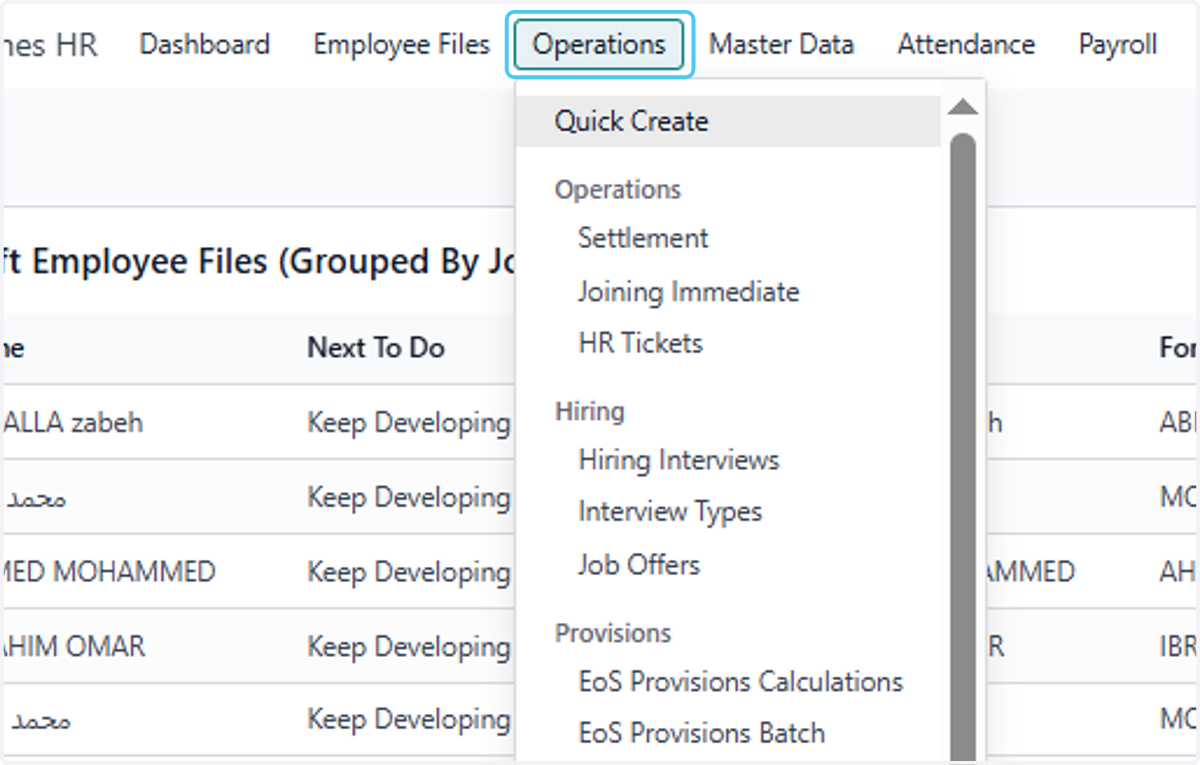
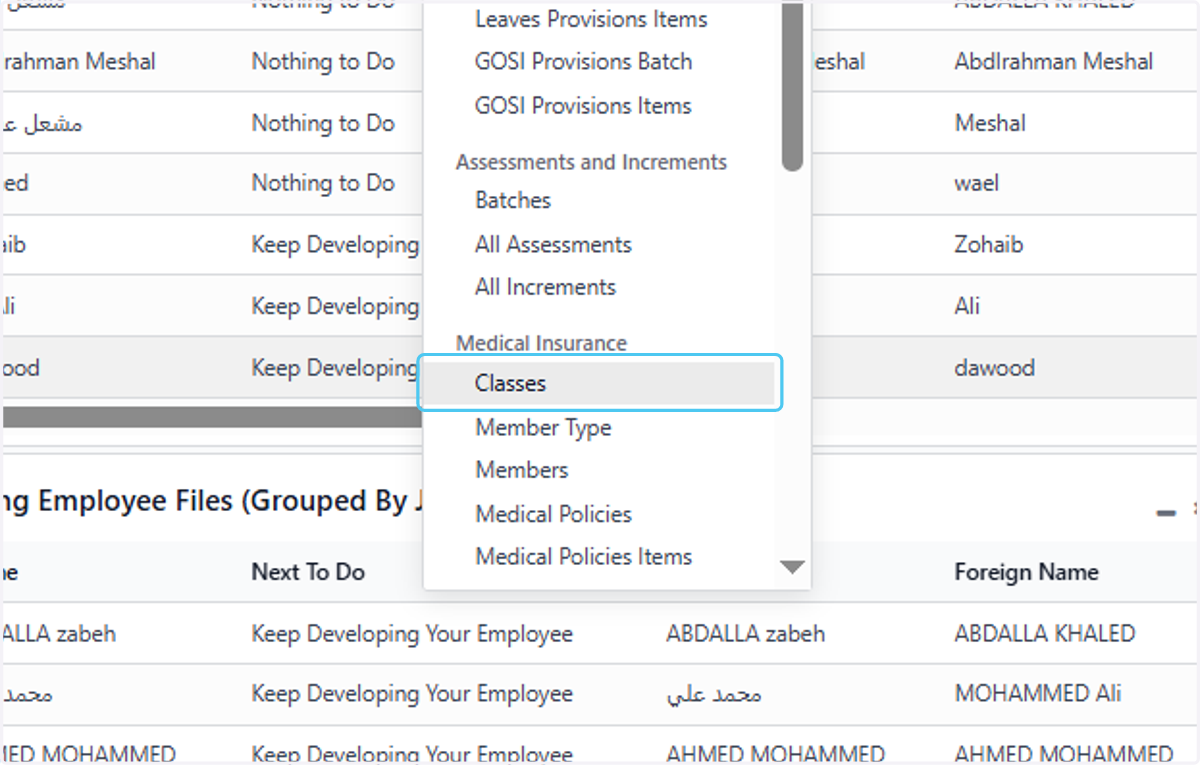
4. Click on Classes
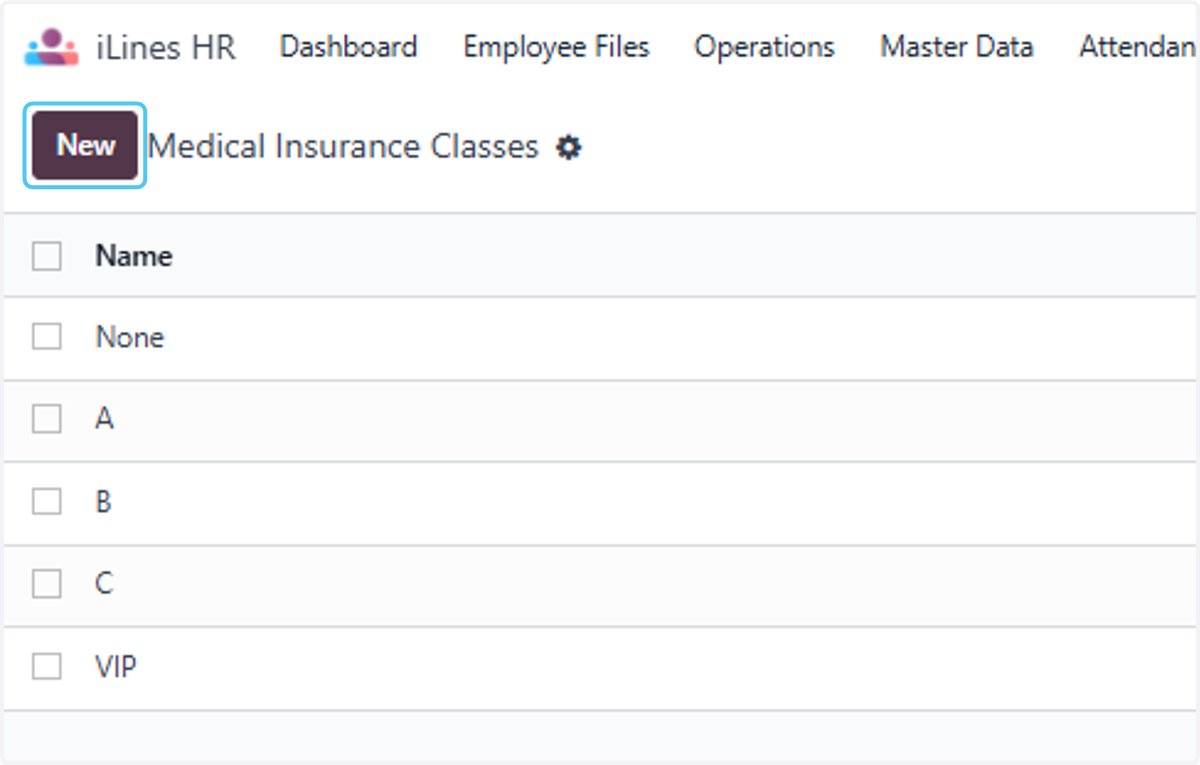
5. Click on New
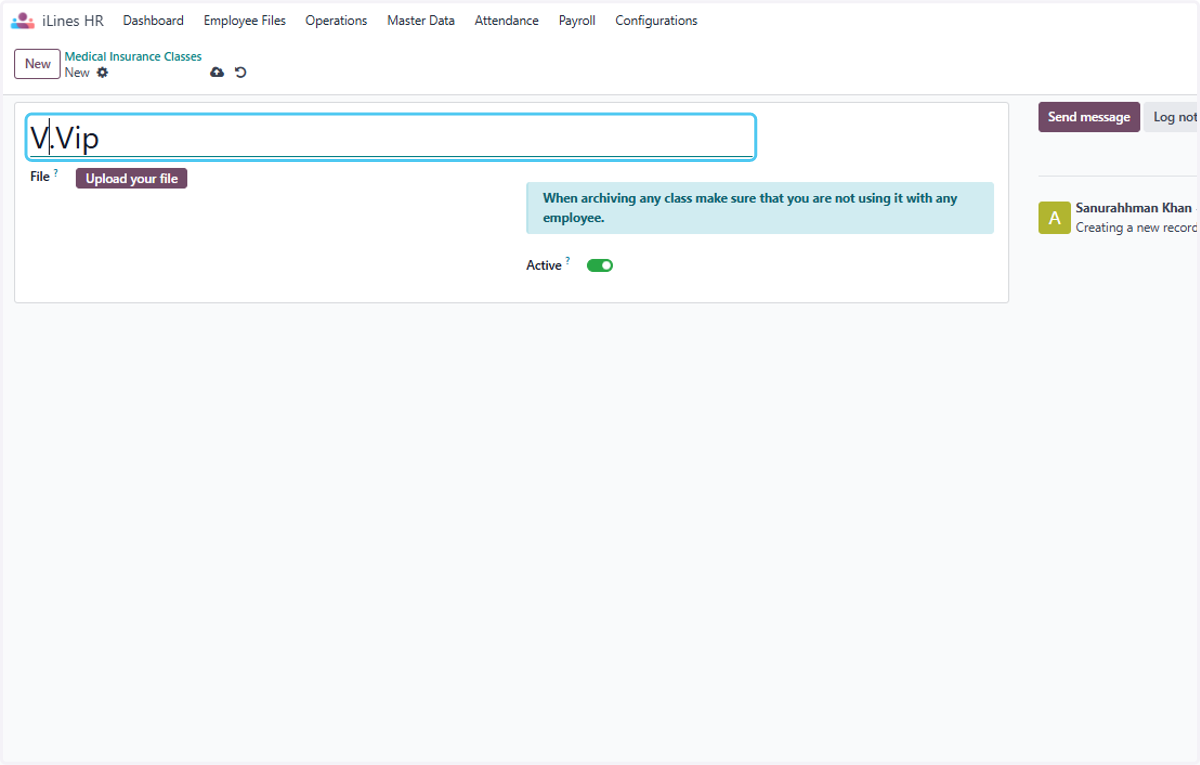
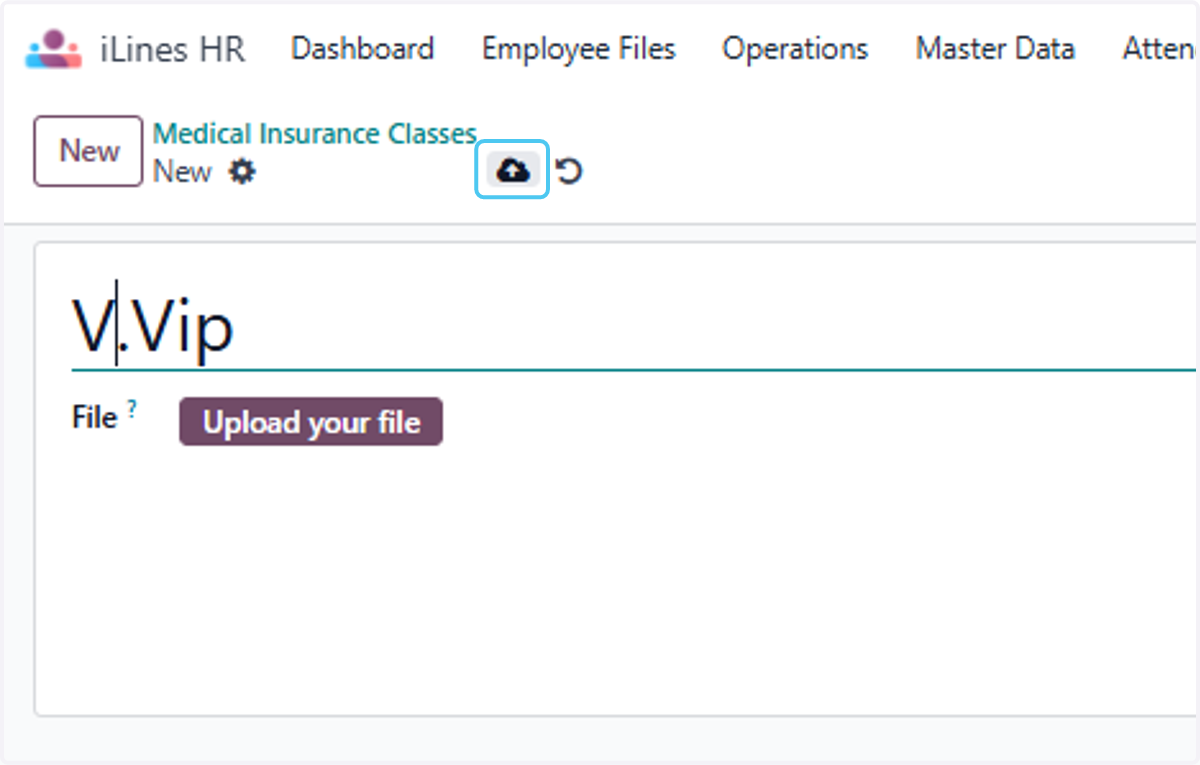
6. Type "V.Vip"
7. Click on
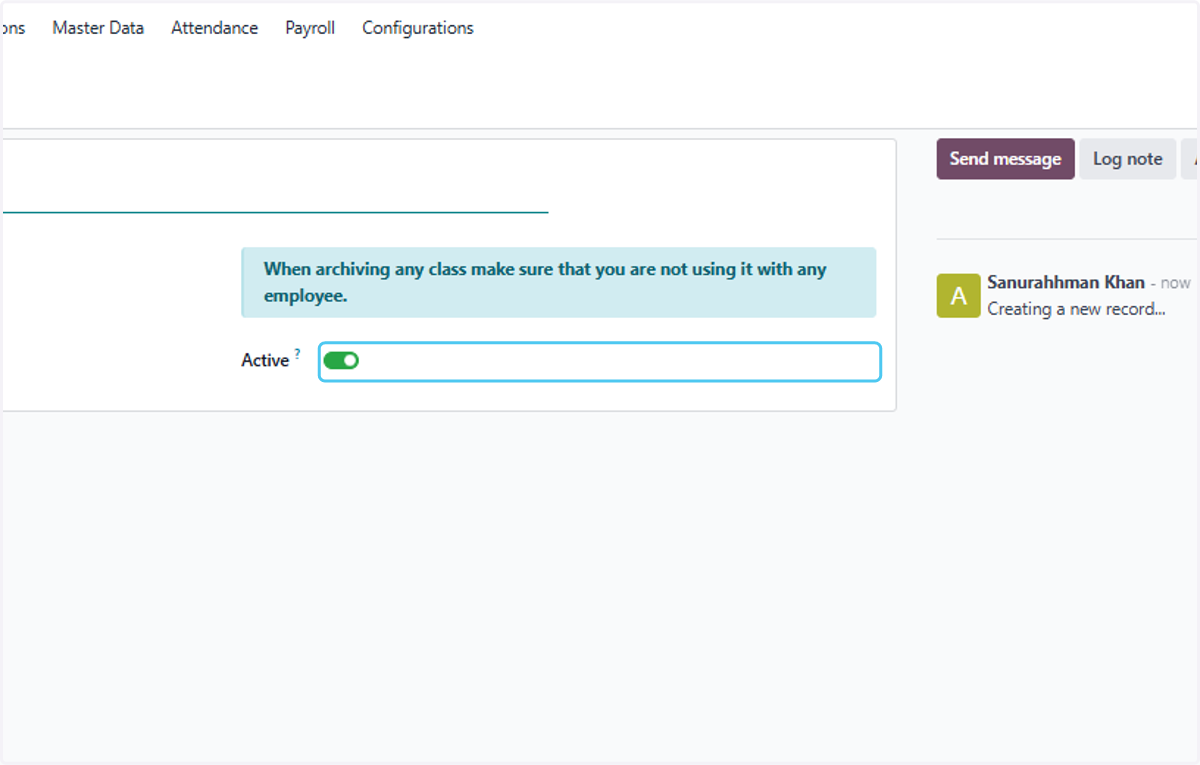
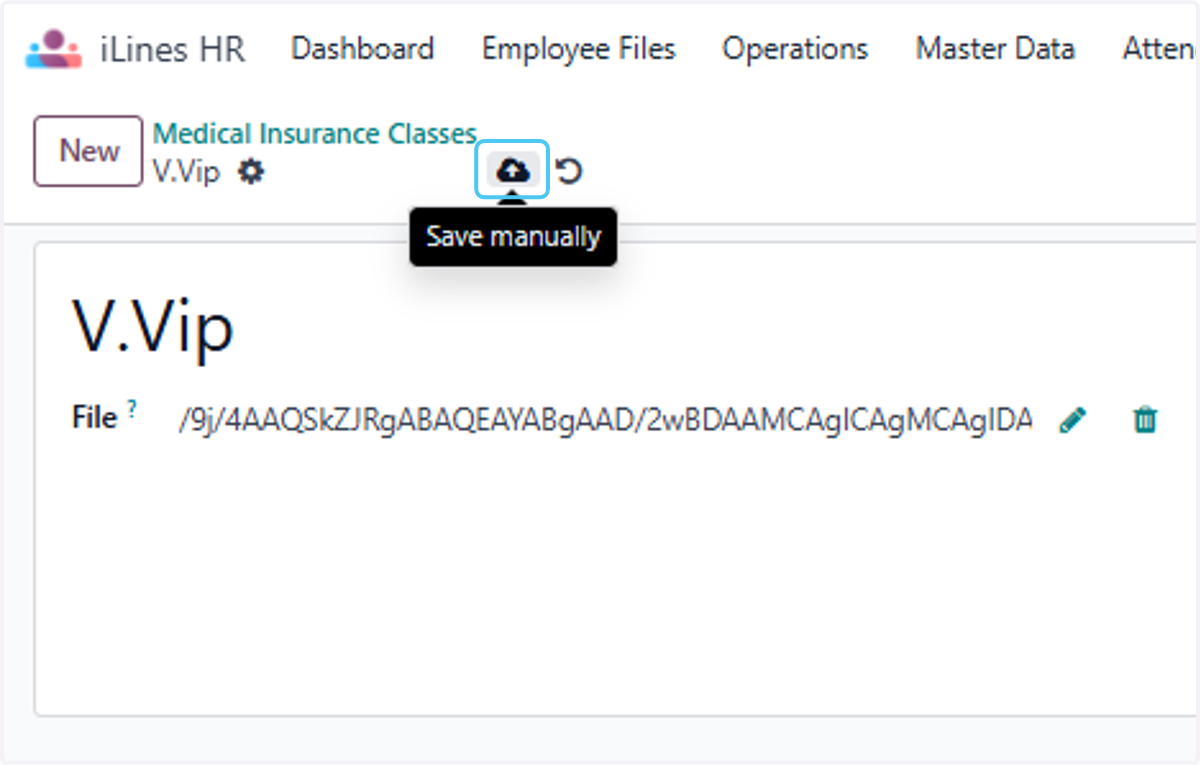
8. Click on Save manually
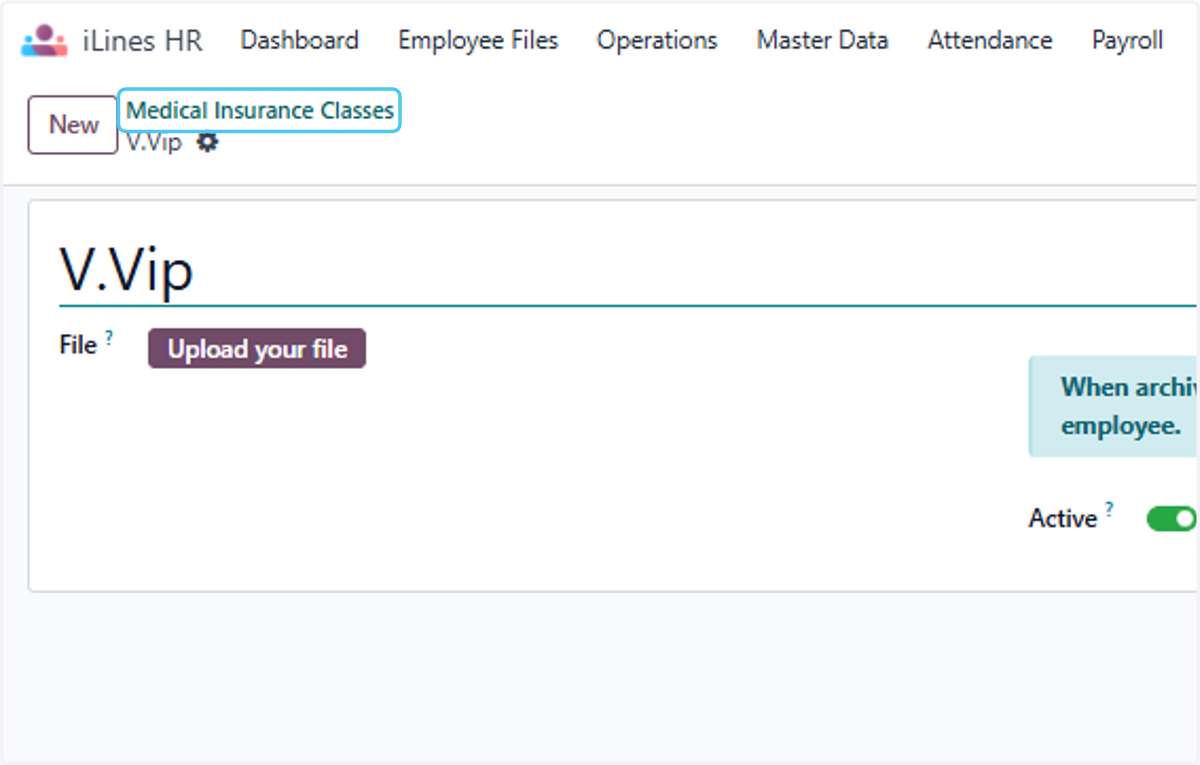
9. Click on Medical Insurance Classes
10. Select "مبادرة بنك المعرفة وتوثيق الدعم الفني واثراء الموقع الالكتروني.pdf" from file upload menu
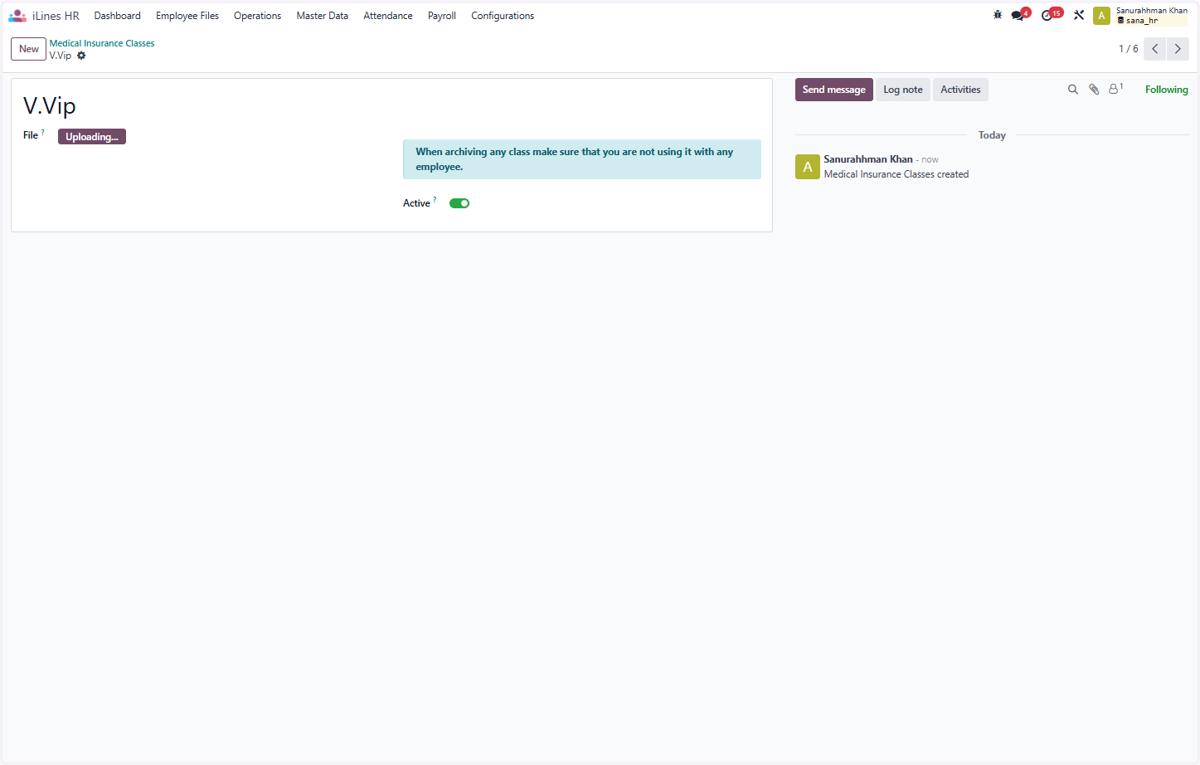
11. Click on Save manually
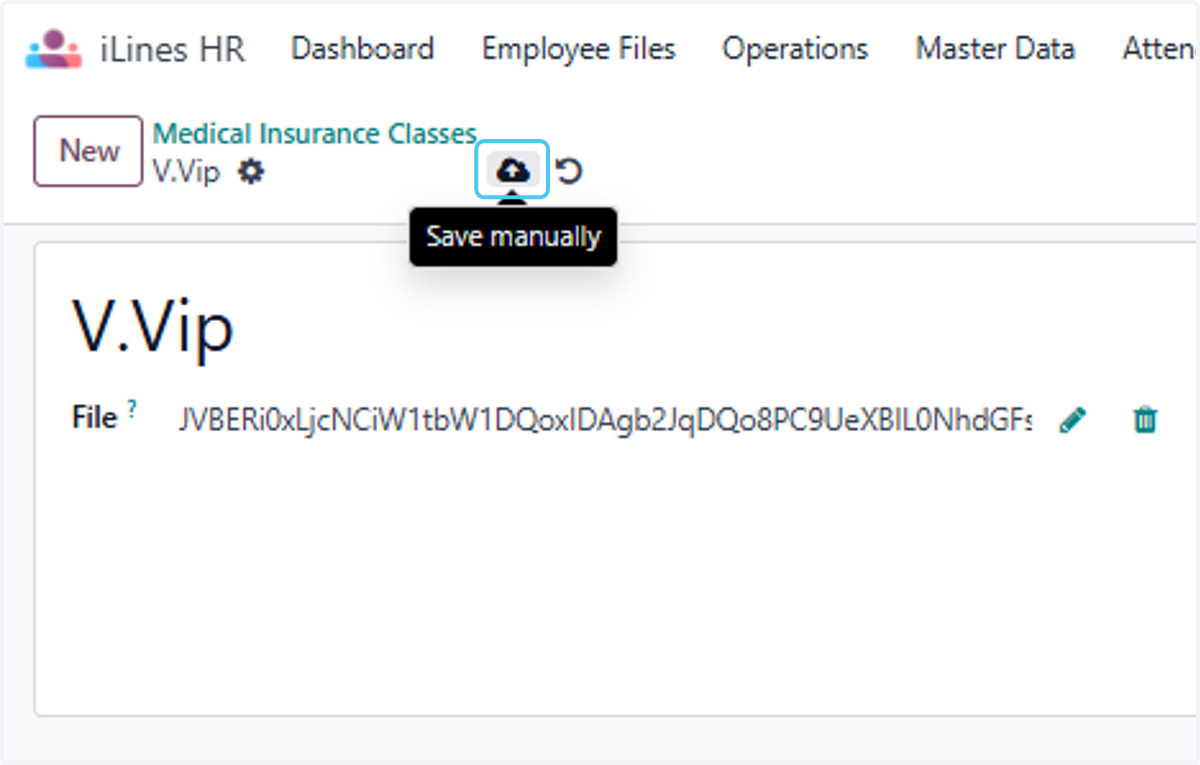
12. Select "WhatsApp Image 2025-09-01 at 19.10.44_5bf220cf.jpg" from file upload menu
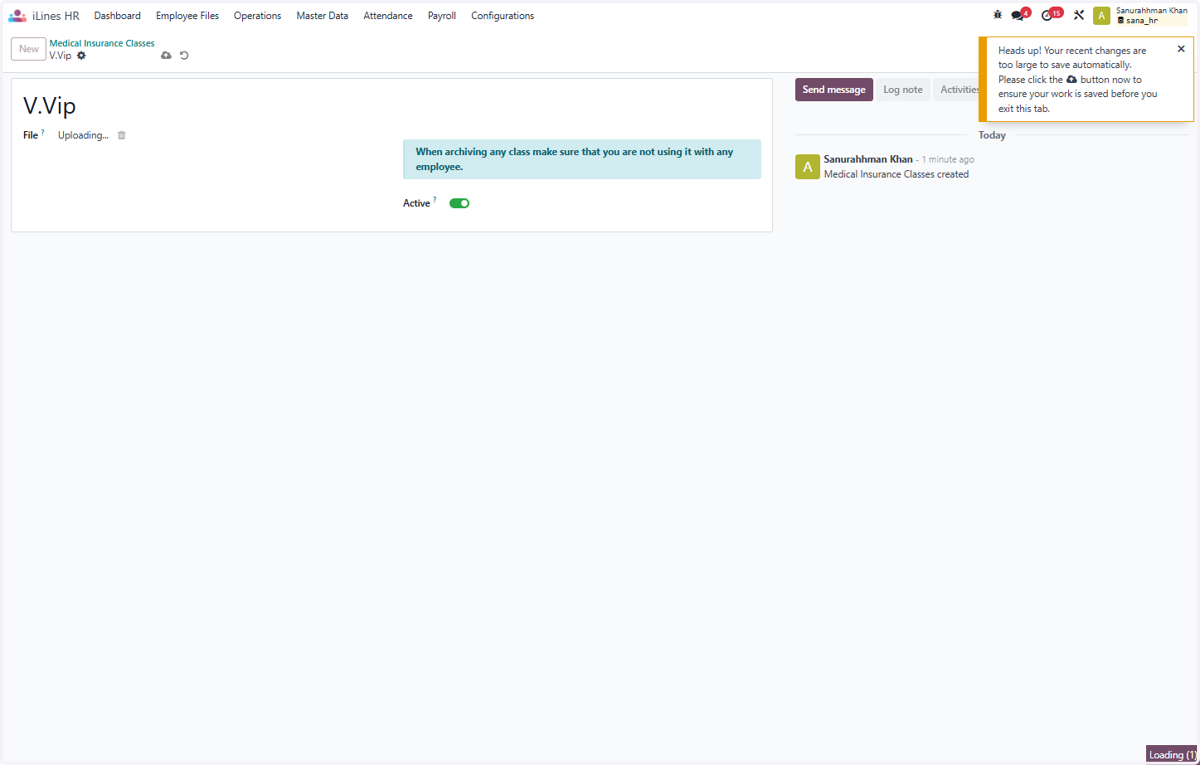
13. Click on Save manually finally your file is uploaded and you can save the details