Creating/Editing Account Names and Descriptions - Connect Platform
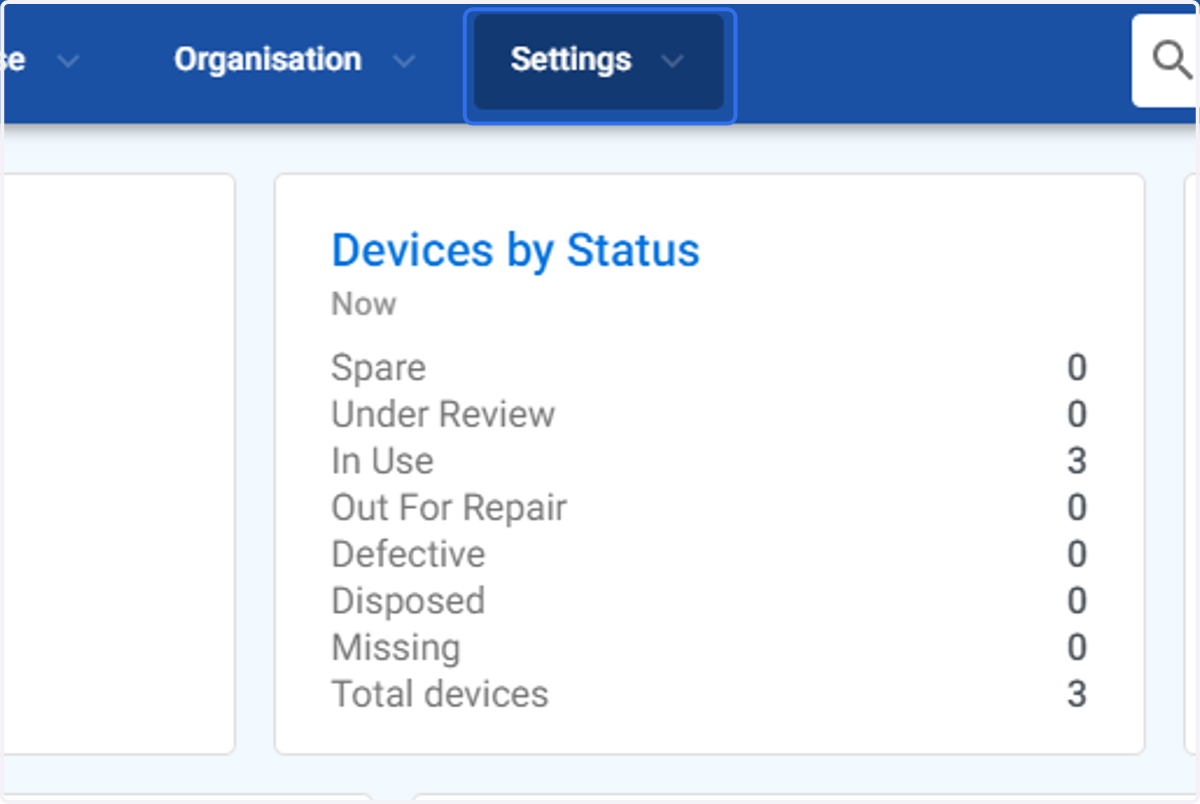
1. Click on Settings
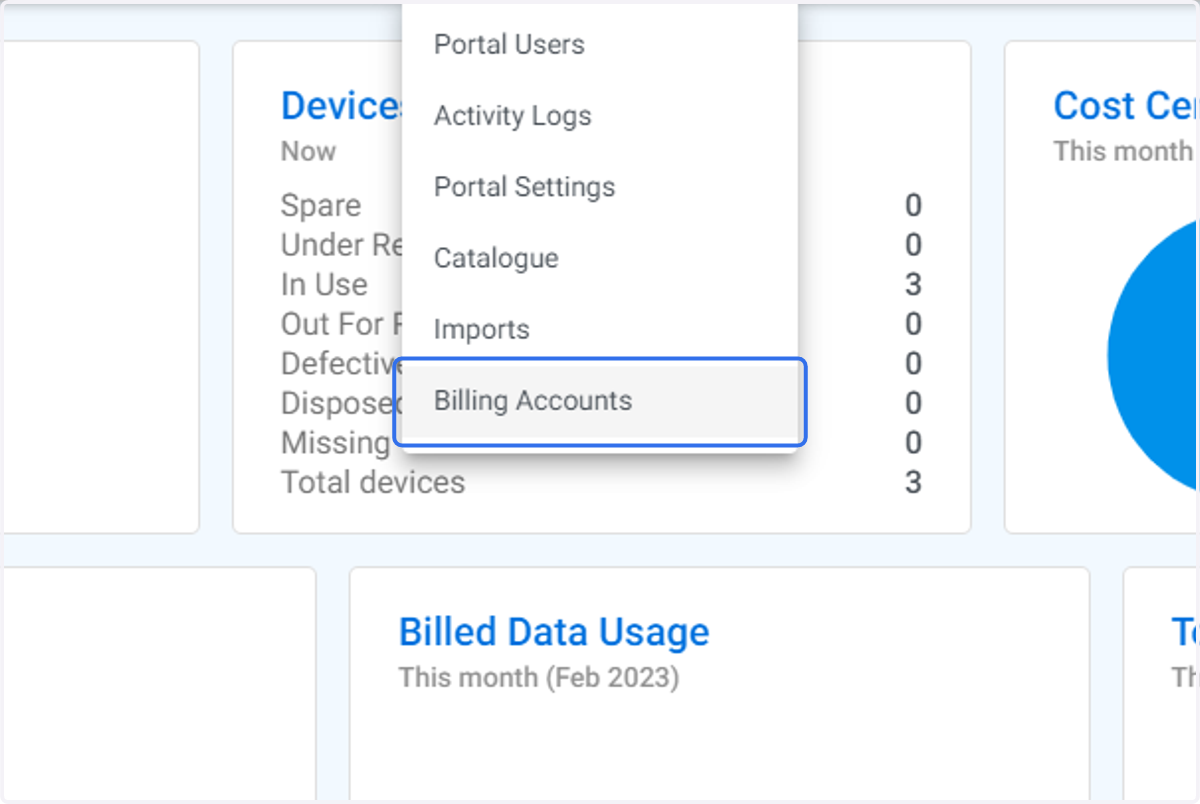
2. Click on Billing Accounts
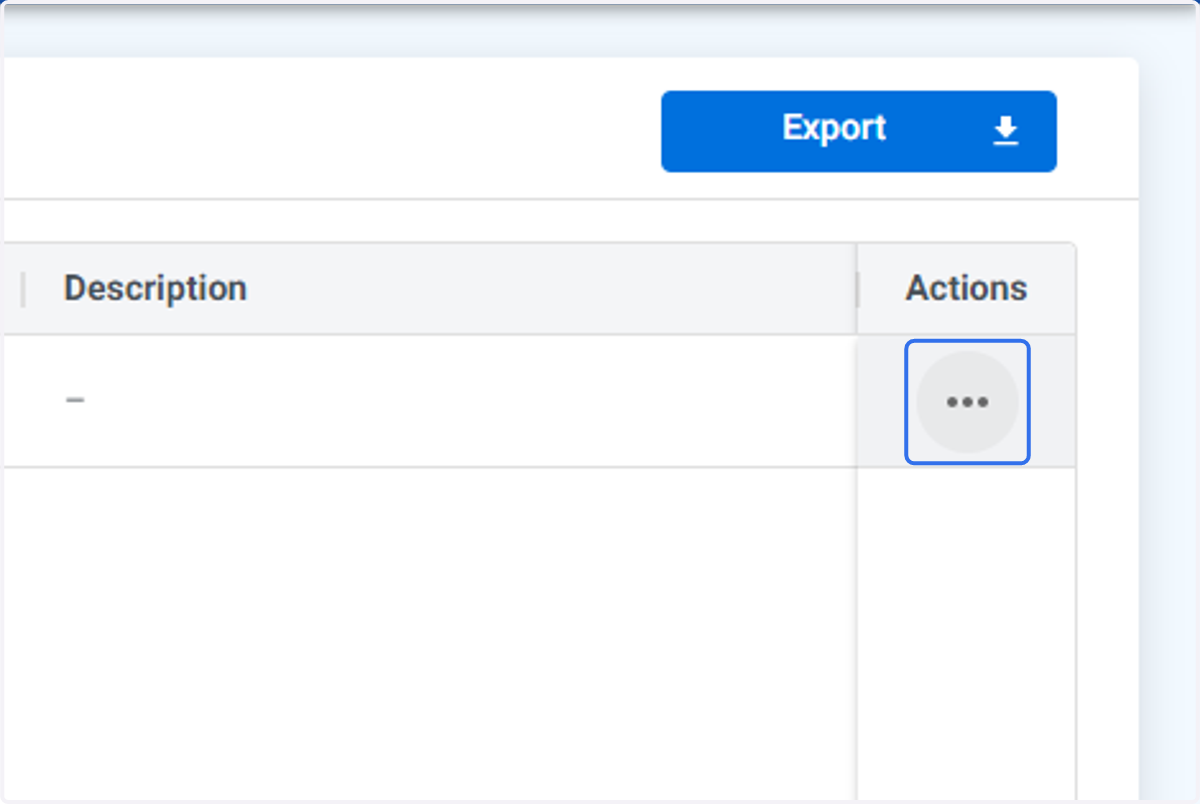
3. Click on menu icon beside the account you wish to create or add account name and or description for
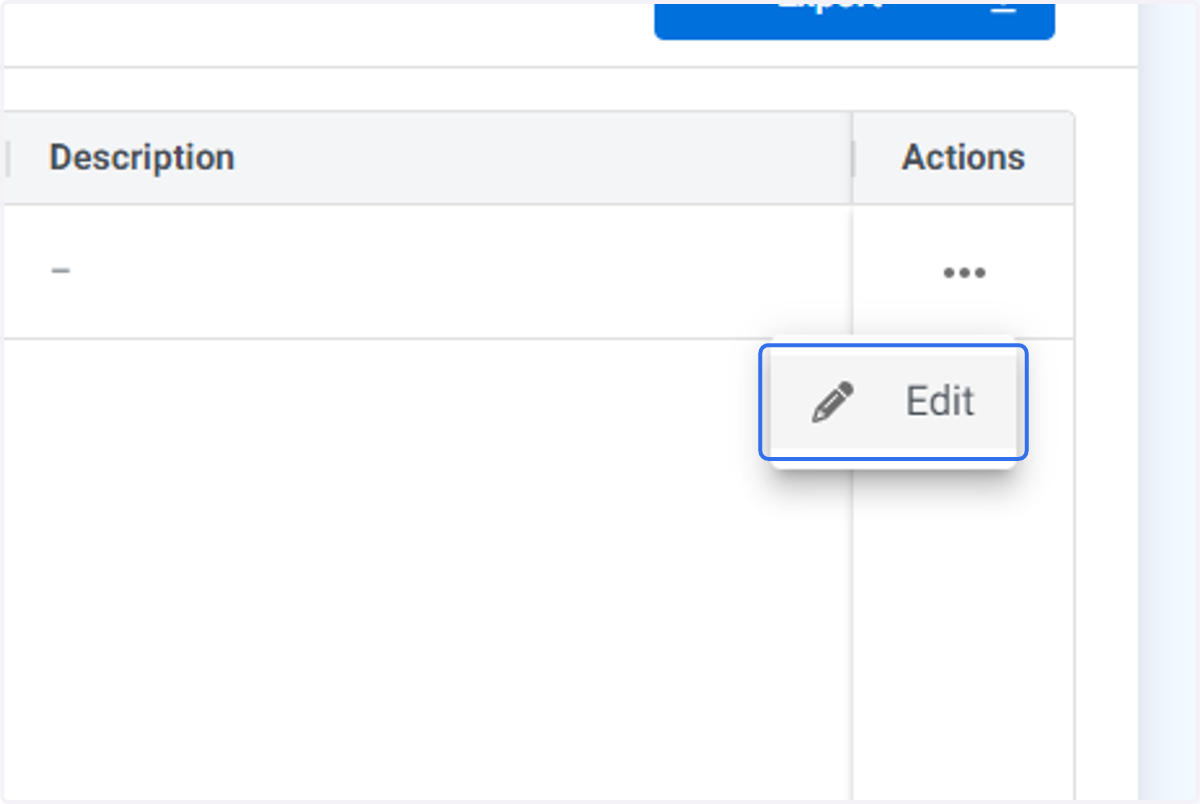
4. Click on Edit
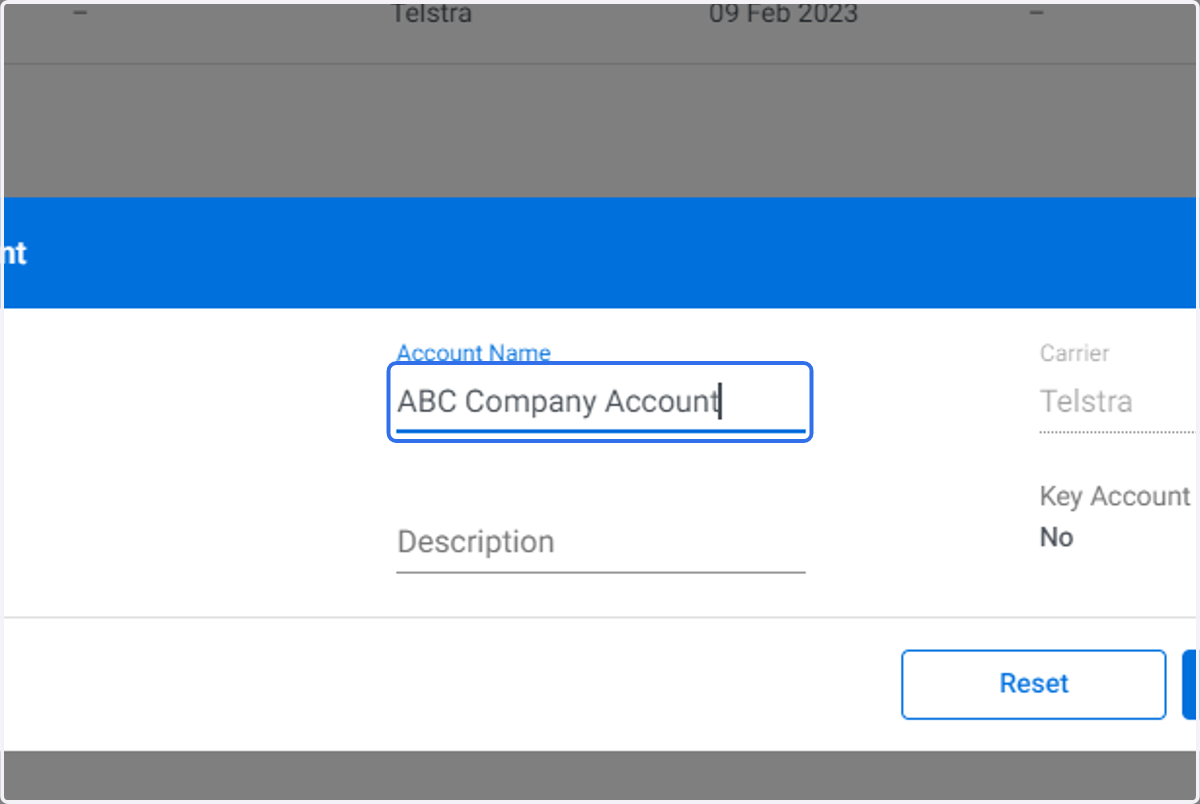
5. Type in or edit the Account name. In this example "ABC Company Account" is entered.
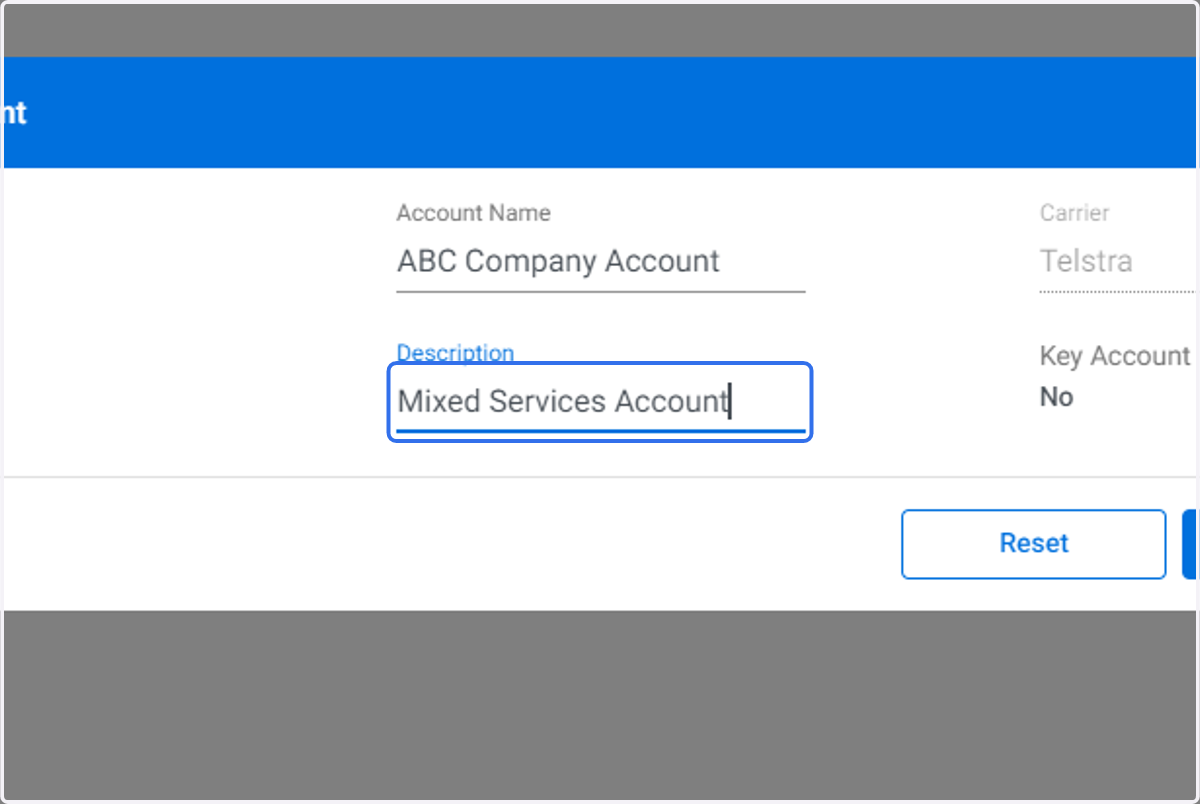
6. Type in or edit the Account description. In this example "Mixed Services Account" has been entered.
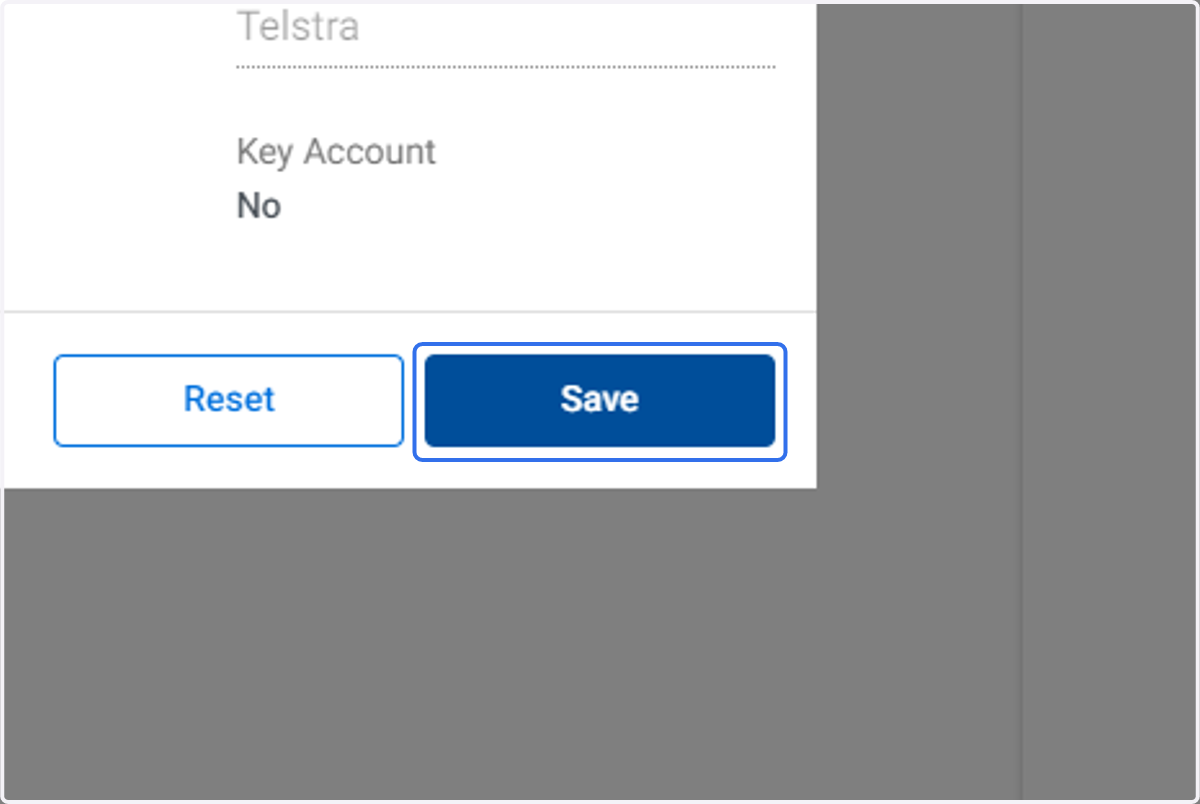
7. Click on Save