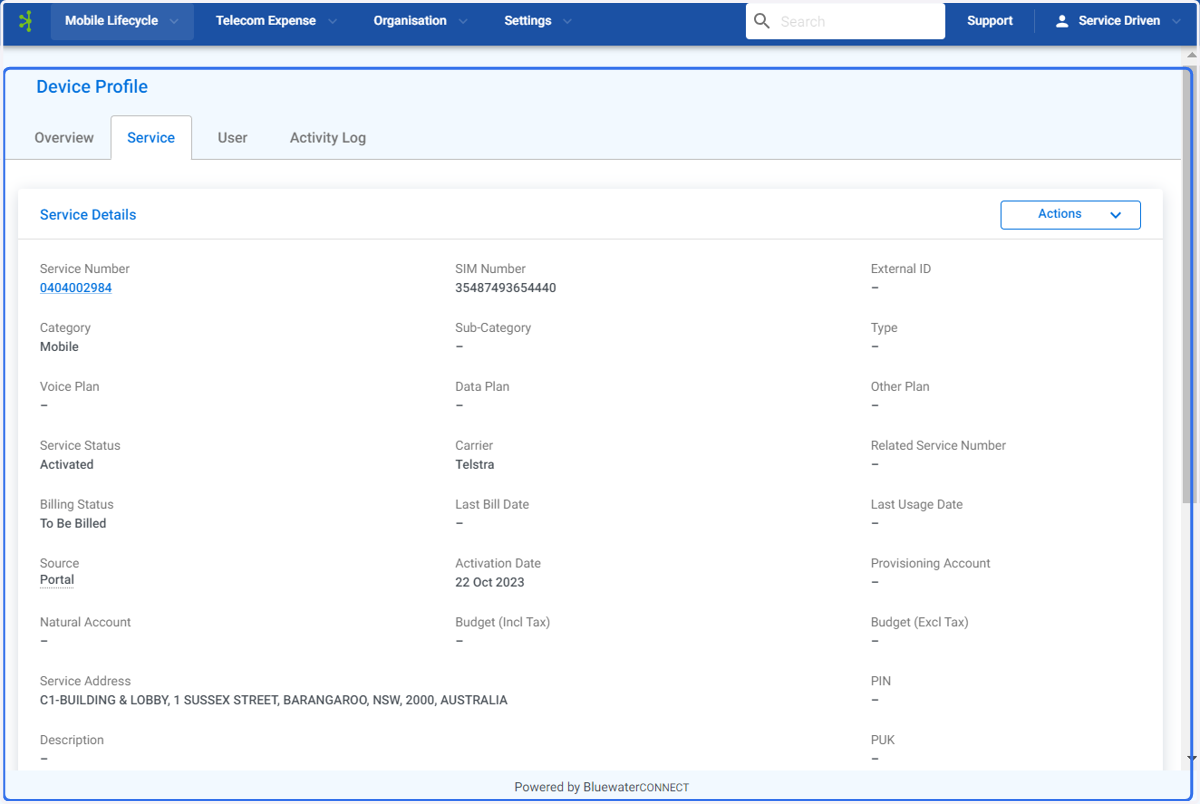
Assign a Service to a Device - Connect Platform
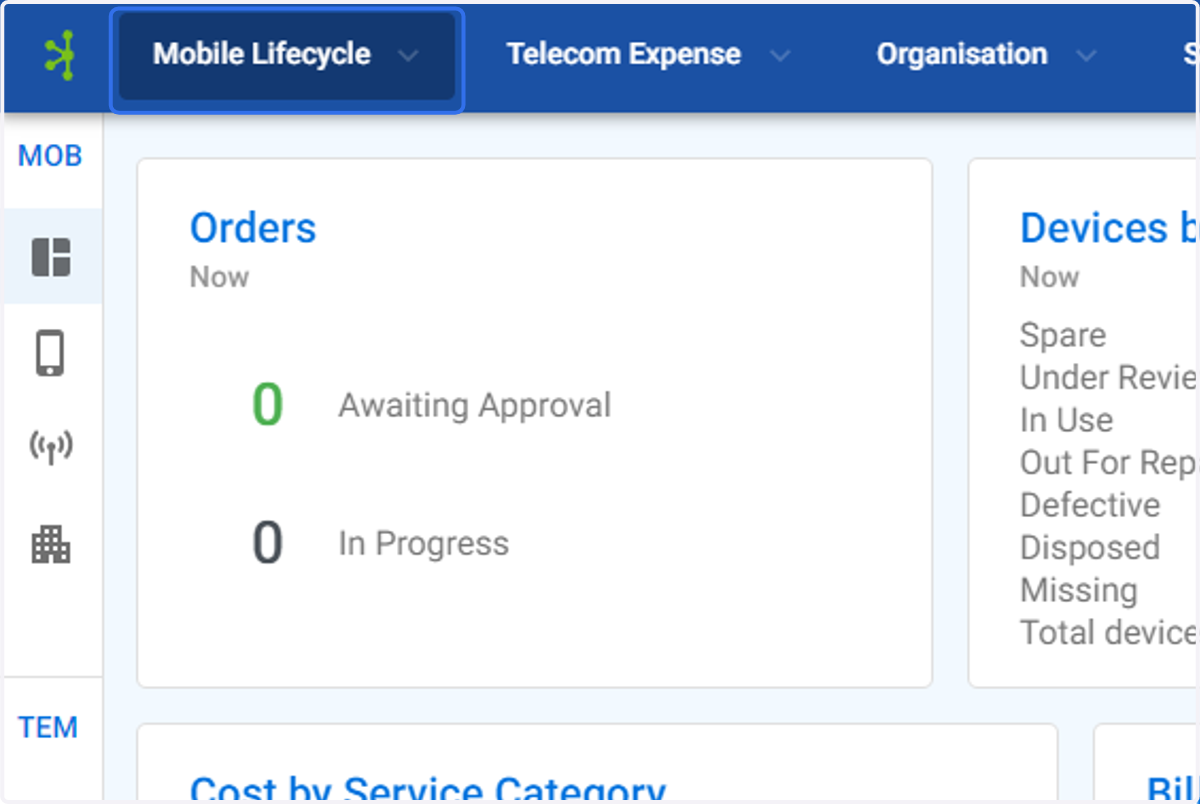
1. Click on Mobile Lifecycle
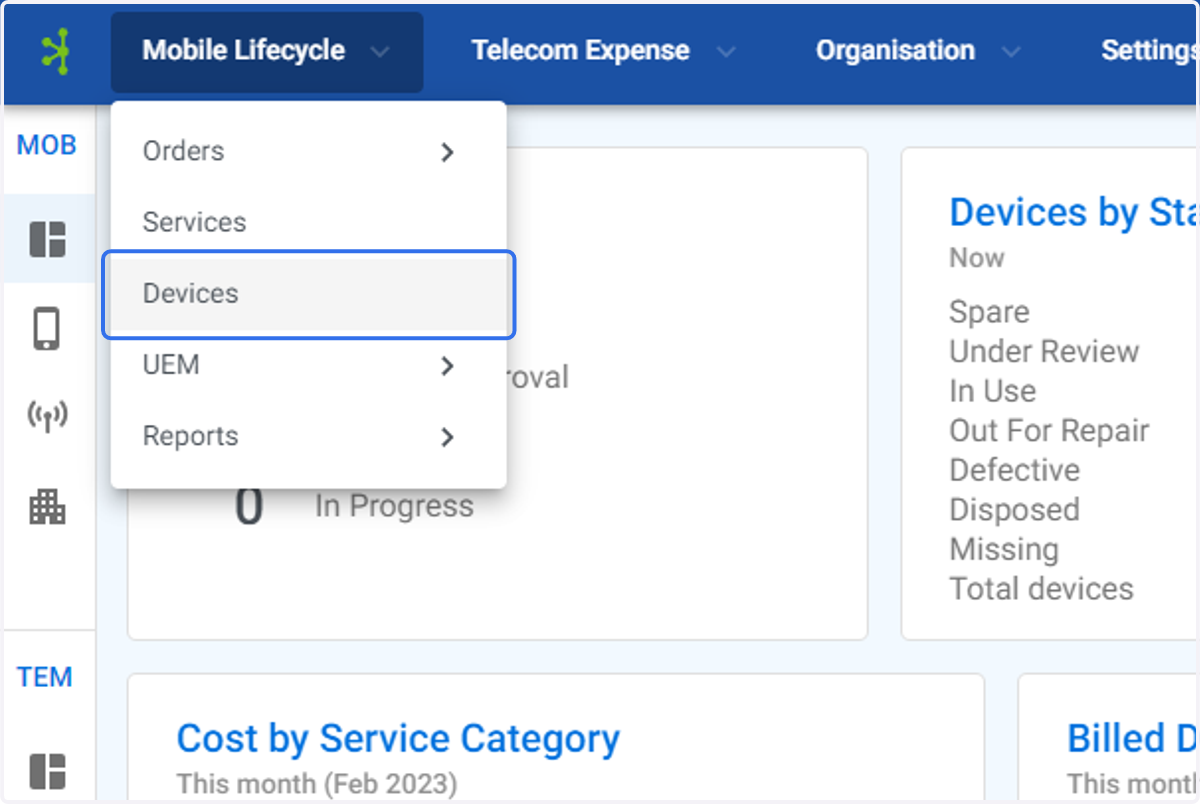
2. Click on Devices
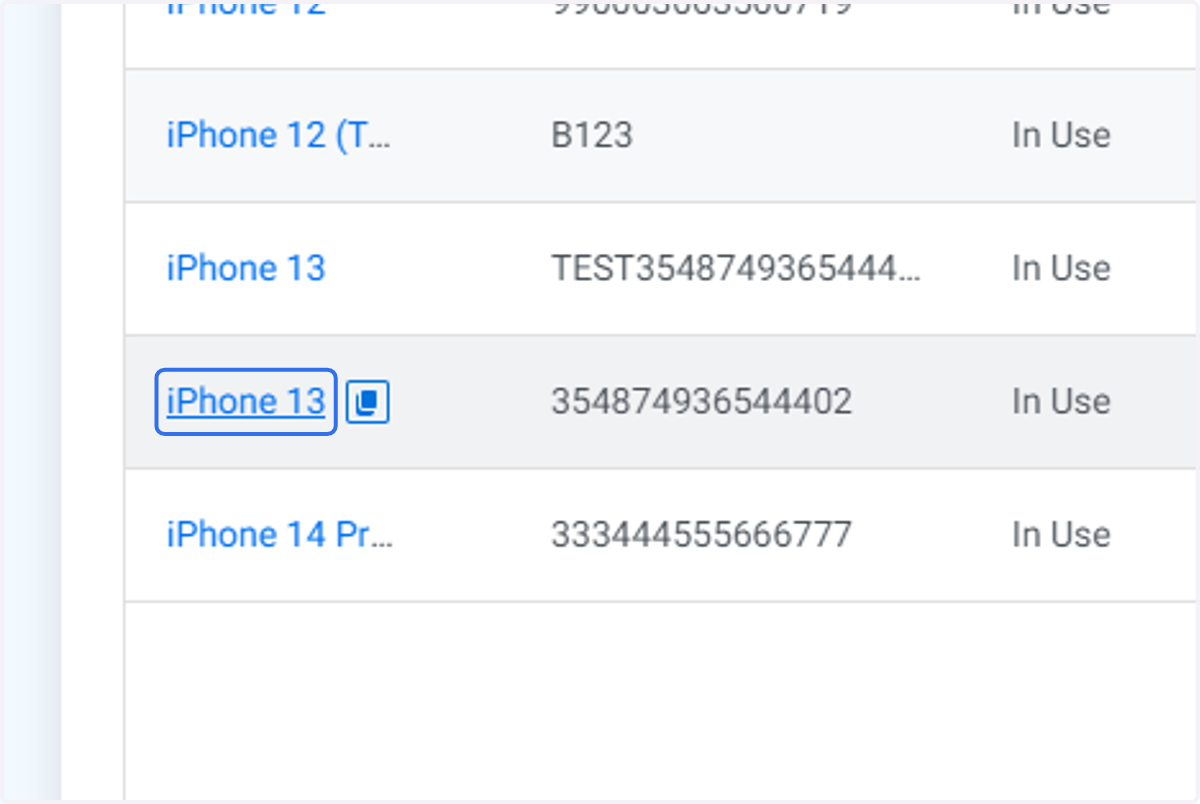
3. Click on the device you wish to assign the service to.
4. Click on Service
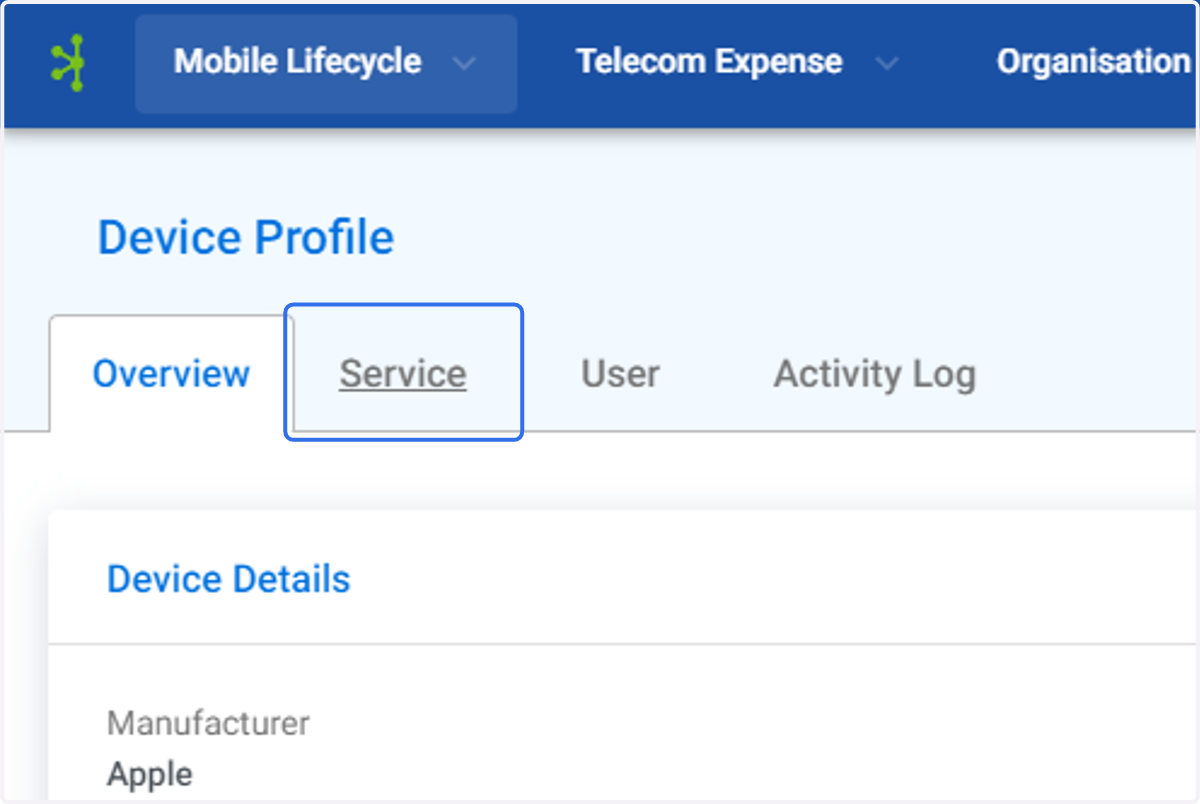
5. The Device Profile Service screen will be displayed.
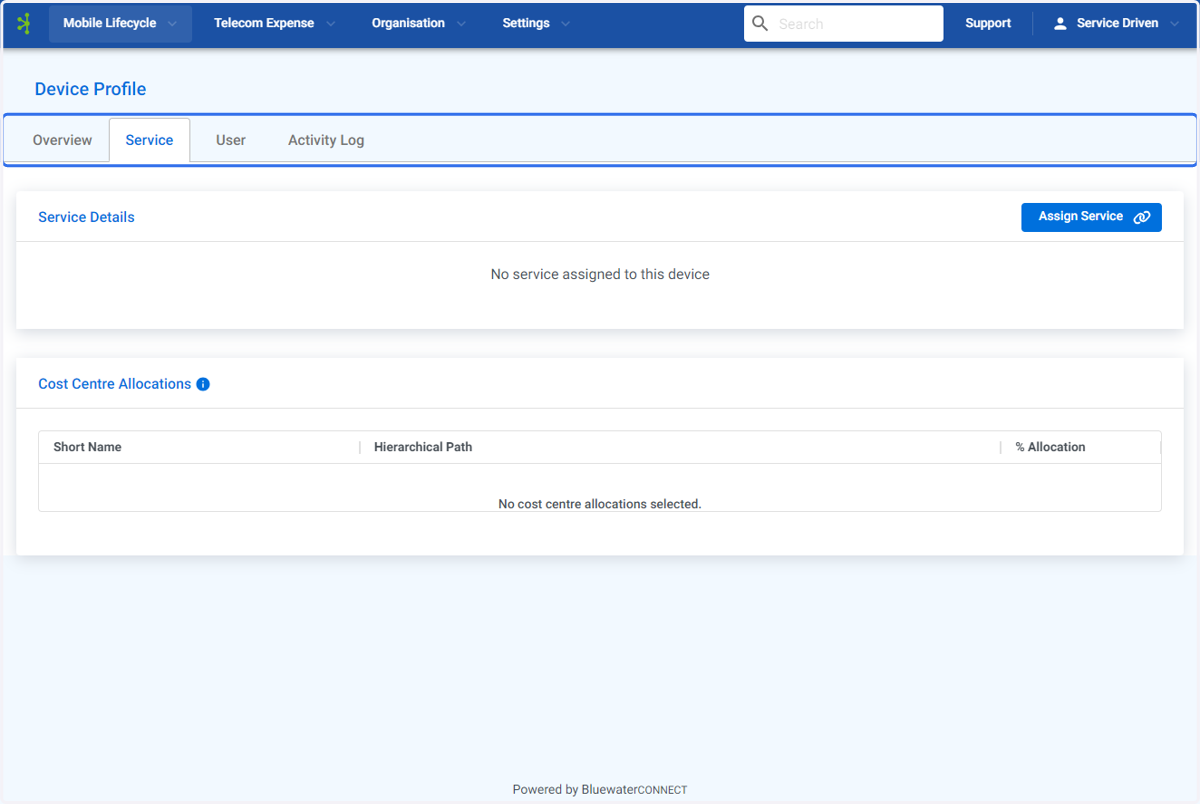
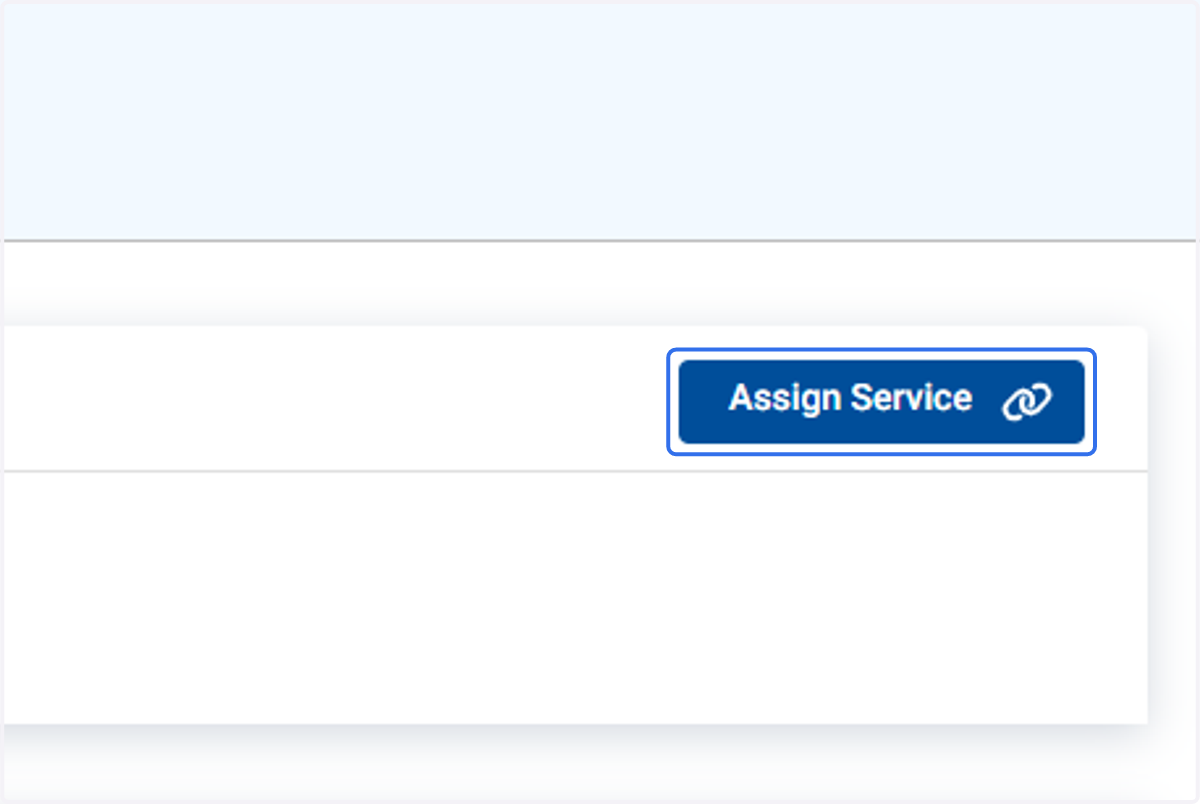
6. Click on Assign Service
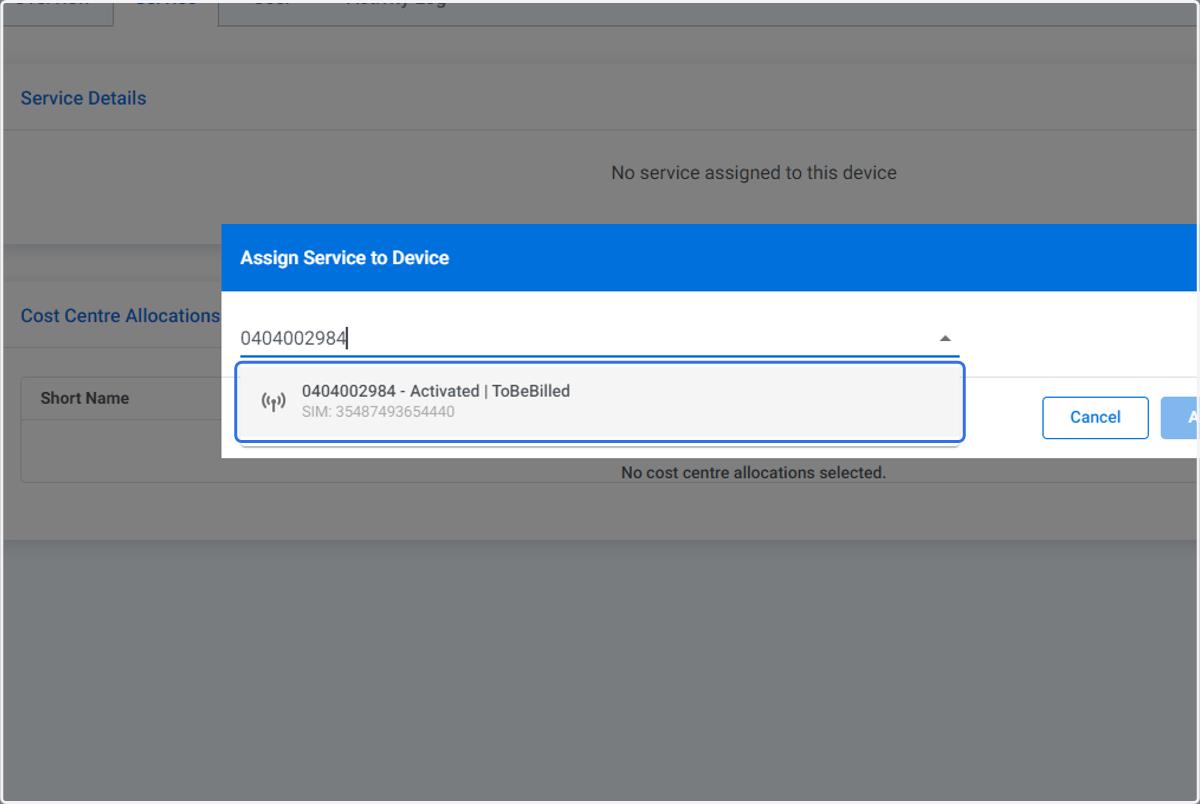
7. Type in the service number you wish to assign to the device.
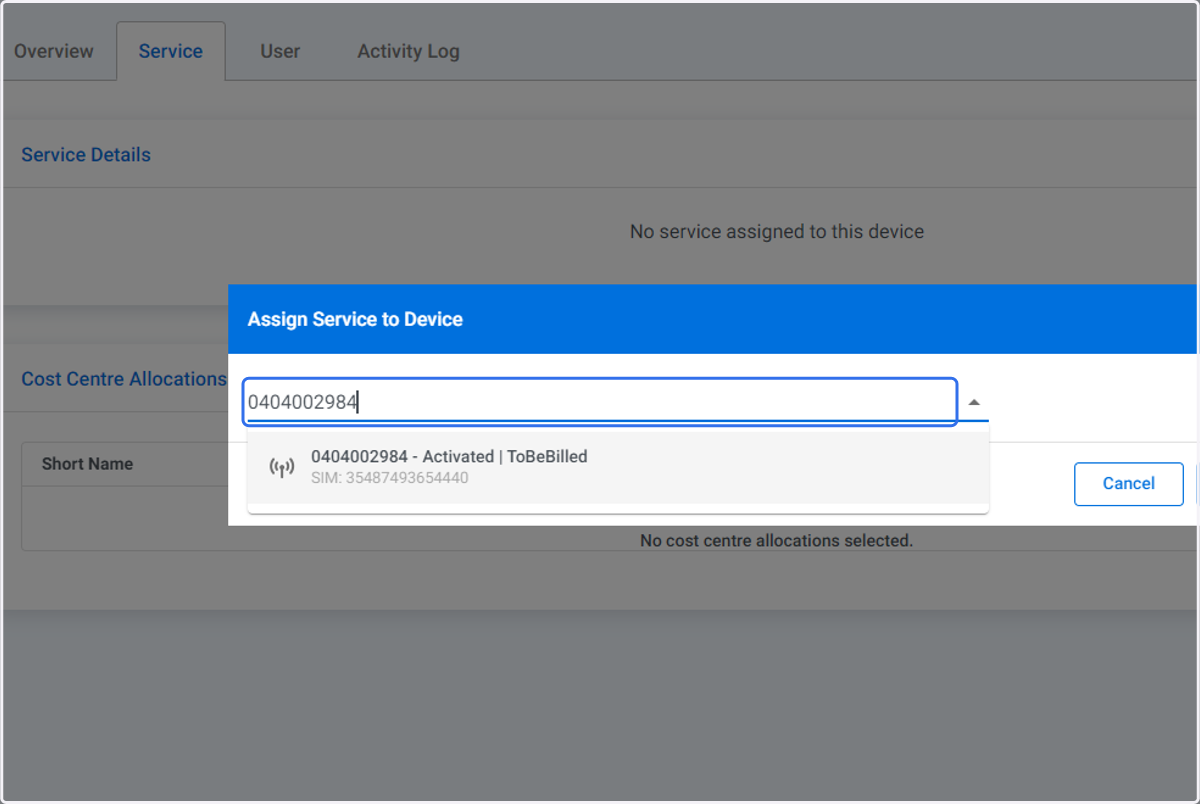
8. Click on the service number.
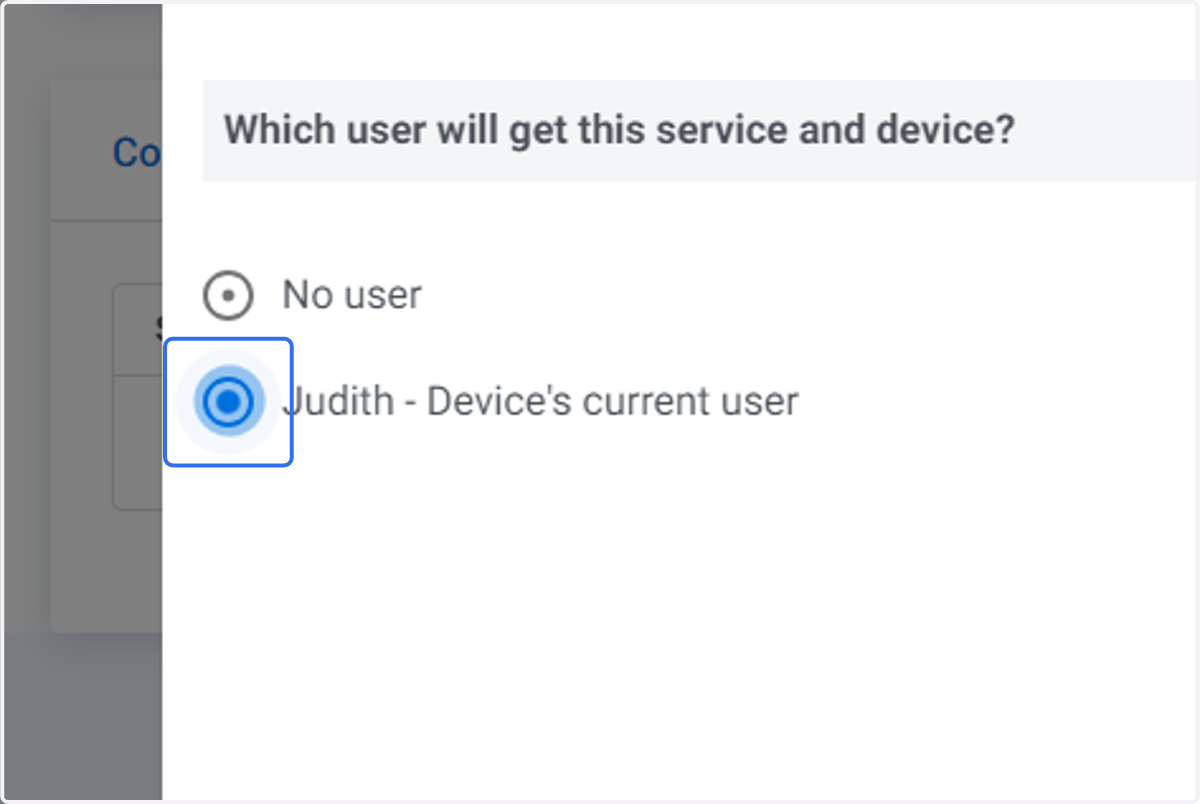
9. Select the user that links the service and device
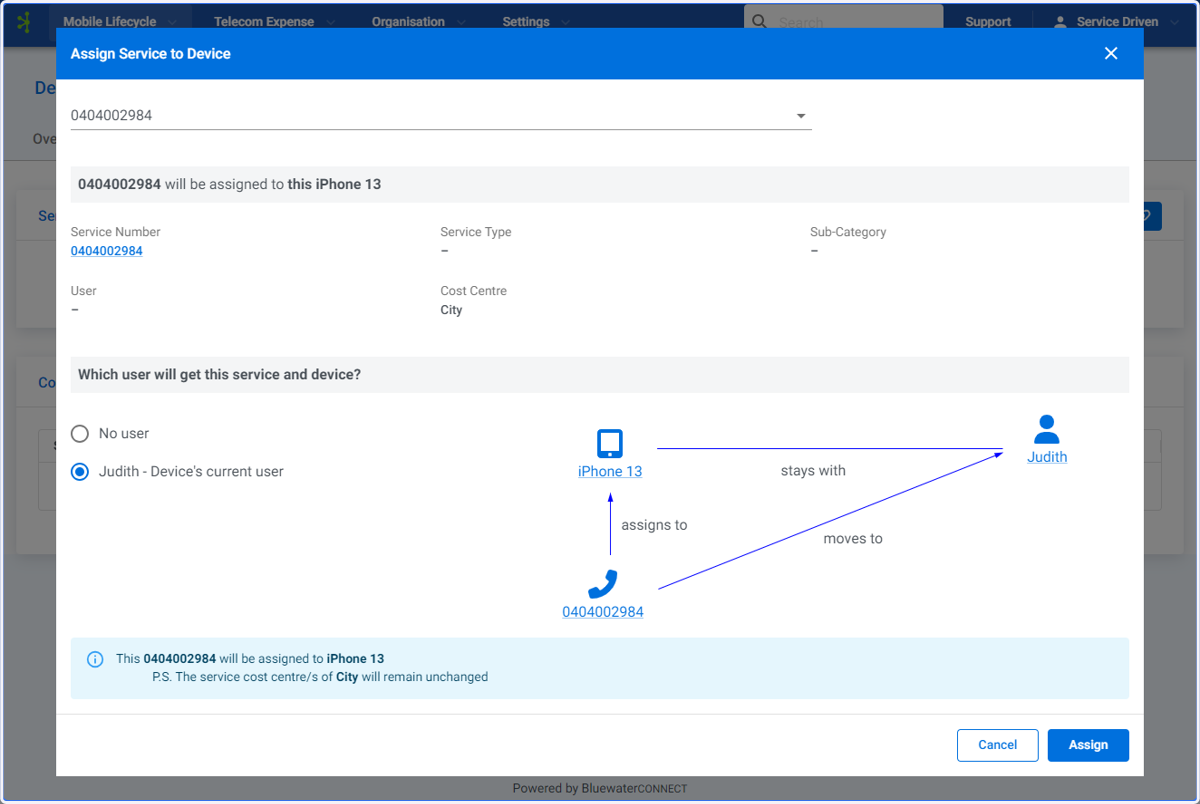
10. Assign Service to Device screen
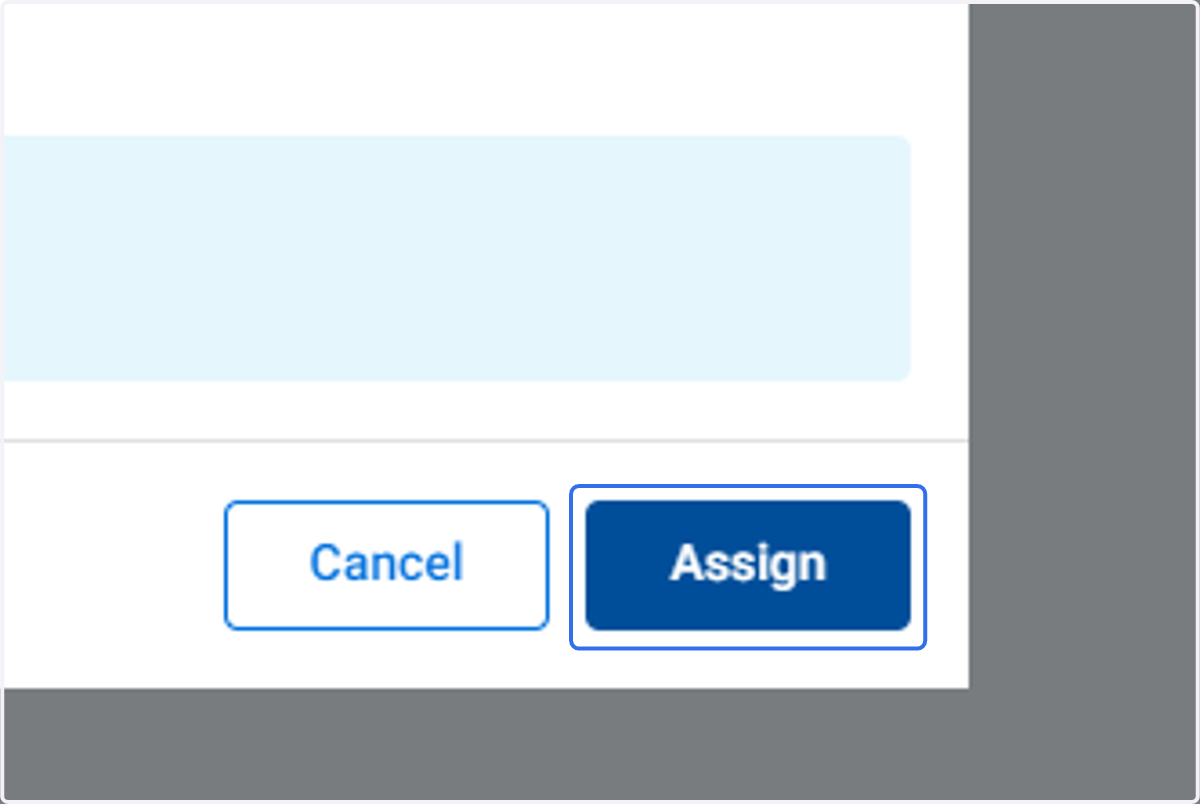
11. Click on Assign
12. The Device Profile Service screen will be displayed.