How to Create a Medical Policy, its Cost, and Add Members in Odoo iLines HR
Odoo
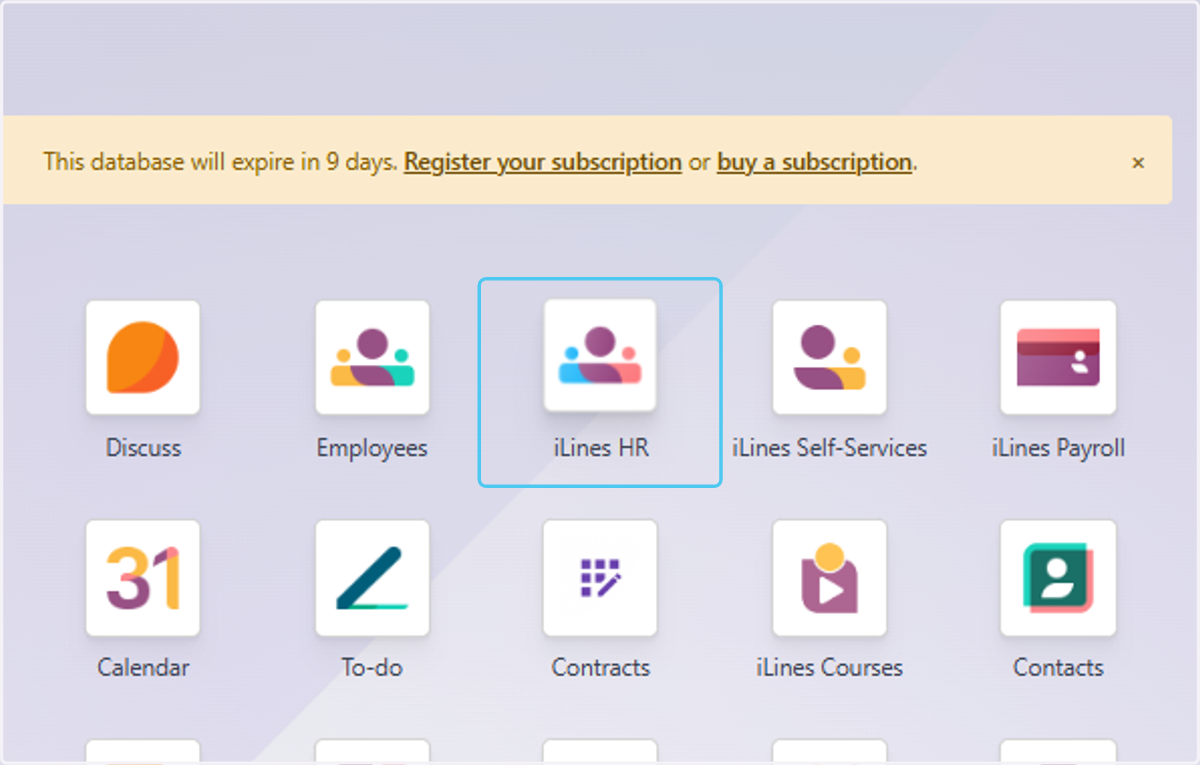
1. Click on iLines HR
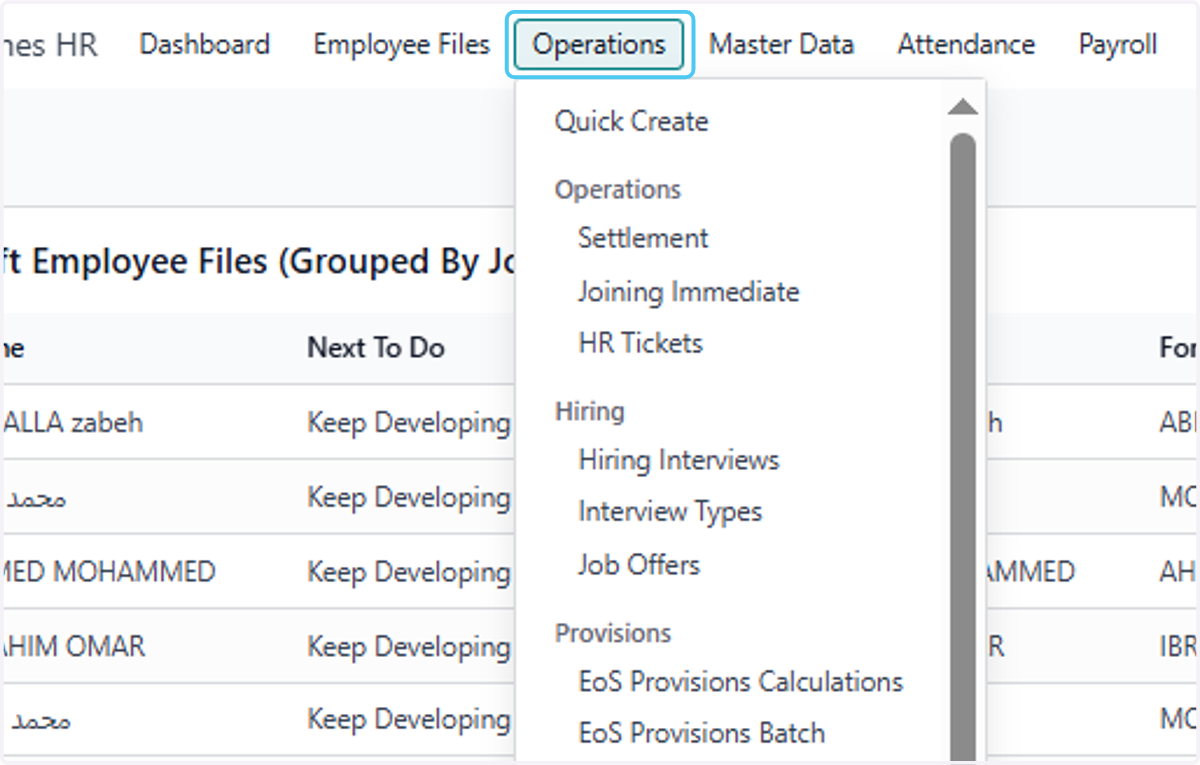
2. Click on Operations
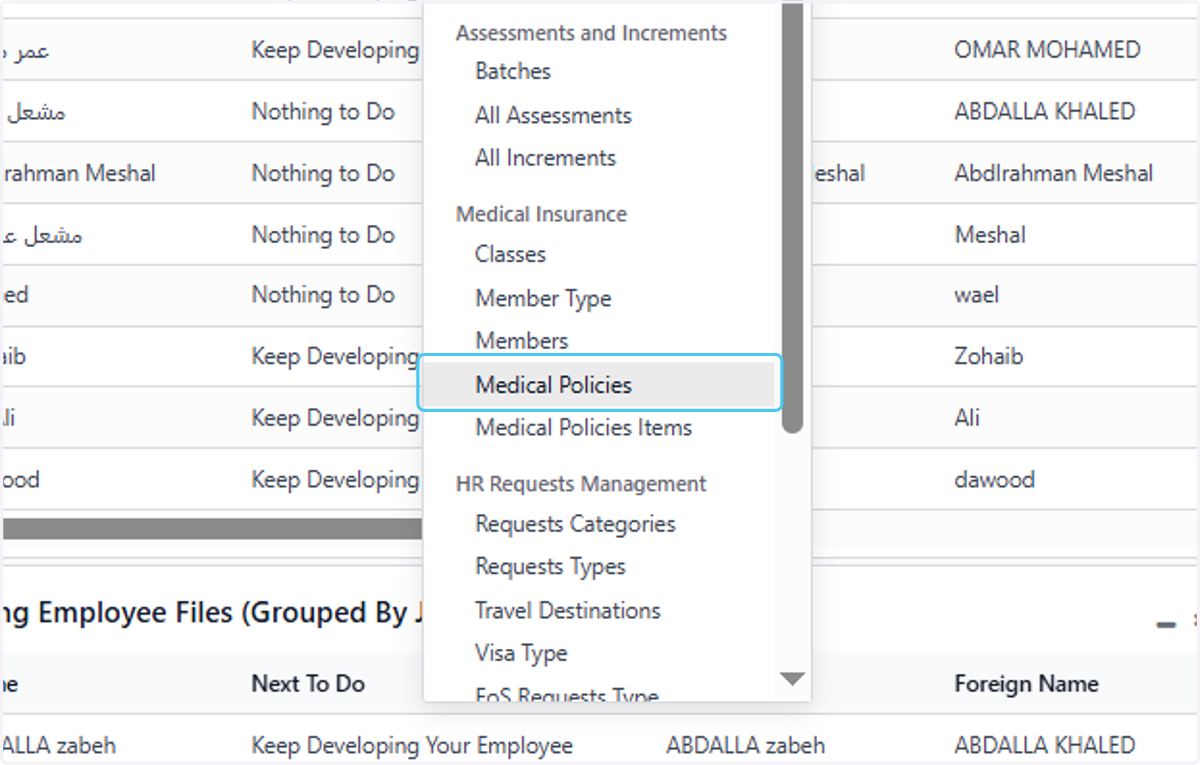
3. Click on Medical Policies
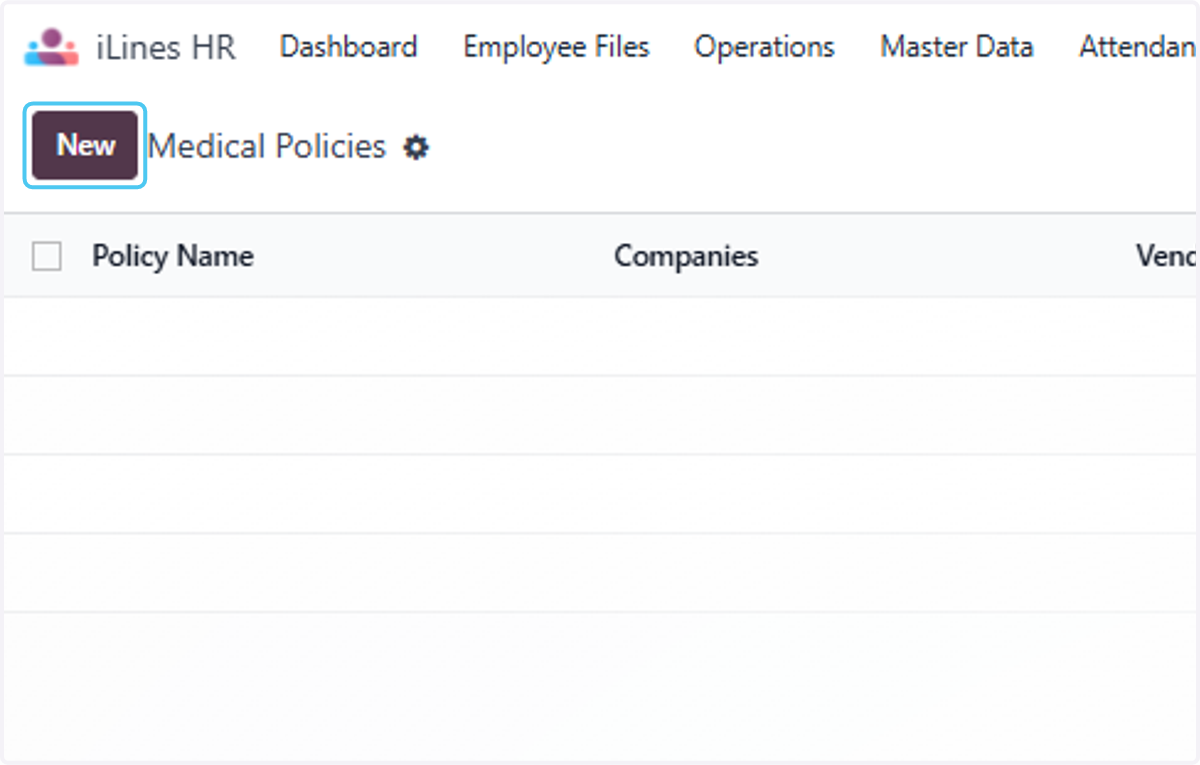
4. Click on New
5. Type "Medical Policy 2025"
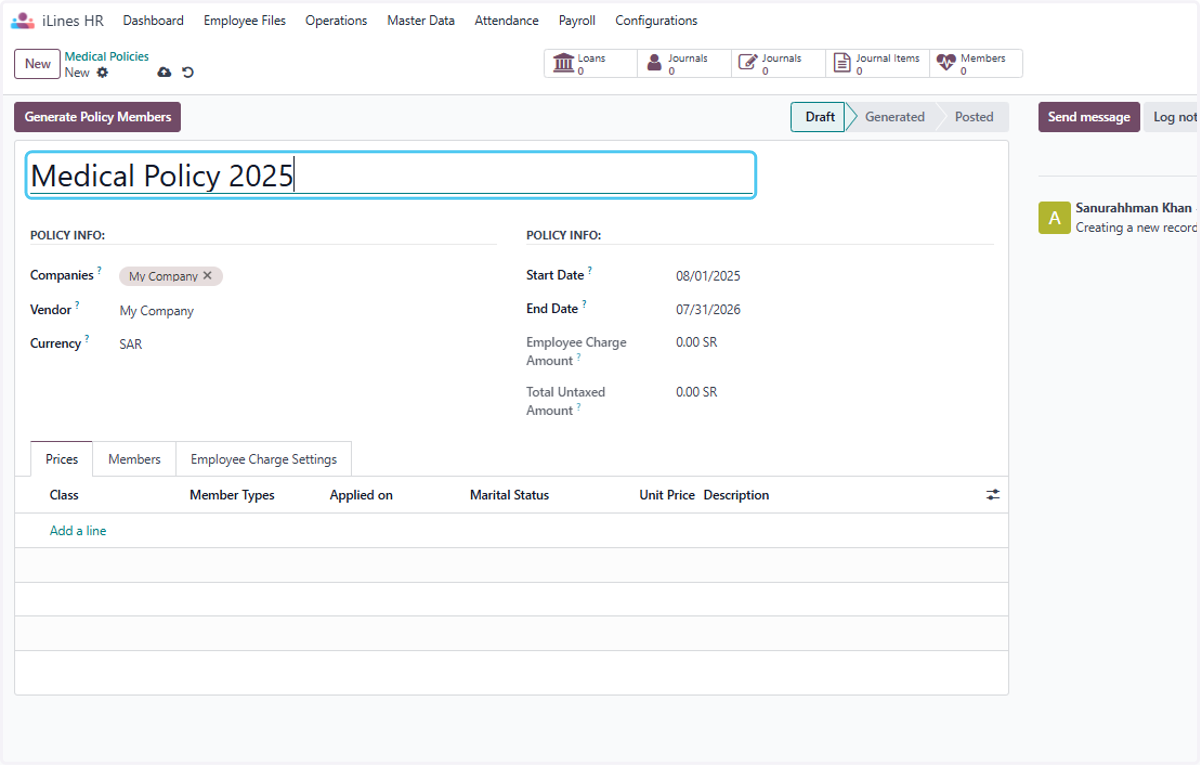
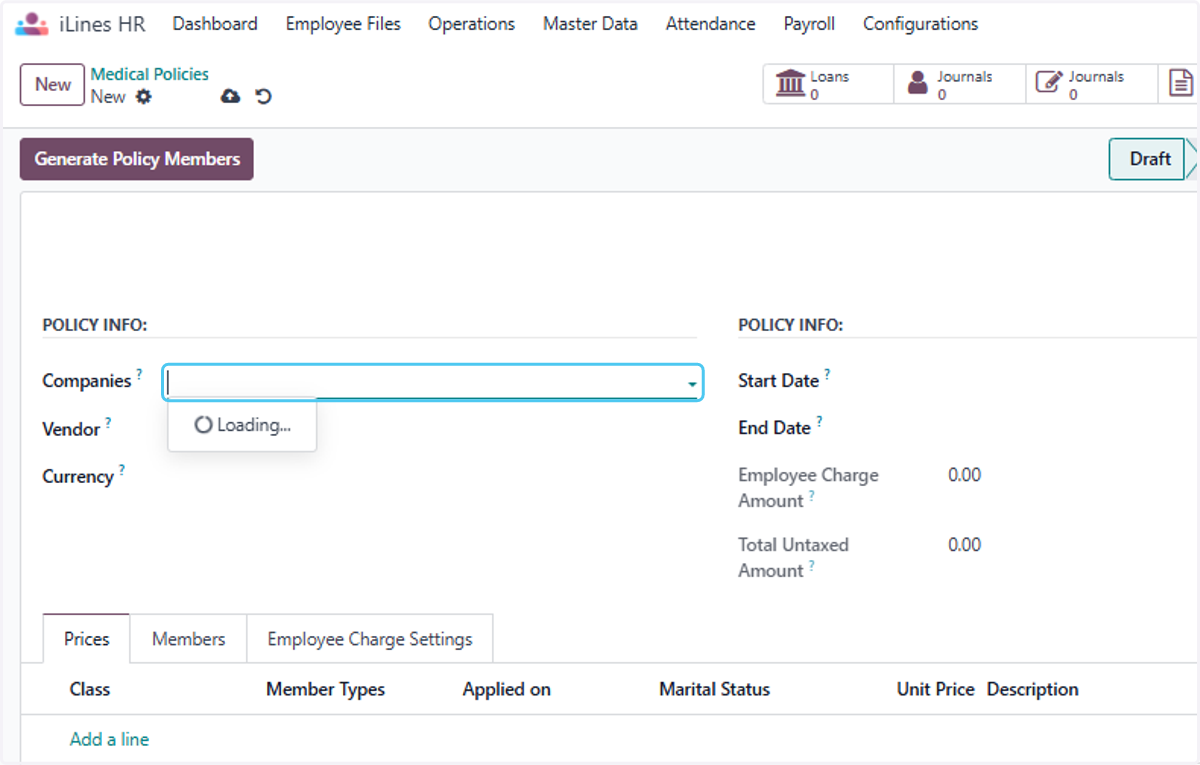
6. Click on Companies? and here you can select the Multiple Companies to Apply on Mutiple company employees
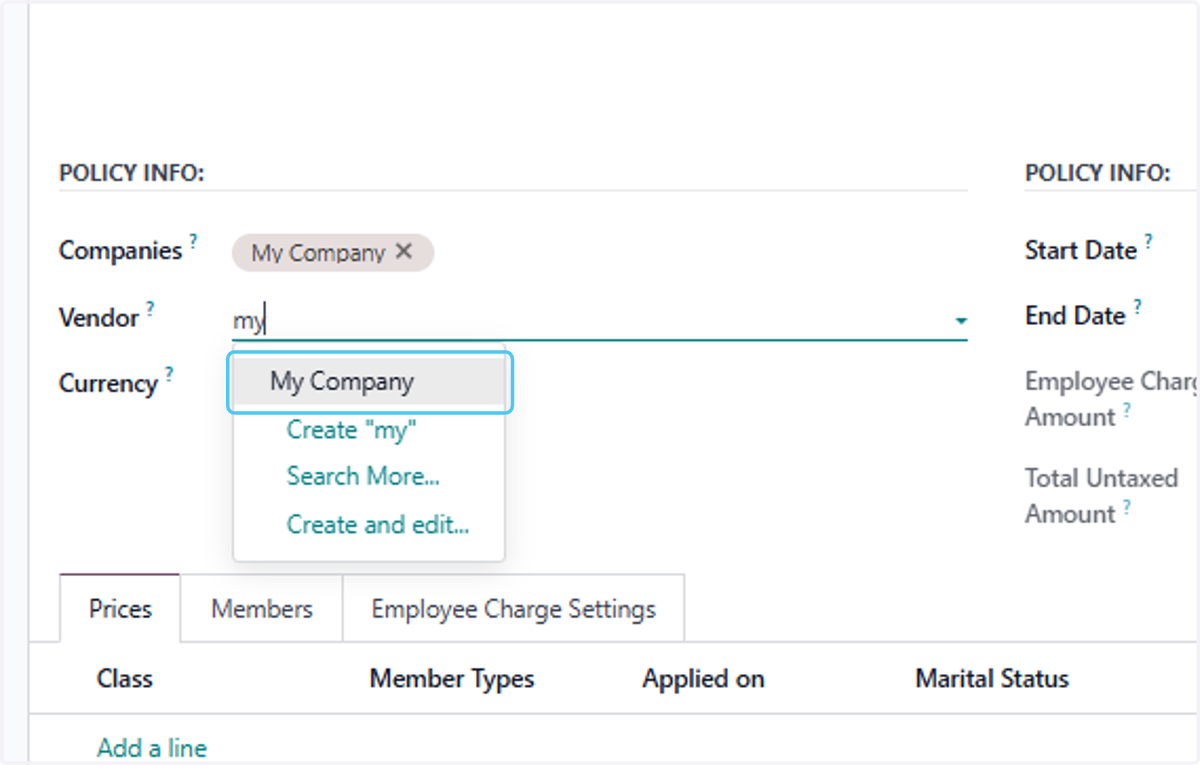
7. Click on My Company
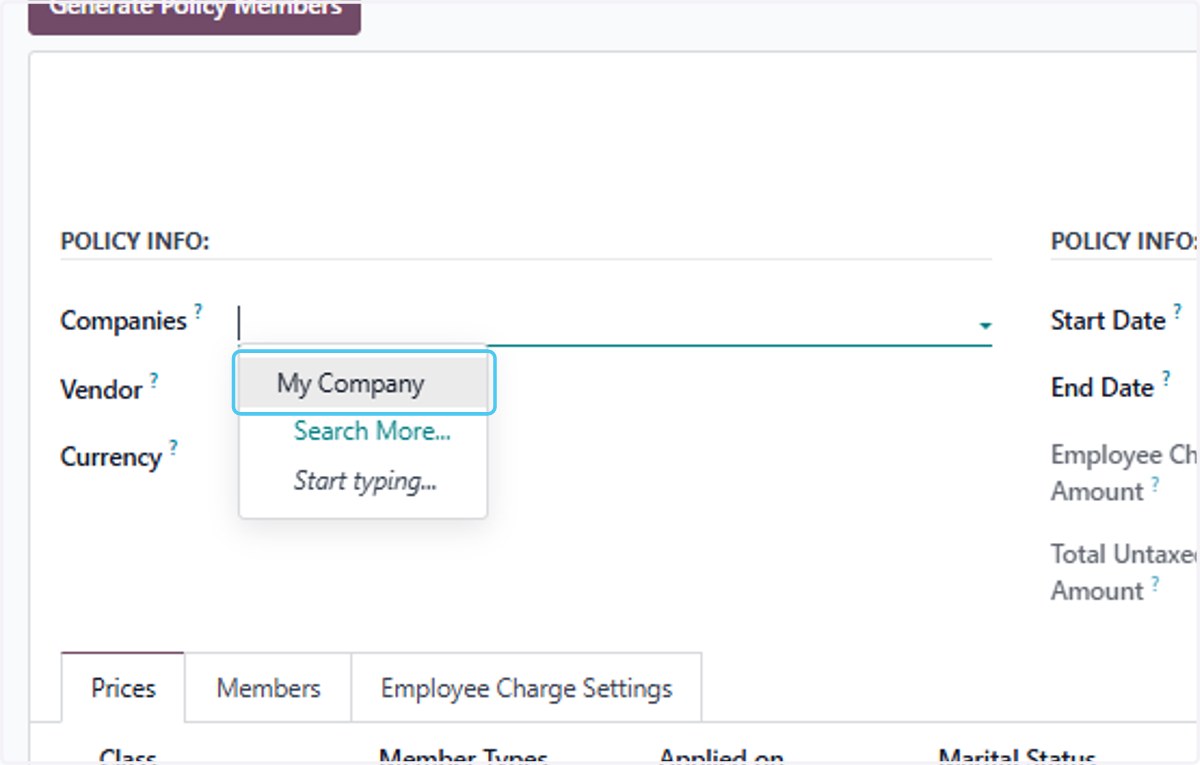
8. Click on My Company to Add as Contributer
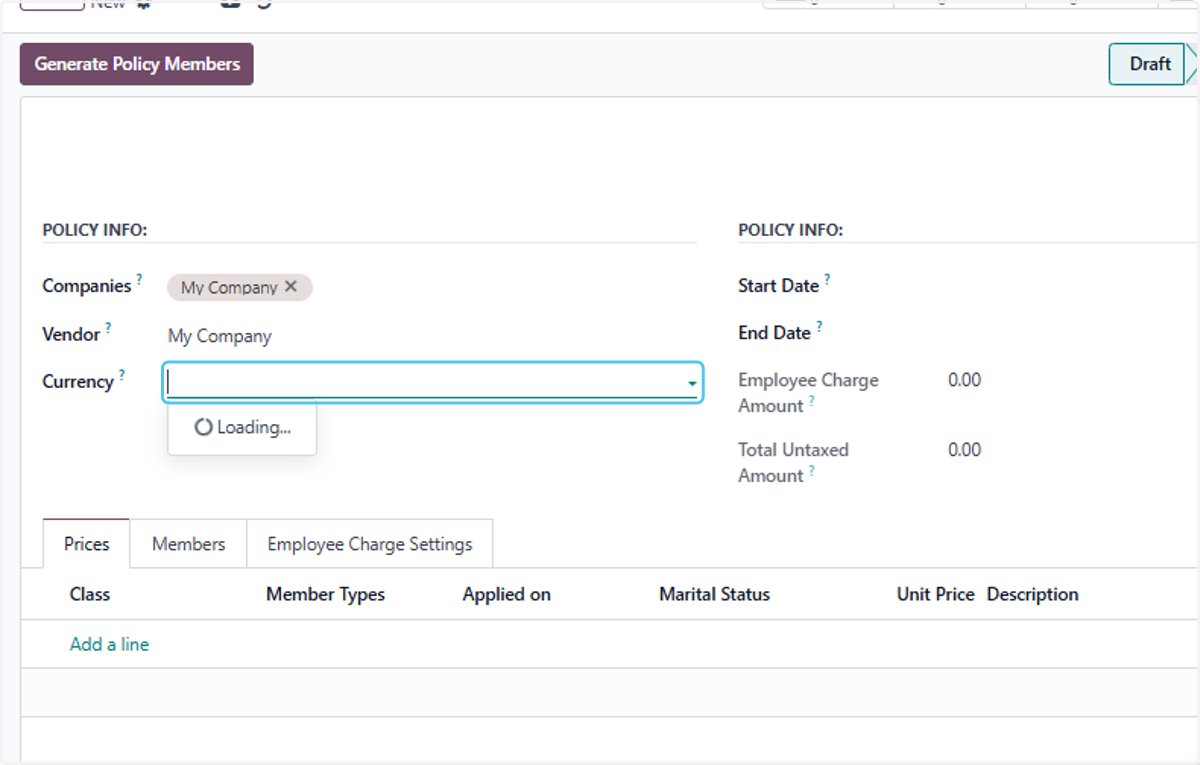
9. Click on Currency? and Select The Currency
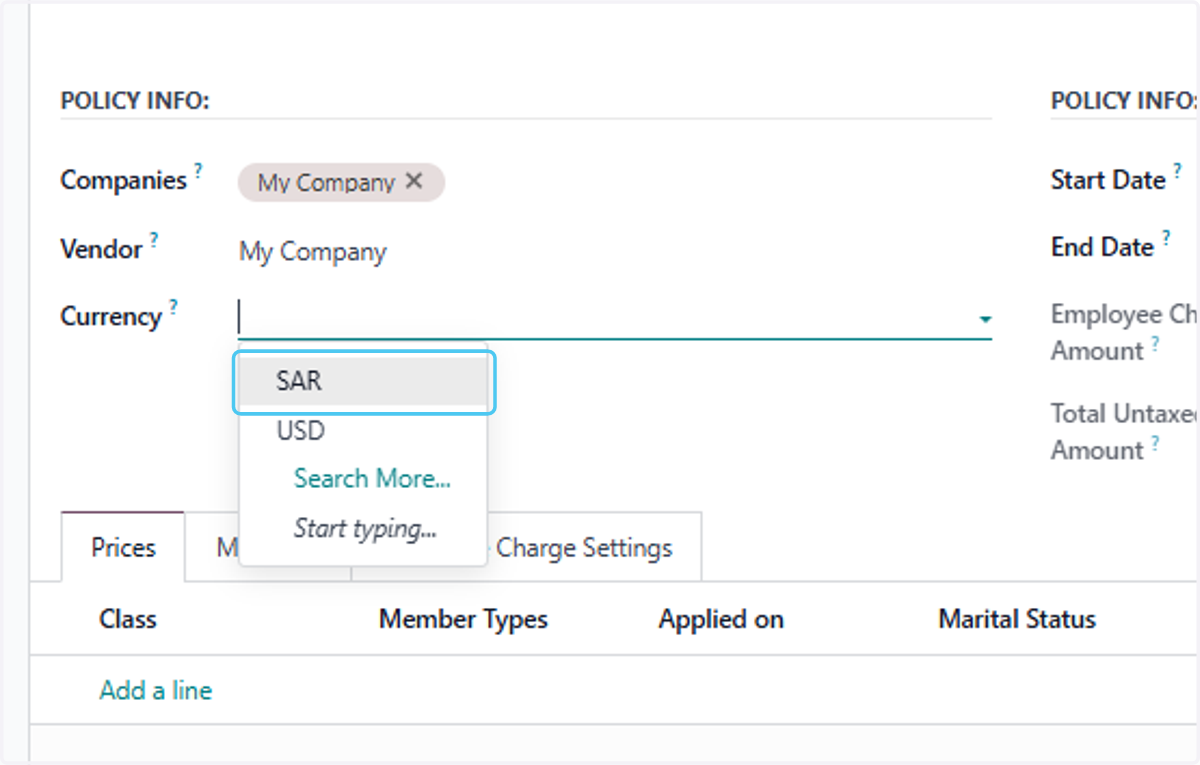
10. Click on SAR
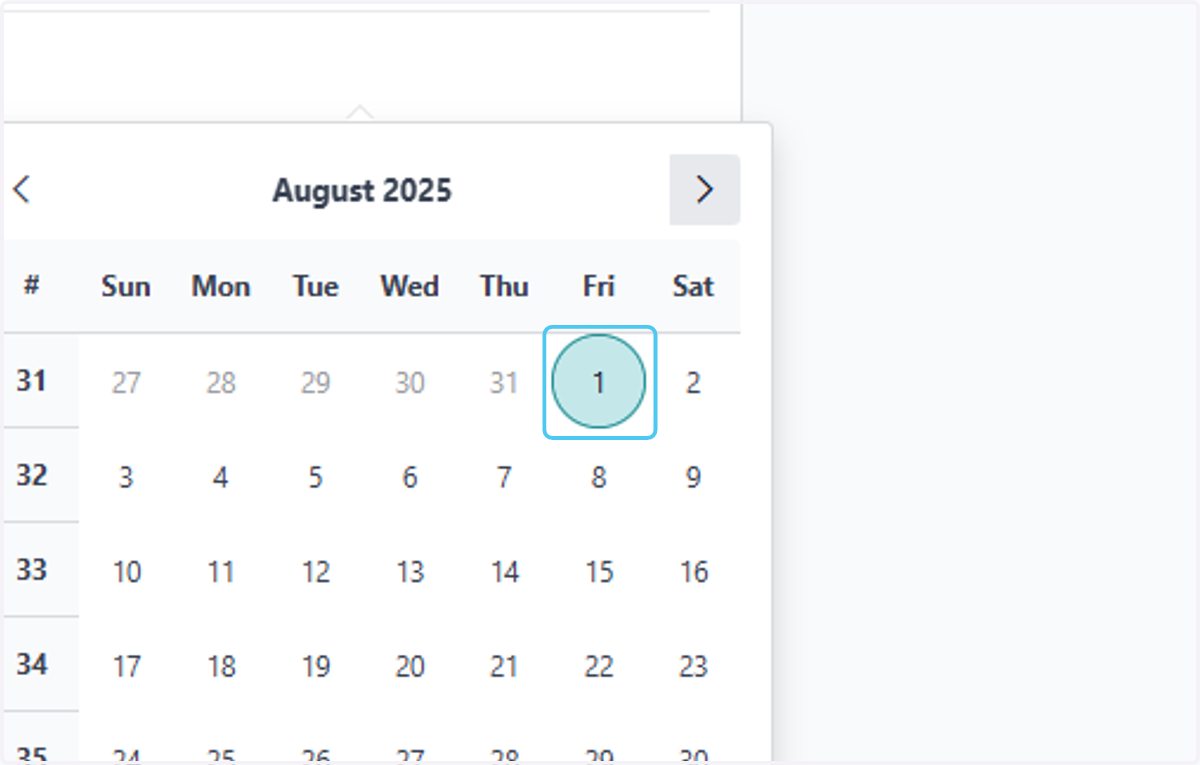
11. Click on Start Date? and Enter the Policy start date
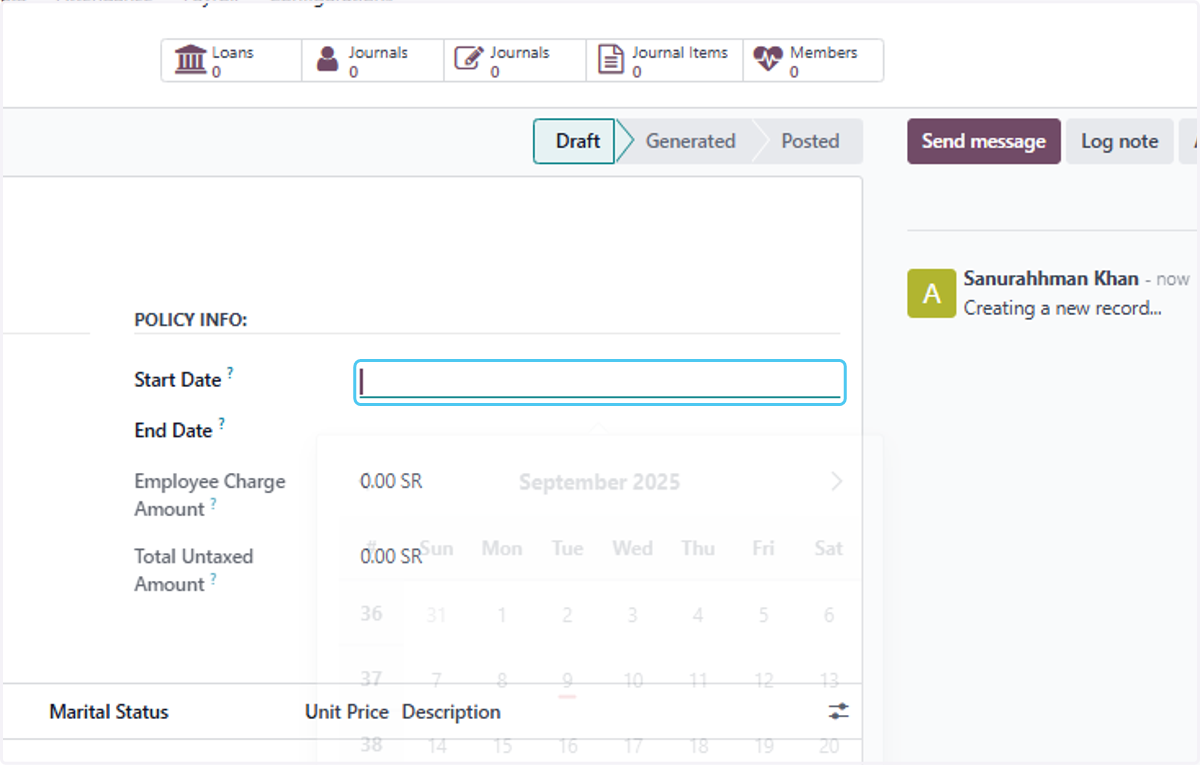
12. Click on September 2025…
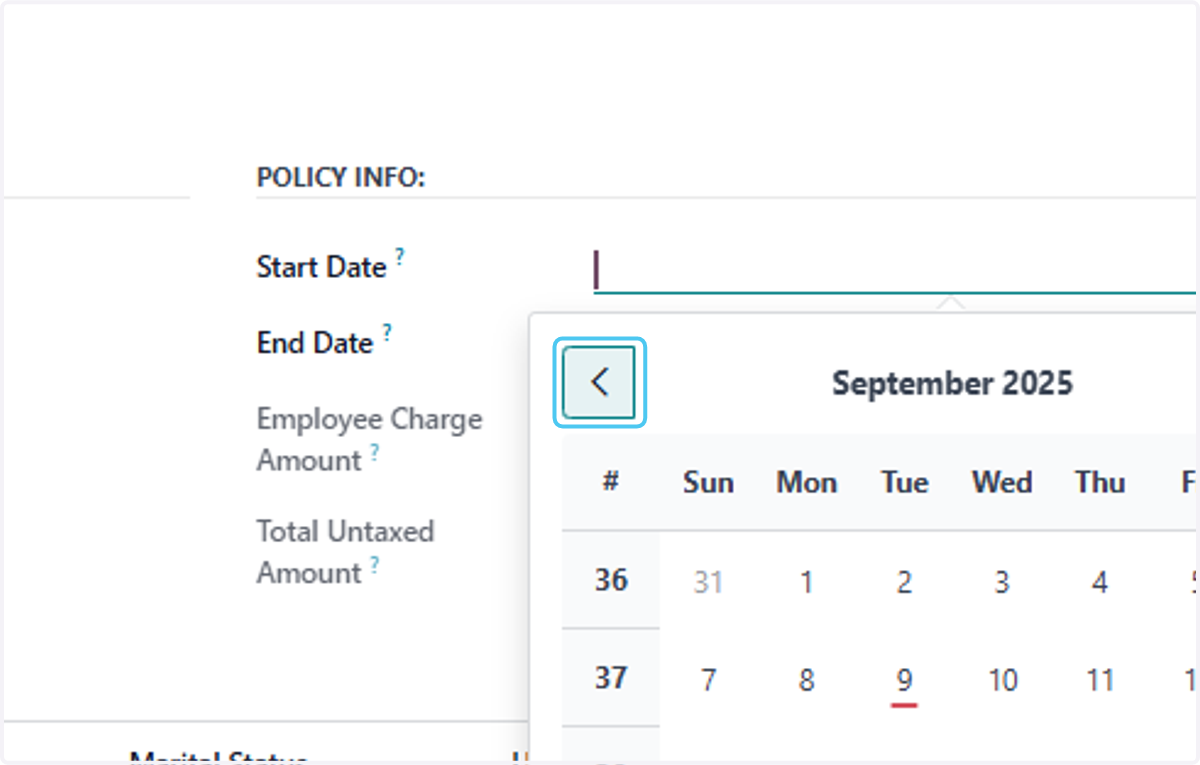
13. Click on 1
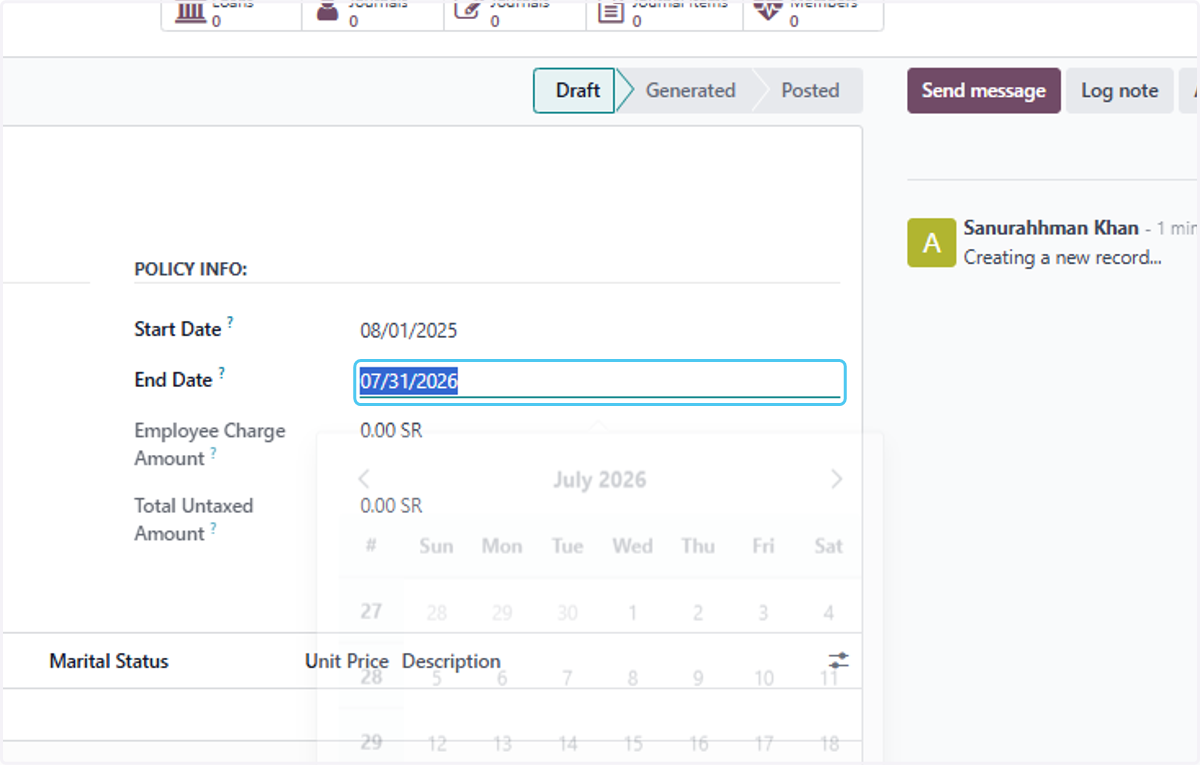
14. Click on End Date? This will be Auto created
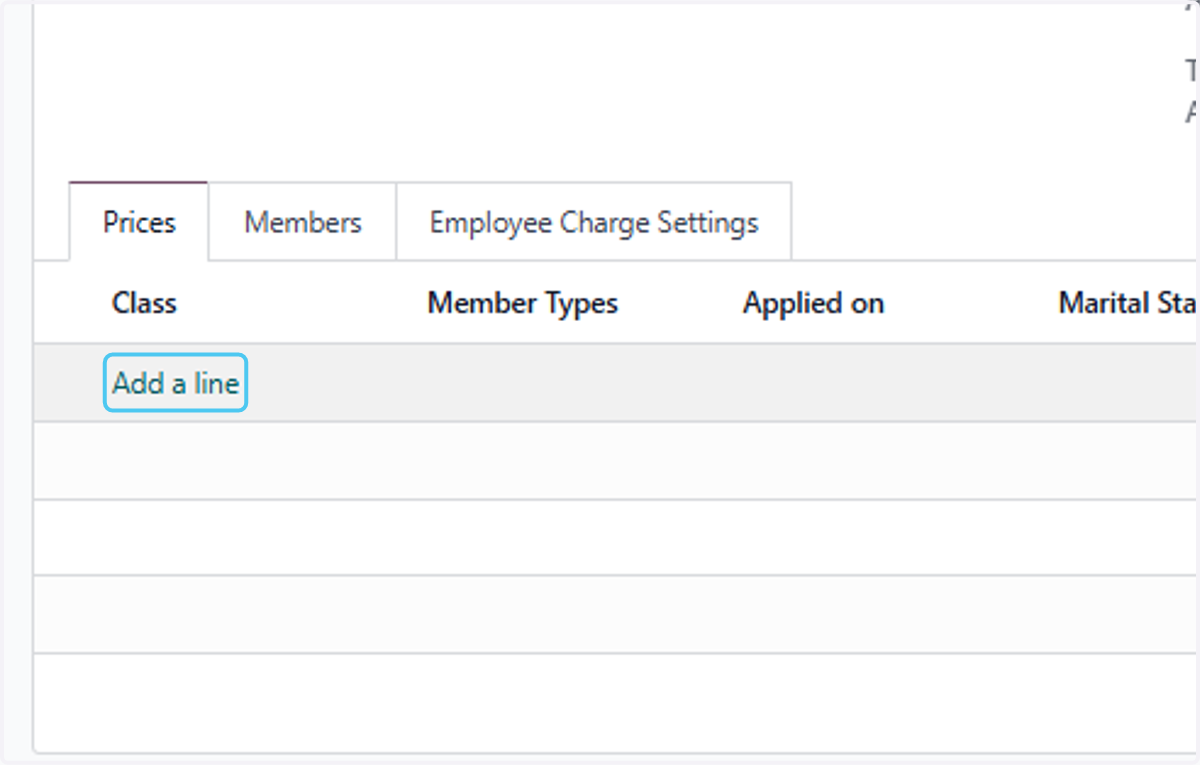
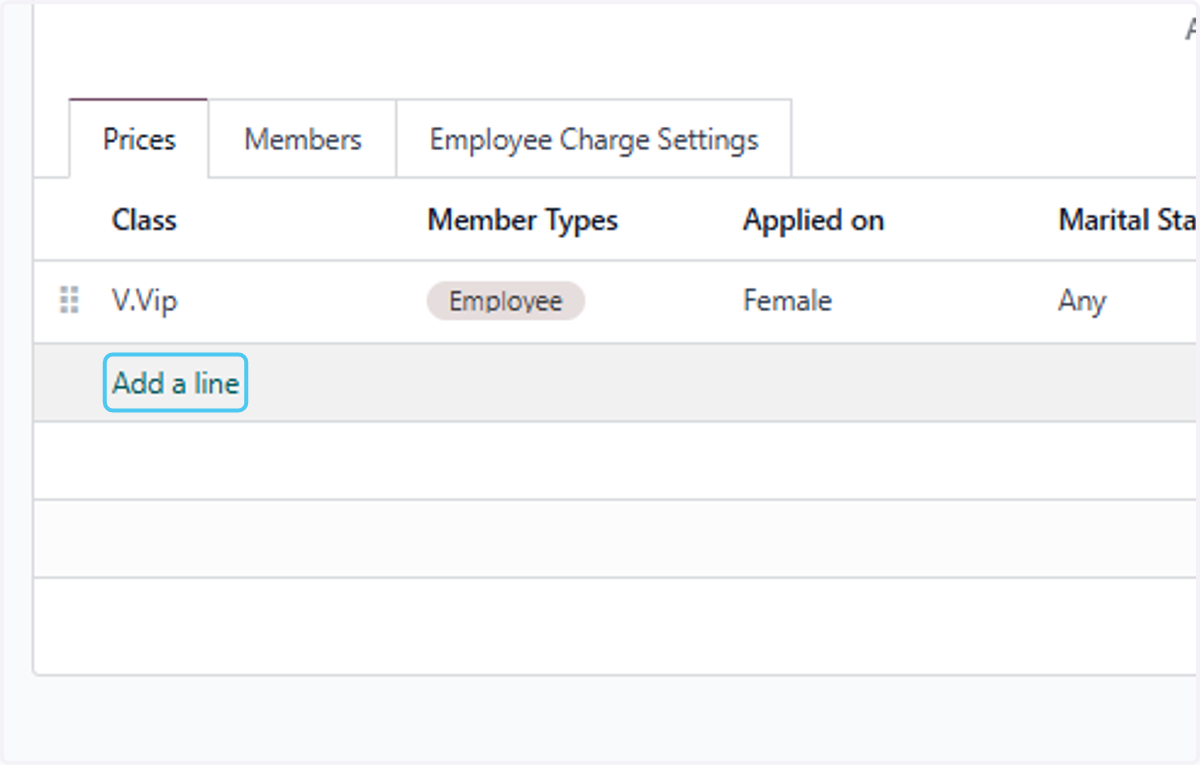
15. Click on Add a line to Add the Prices and Members
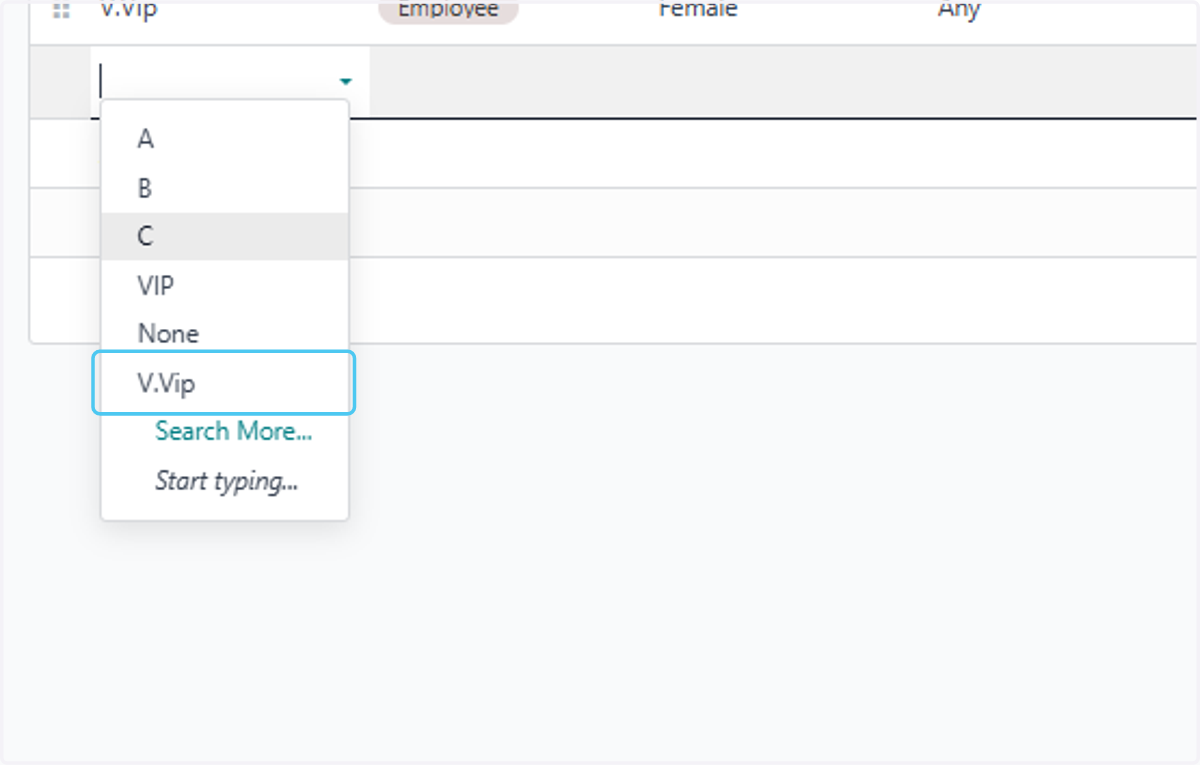
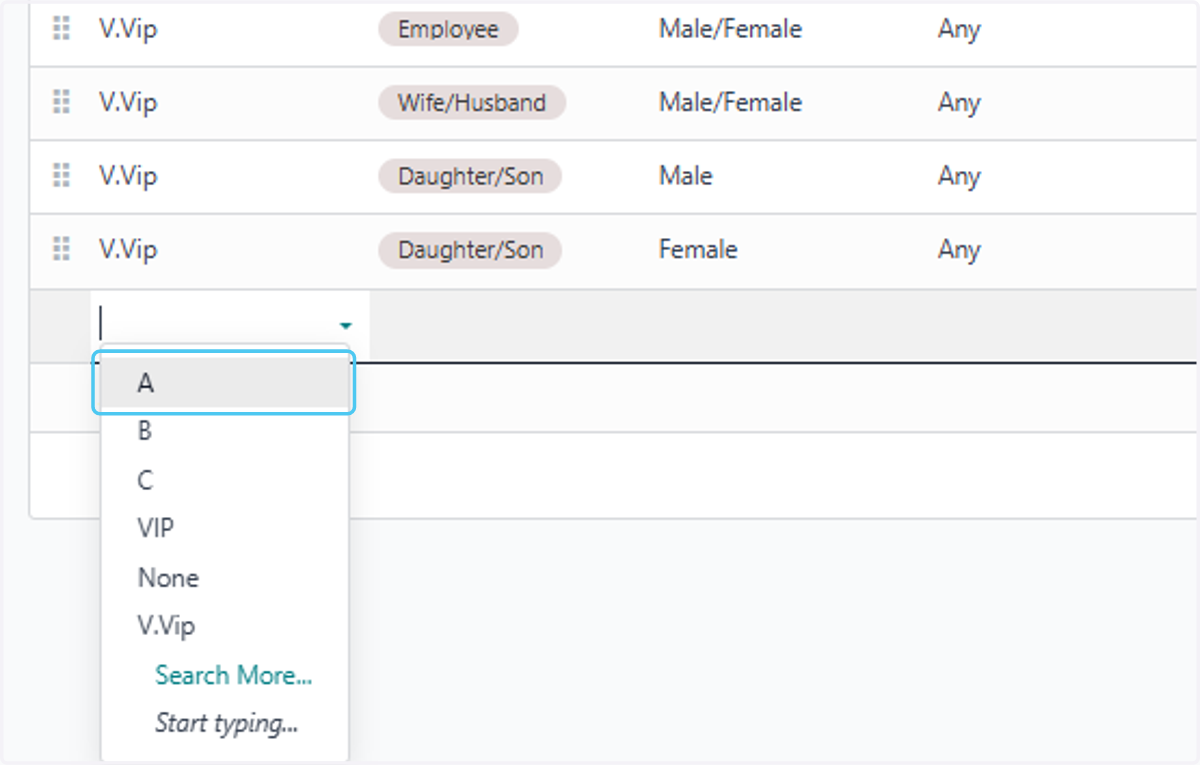
16. Click on V.Vip Select the Medical Class
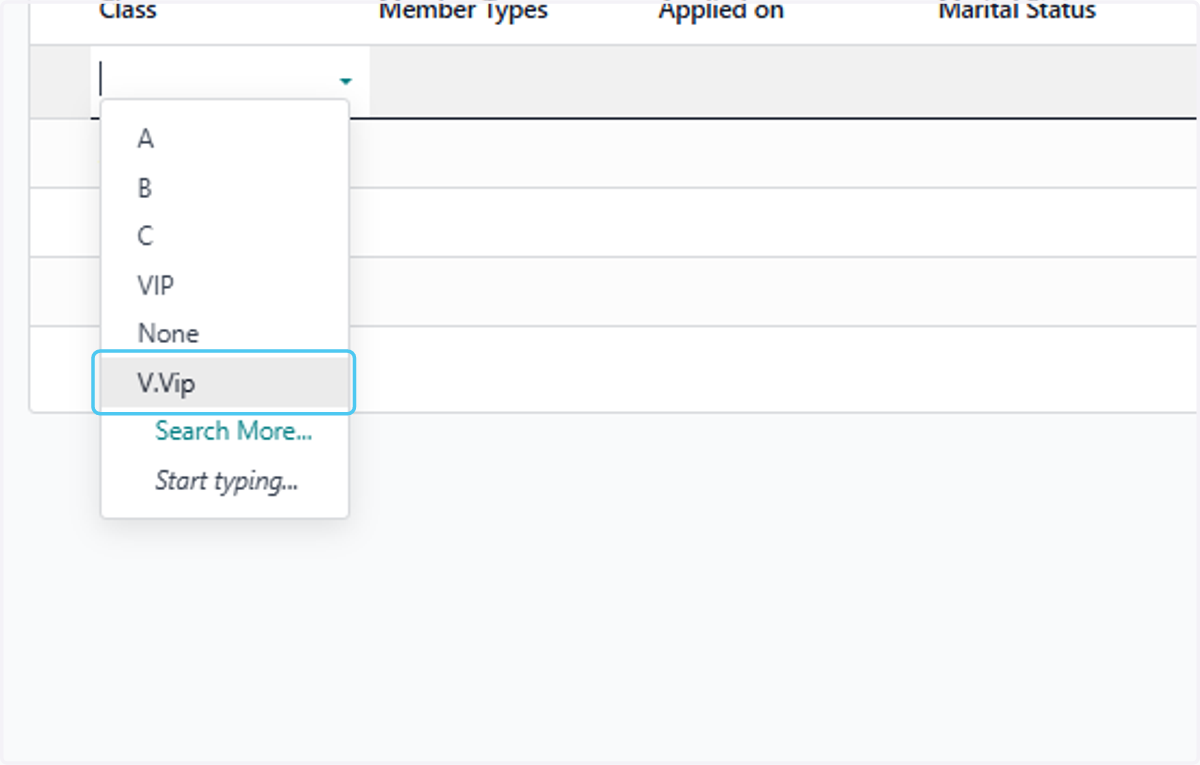
17. Click on dropdown trigger and add Members type
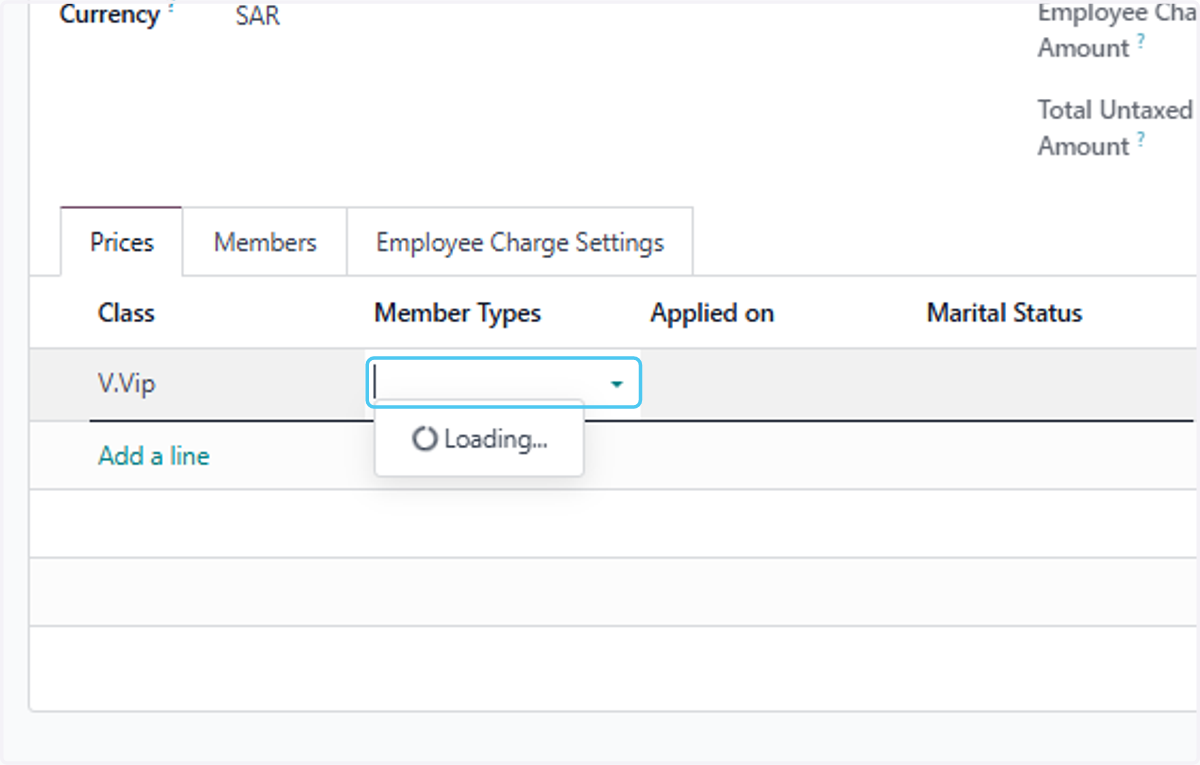
18. Click on Employee
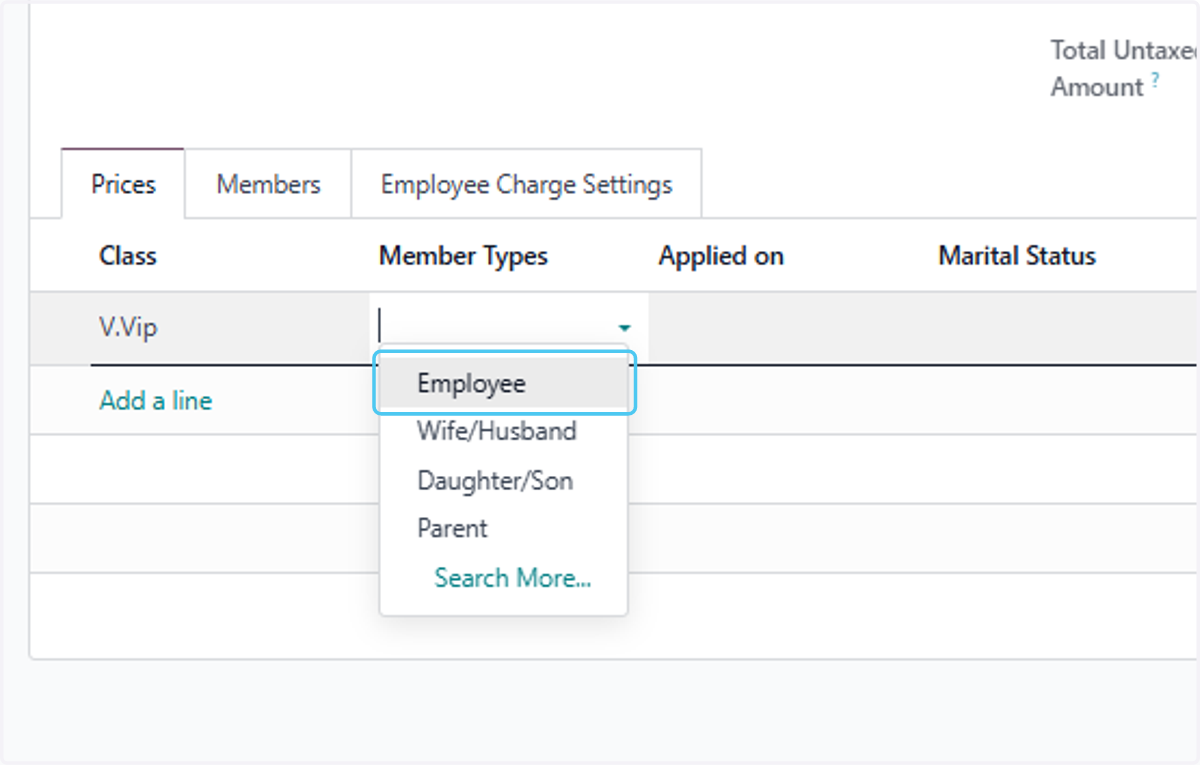
19. Click on the dropdown trigger you can add multiple member types
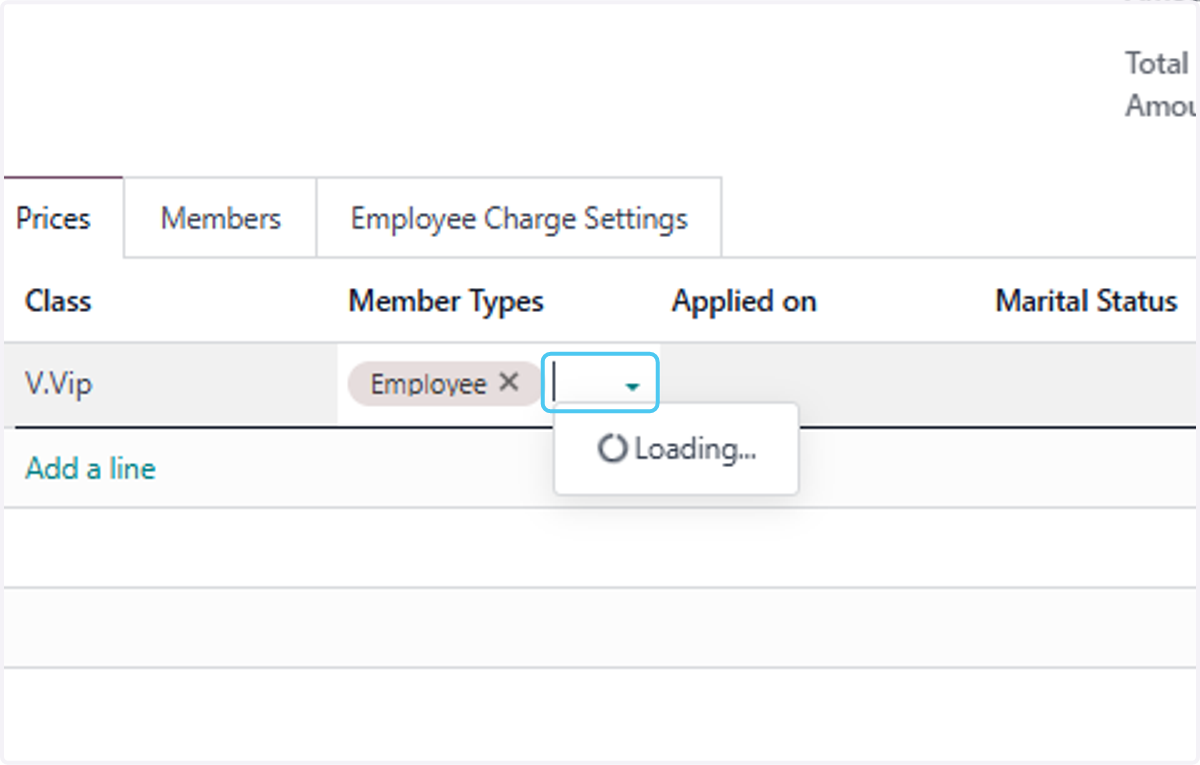
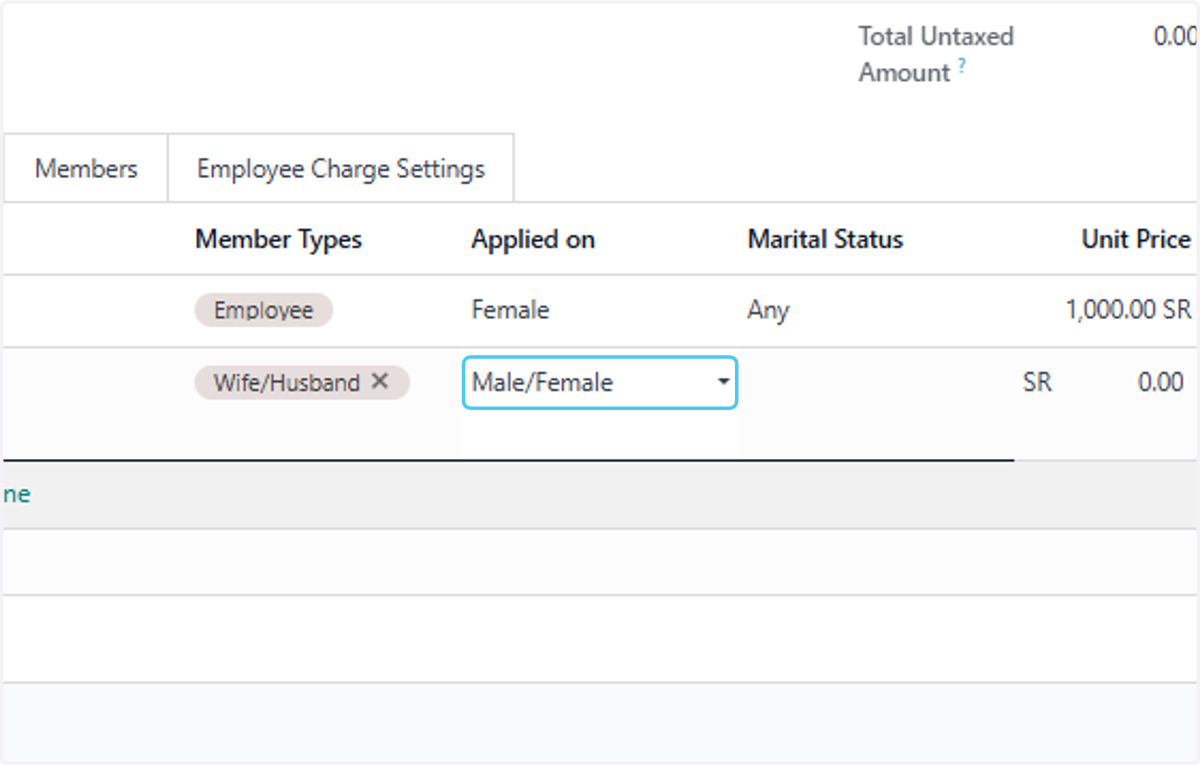
20. Select Male/Female or nay other option on Applied on
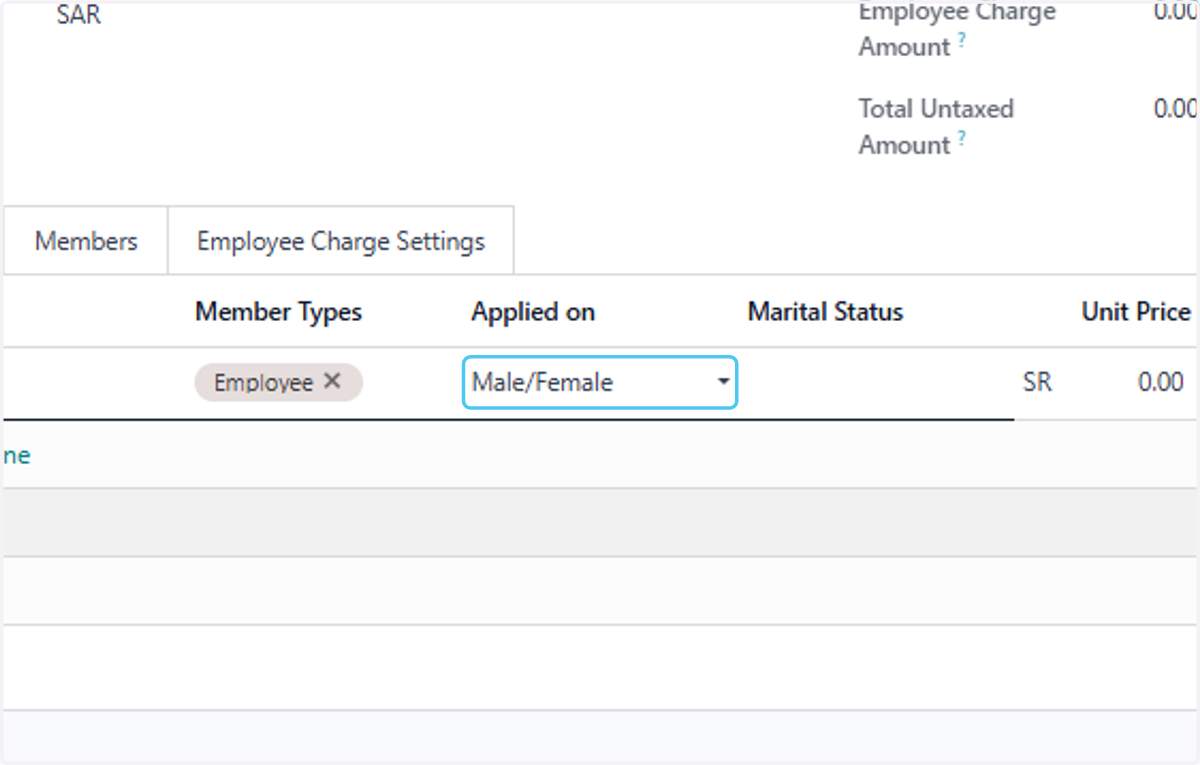
21. Select Female
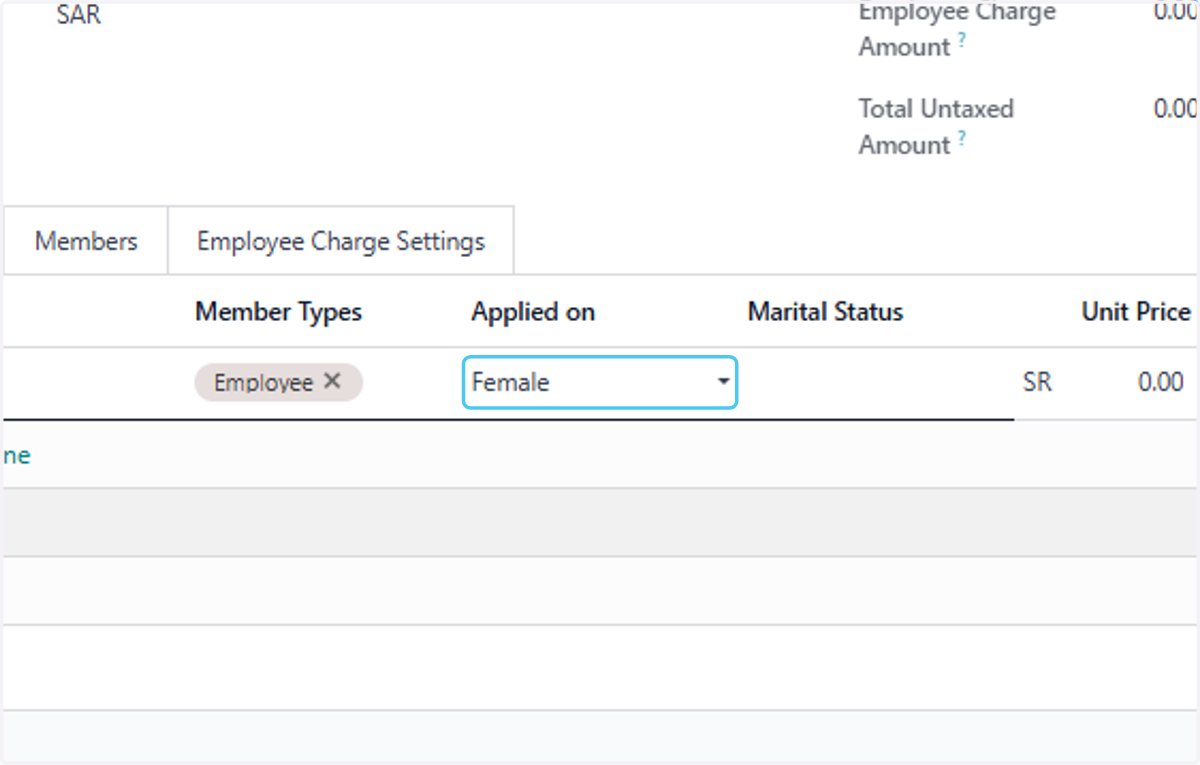
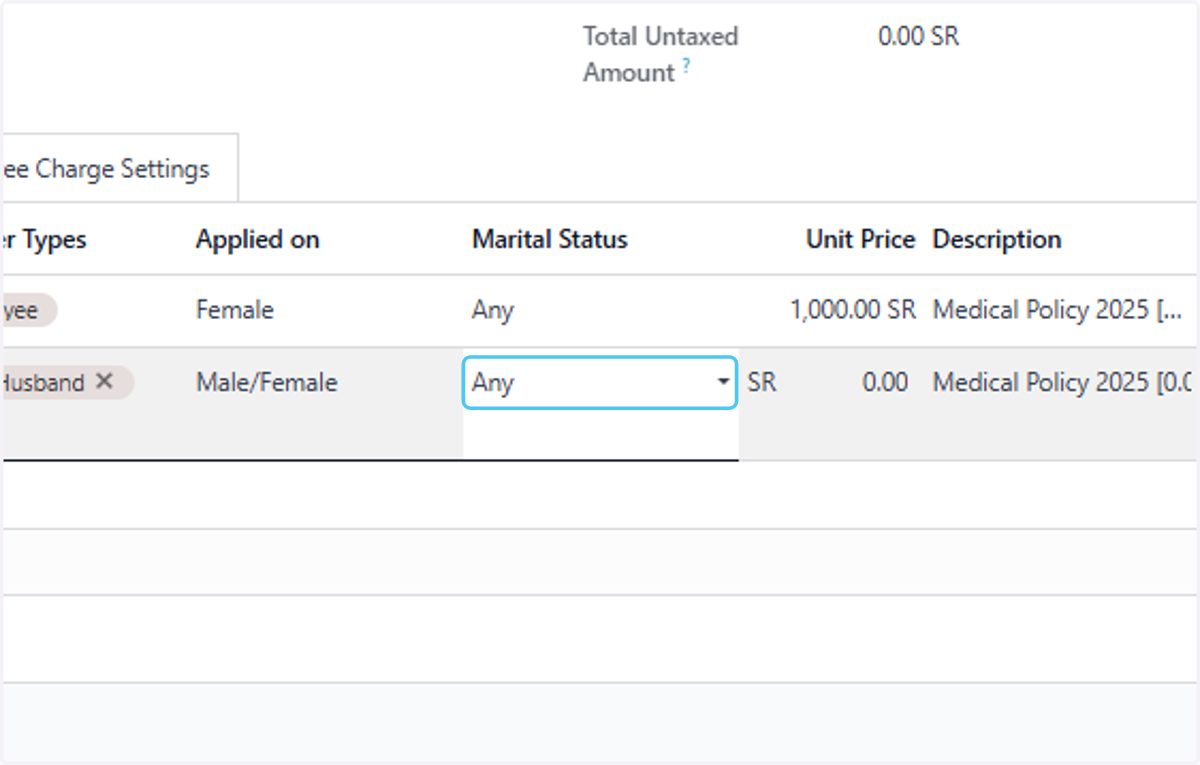
22. Select Any Select the Marital Status According to your Requirement
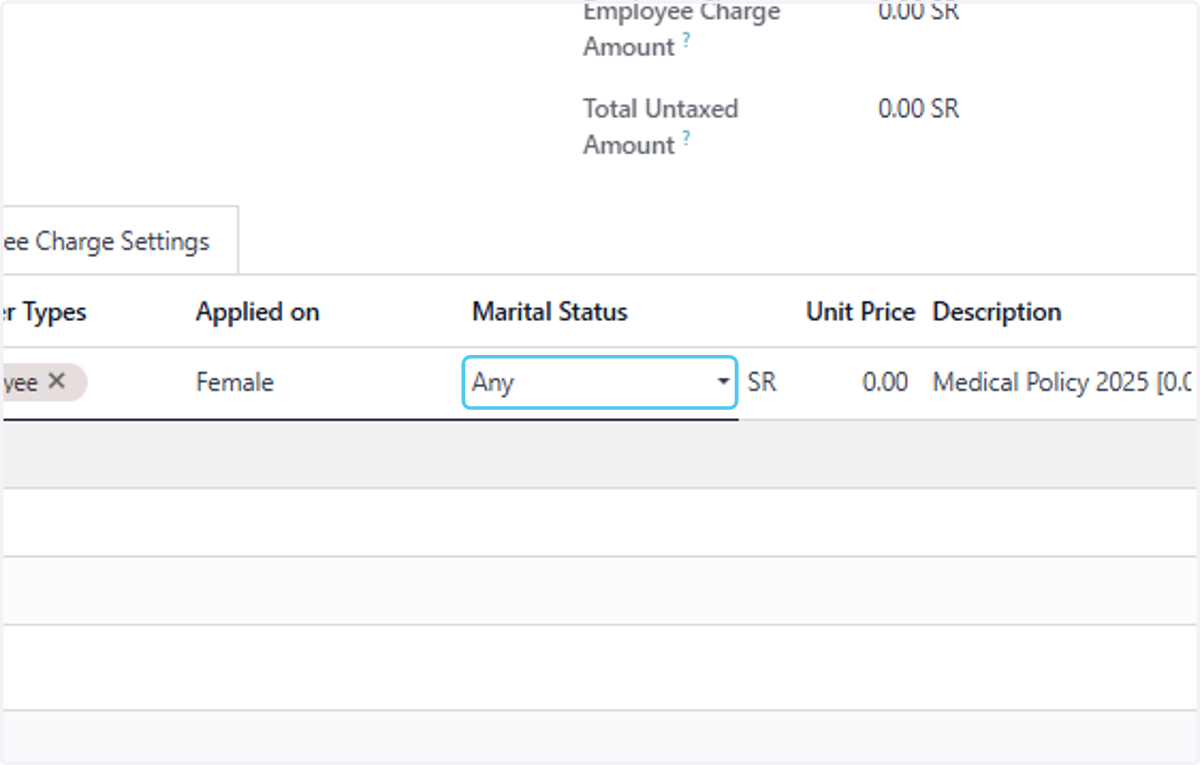
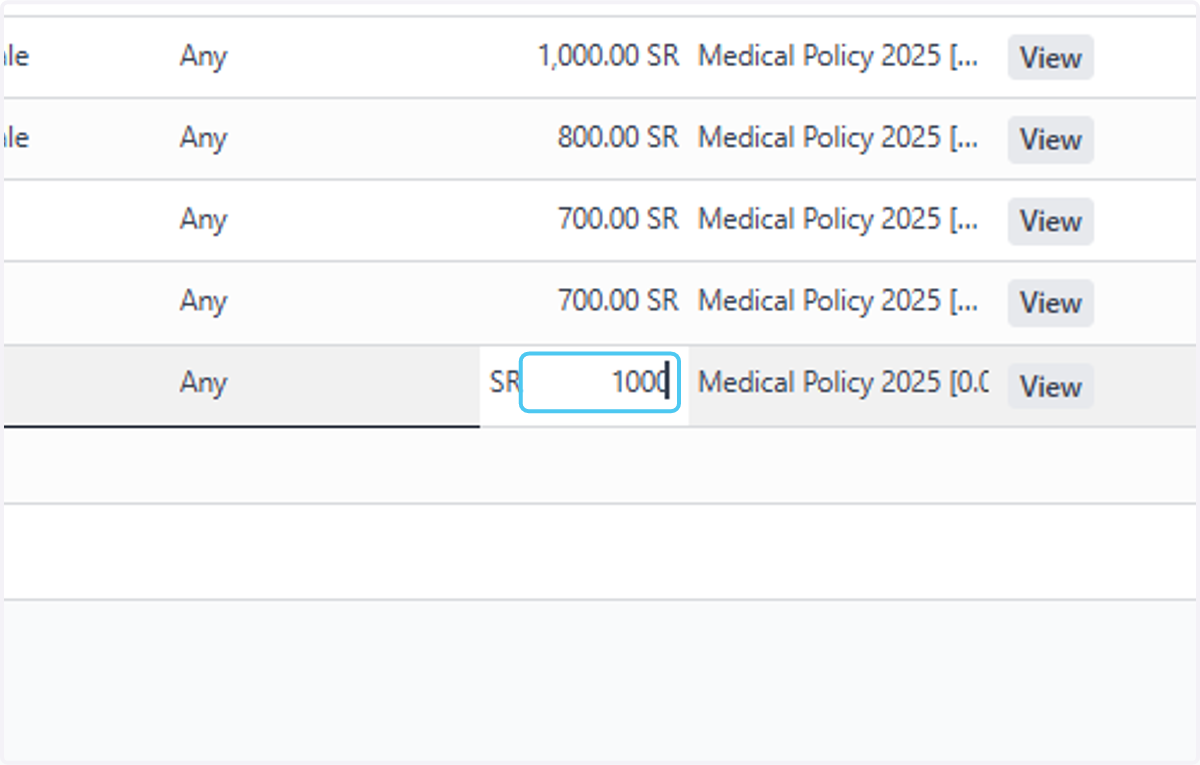
23. Add amount of the medical Inssurance Type "1000"
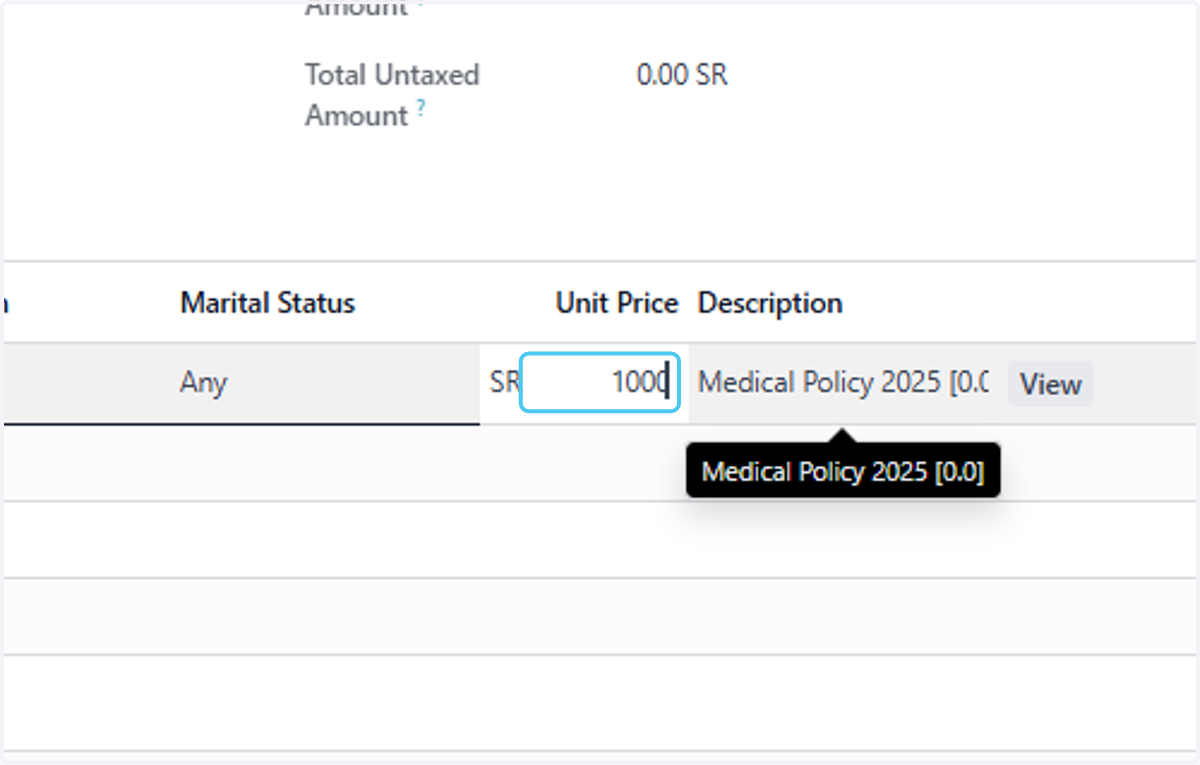
24. Click on Add a line
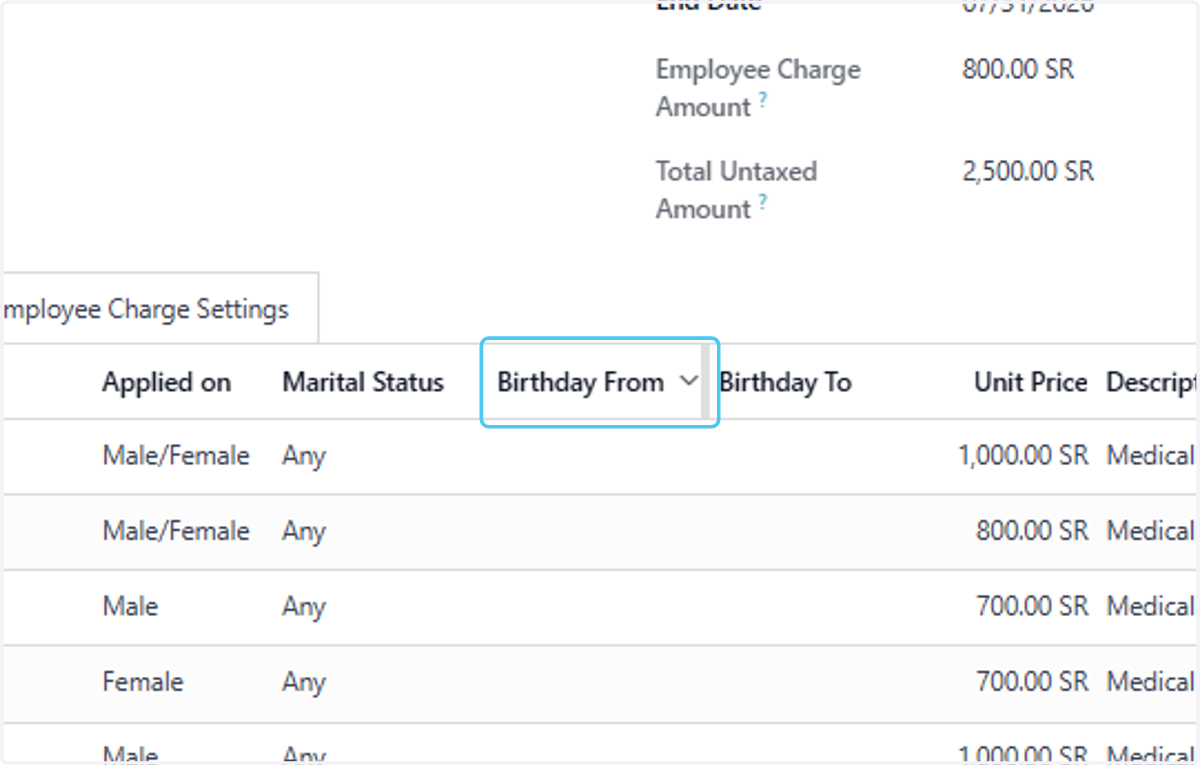
25. Click on Birthday From you can also add Birthday of the members
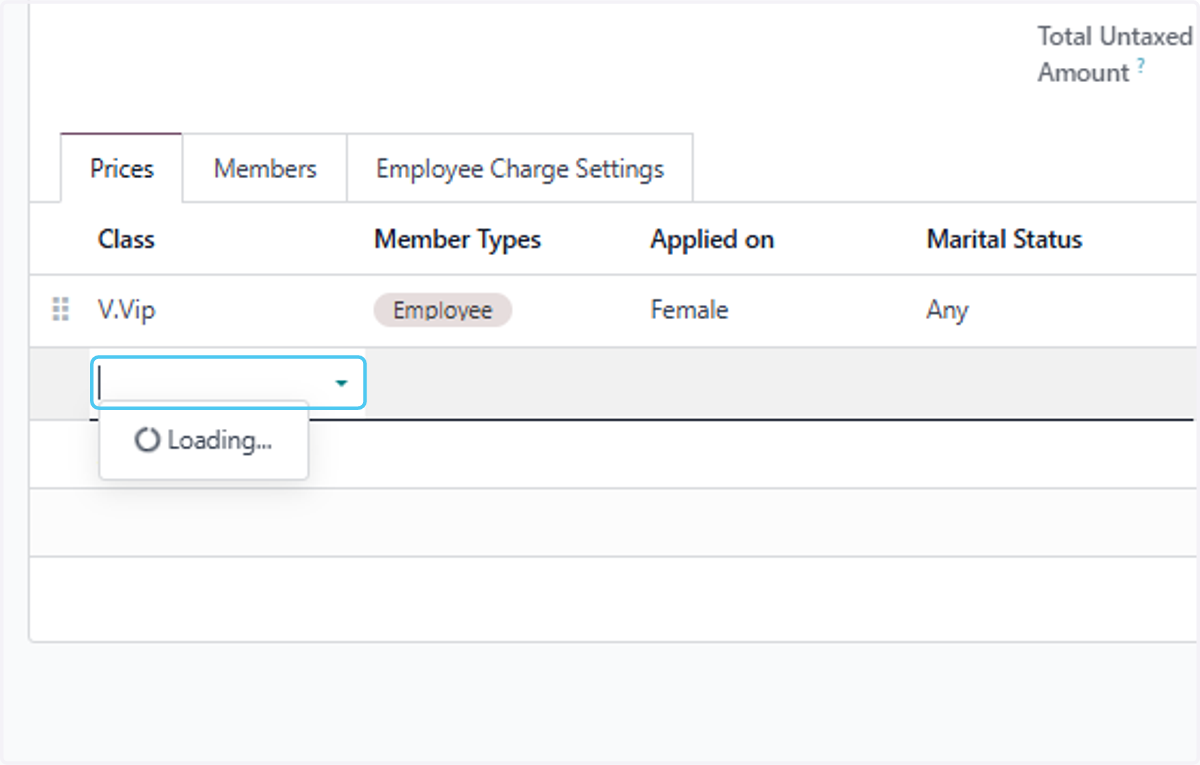
26. Click on dropdown trigger
27. Click on V.Vip
28. Click on dropdown trigger
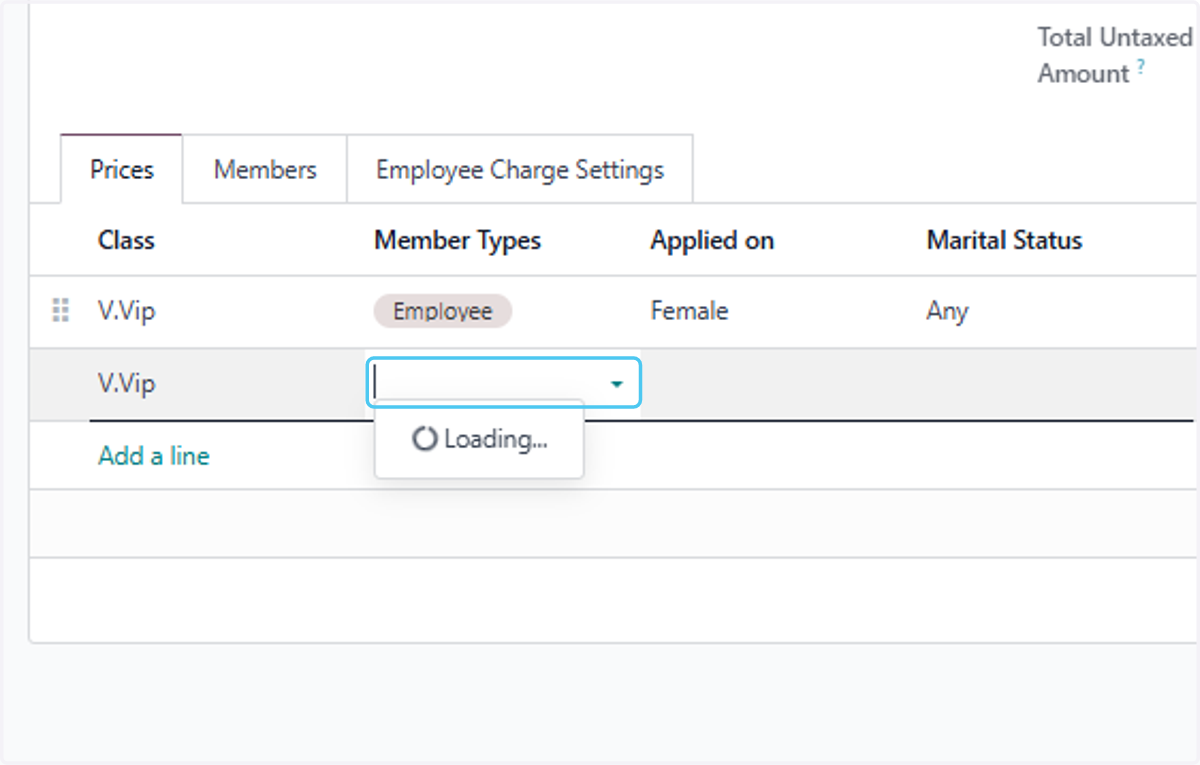
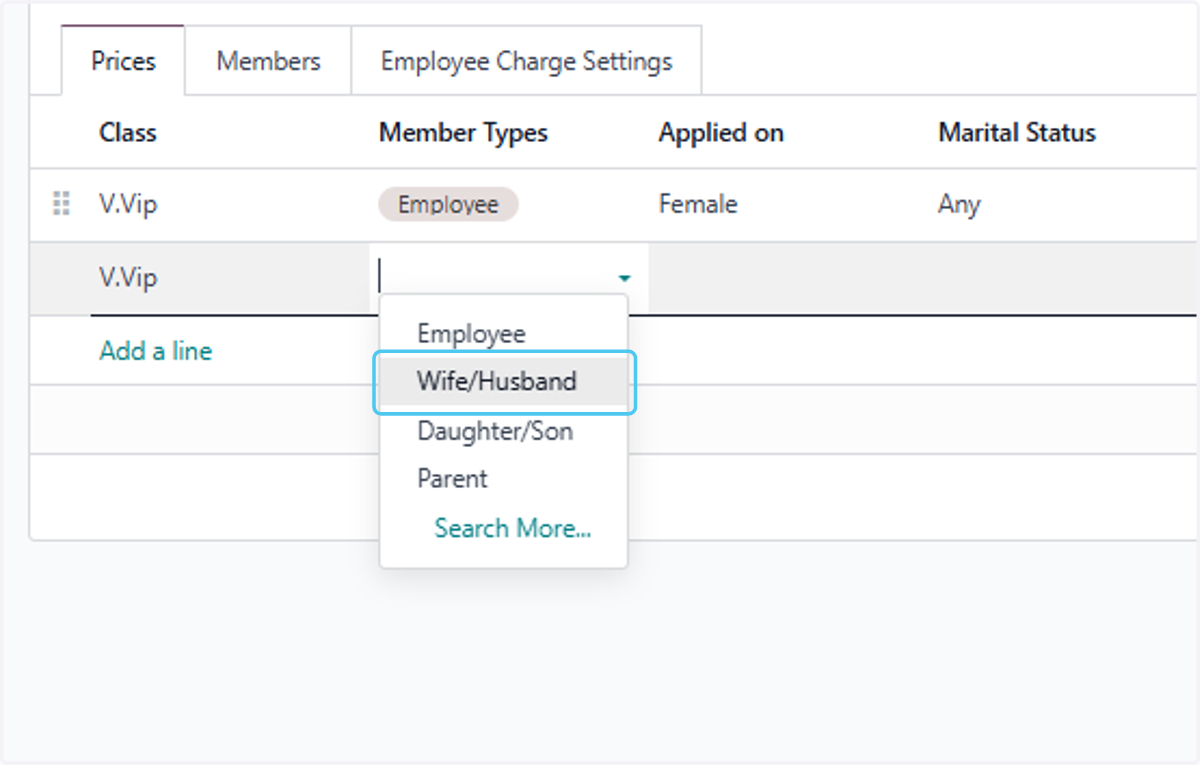
29. Click on Wife/Husband
30. Select Male/Female
31. Select Any
32. Click on Wife/Husband
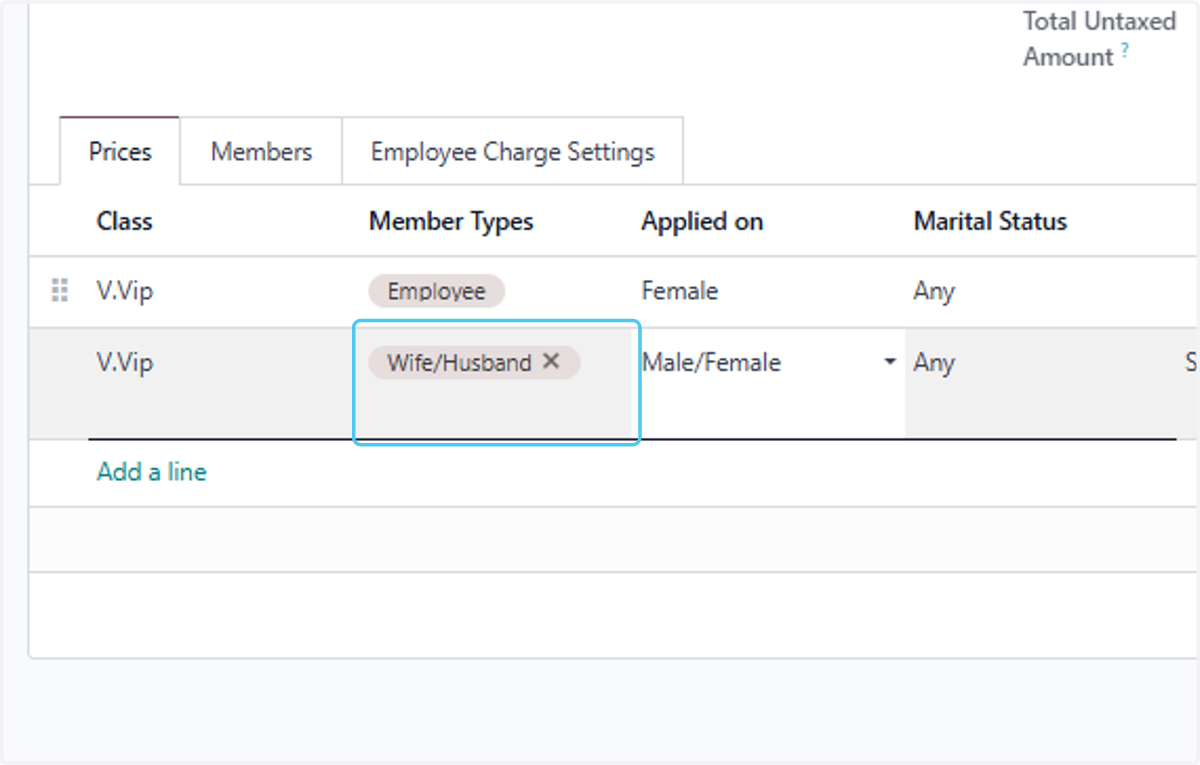
33. Click on Add a line
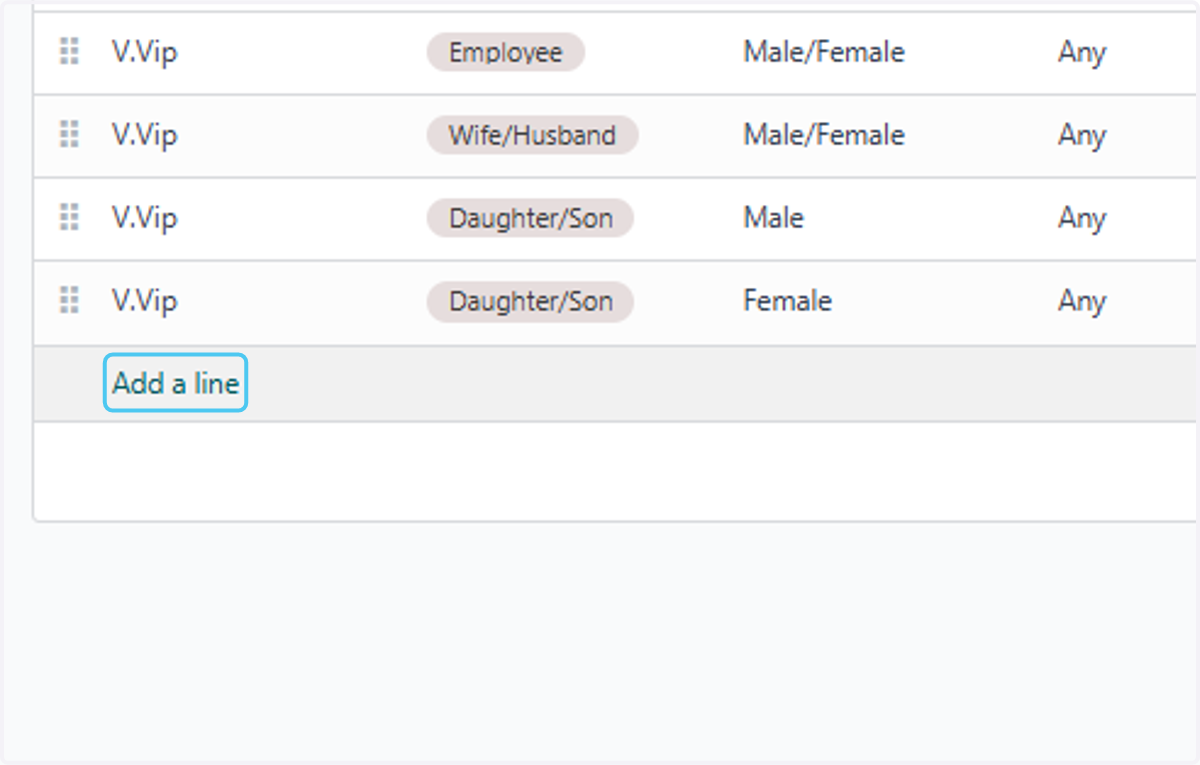
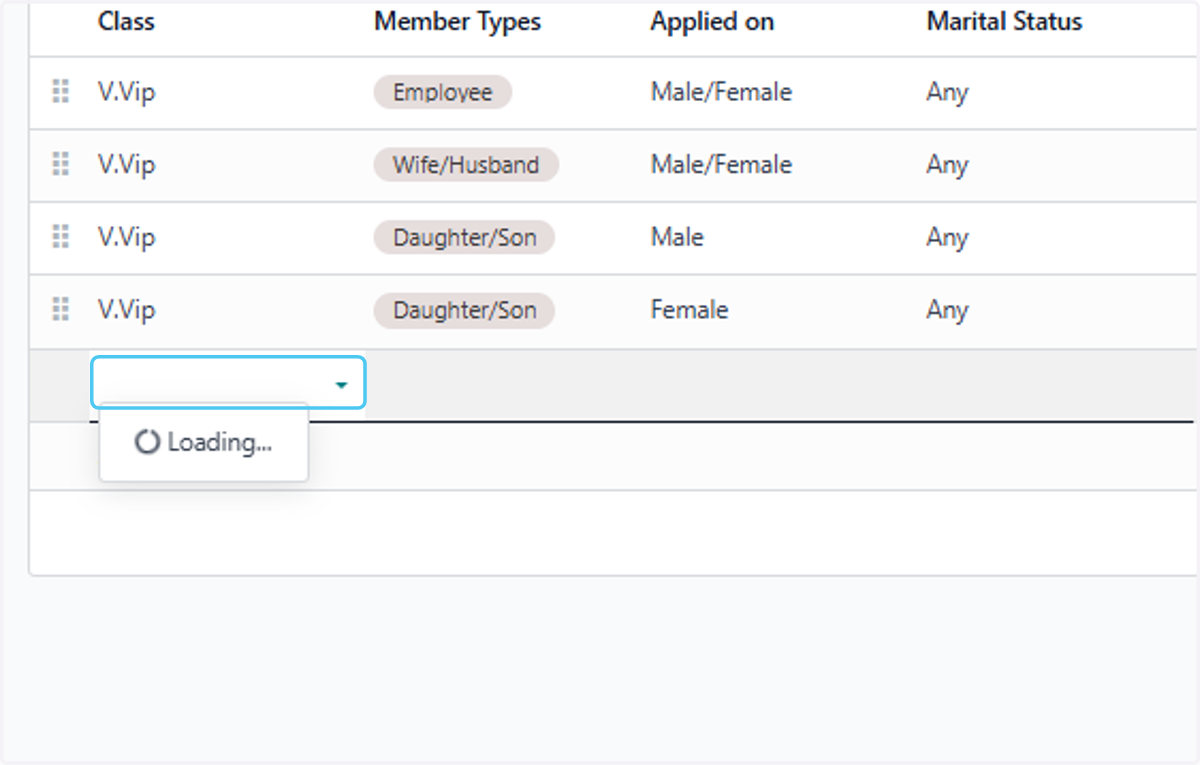
34. Click on dropdown trigger
35. Click on A
36. Click on dropdown trigger
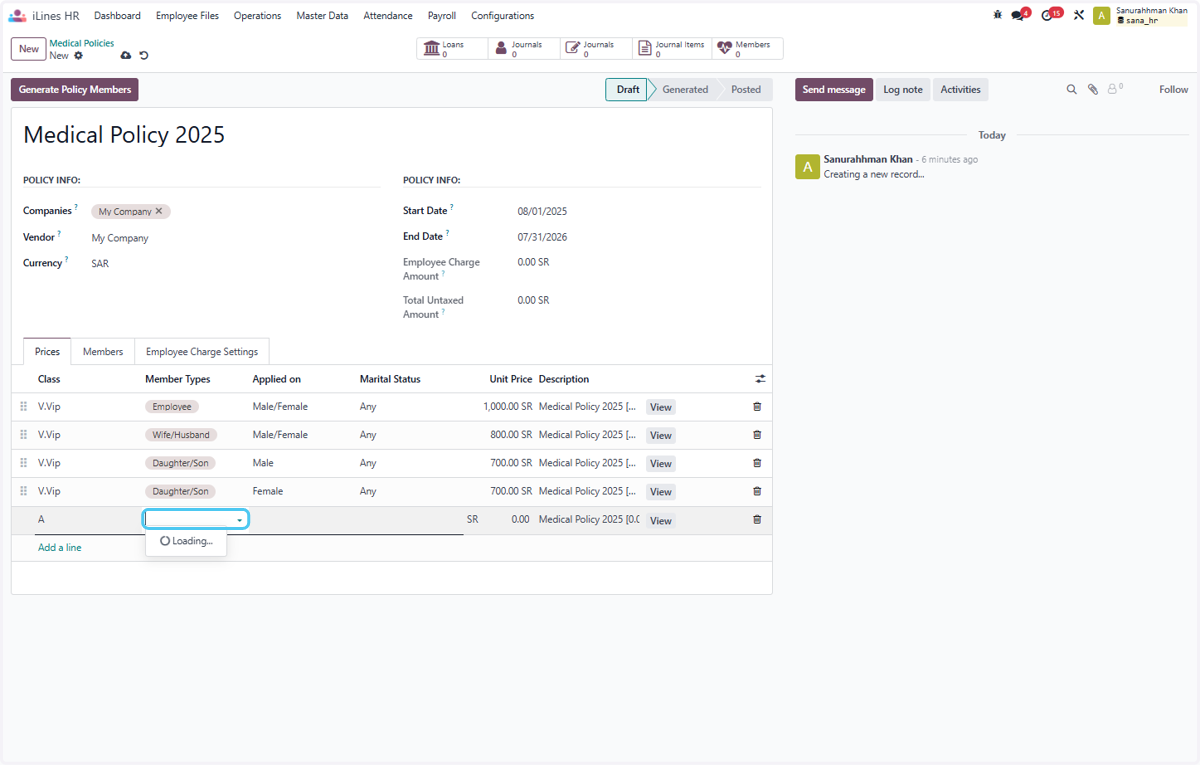
37. Click on Employee
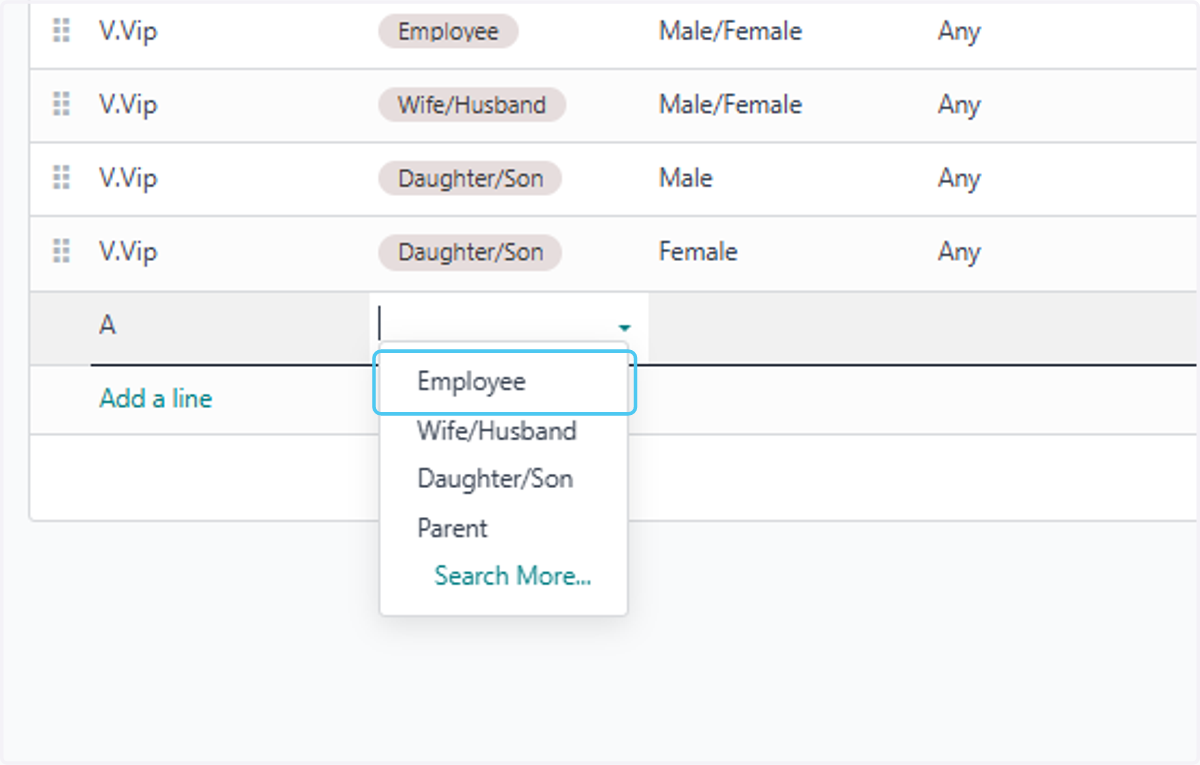
38. Select Male
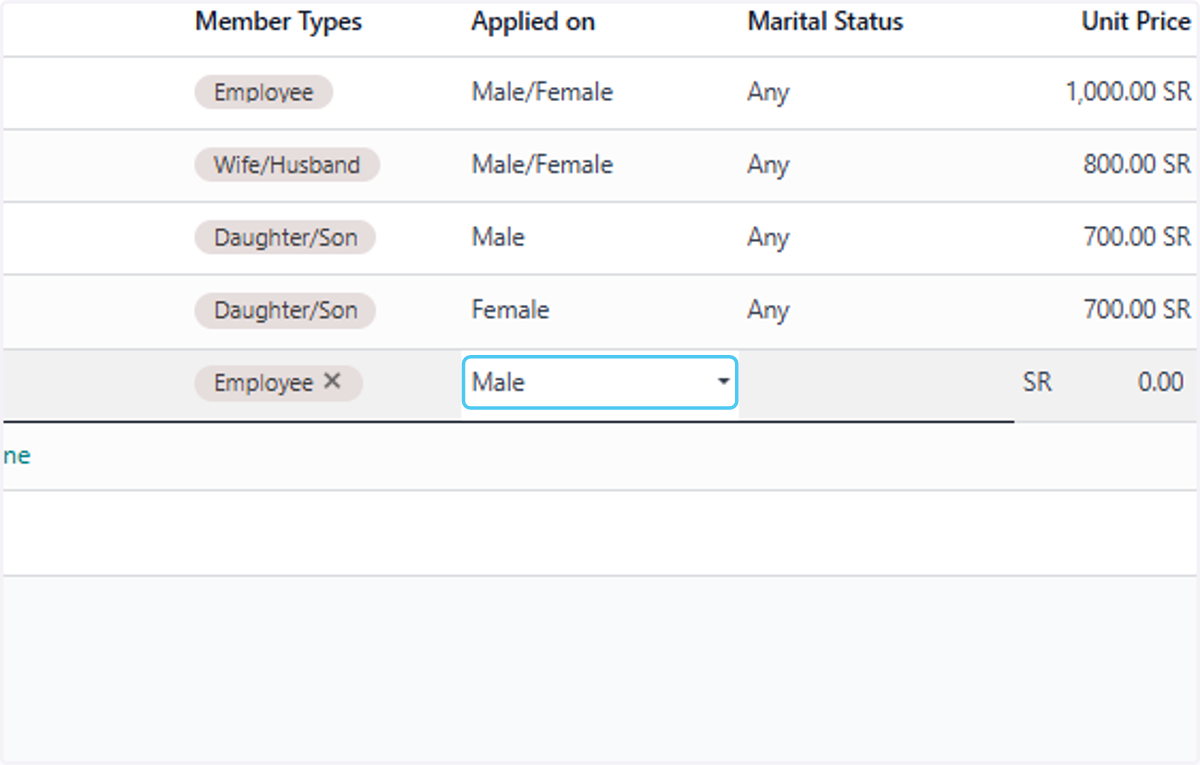
39. Select Any
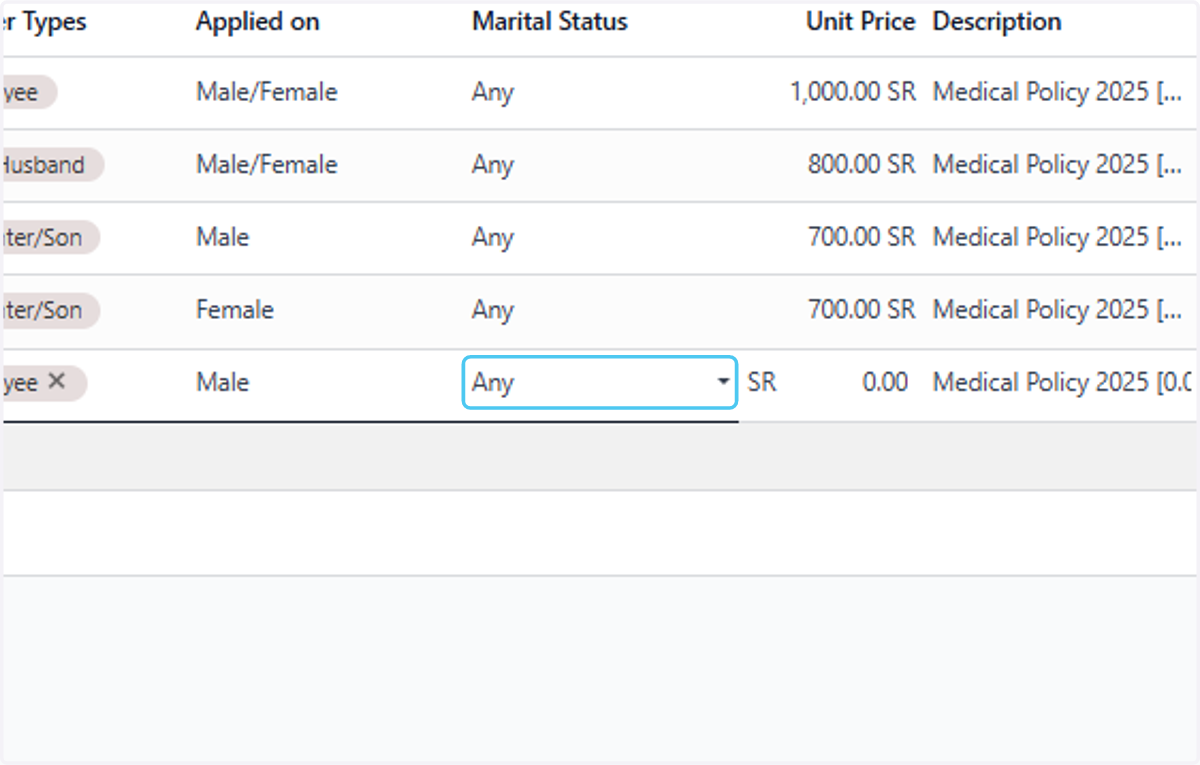
40. Type "1000"
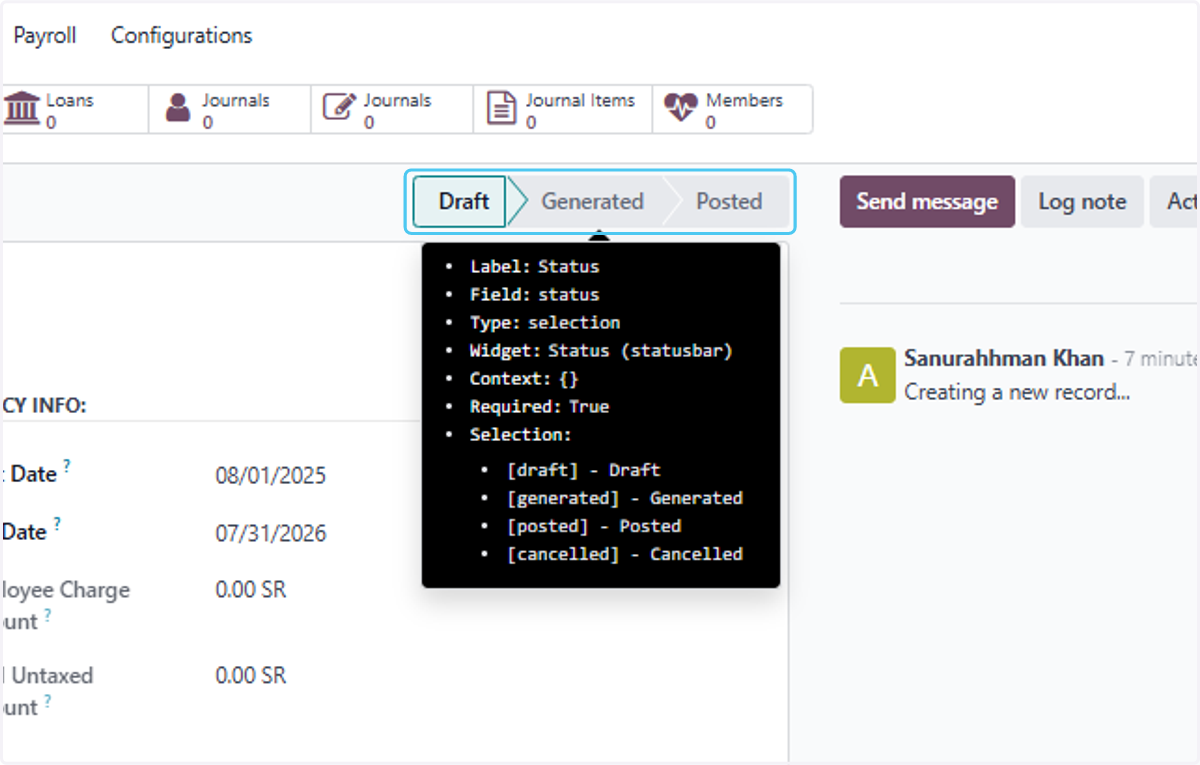
41. Click on Statusbar
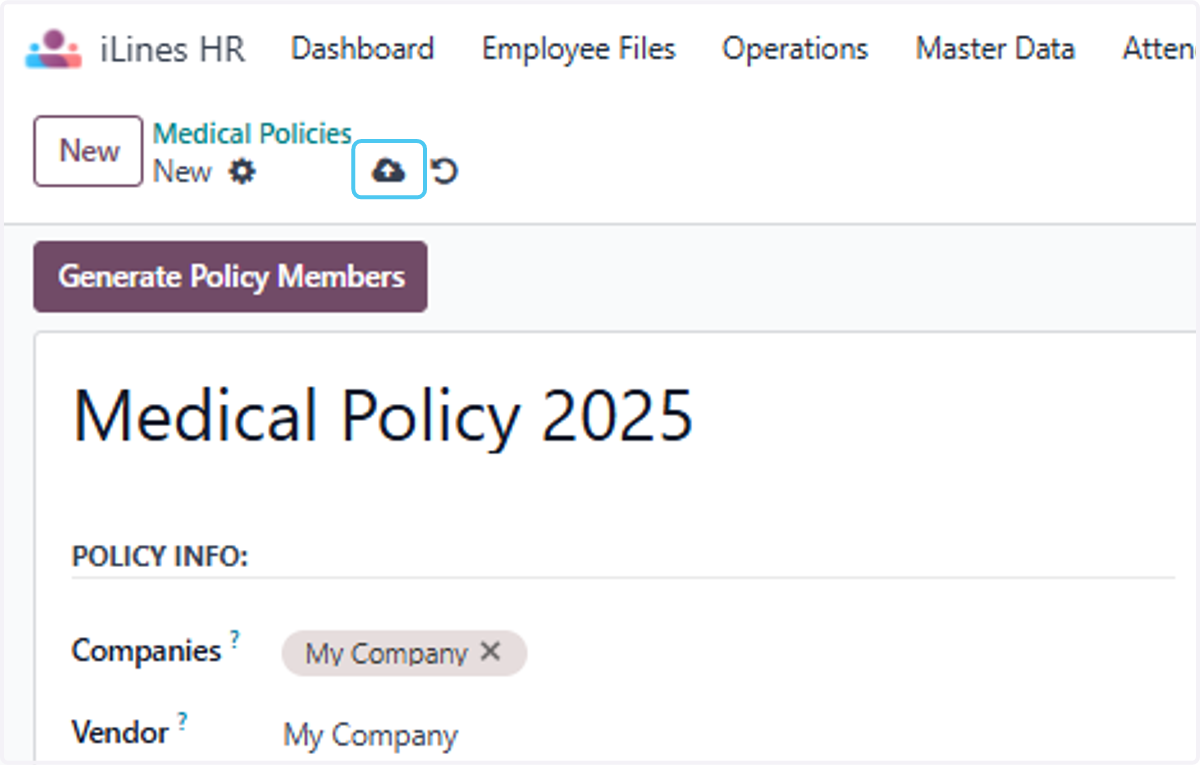
42. Click on Save manually
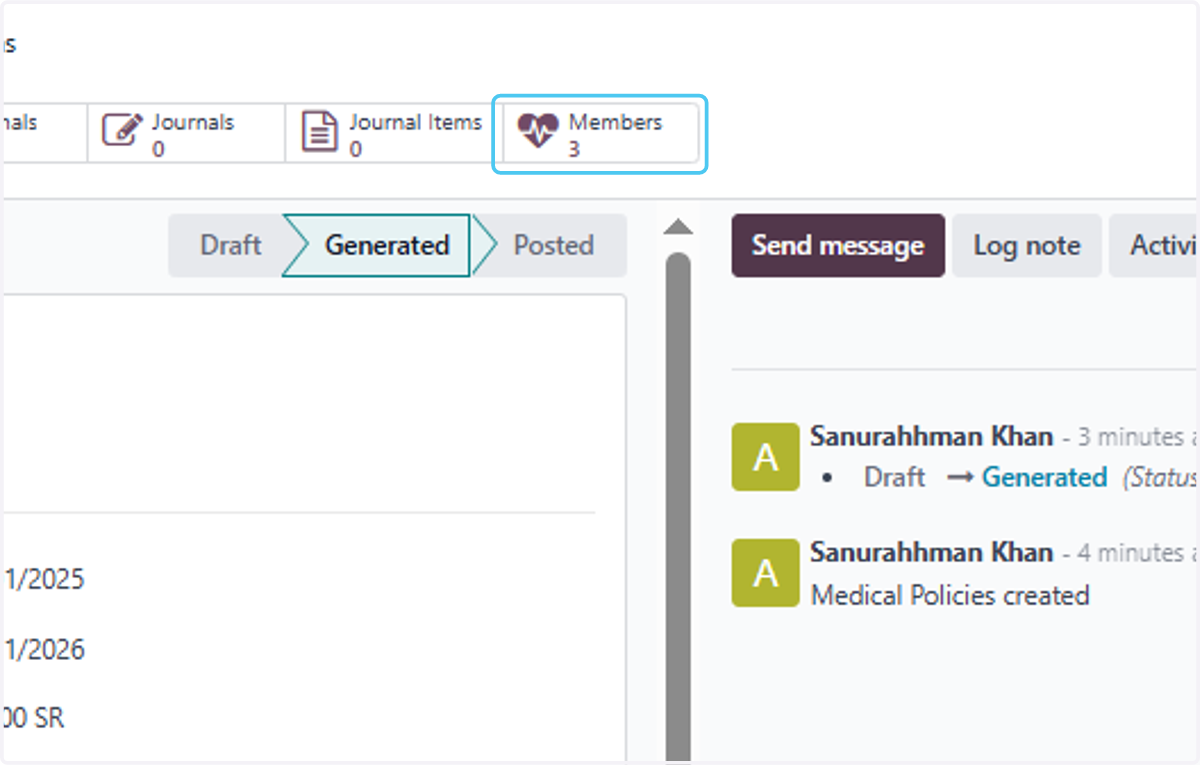
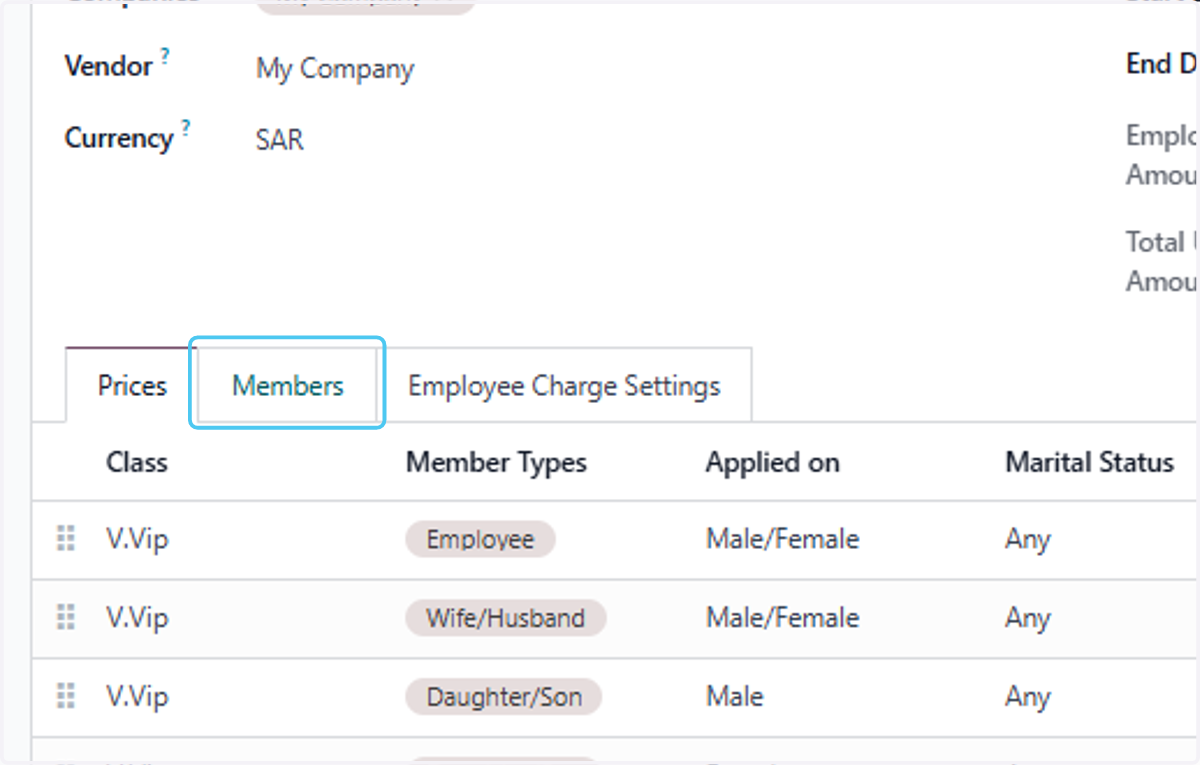
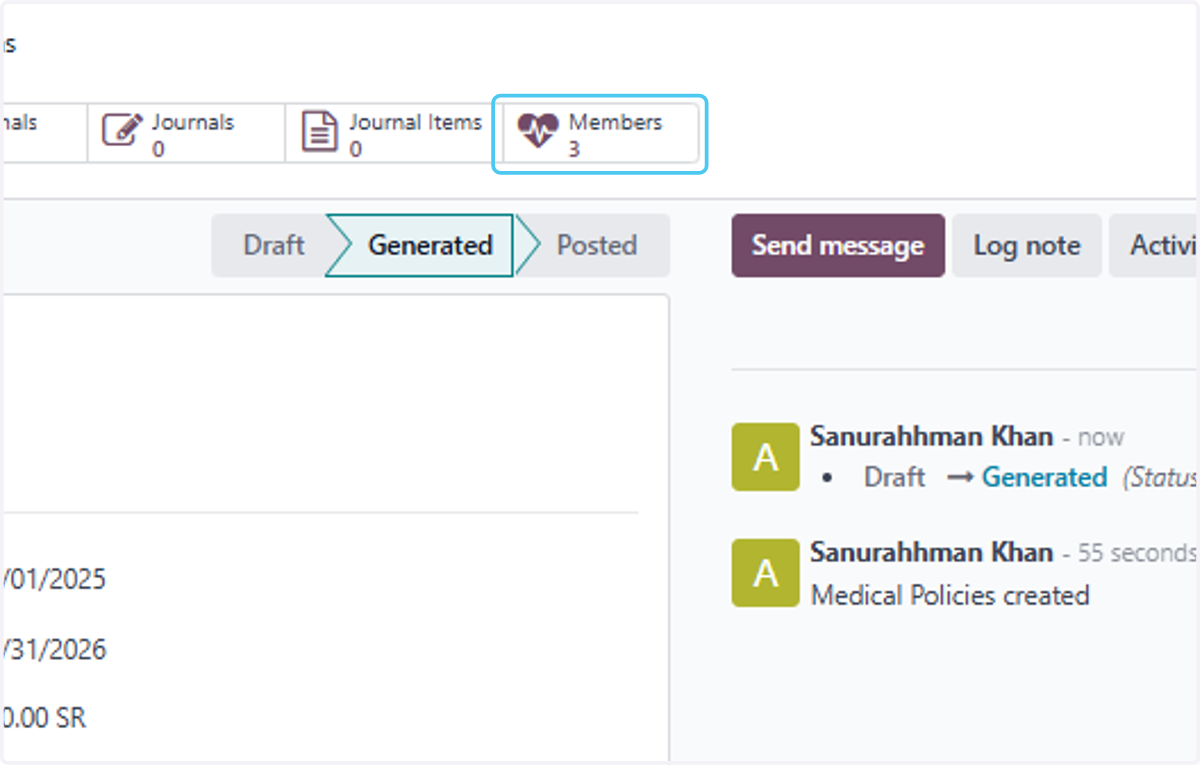
43. Click on Members
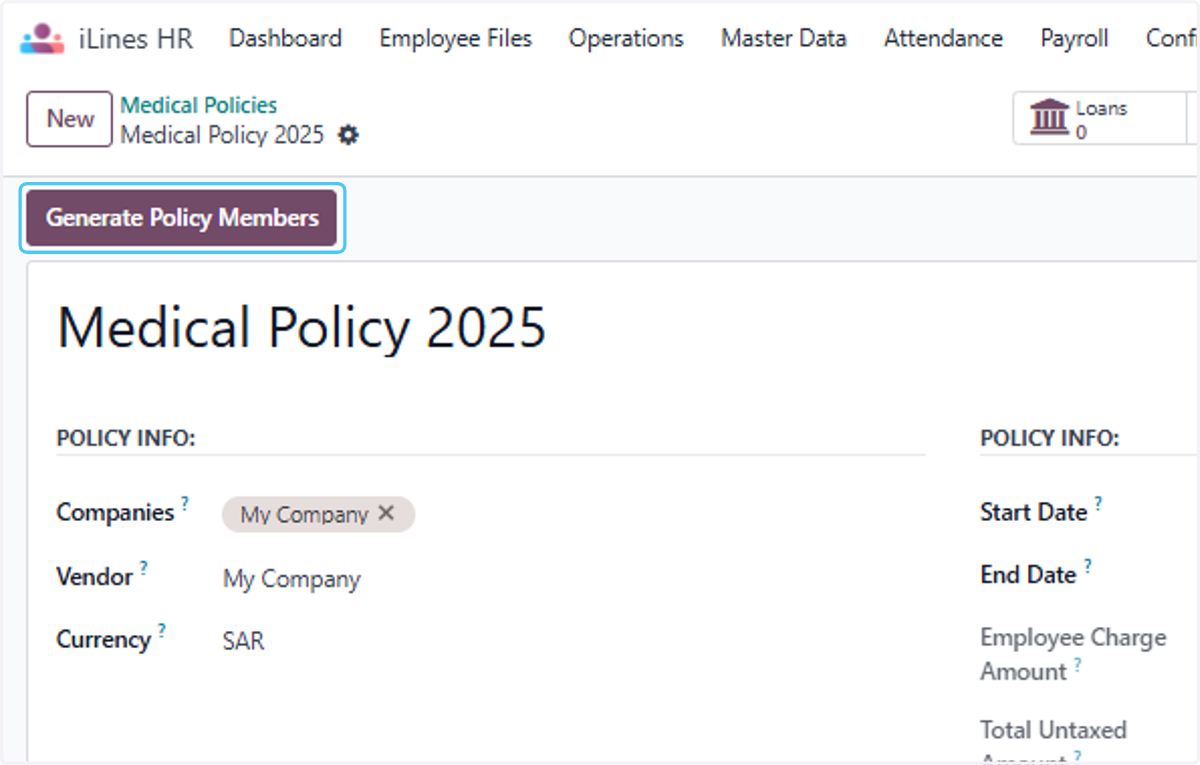
44. Click on Generate Policy Members to generate policy
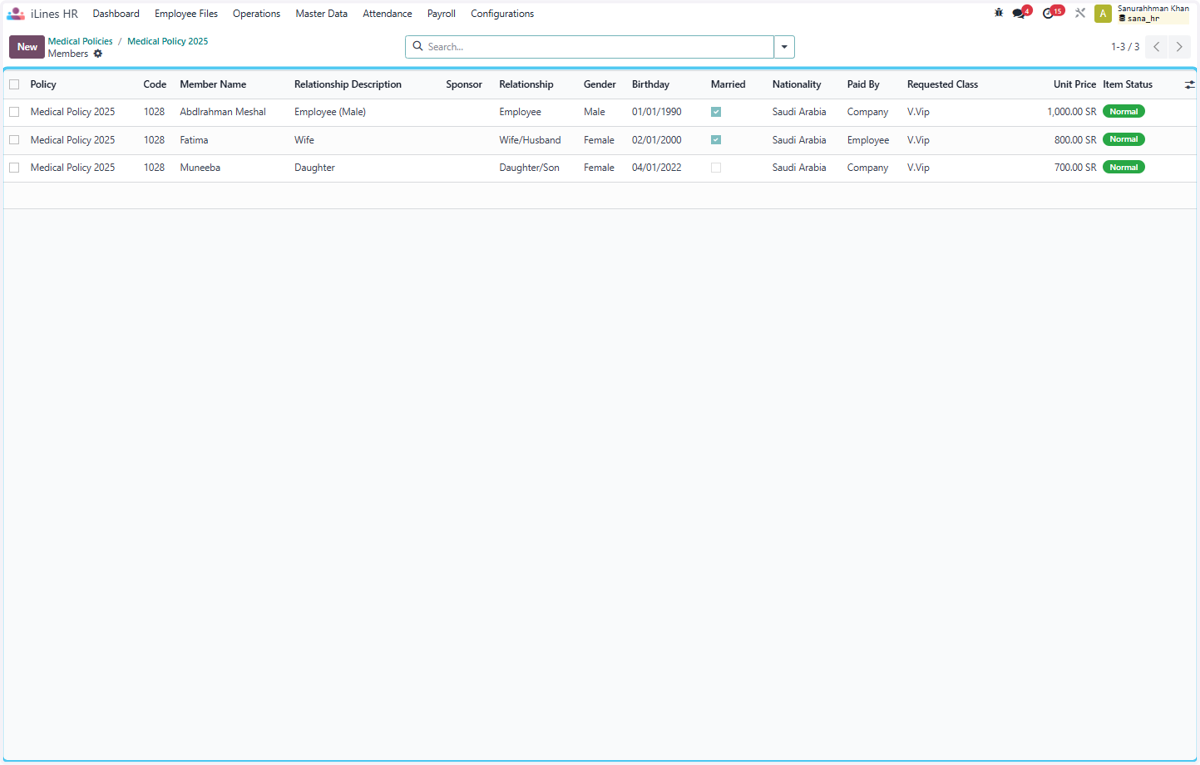
45. Click on Members to check the Person
46. Click on Policy…
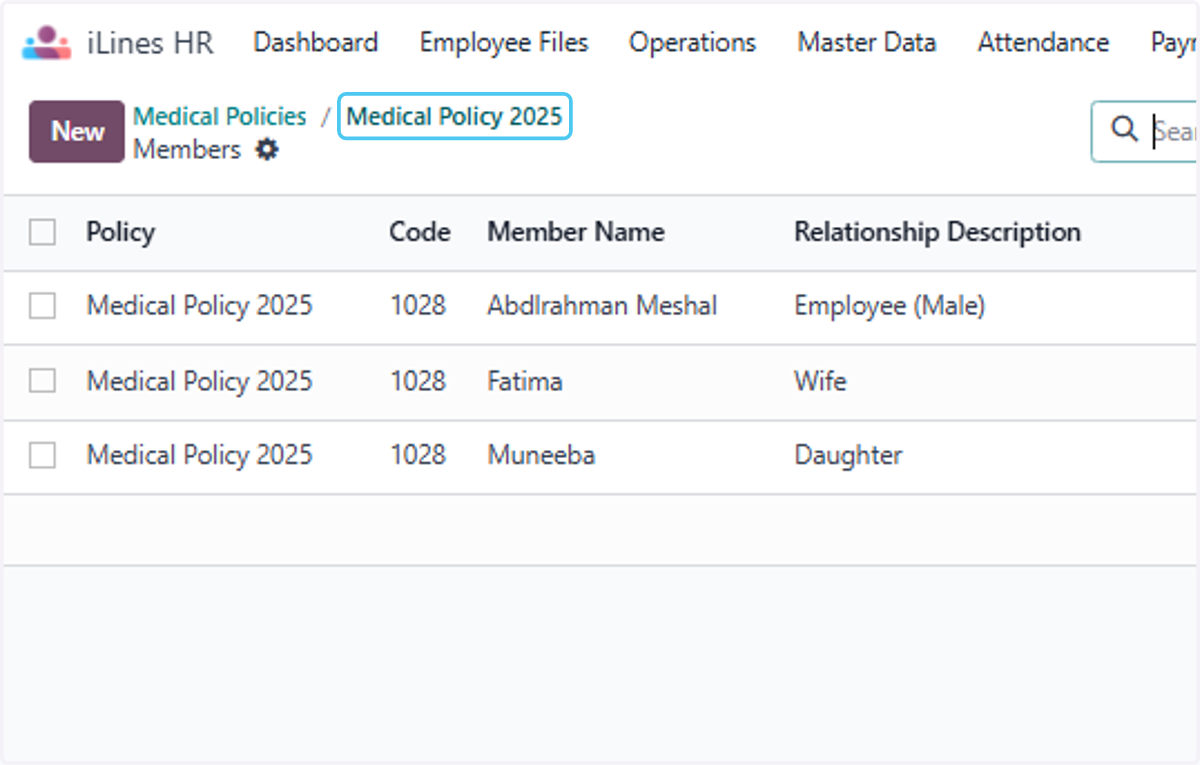
47. Click on Medical Policy 2025
48. Click on Birthday To to make the validation
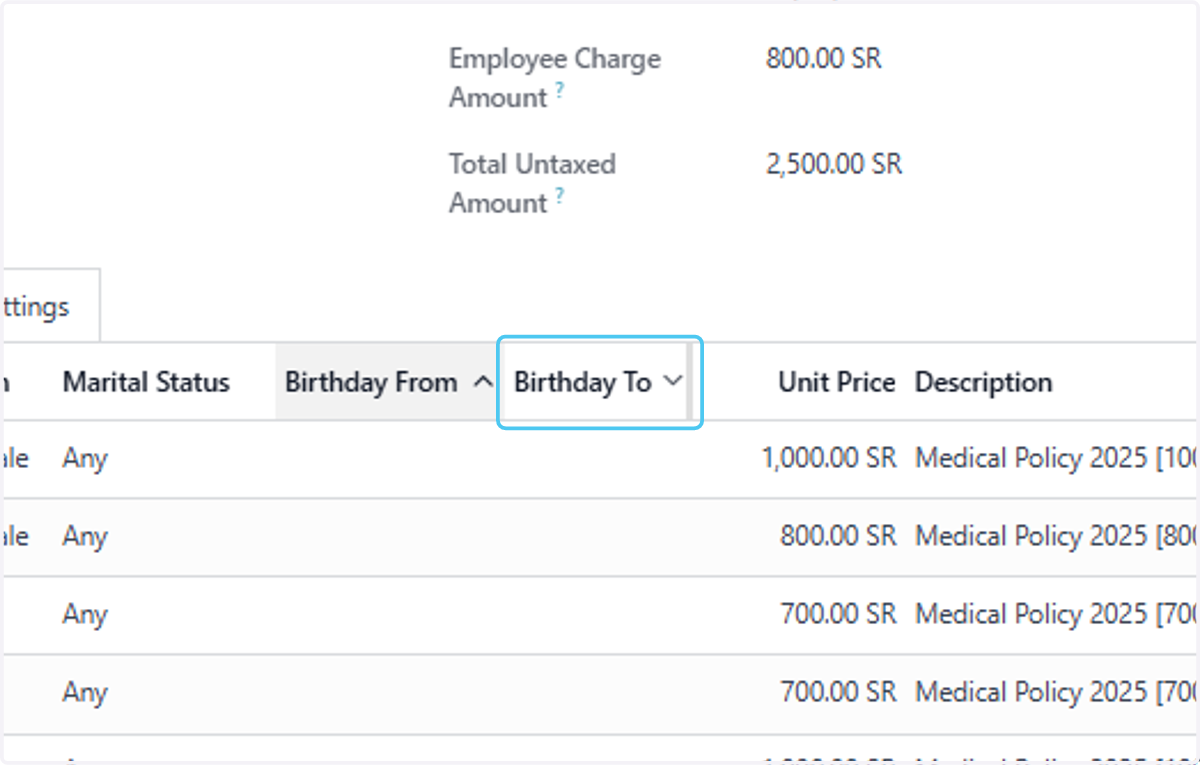
49. Click on V.Vip…
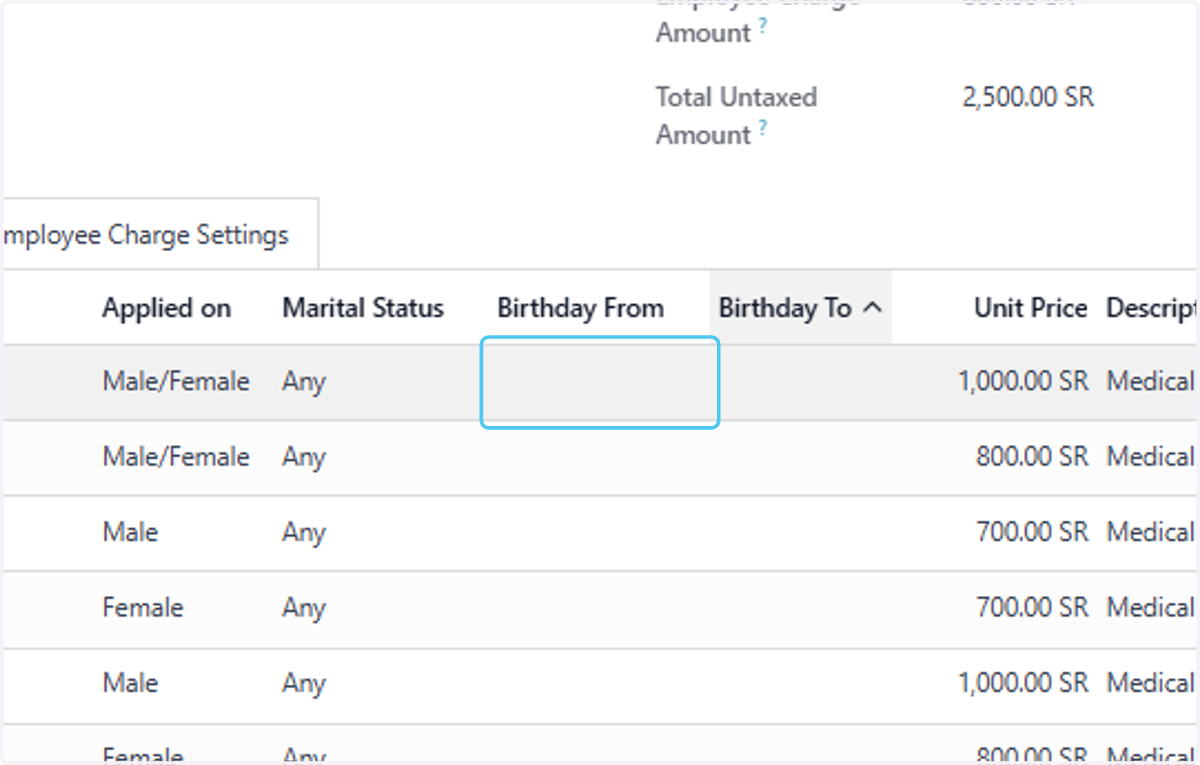
50. Click on highlight
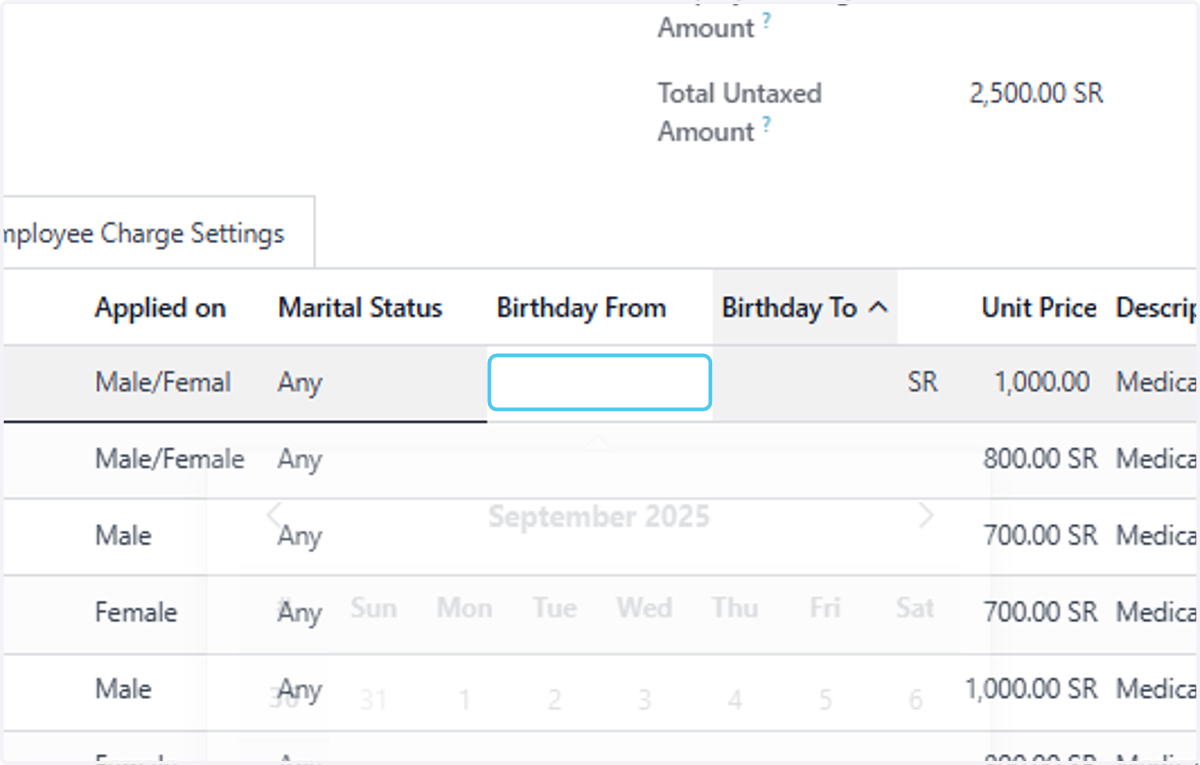
51. Click on V.Vip…
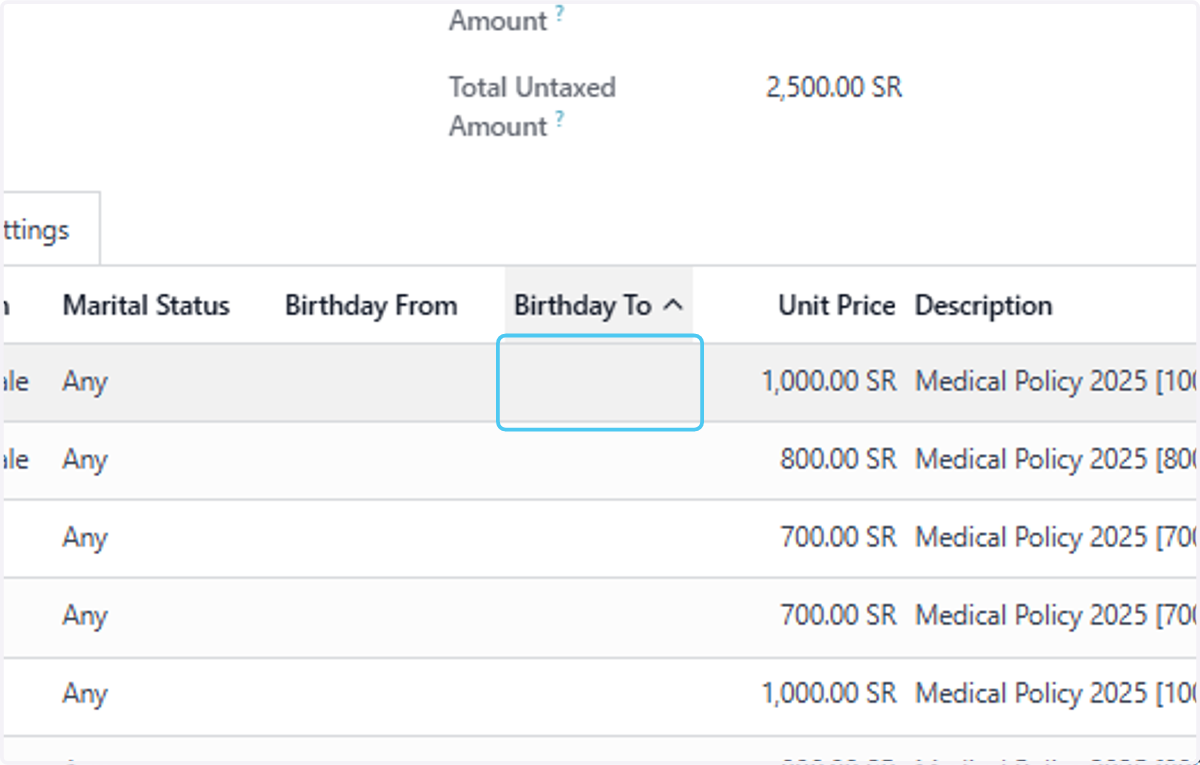
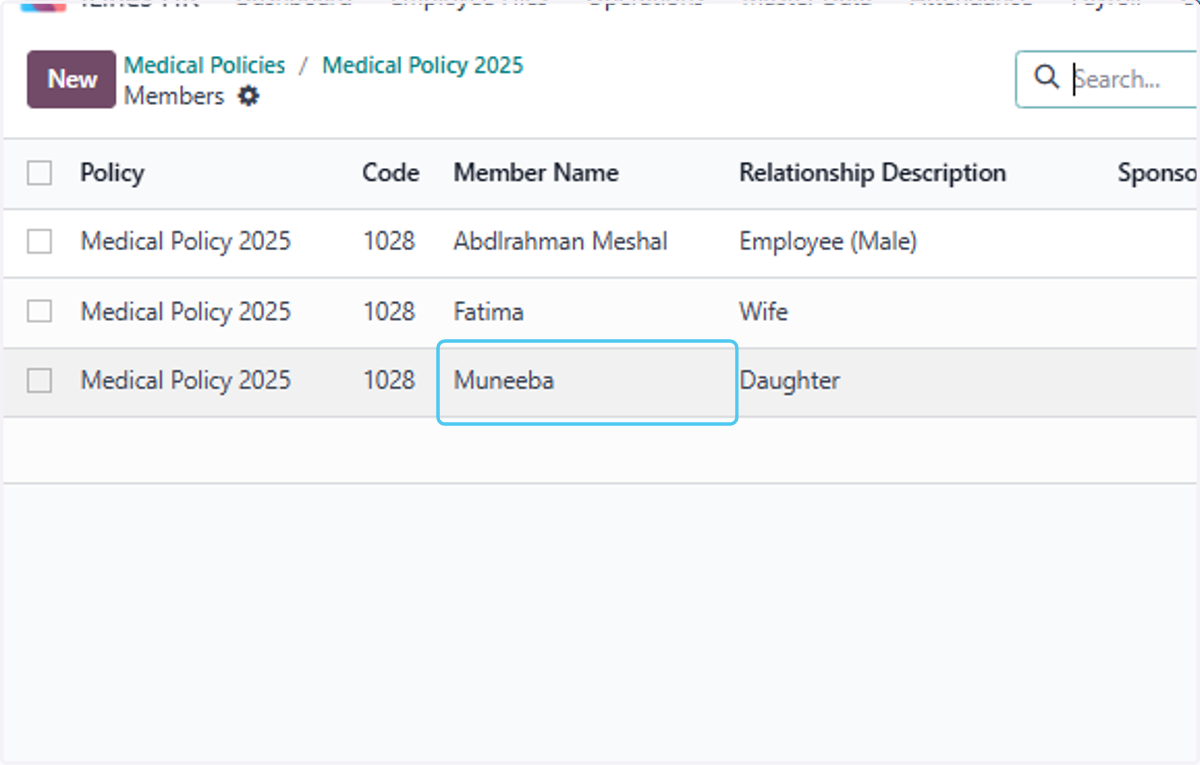
52. For furhter changes in the medical insurace got to member and Click on Muneeba
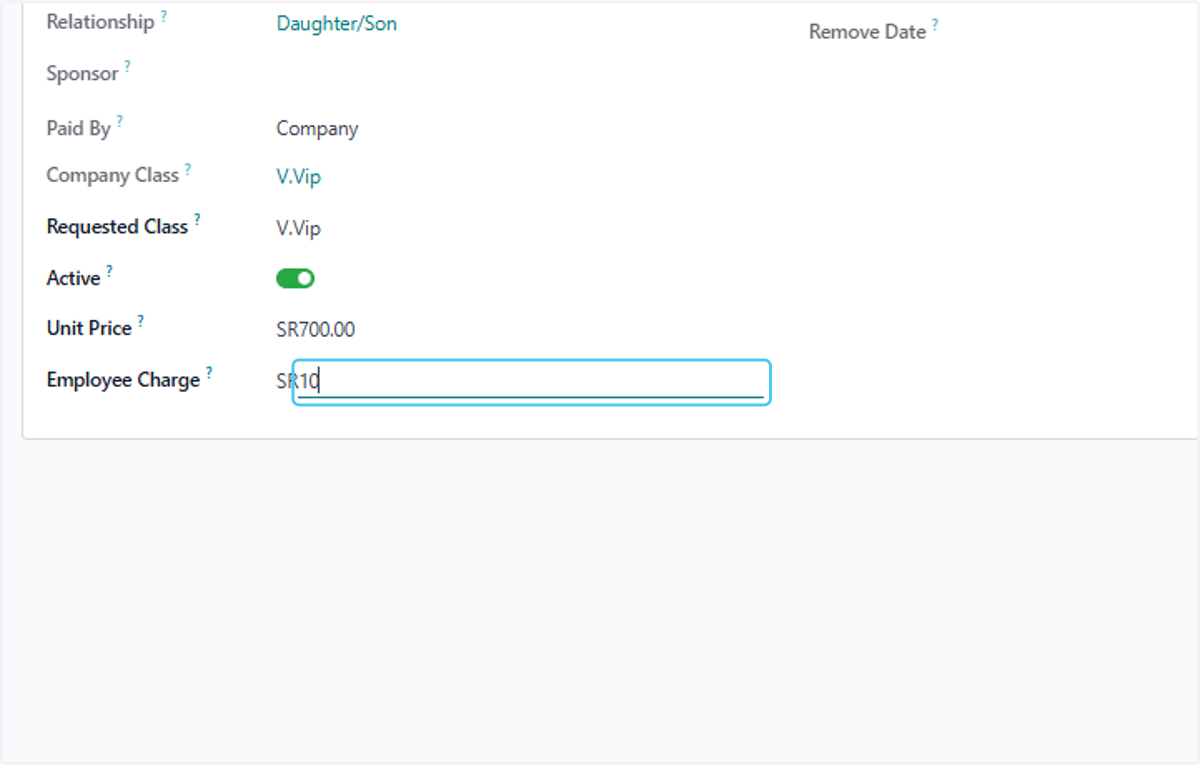
53. Type "100" to make a employee charges
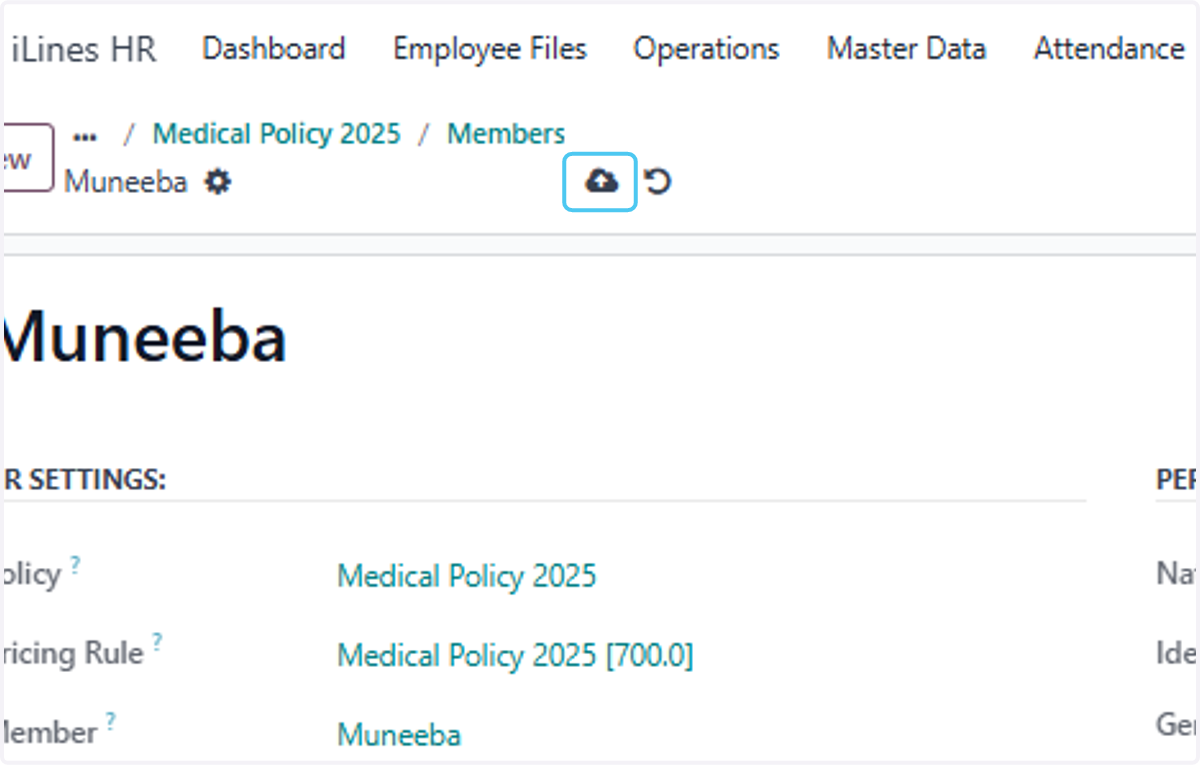
54. Click on Save manually
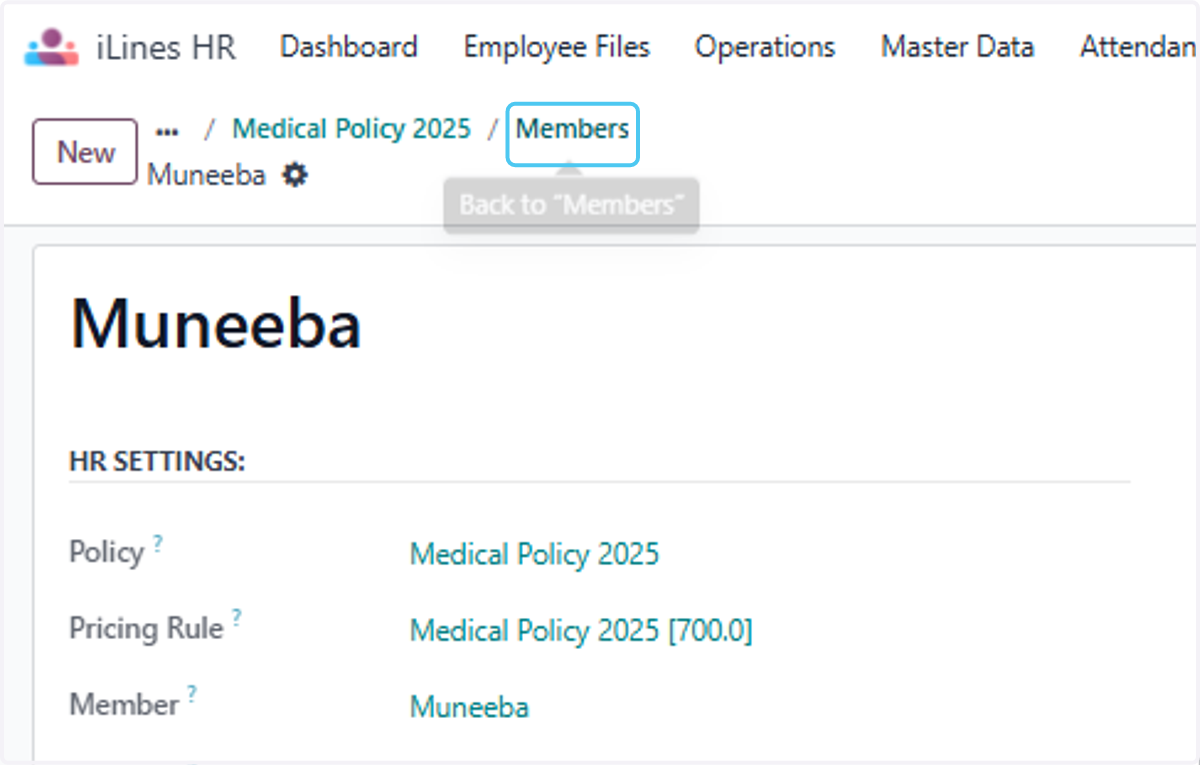
55. Click on Members
56. Click on Medical Policy 2025
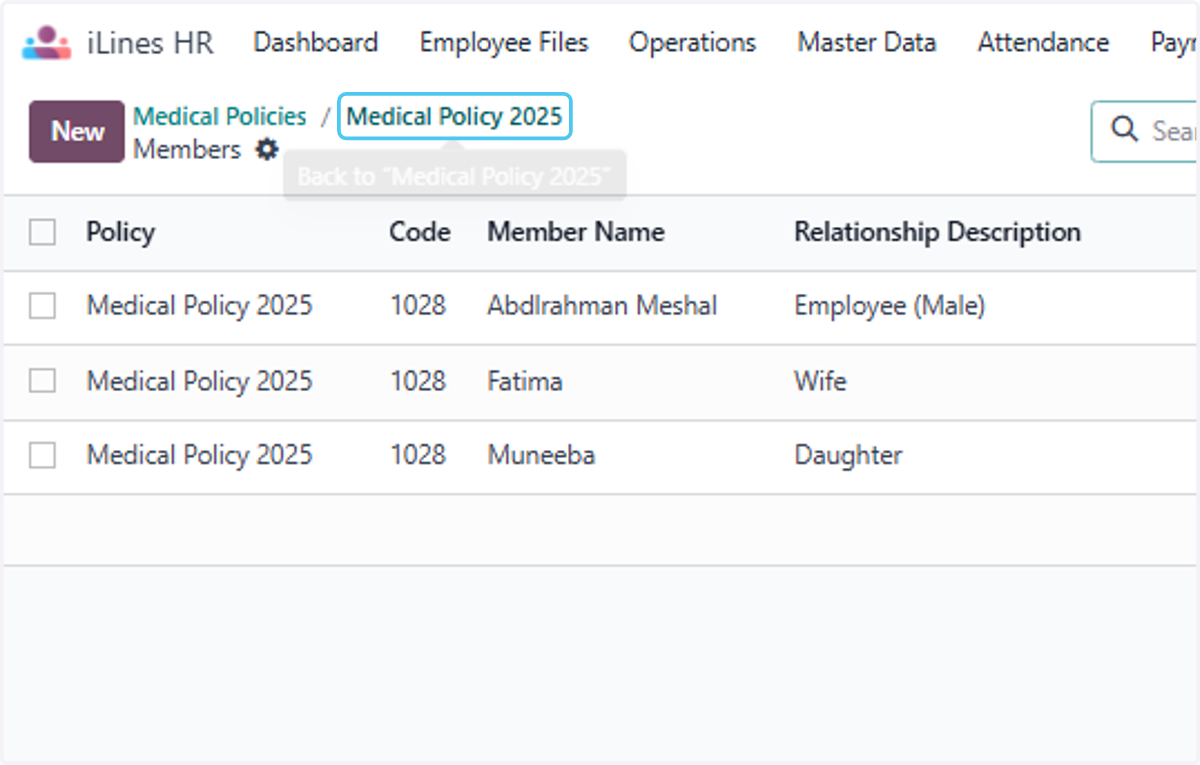
57. Here You can see the Changes have been reflected in employee changes
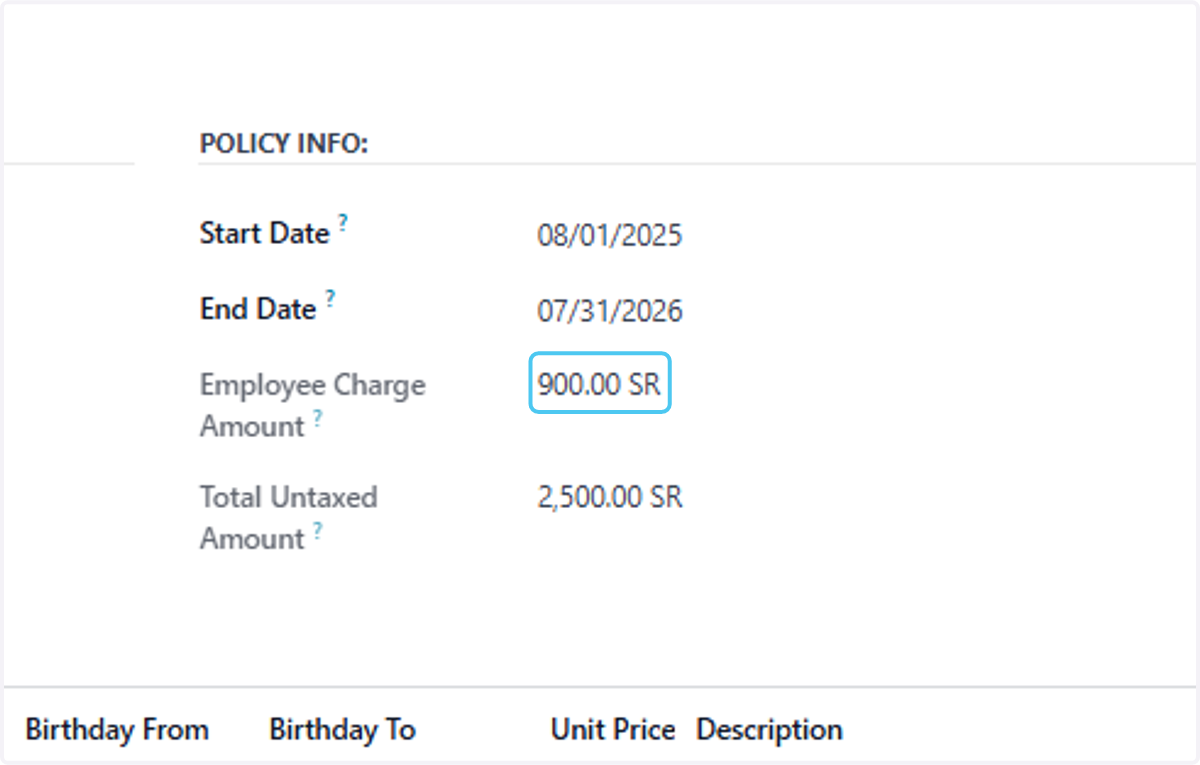
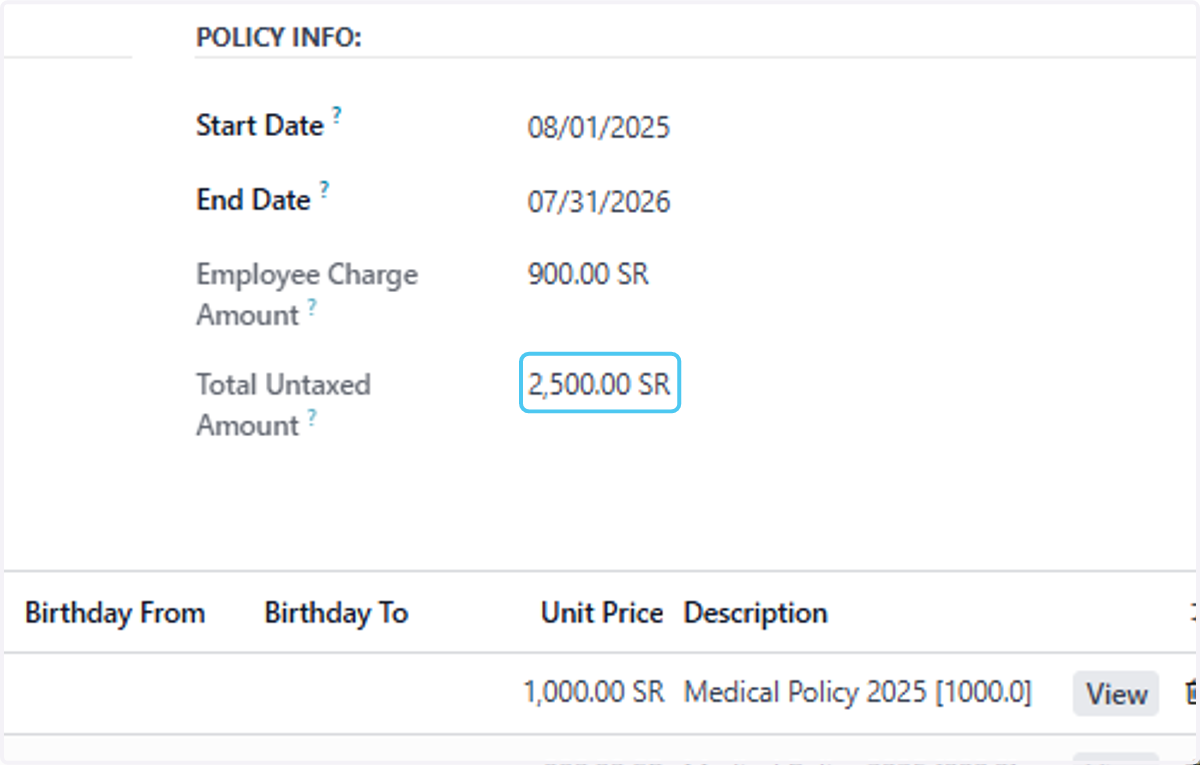
58. Click on 2,500.00 SR
59. Finally all the Details of the policy is generated