Workflow with PowerMill
powermill
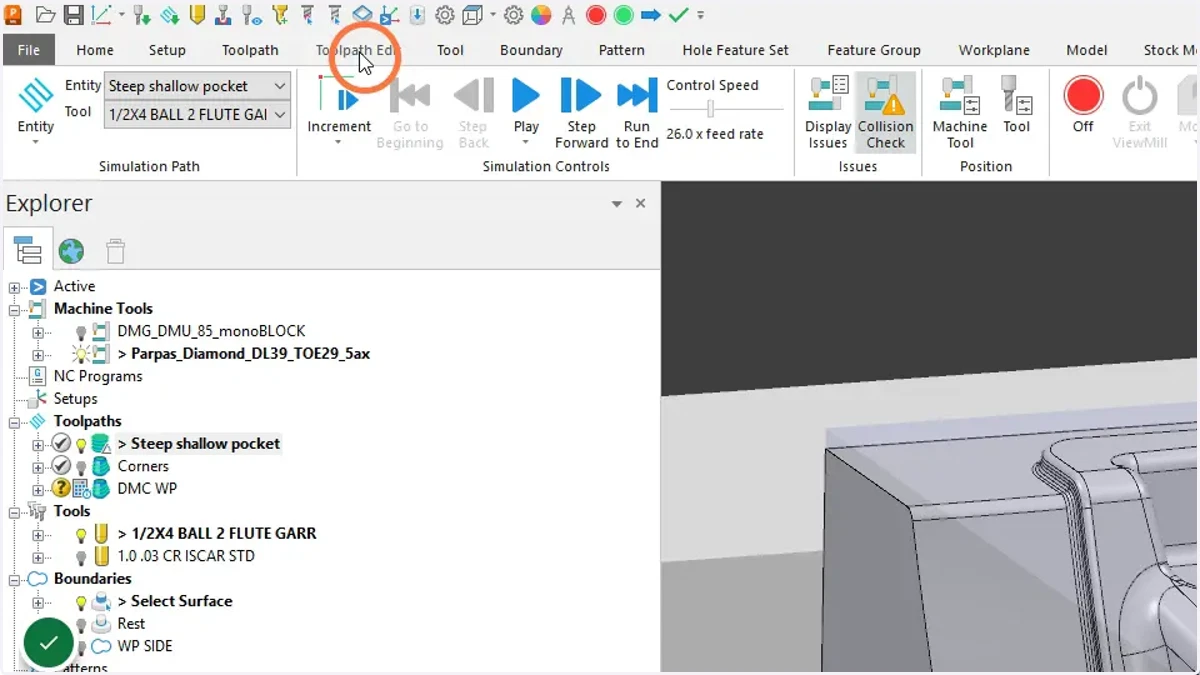
1. Toolpath Edit tab
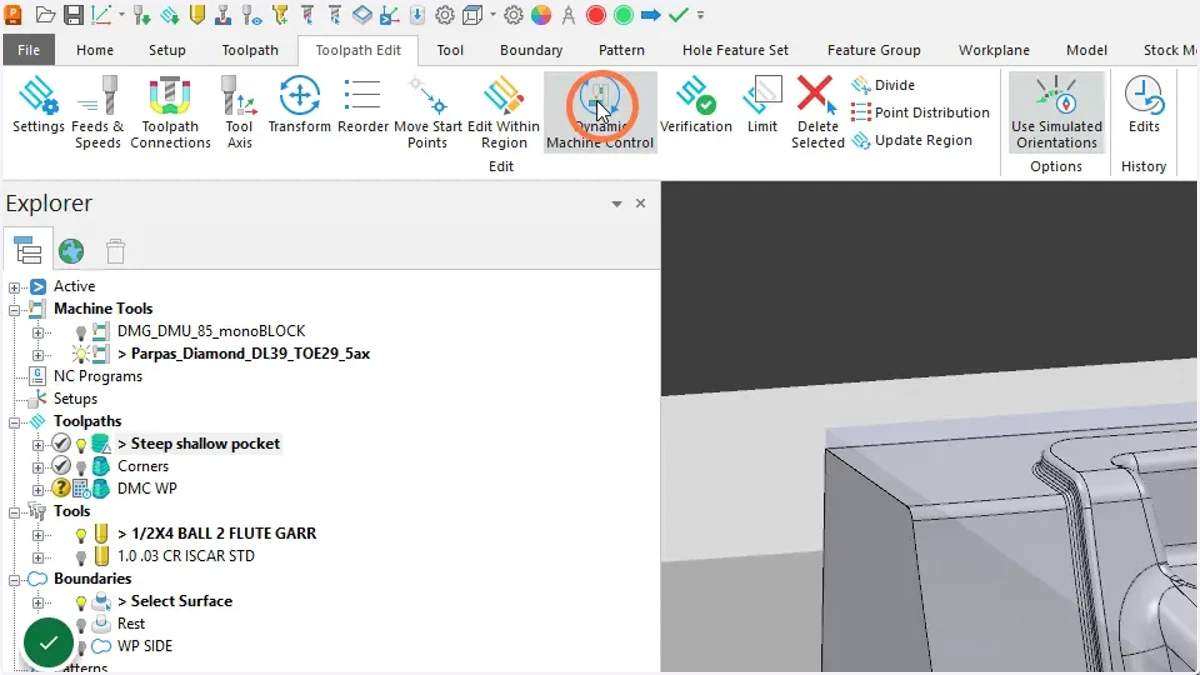
2. Dynamic Machine Control
3. Drag tool to toolpath OR double click on toolpath
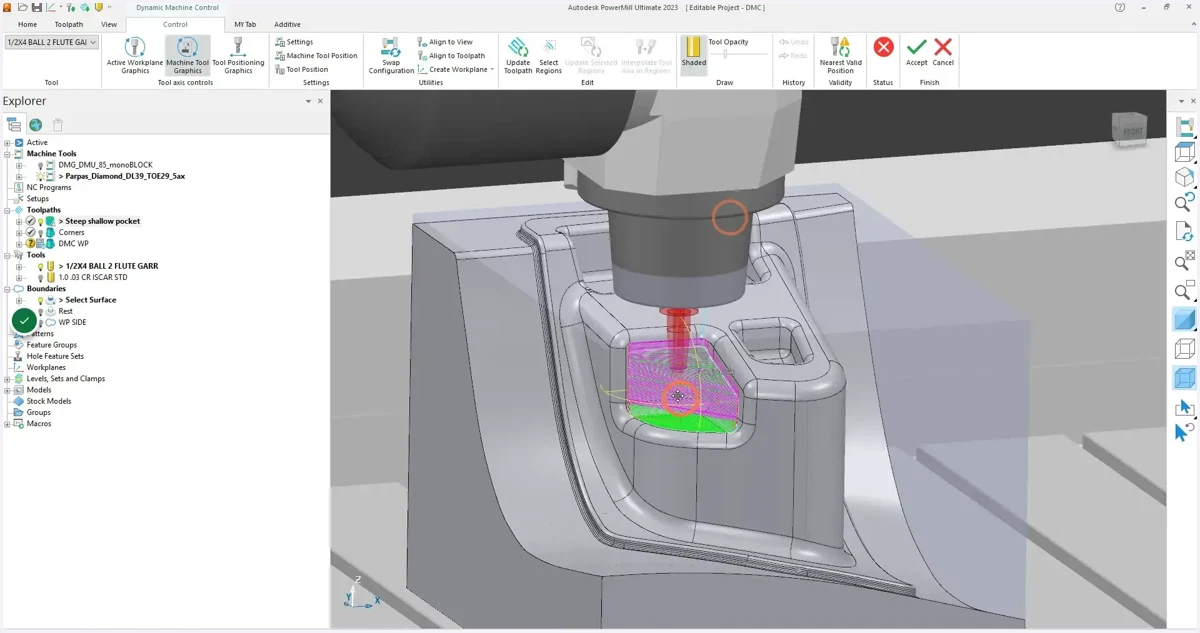
4. Tip tool axis to desired position
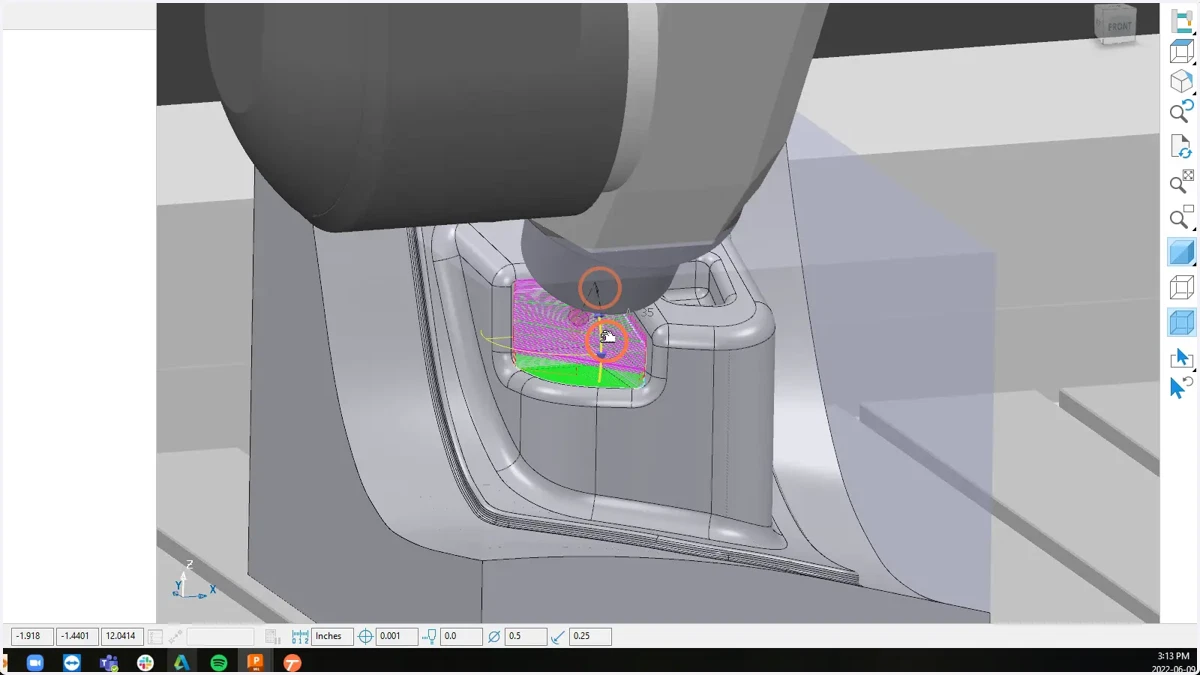
5. Rotate tool axis to desired position
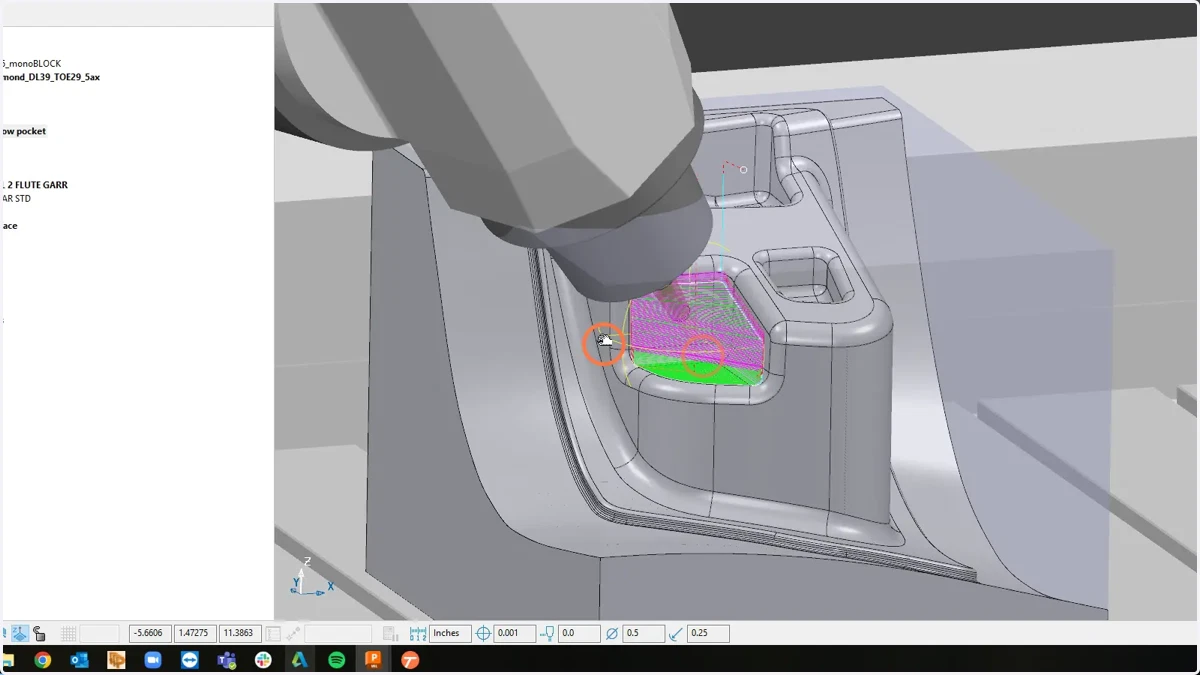
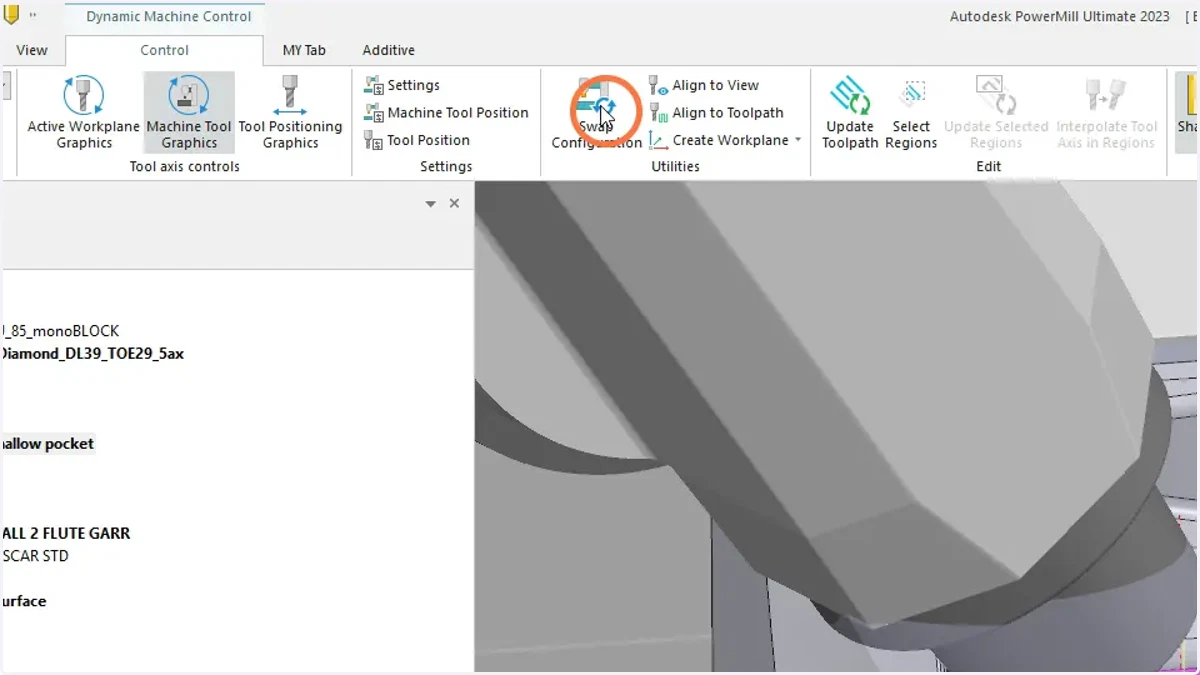
6. Swap configuration to use the second solution IF required
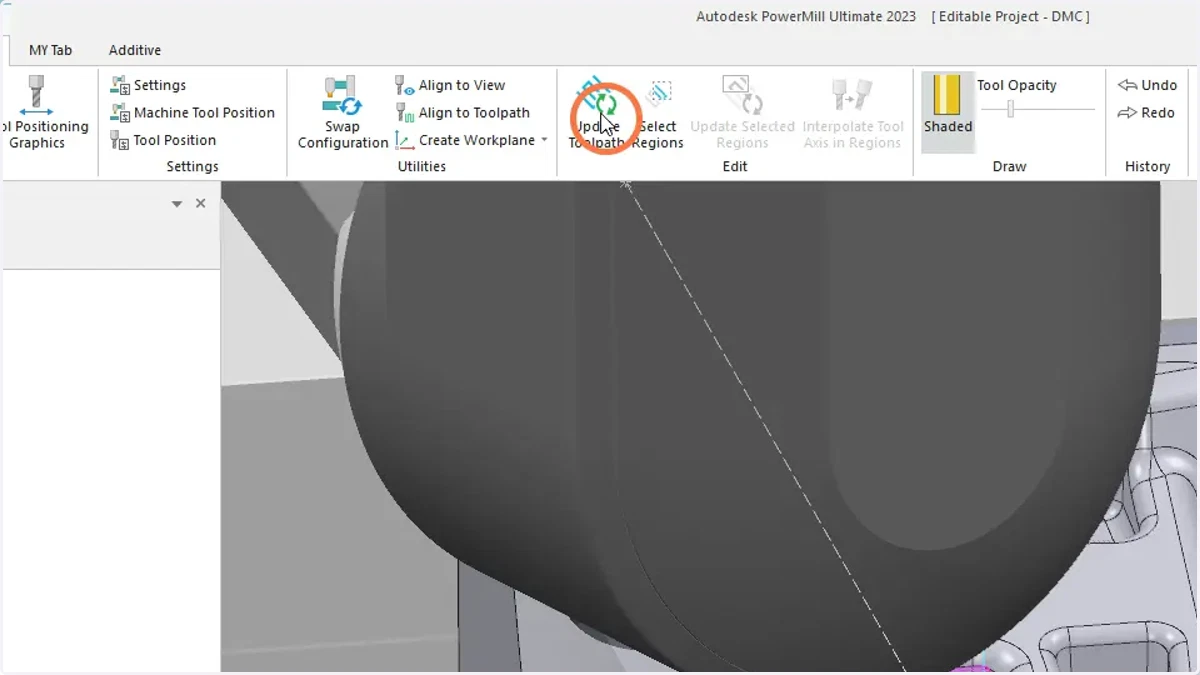
7. Update Toolpath
powermill
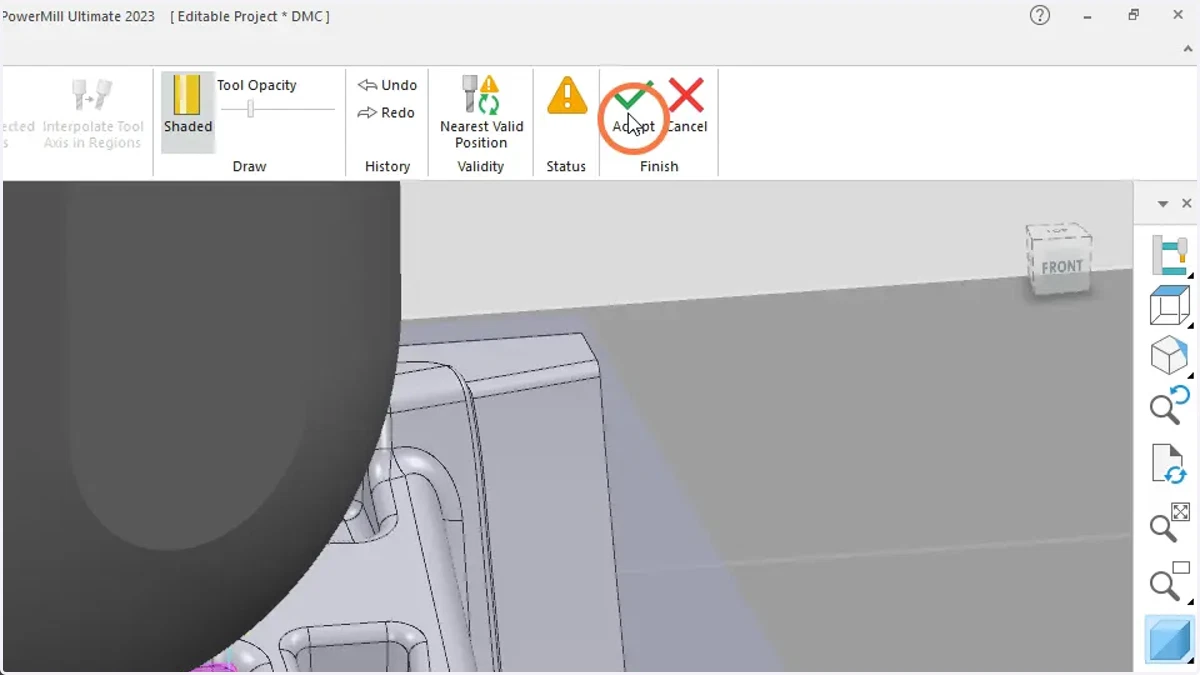
8. Accept