How to see ACH Transactions Payfactory (TTech)
Payfactory's ACH Vendor is TTech. Any ACH deposits will be listed as TTech on your monthly statement from your bank.
Log in | Partner Portal
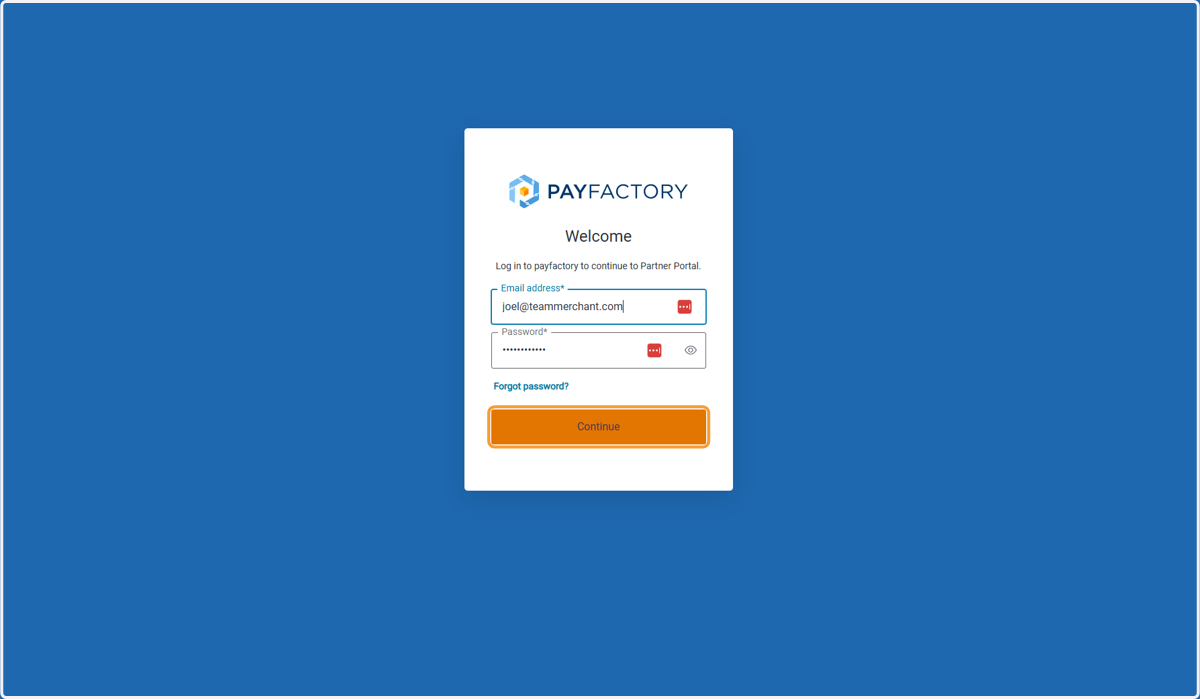
1. Log in | Partner Portal
Enter your Email and Password then Click on Continue
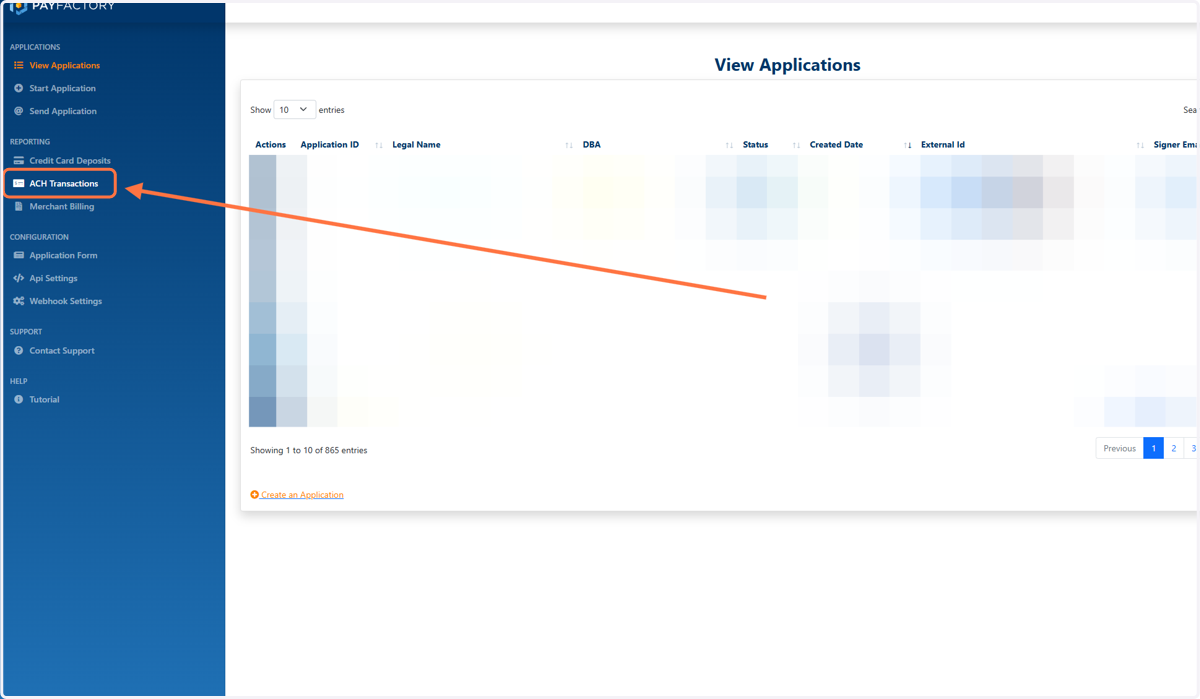
2. Click on ACH Transactions
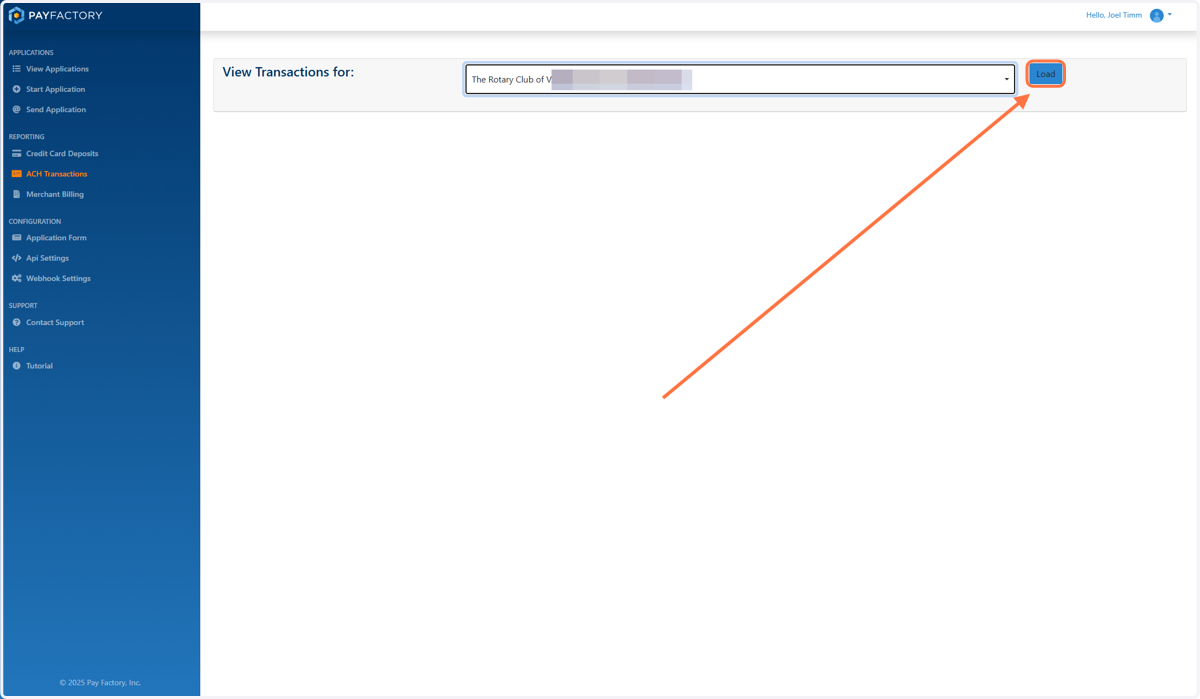
3. If Needed, Select the Company from the Dropdown
If you have more than one account with Payfactory, select the account you want from the dropdown
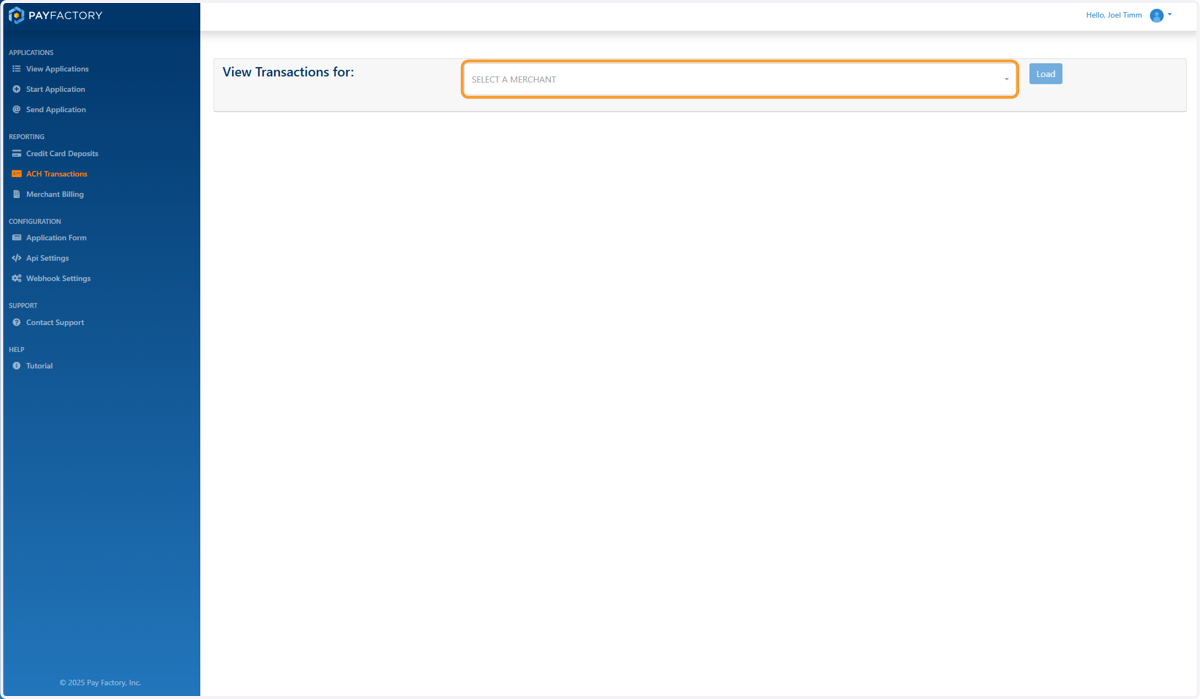
4. Click on Load
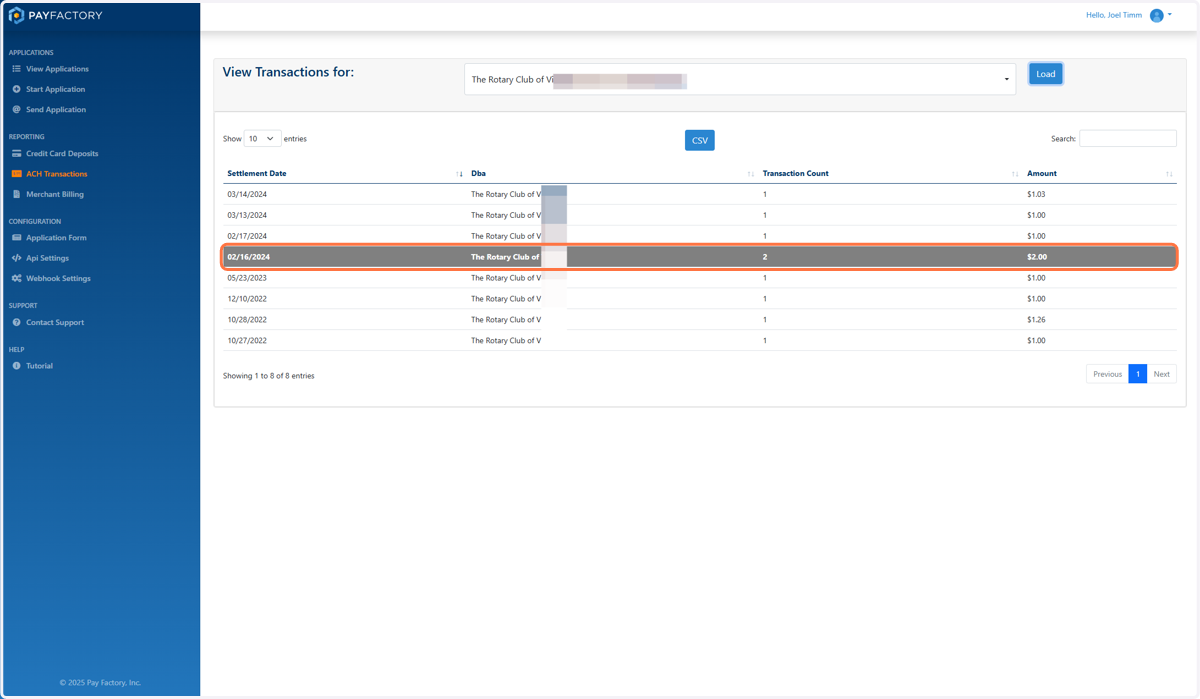
5. Find the date of the deposit and click into it
These deposits should exactly match what is deposited into your bank by Payfactory
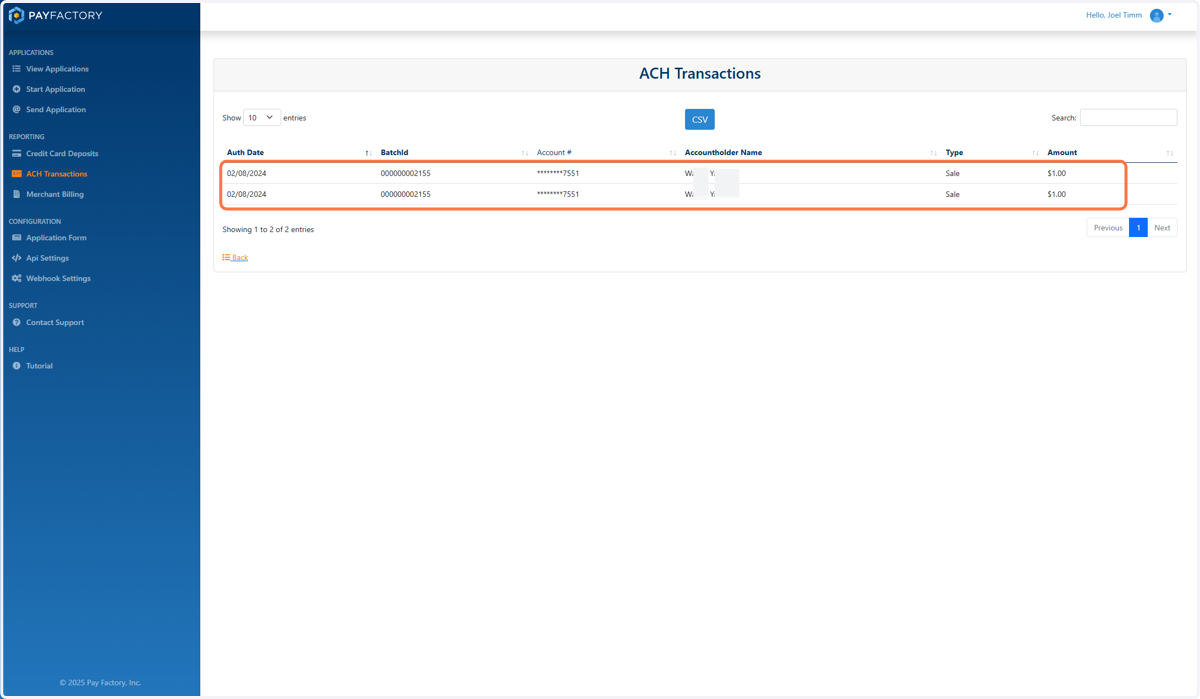
6. List of Names and Transactions in that Deposit
Event Names are included in Paycove, but not in Payfactory
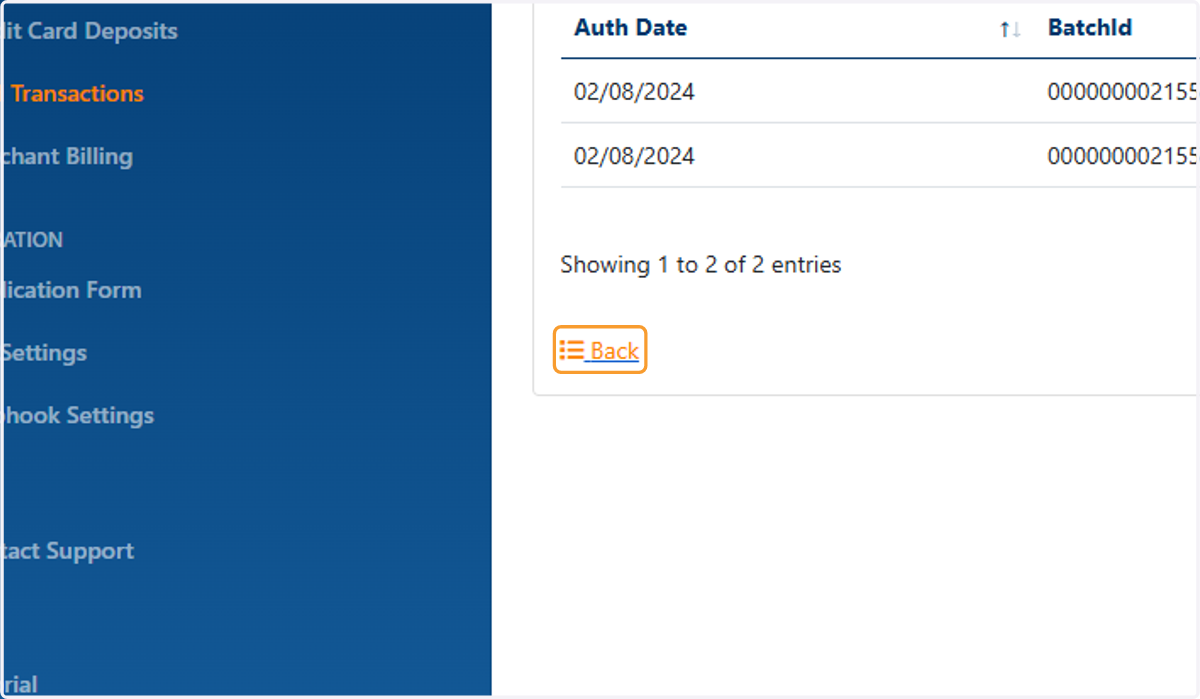
7. Click on Back to Return to the list of deposits