Downloading the Salesforce Opportunity Report for the Weekly Pipeline Meeting
When its your turn, you'll be expected to download, share and print out this report ahead of the weekly team meeting!
Salesforce
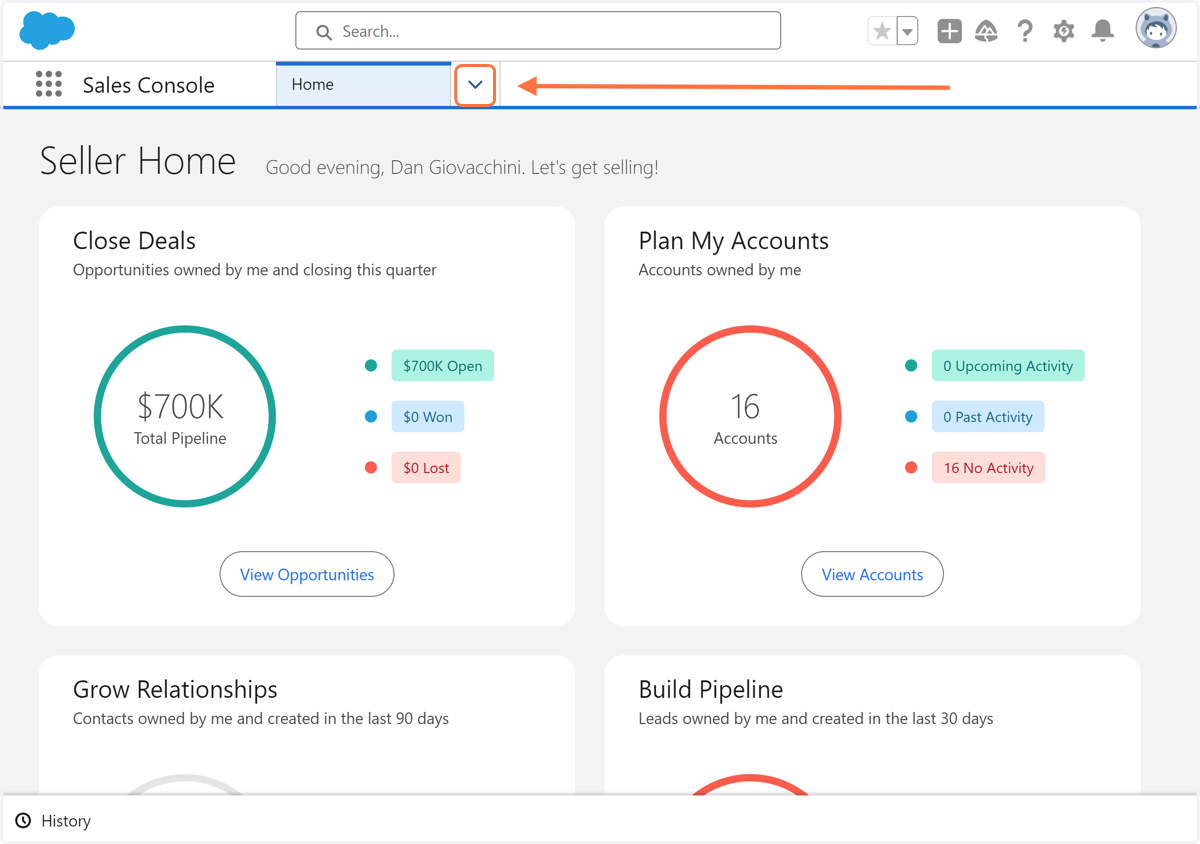
1. Click on the Navigation Dropdown
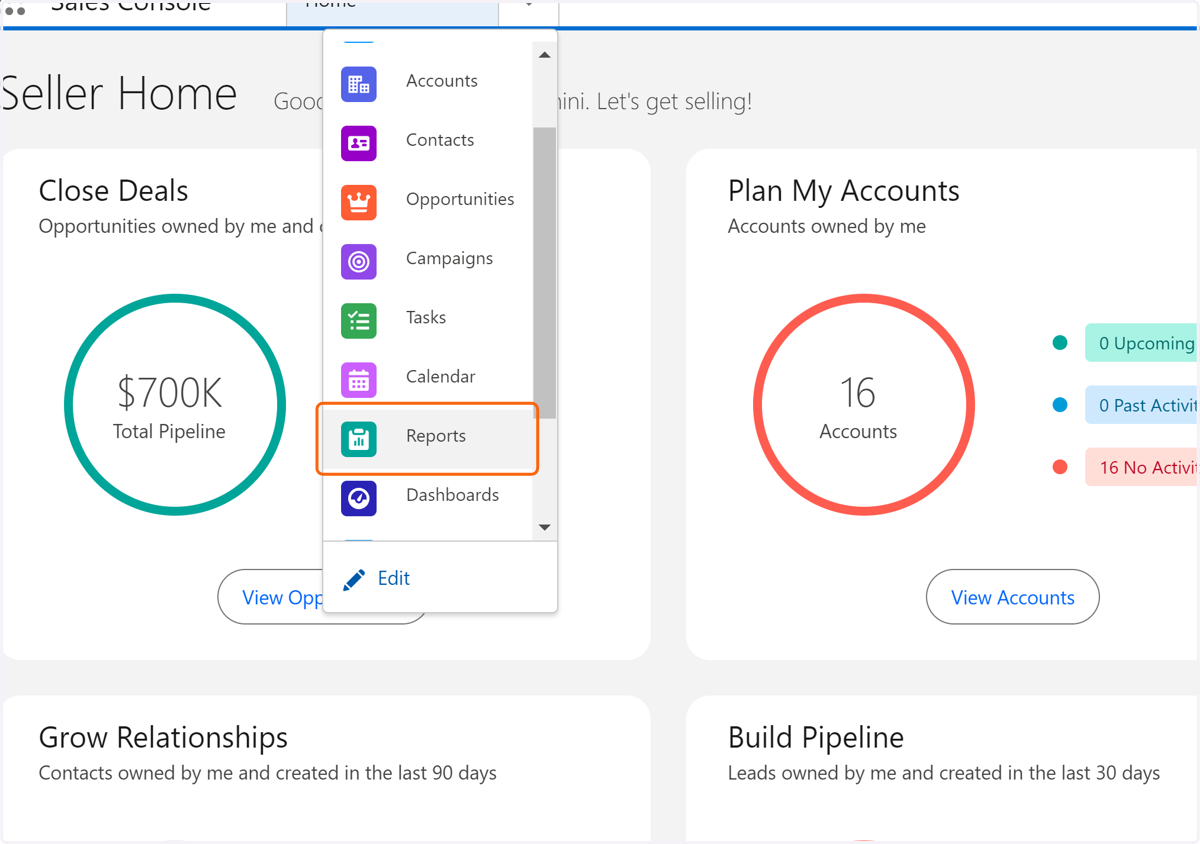
2. Click on Reports
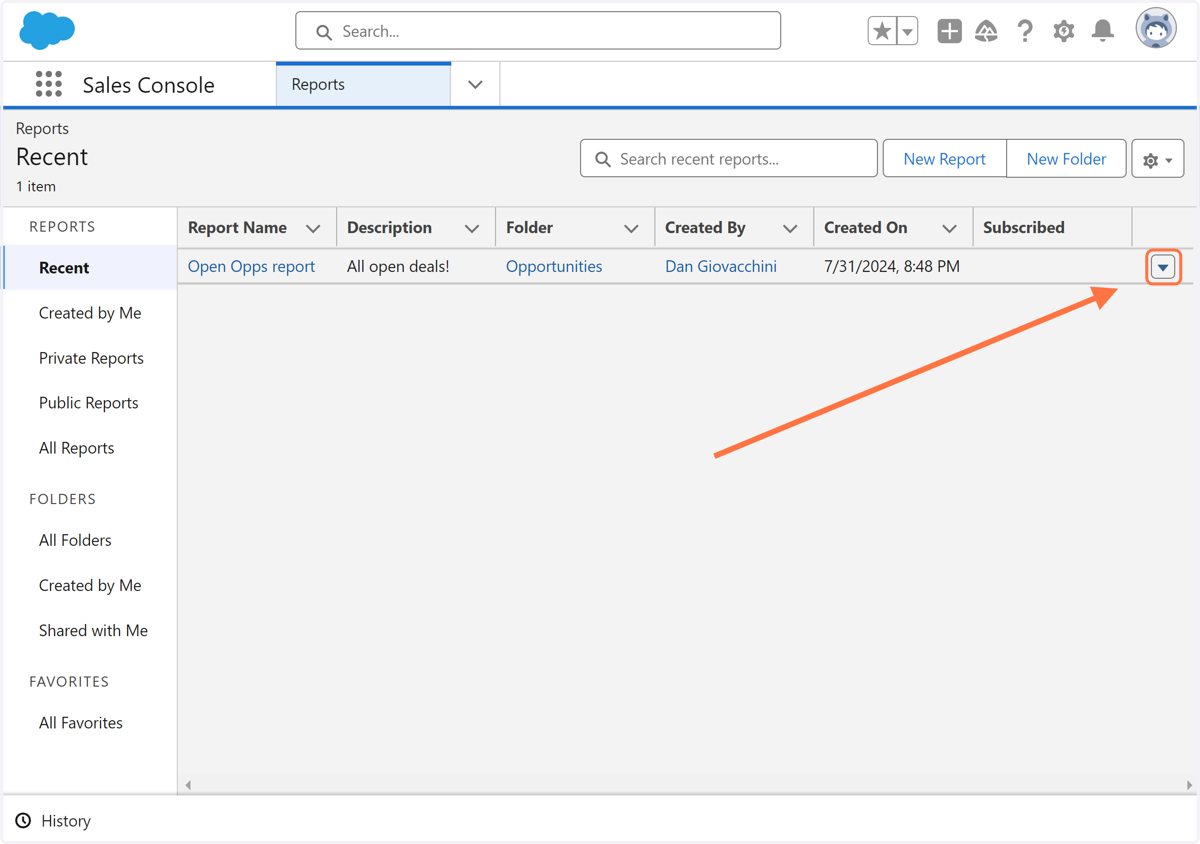
3. Click on Show actions
4. Click on Export
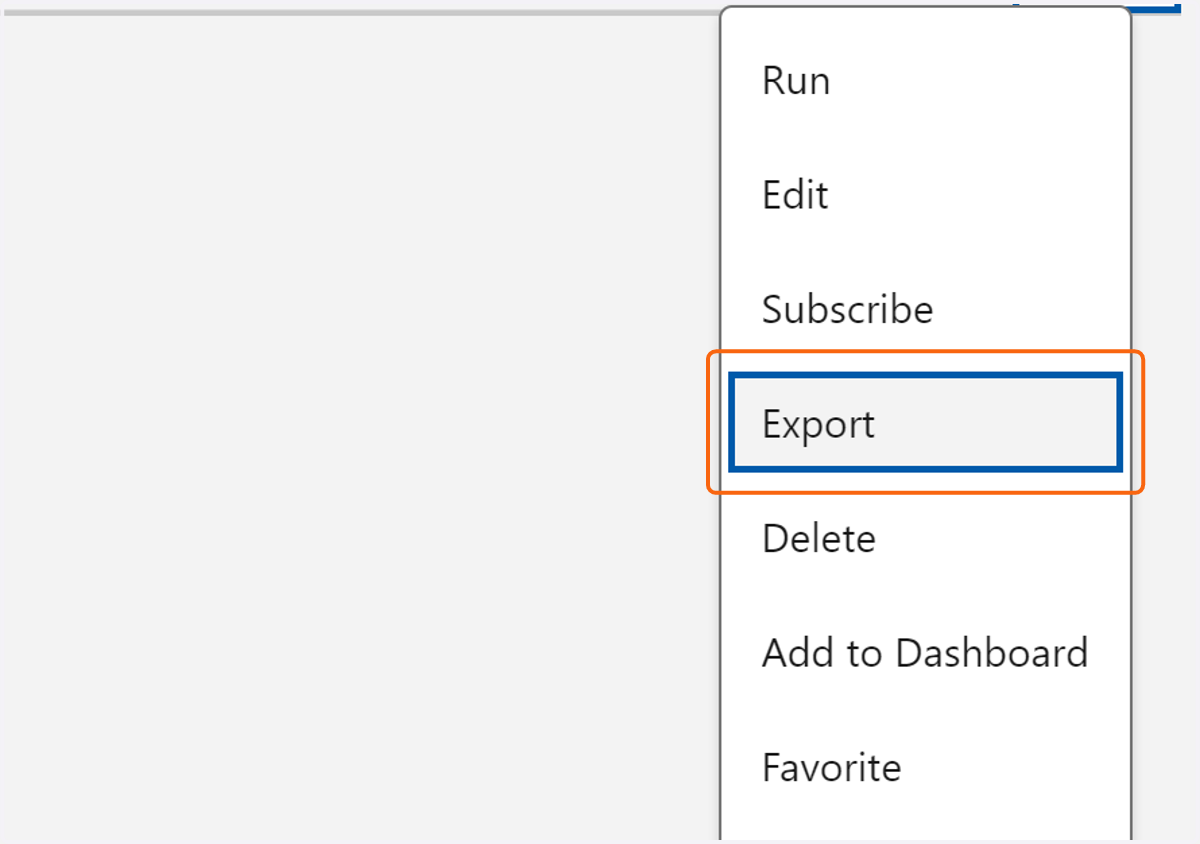
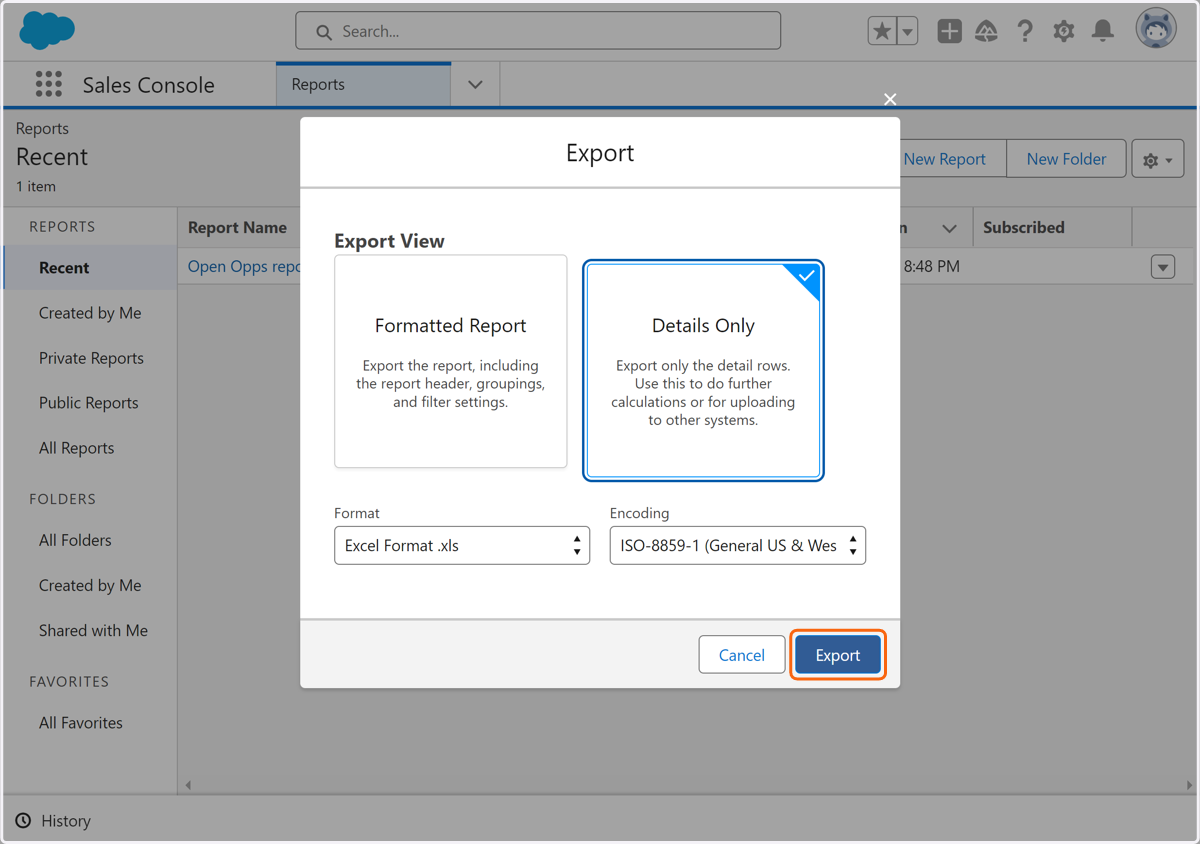
5. Click on Export