Reviewing Payables in Yardi Payscan
💸 Yardi Payscan
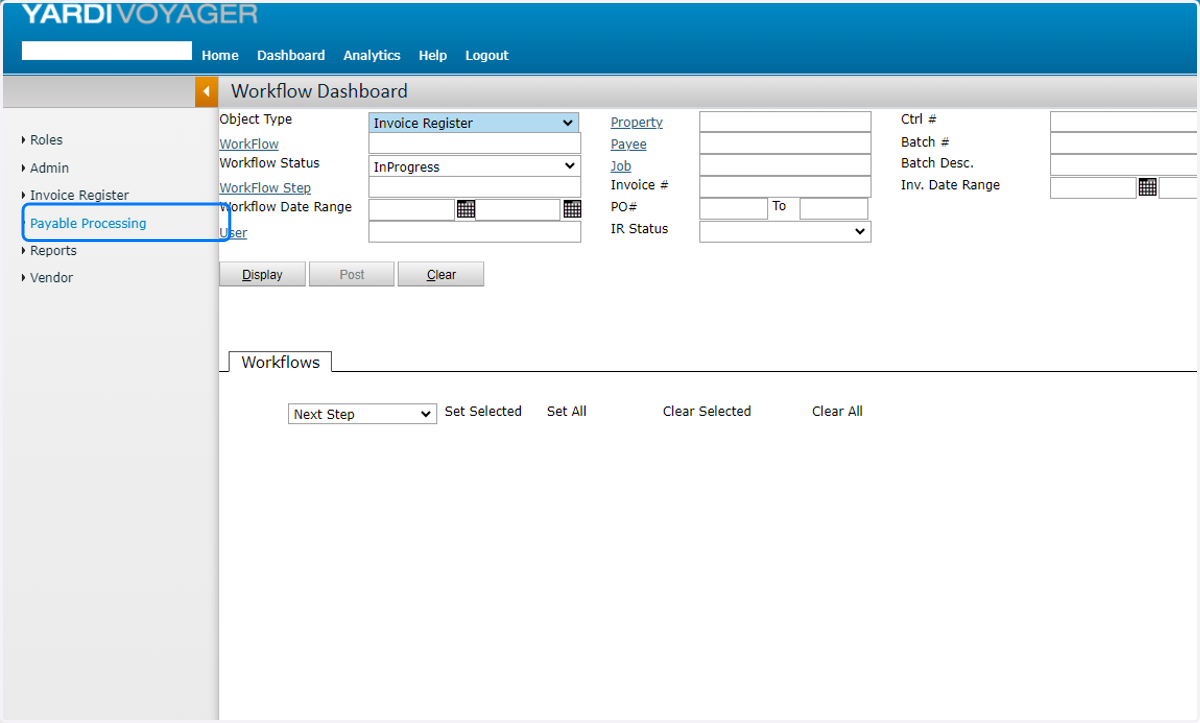
1. Click Payable Processing
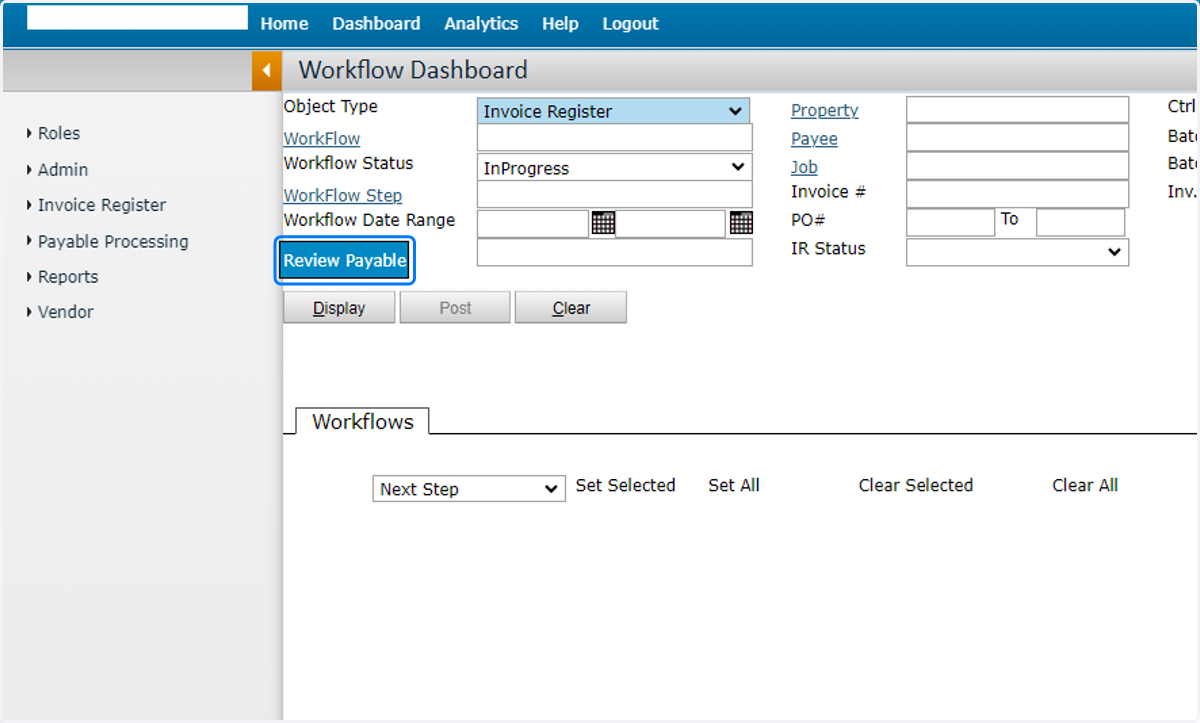
2. Click Review Payable
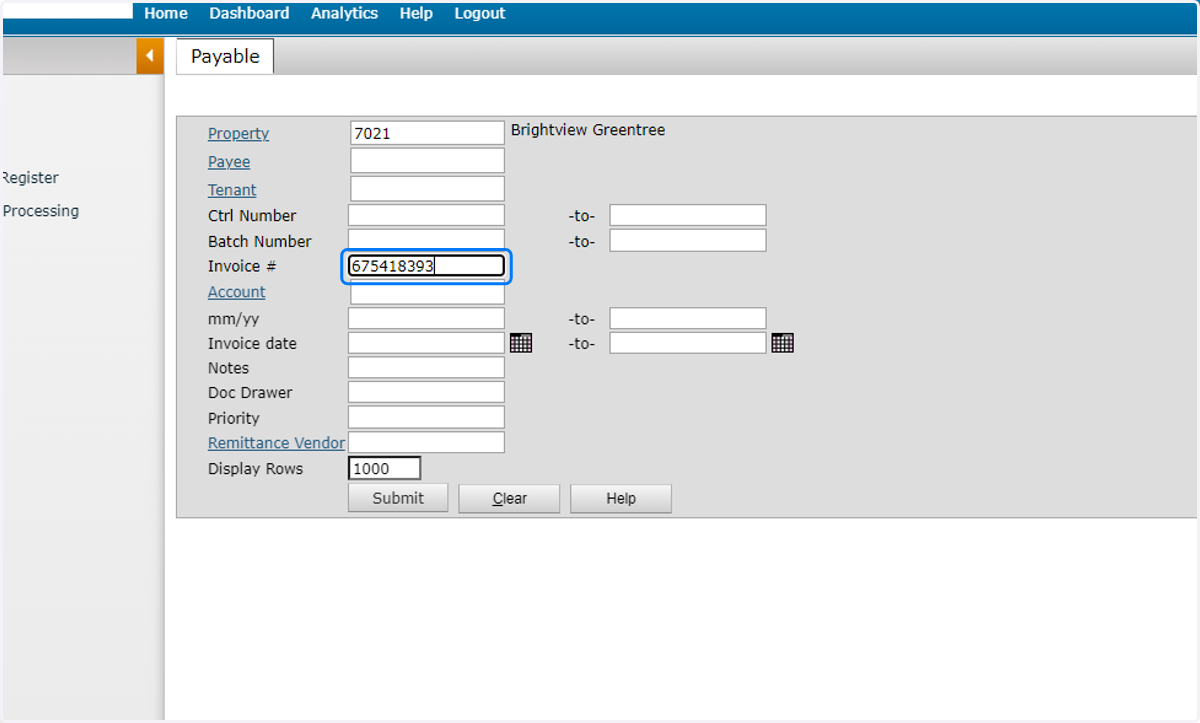
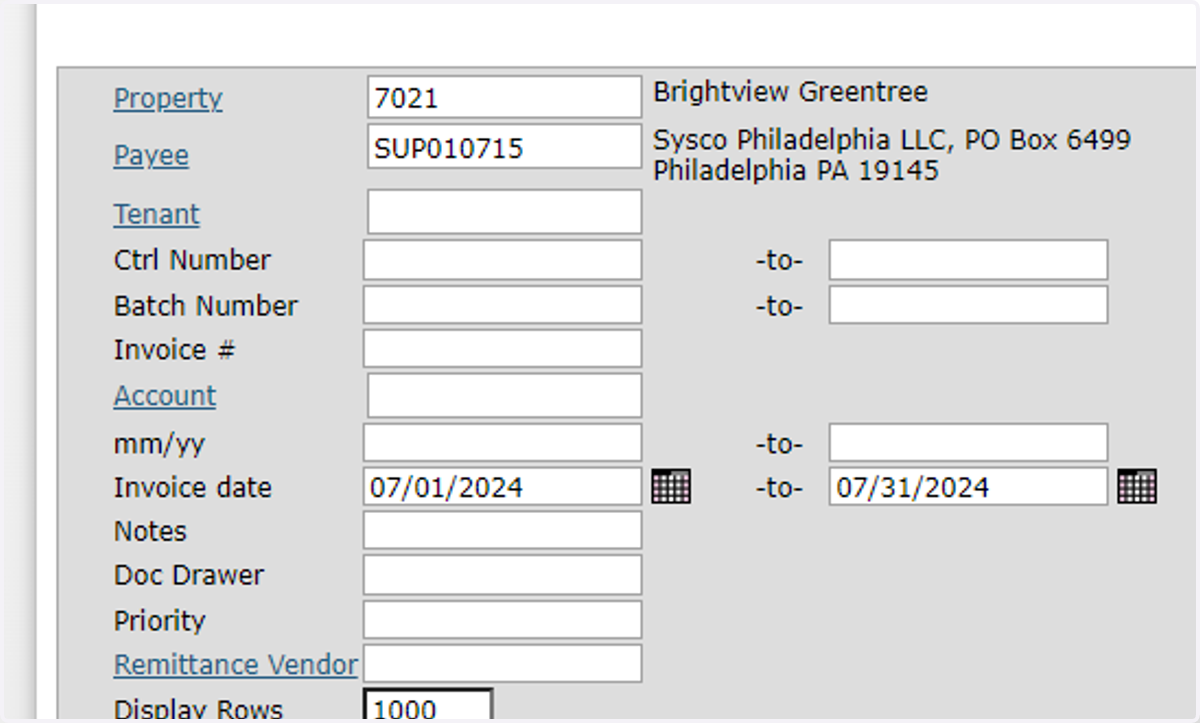
3. Enter Filters
You can search by Invoice #, Payee, Post Month, or even Invoice Date range.
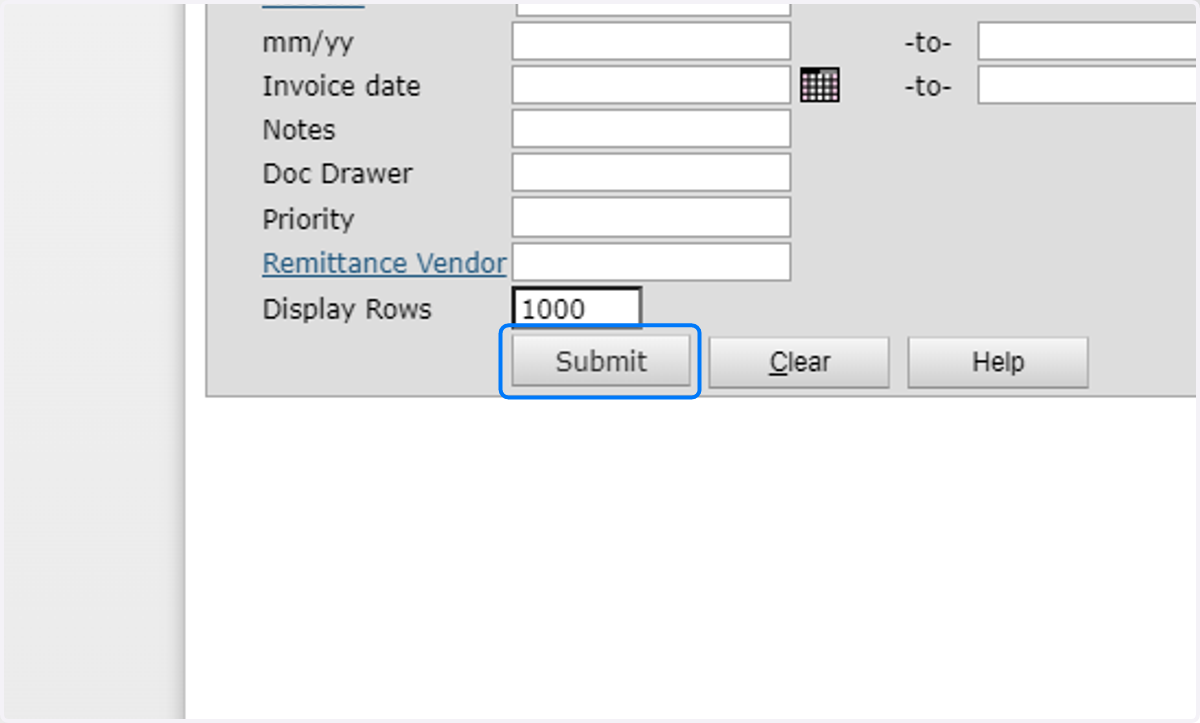
4. Click Submit
5. Filter Recommendations
If you search by Payee, it is recommended that you enter a date range to limit the number search results. A large invoice count could slow down your browser.
6. View Payable Invoice
You can view Payment Status on the top of the payable.

7. Payable List
If your search displays multiple results, you can click into different payable records in the righthand pop-up window.

8. Invoice Images
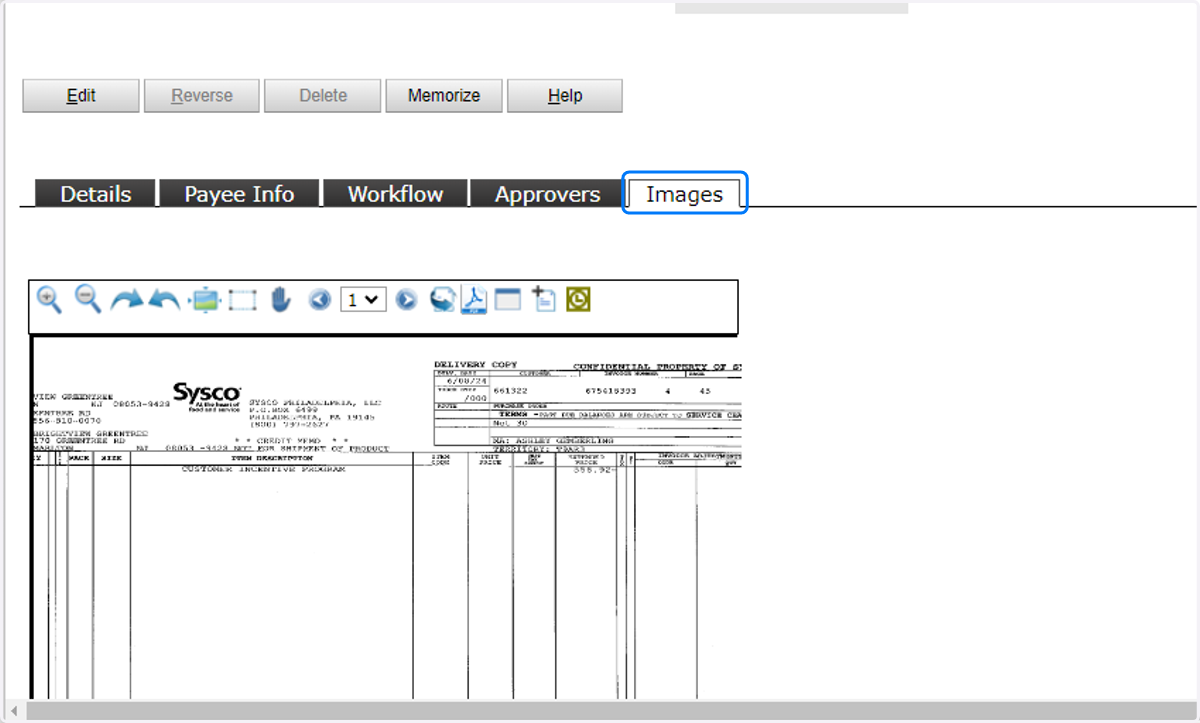
Click the Images tab to view the invoice PDF.
9. Invoice Register Lookup
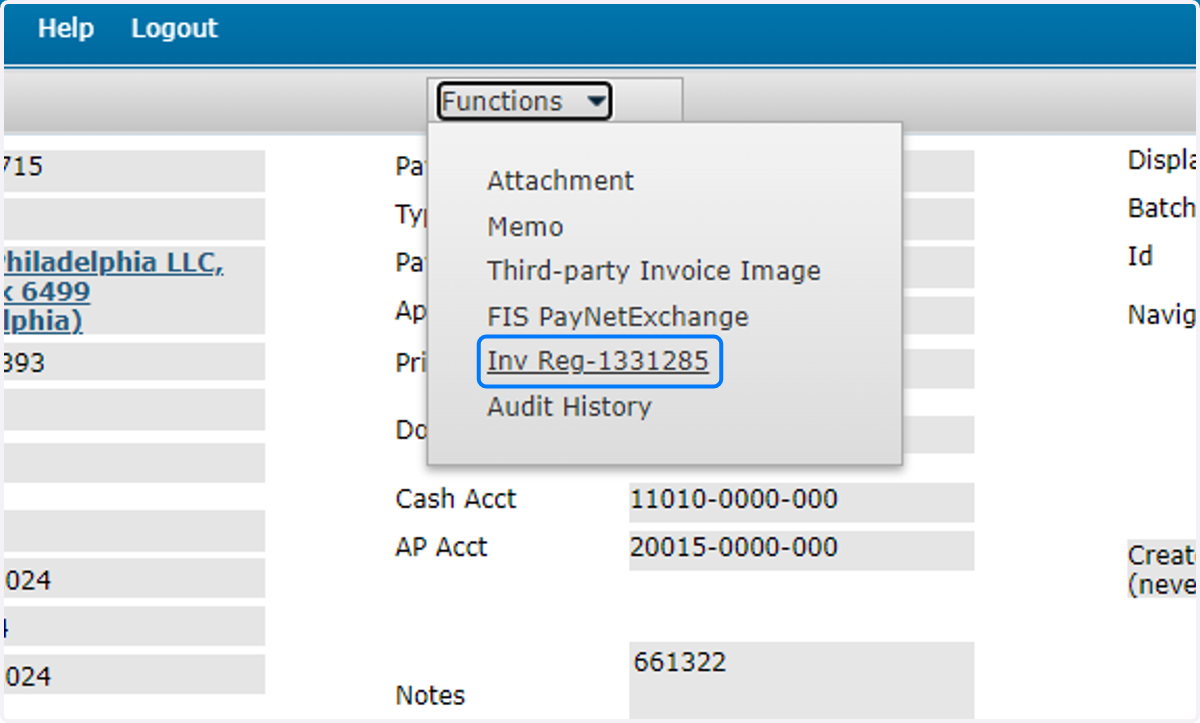
To view the Invoice Register record, click Functions, then the Inv Reg-####### link.
10. Invoice Register View
The IR will open in a new window.
