Logging a New Call
Wrmd
1. Go to Wildlife Rehabilitation MD
2. Click on Hotline
3. Click on New Hotline Incident
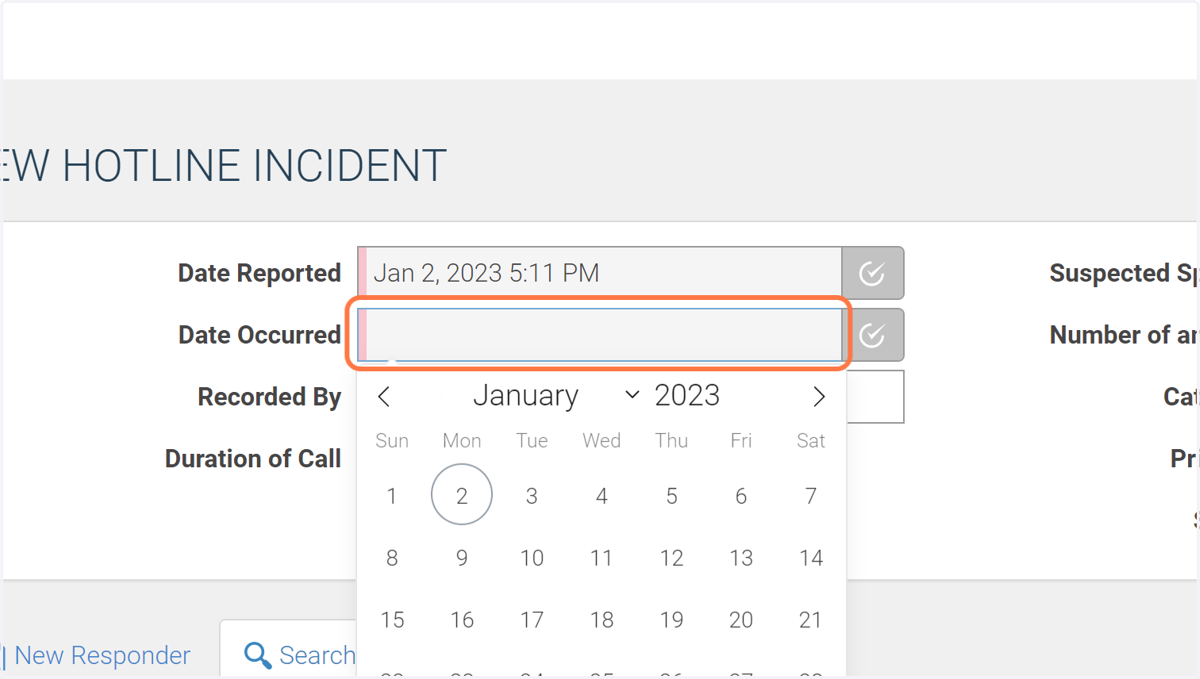
4. Select the date of the call and the date that the incident occured.
These are often the same, but sometimes the caller waits to report an incident. Click the gray checkmark to set the date and time to the current date and time.
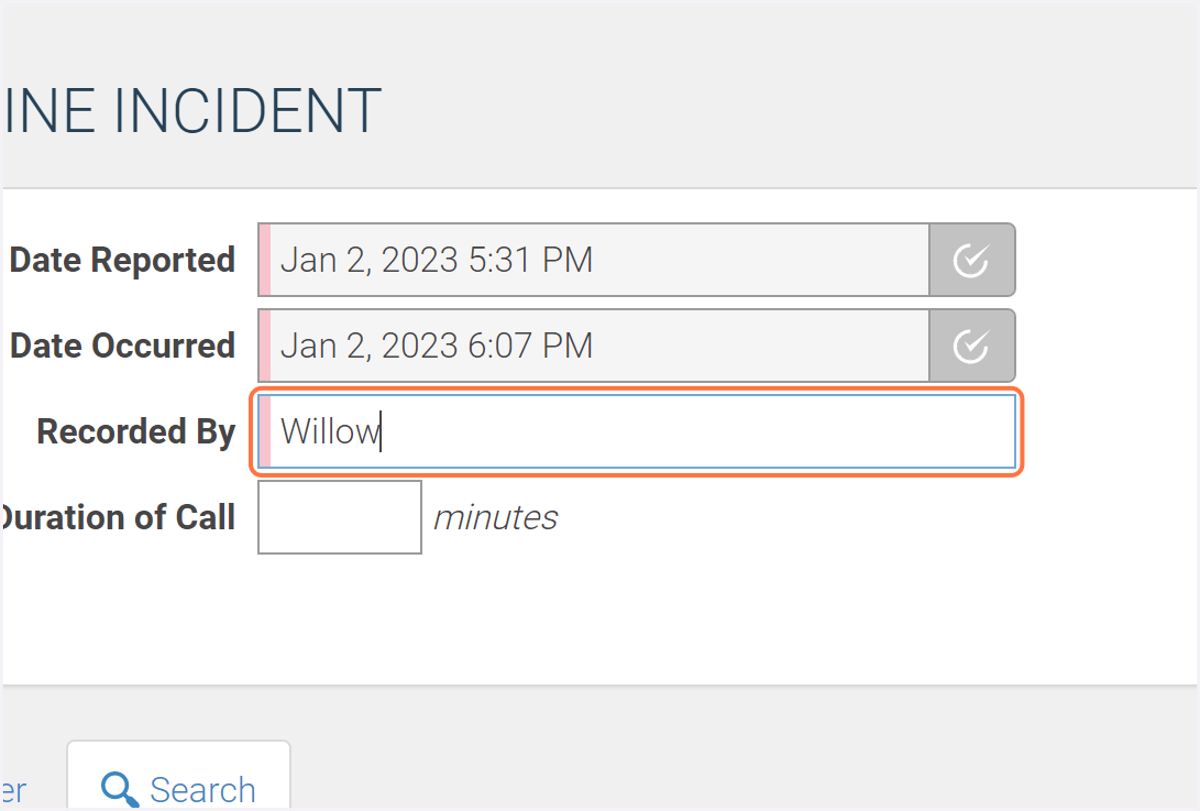
5. Type your name in the "Recorded By" field.
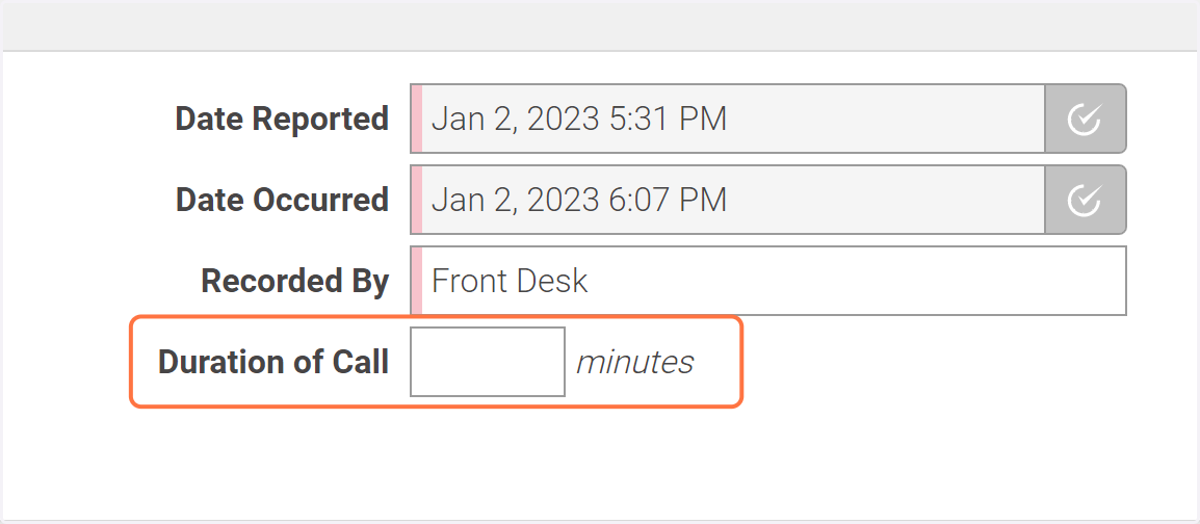
6. The duration of call field is OPTIONAL.
Feel free to fill it out if you want.
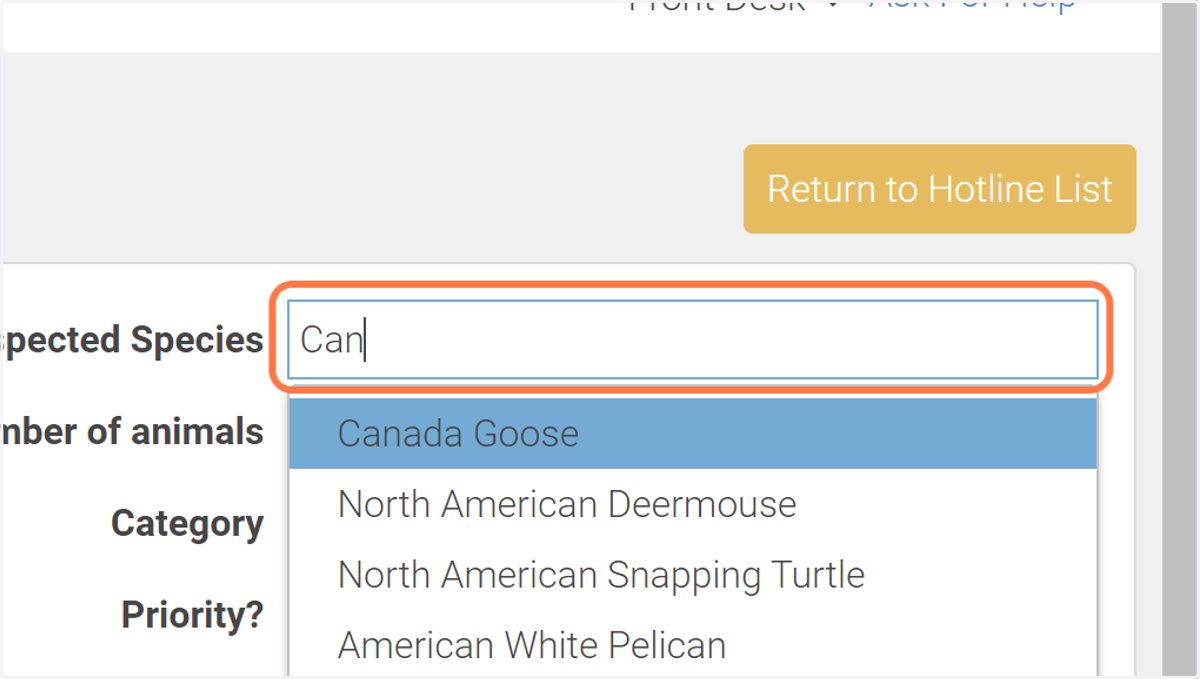
7. Start typing to find the suspected species.
Then select the species from the list provided.
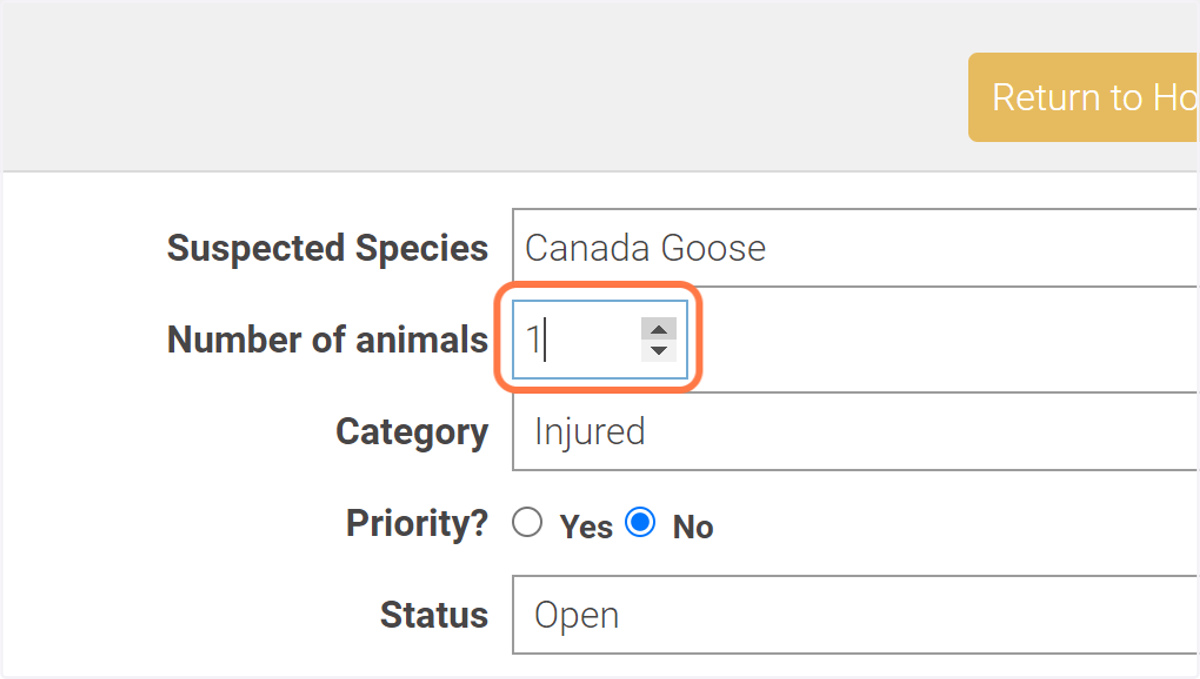
8. Enter the number of animals.
9. Select a category from the list.
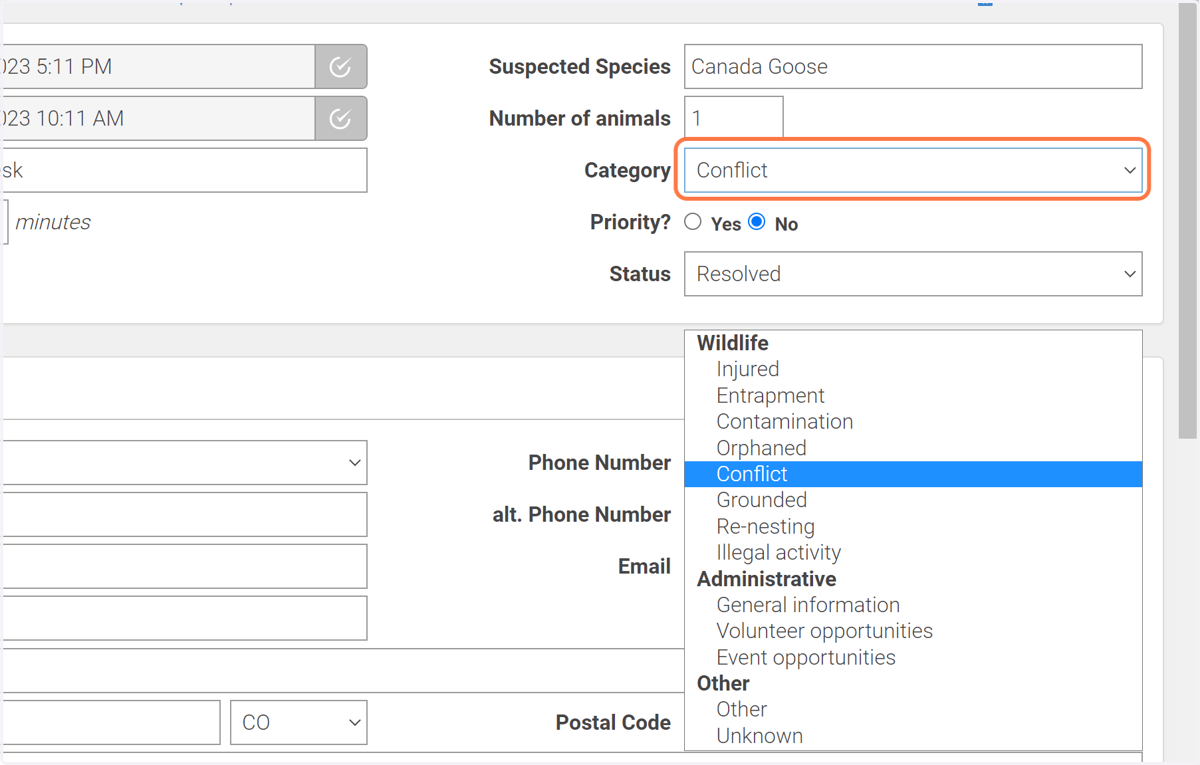
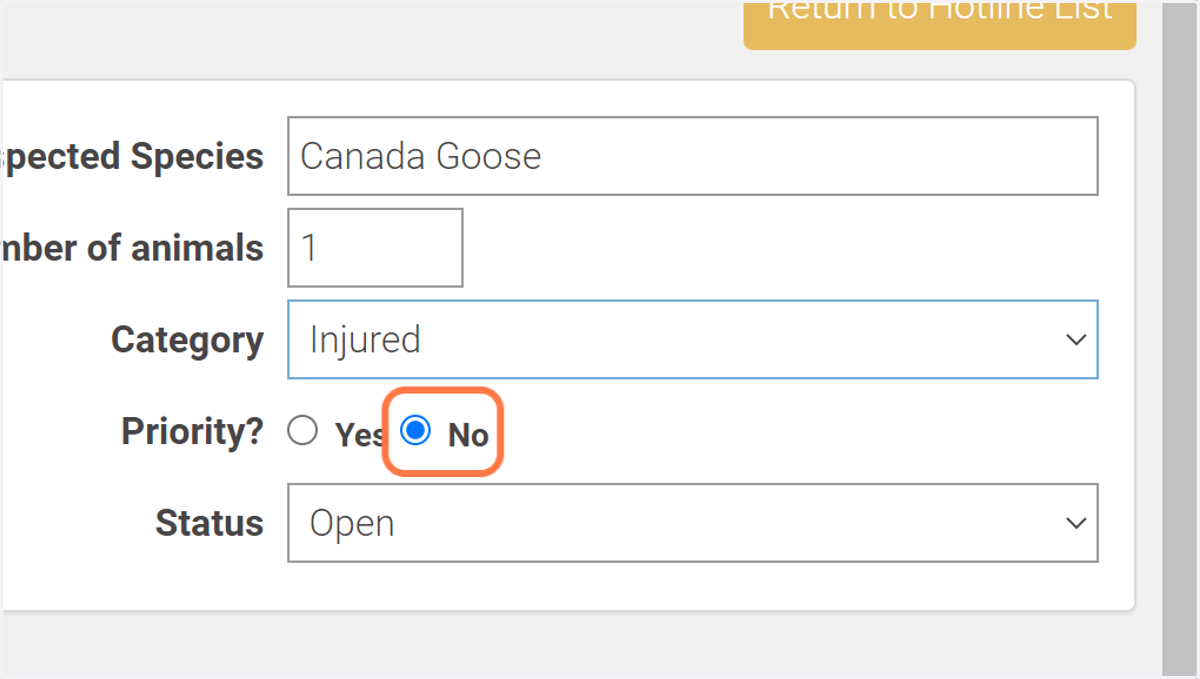
10. If we are initiating a field rescue response, select "Yes" next to "Priority".
If not, select "No".
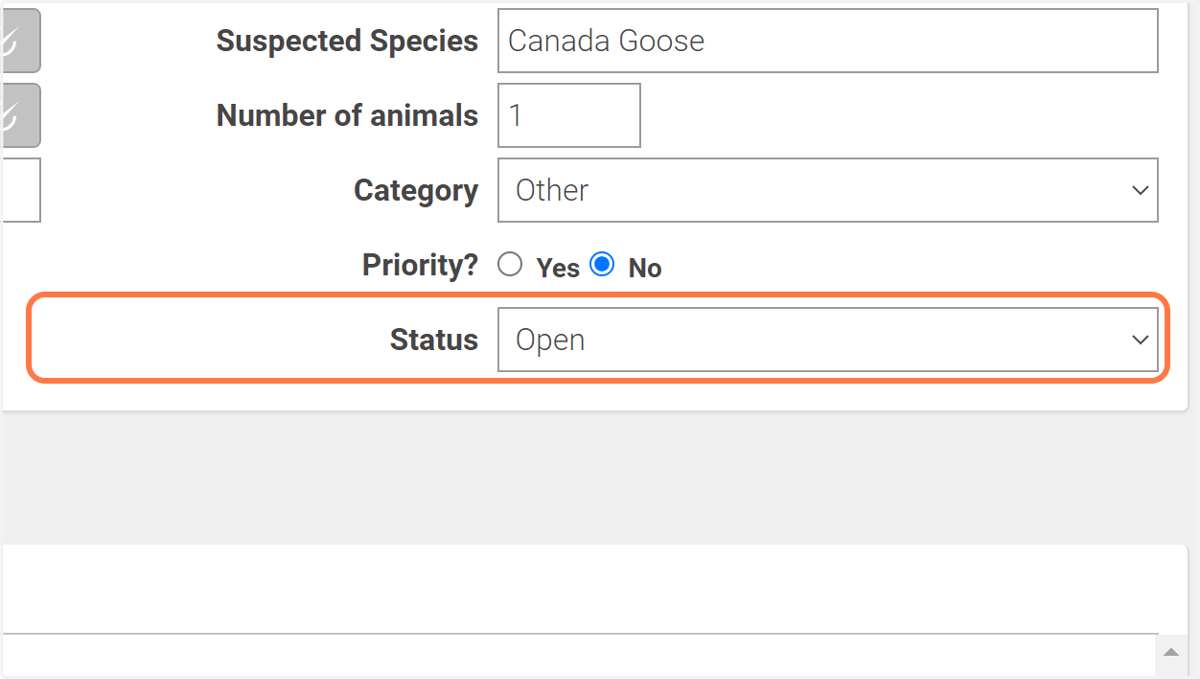
11. You can leave status as "Open".
WRMD will automatically set this to resolved if you fill out the resolution panel.
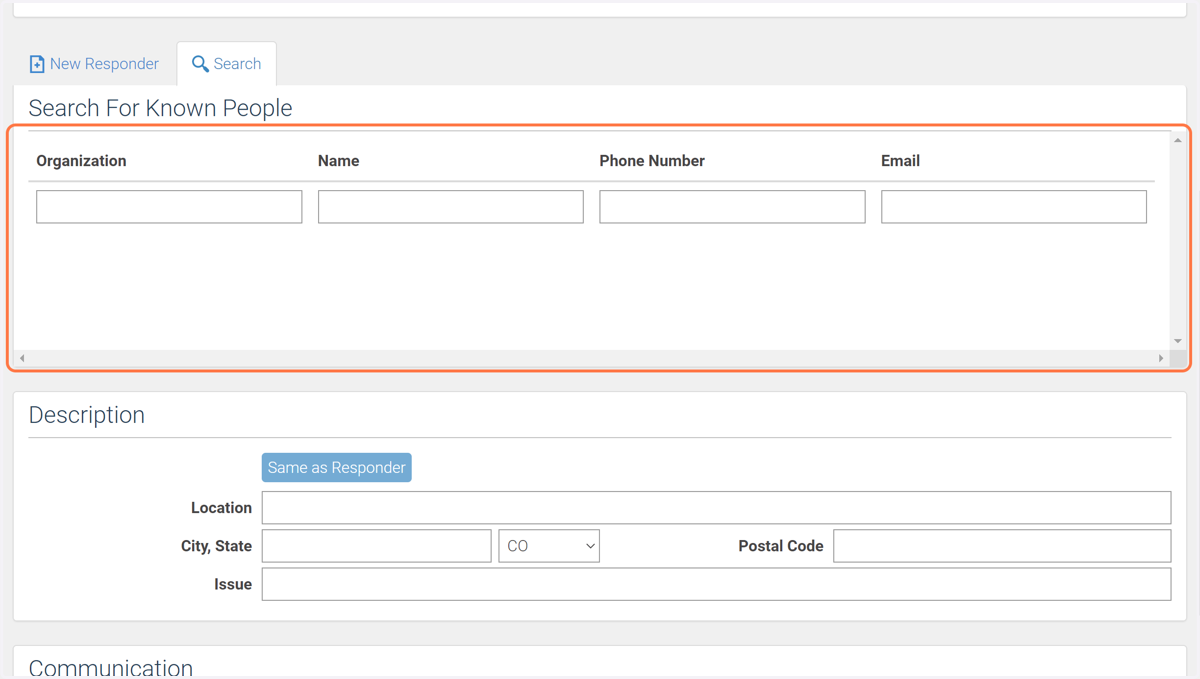
12. Start by searching for a known person with one of the listed credentials.
If the caller doesn't show up, skip to step 14.
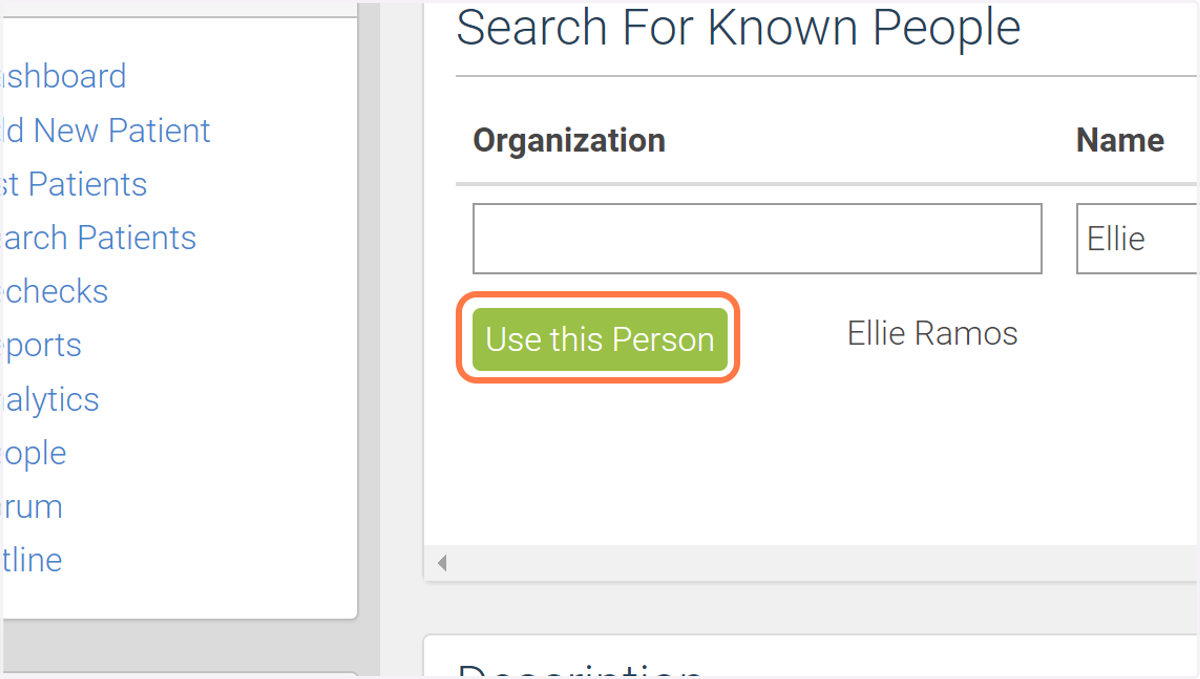
13. If the caller shows up, select "Use this Person".
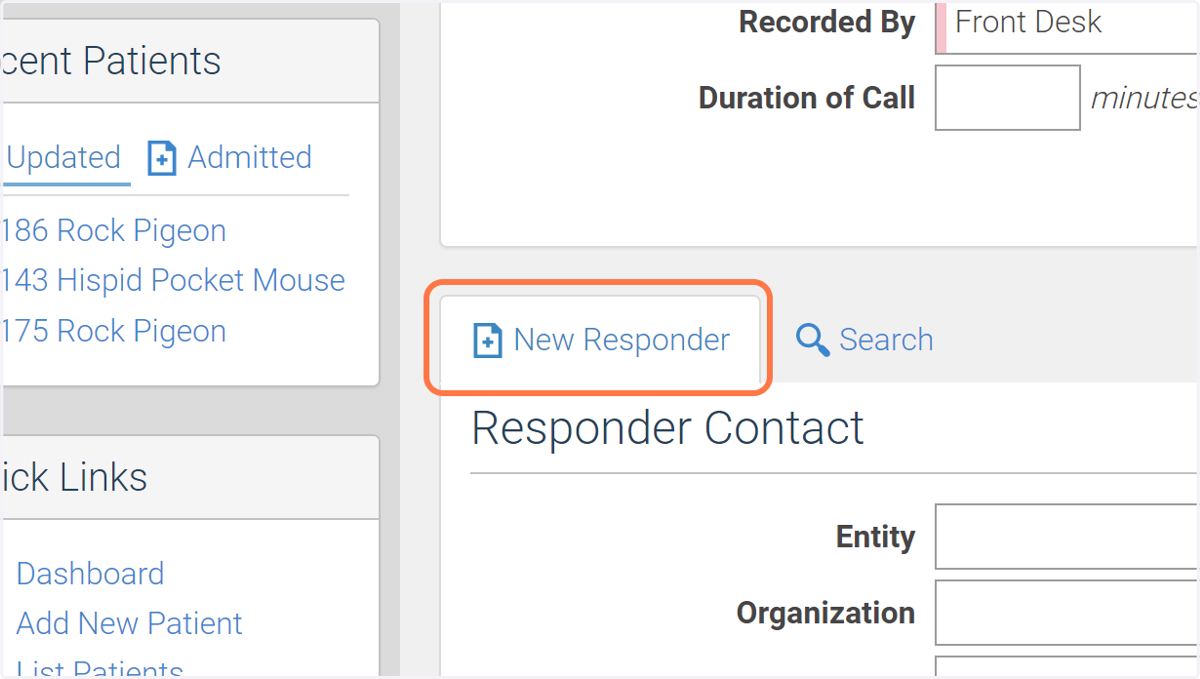
14. If the caller does not show up in the Search, click New Responder.
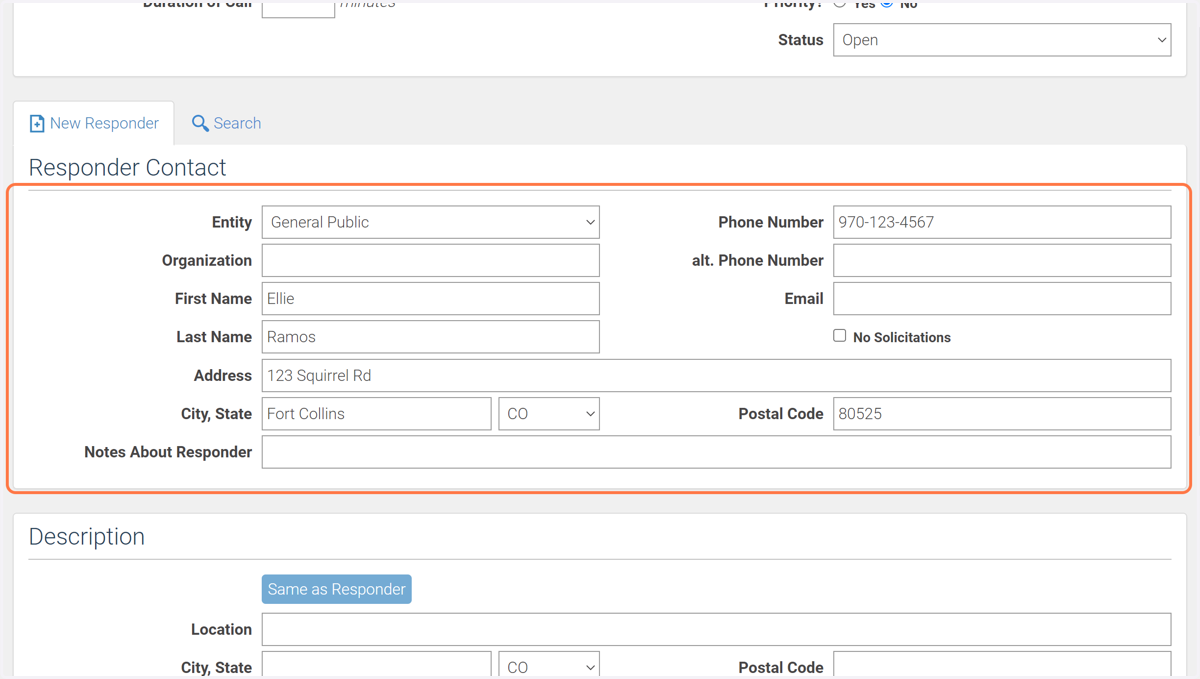
15. Enter as much information as you can about the person.
This may just be a phone number, and that's ok!
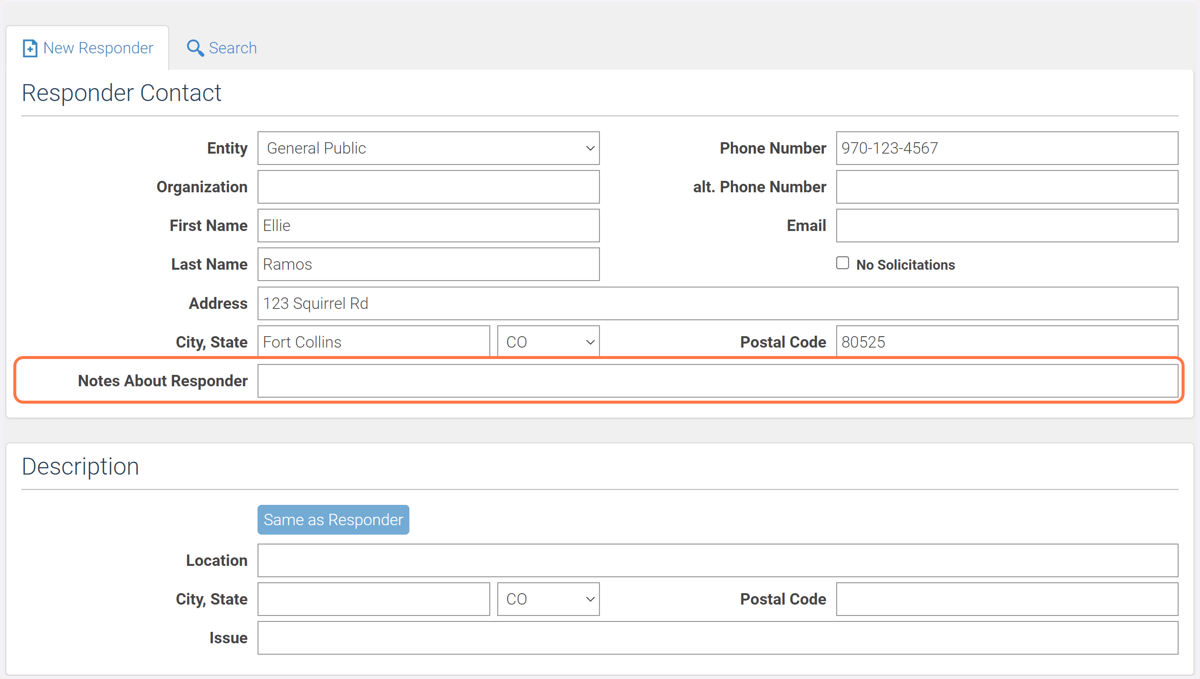
16. Enter any notes you think are relevant.
For example, "Very attached to patient." or "Not a safe release site."
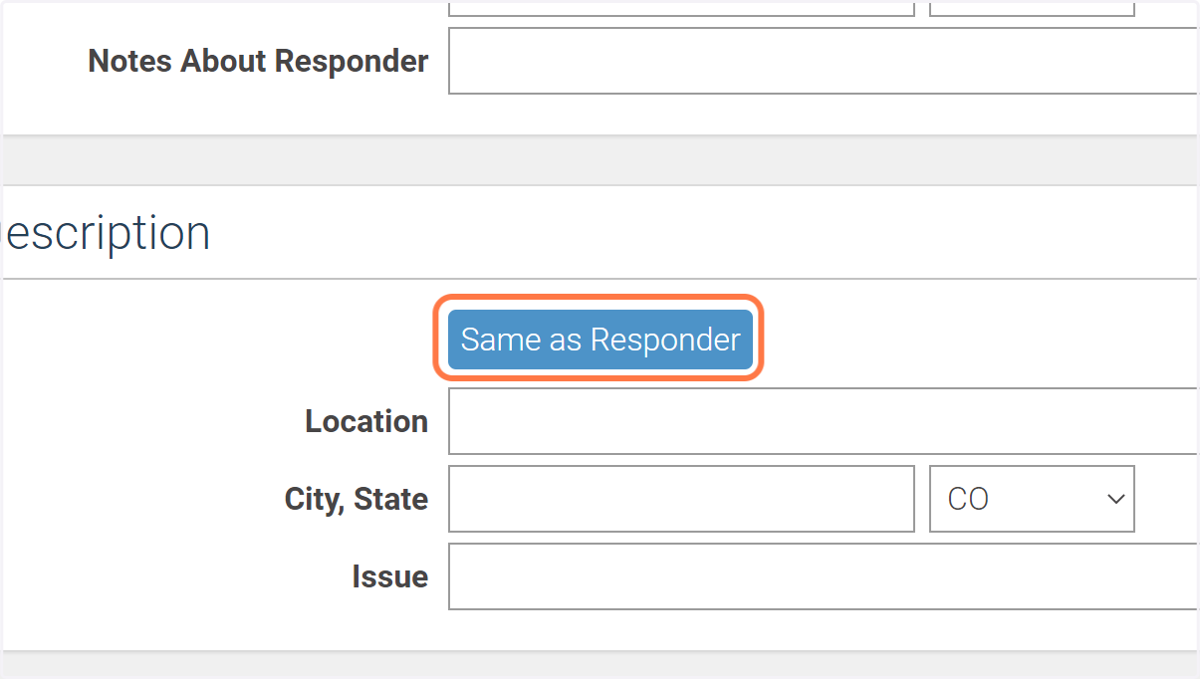
17. If the animal was found at the caller's address and that address is known, click "Same as Responder".
If not, continue to step 18.
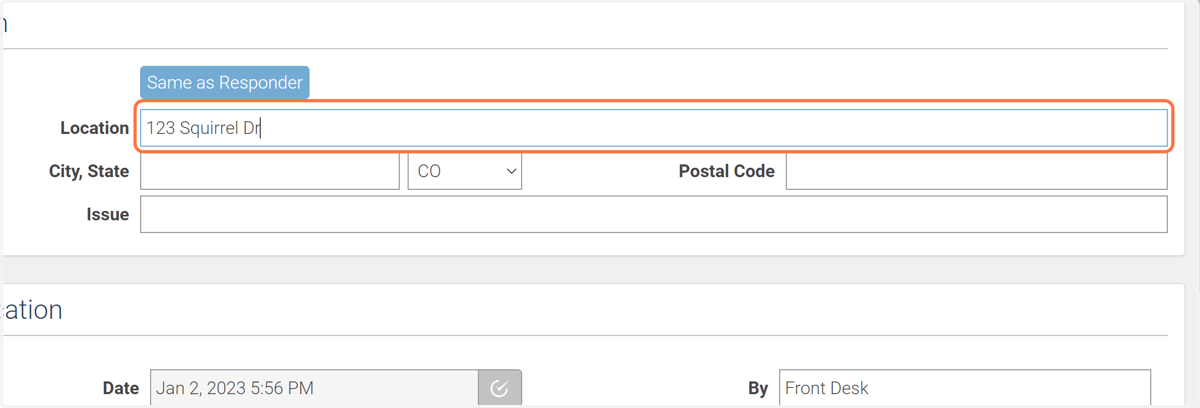
18. Enter the location where the animal was found. This should either be a street address or coordinates.
If you only have a city or don't have any information about where the animal was found, skip this step.
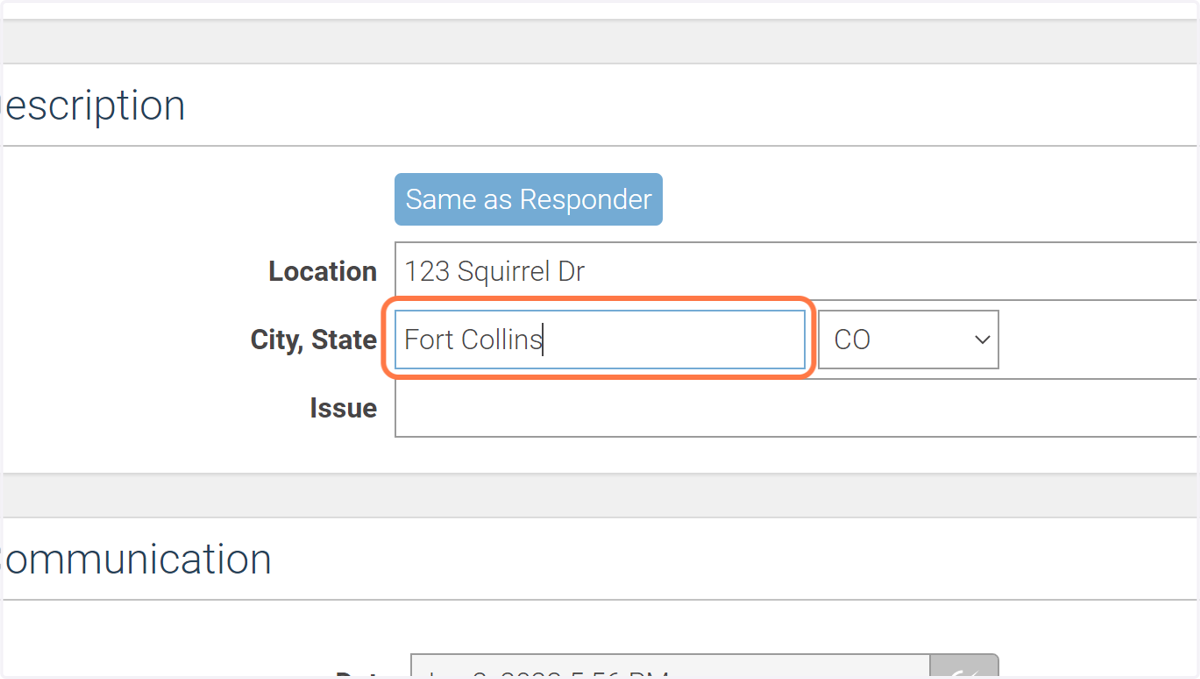
19. Enter the city and state where the animal was found.
If you don't have any information on where the animal was found, skip to step 21.
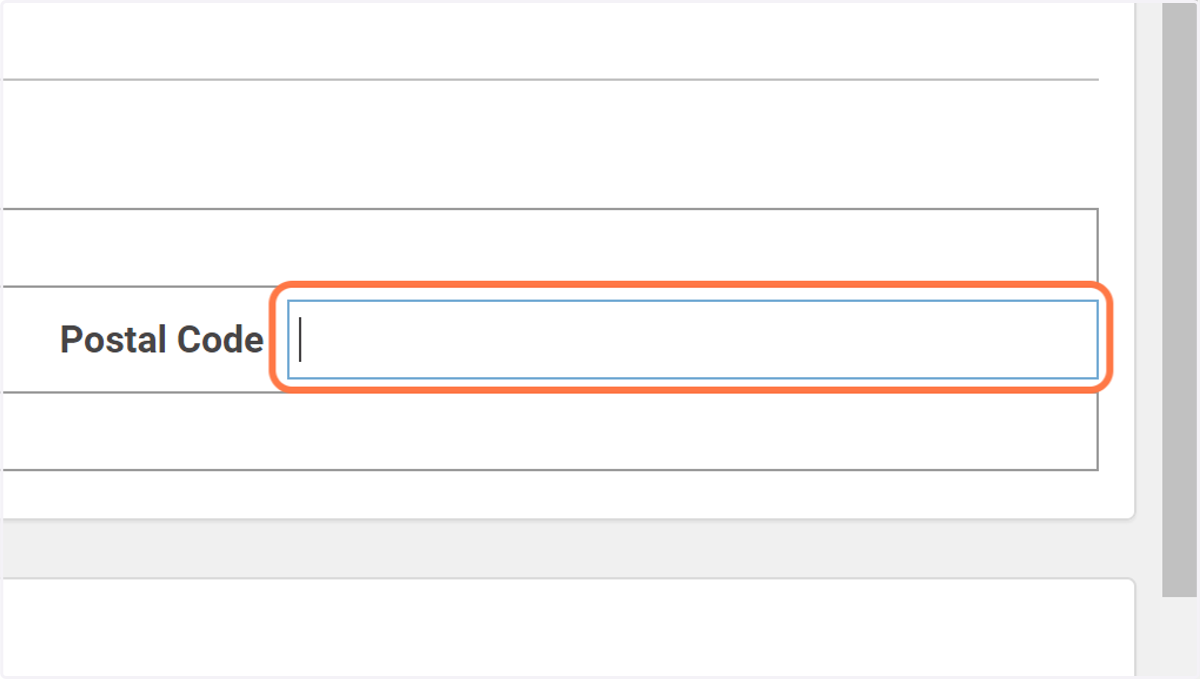
20. Enter the ZIP code of the address where the animal was found.
If you don't know, skip this step.
21. In the "Issue" field, describe the call. This only needs to be a few words.
For example, "Hit by car." or "Cat attack."
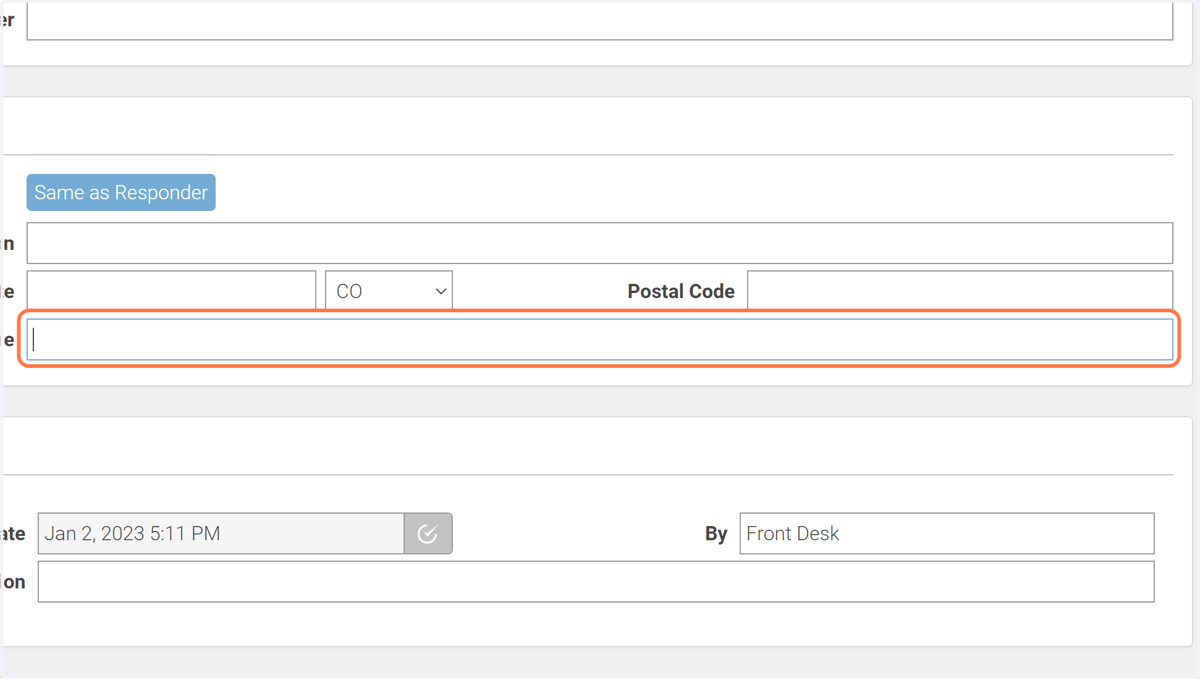
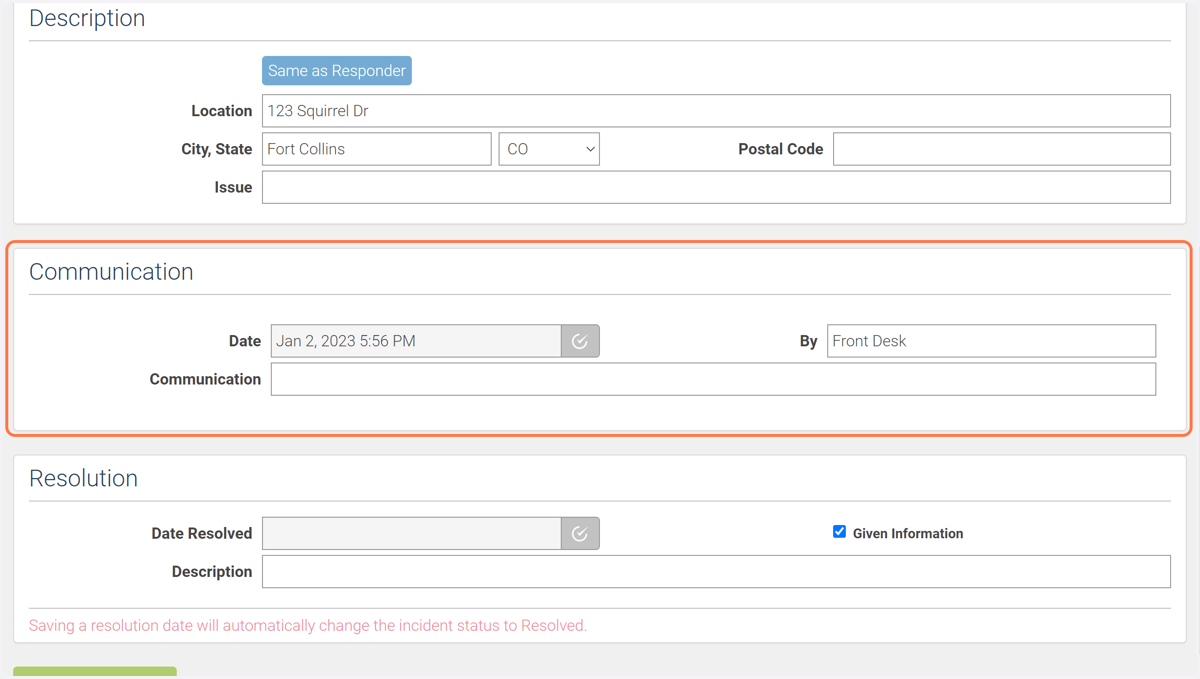
22. Skip the Communication tab, we'll only use this for repeat calls.
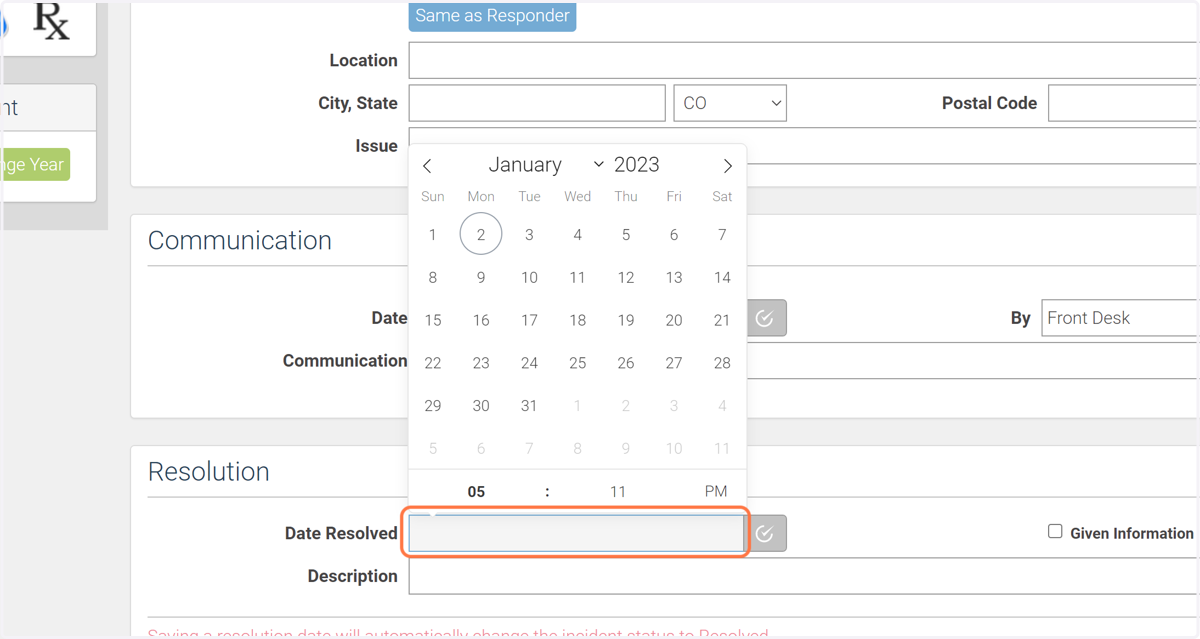
23. If the call is resolved, select the date of which it was resolved.
If not, skip to step 25.
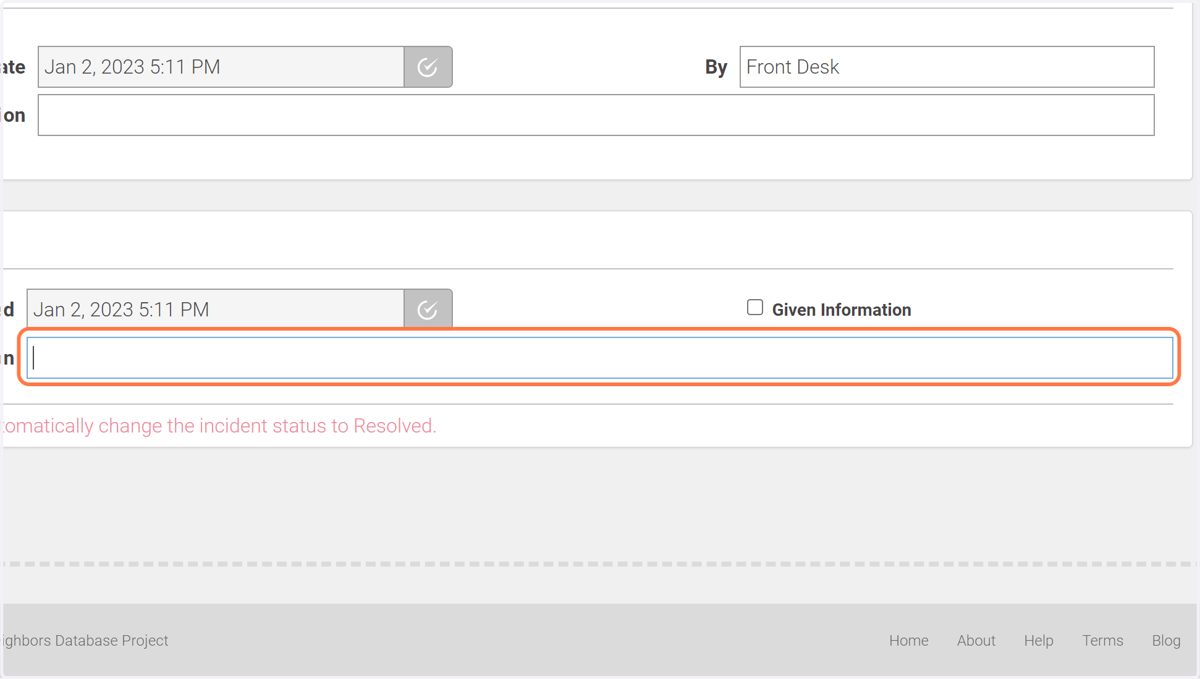
24. Describe what the resolution was.
For example, "Referred to CPW." or "Gave humane solution advice." or "Told to bring in as patient".
25. Click on "Save Hotline Incident".