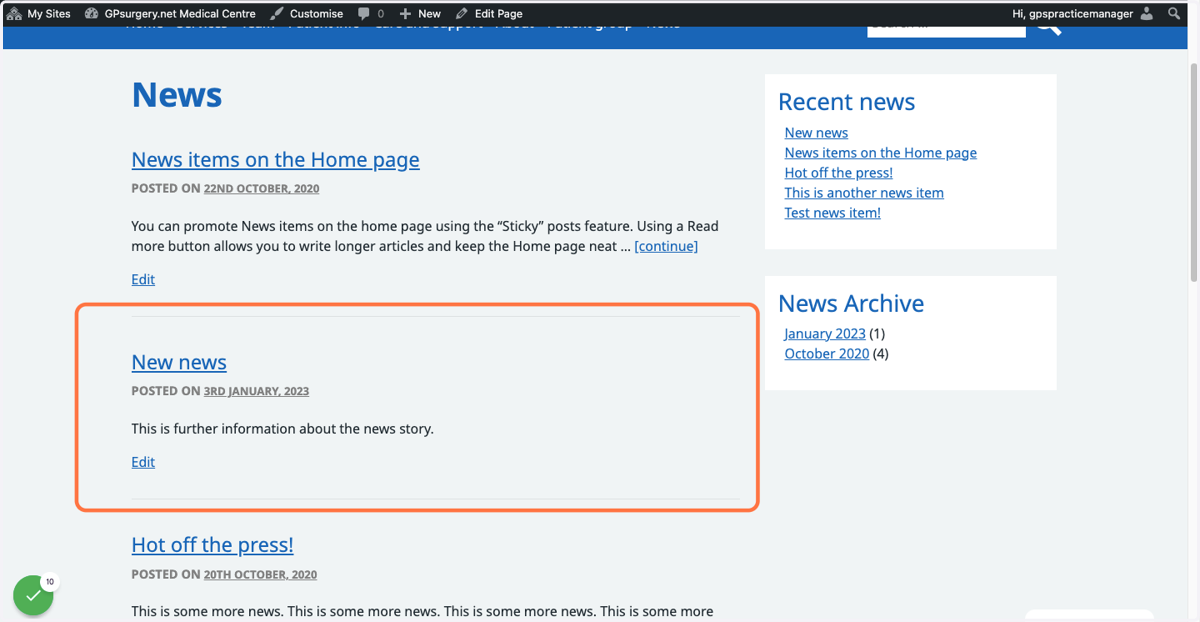
Creating a new news article
News is a great way to keep your patients in the loop. This tutorial will show you how to add a new news article. You can move through it at your own pace using the NEXT button below.
Gpsurgery
1. Make sure that you are logged into your website.
When you are logged in, the black admin toolbar will be visible at the top of the page.
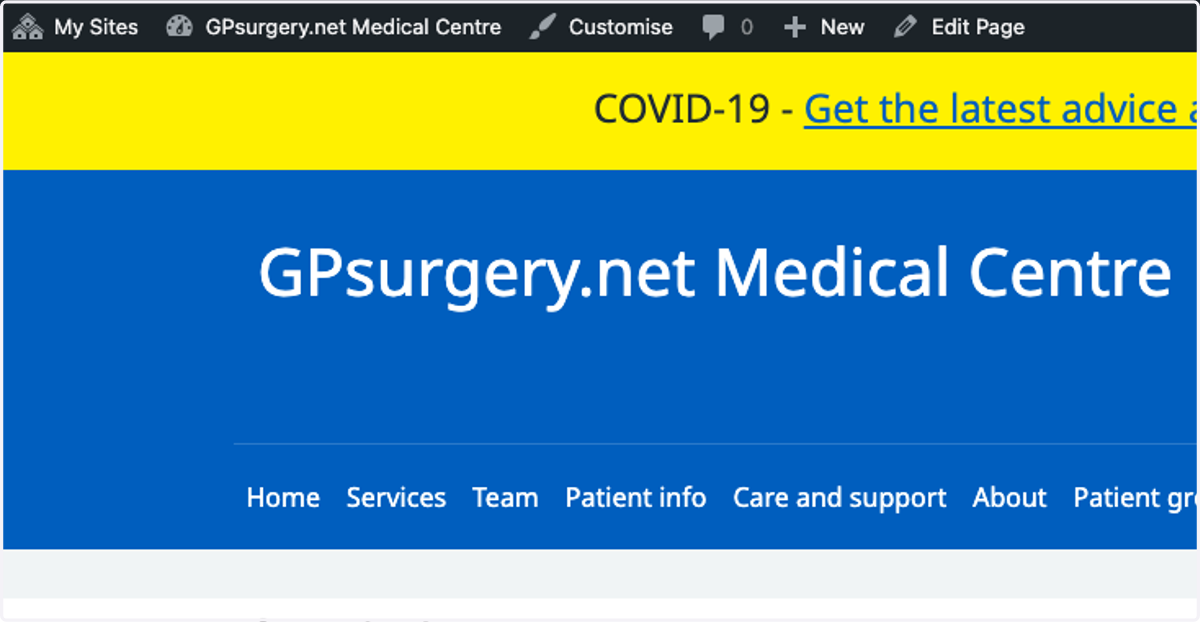
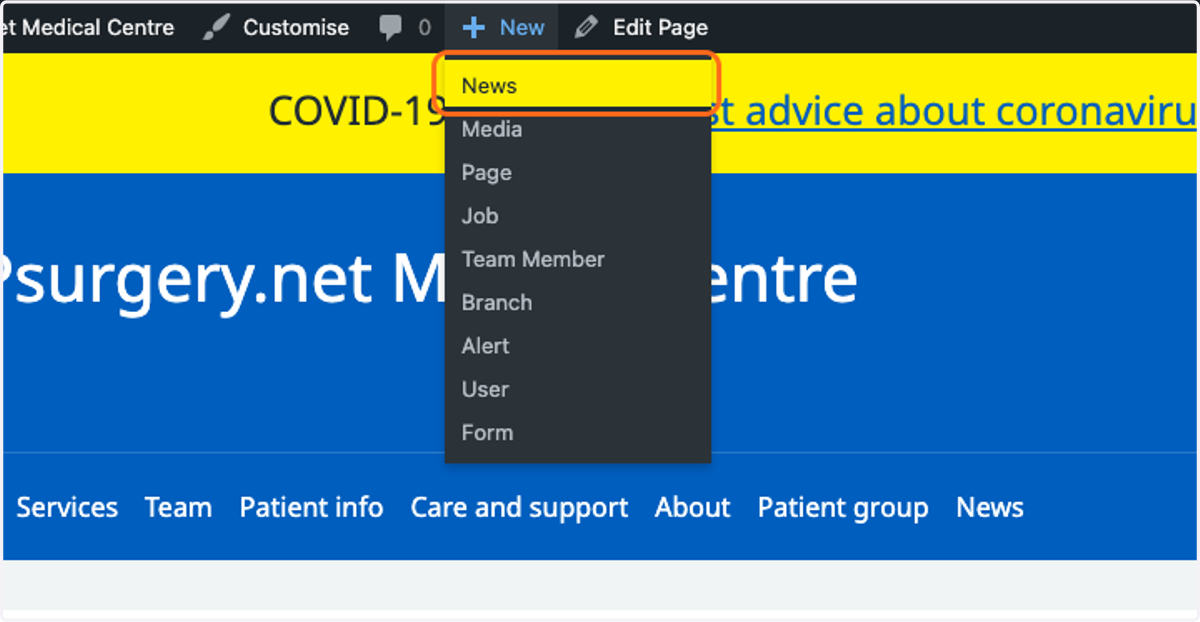
2. Hover over the '+ New' button, and select News from the dropdown menu.
You can also add new news from the dashboard left-hand sidebar.
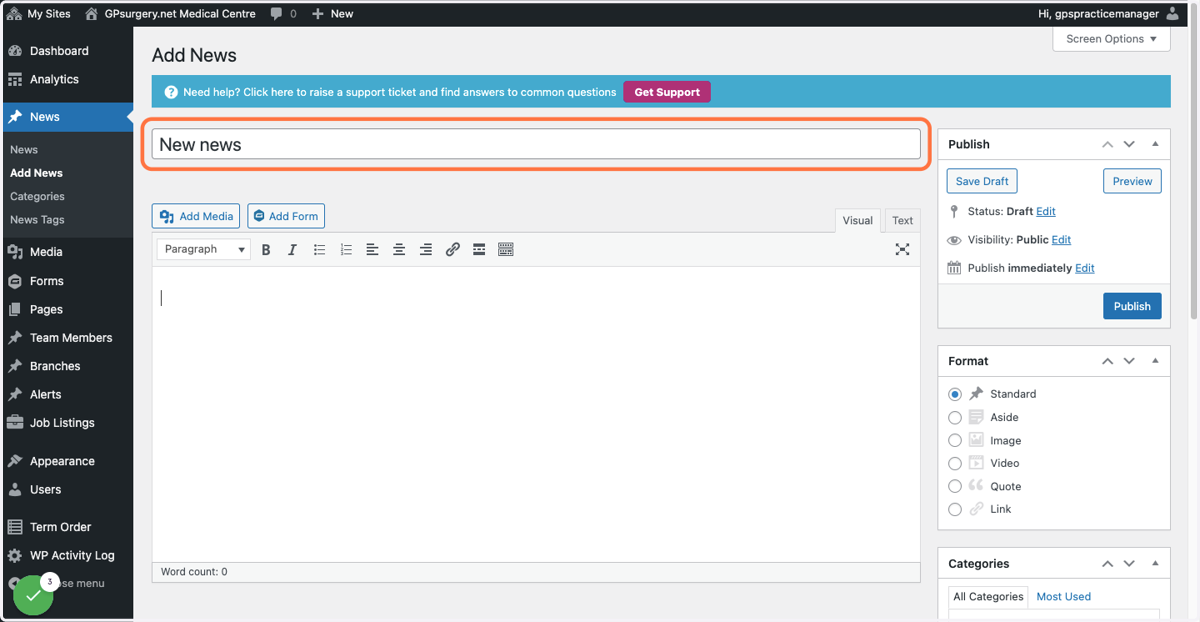
3. This will bring you to a blank news item. In the title box, add the title of your news article.
Gpsurgery
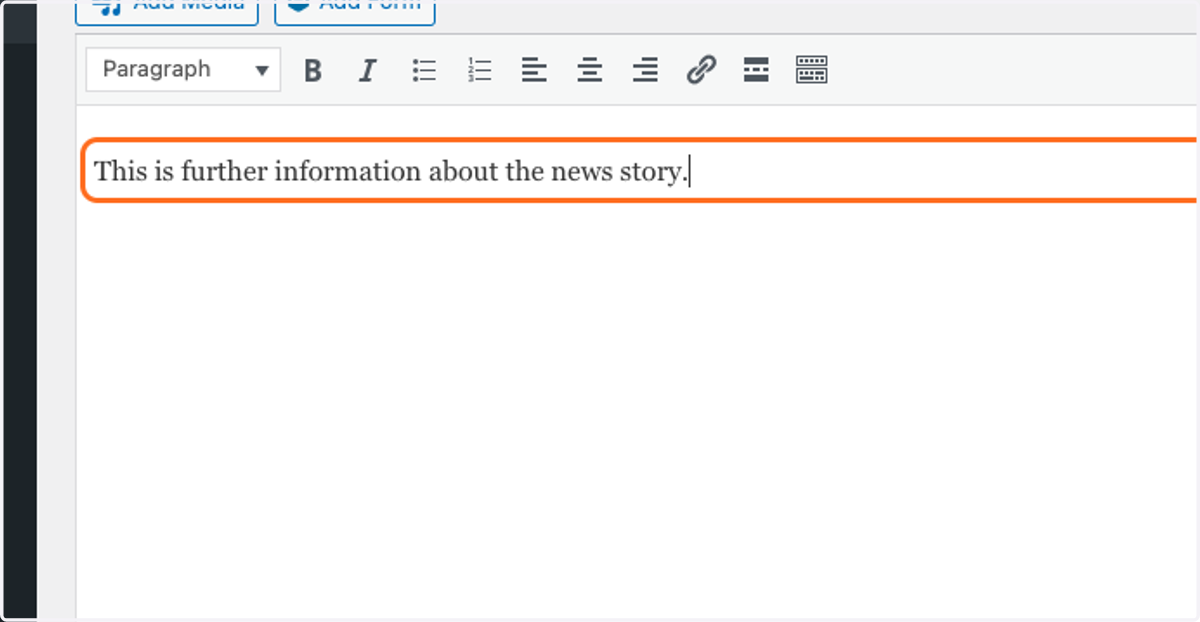
4. Type further details about your news story into the main text box.
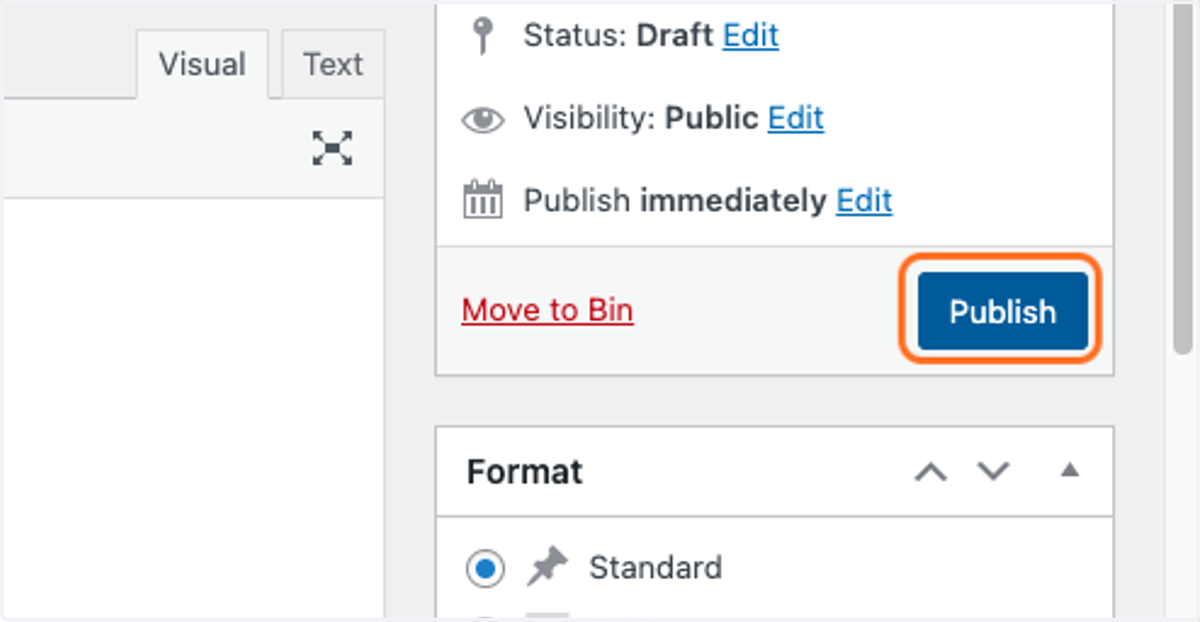
5. Click the blue Publish button to immediately publish the article to your website.
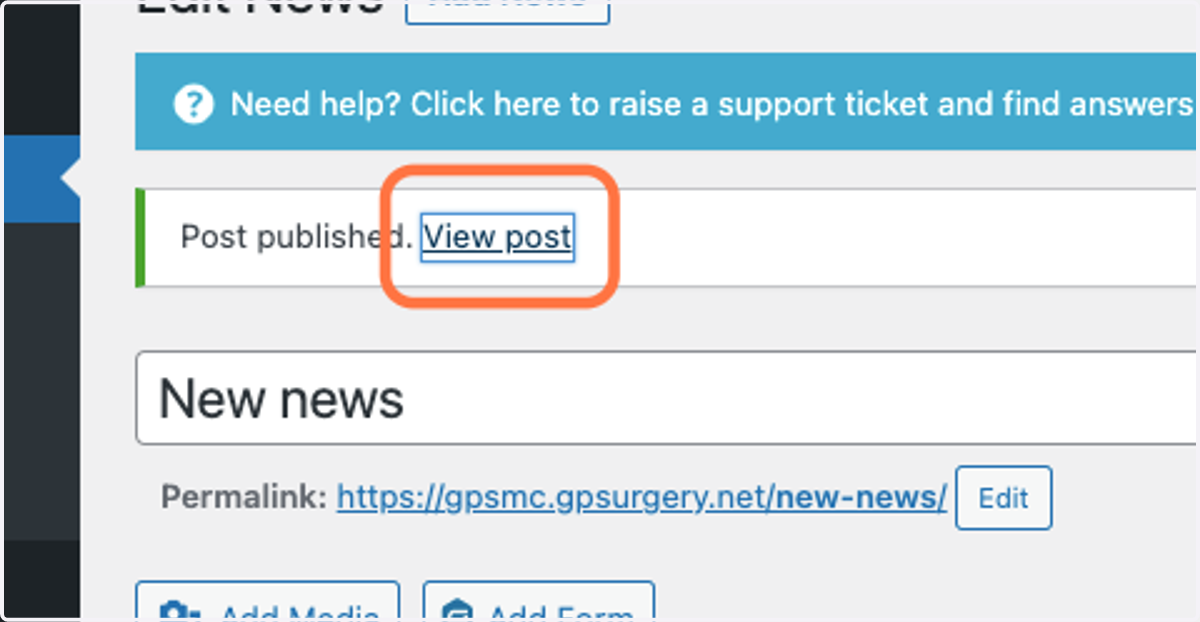
6. To view your news immediately, you can click 'View post'
7. Your new news article will now be published on your website.
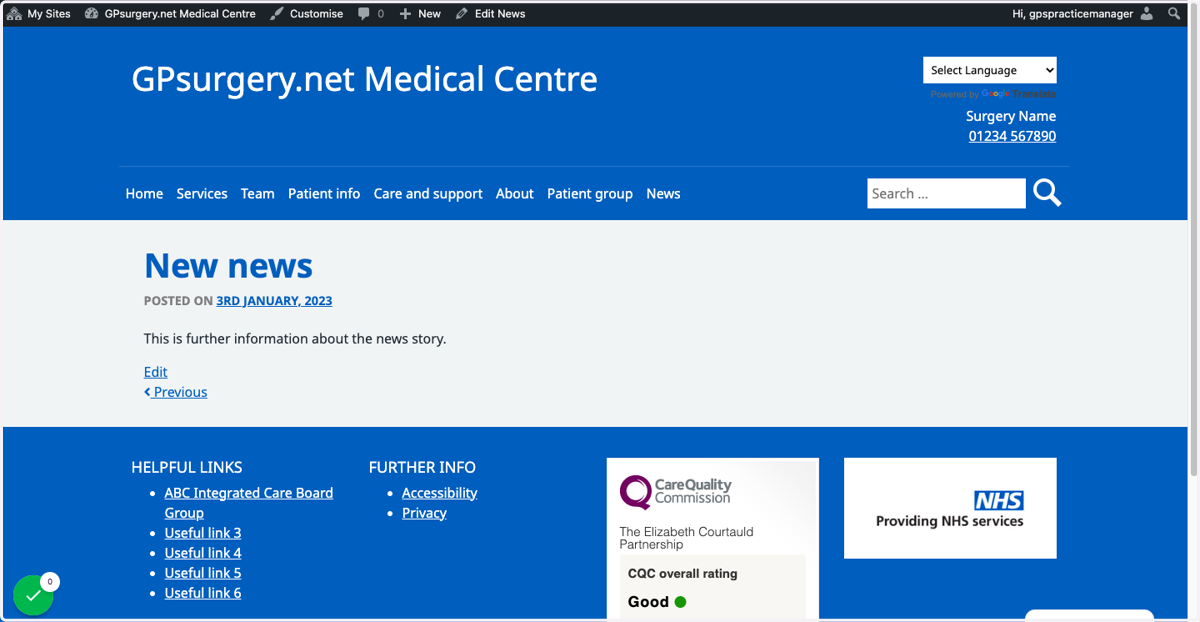
8. Your news item will also be visible on the News page, and in the Latest news box on your homepage.