Lobbyists | Tracking Levels by Organization
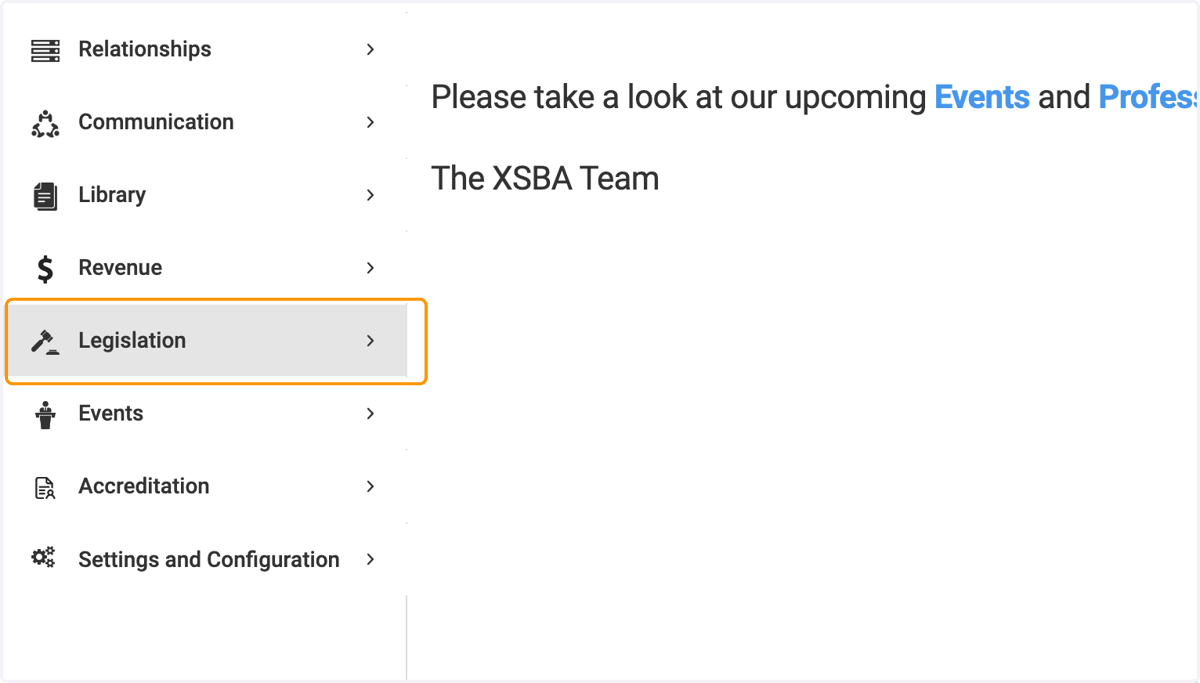
1. Click on Legislation
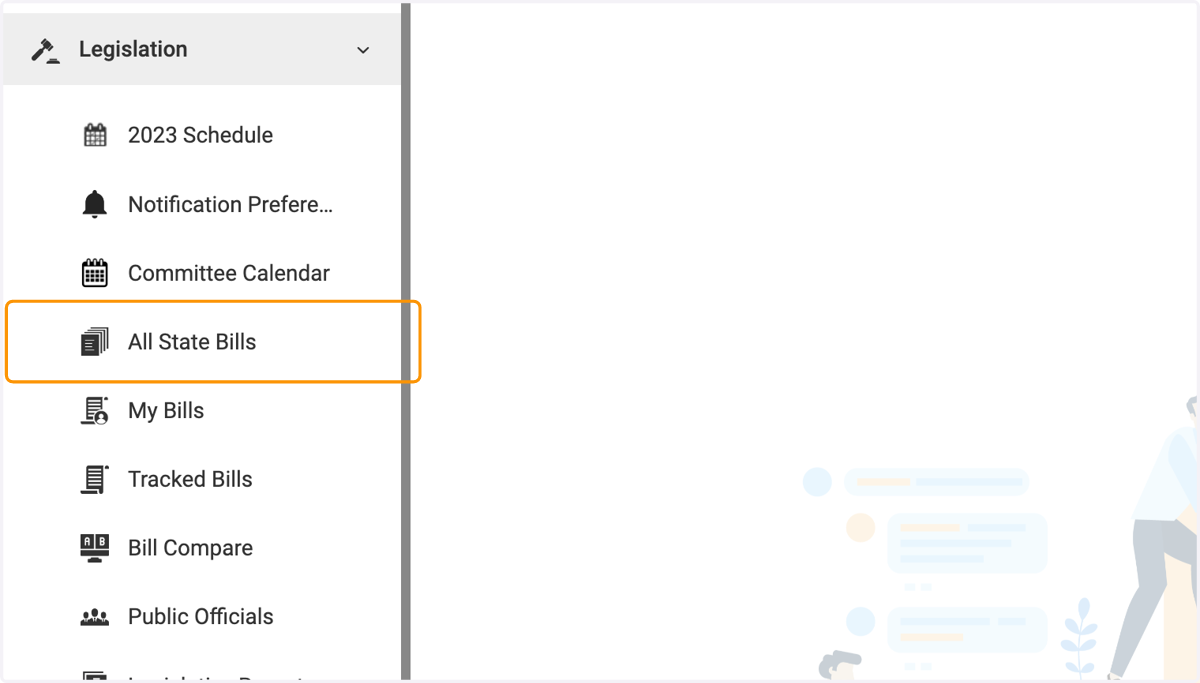
2. Click on All State Bills
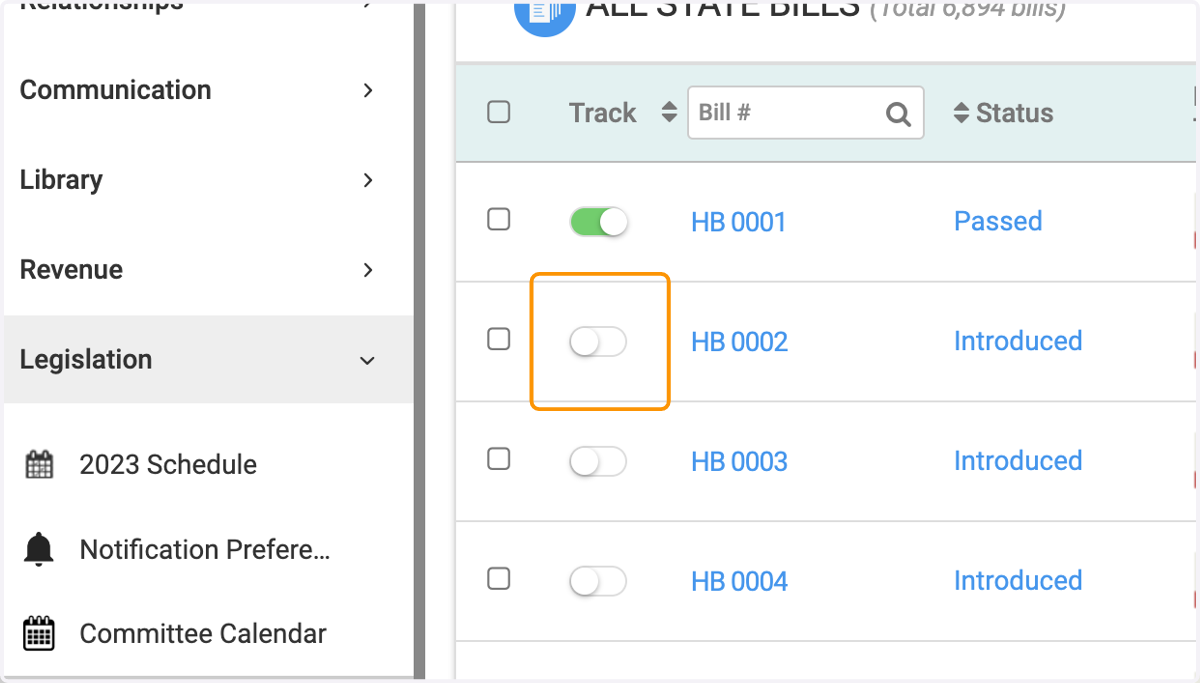
3. Track a bill
4. Tracking for an Organization
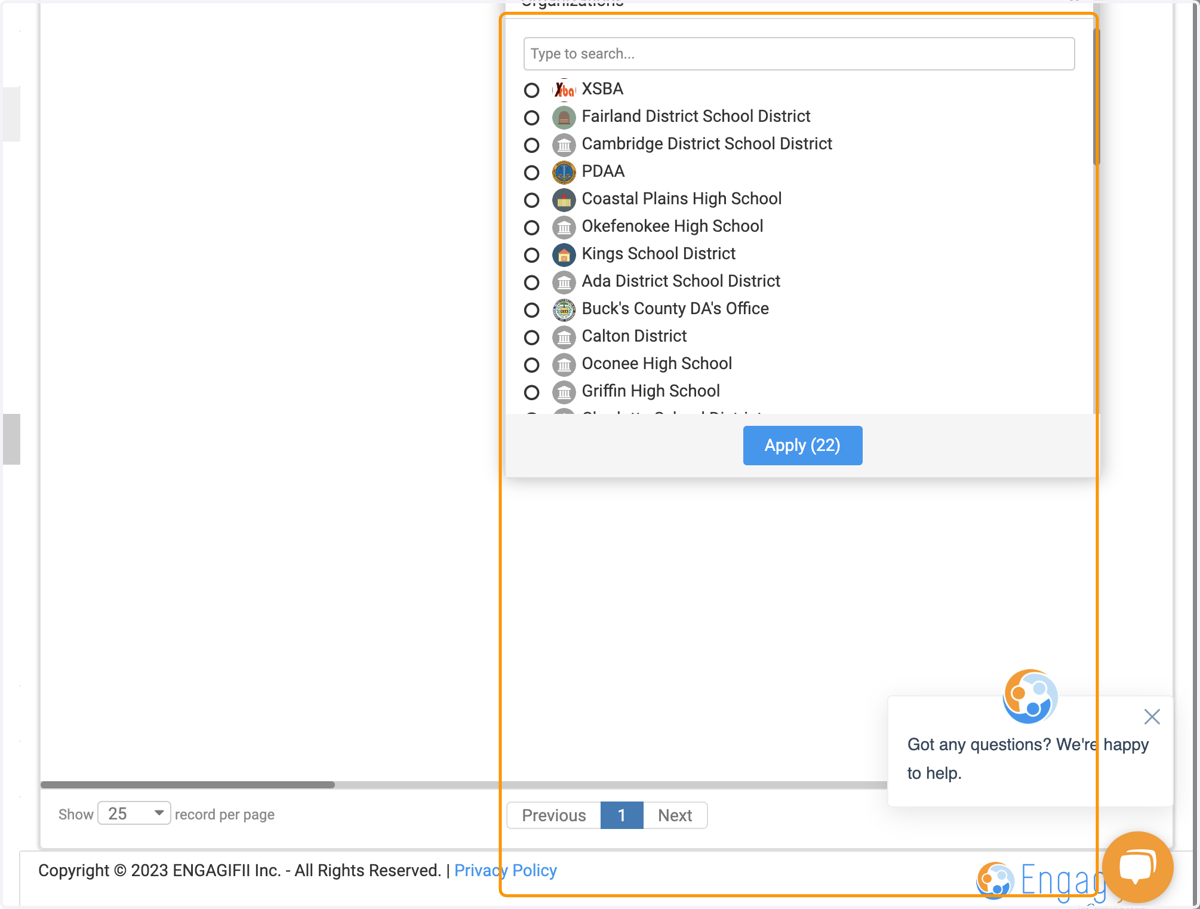
In the bill processing window, you'll have the option to select the organizations you want to track this bill for, and set the specific tracking levels for those organizations
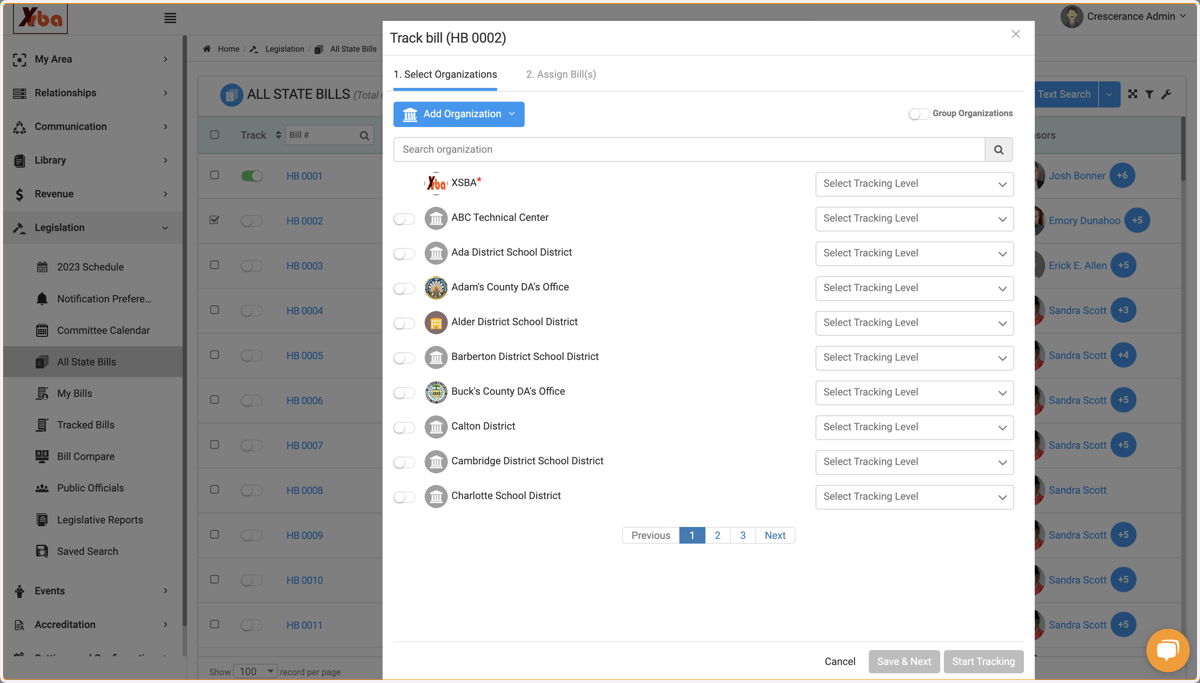
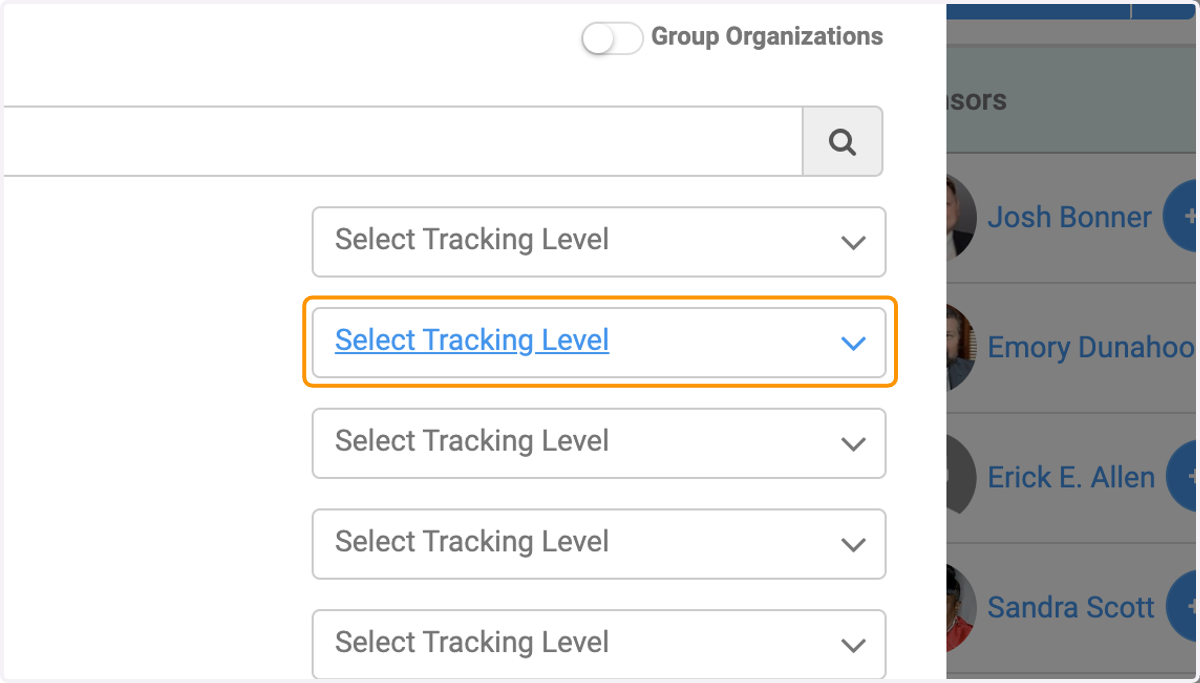
5. Click on Select Tracking Level
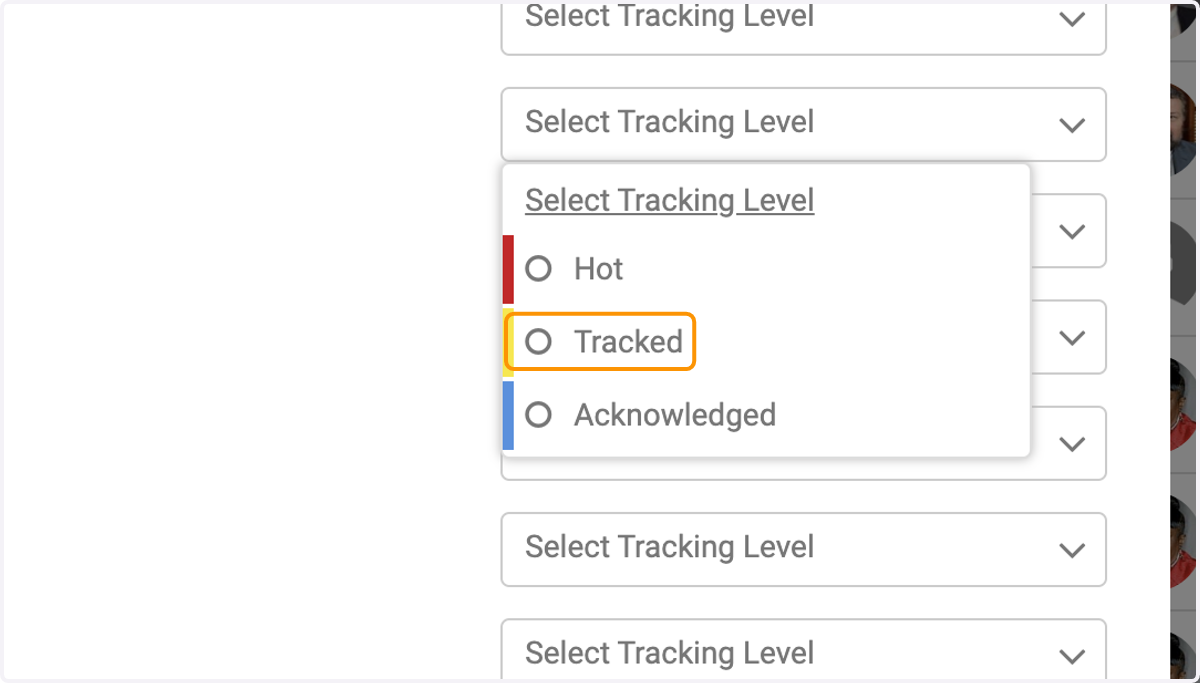
6. Choose the tracking level
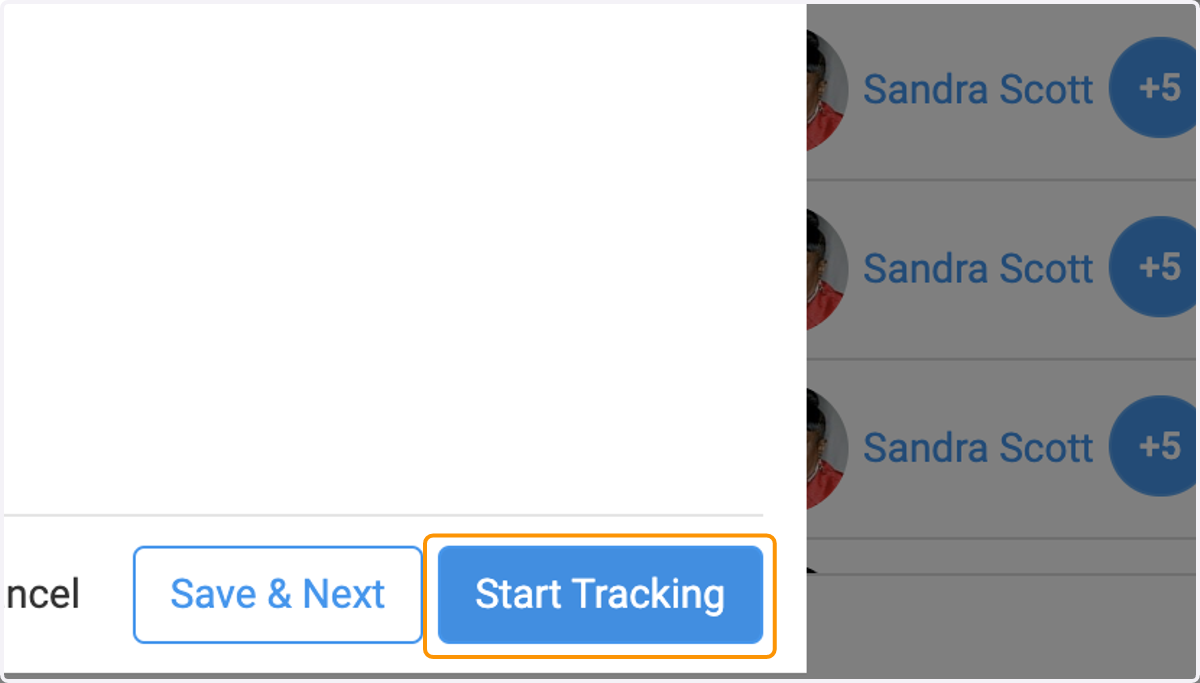
7. Click on Start Tracking
Editing a tracking level for an Organization
8. Go into the bill you'd like to edit
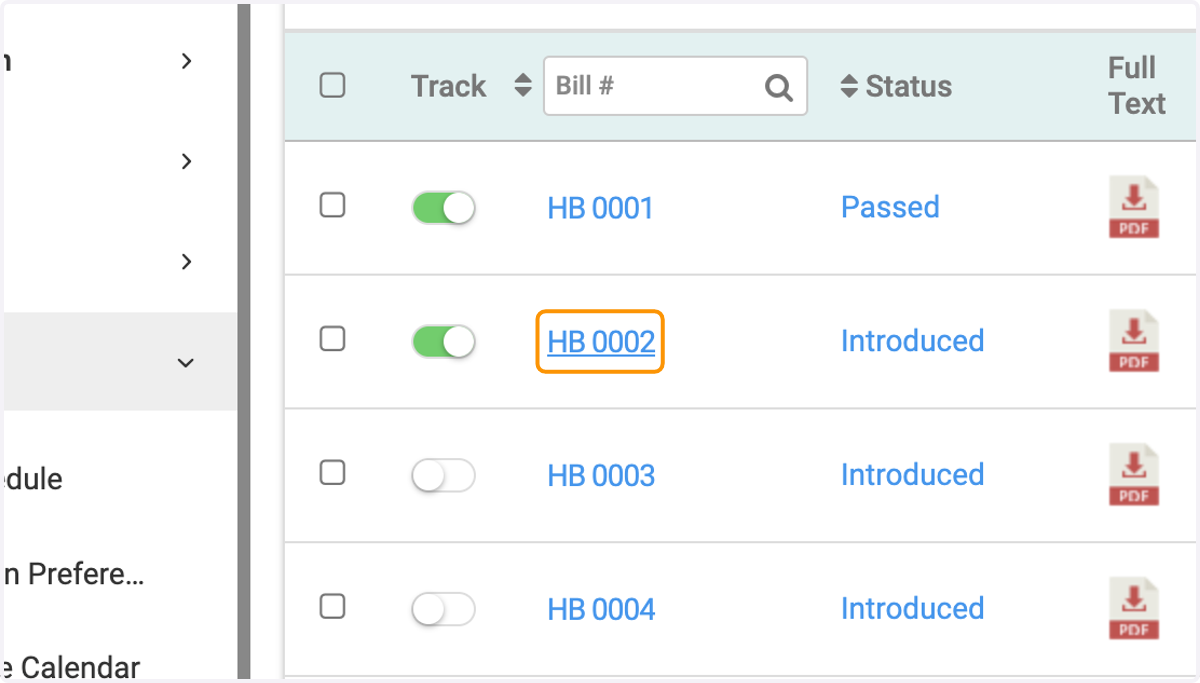
9. Click on the Tracking Level in the top right
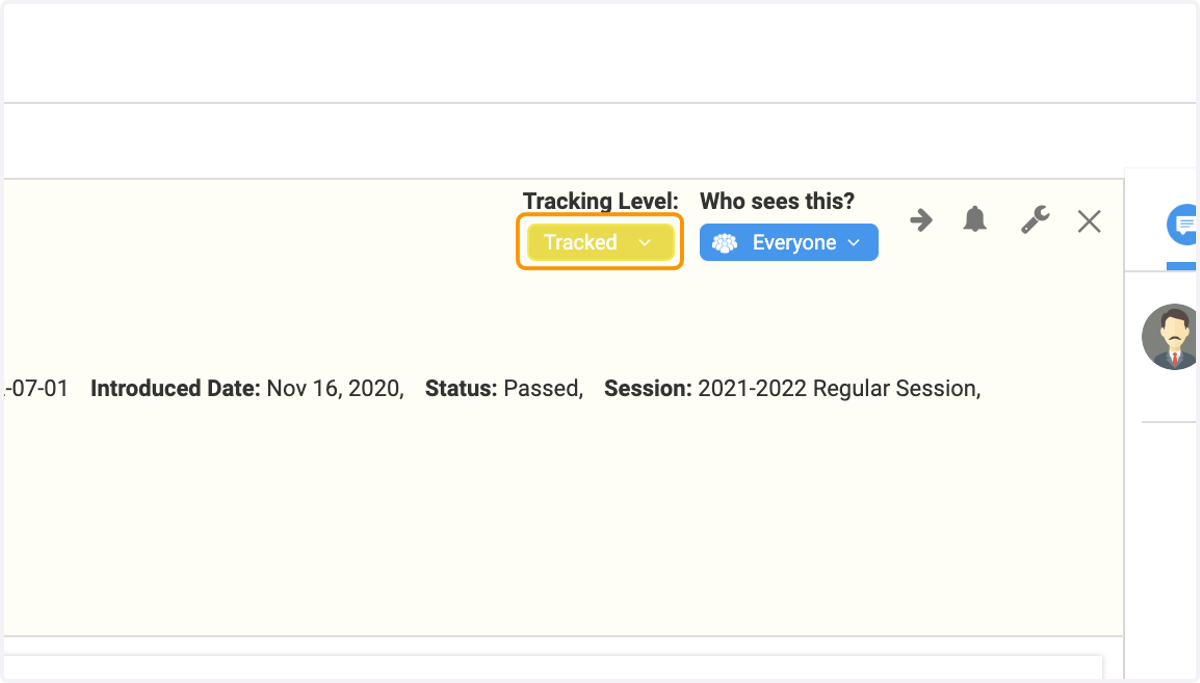
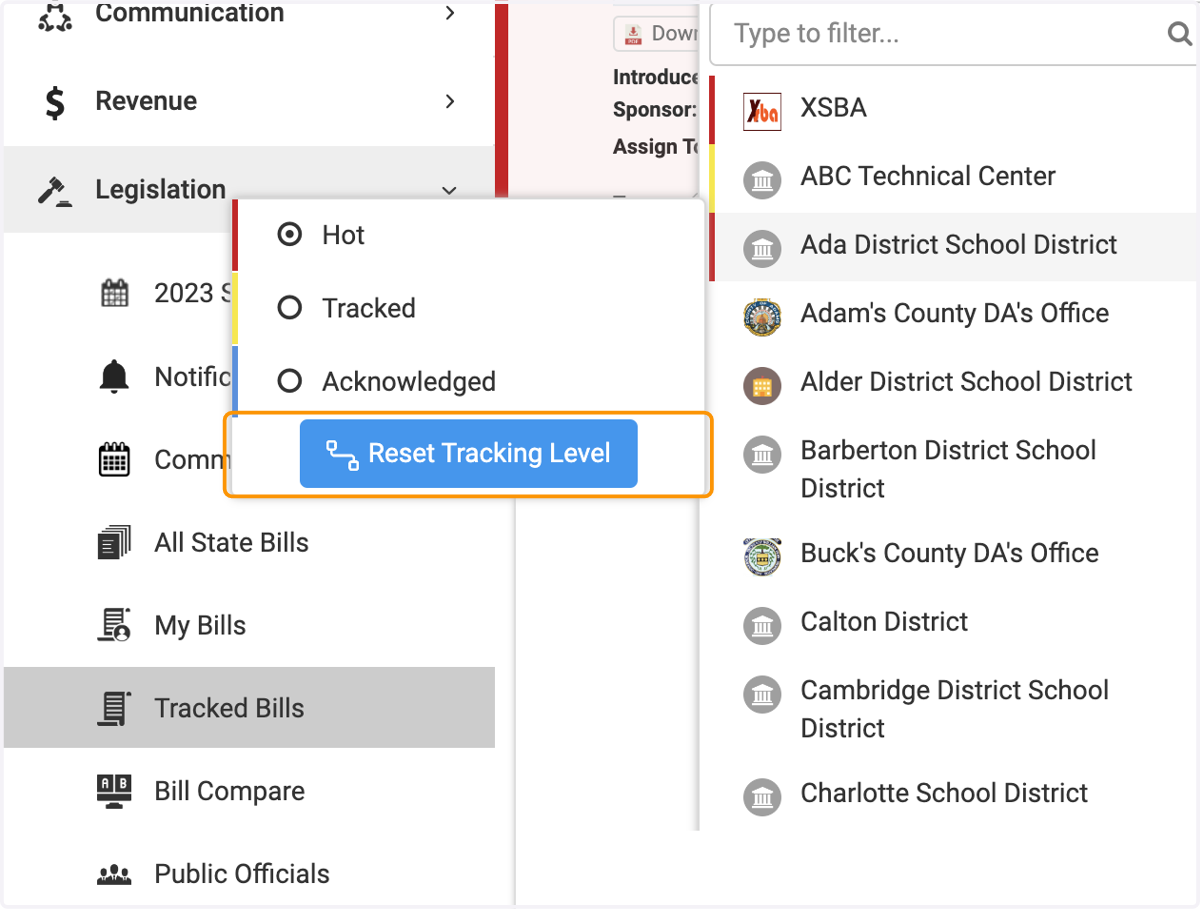
10. The drop down of all available organizations (already tracked or not) will pop down
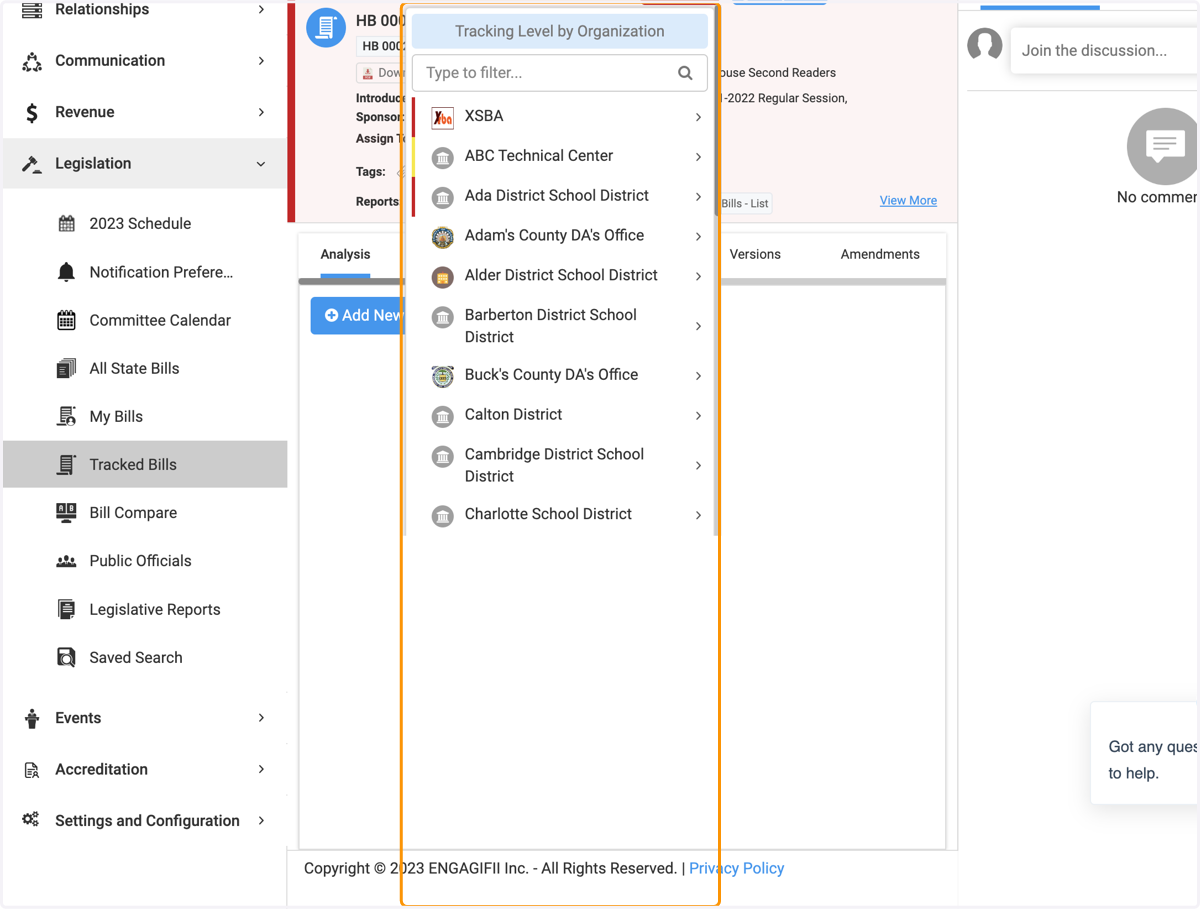
11. Clicking on an individual organization will allow you to change the tracking level
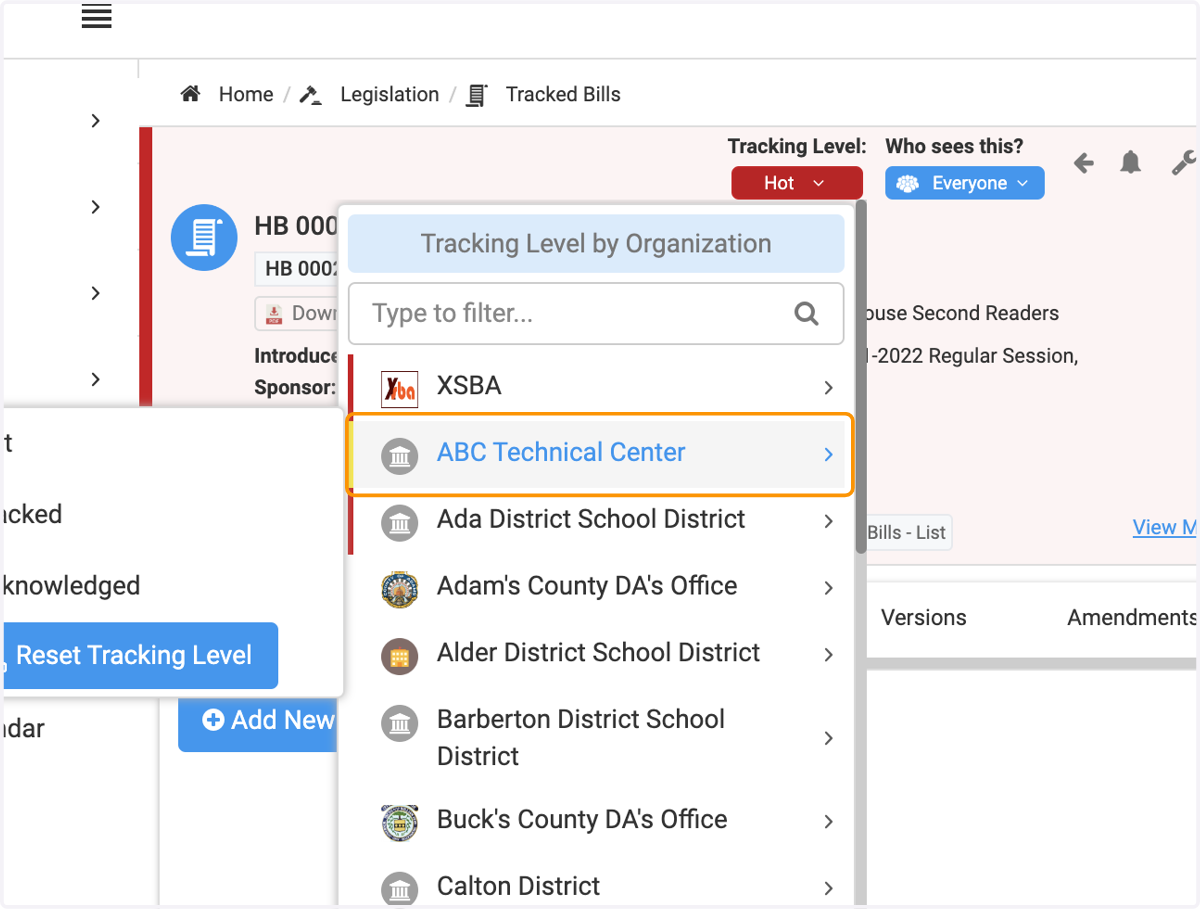
12. Or you can remove that bill from that organizations tracker by clicking Reset Tracking Level
13. Using Organizations as a filter
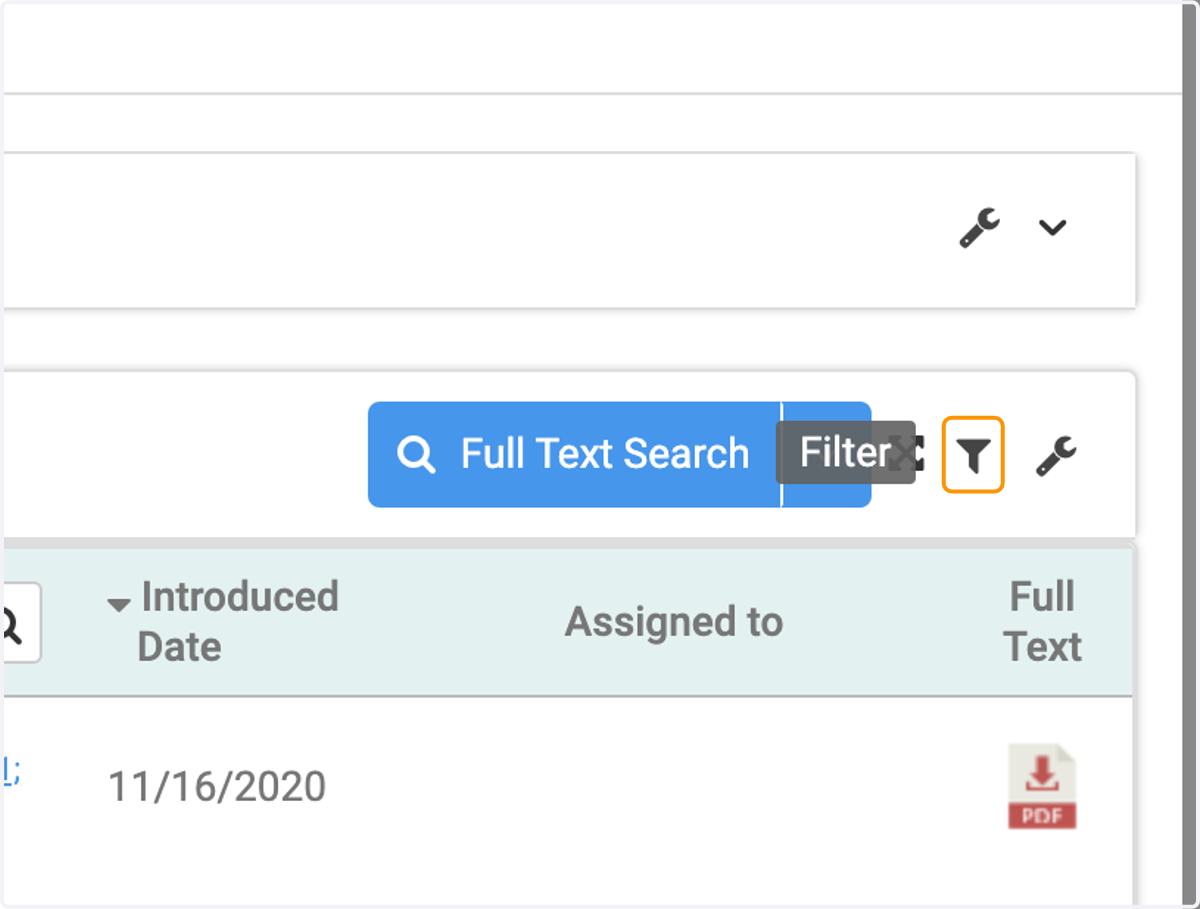
14. Click on the Filter icon (on your Tracked Bills page)
15. Choose the Organization option, and select the org you'd like to filter by