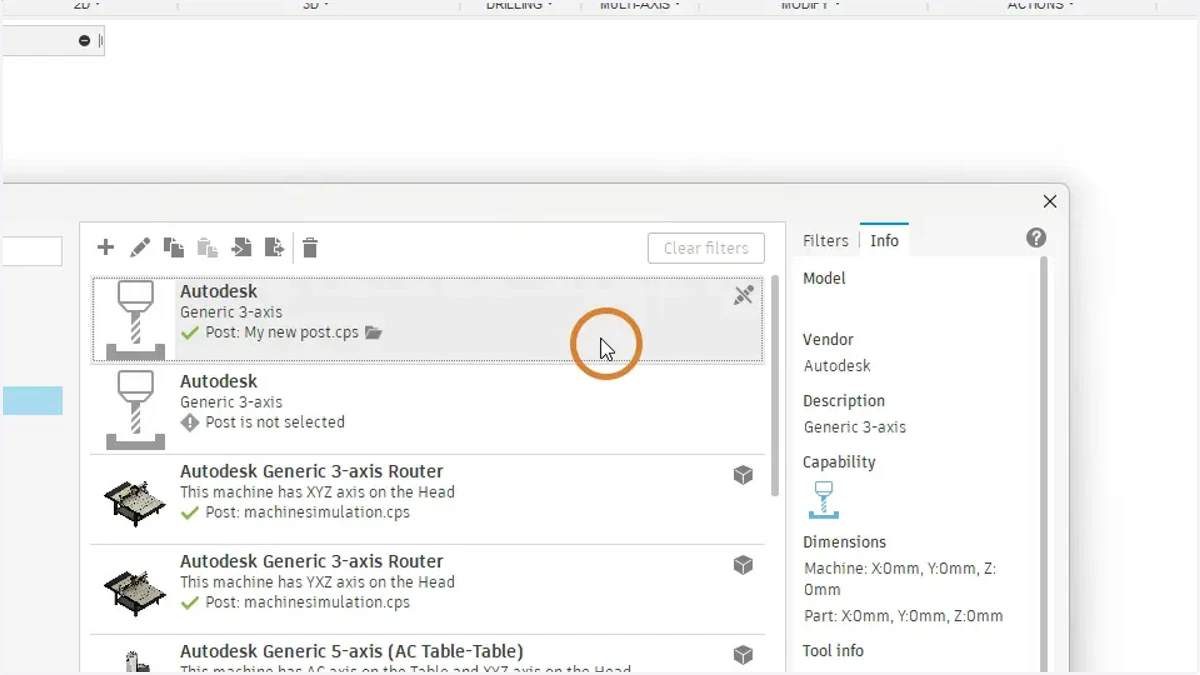
Adding your new post to your current machine
autodesk
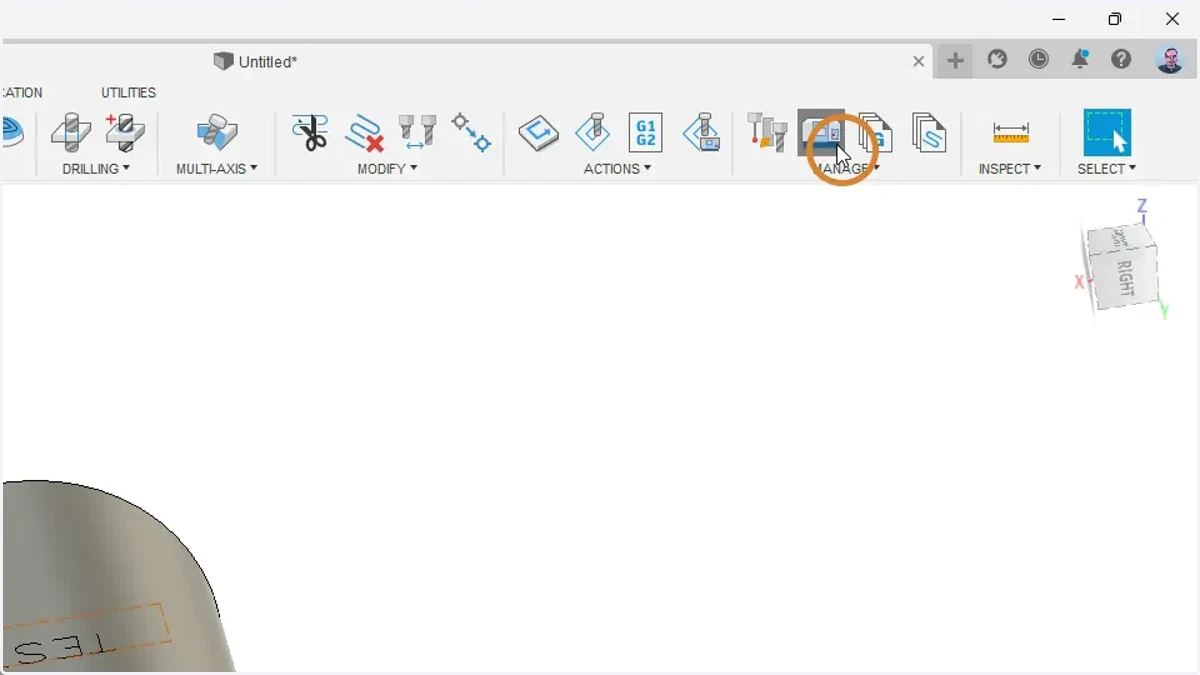
1. In the manufacturing workspace, under Manage, Select machine library
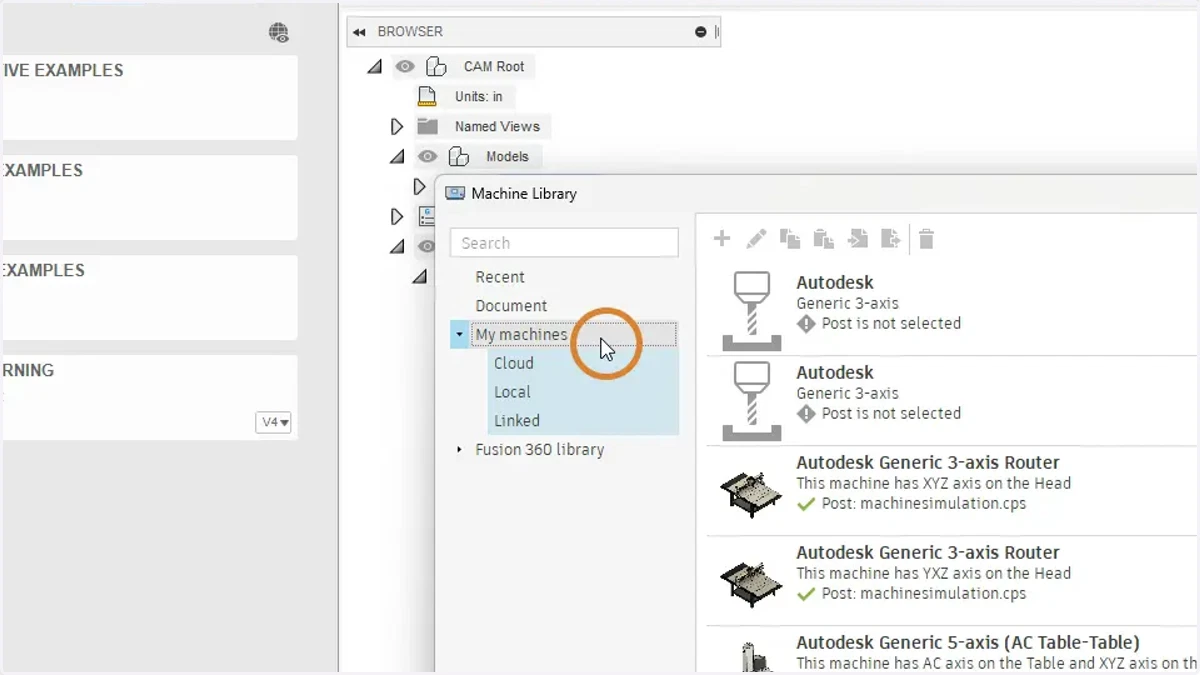
2. Under "My machines' find the machine that you want to change the post for
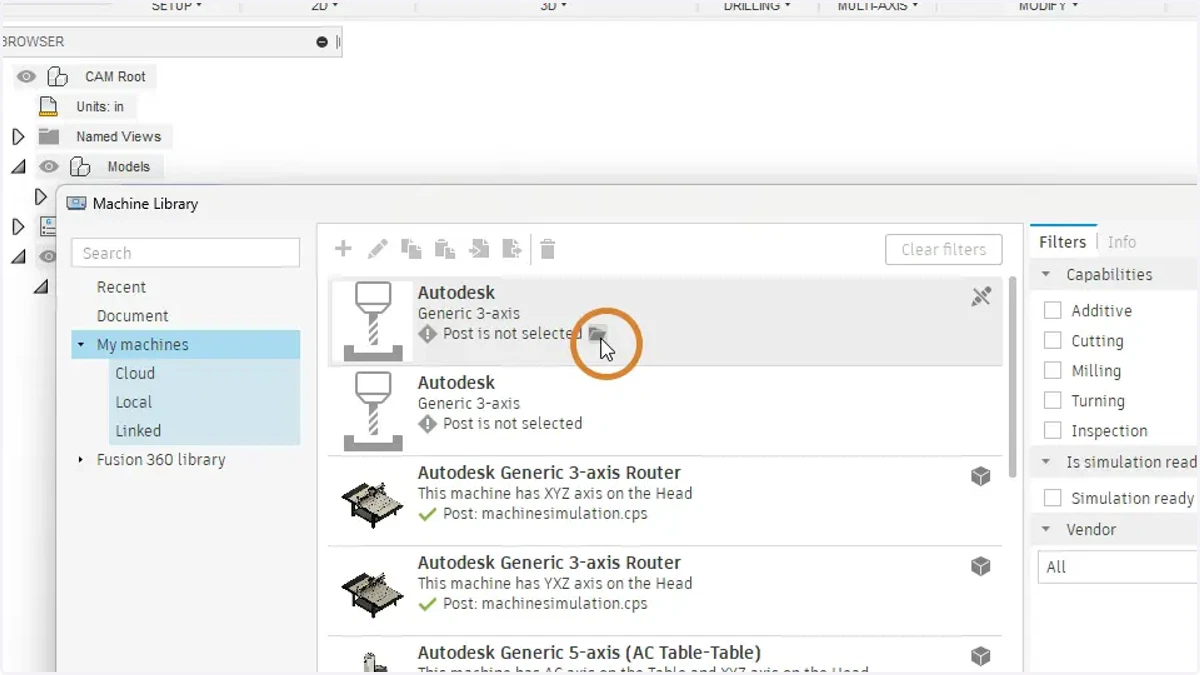
3. Select the folder icon that appears when to the right when you hover over the current selected post
4. Select your new post
Follow this link you upload your new post if needed. https://know.dsi-mfg.com/kb/fusion360-post
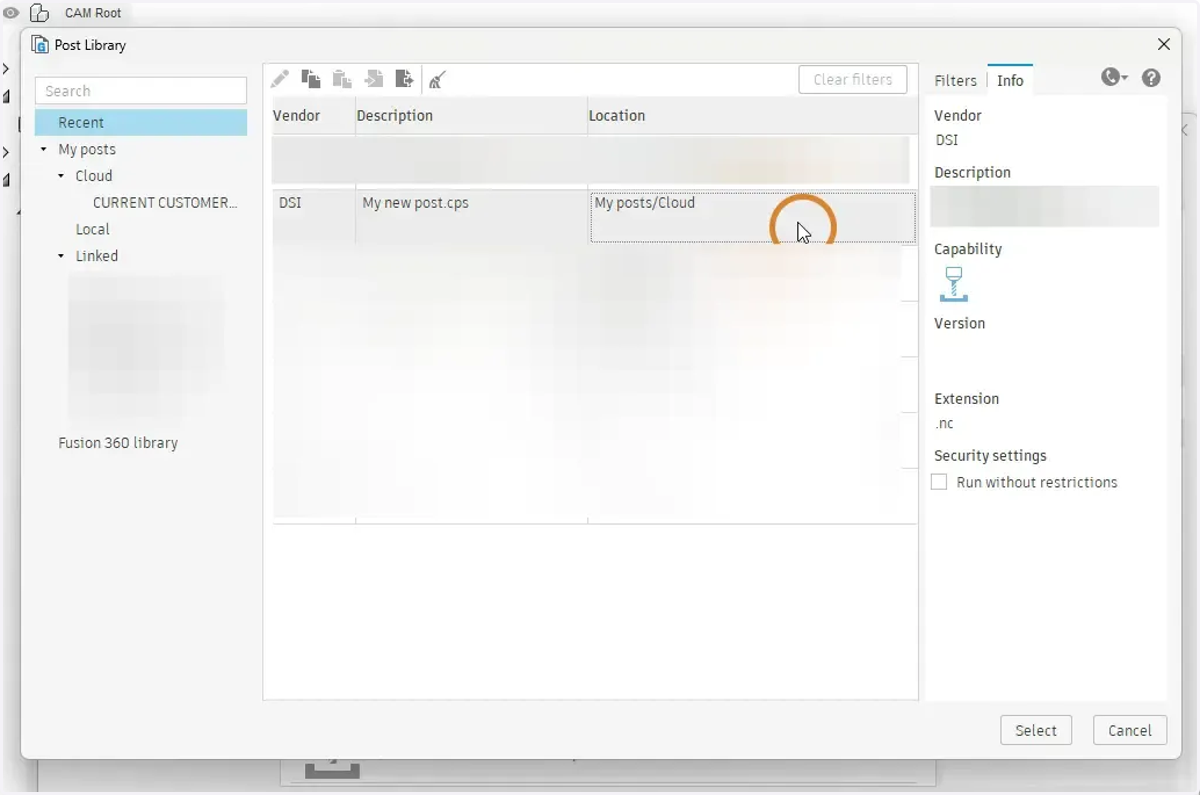
5. Select
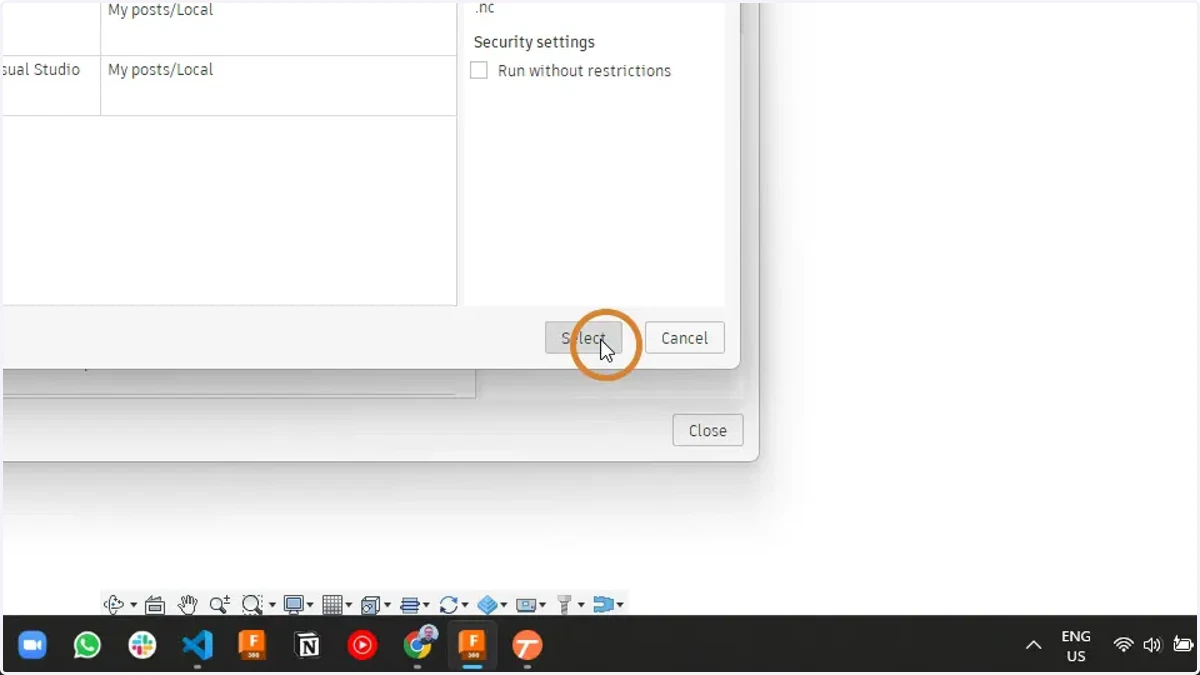
6. Your new post should now be attached to your machine file.