Updating SharePoint access email in Protech
From the member record
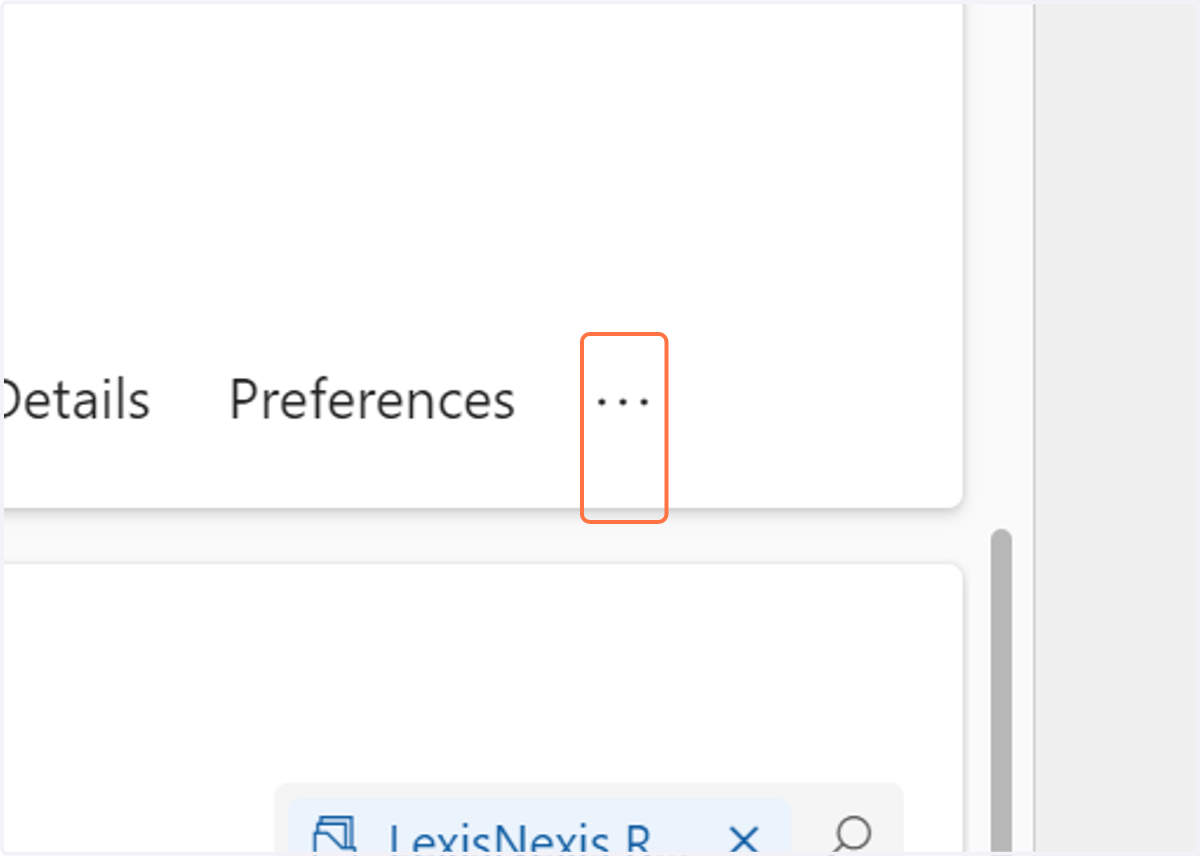
1. Click on More Tabs
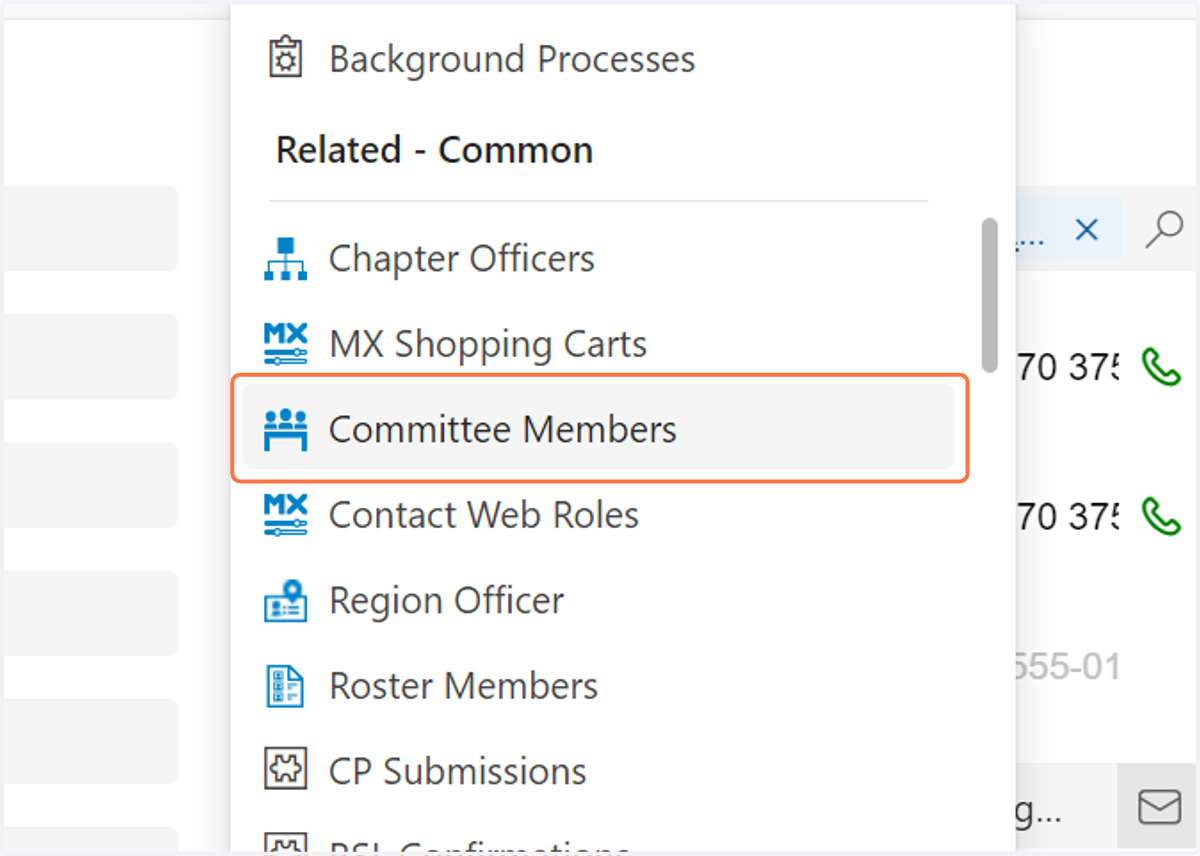
2. Click on Committee Members
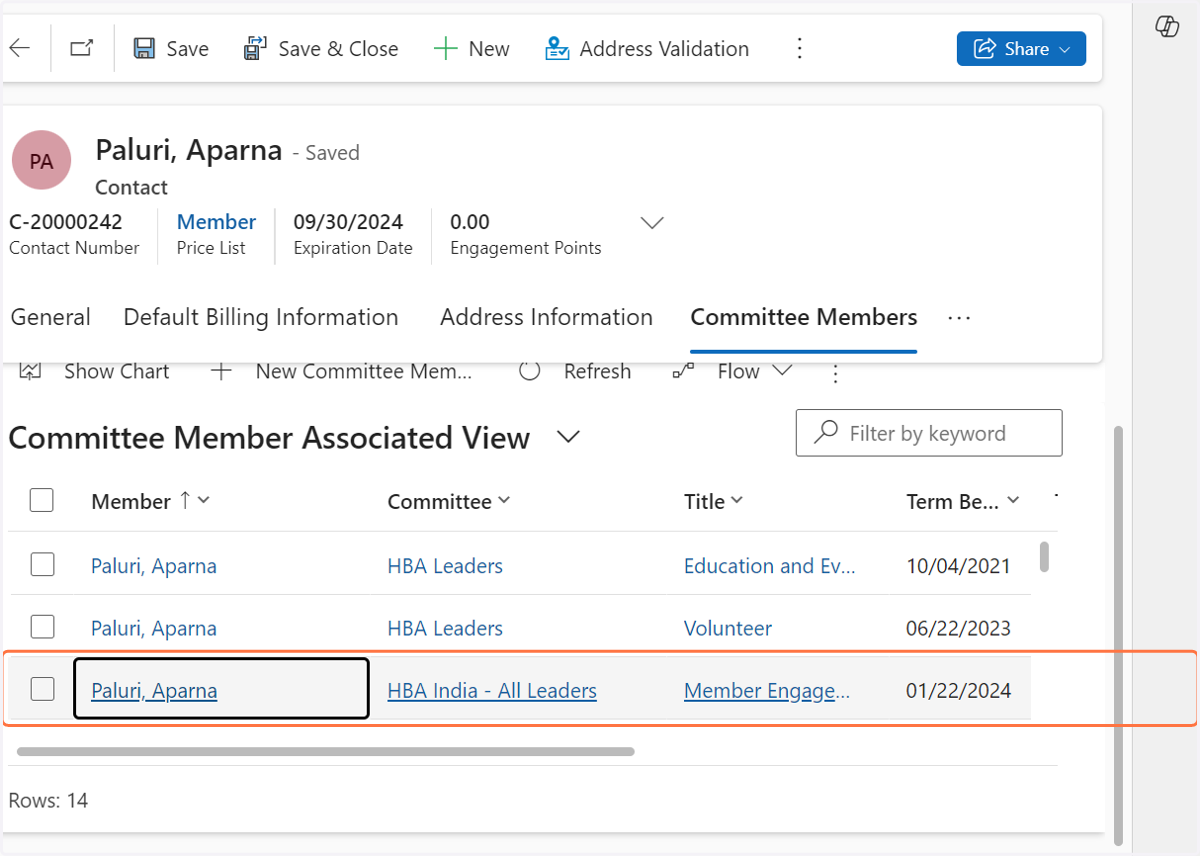
3. Select the appropriate committee - in this case its HBA India - All Leaders
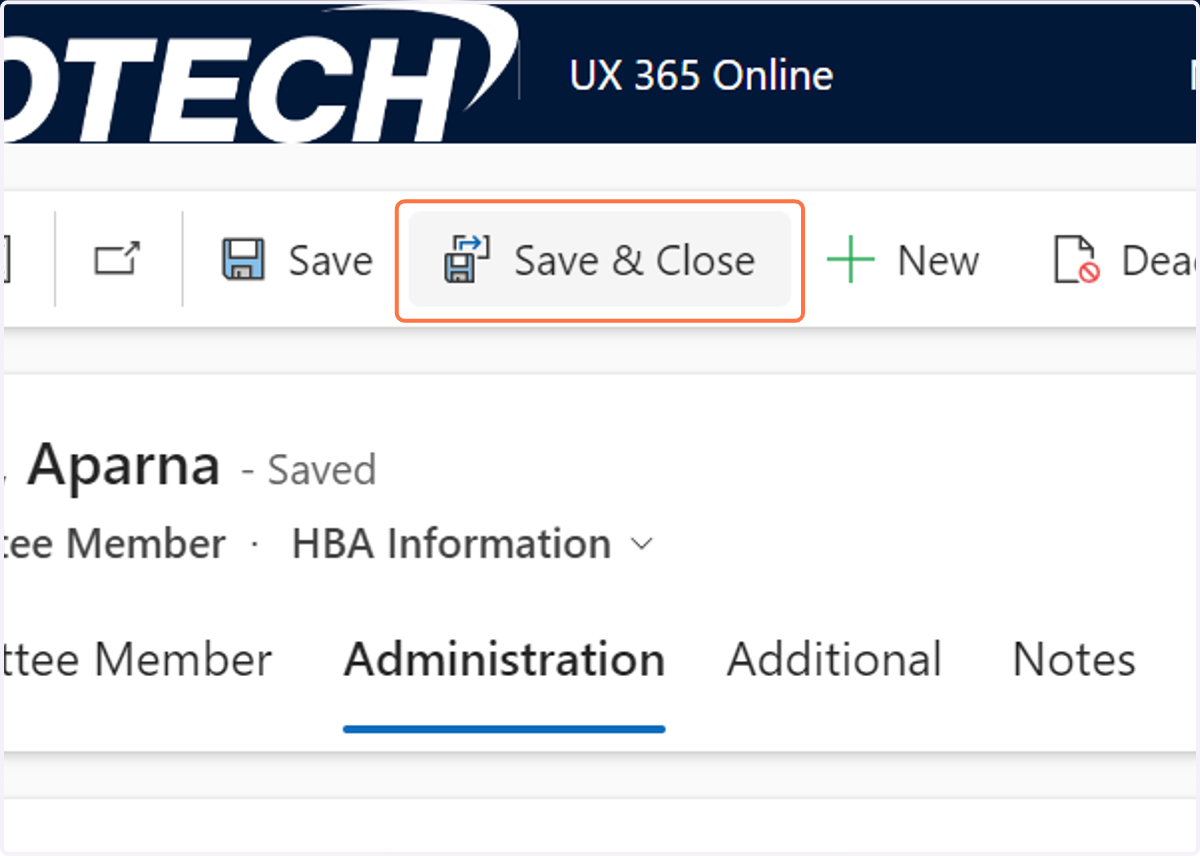
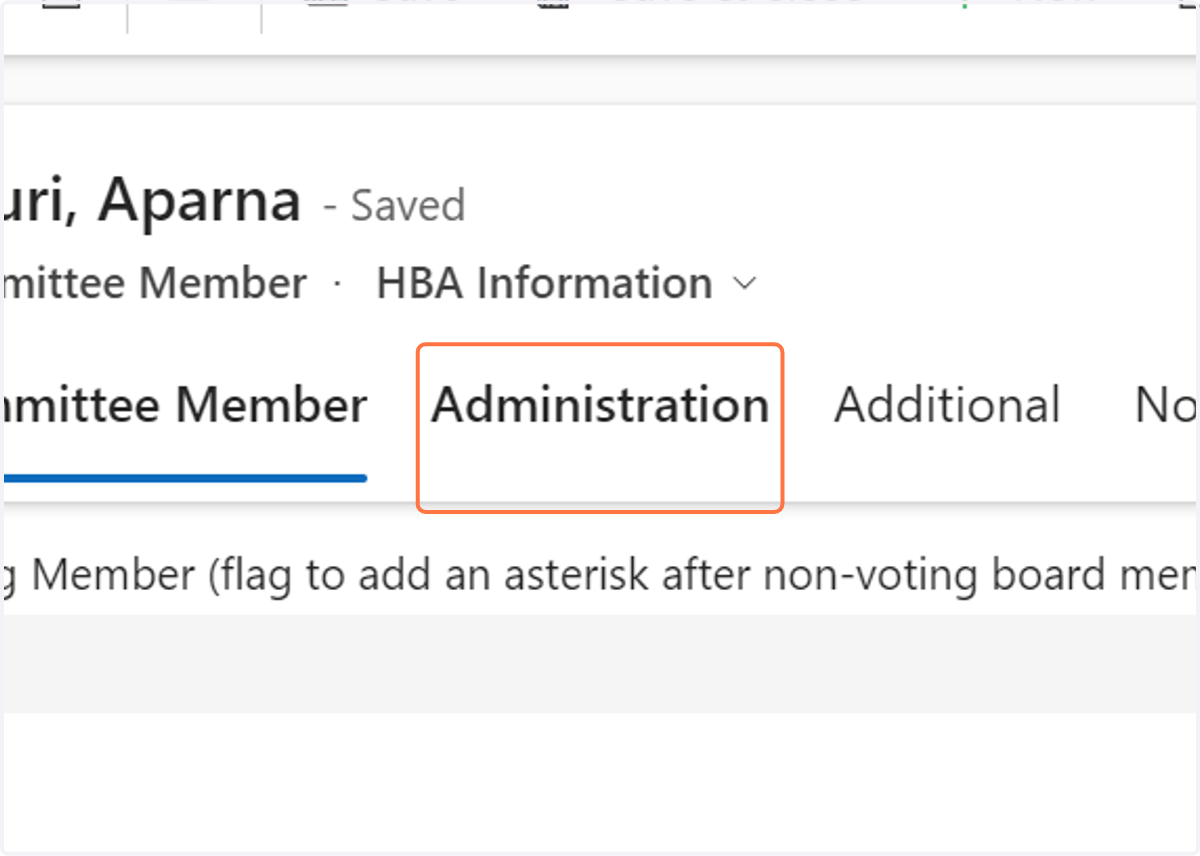
4. Click on Administration
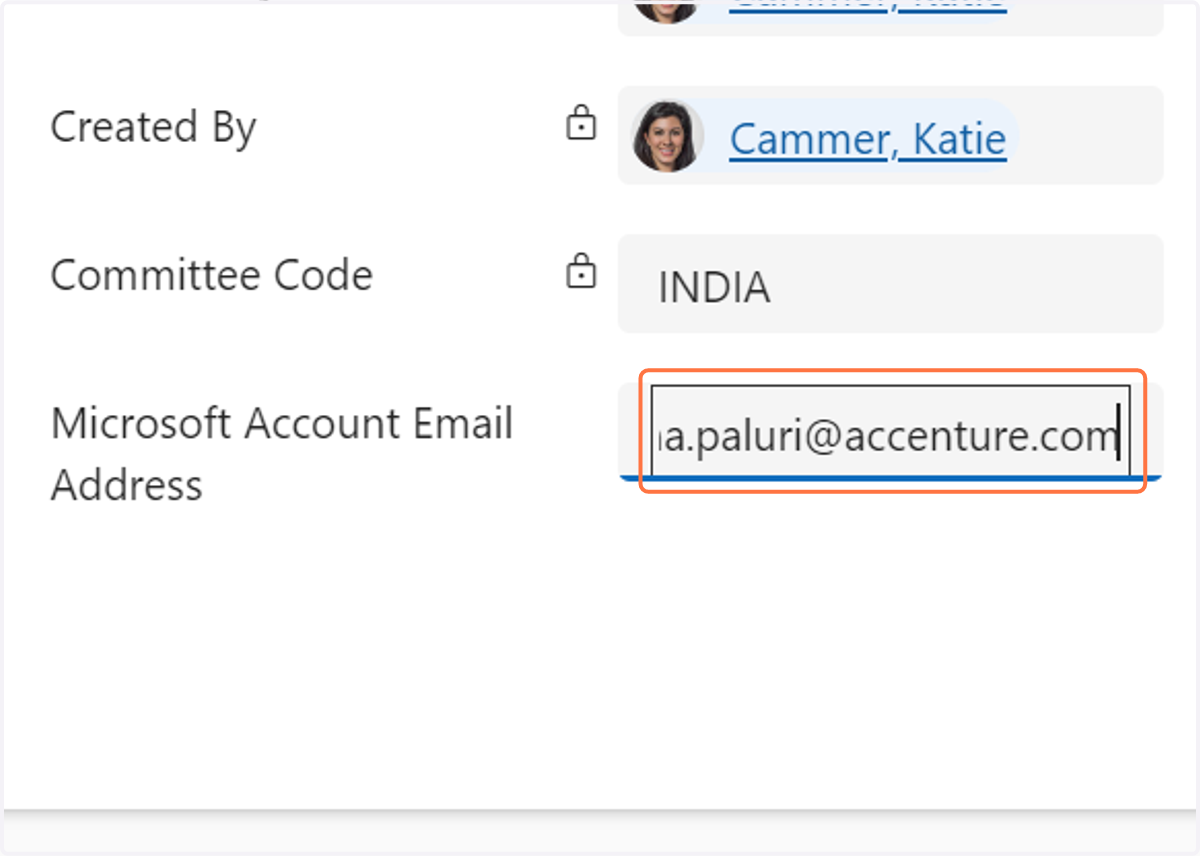
5. Enter the correct email into the "microsoft account email" field
6. Click on Save & Close