Setting up the Firewall Certificate on iPhone and iPad.
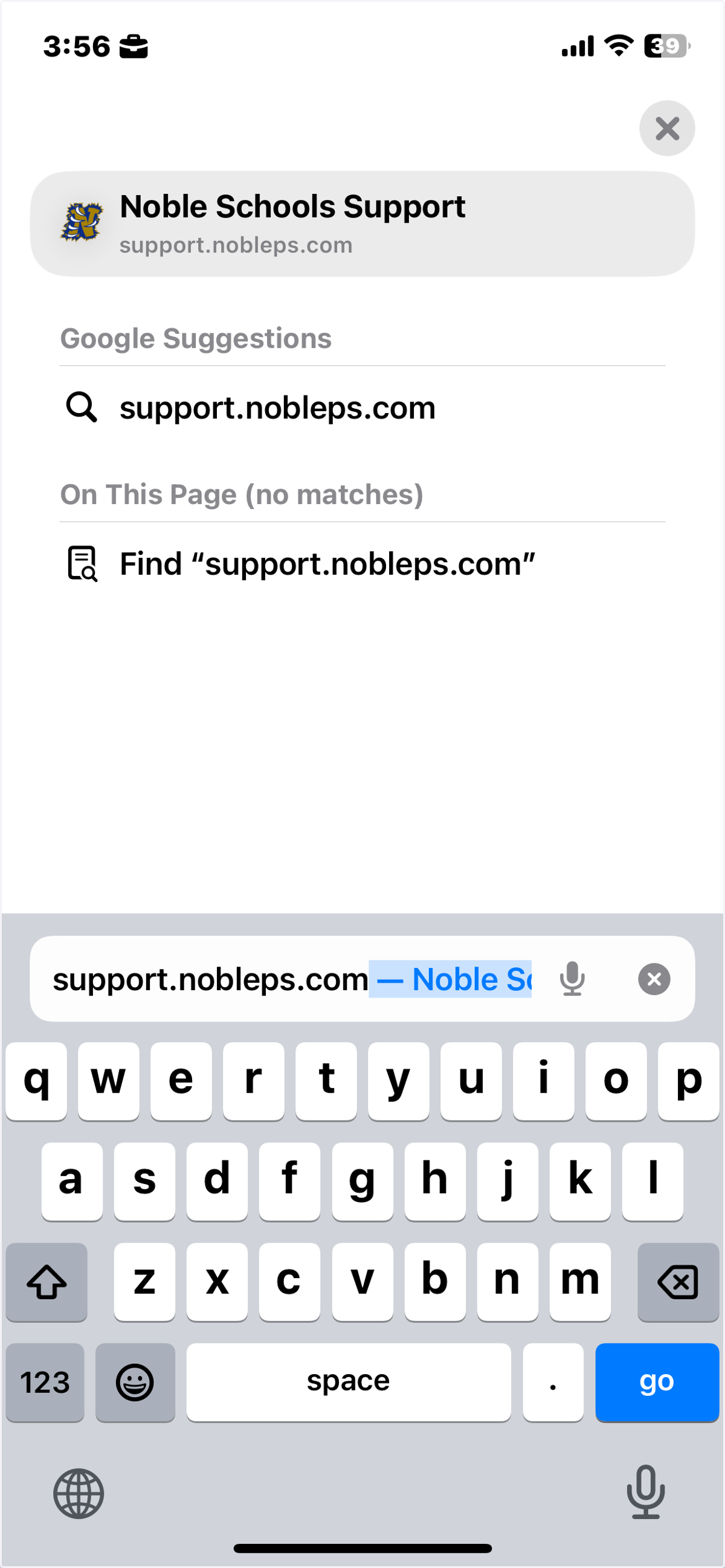
Navigate to support.nobleps.com in the Safari web browser.
Updated 4/29/26
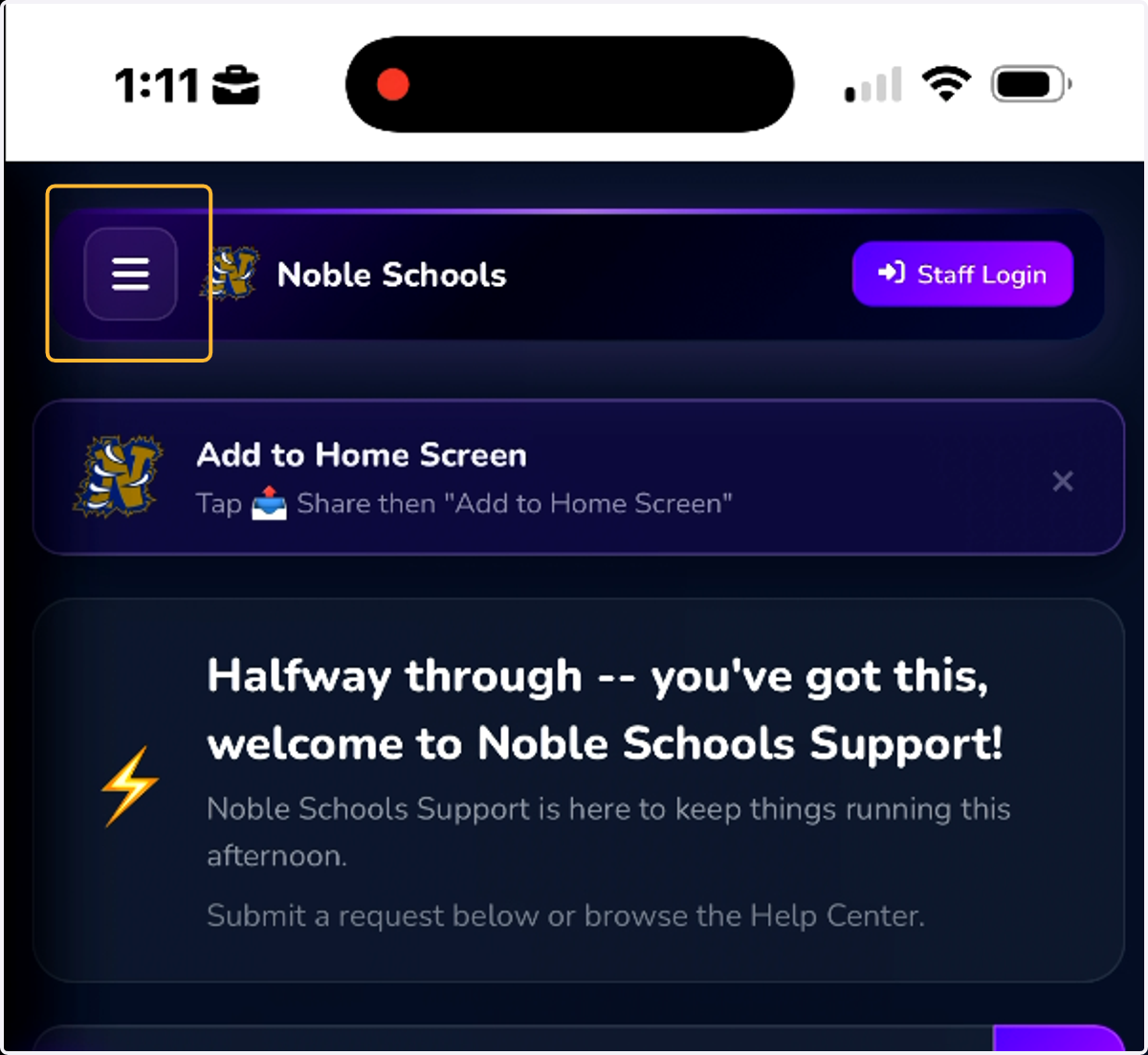
1. Tap on the hamburger menu button at the top left.
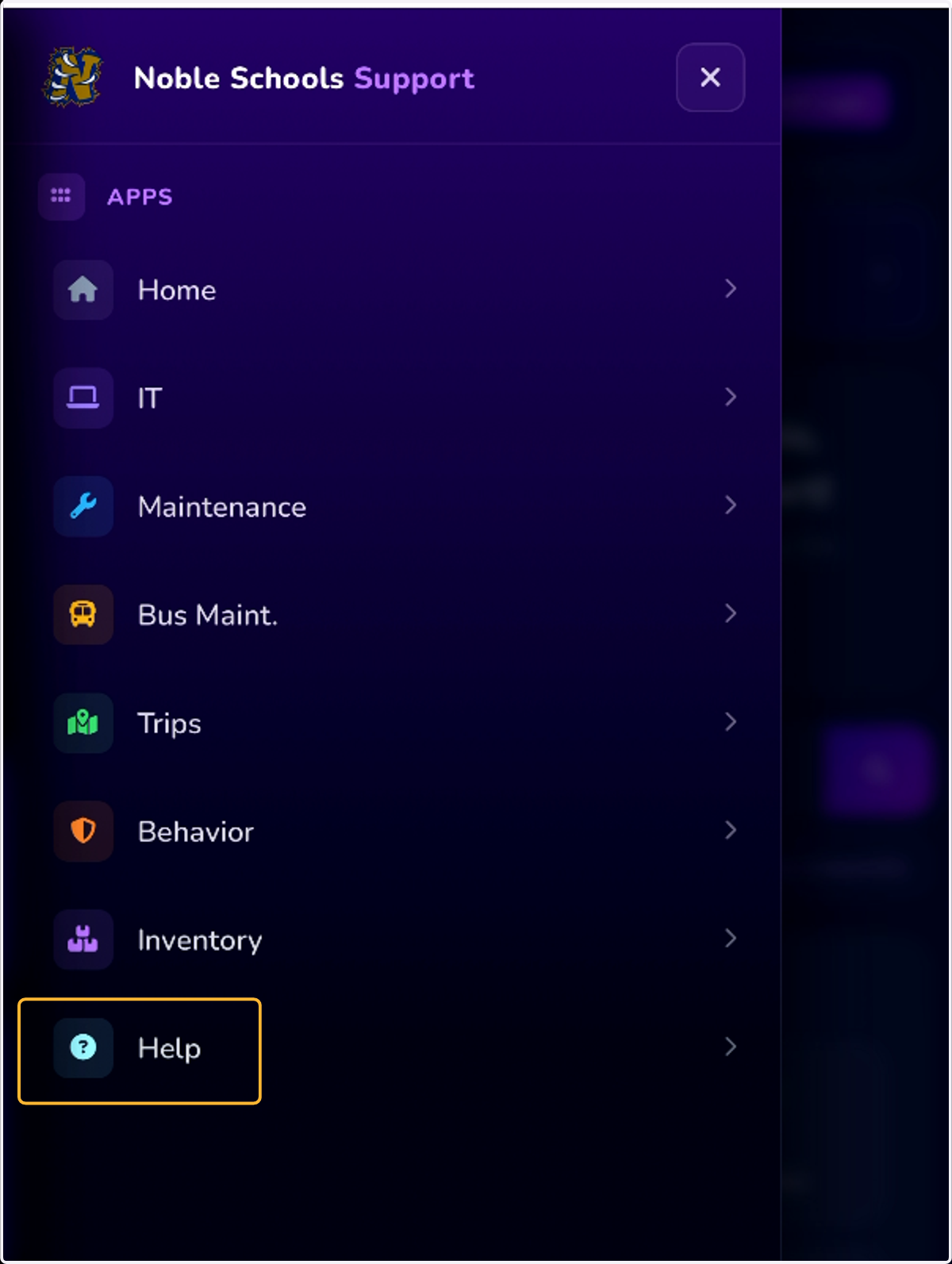
2. Tap on the Help section.
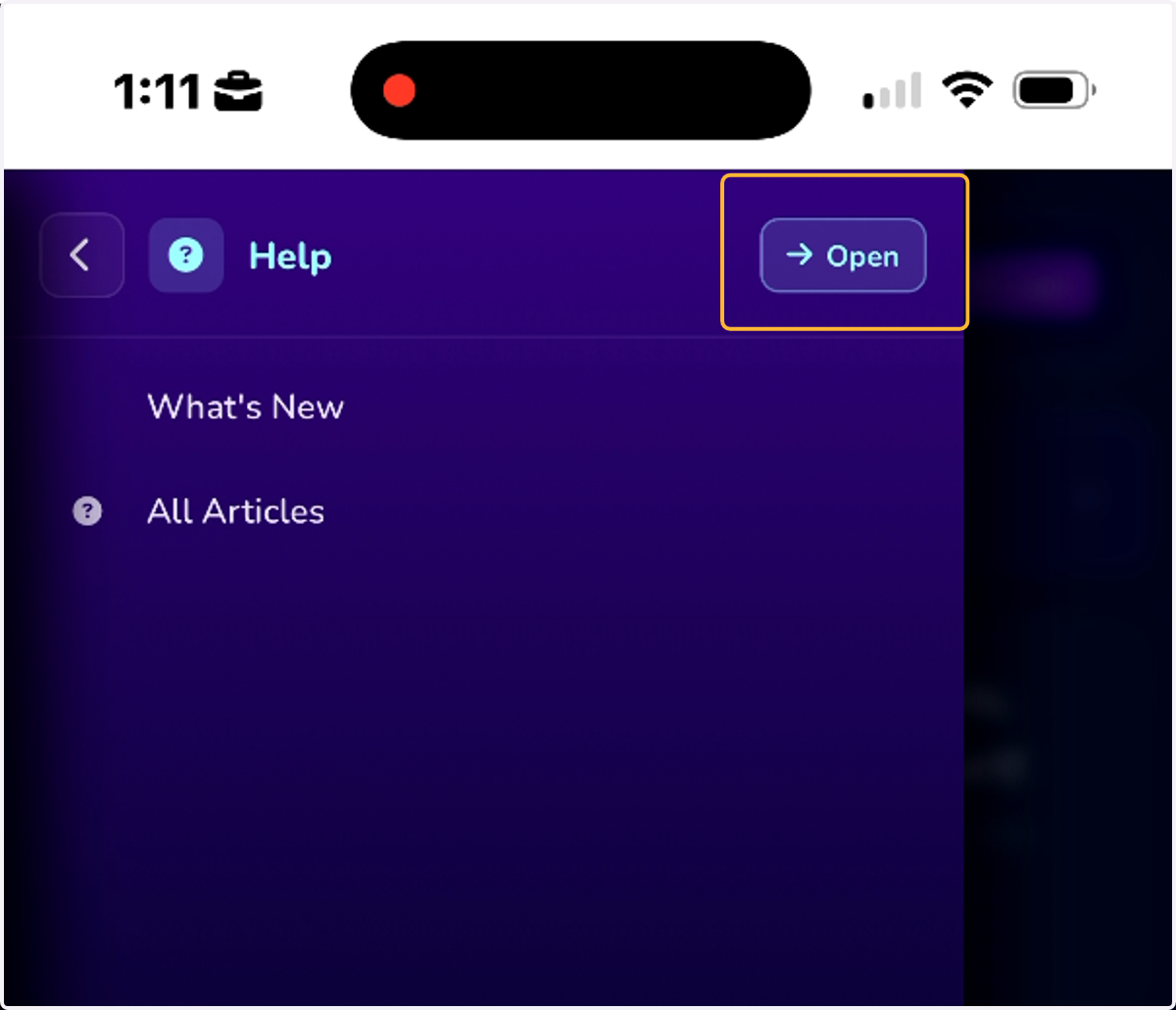
3. Tap on the Open button.
4. Tap on Download Certificate.
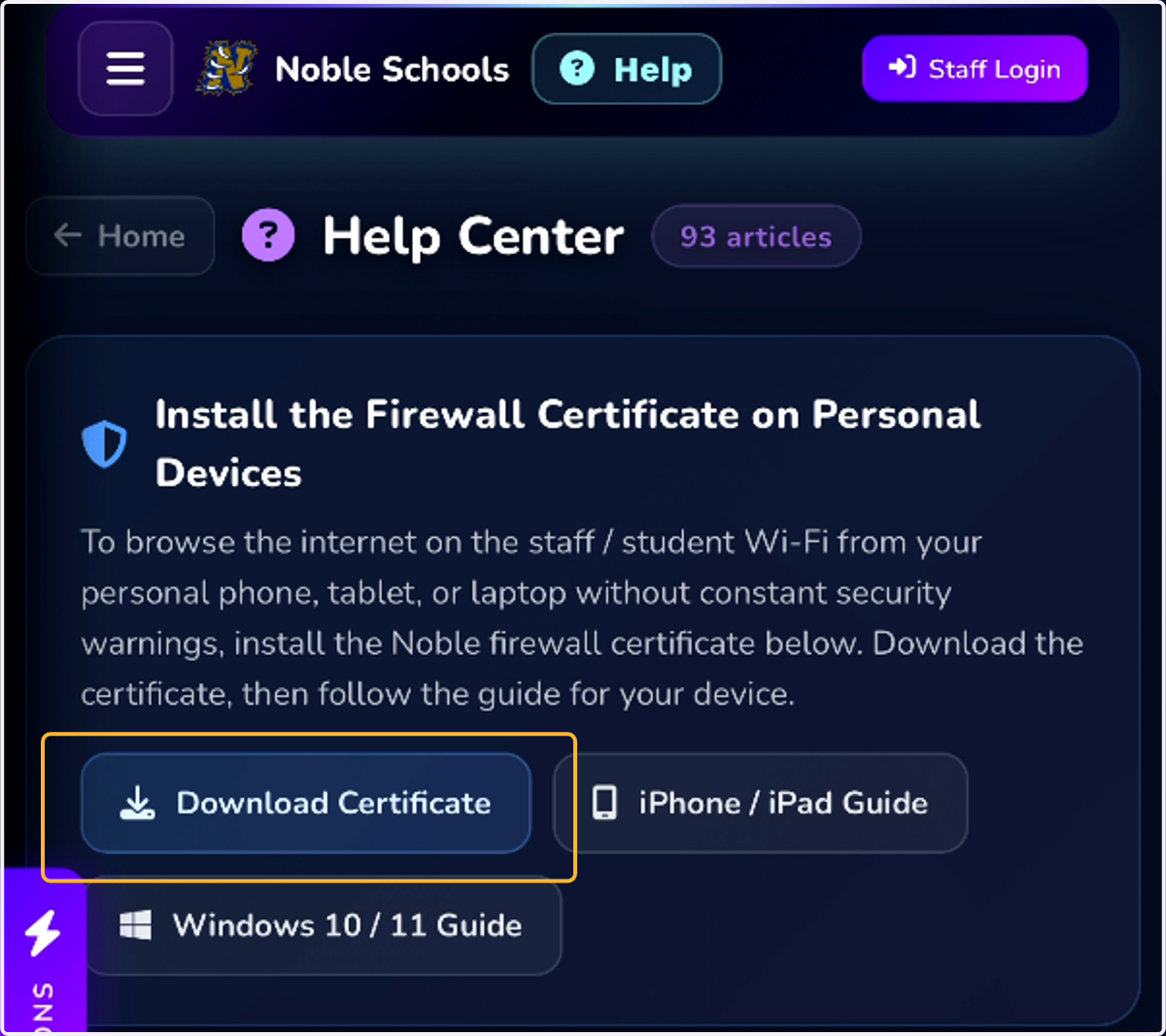
5. Tap Allow.
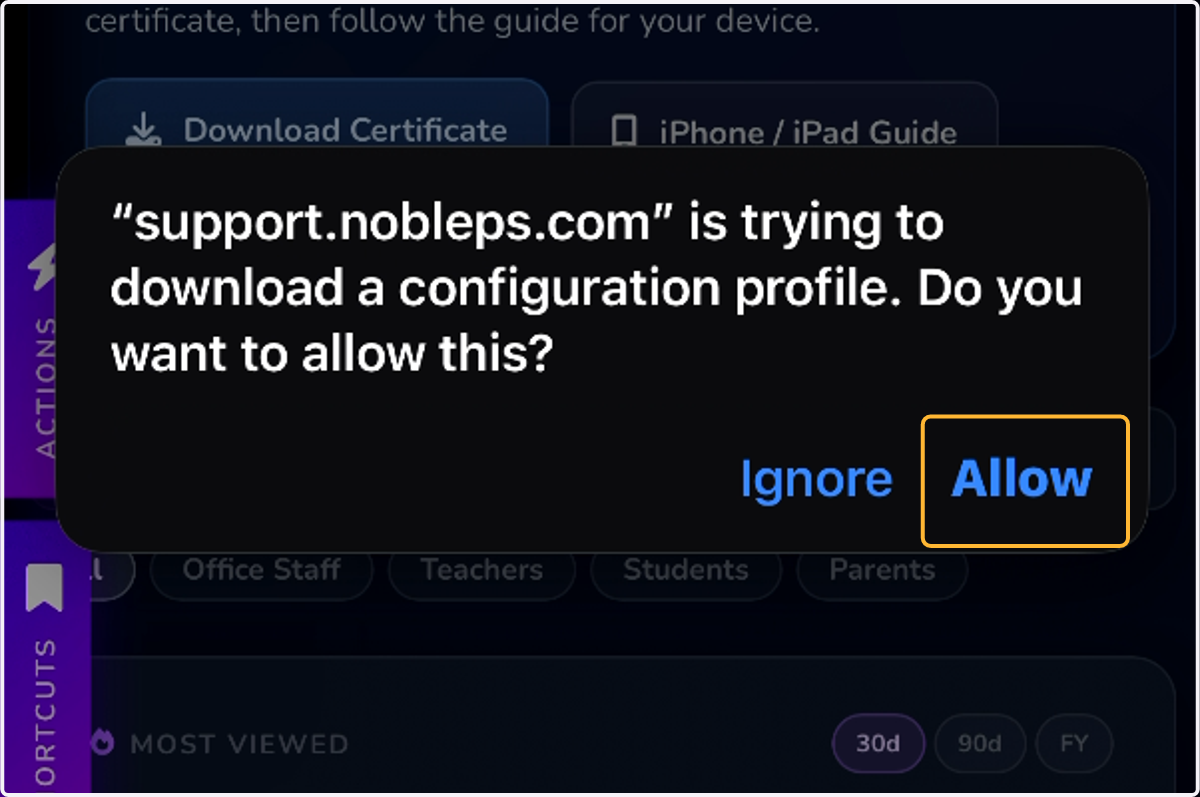
6. Tap iPhone
If you have an Apple Watch you can repeat this process later for your watch if you want to but it is not necessary.
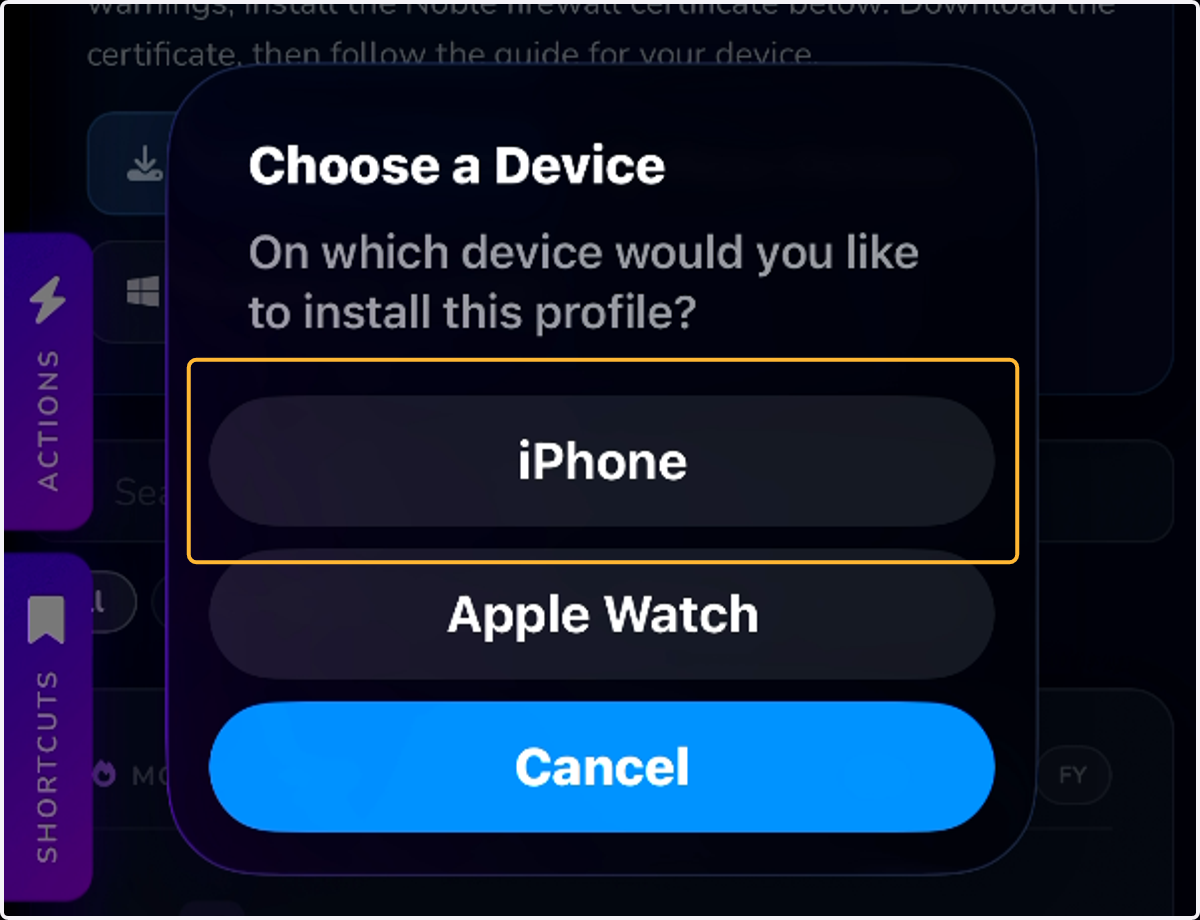
7. Tap Close
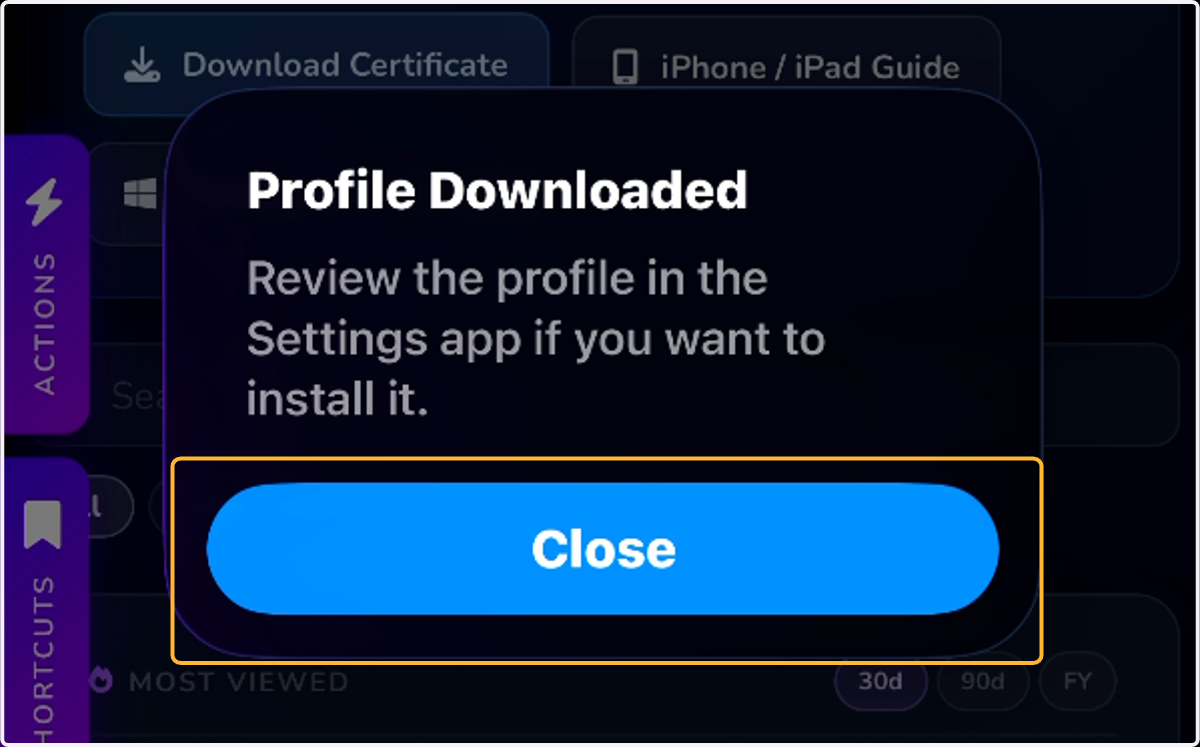
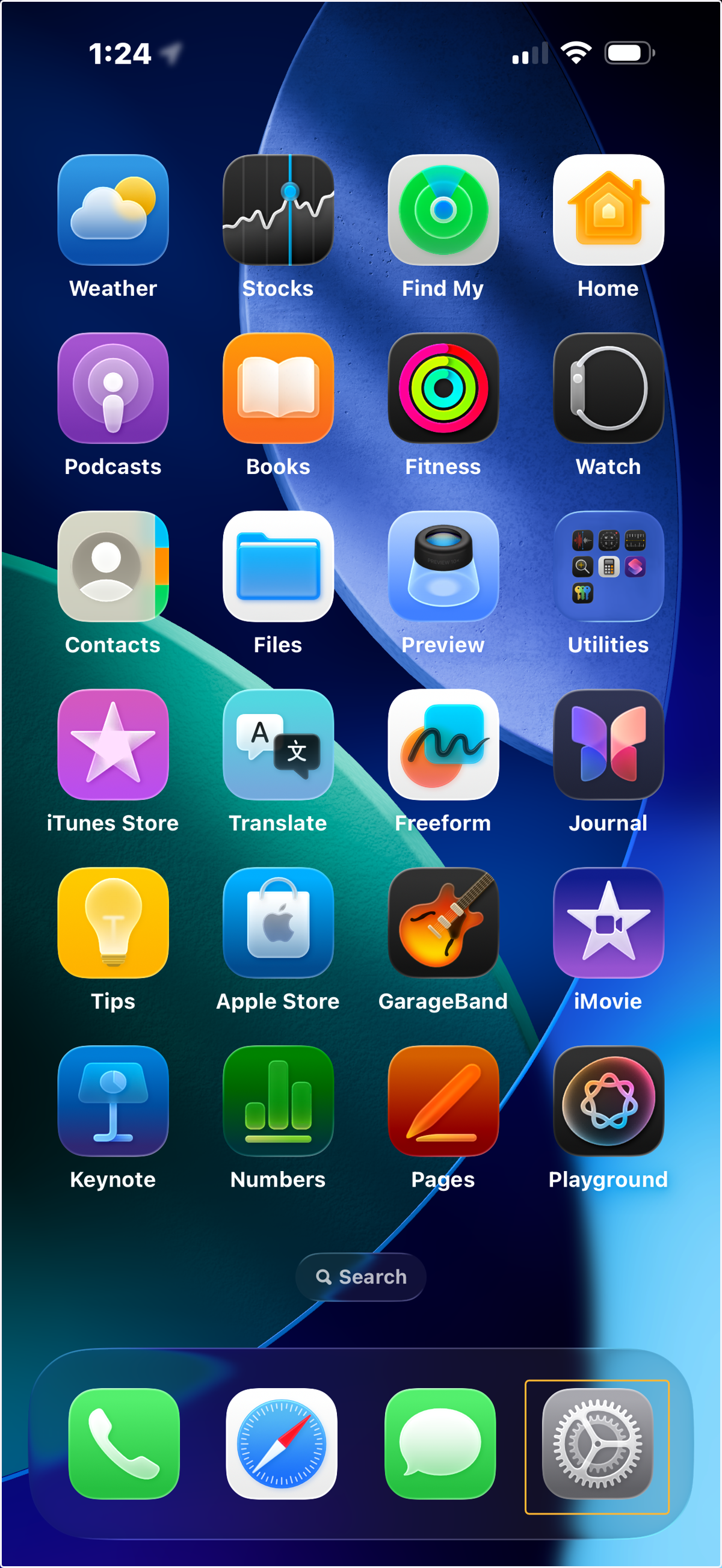
8. Go back to your Home Screen and find your Settings App.
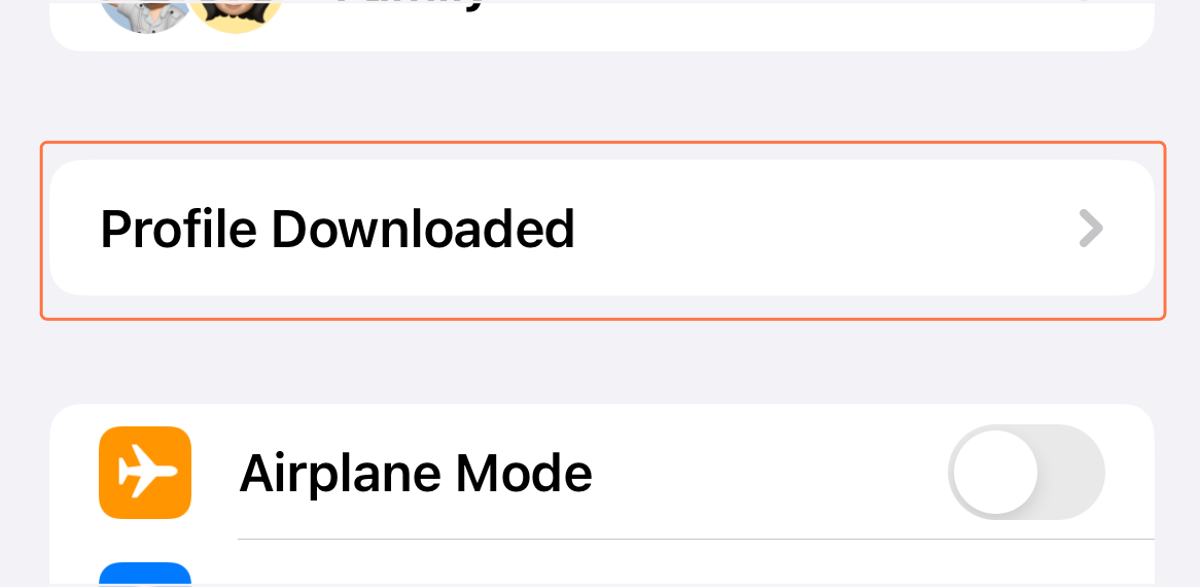
9. Tap Profile Downloaded
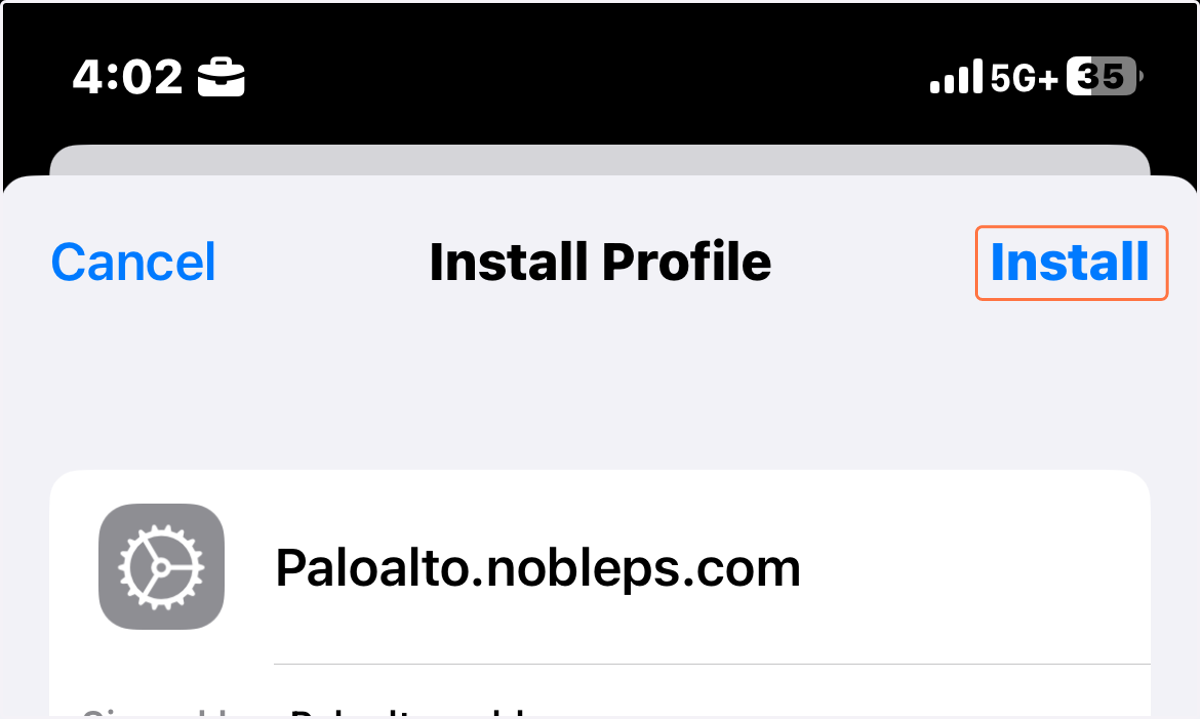
10. Tap Install
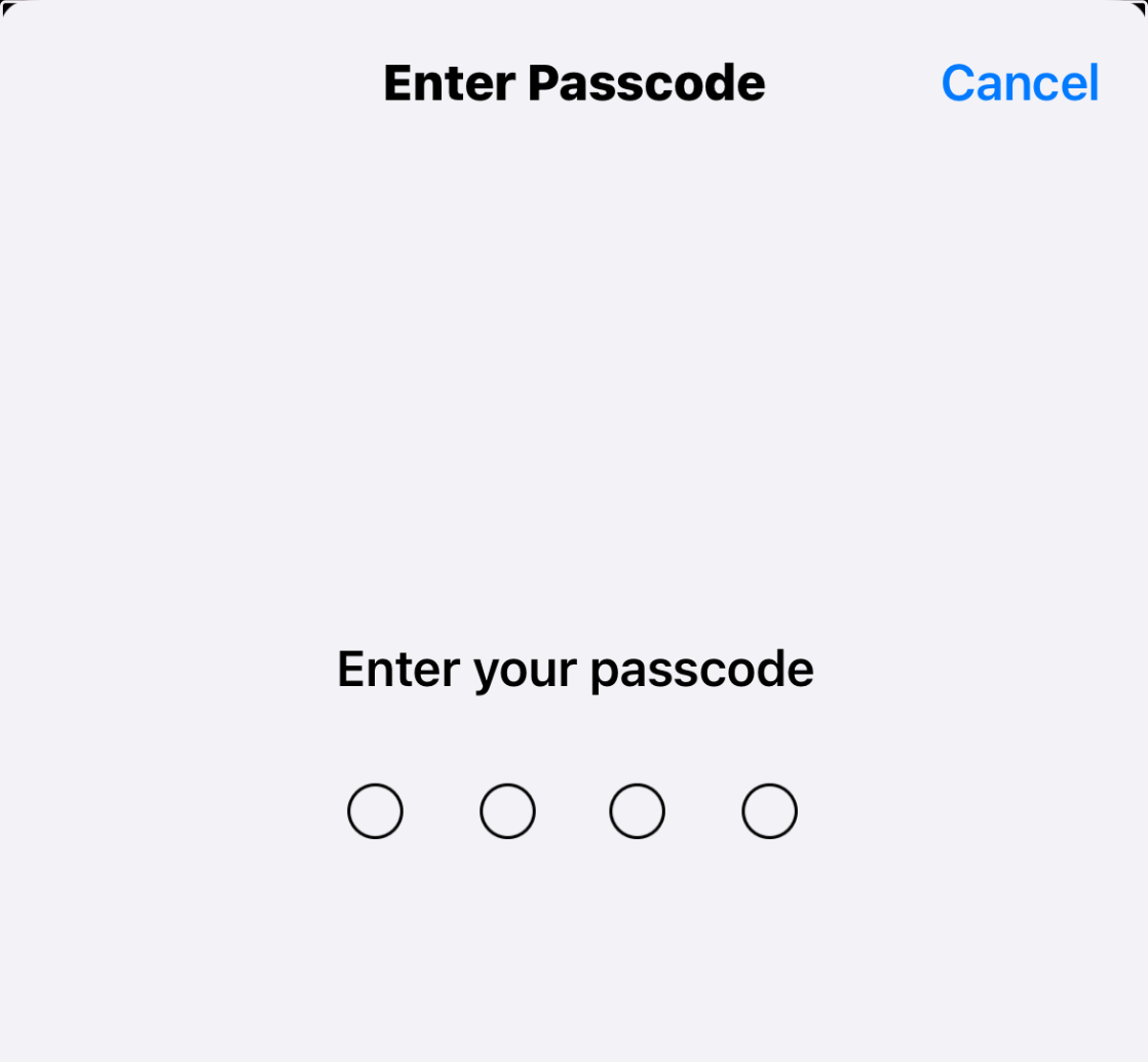
11. Enter your phone's passcode
12. Tap Install
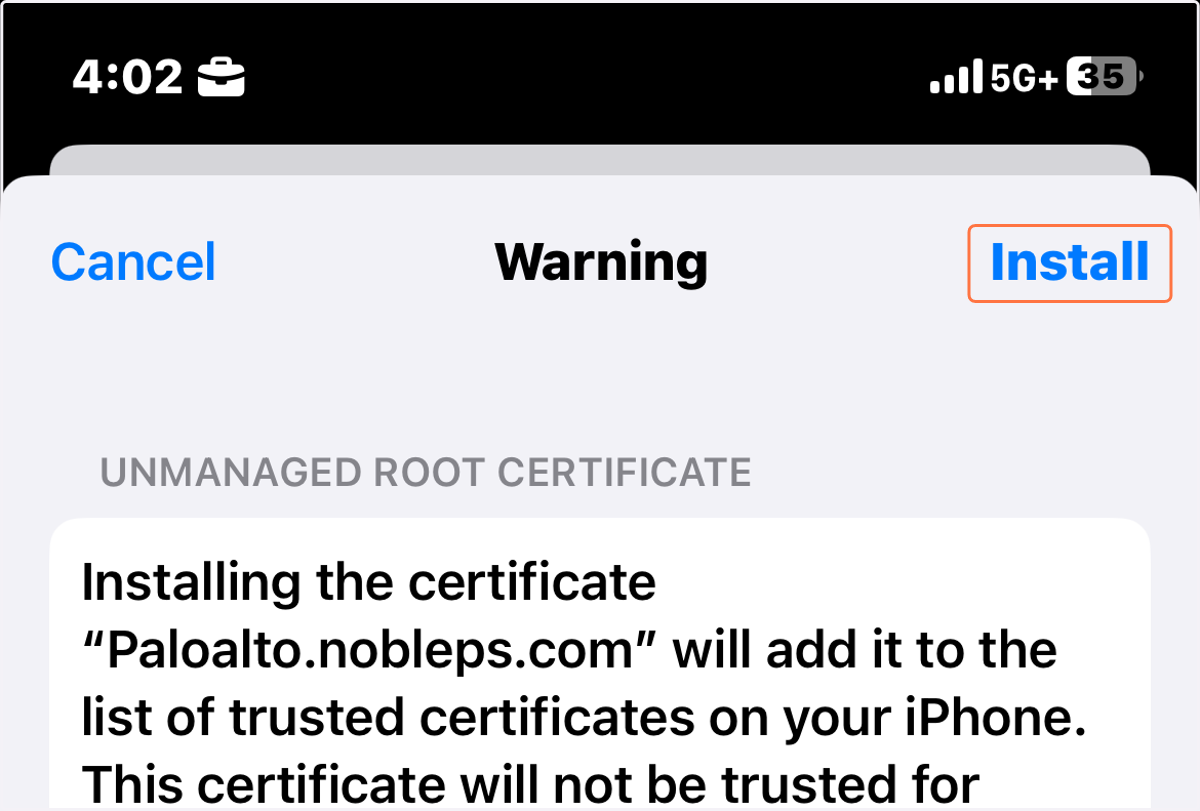
13. Tap Install again
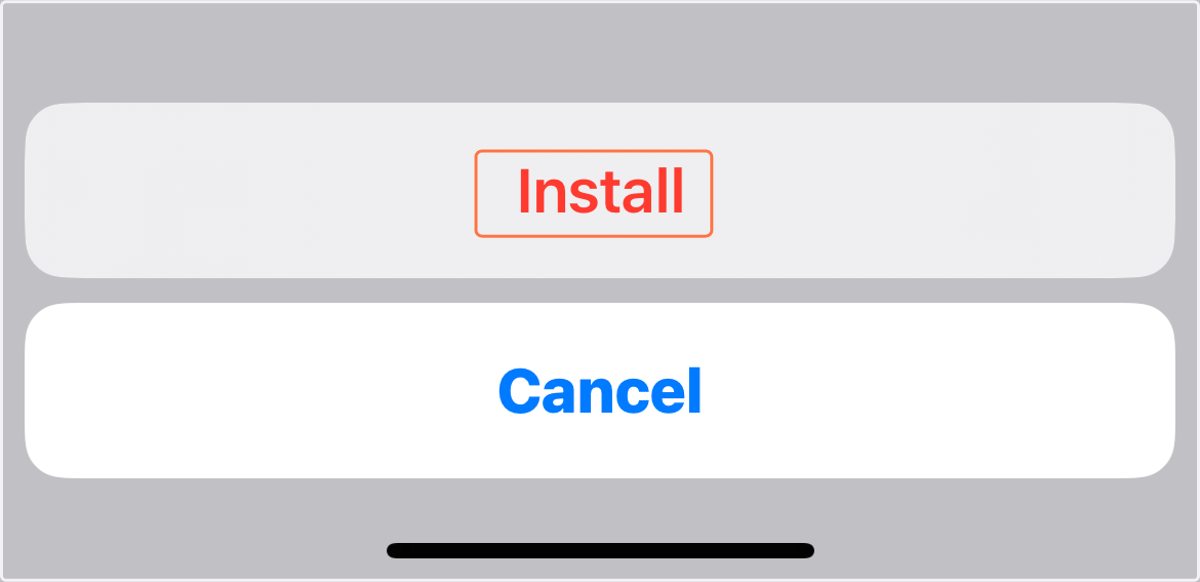
14. Tap Done
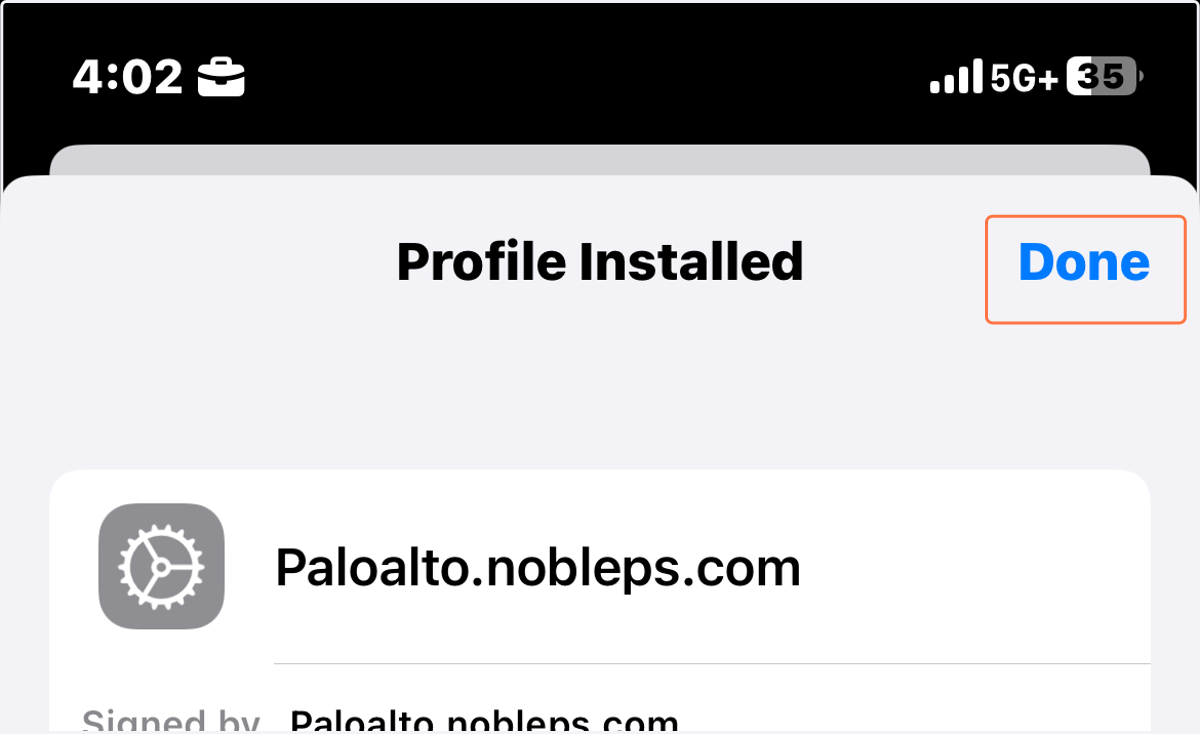
15. Tap Back
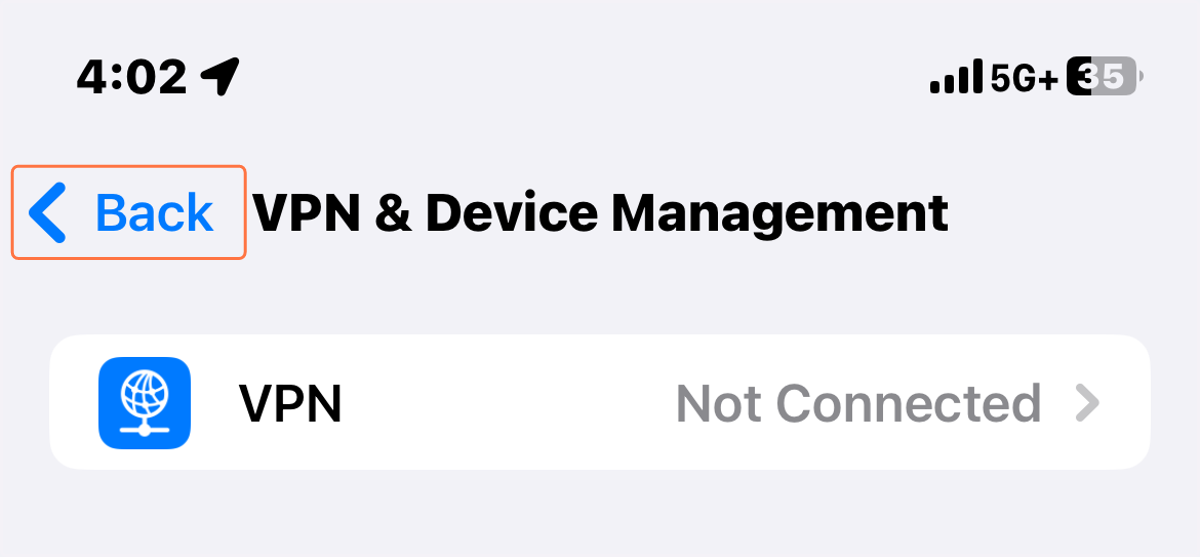
16. Scroll up and Tap About
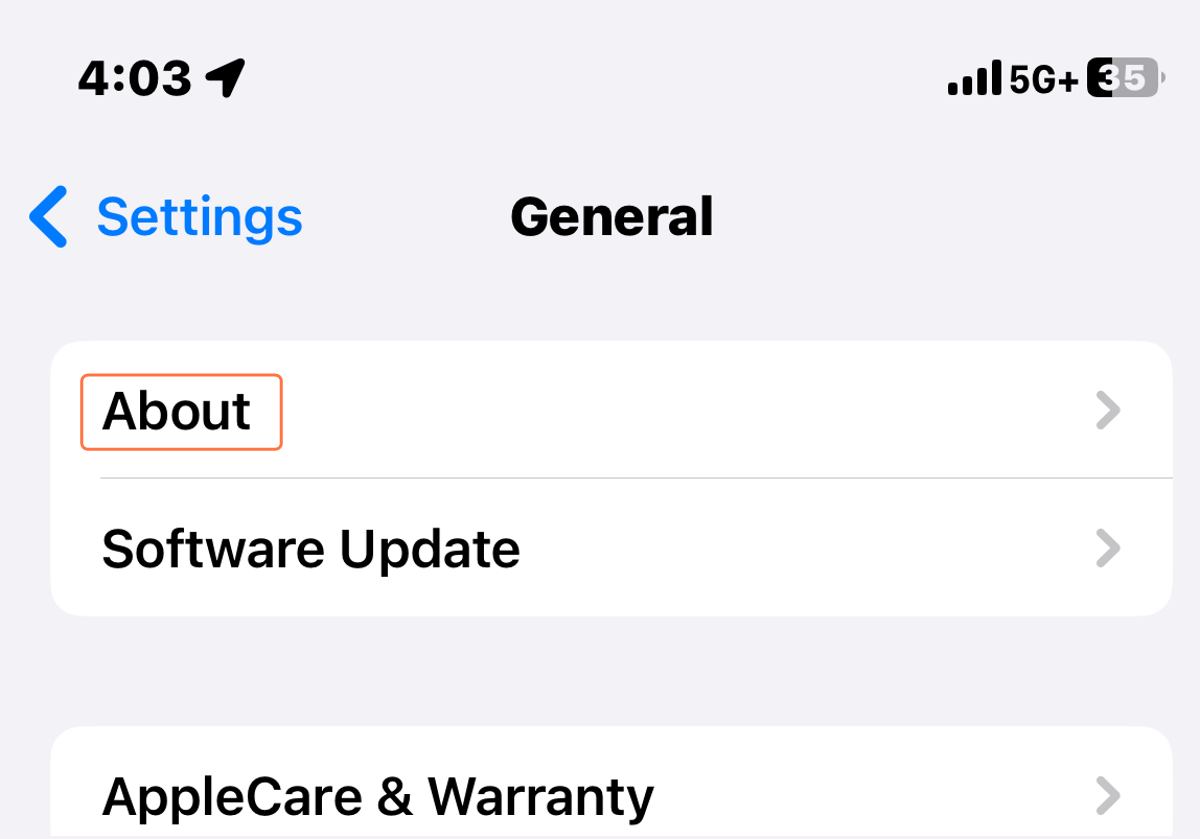
17. Scroll down and Tap Certificate Trust Settings
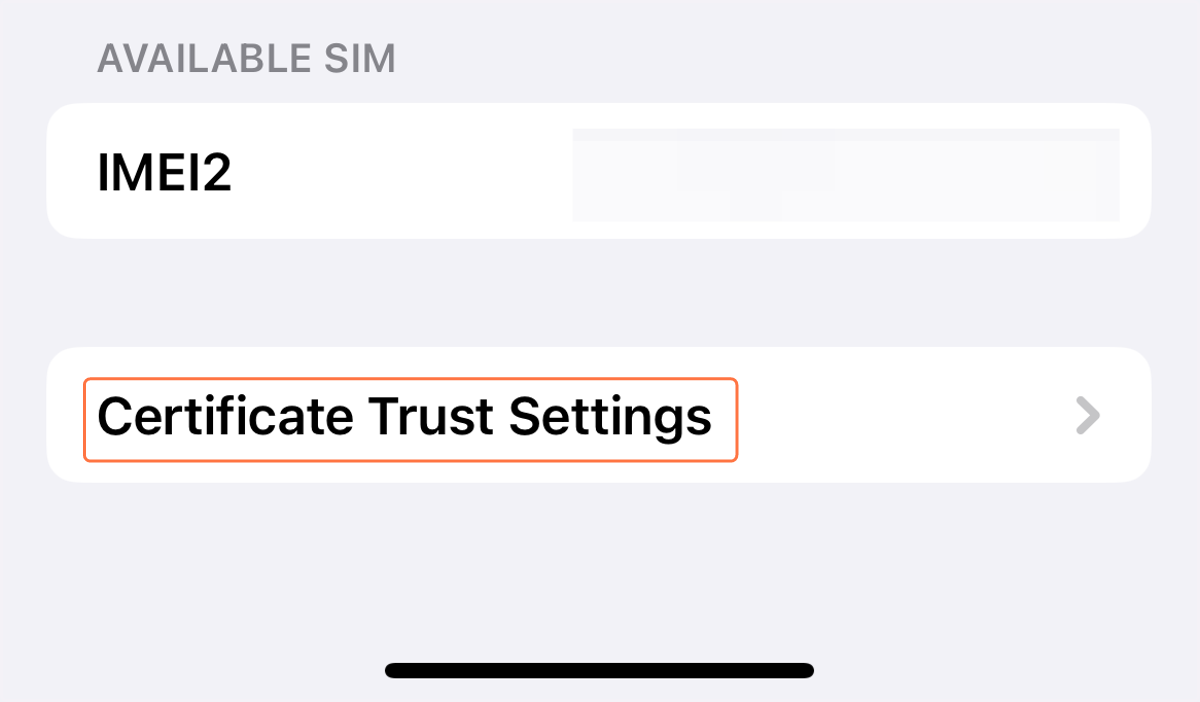
18. Tap the toggle for Paloalto.nobleps.com
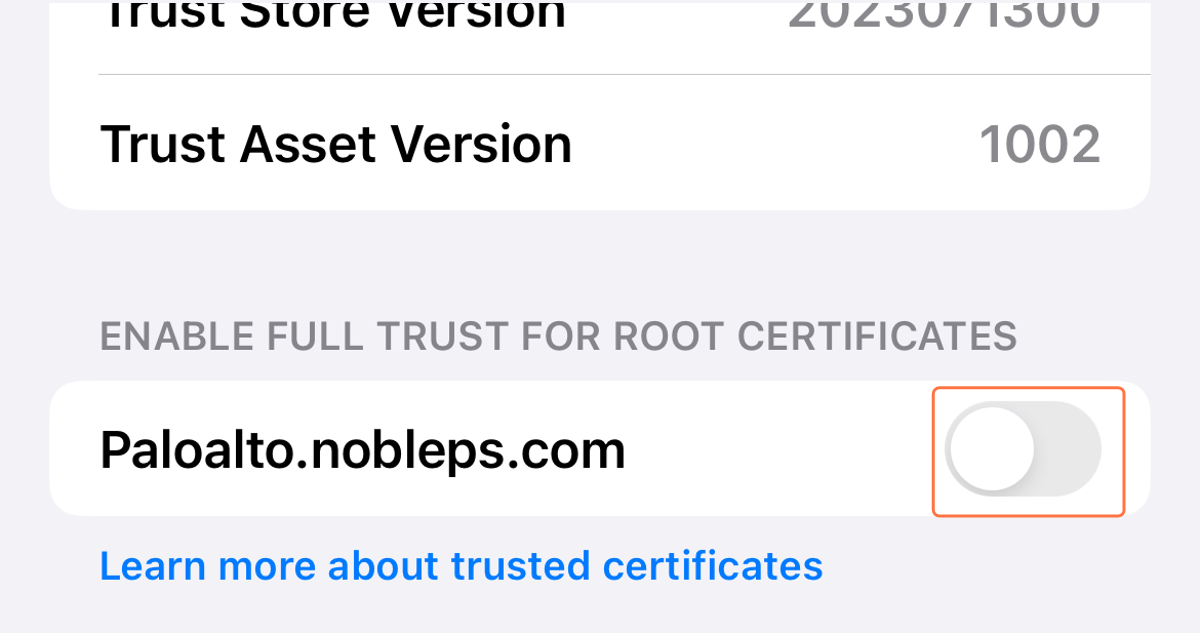
19. Tap Continue
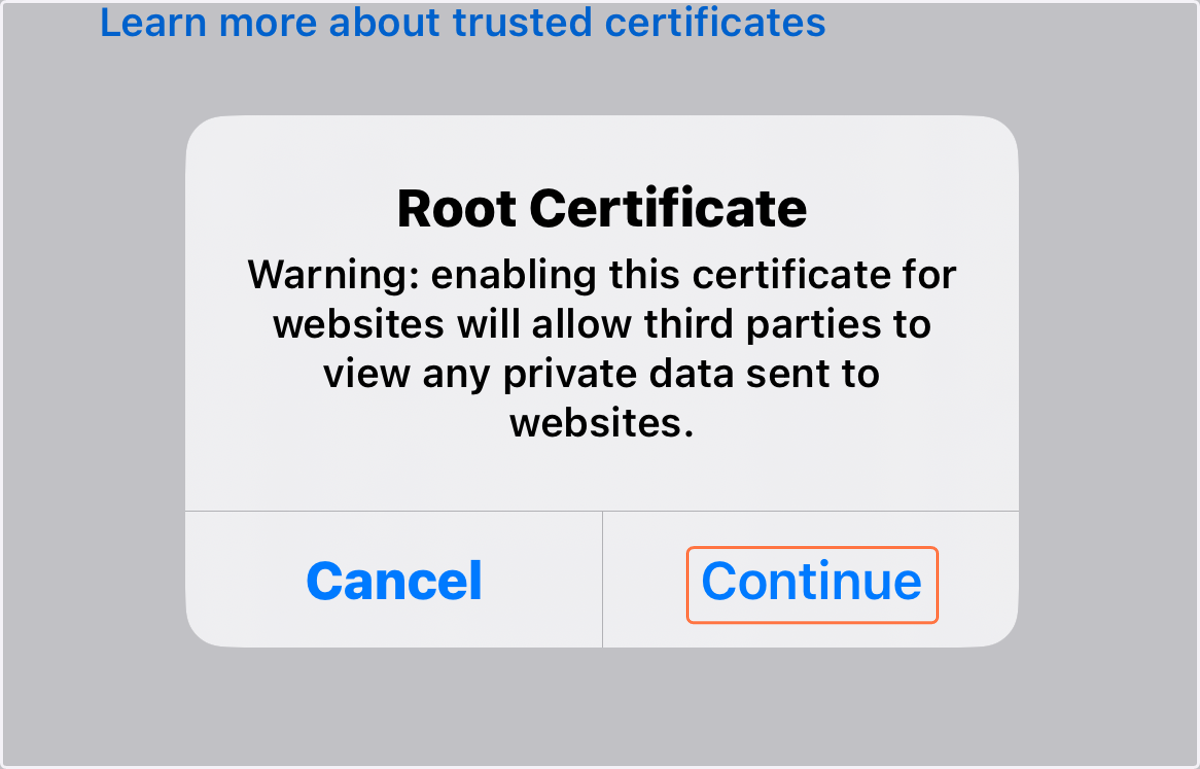
20. Completely Close Safari and Reopen it to test your connection.
You are done! If you are able to browse to the websites that you need for school such as Canvas then your phone will now work on the network.