Installation Instructions for True-Terrain 4.4x: Addon and Assets
Installing True-Terrain 4.4x
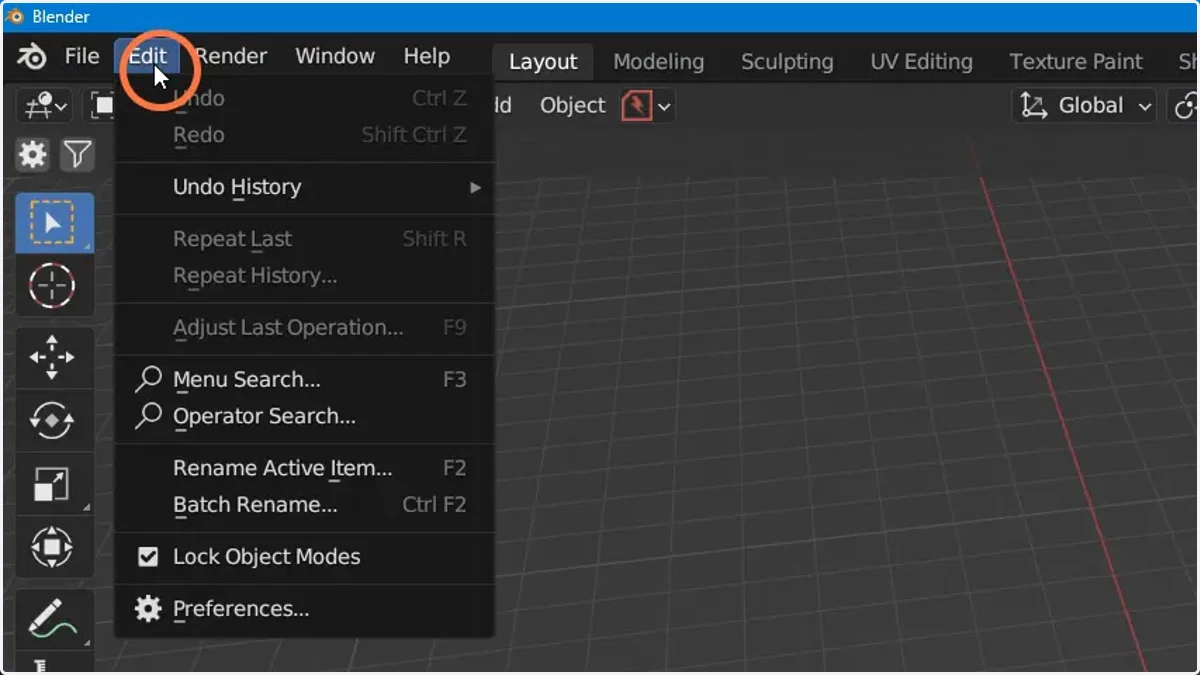
1. Click "Edit"
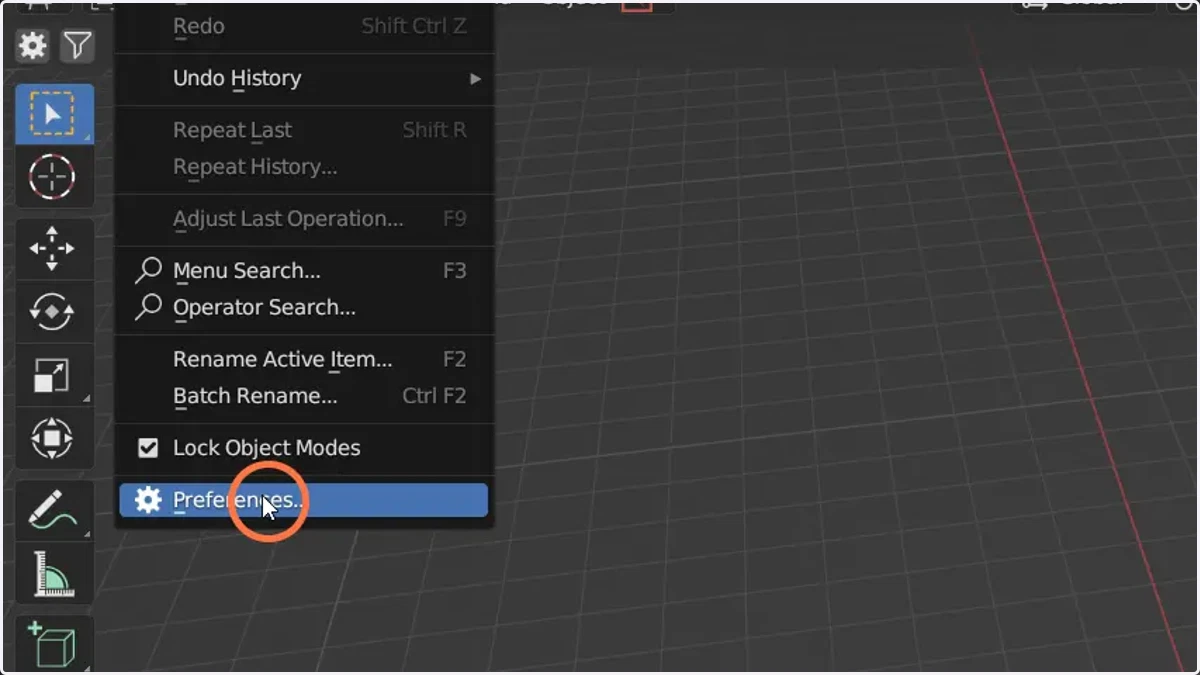
2. Click "Preferences"
3. Click "Install"
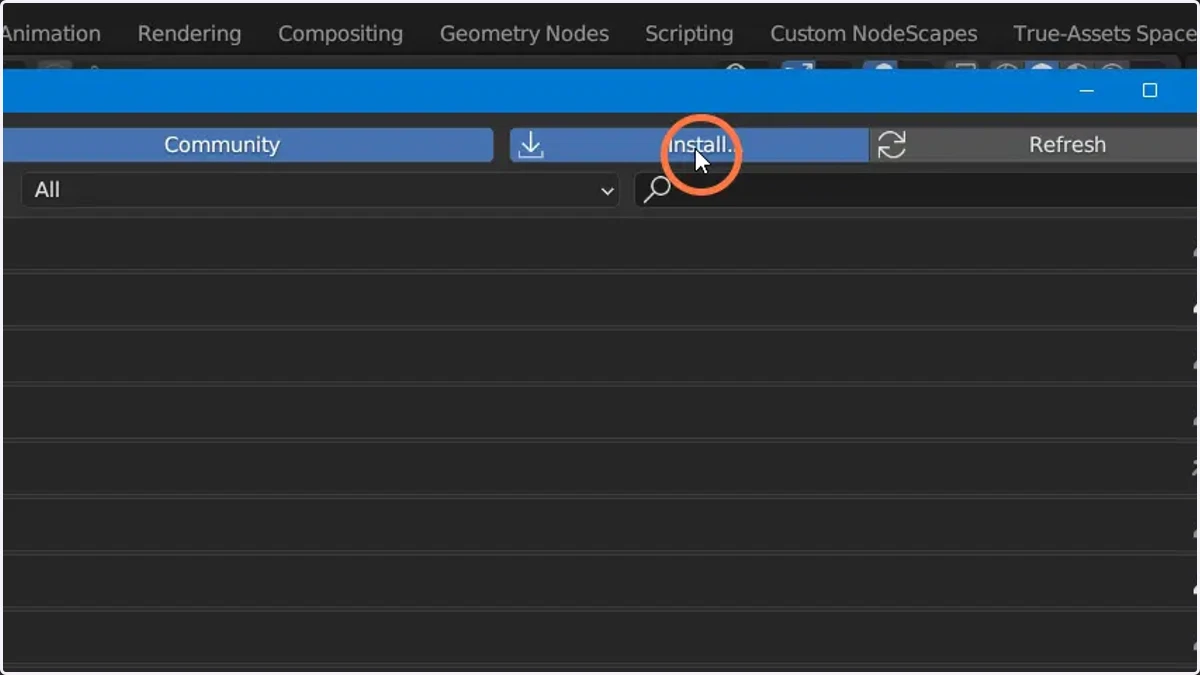
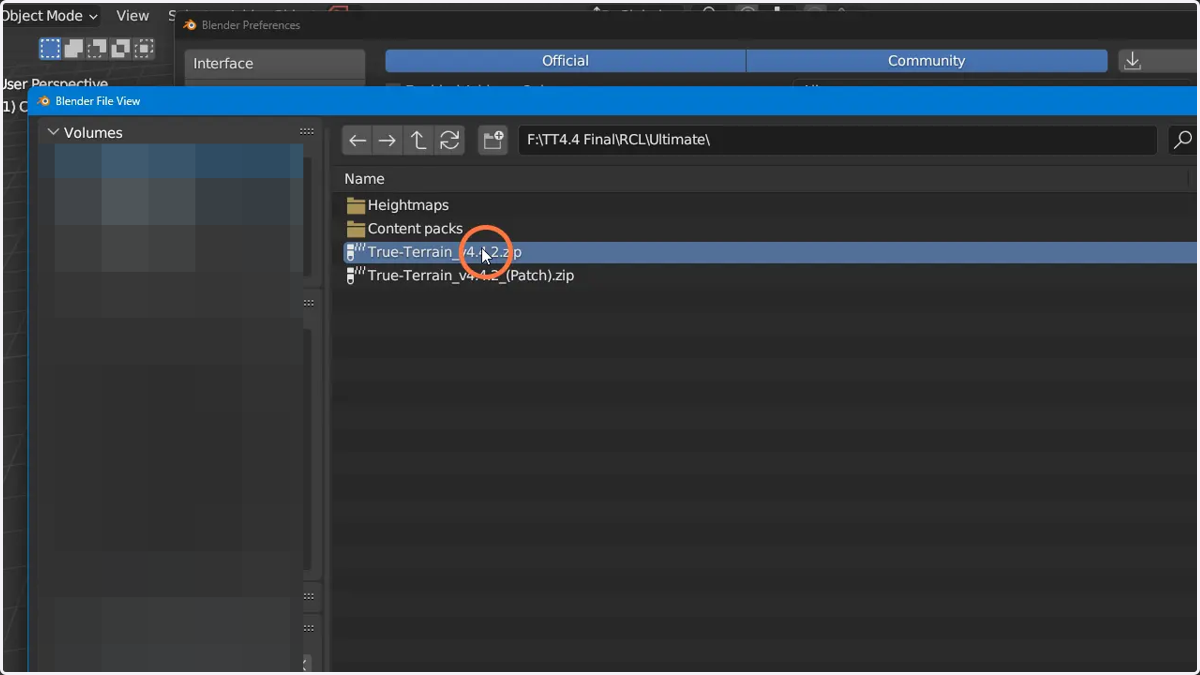
4. Find the location you saved the Addon.zip
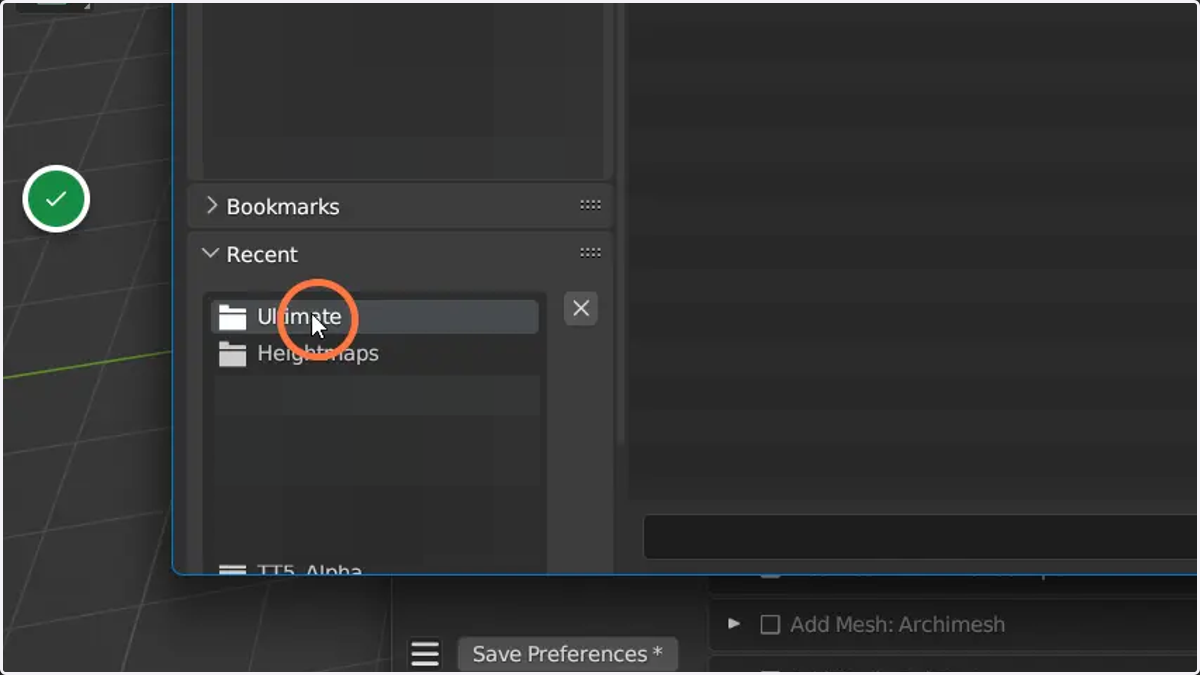
5. Select it
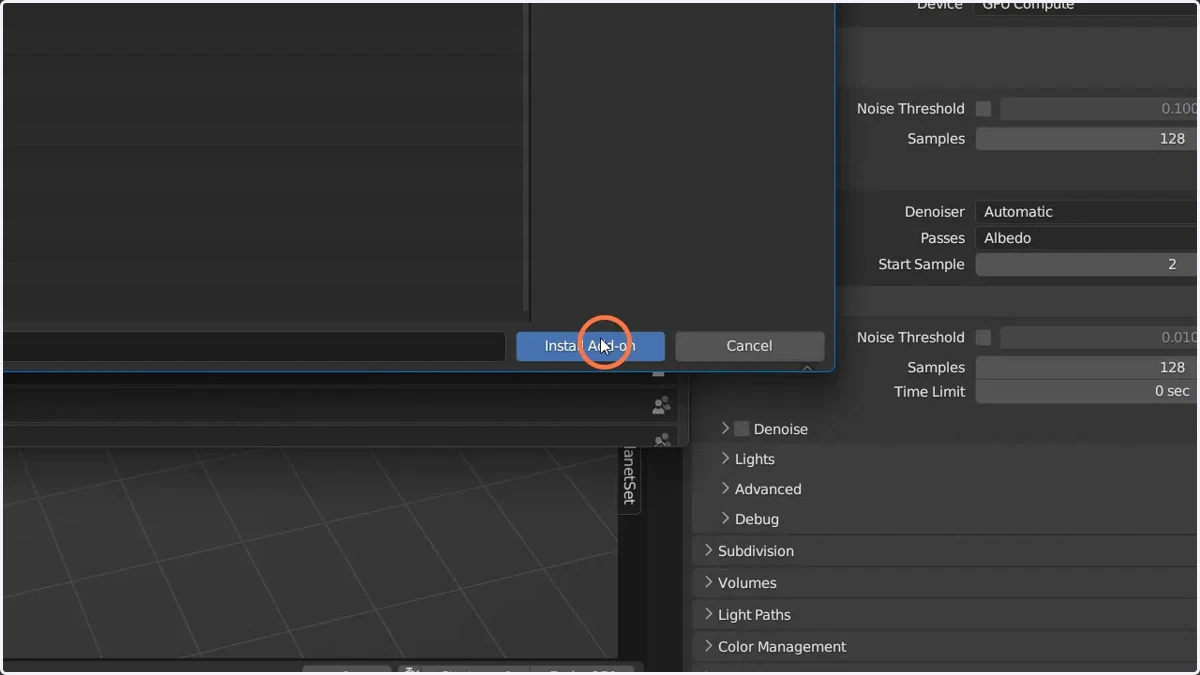
6. Click here to install it
7. Click here
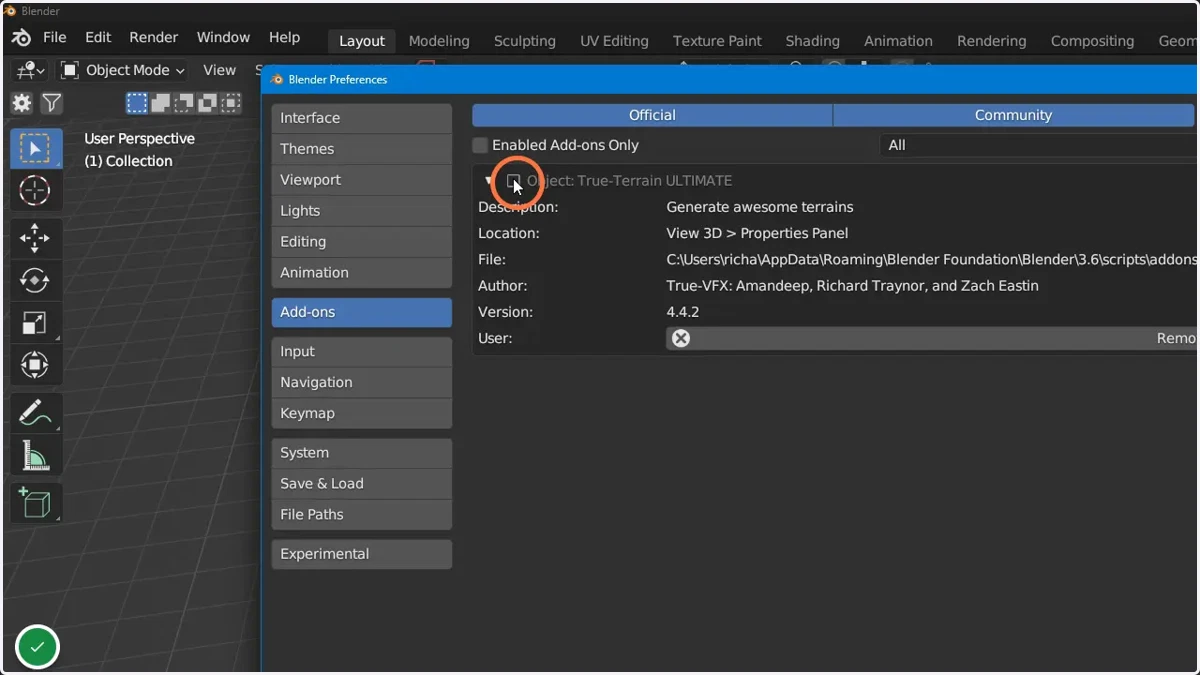
Open up the prefs and make sure the version number is correct (Whatever the latest version is you installed)
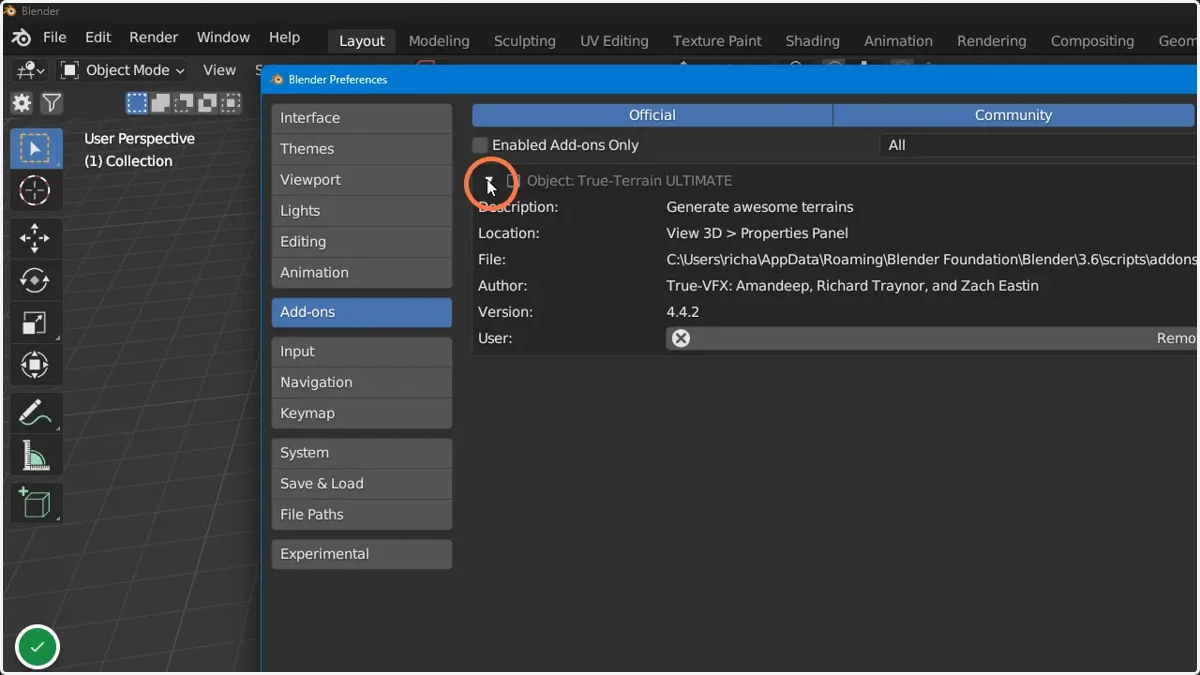
8. Click here to enable True-Terrain
Installing the content
9. Head to the prefs, and select the "asset data" tab
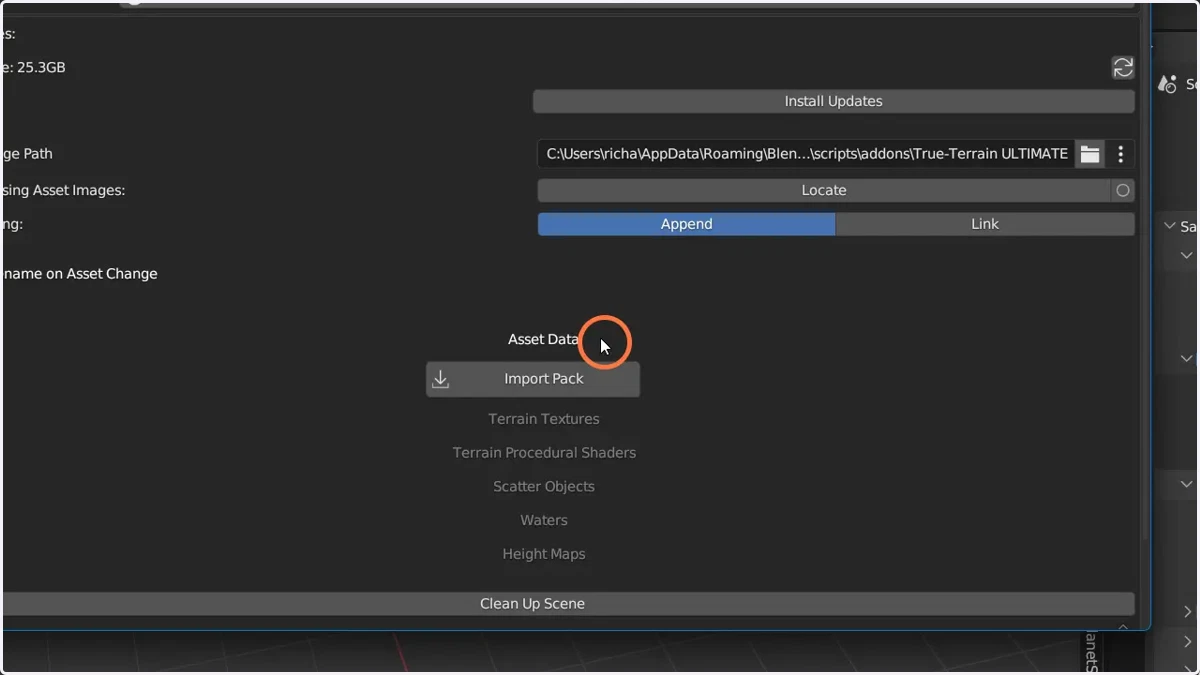
10. Click "Import Pack"
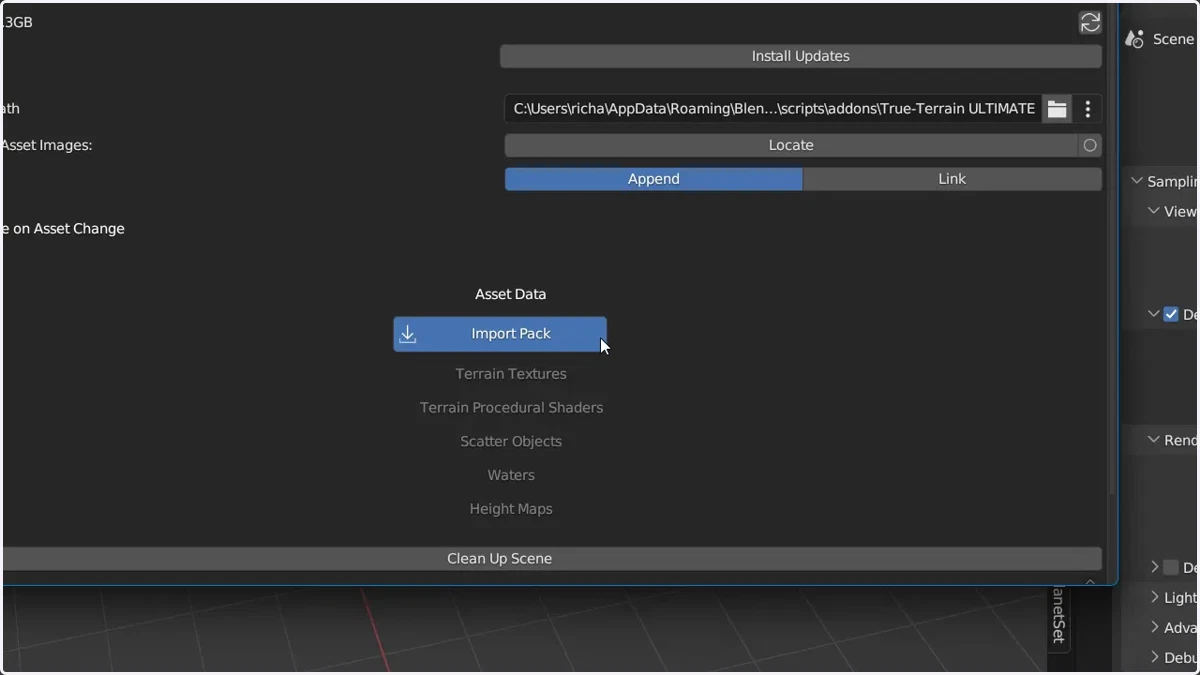
11. Go to where you saved the content.zips
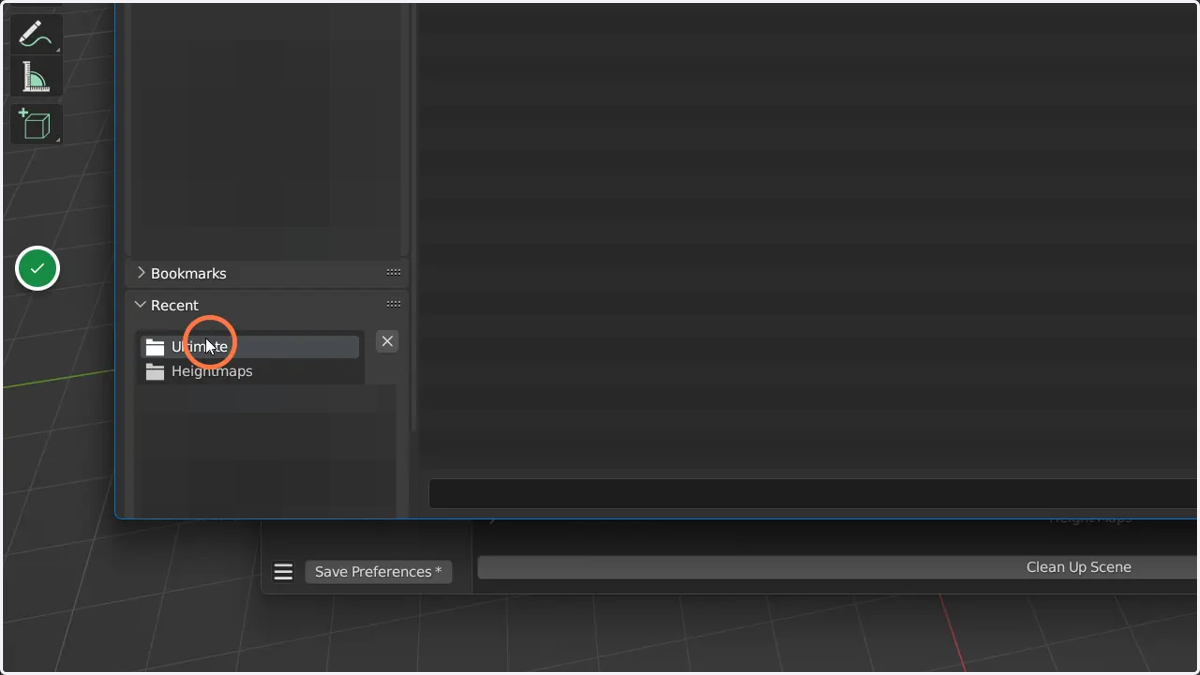
12. Shift-select the content packs you wish to install
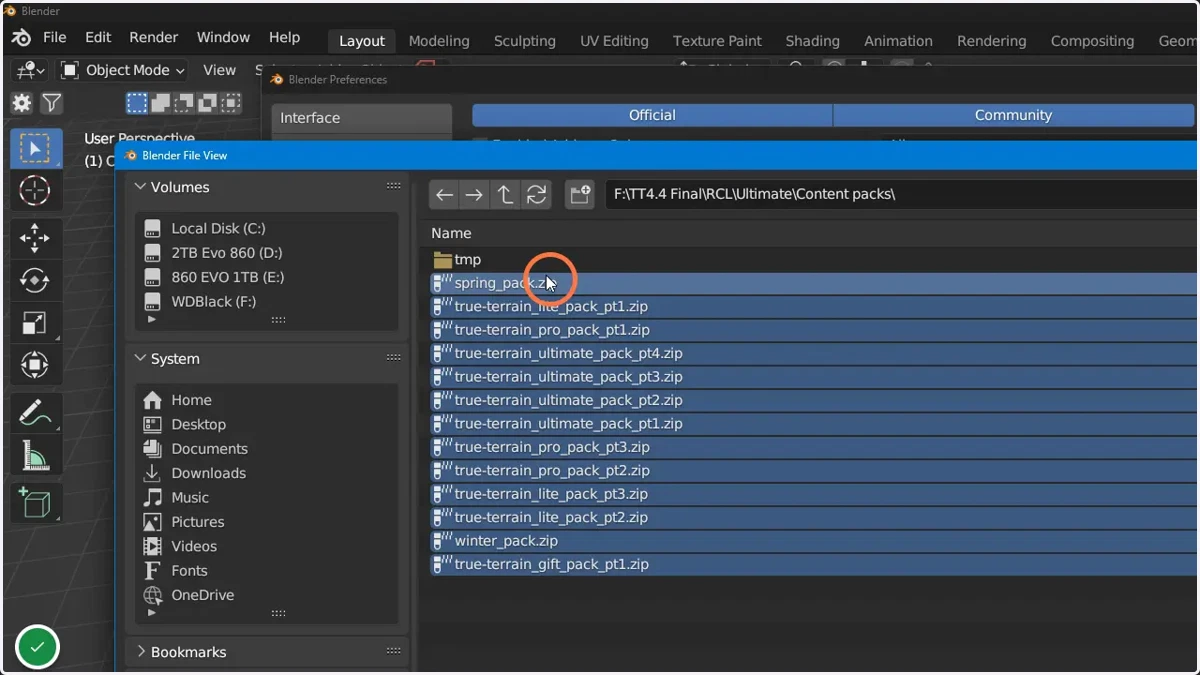
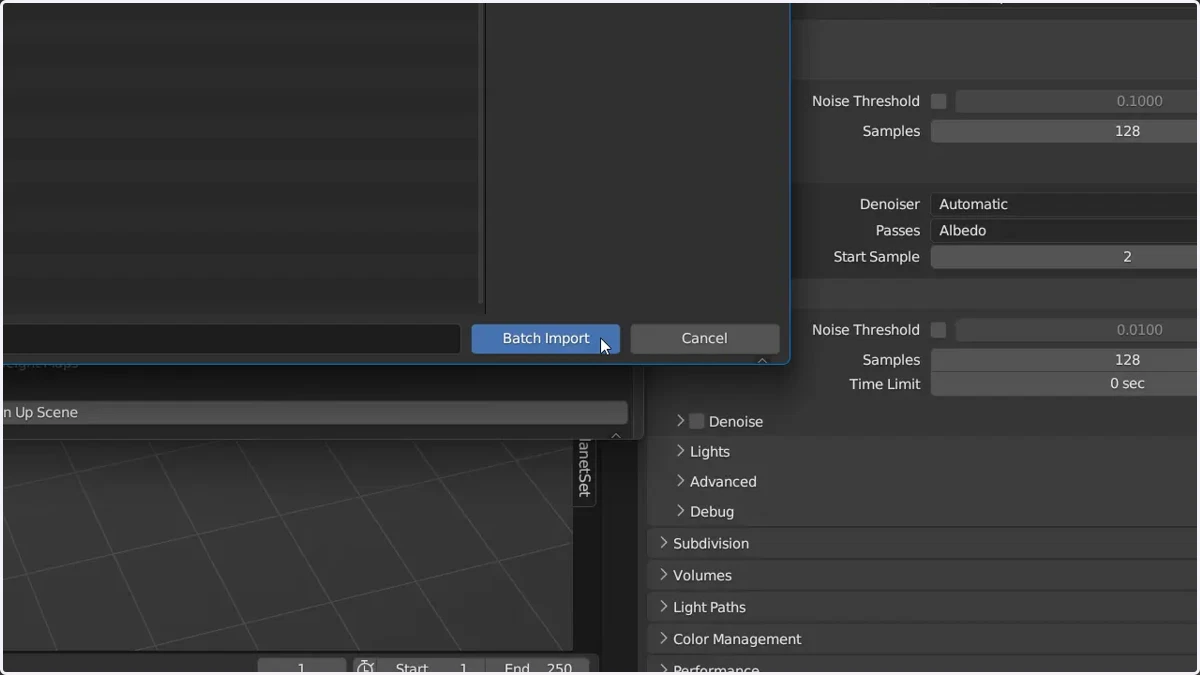
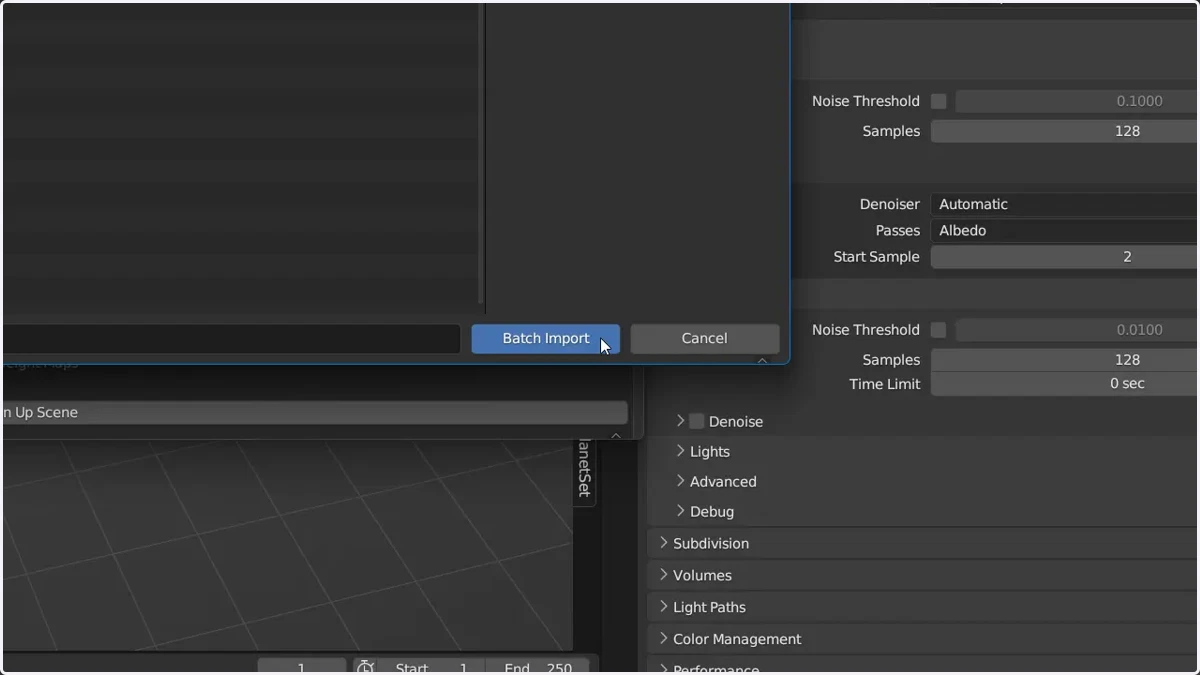
13. Click here to import the selected
Installing the heightmaps
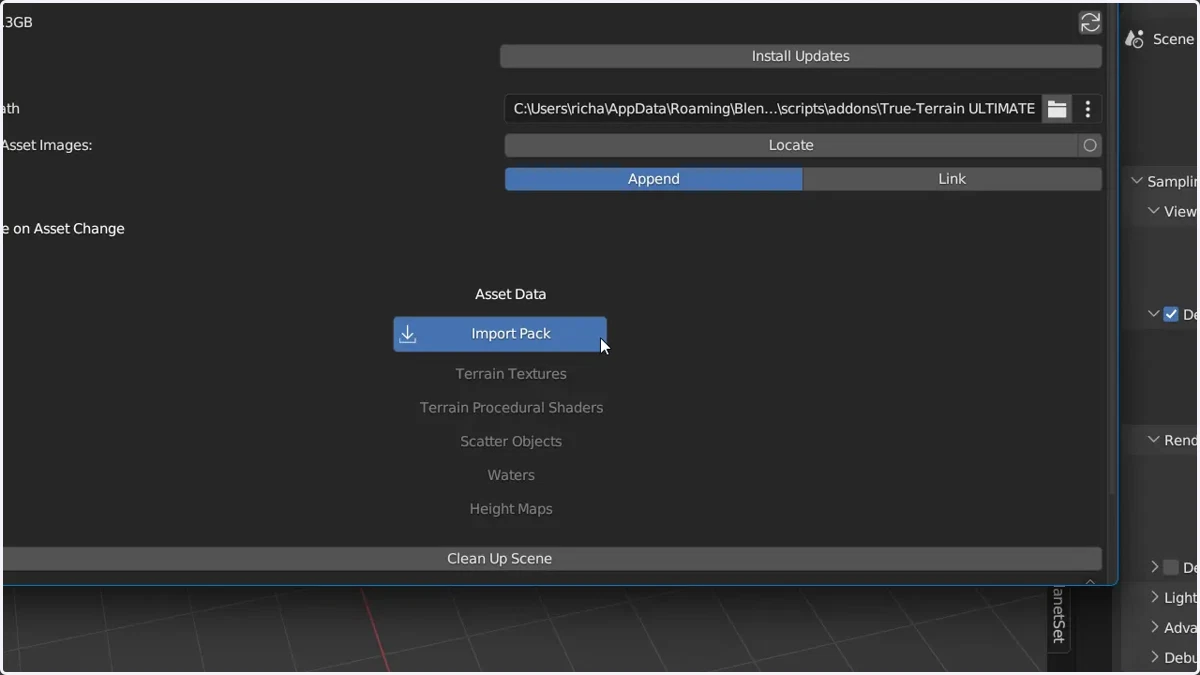
14. Click "Import Pack"
15. Find the location of the heightmap.zips and select them
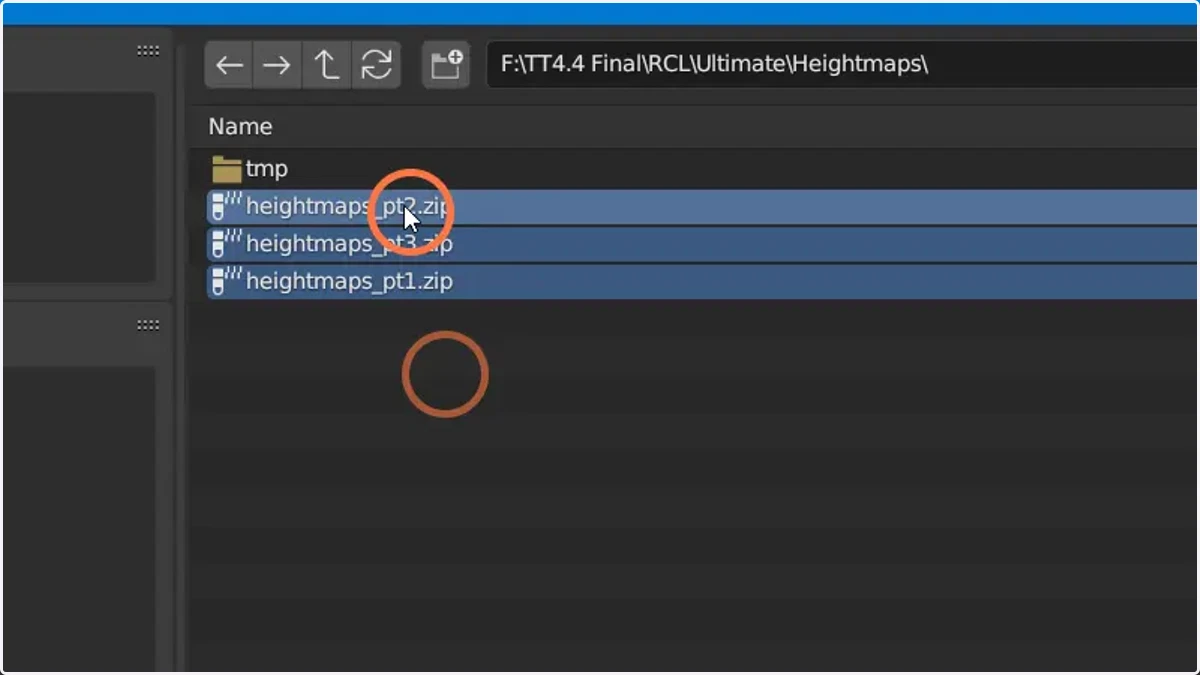
16. Click here to import them
Checking the content has installed
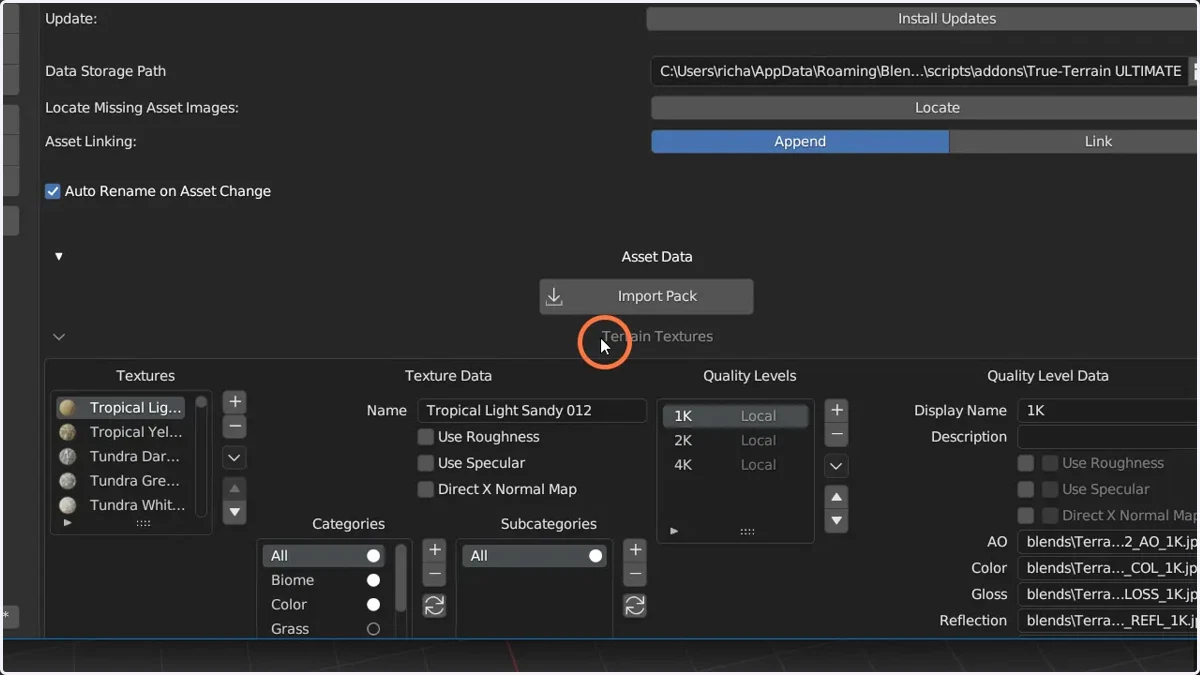
17. Check "Terrain textures"
The checks we're making are simply to ensure icons and maps are showing
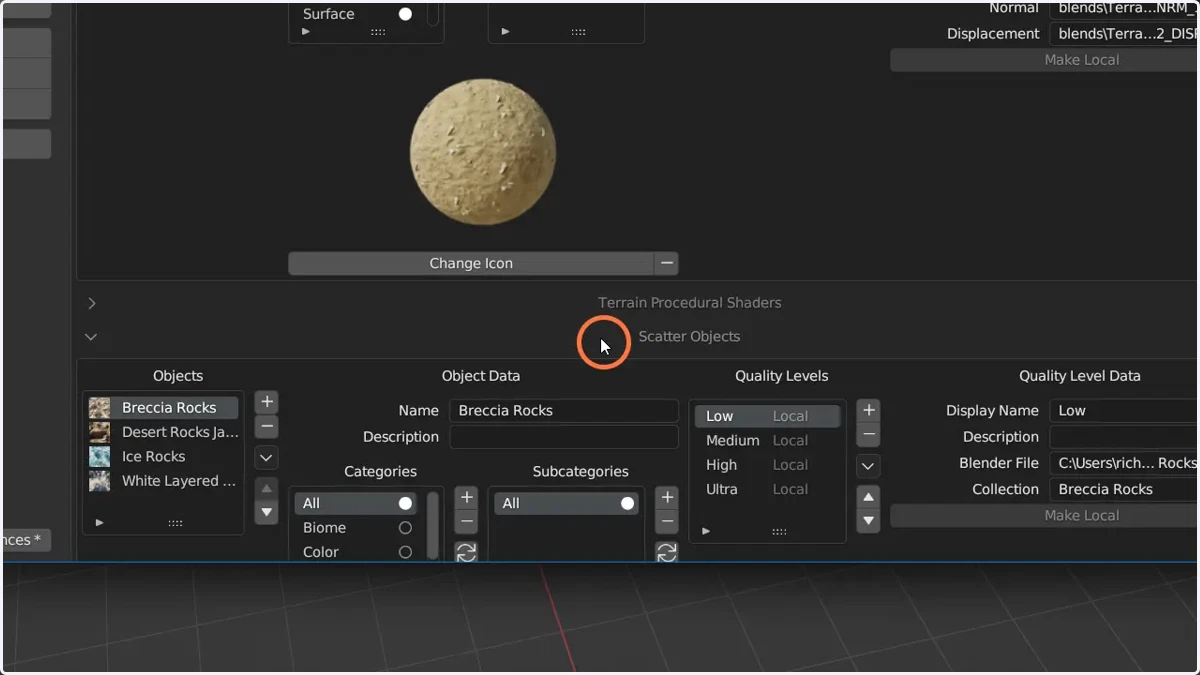
18. Check "Scatter Objects"
The checks we're making are simply to ensure icons assets are showing
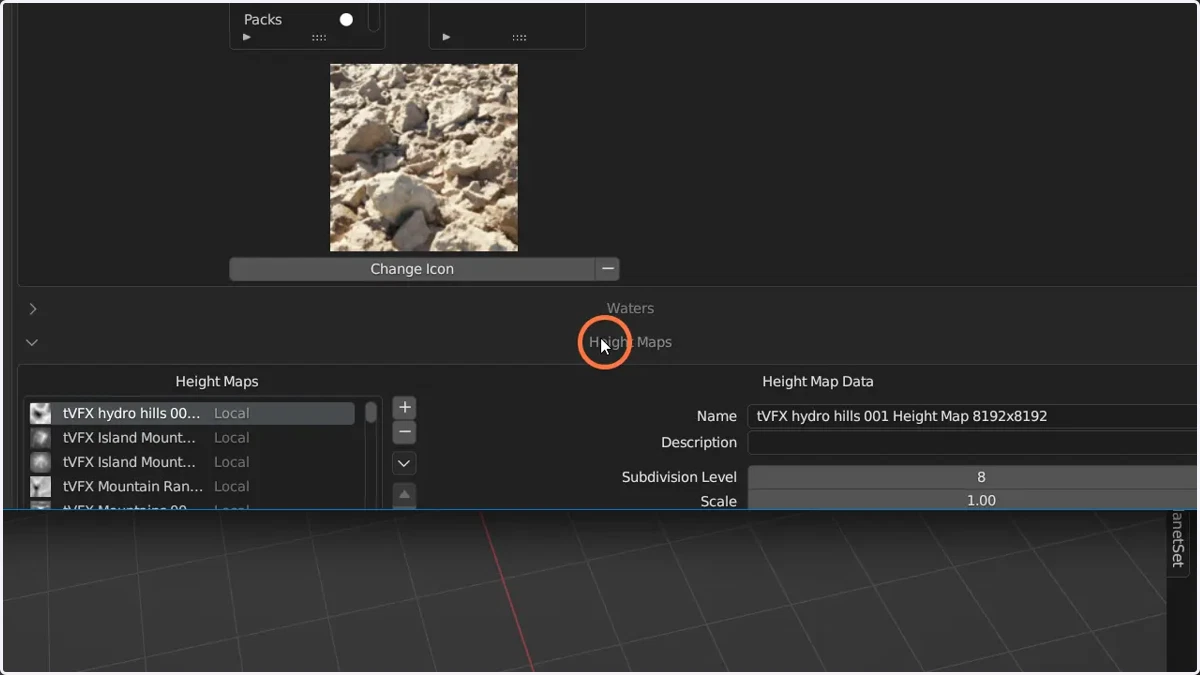
19. Check "Heightmaps"
The checks we're making are simply to ensure icons and maps are showing