Adding Raisethon team payments and links in PhoneRaise
Go to your RaiseThon Dashboard
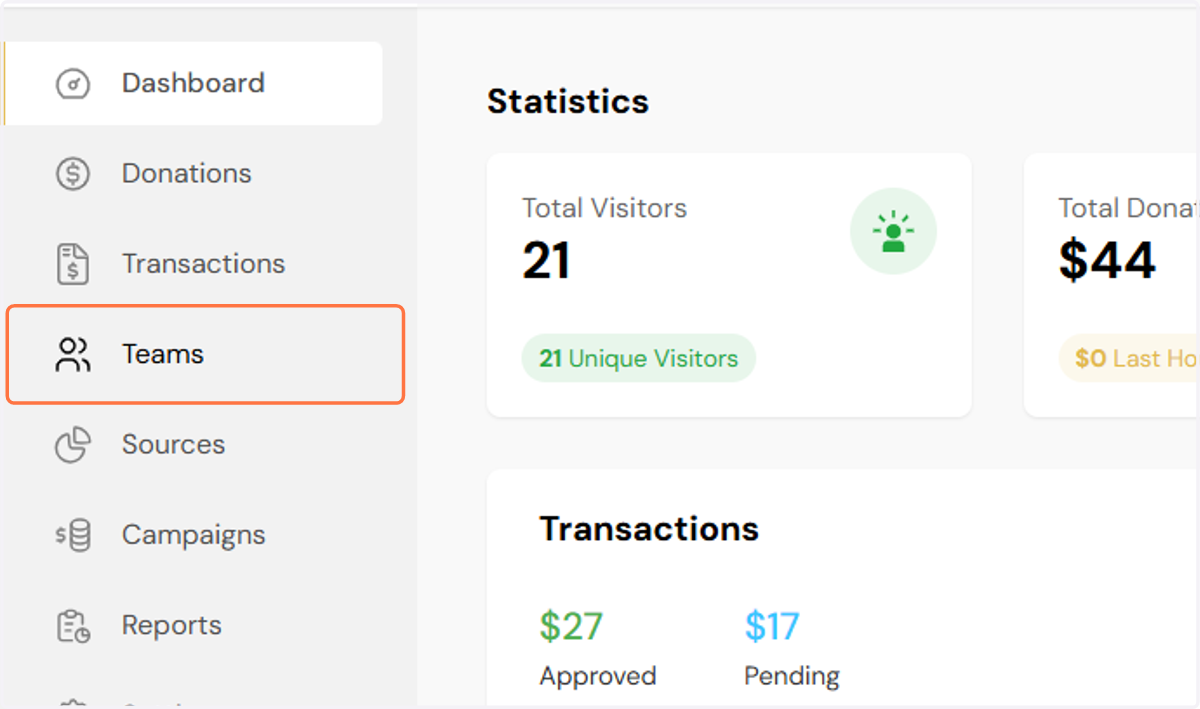
1. Click on Teams
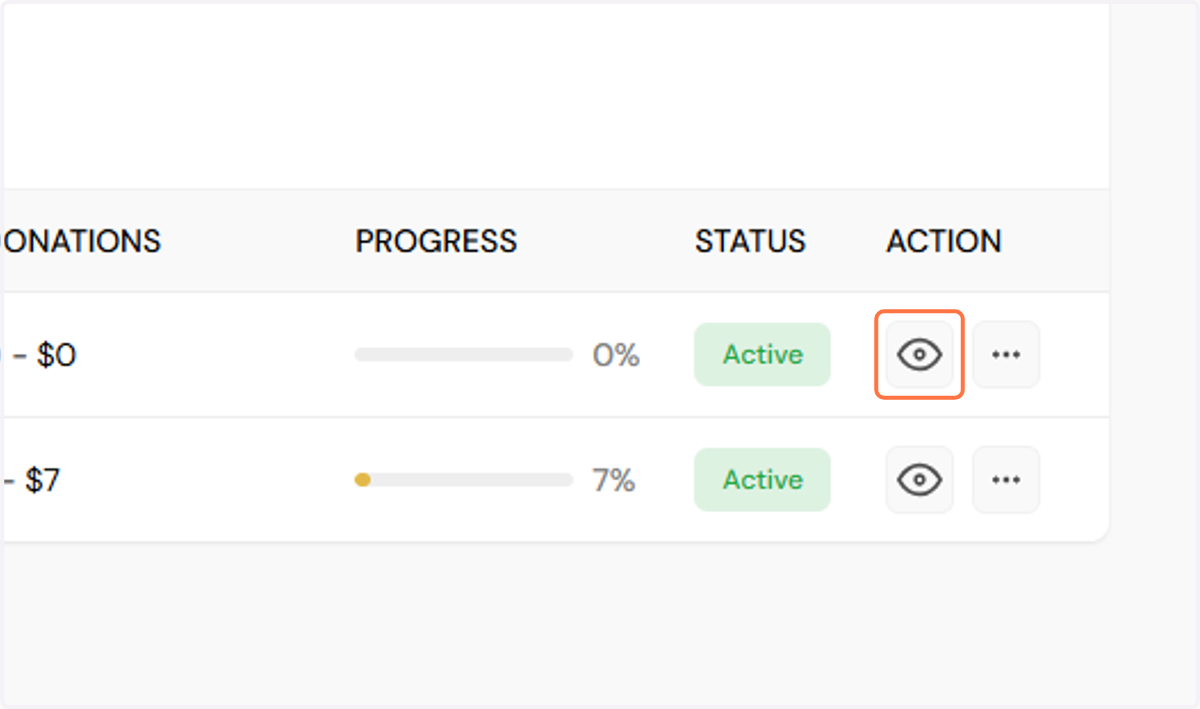
2. Click on the eye icon next to the team
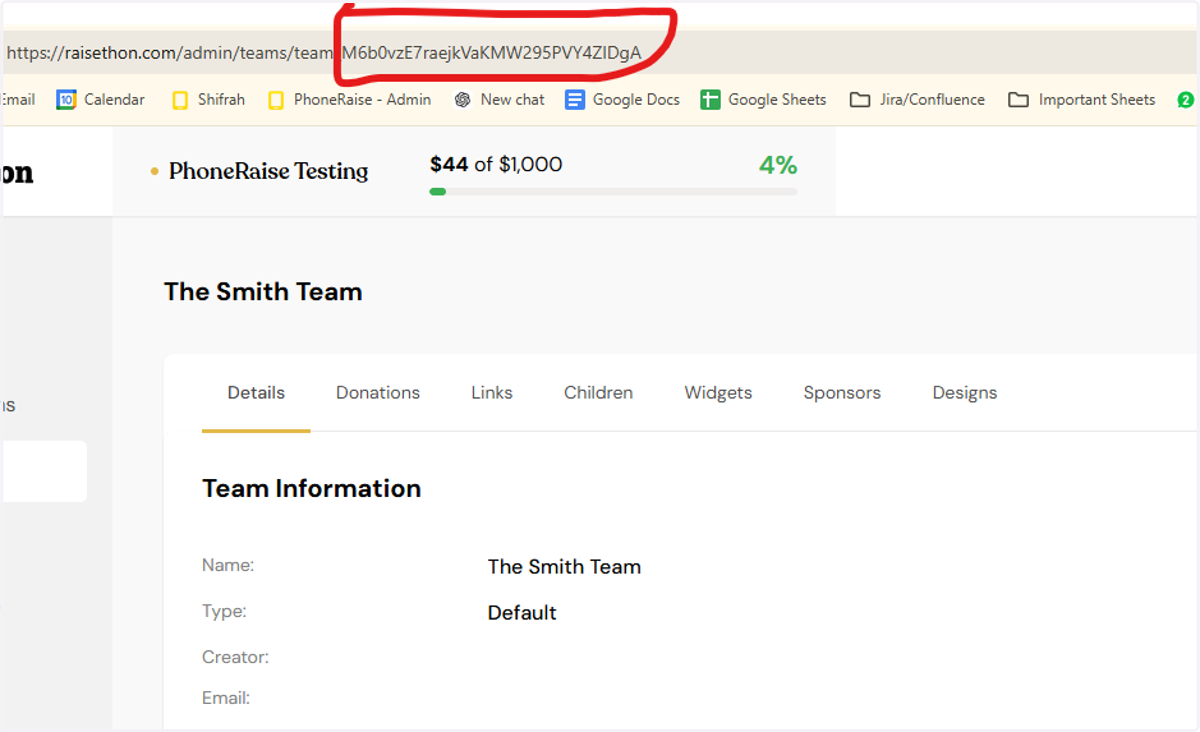
3. Grab the team id from the URL
Go to your PhoneRaise campaign
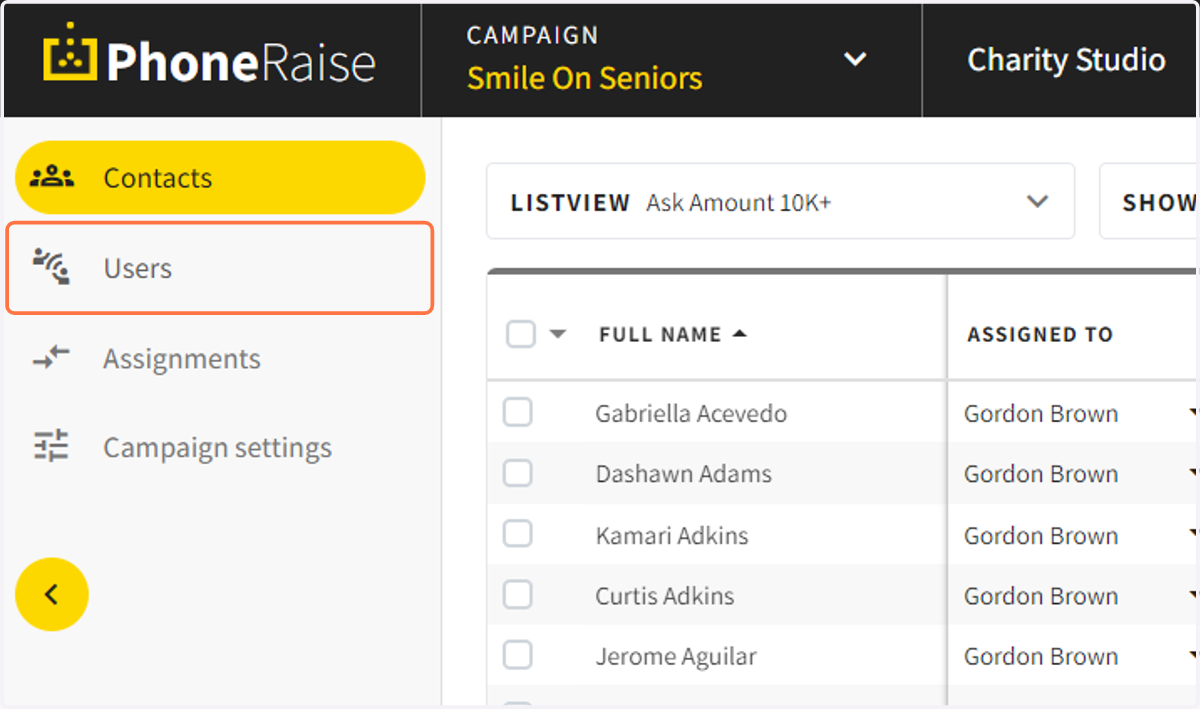
4. Click on users
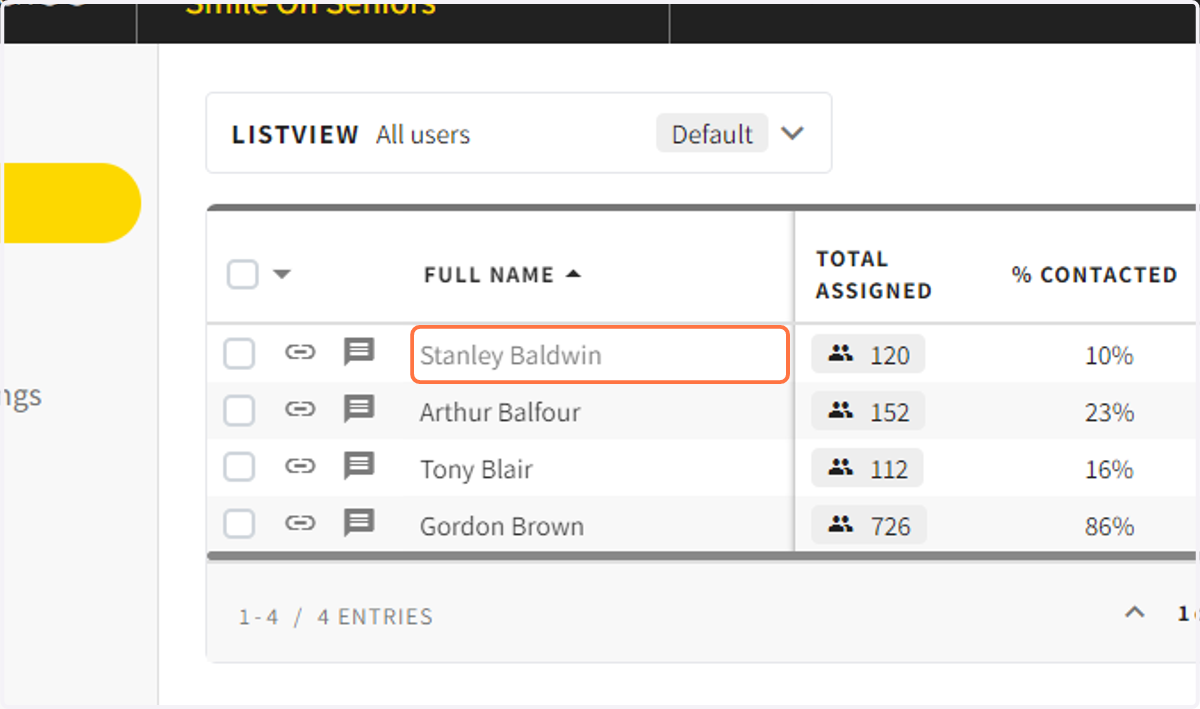
5. Click on the volunteer that you would like to add a team id to
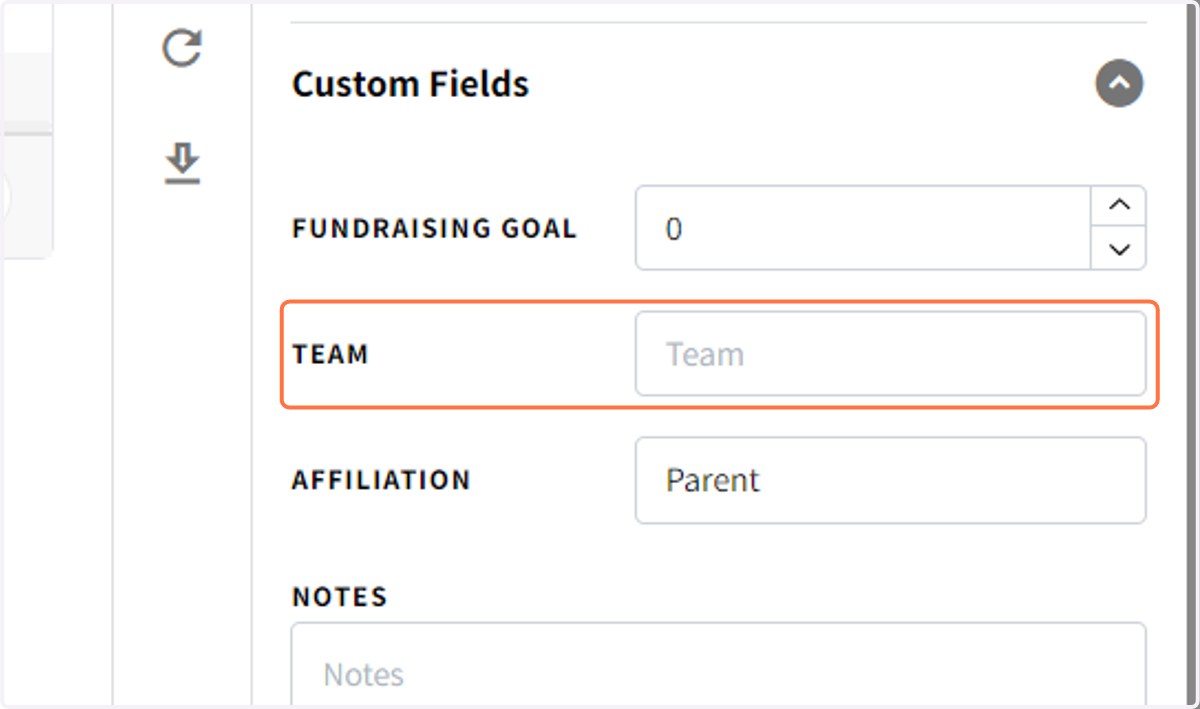
6. Enter in the team id from Raisethon
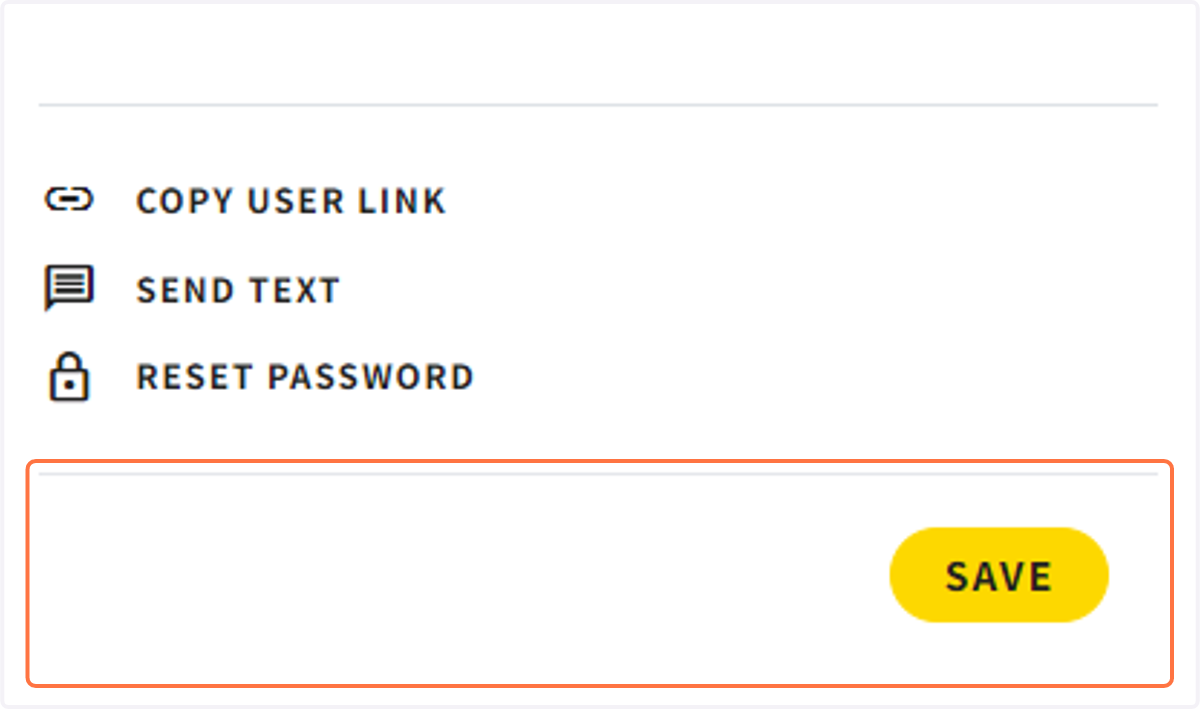
7. Click on SAVE
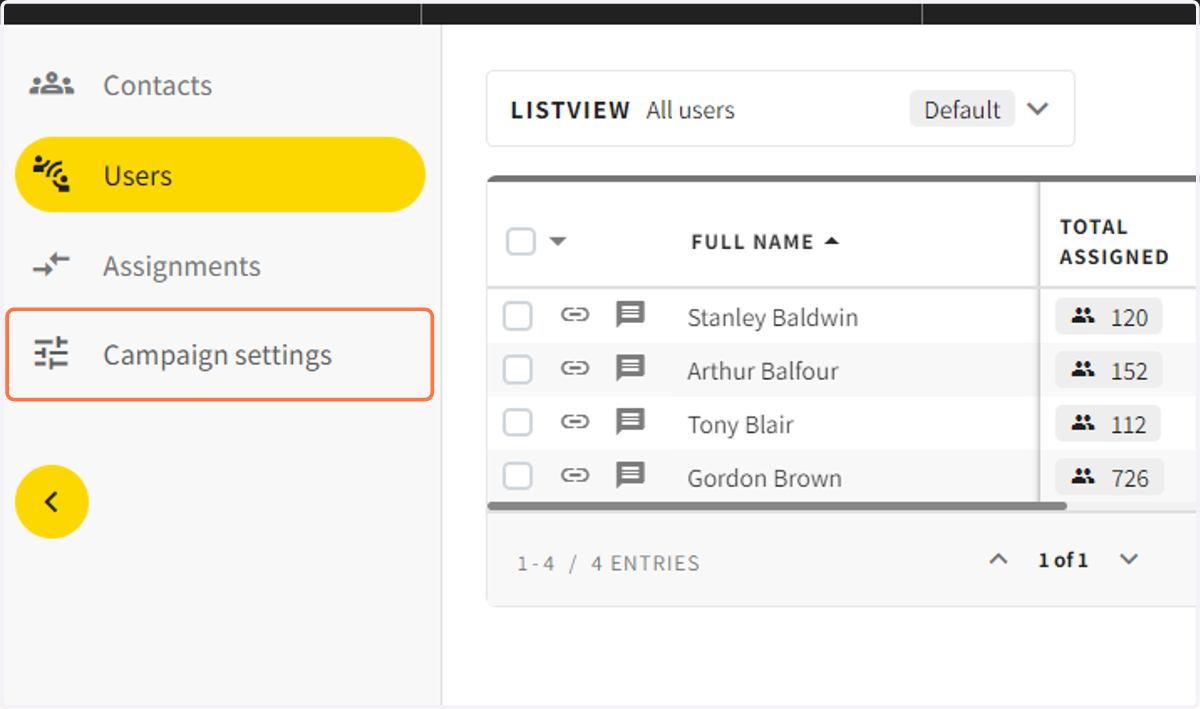
8. Go to campaign settings
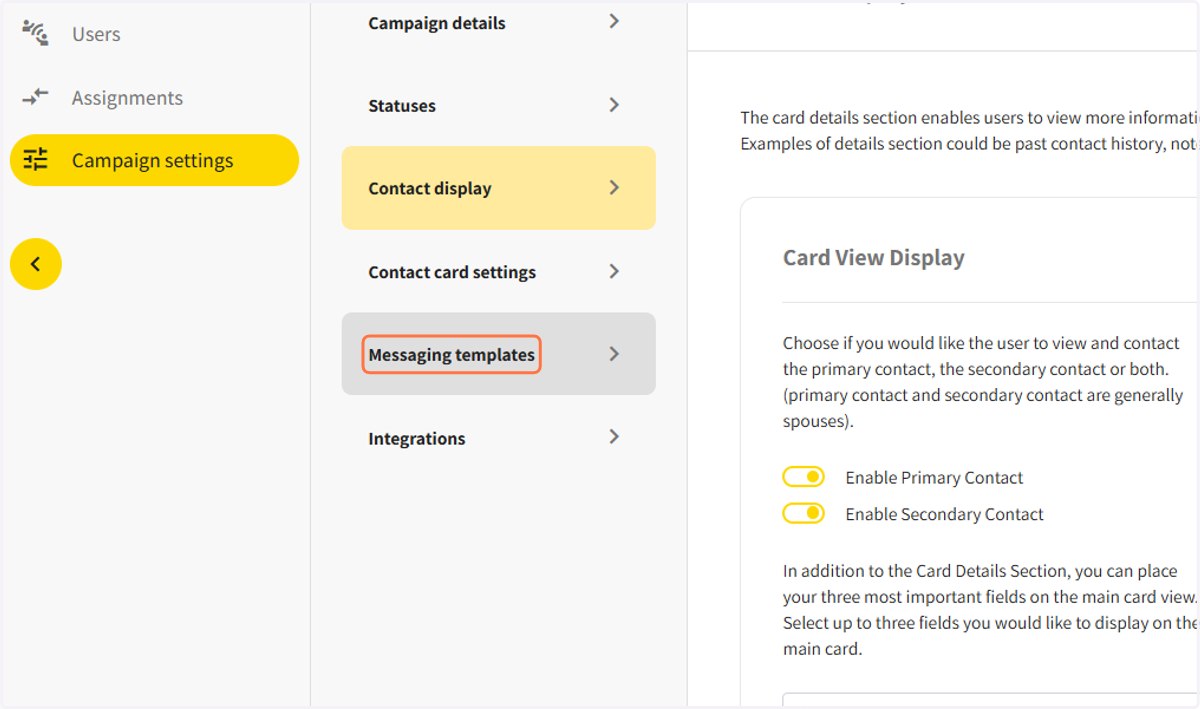
9. Click on Messaging templates
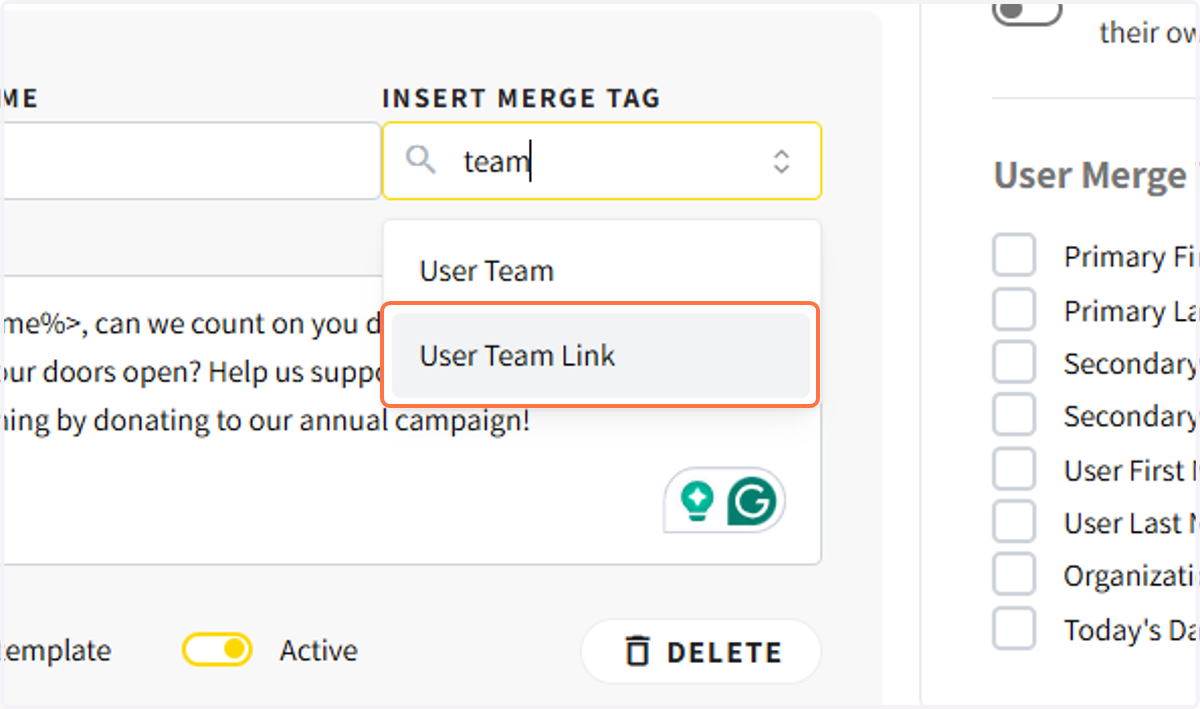
10. You will want to include the team link in your donation request message.
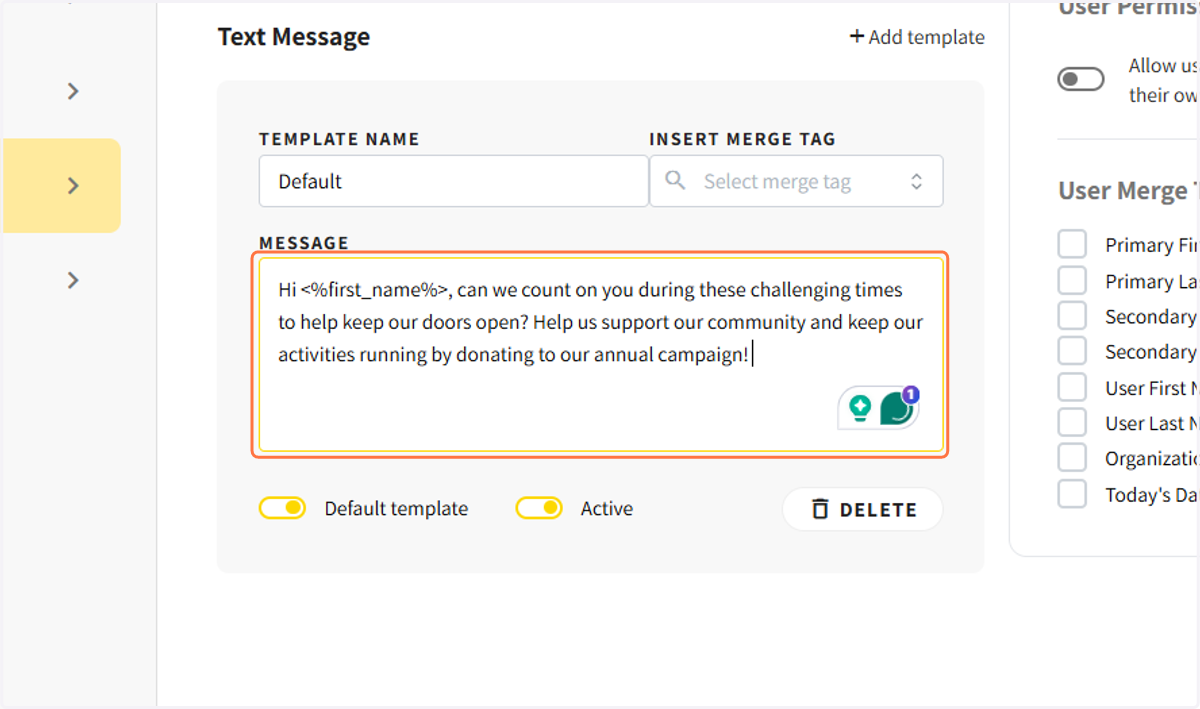
11. Insert the user team link and click on save