Registering multiple people for an Event
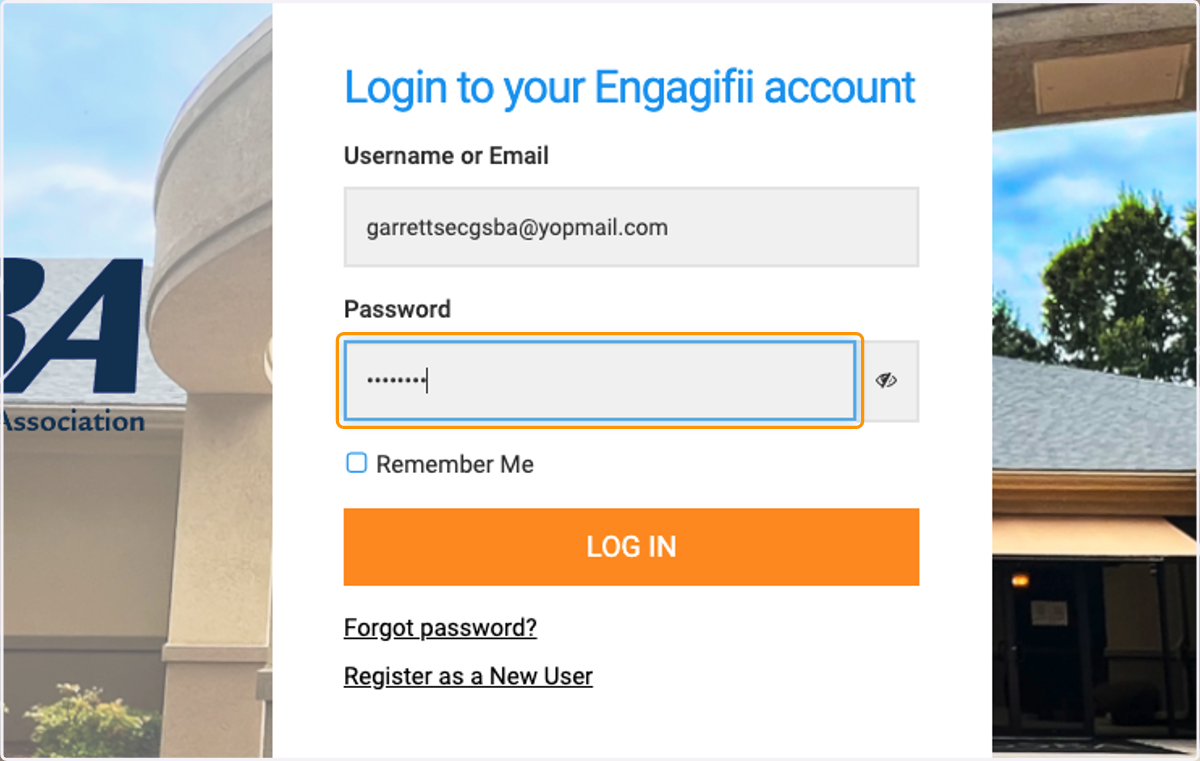
1. Click on Login to your Engagifii account…
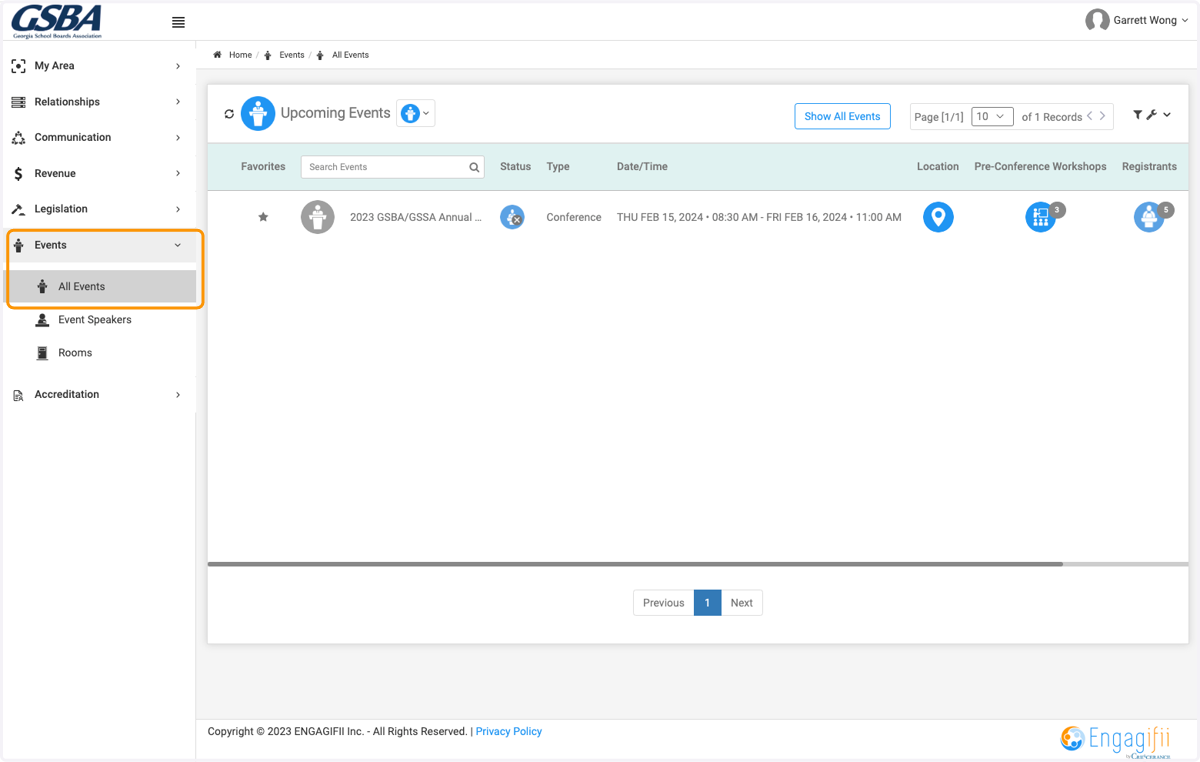
2. Click on Events, All Events
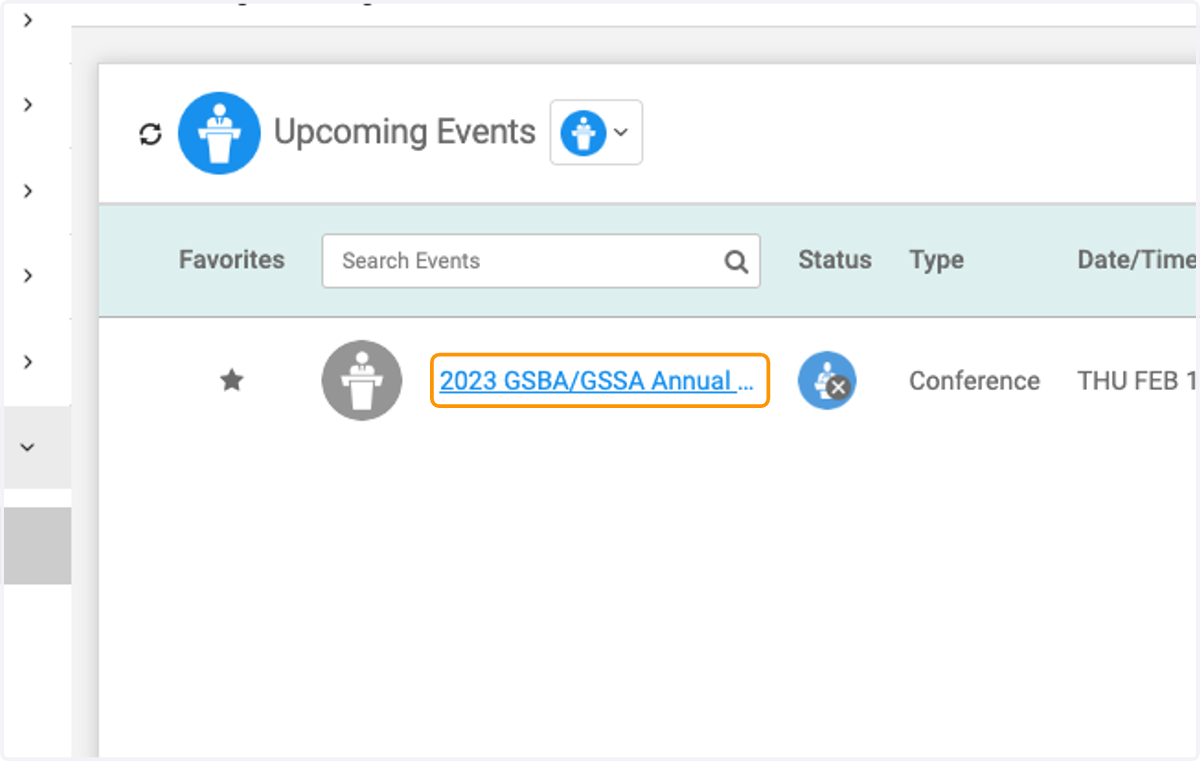
3. Click on the event you wish to register for
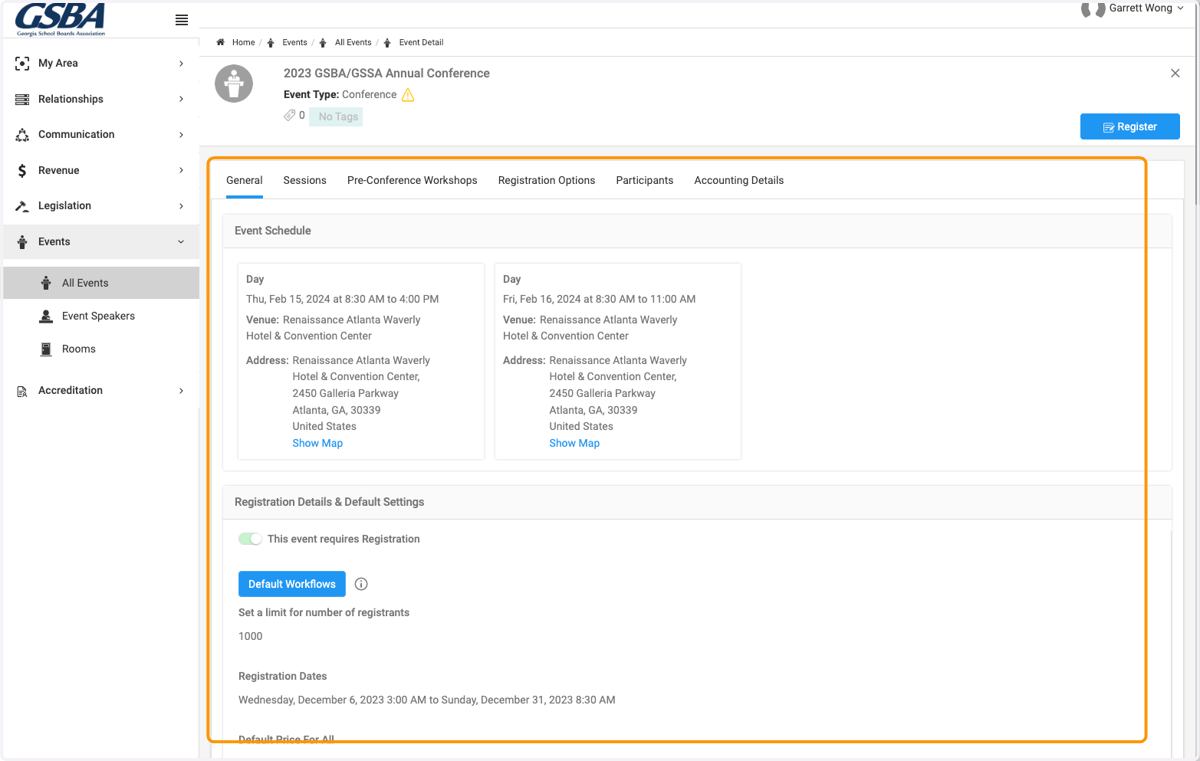
4. View Event details
5. Click on Register
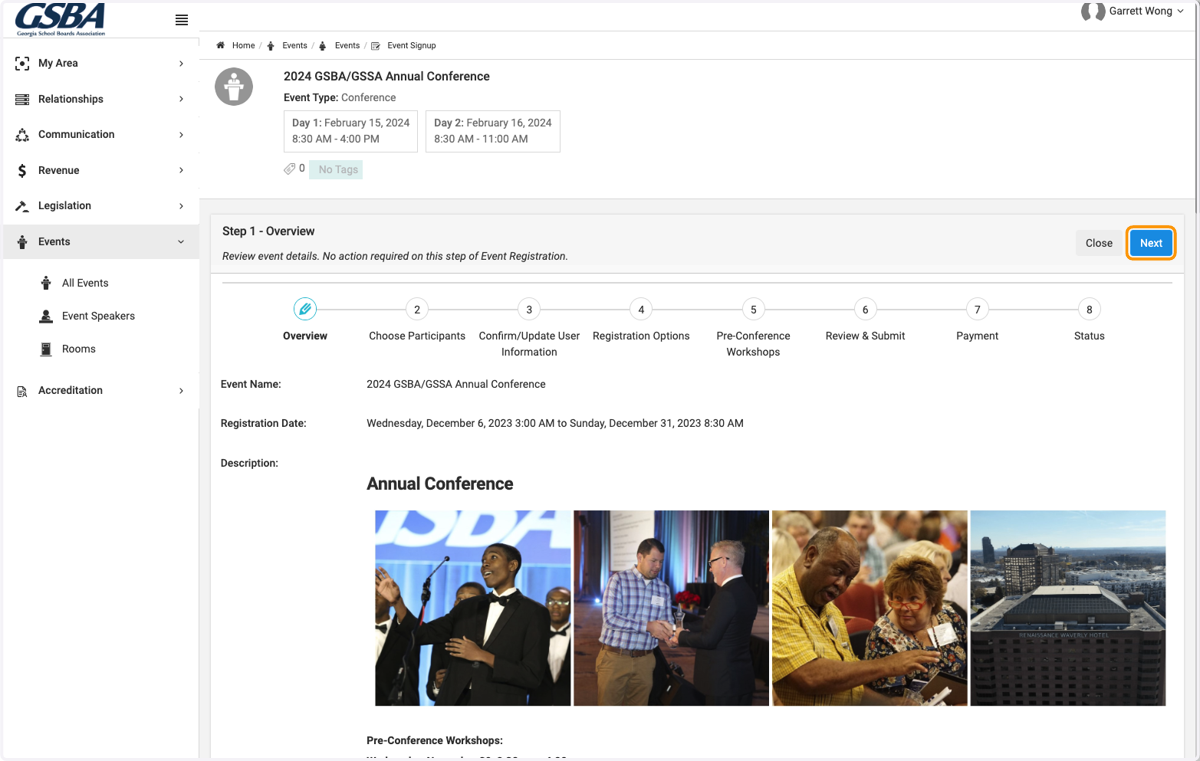
6. Review Event Details and click on Next
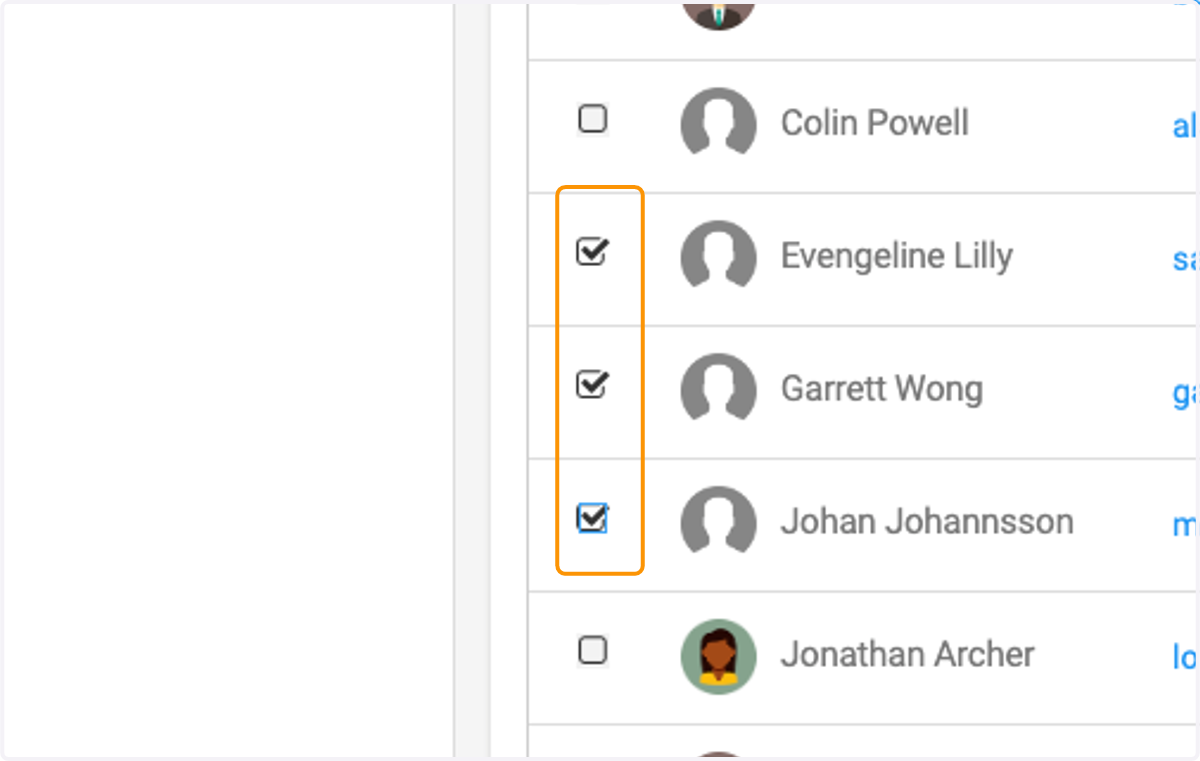
7. Check on the boxes to select the members of your organization you want to register
8. Click on Next when finished
9. You can view those members details and make any profile updates or simply click on Next
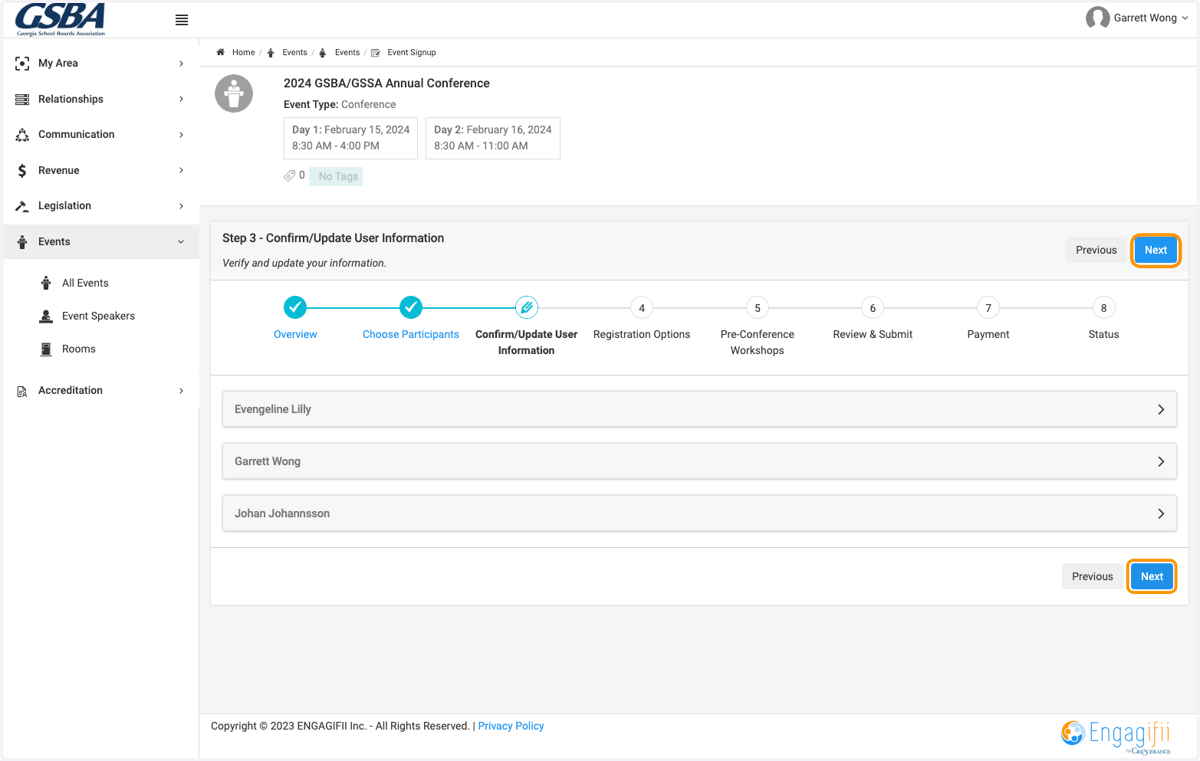
10. Click on check box to register each member
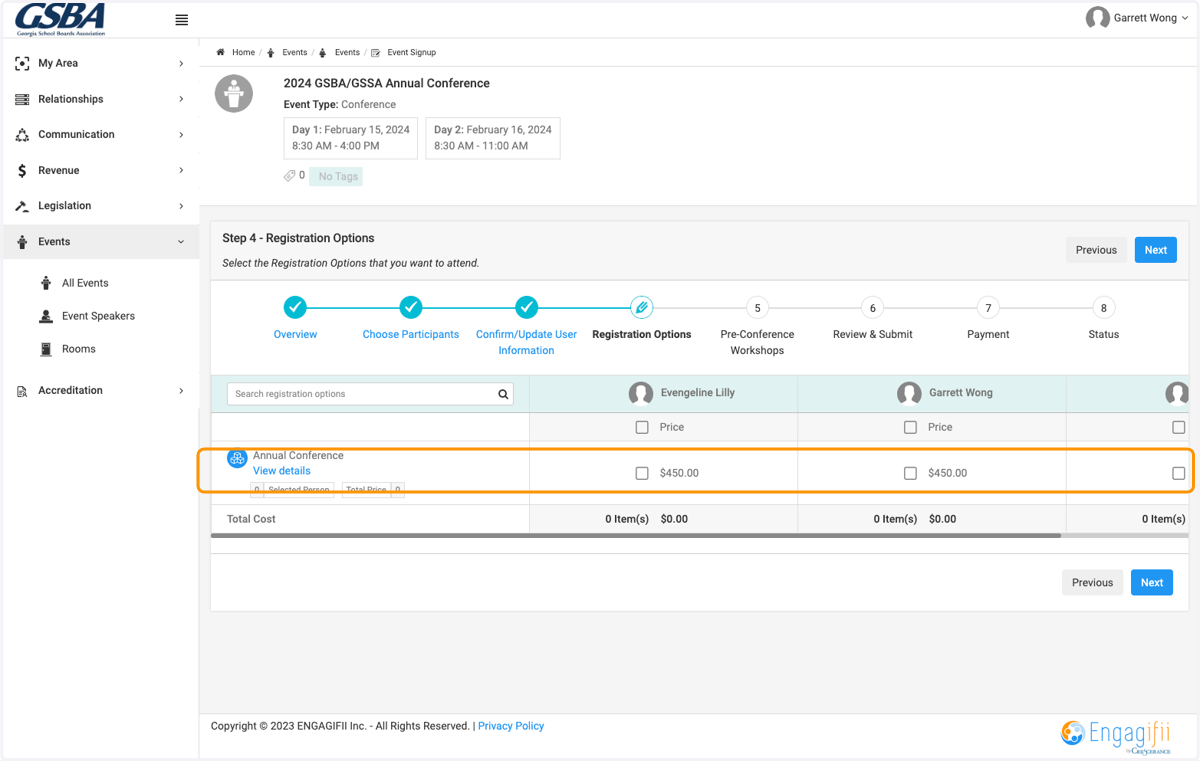
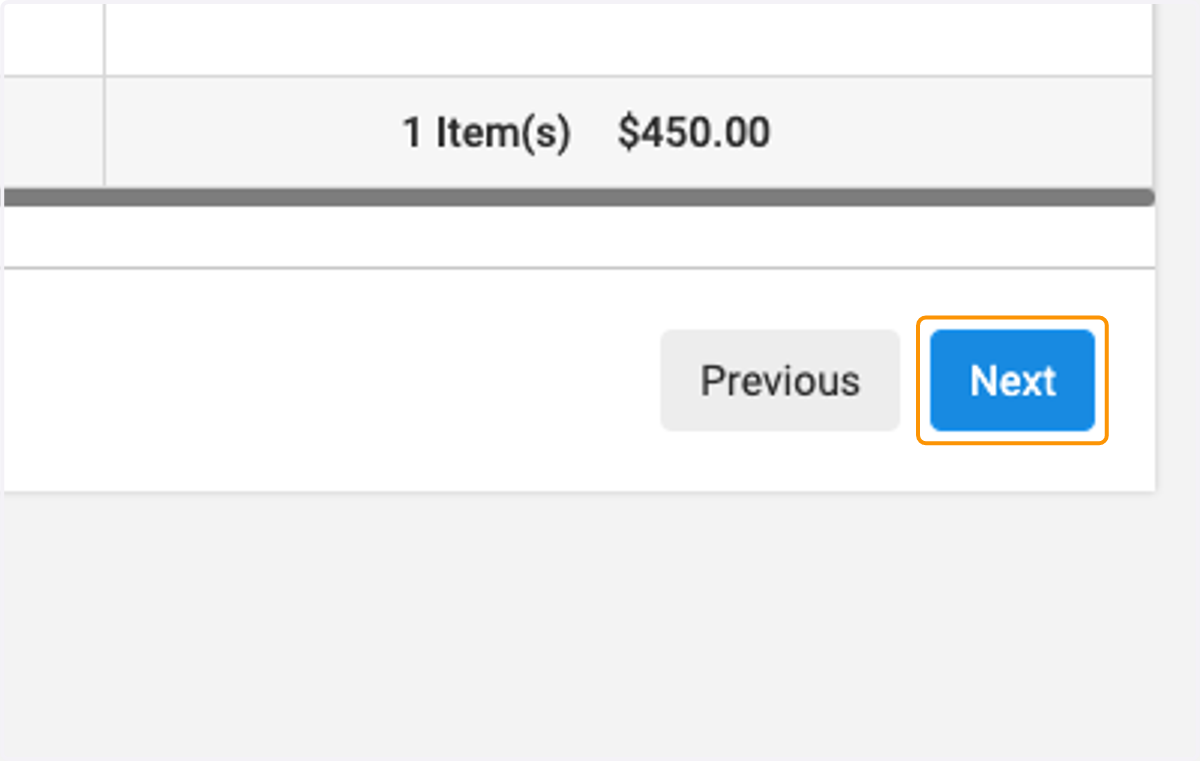
11. Click on Next
12. Now select which session, workshop or class you want to register each member for
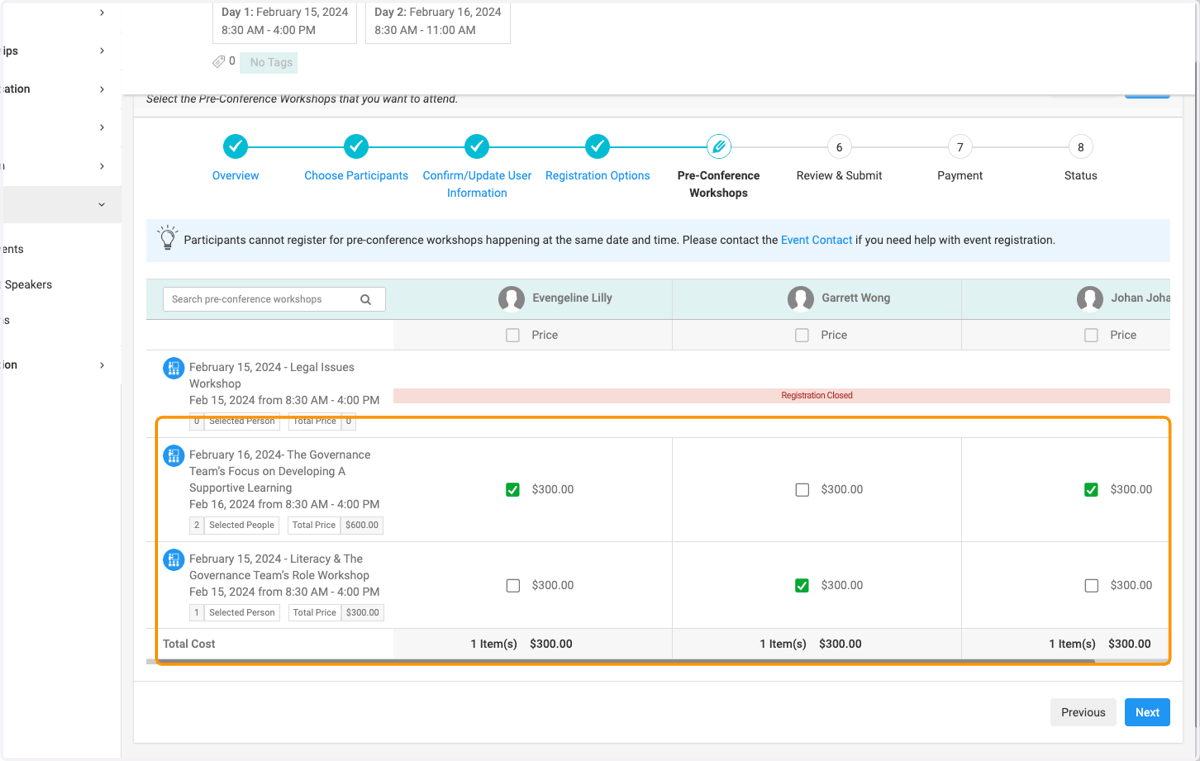
13. Click on Next when finished making selections
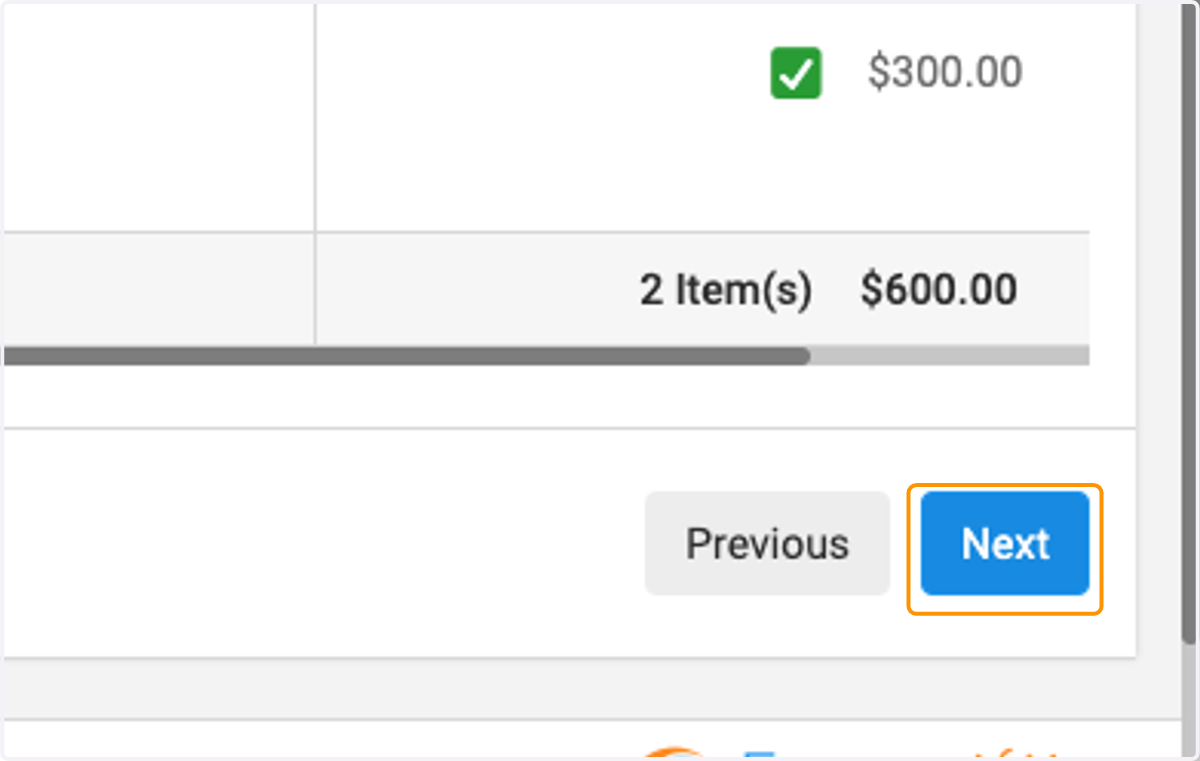
14. Review registration details
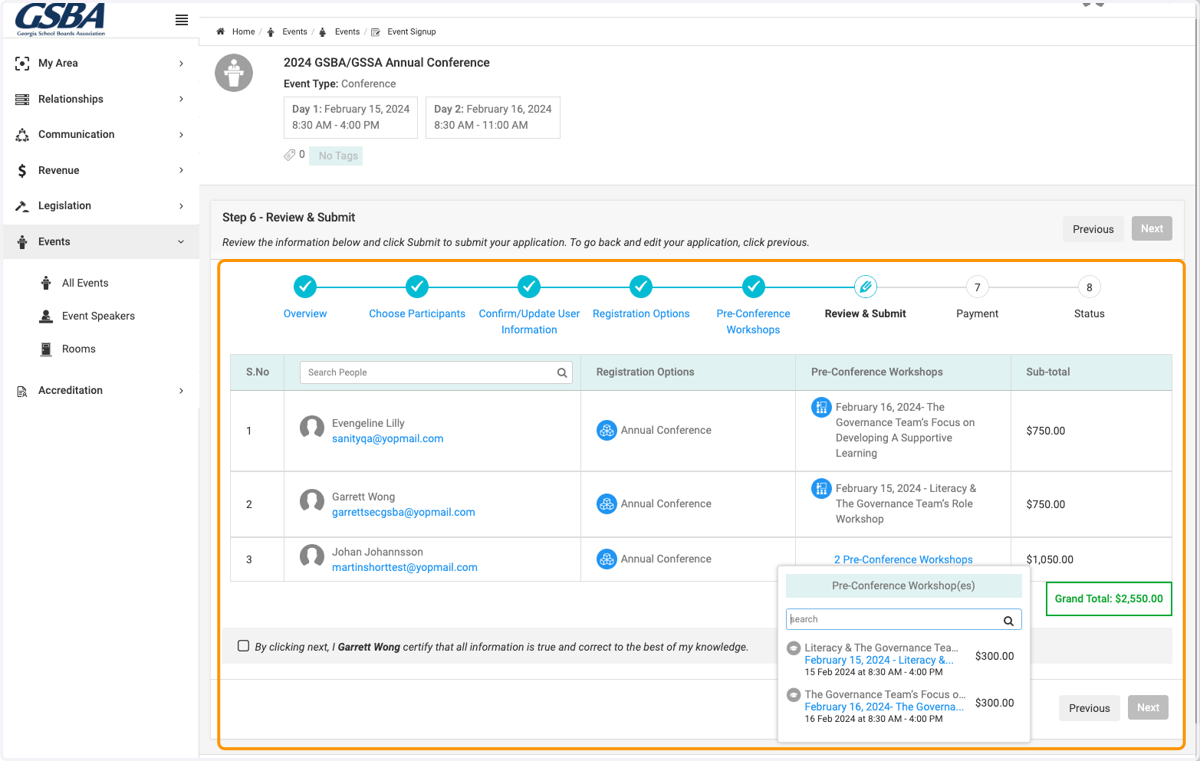
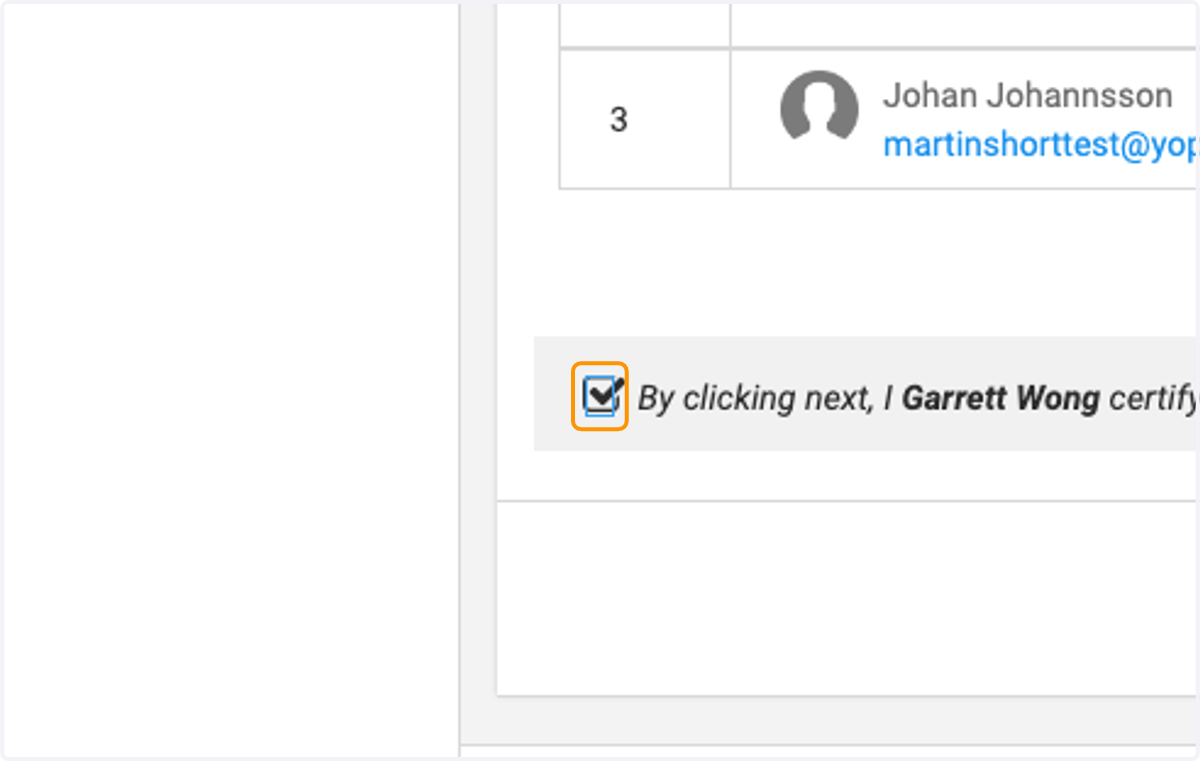
15. Check on acknowledgement once reviewed
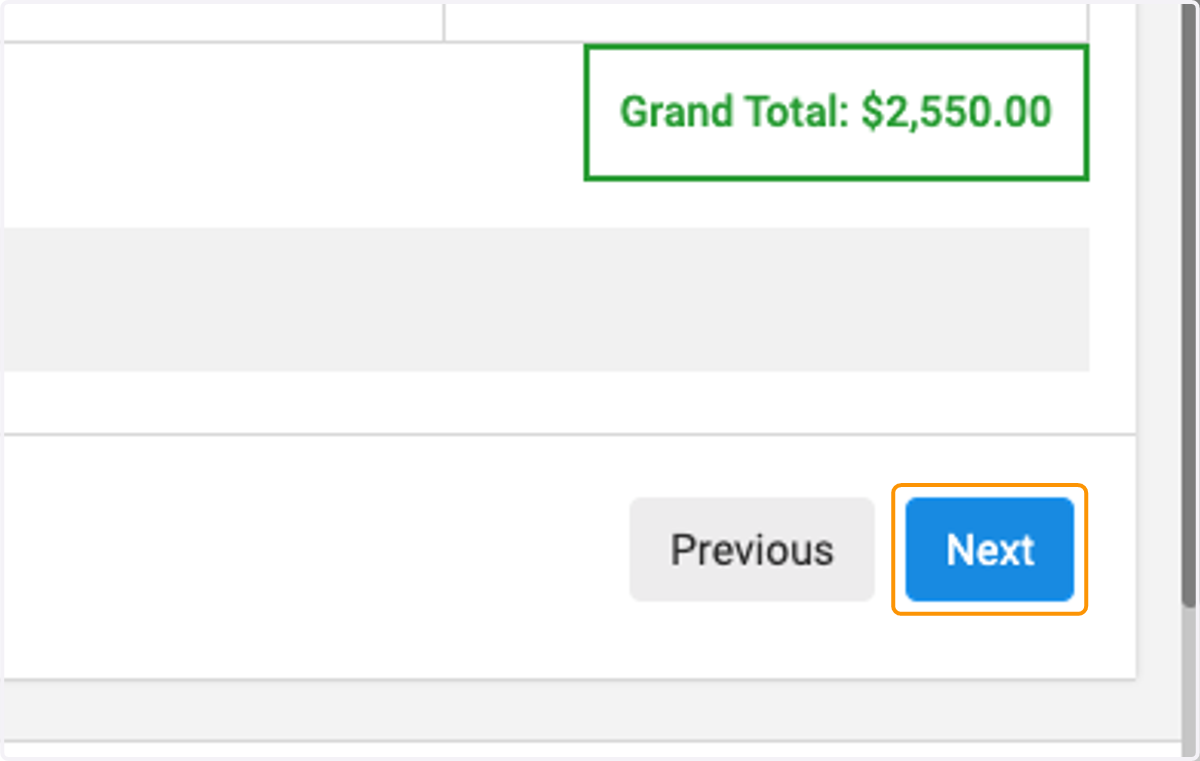
16. Click on Next
17. Select Bill My Organization to invoice your organization
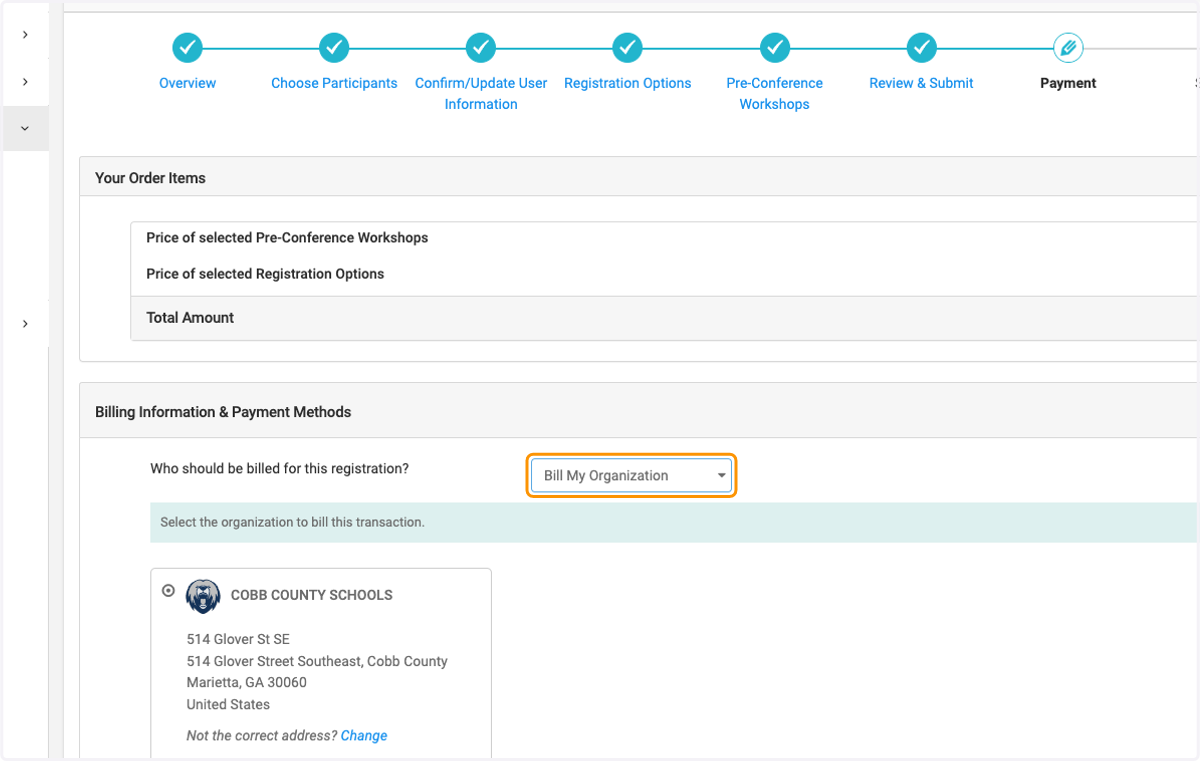
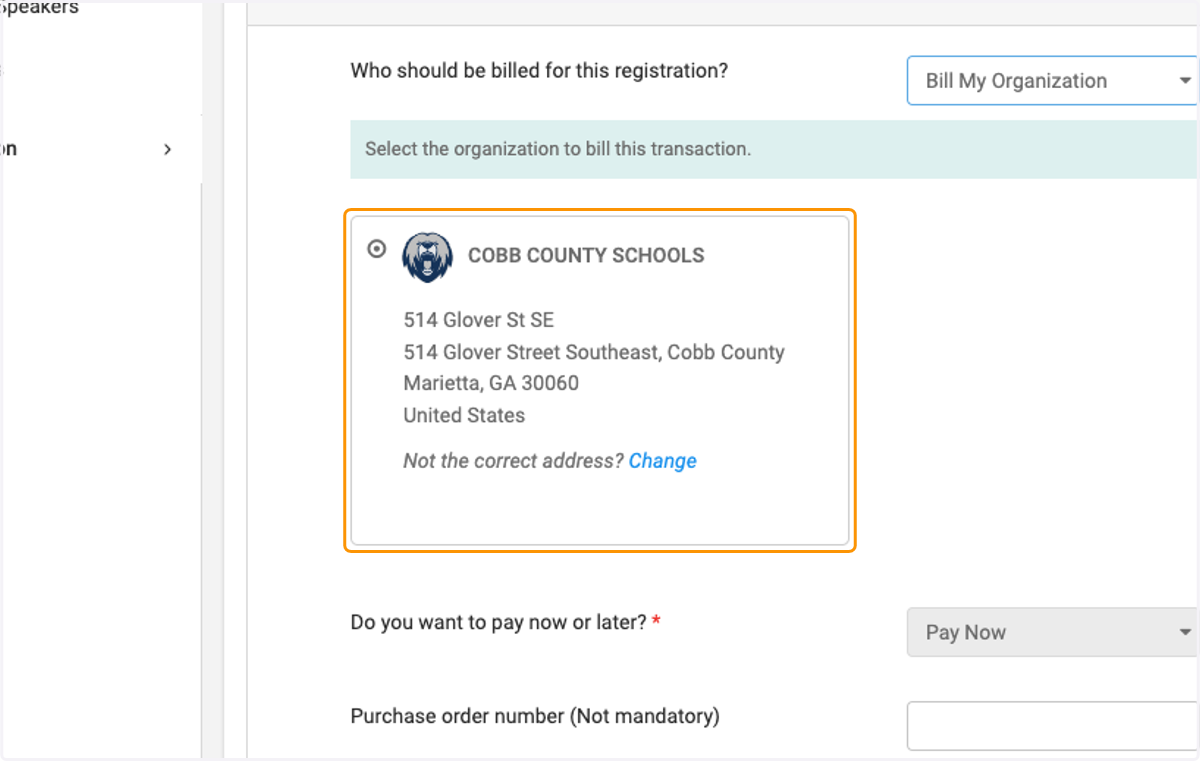
18. Click on your organization and review details
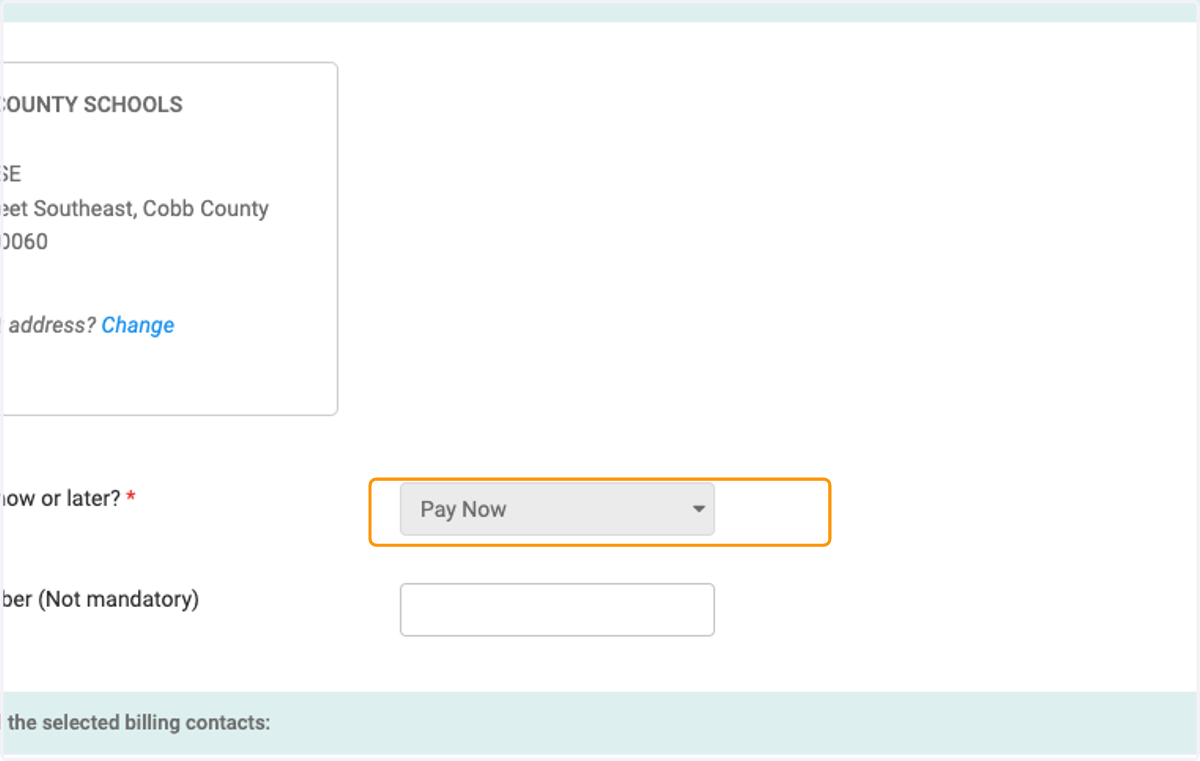
19. Click on Pay Now to pay by Credit Card
20. Check on Billing Contact
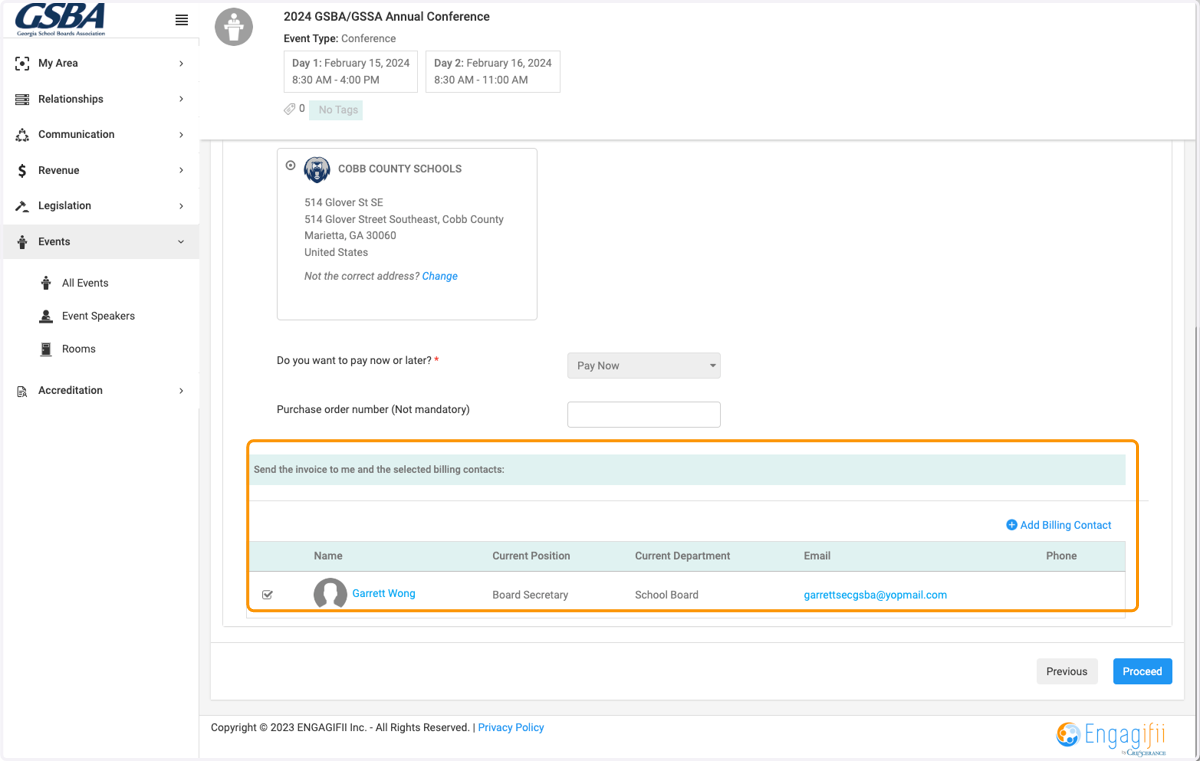
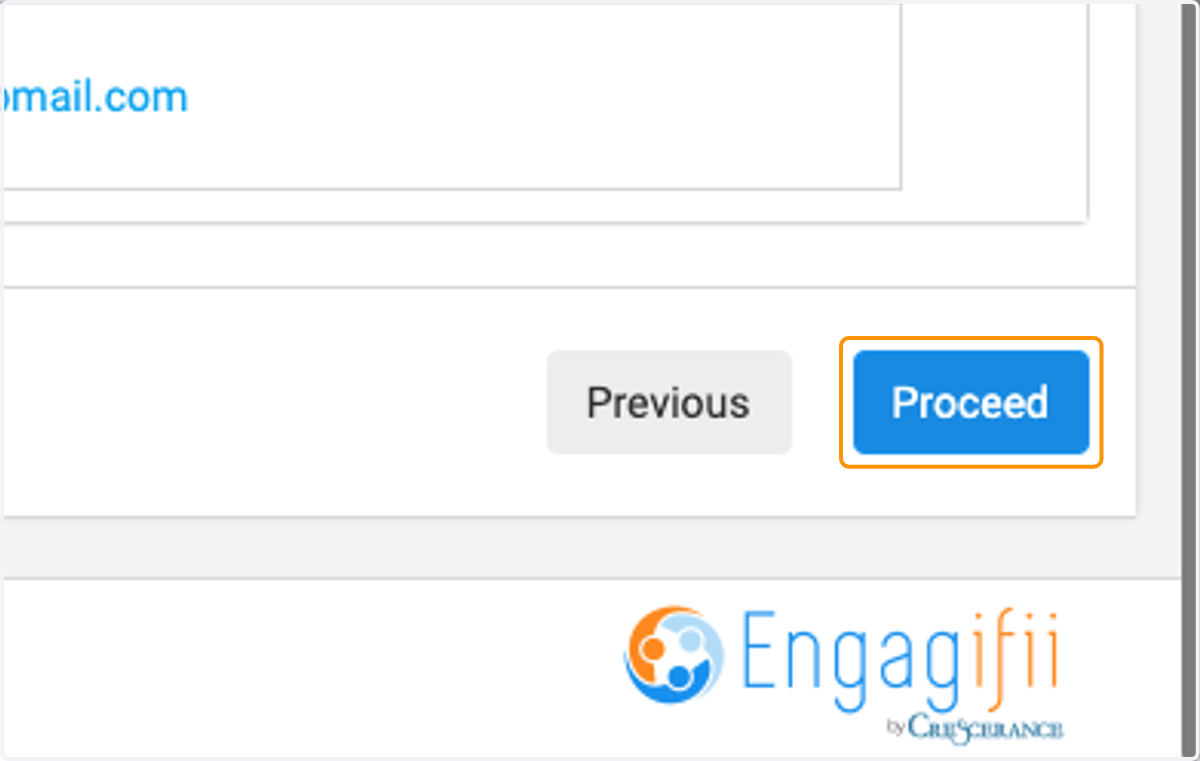
21. Click on Proceed
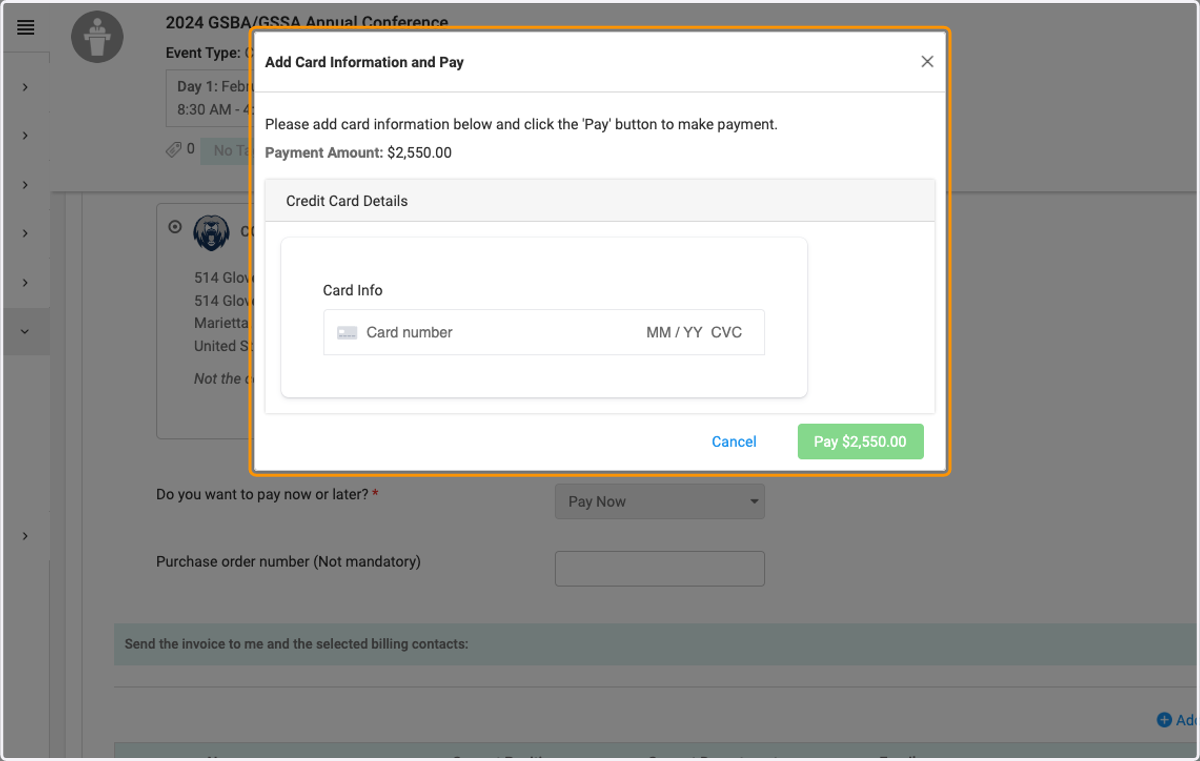
22. Enter Credit Card information into Pop Up window
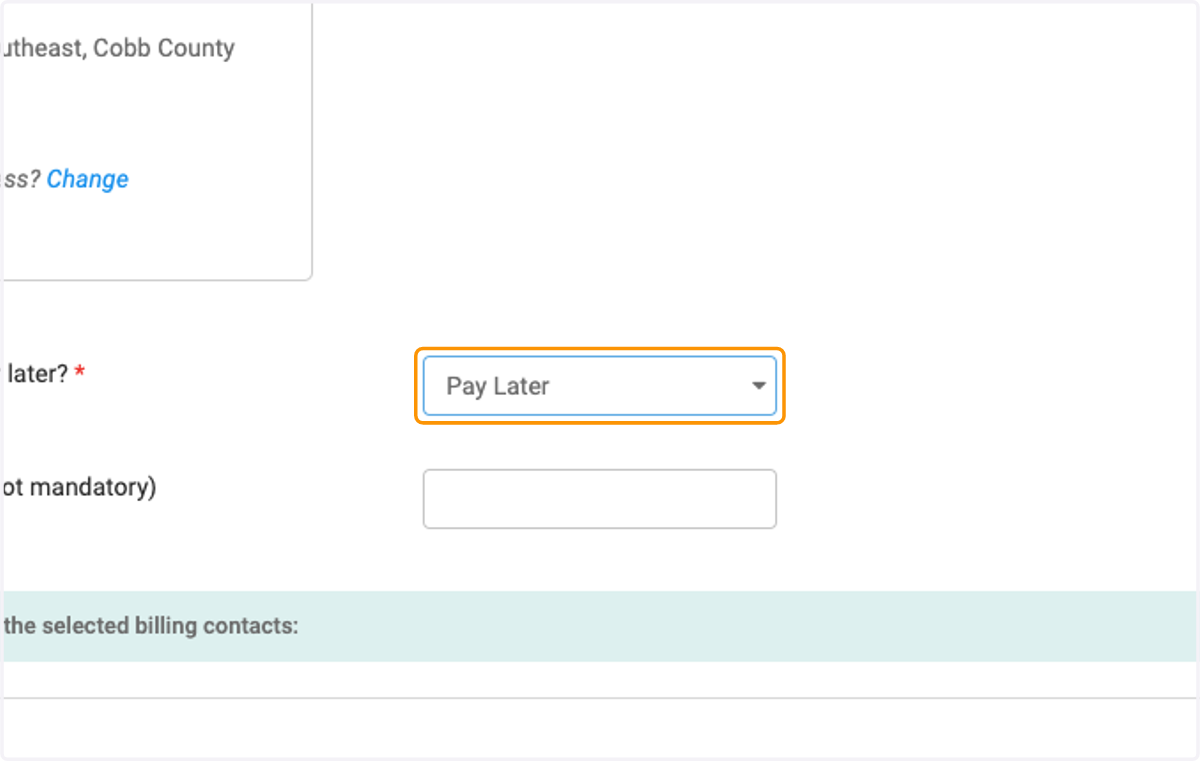
23. If you want to be invoiced, Select Pay Later option
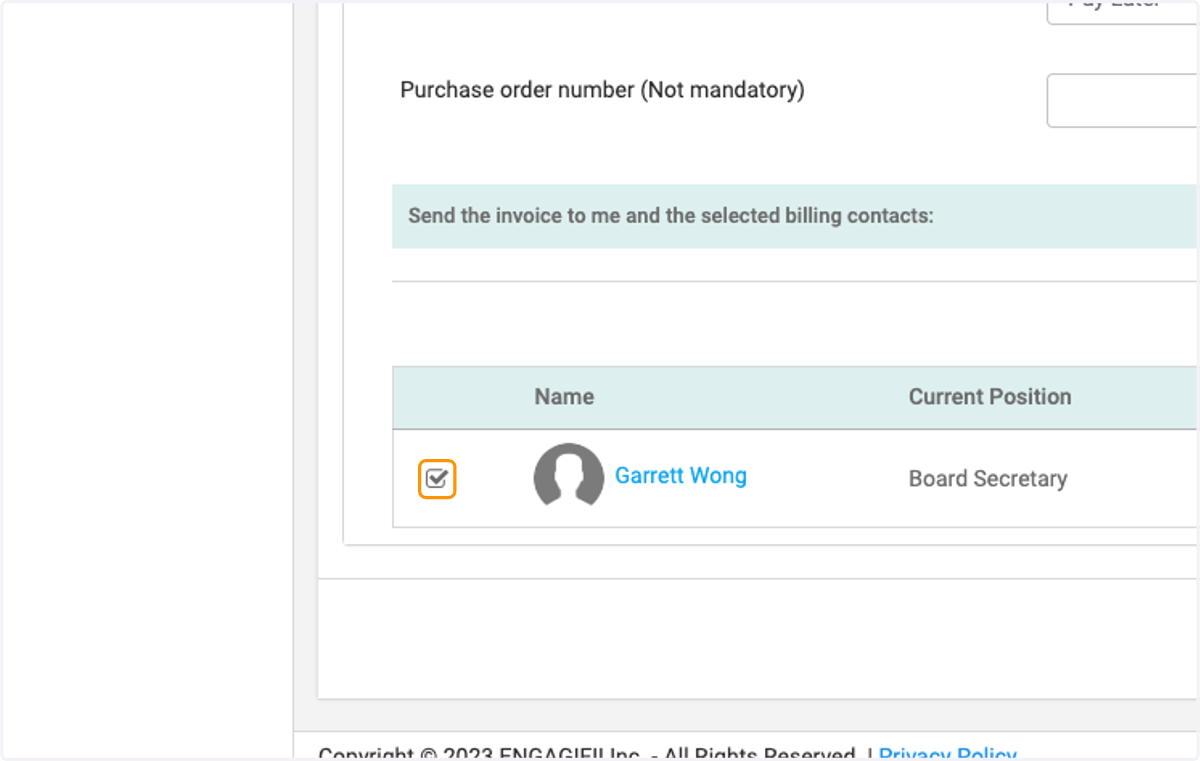
24. Check on Billing Contact
25. Click on Next
26. View successful registration
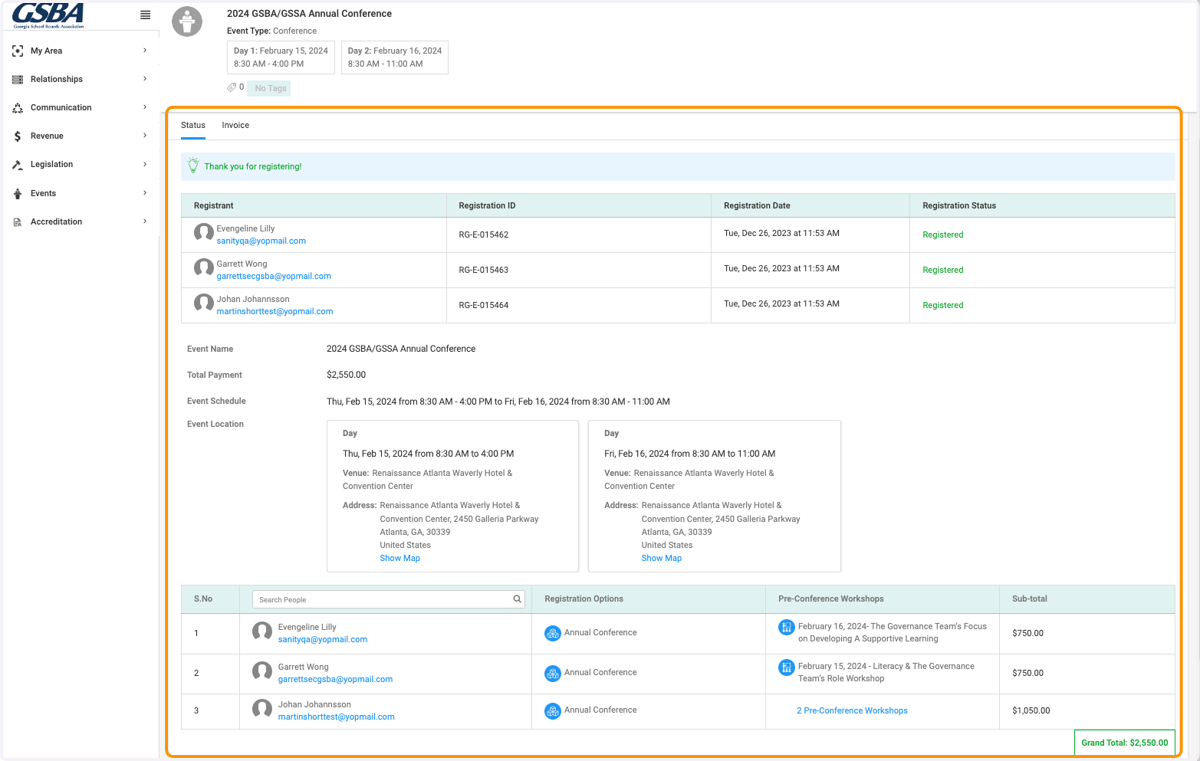
27. Invoice will be mailed to the Billing Contact, will also include an option to pay by credit card.