Sign in to ReviewAI using SSO
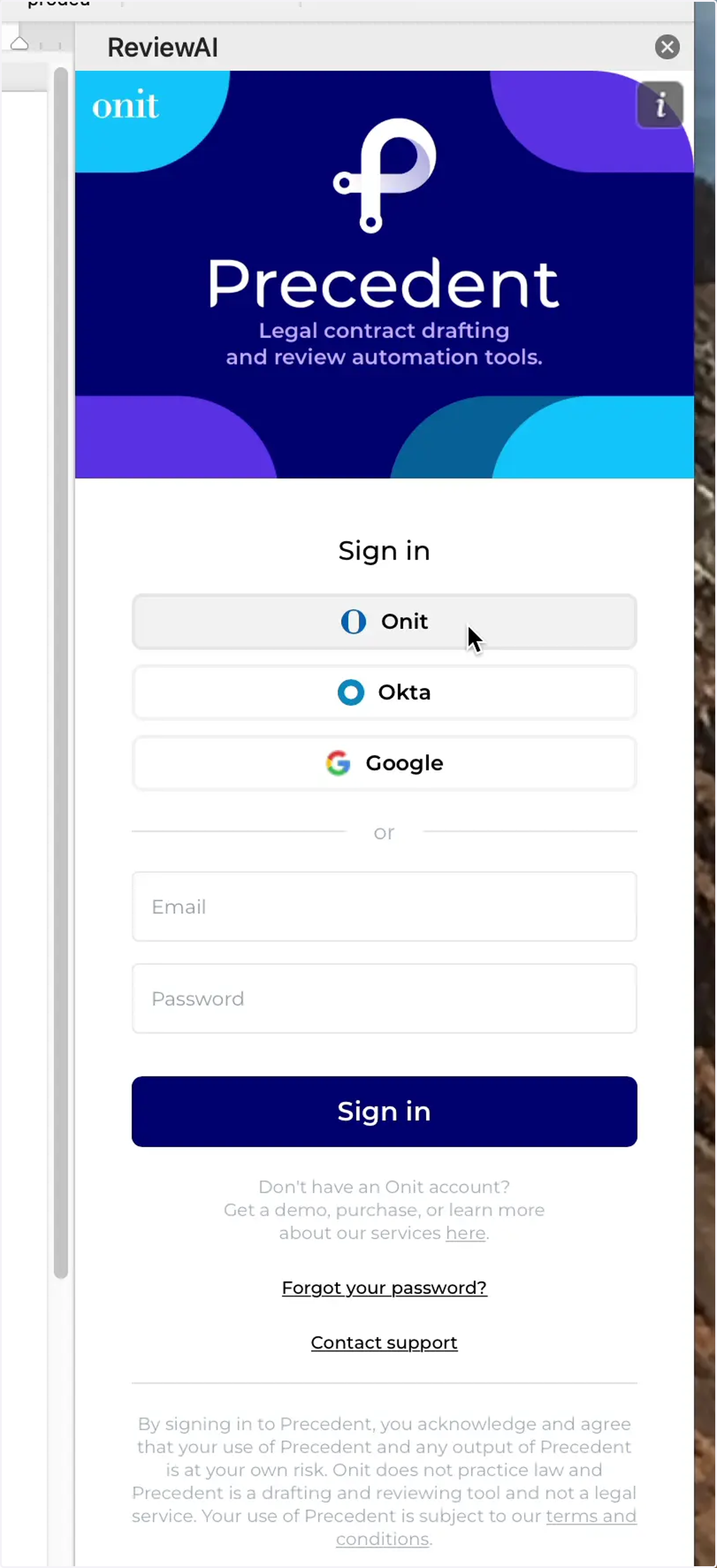
1. Click the Onit button under the Sign in option
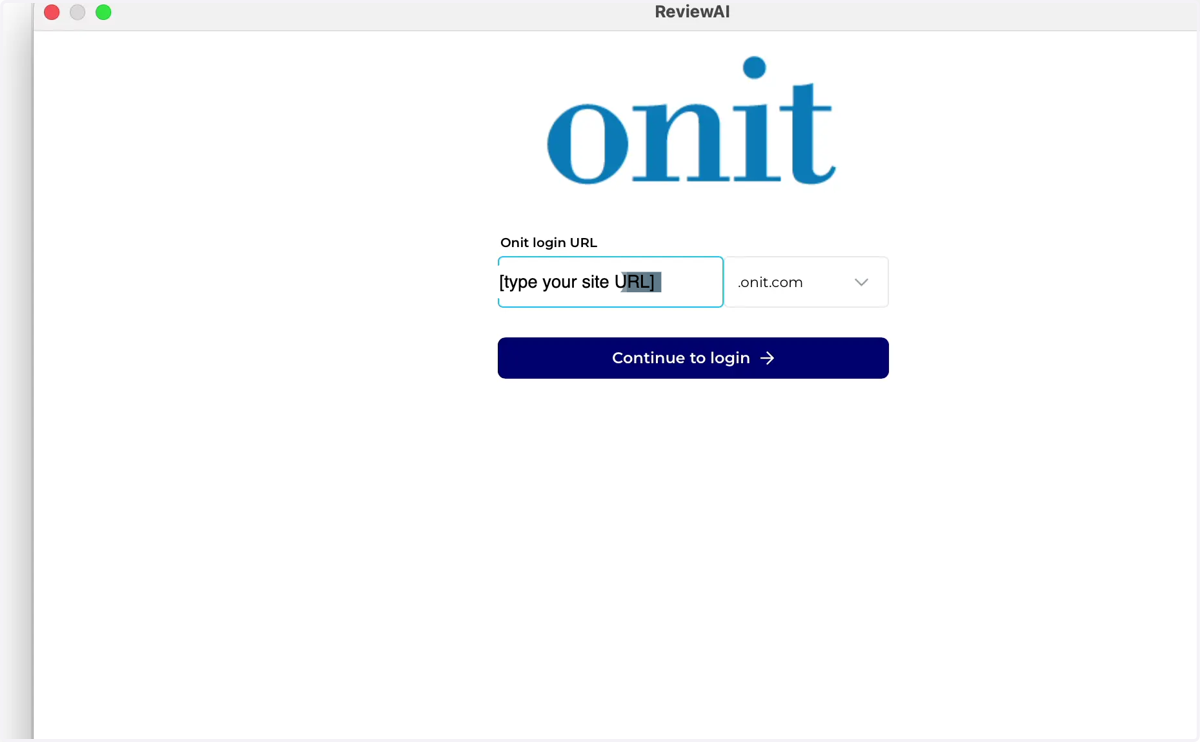
2. Enter the CLM site name that you are connecting to
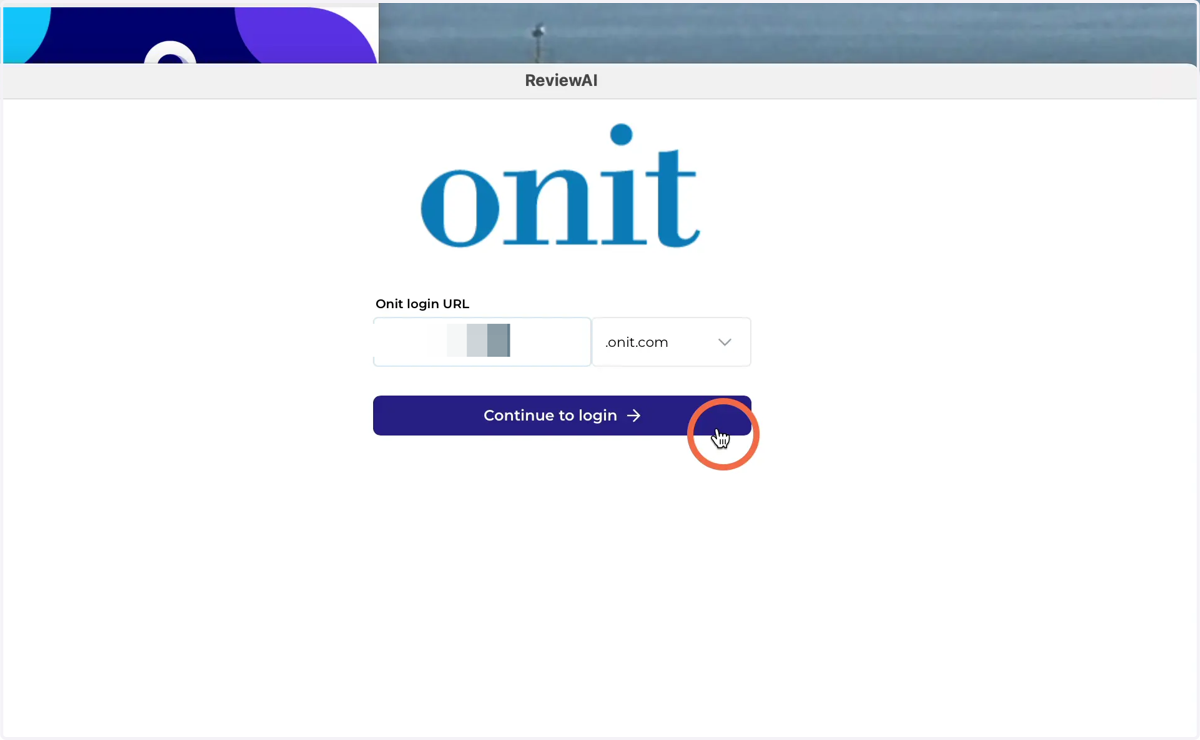
3. Click Continue to login button
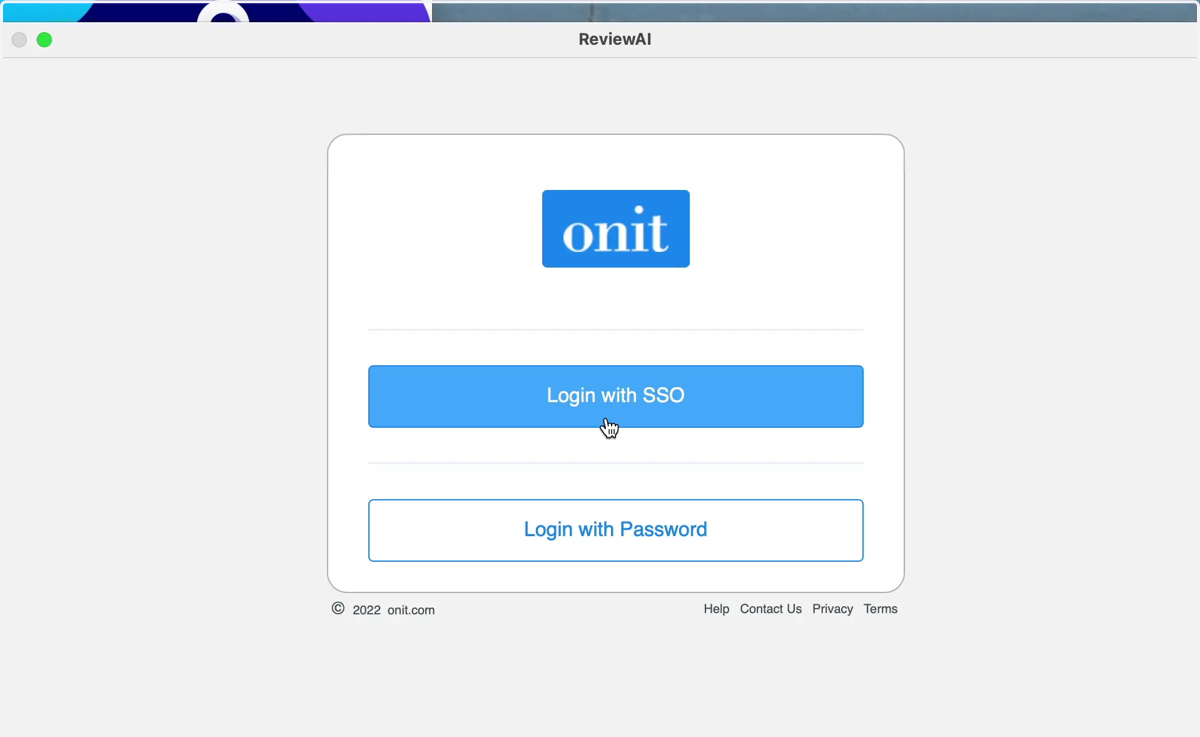
4. Click Login with SSO
5. Continue with your company's SSO sign-in
This may be signing in with User Name and Password, or using the Sign-in options button
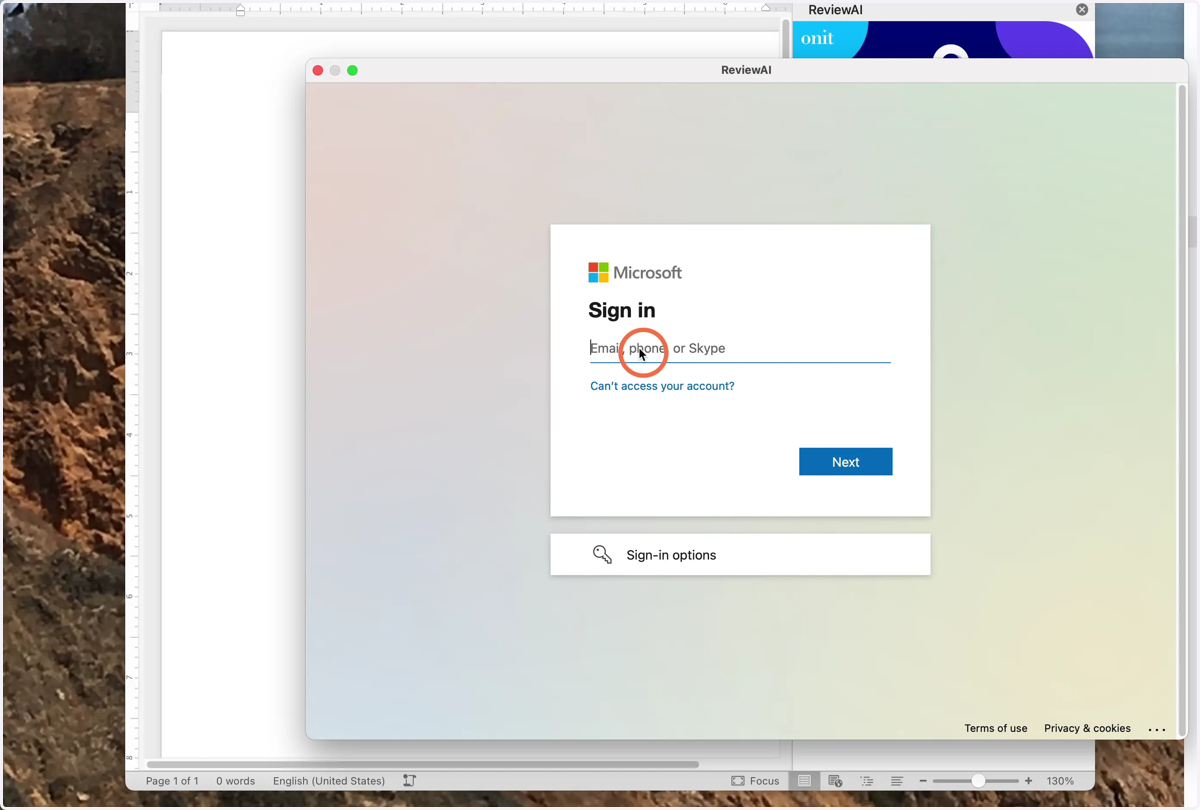
6. If you are asked to link or join accounts, select yes.
You should now be logged into your ReviewAI org. If you have not joined this org before, you may be asked to do so.