Adding Resident Admission Address in CRM (NY and NJ only)
Senior CRM
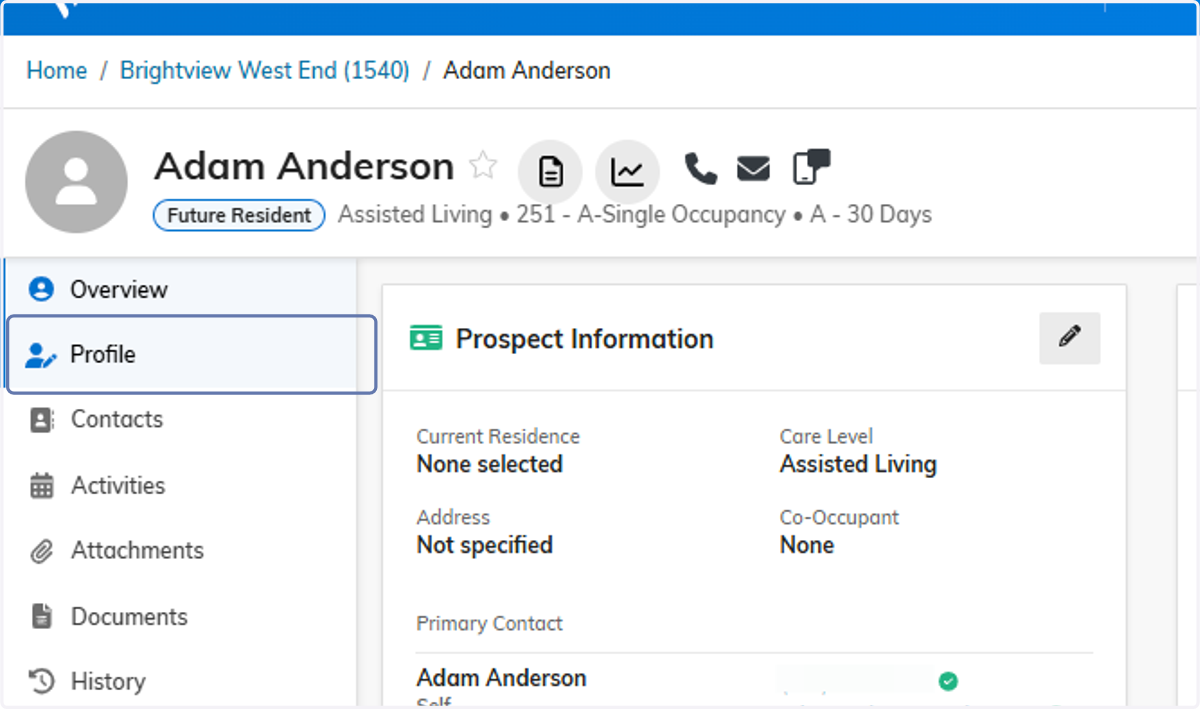
1. Click on Profile under a future resident
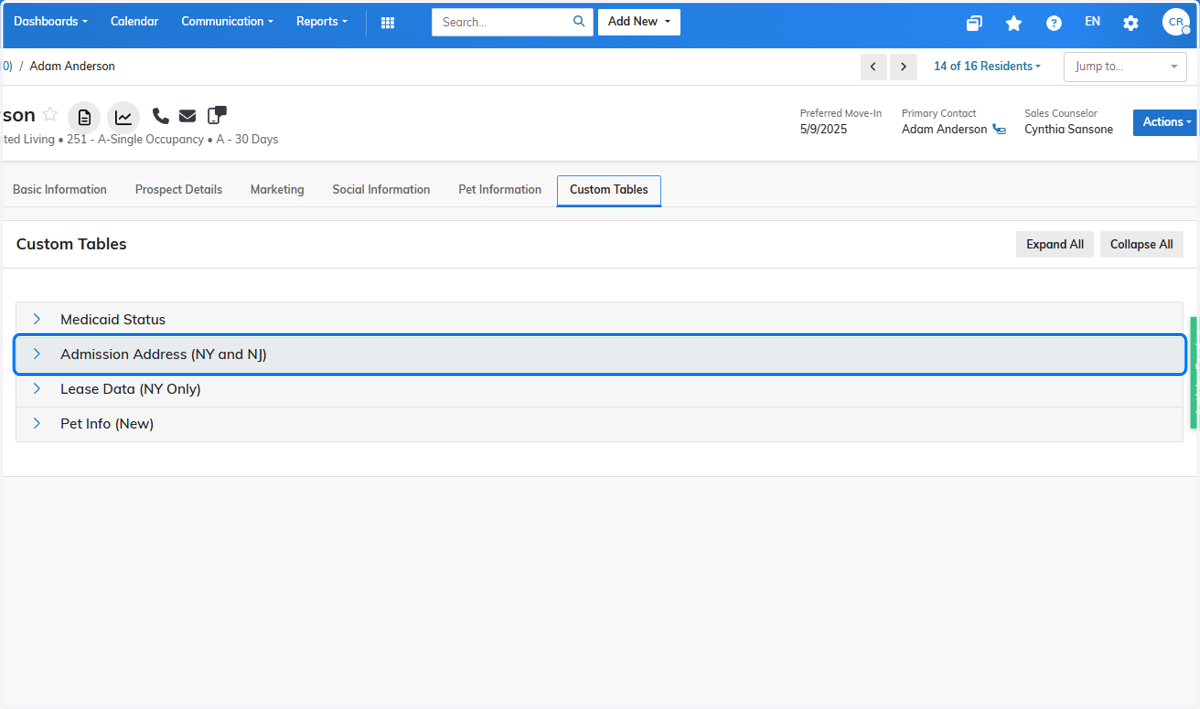
2. Click on Custom Tables

3. Click on Admission Address (NY and NJ)
4. Select Admitted From Code

5. Enter Admitted From Address Information
A full address is not needed, but this is a required field and text must be entered.

6. Click on Save
