Creating a Custom Audience on Dripflow.io
Dripflow.io | Advertising
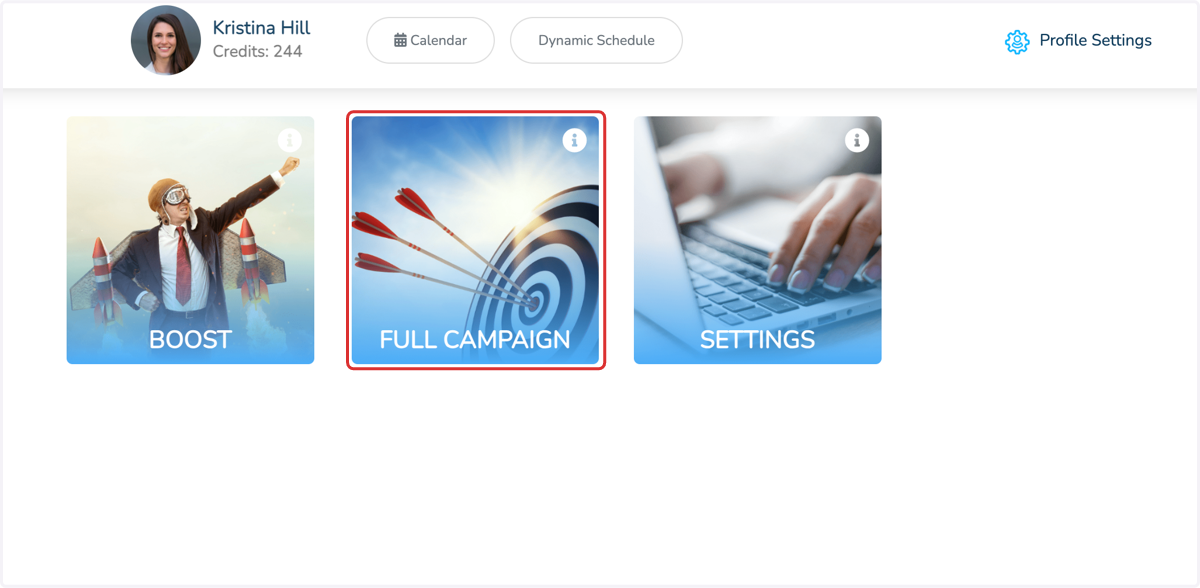
1. Click on FULL CAMPAIGN
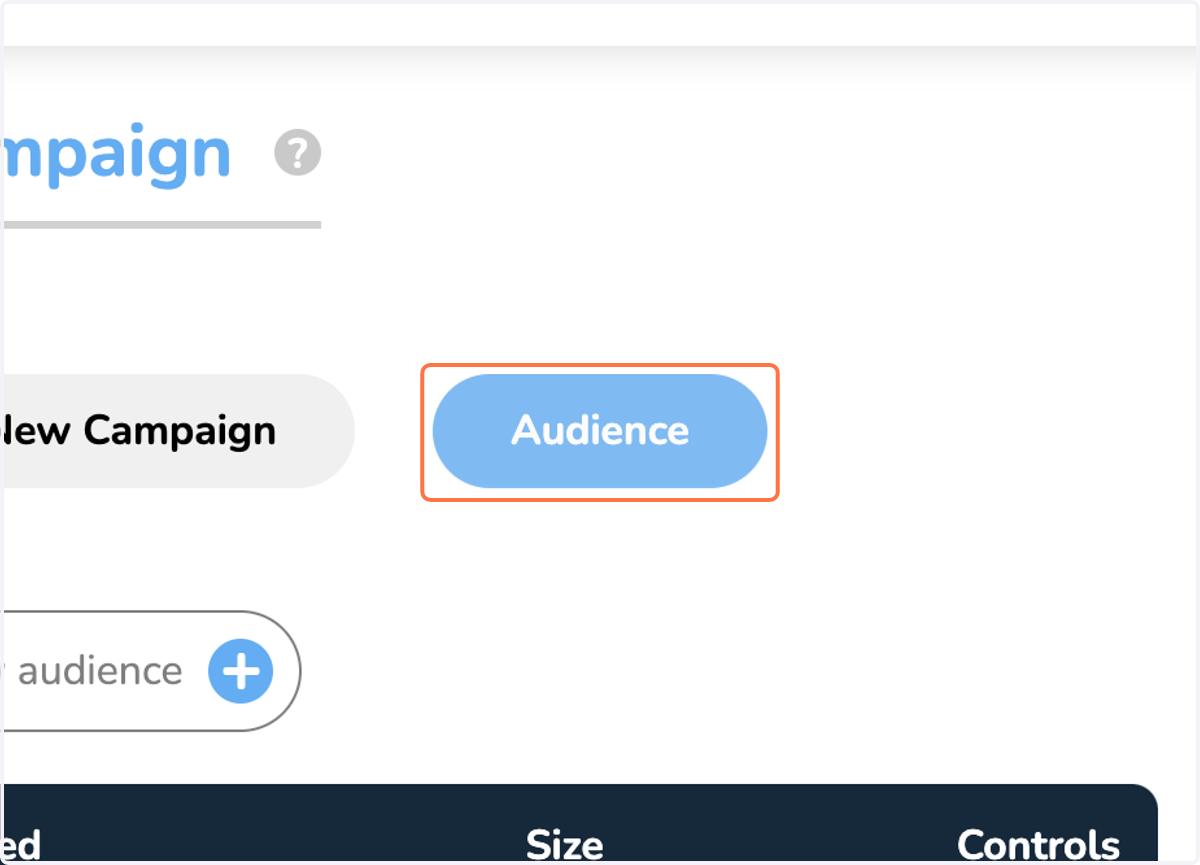
2. Click on Audience
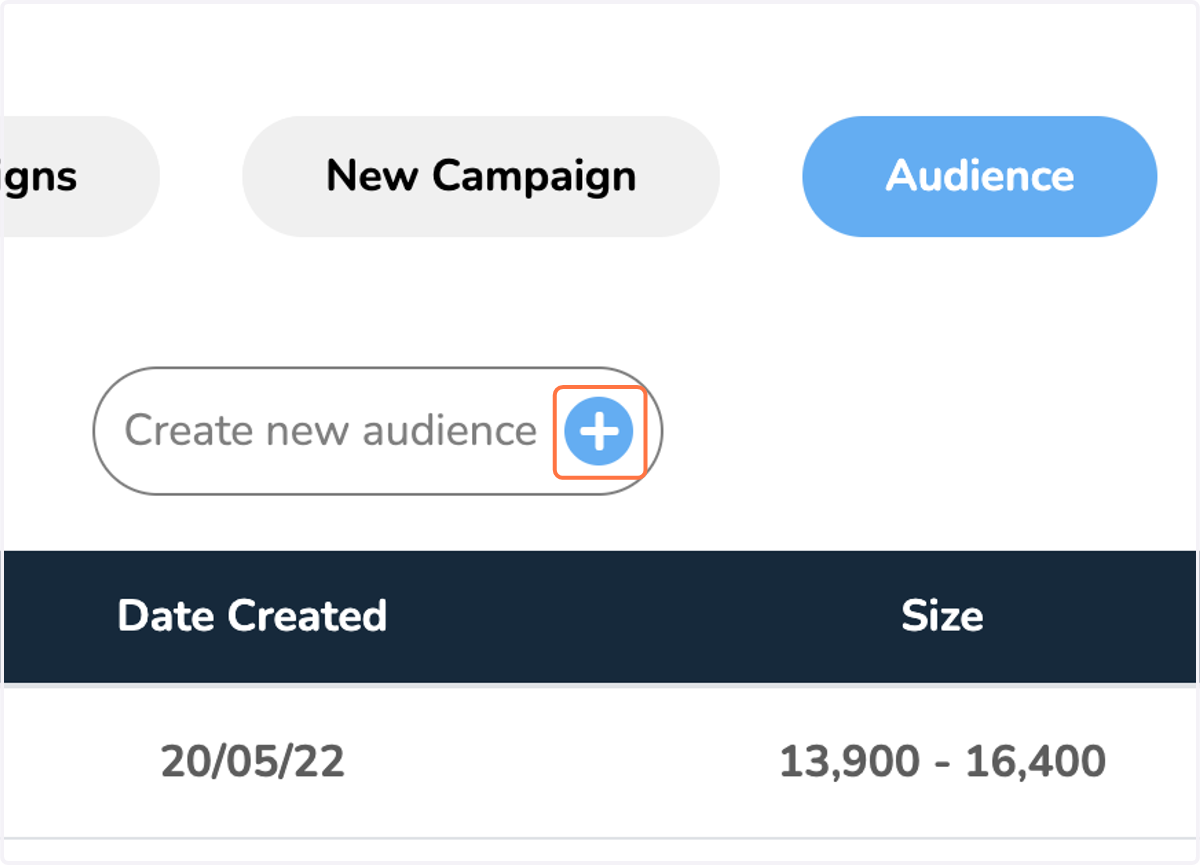
3. Click on button
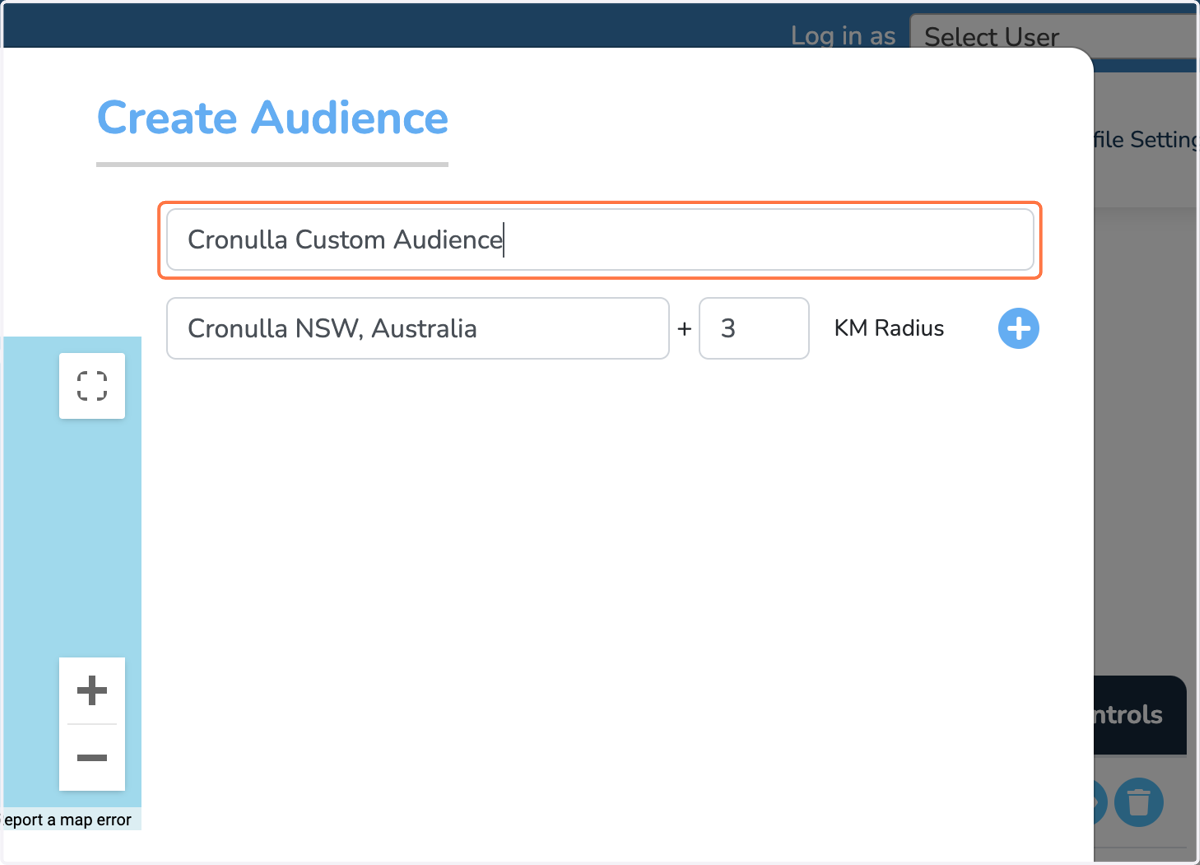
4. Type a name for your audience
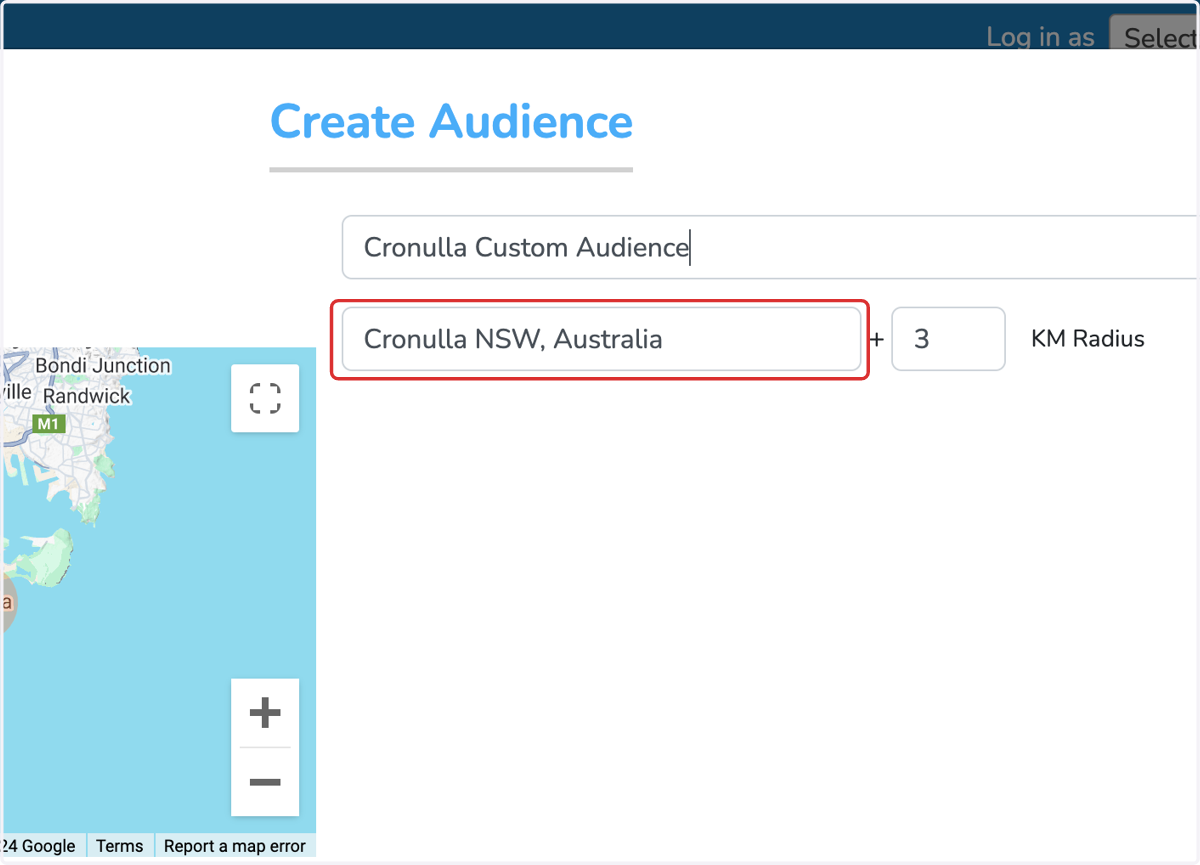
5. Search & add location
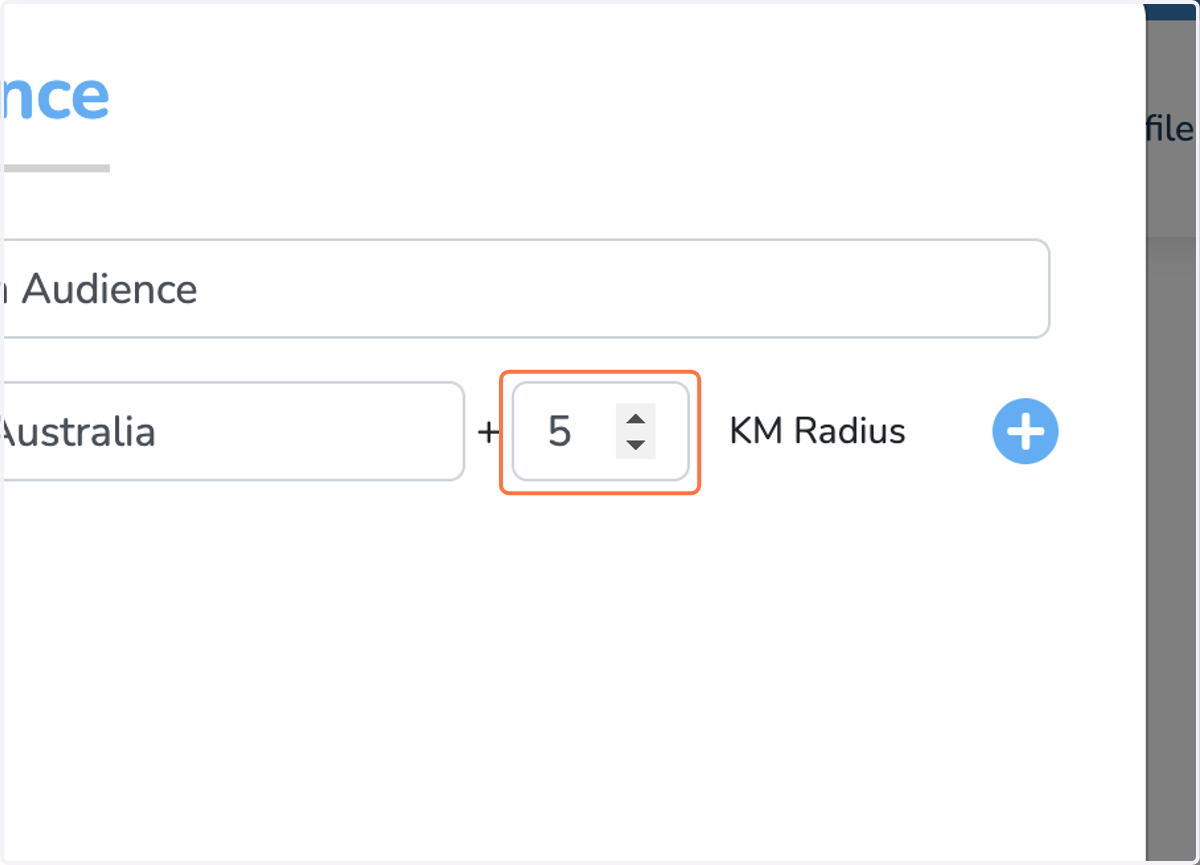
6. Set radius for location
7. Add more locations if required
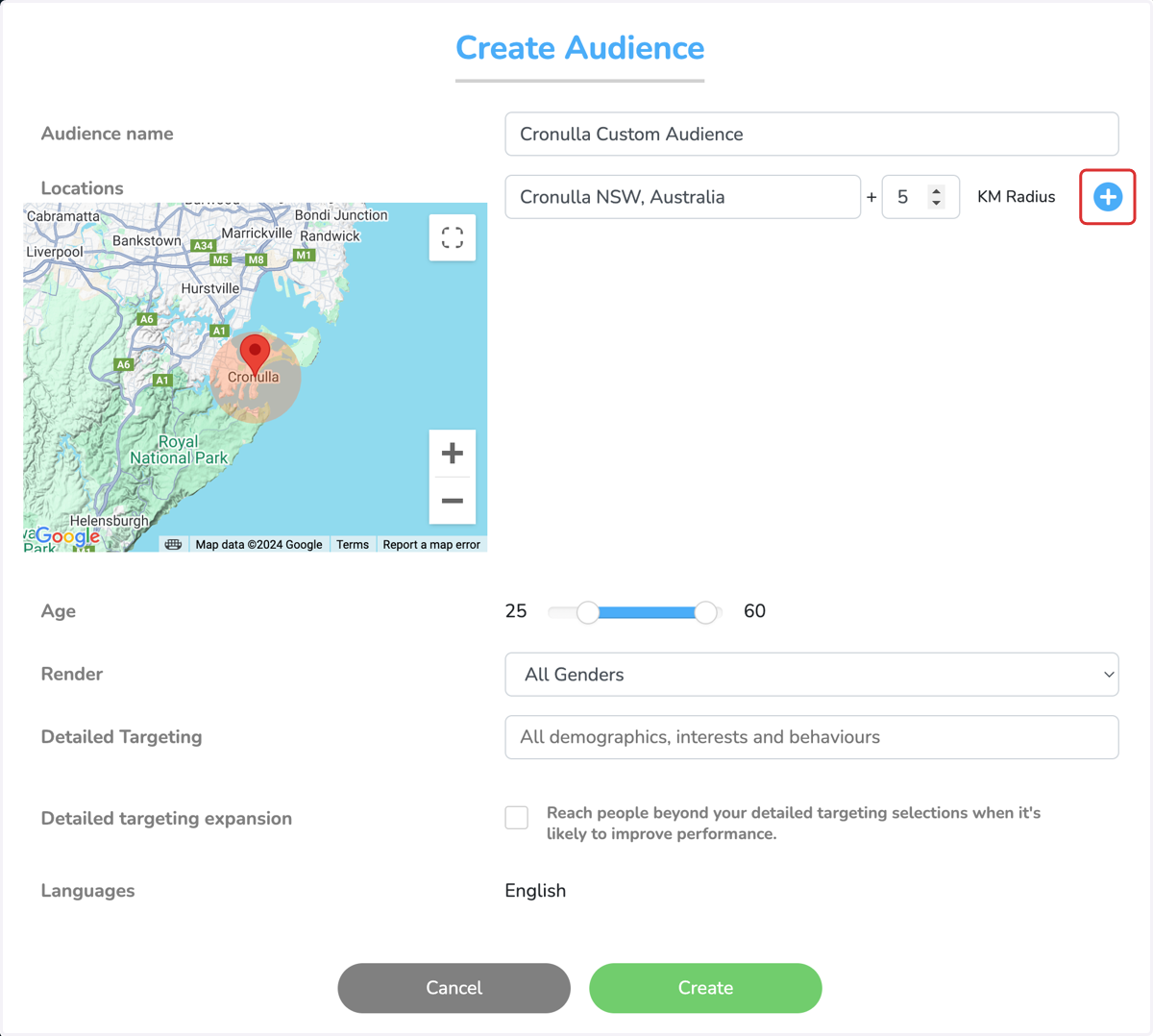
8. Set age range
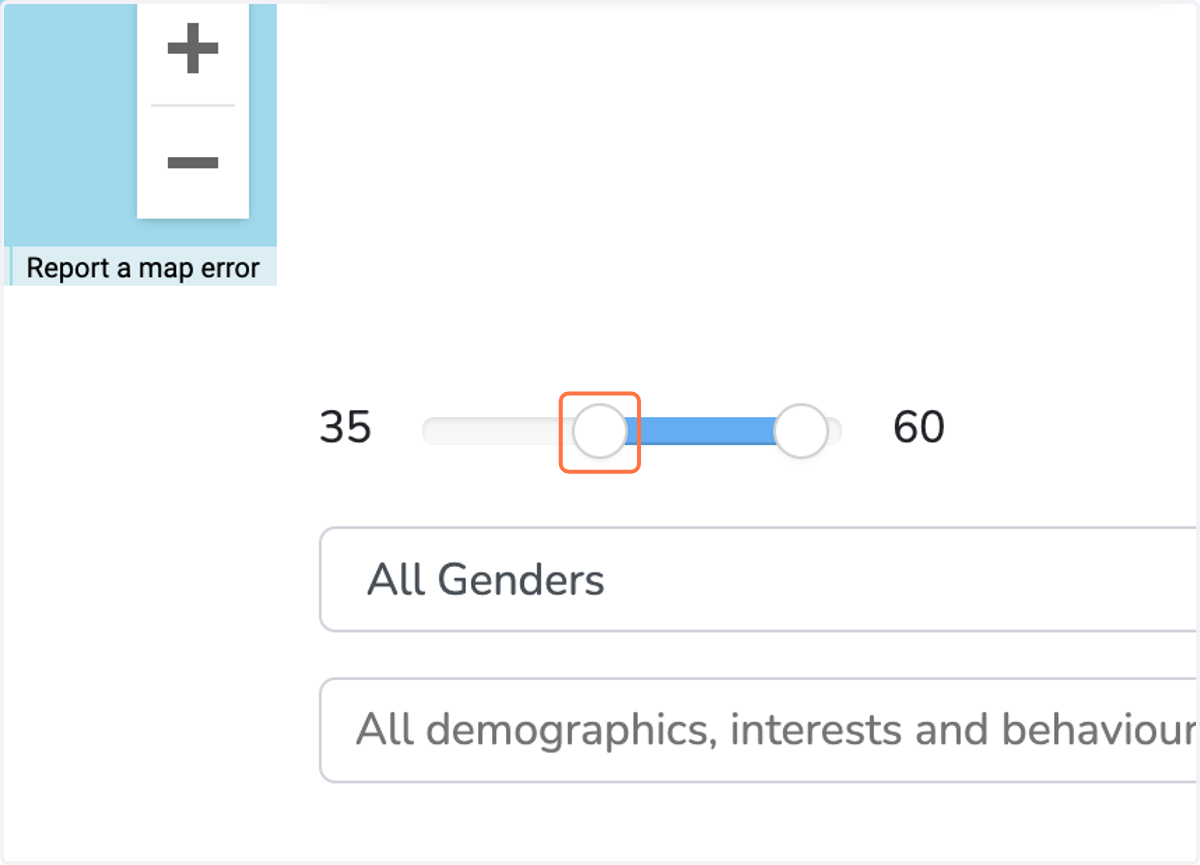
9. Search interests
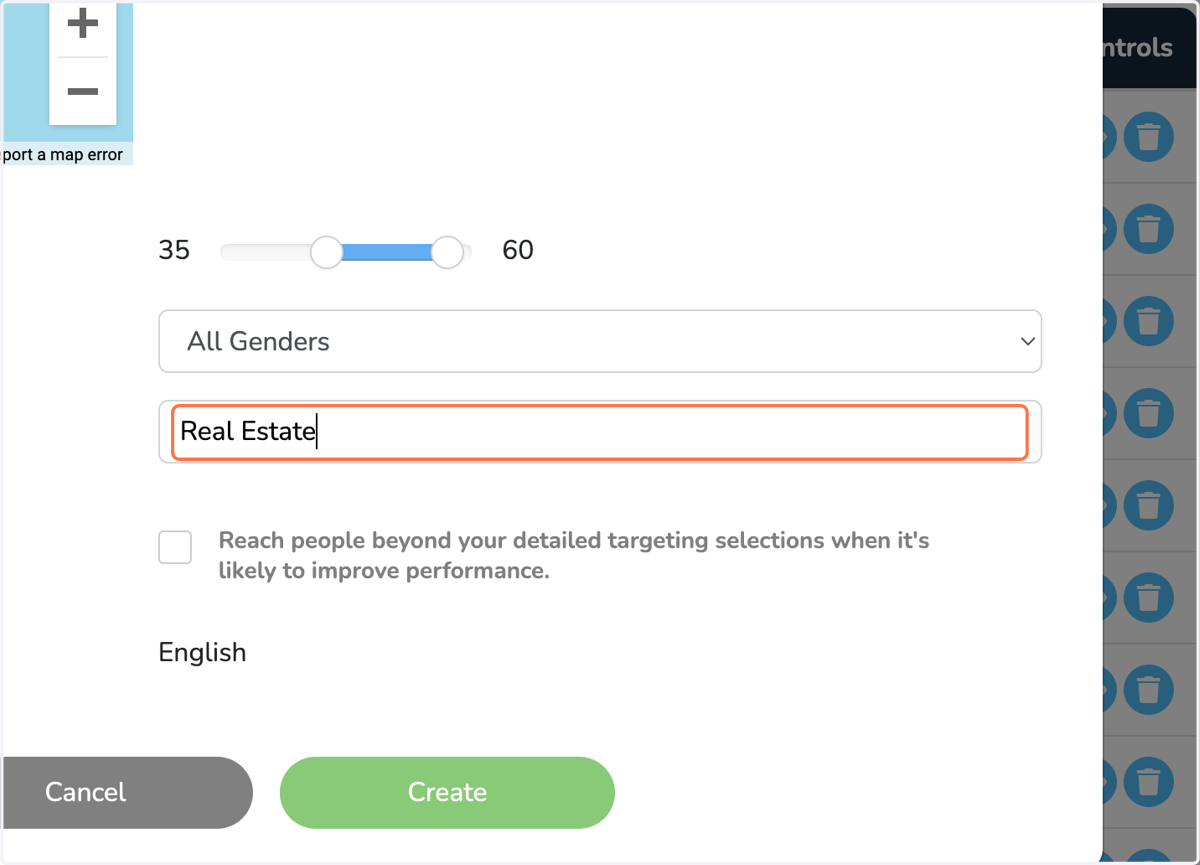
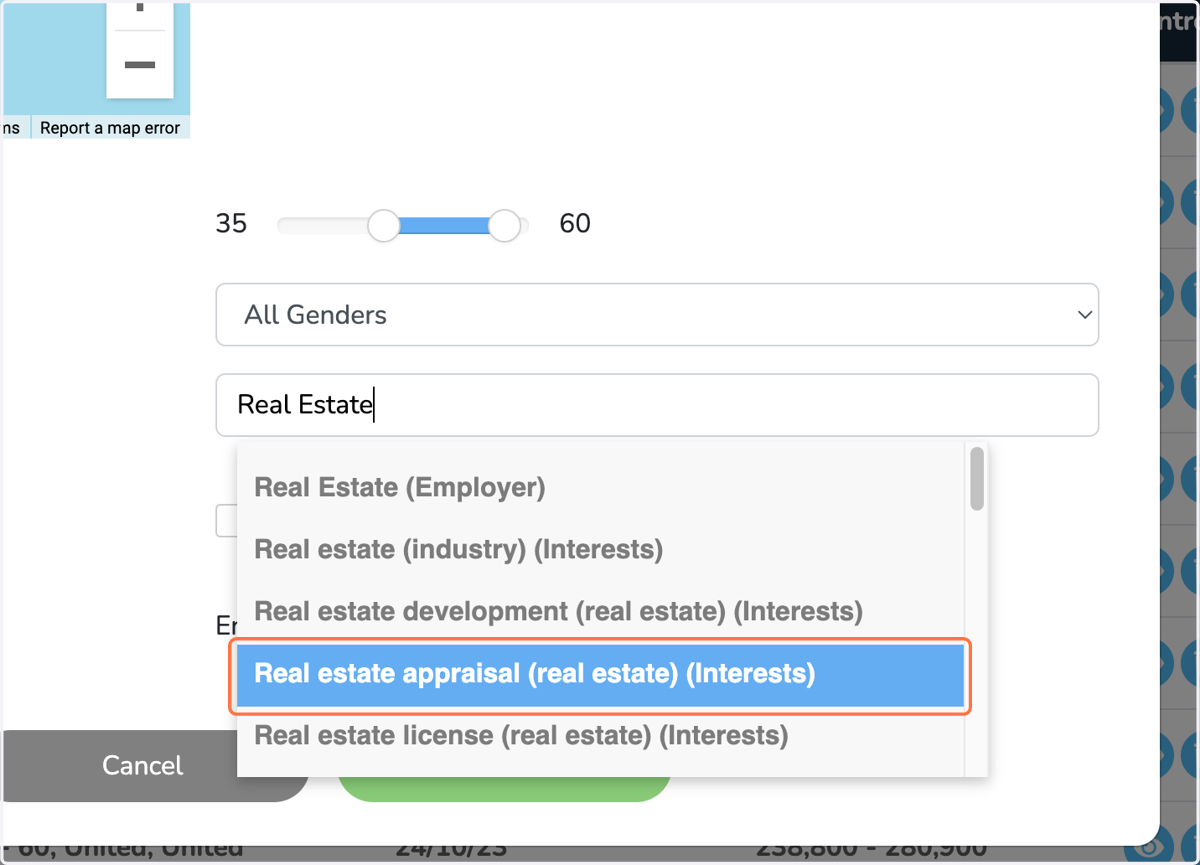
10. Add interest by clicking on search result
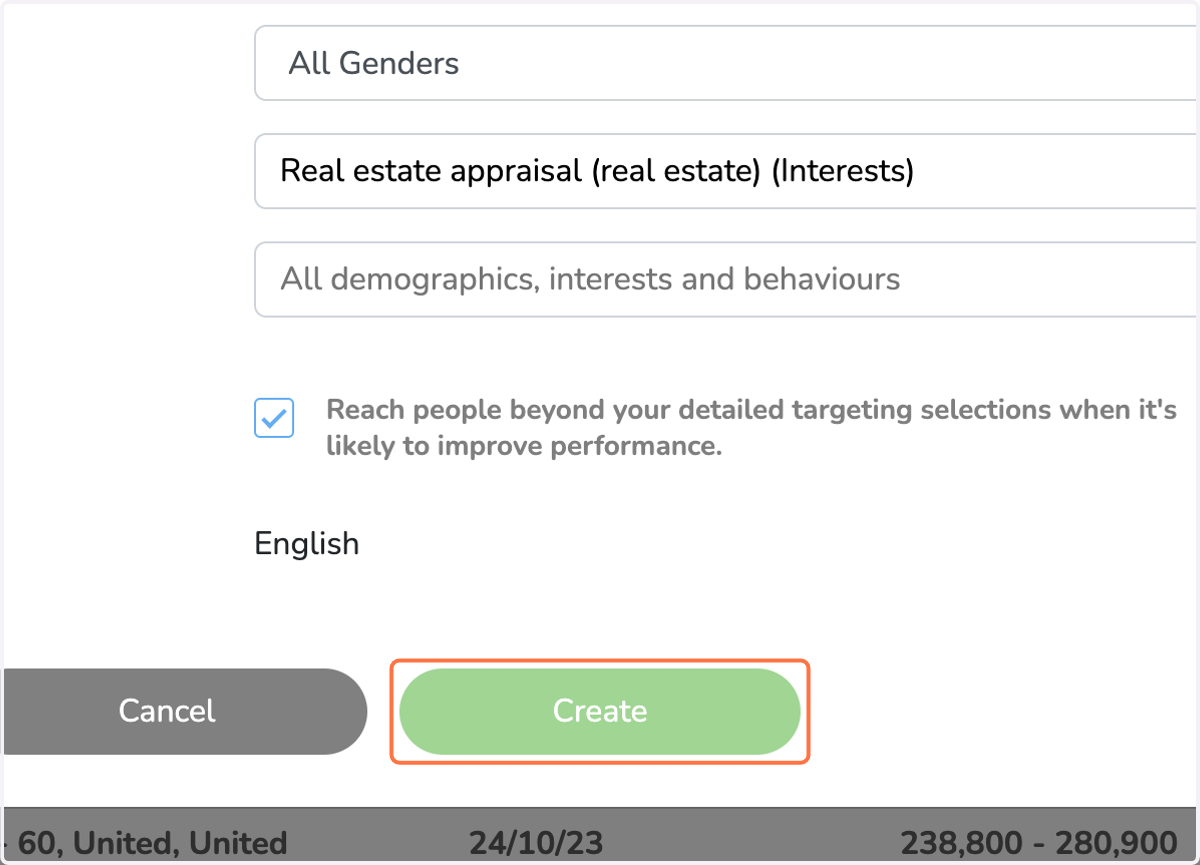
11. Select this option if you wish to expand your targeting.
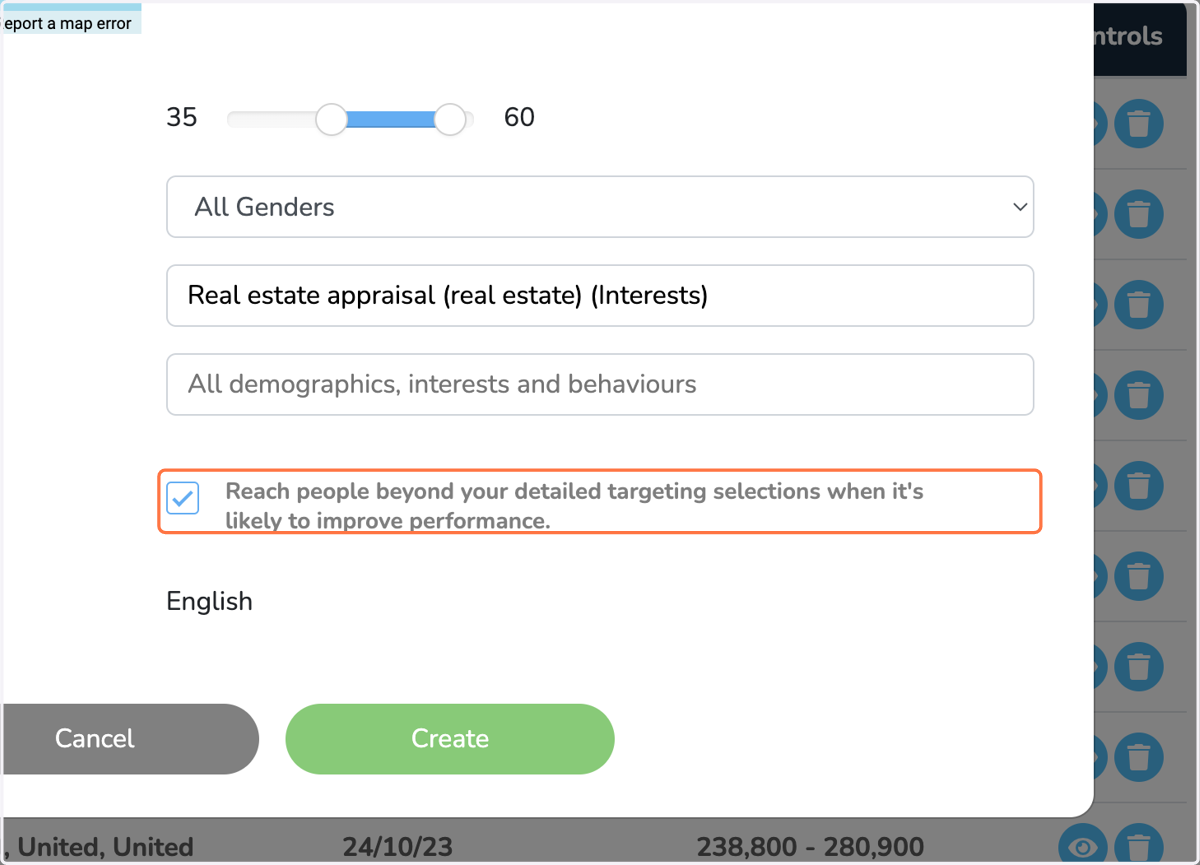
12. Click on Create