Using EDI in LoadOps
This workflow covers the steps to accept a load tender from an EDI or Turvo source to create a load automatically in LoadOps
Loadops by Optym
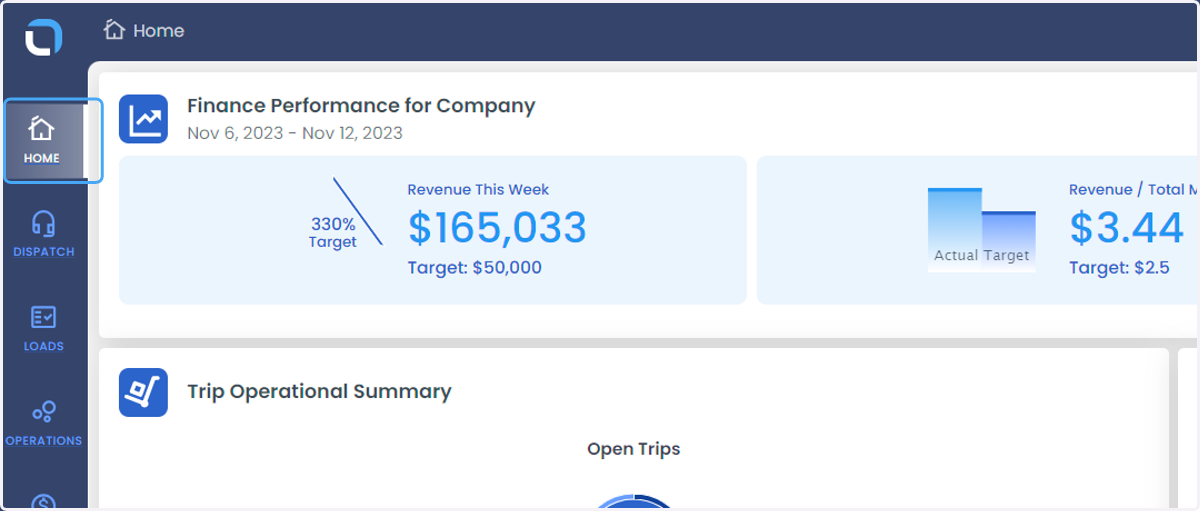
1. Click on HOME
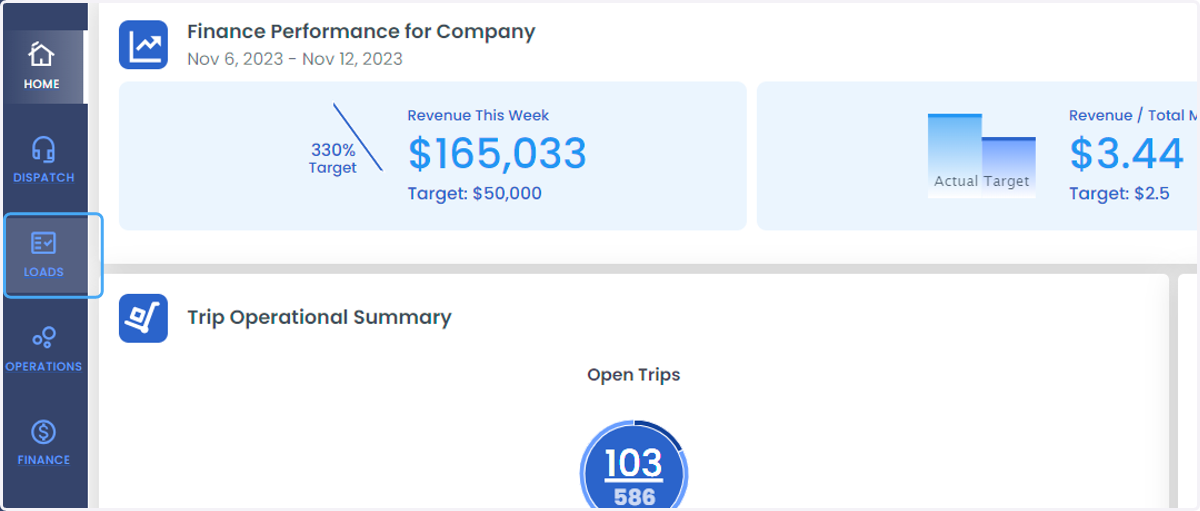
2. Click on LOADS
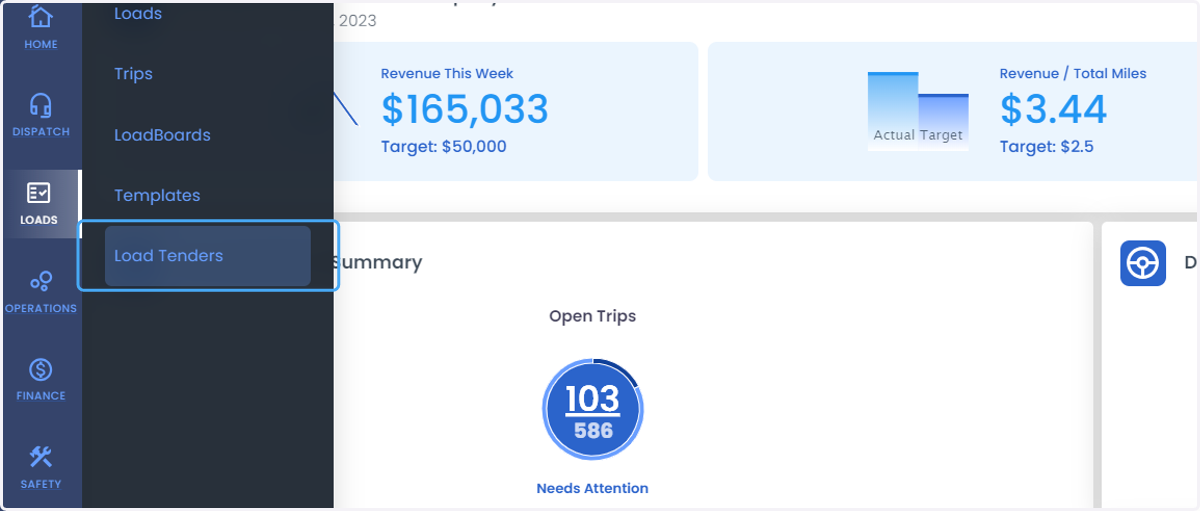
3. Click on Load Tenders
4. Click on the name of the Source
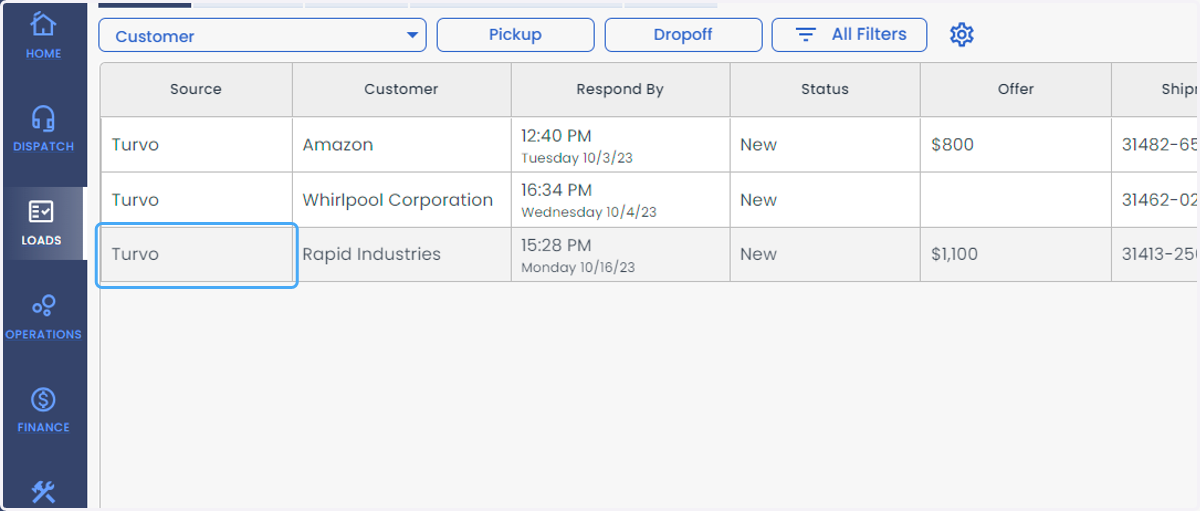
5. Click on Load tender to see the Trip details.
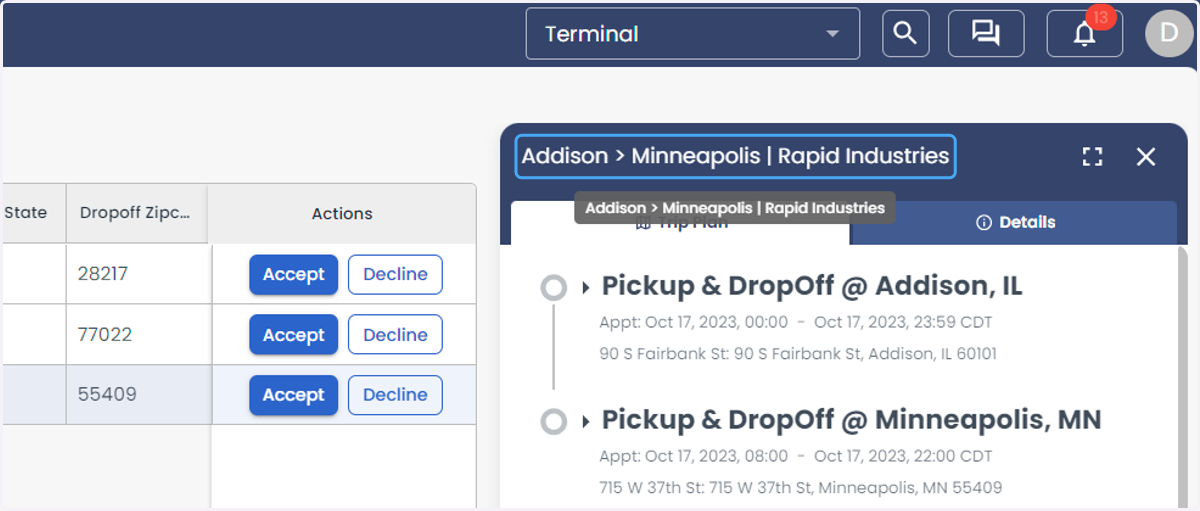
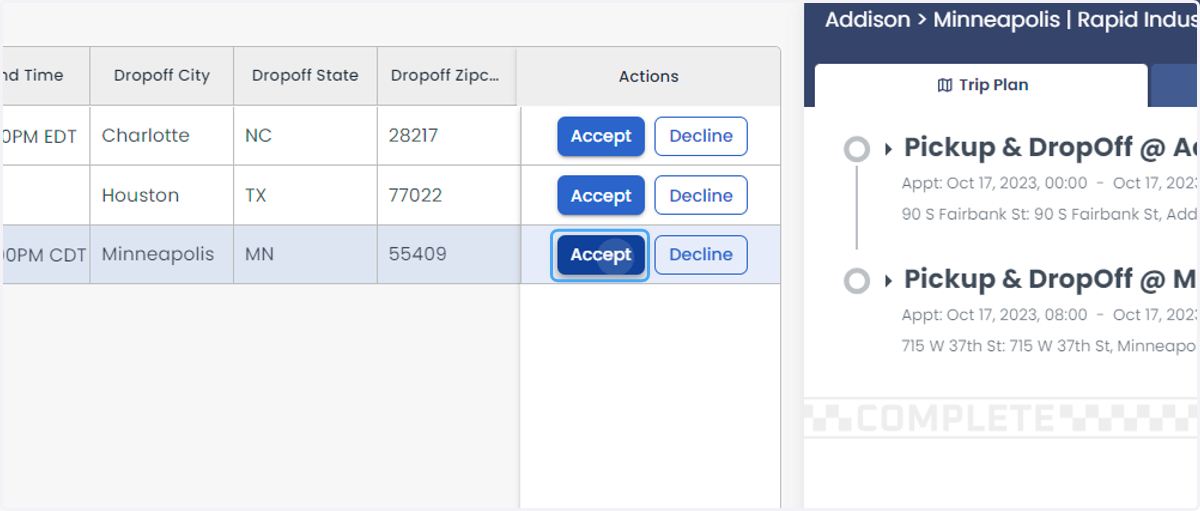
6. A load can be Accepted or Declined by Clicking on Accept/Decline option.
7. Click on Accepted Tab to get the list of Accepted Loads.
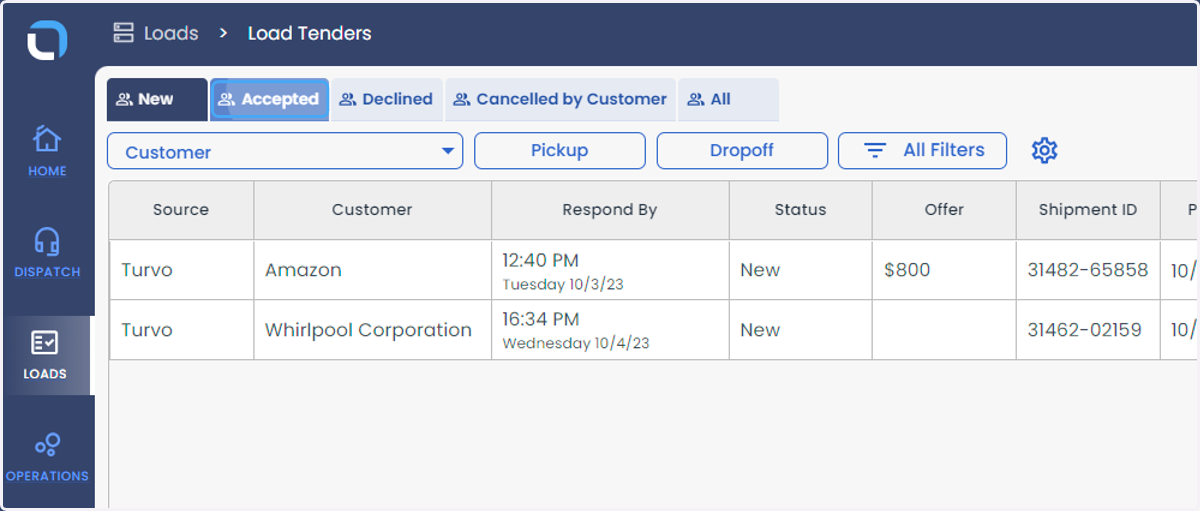
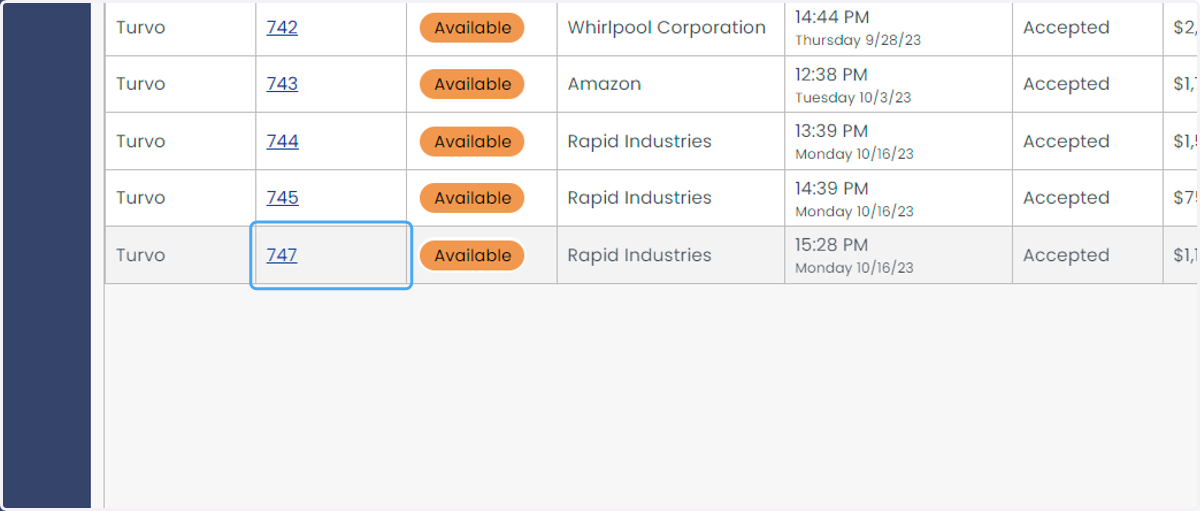
8. Click on the Load ID to go to the Load Details Panel.