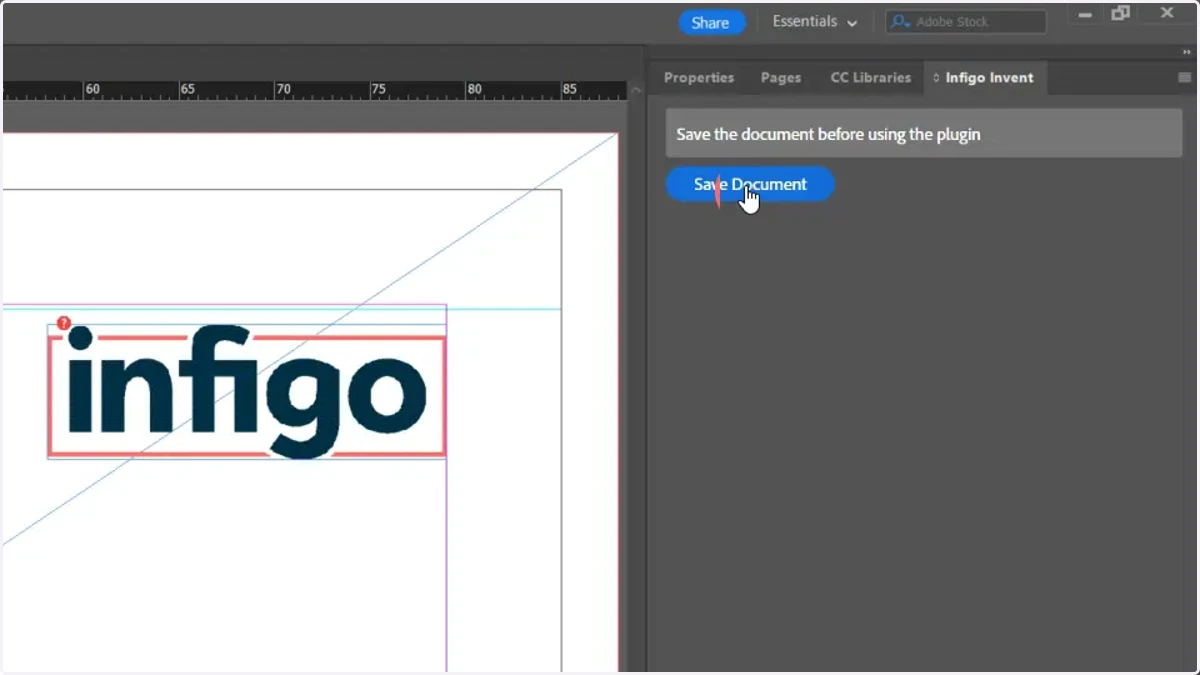
Setting up the Invent plugin for InDesign
In this tutorial, we will show you how to get set up with the Infigo Invent plugin, available for use in your InDesign installation.
Invent is our groundbreaking plugin that combines the design flexibility of InDesign with the functionality of end-to-end web-to-print.
Installation takes just minutes and allows you to control settings and features for your design template, directly from InDesign.
This powerful integration gives Infigo users greater design capabilities, particularly for dynamic products, while slashing the time it takes to create and migrate PDF templates by up to 80%.
This means you can create and test new products quicker than ever before. Which is why it’s not exaggeration when we say this is ‘a game changer’ for our customers – as well as for the web-to-print space.
Take advantage of market trends, quickly launch profitable new revenue streams and stay one step ahead of your competitors.
1. Submit your details to gain access to the Invent download
Navigate to our Help Desk article on getting set up with the Invent plugin.
Enter and submit your details to get instant access to the plugin download.
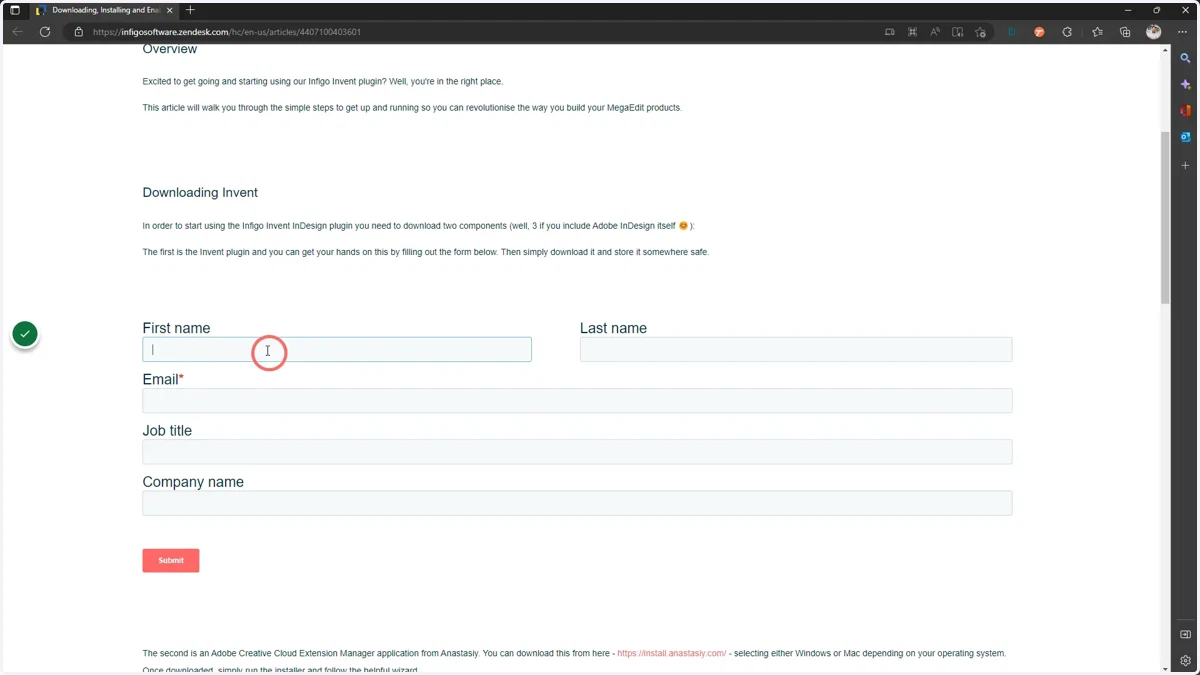
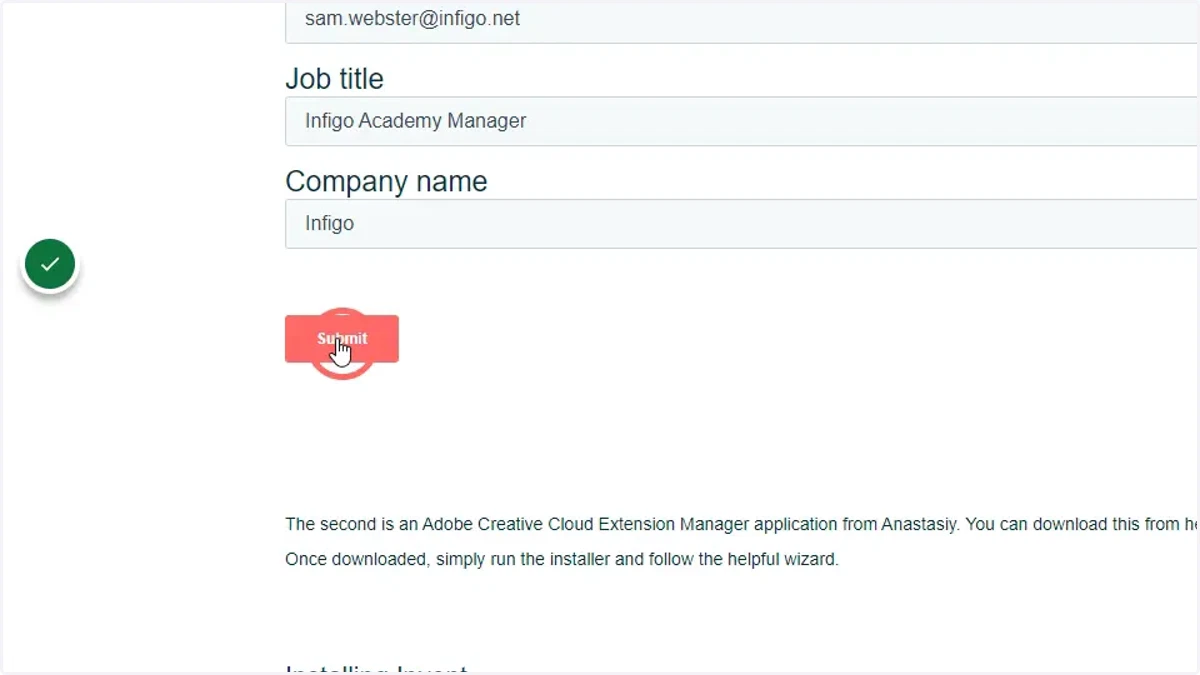
2. Click Submit
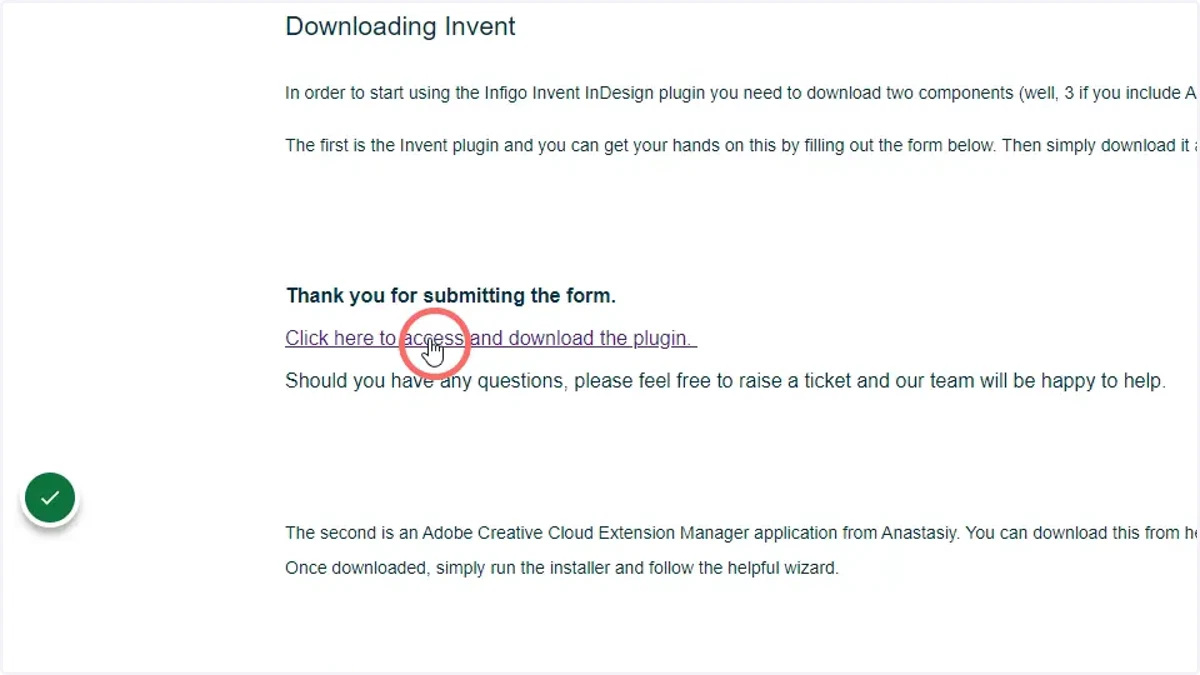
3. Click the link to download the Invent plugin
4. Download the Adobe Creative Cloud Extension Manager application from Anastasiy. You can download this from here - - selecting either Windows or Mac depending on your operating system.
You can download this from here , selecting either Windows or Mac depending on your operating system.
A link is also available in the Help Desk article.
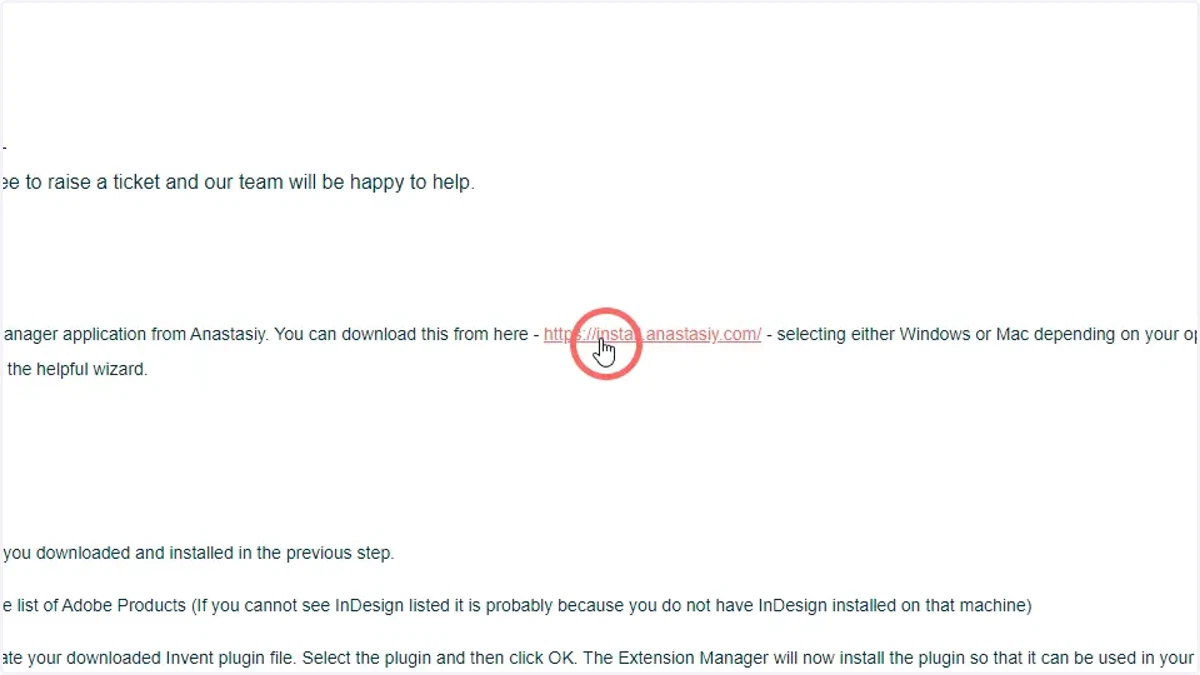
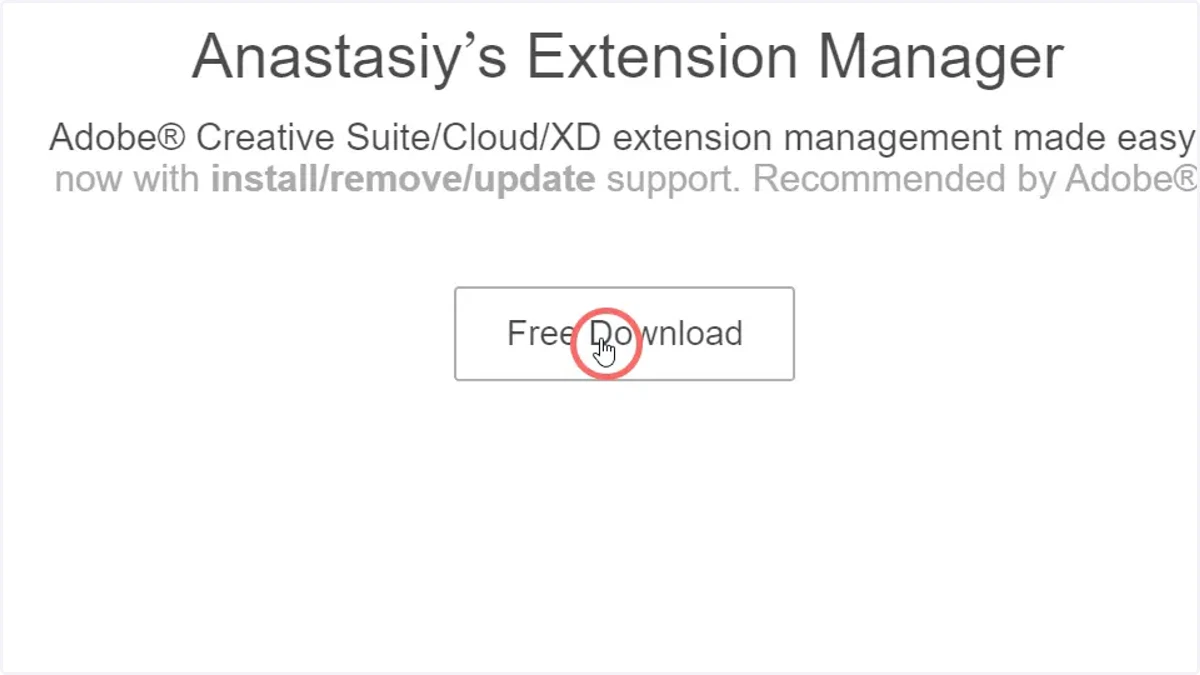
5. Click Free Download on the Anastasiy website
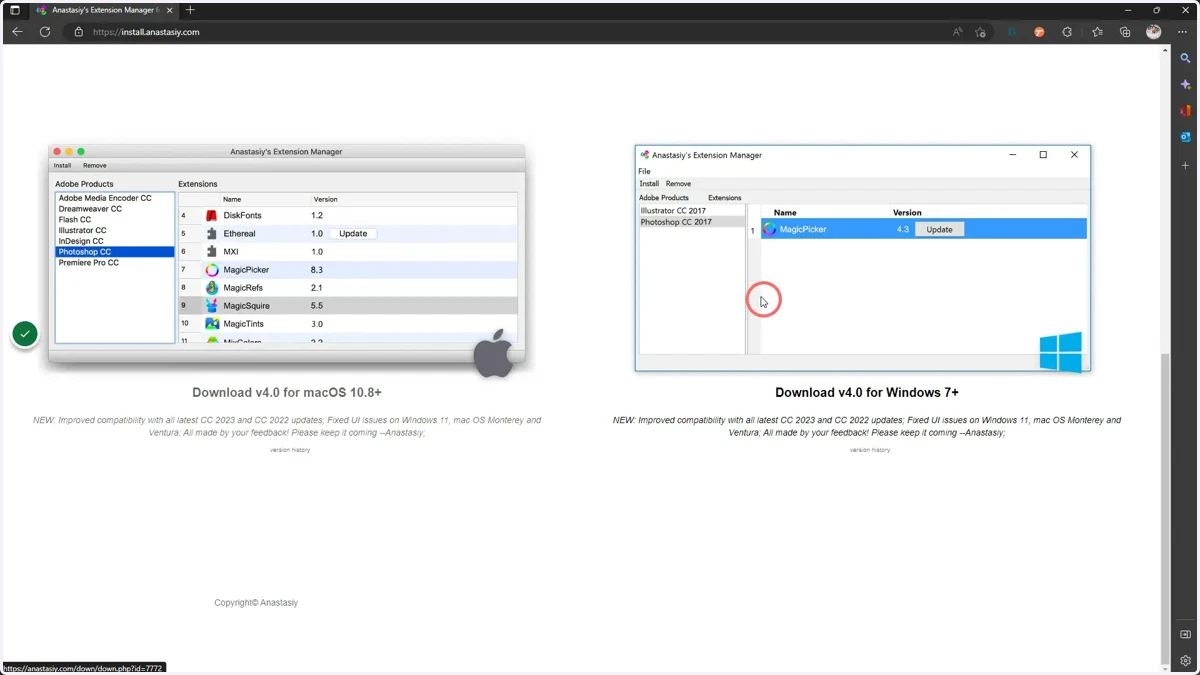
6. Choose a download to suit your operating system
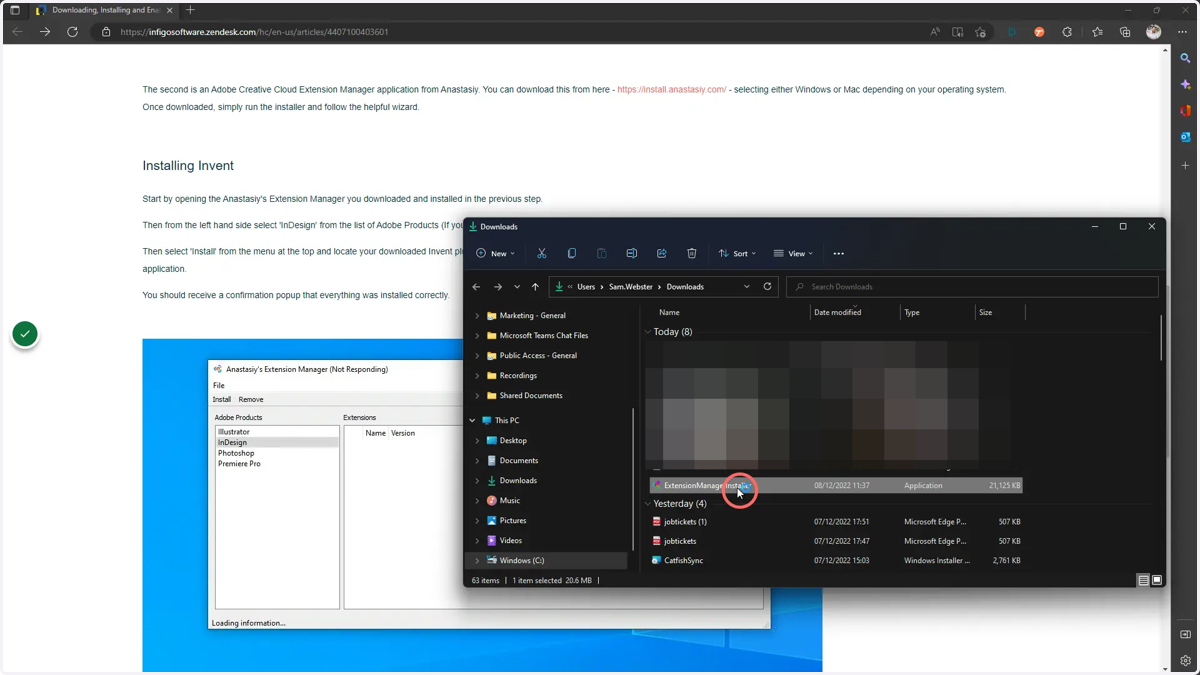
7. Run the Anastasiy ExtensionManagerInstaller file
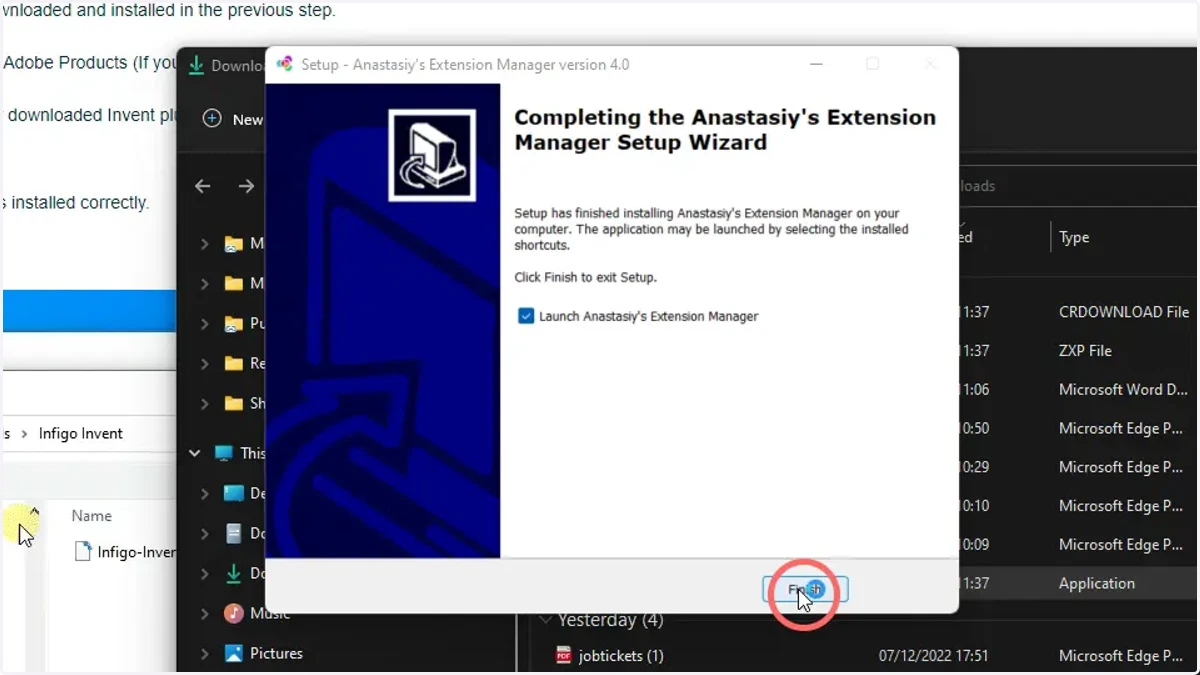
8. Click through the installer and Finish the installation process
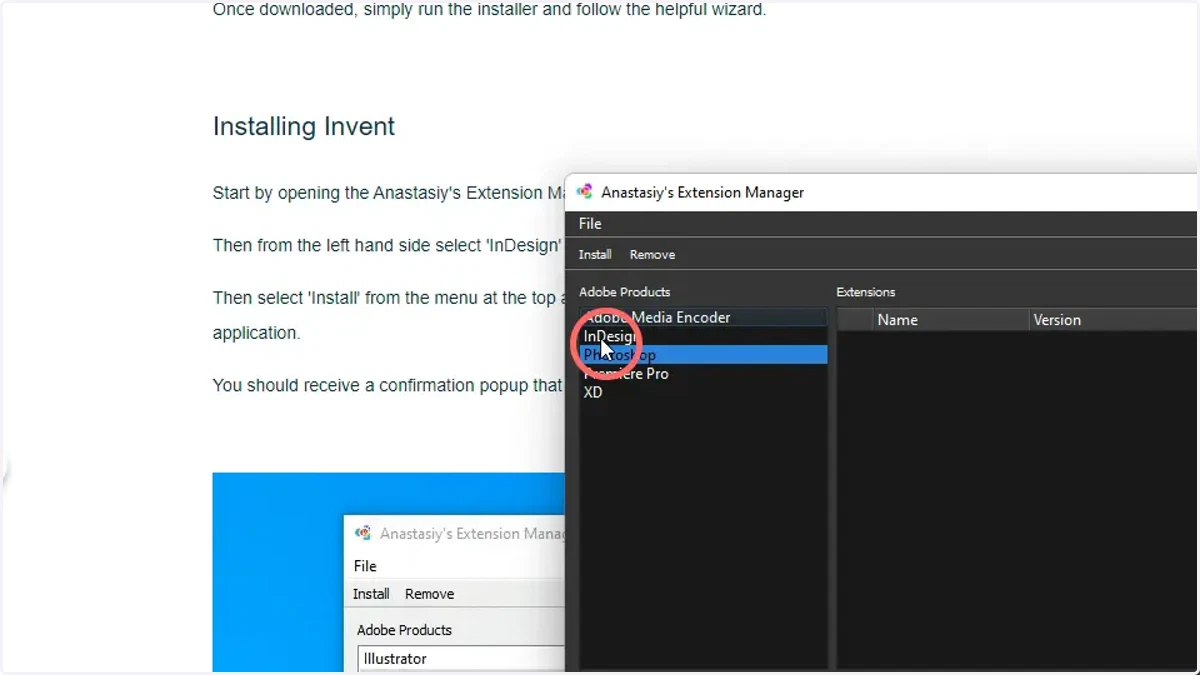
9. Open the Anastasiy Extension Manager and click InDesign in the left list
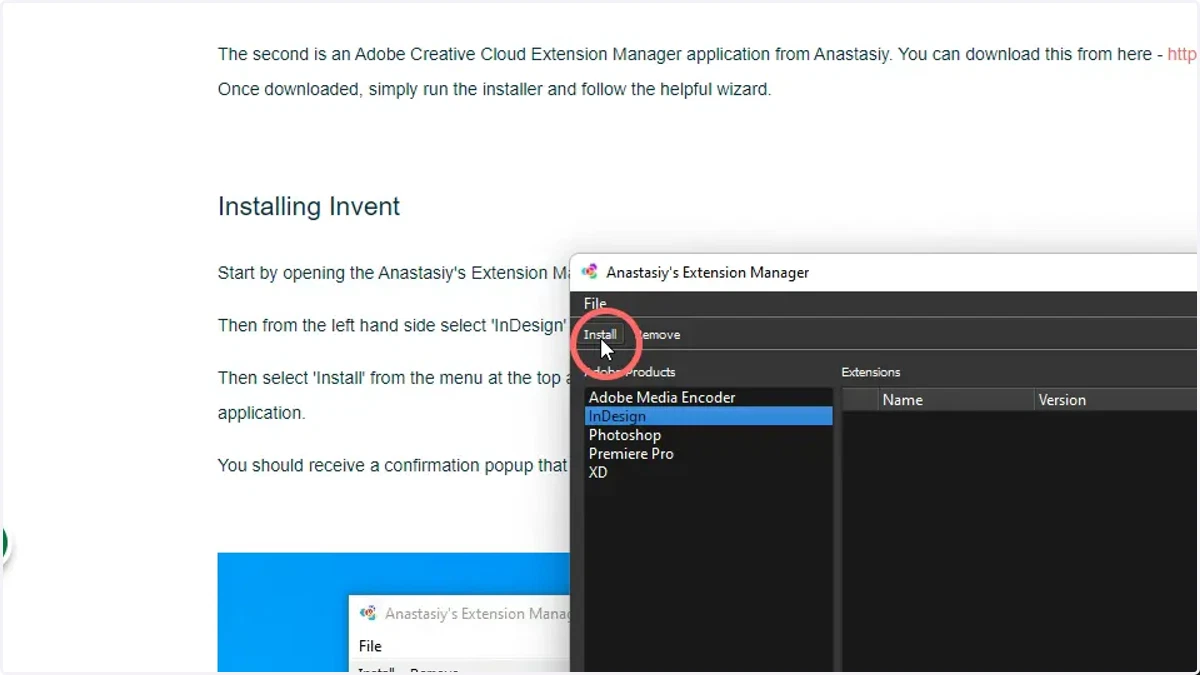
10. Click Install
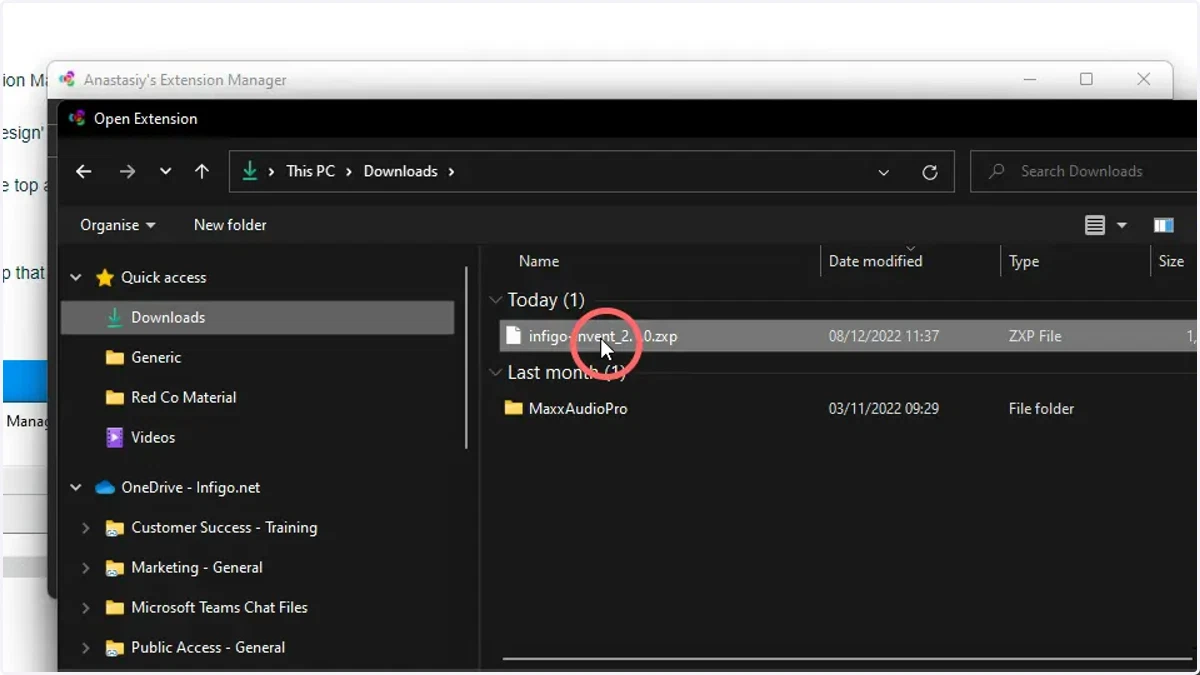
11. Select and install the Invent plugin recently downloaded
windows
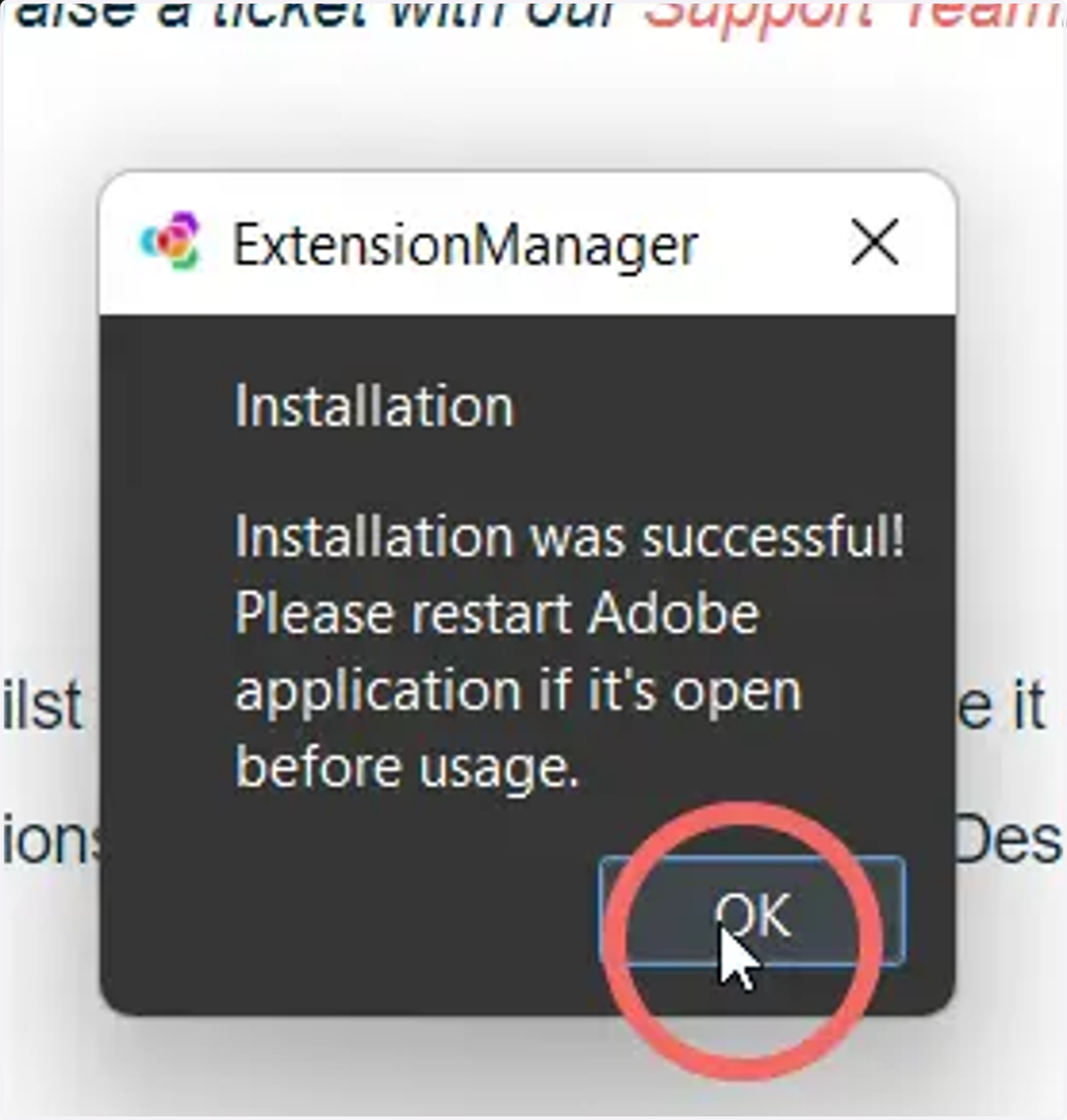
12. You will be shown this message when the installation was successful
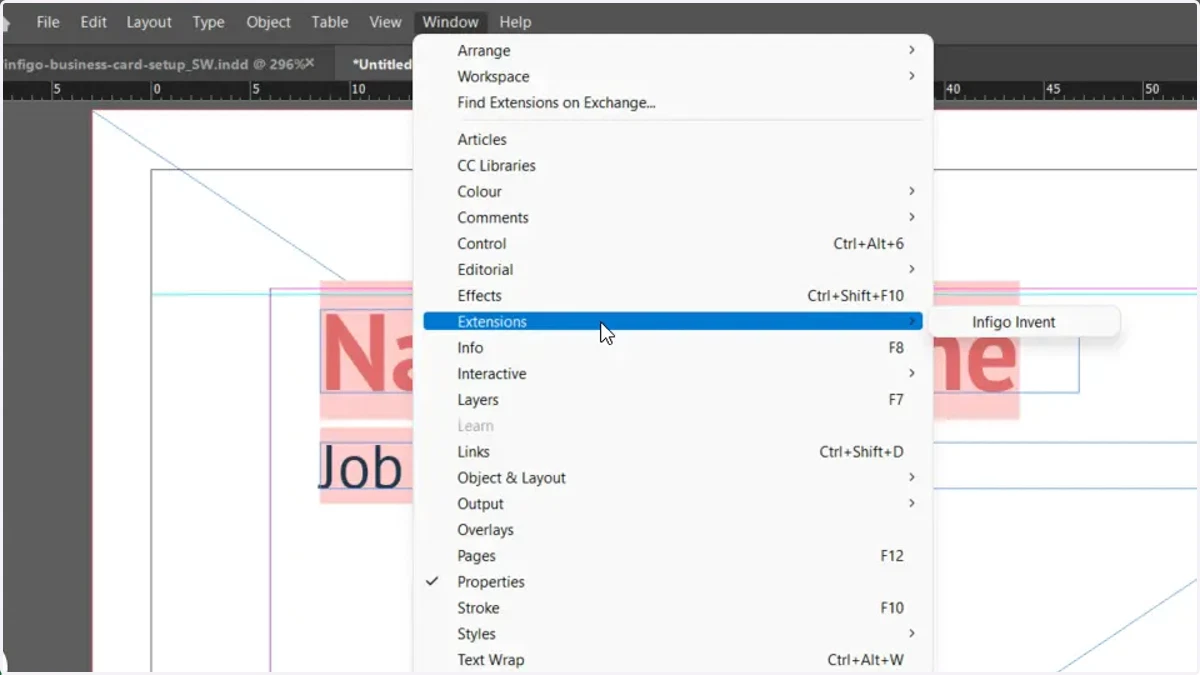
13. Open Adobe InDesign and activate the Infigo Invent plugin
Navigate to Window > Extensions and Infigo Invent.
14. The plugin will load in a separate window, but can be docked as shown below
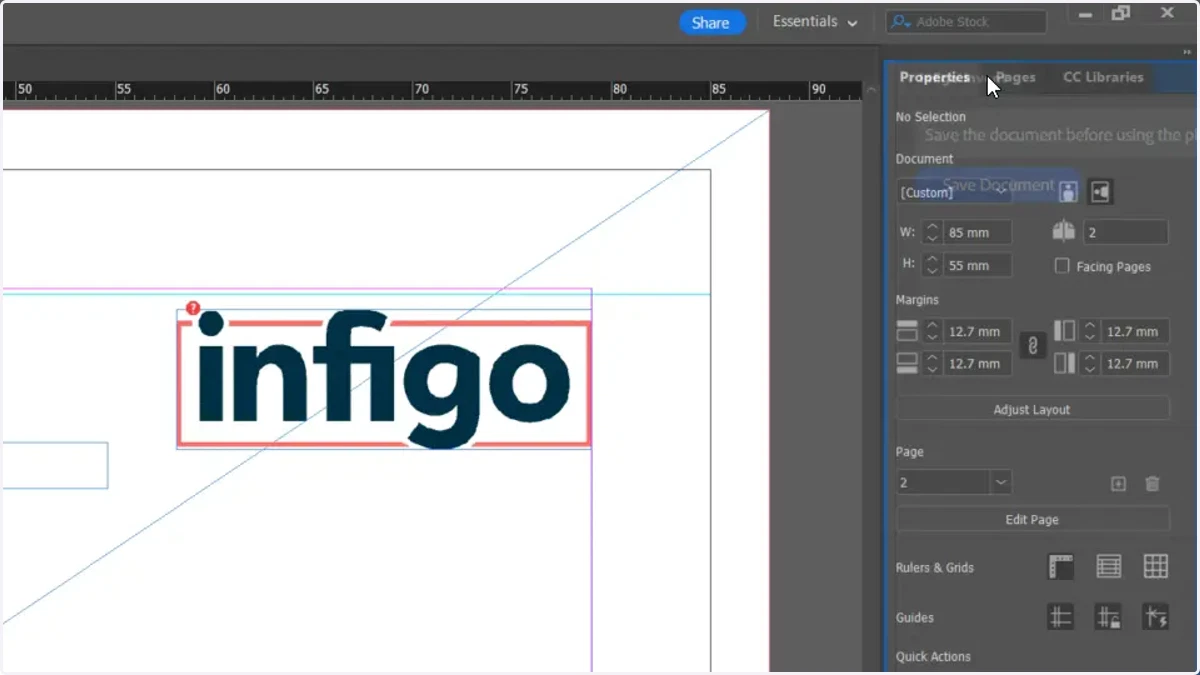
15. The Invent plugin is now available to use