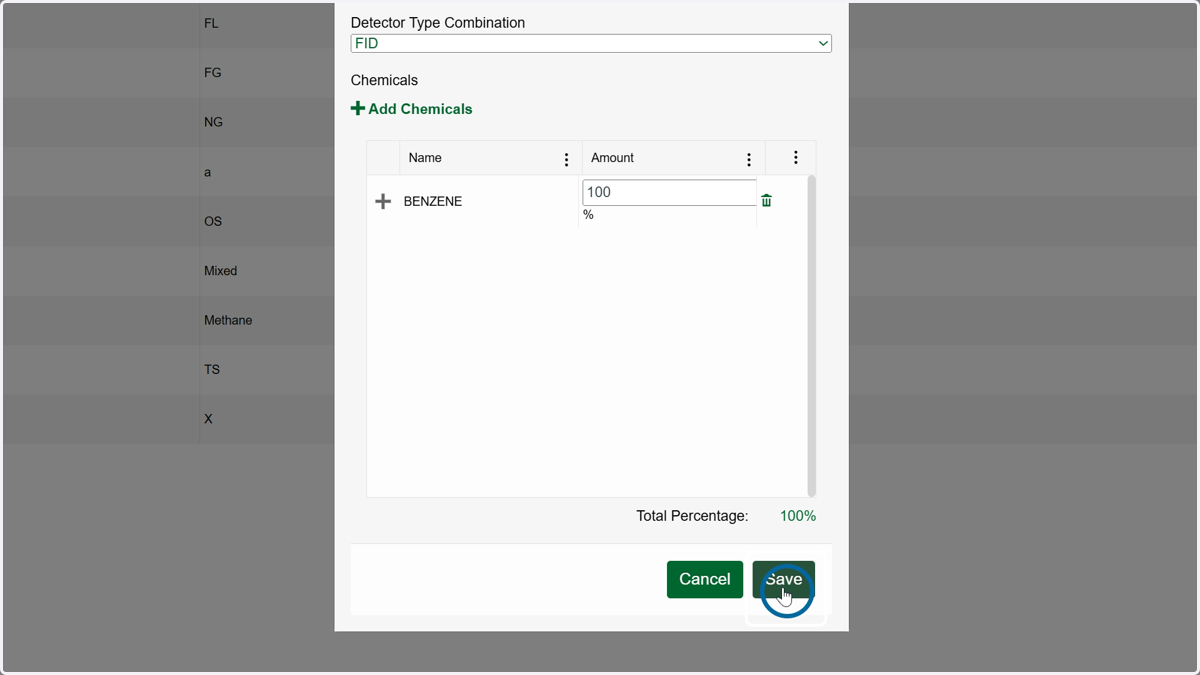
How to Add a New Stream
How to Add a New Stream
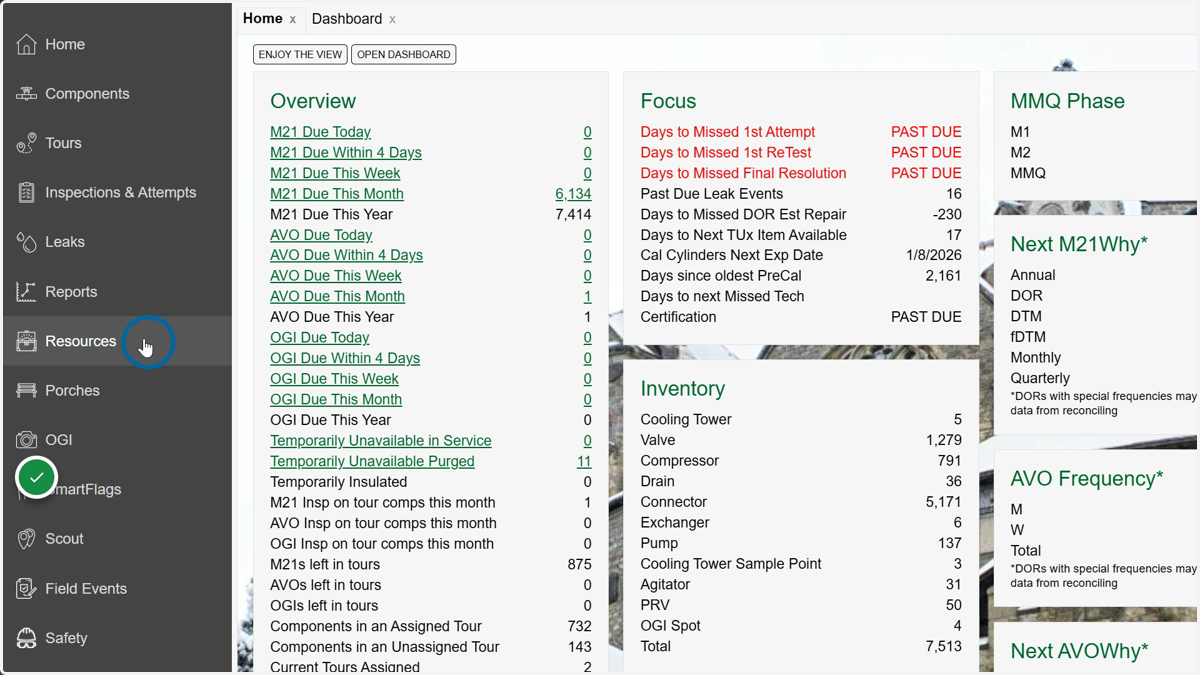
1. Click on Resources
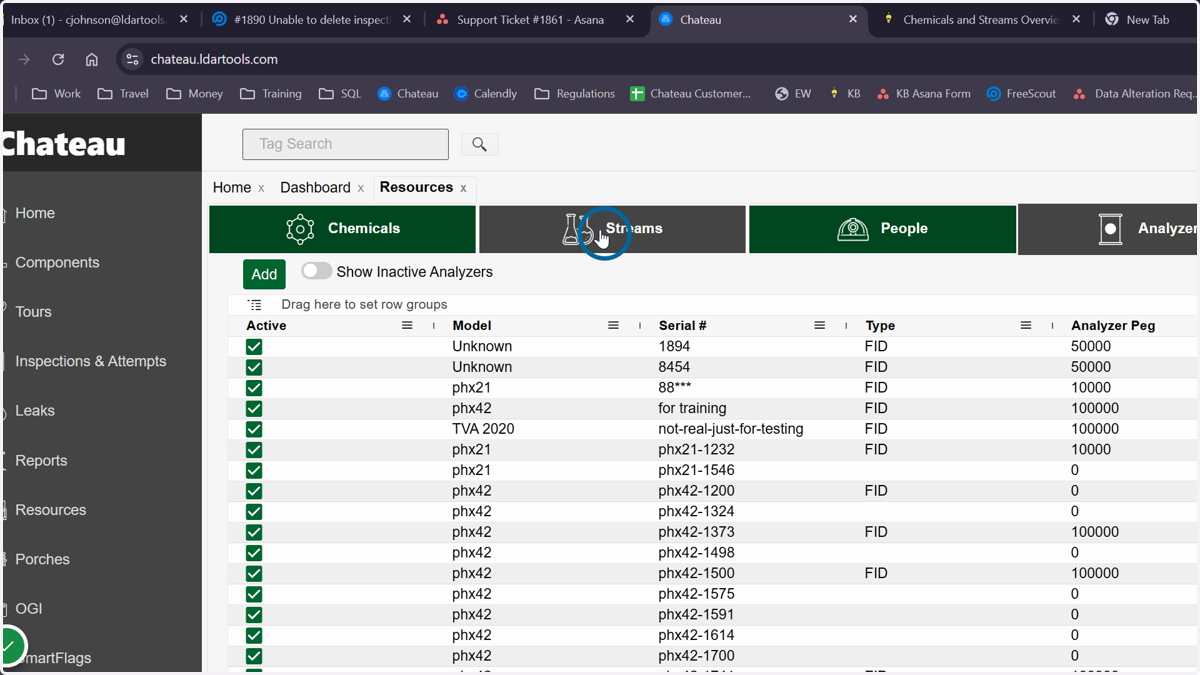
2. Click on Streams
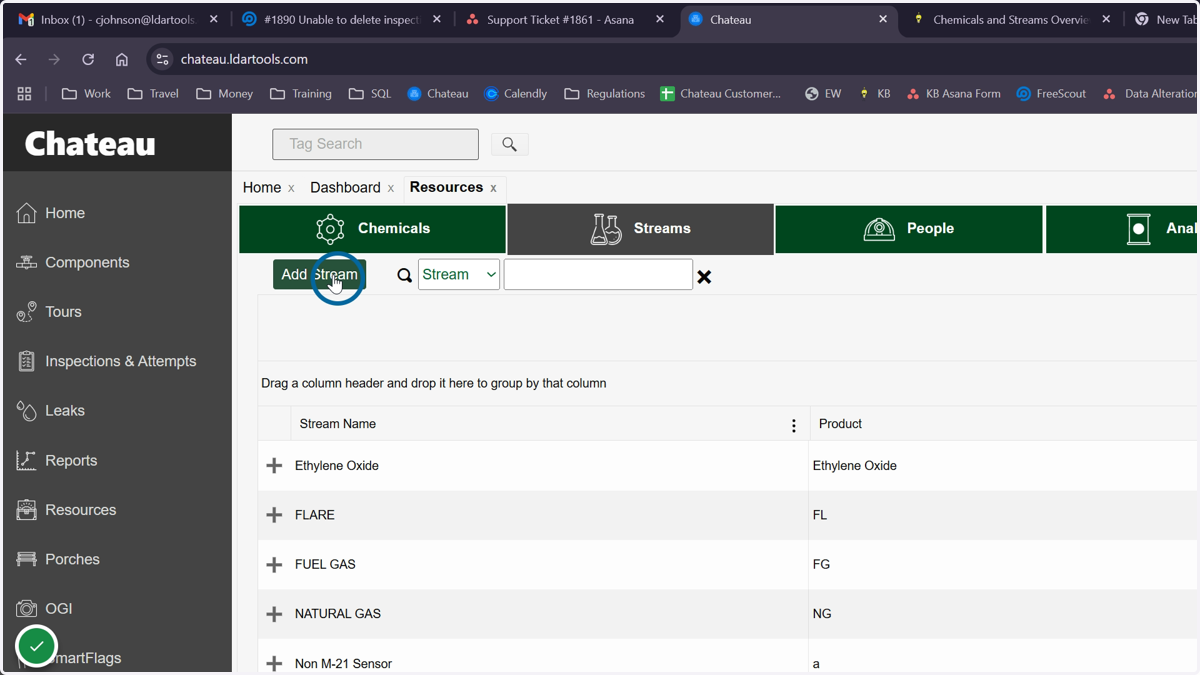
3. Click Add Streams button
4. Add the stream name
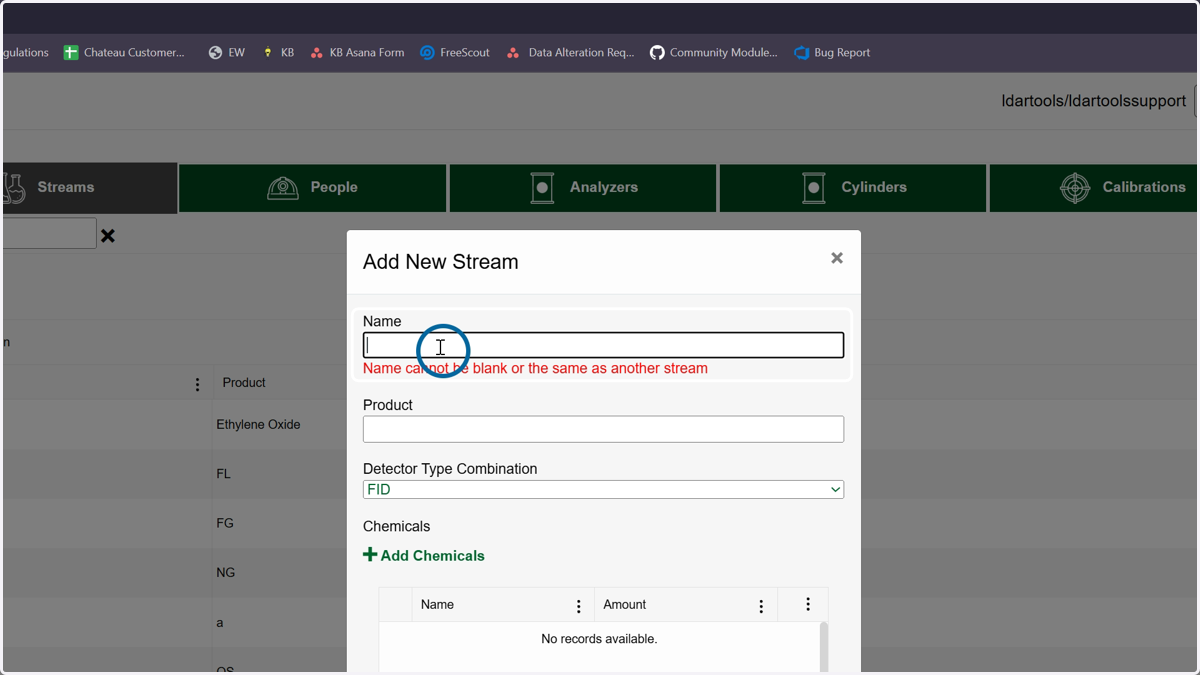
5. Add a description for the stream
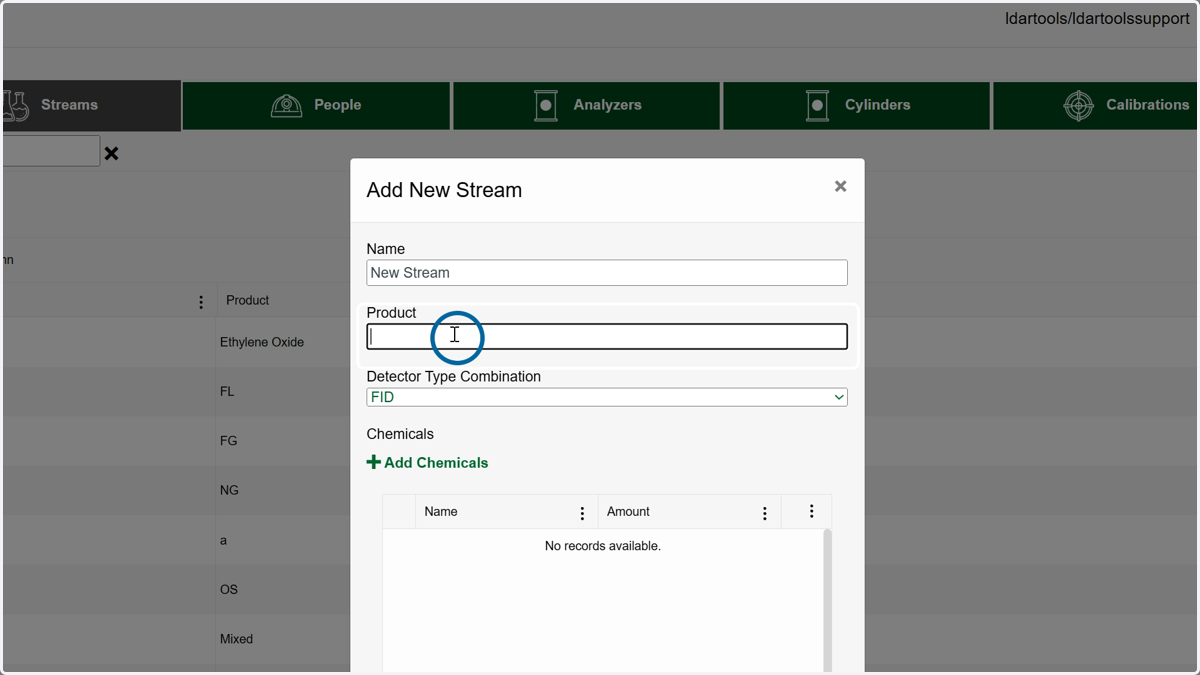
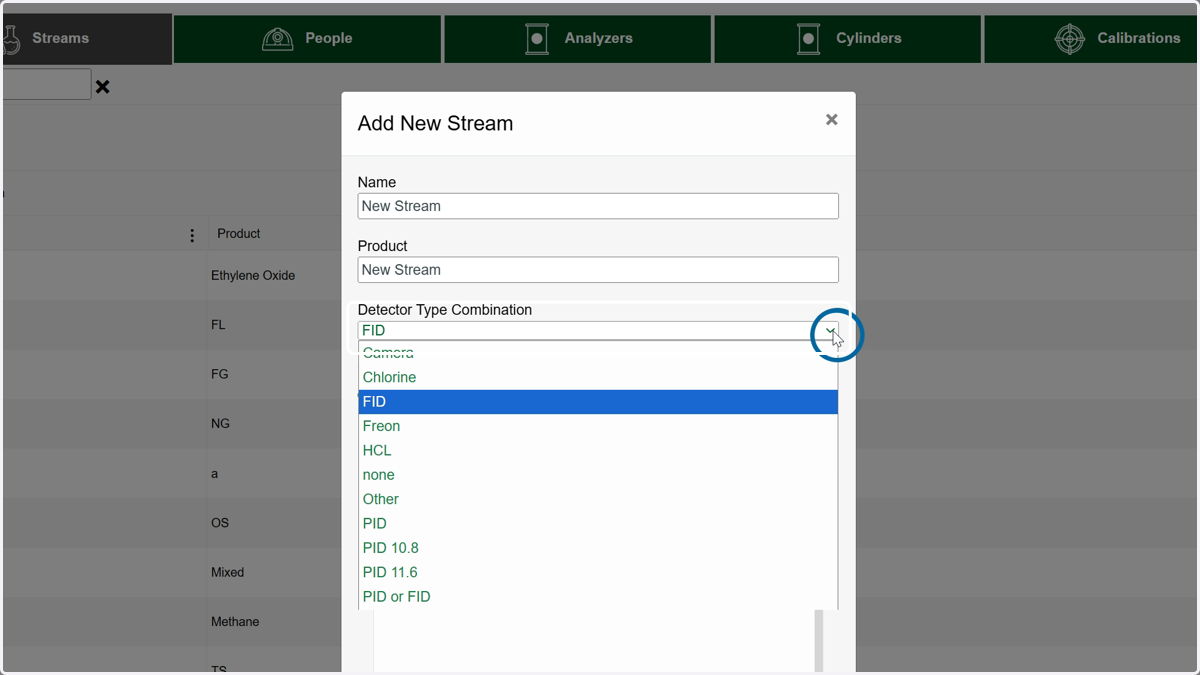
6. Choose a detector type for the stream
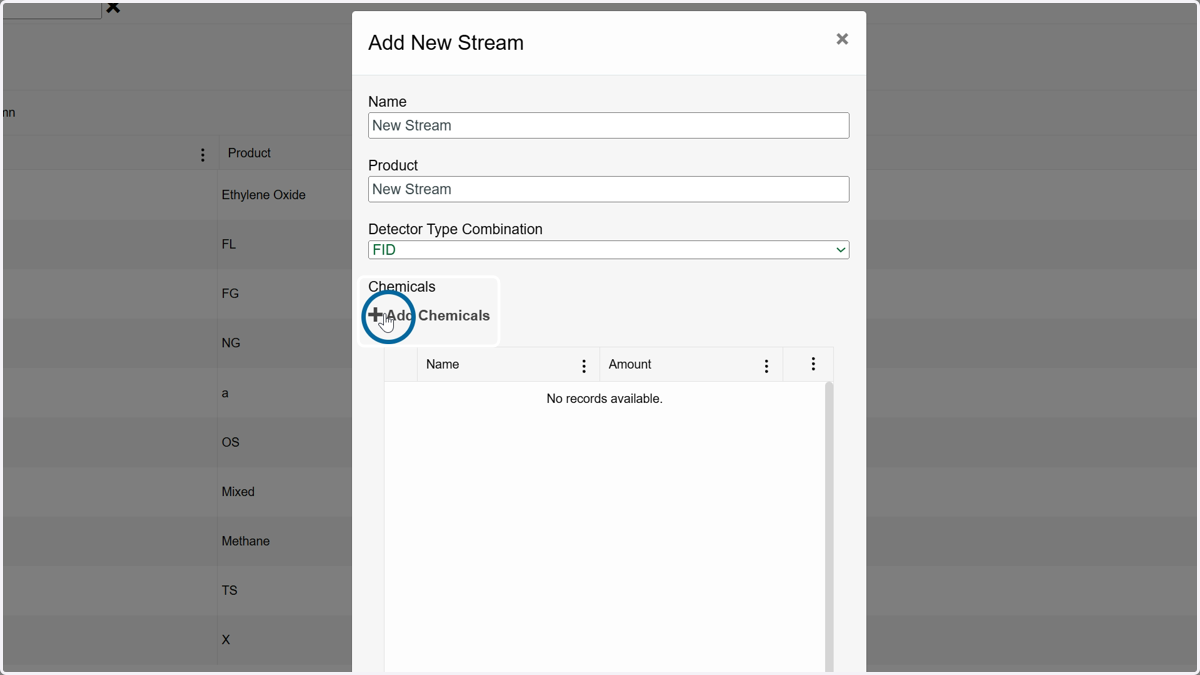
7. Click Add Chemicals
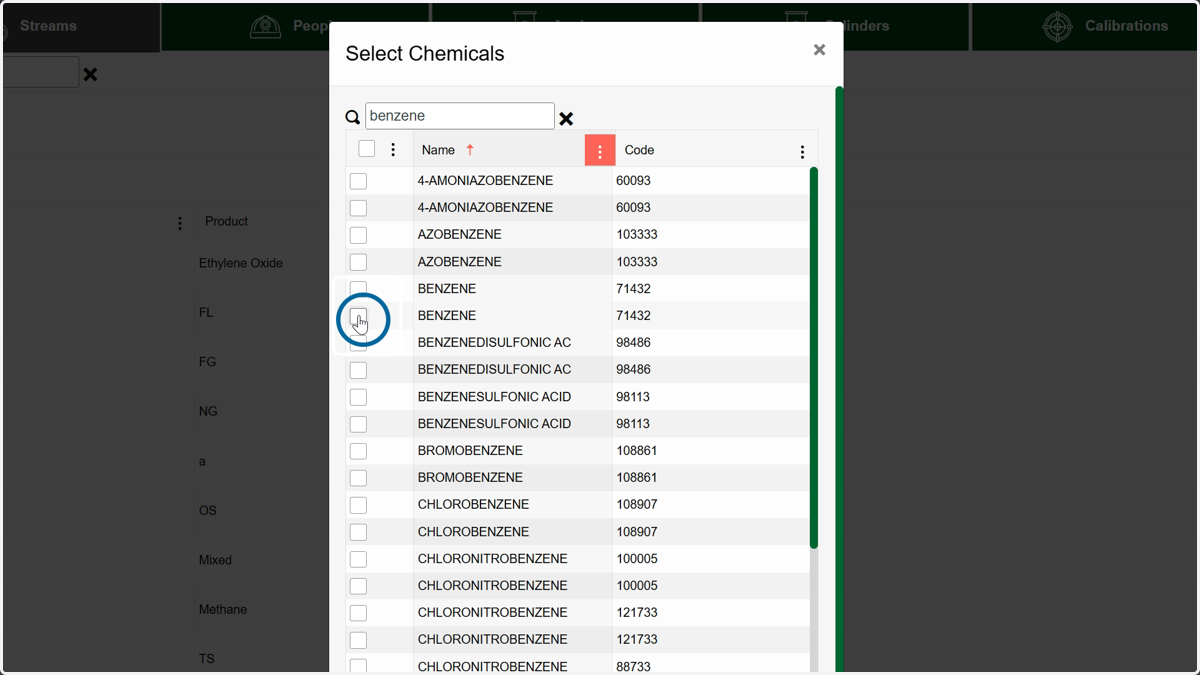
8. Choose your chemicals from the list or use the search box to find them
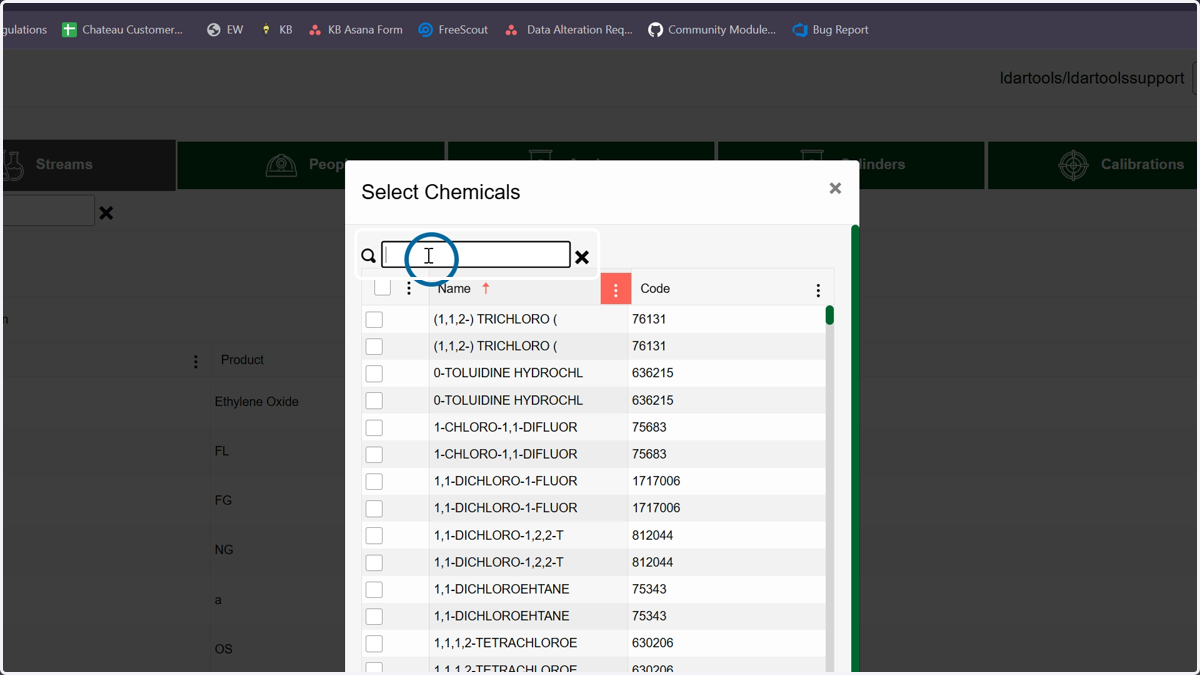
9. Click here
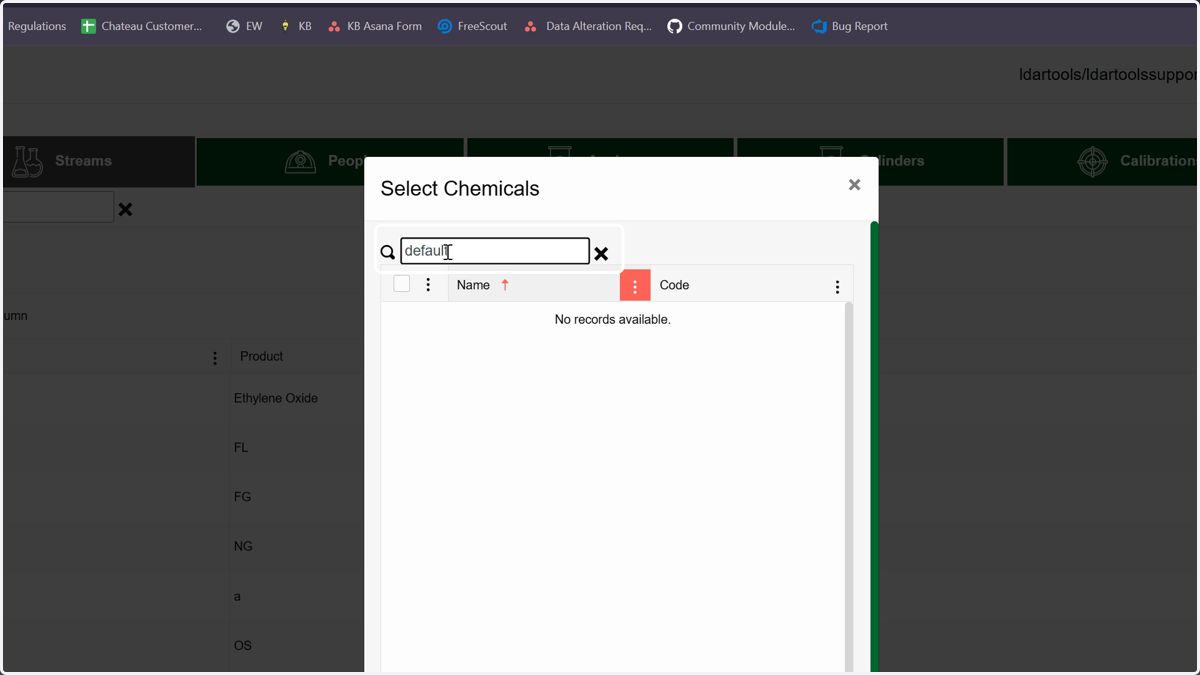
10. If you do not have your stream compositions, you can choose Default as the chemical
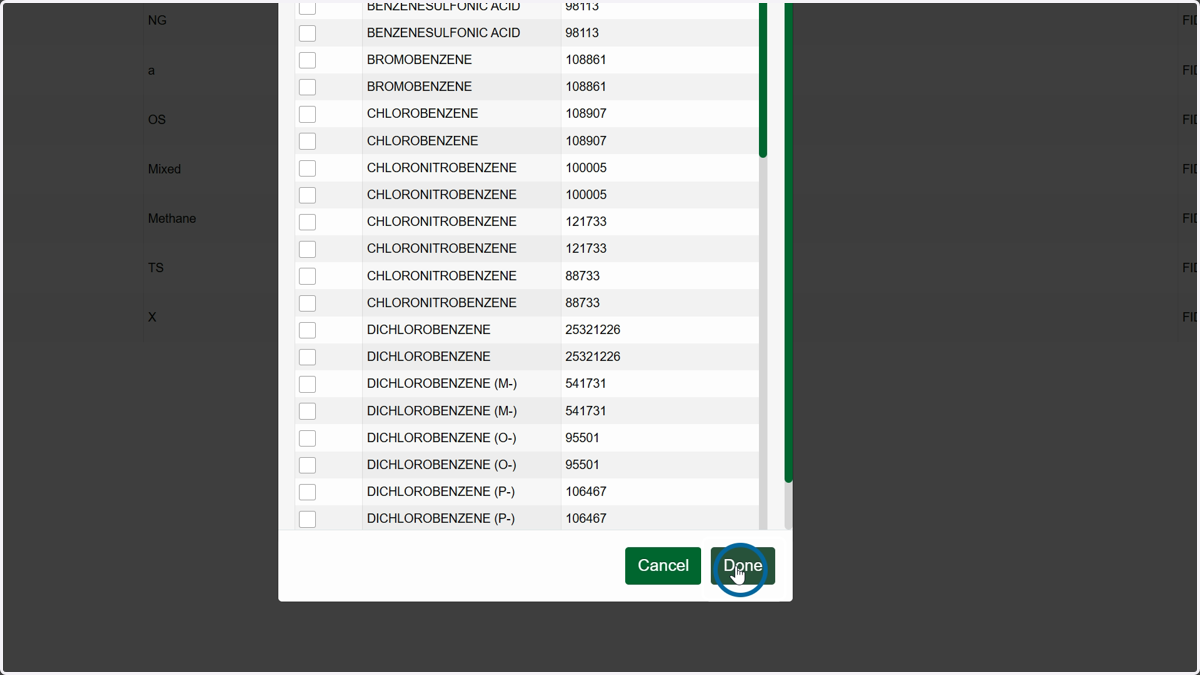
11. Click Done when you have your chemicals chosen.
12. Enter the percentages for each chemical, making sure the total equals 100%
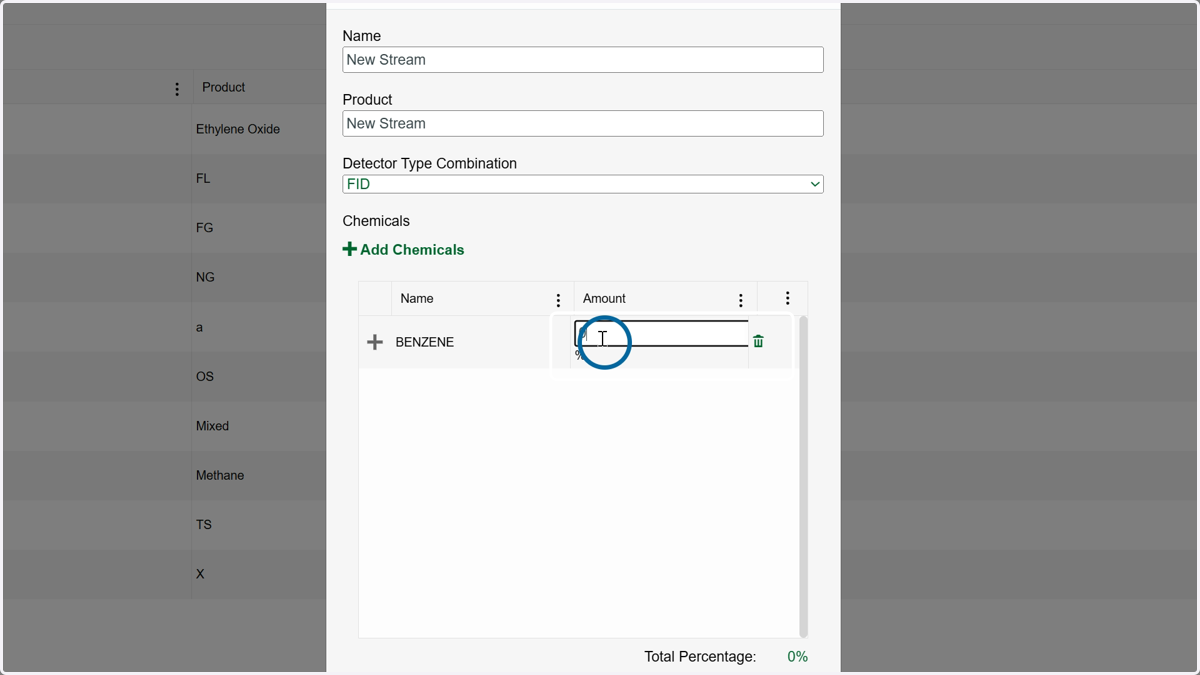
13. Click Save when finished.