Track Speed and Beat Matching
PASS PLUS
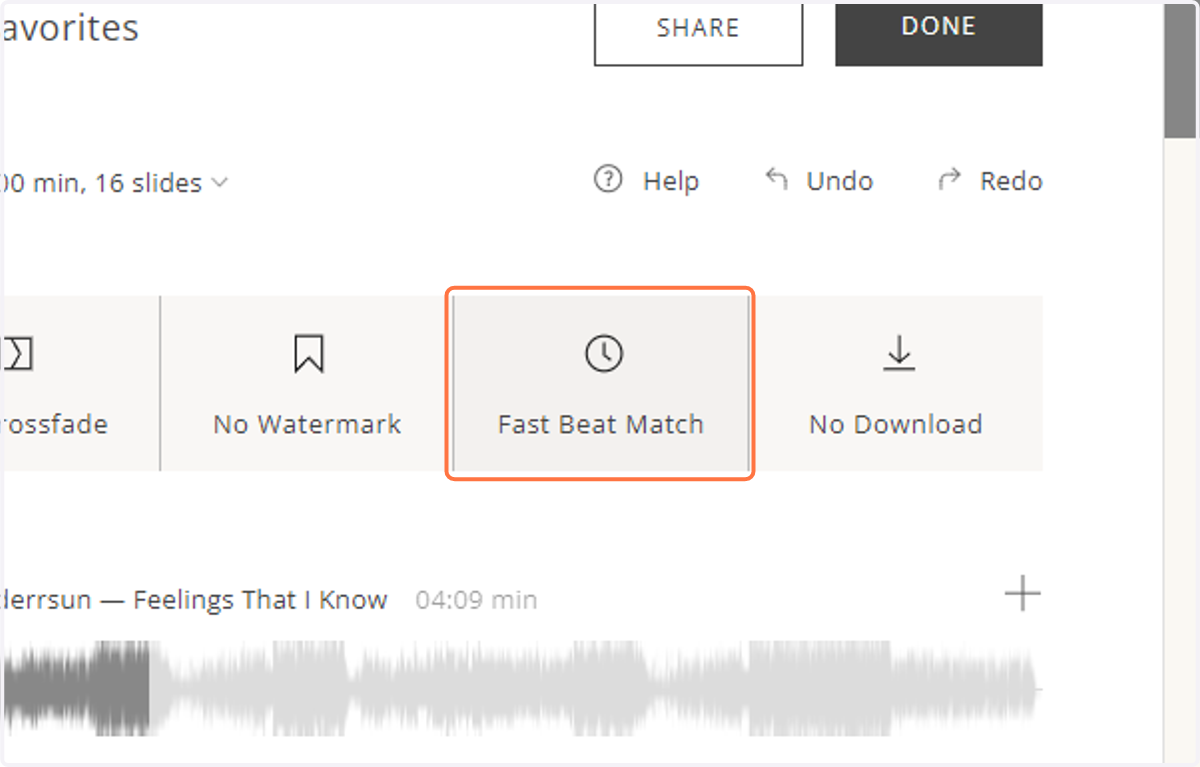
1. Click on the tab with the clock icon to access the different track speed options.
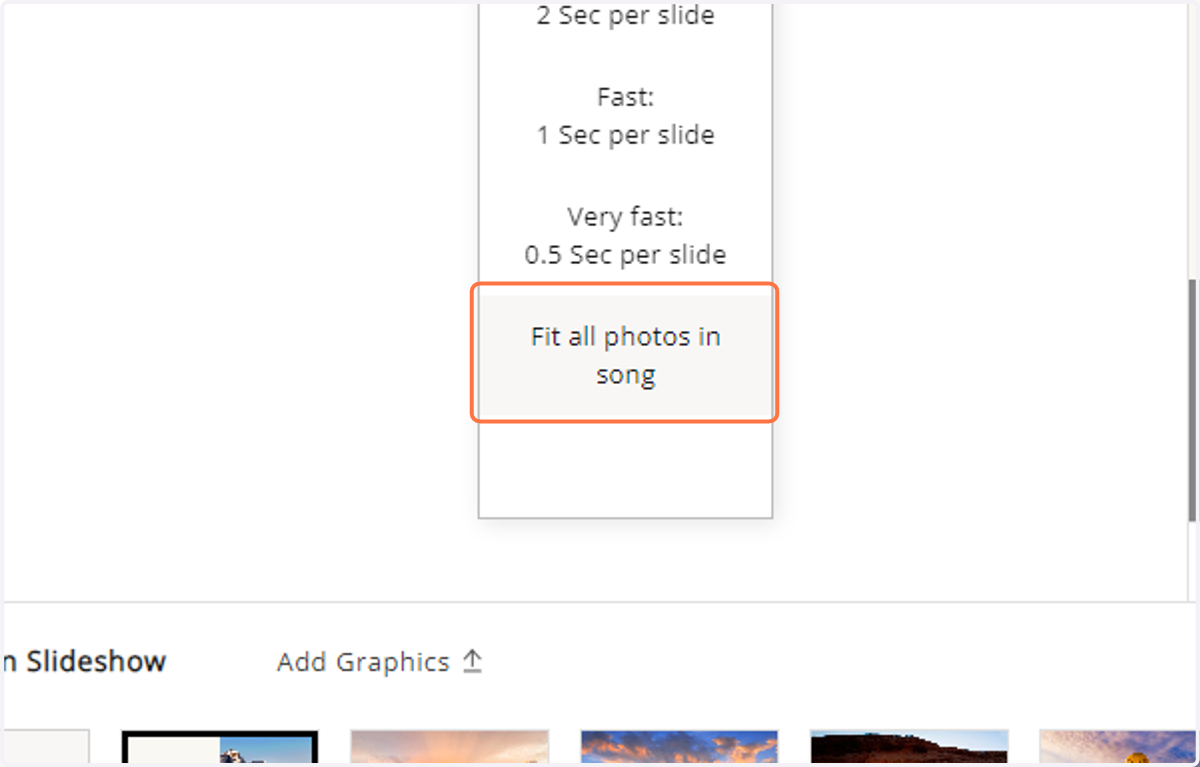
2. You can "Fit all photos in song" to stretch the duration of each photo and cover the whole track.
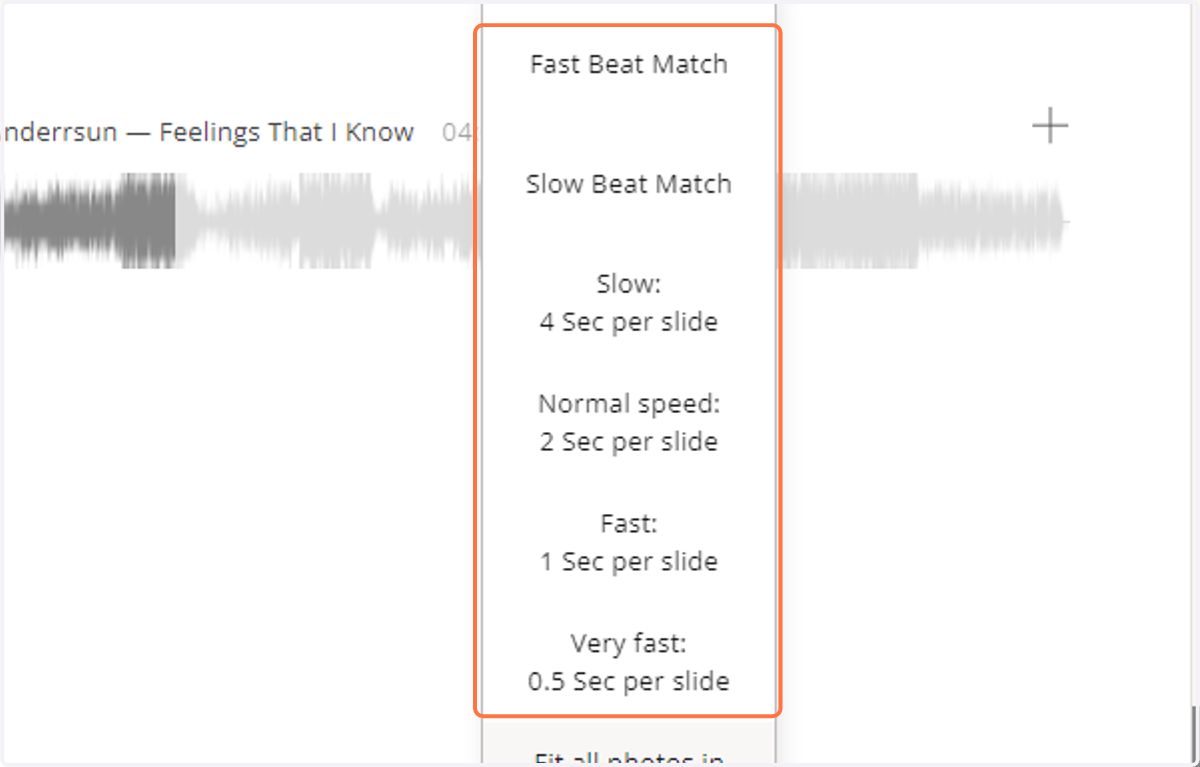
3. You can also match the image transition to the beat of the track with the "Fast Beat Match", "Slow Beat Match", "Slow" "Normal speed", "Fast", and "Very fast" options.
You can also create your own custom beat match for a track.
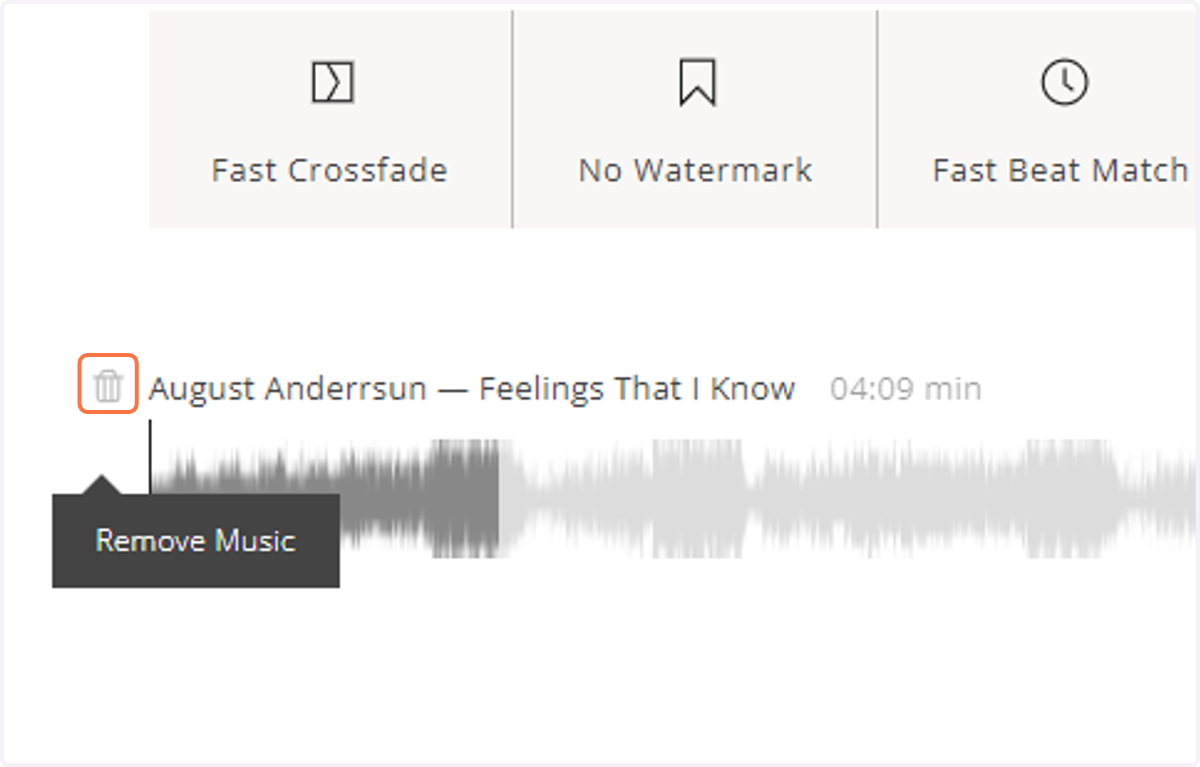
4. If you need to remove a track, click on the trash bin icon to the left of the track name.