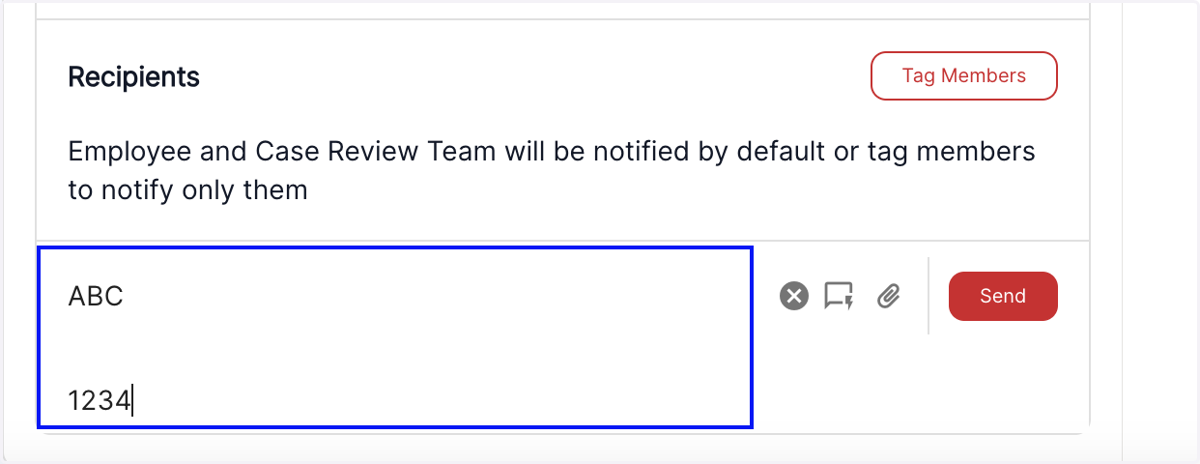
Nov 22 Release Notes - Formatting (para breaks) for the communications and notes tabs
Now you can create well-structured and organized text in the communications & notes tab, using the new paragraph break capabilities
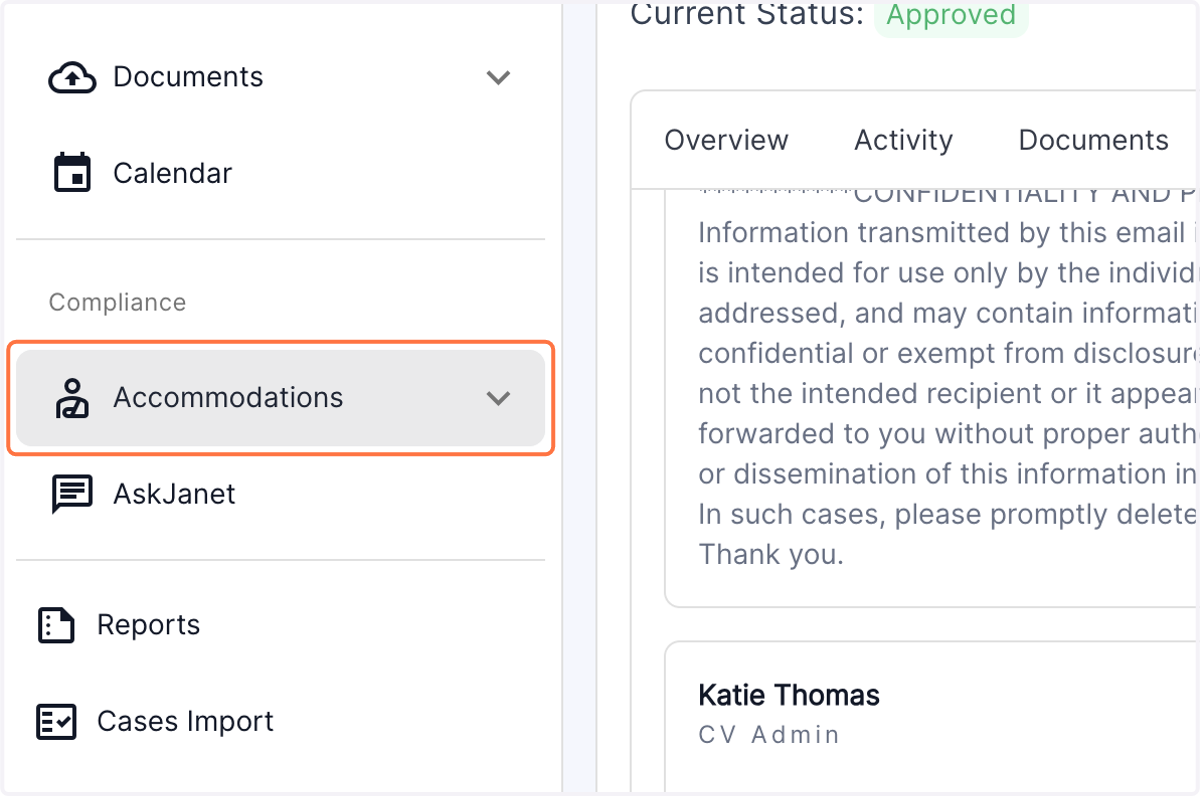
1. Click on the "Accommodations" tab in the left panel of the dashboard
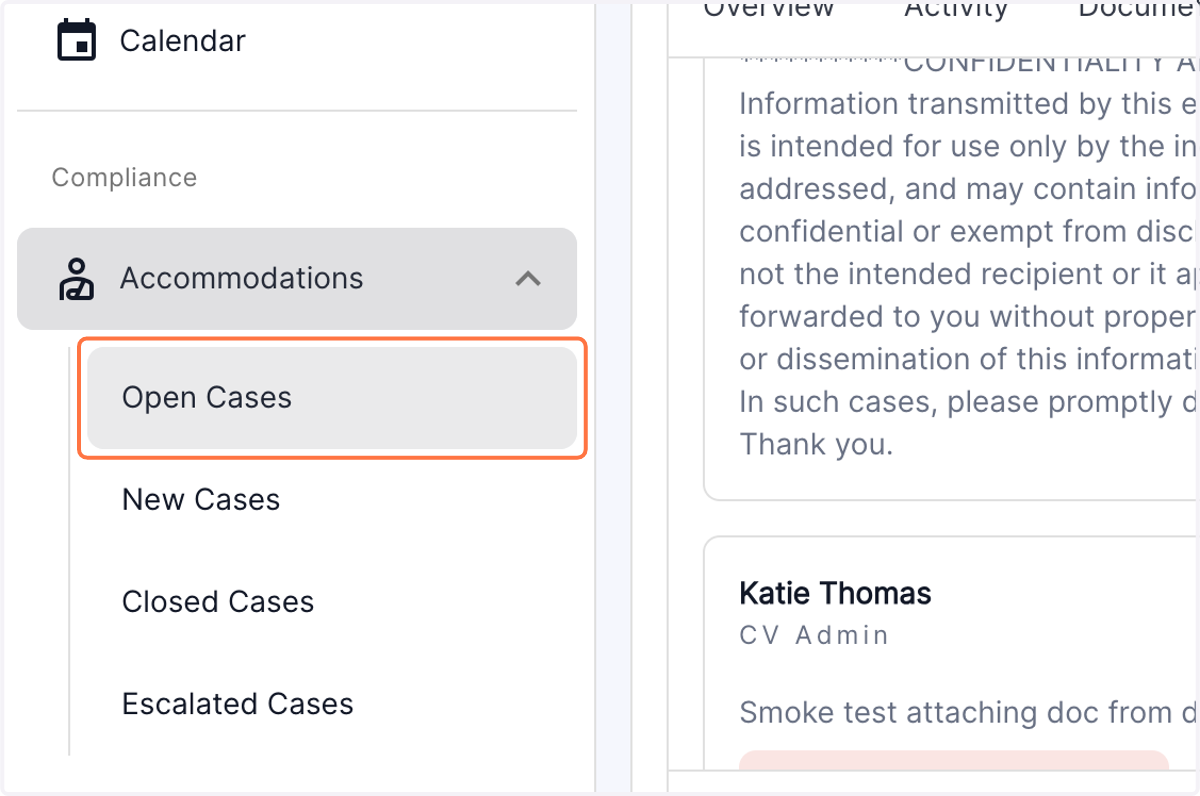
2. Click on the Open Cases menu
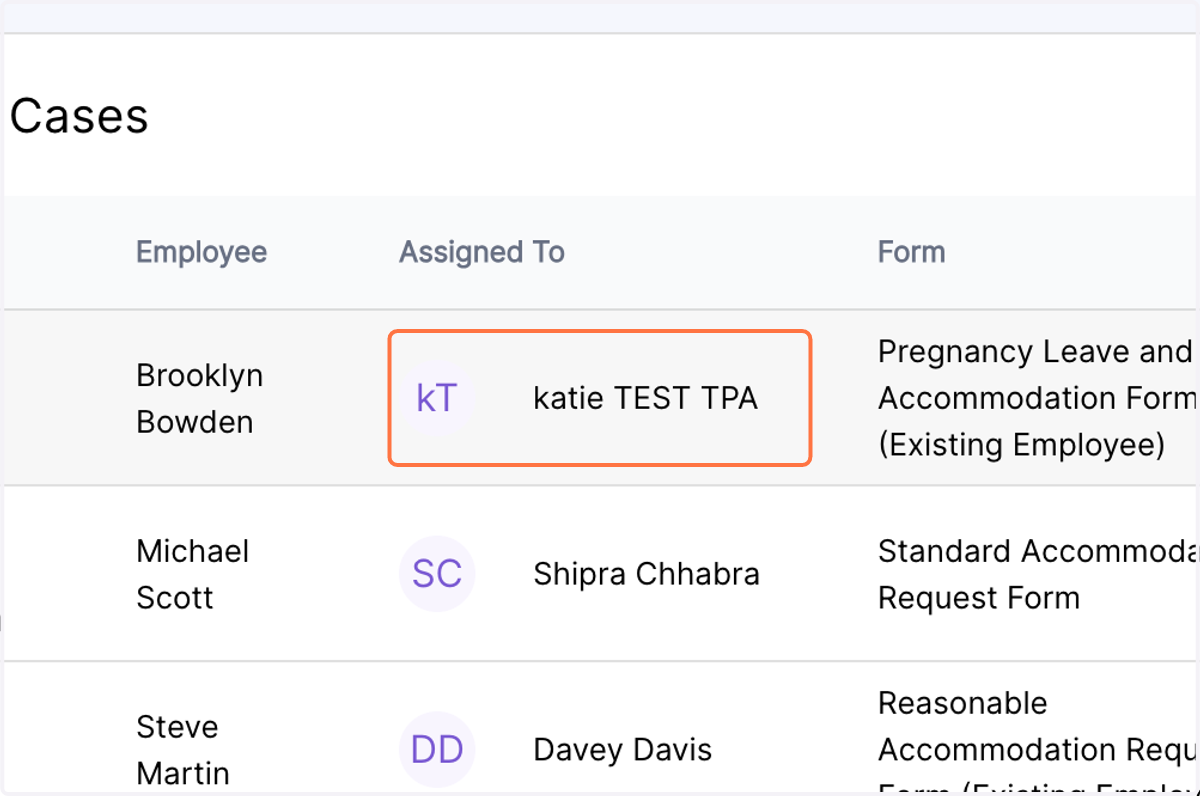
3. Click on
Select the desired case
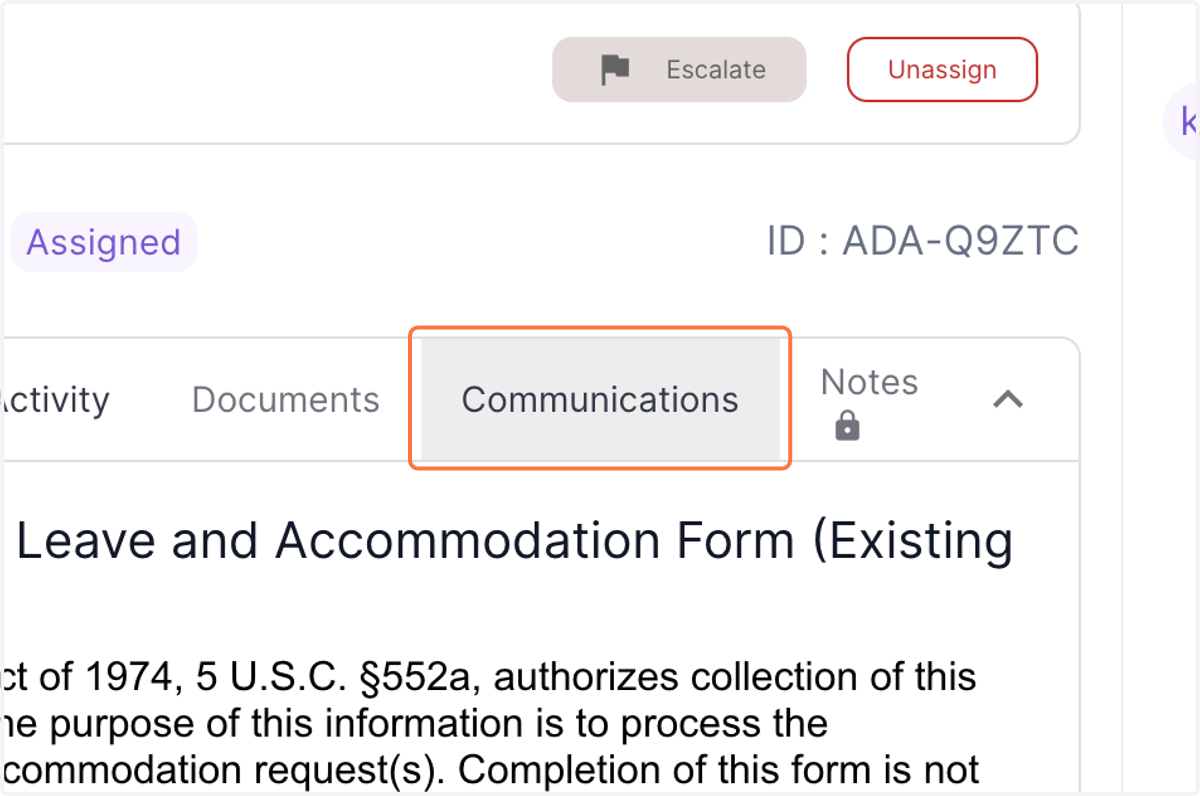
4. Click on the communications tab
5. Type the desired text and insert the para breaks where needed.