Apply a Warranty
Cork - Corkboard
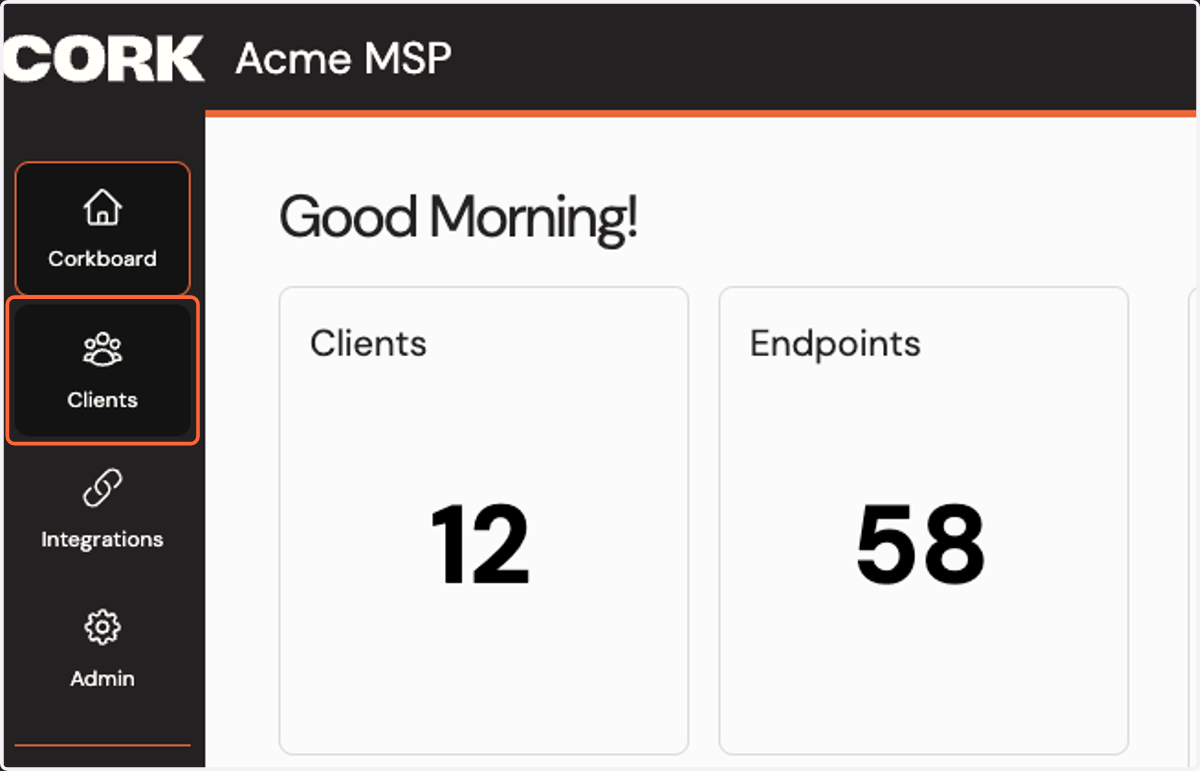
1. Click on Clients
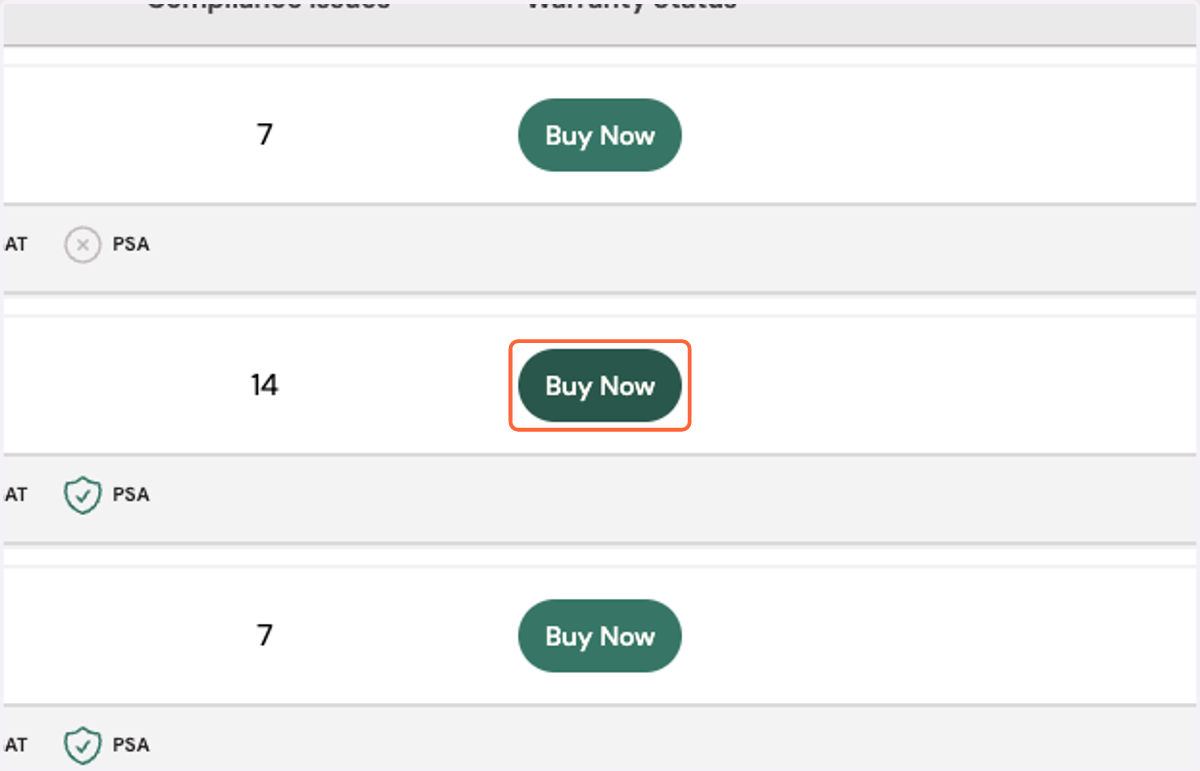
2. Find an eligible client and click Buy Now
3. Select the coverage for your client
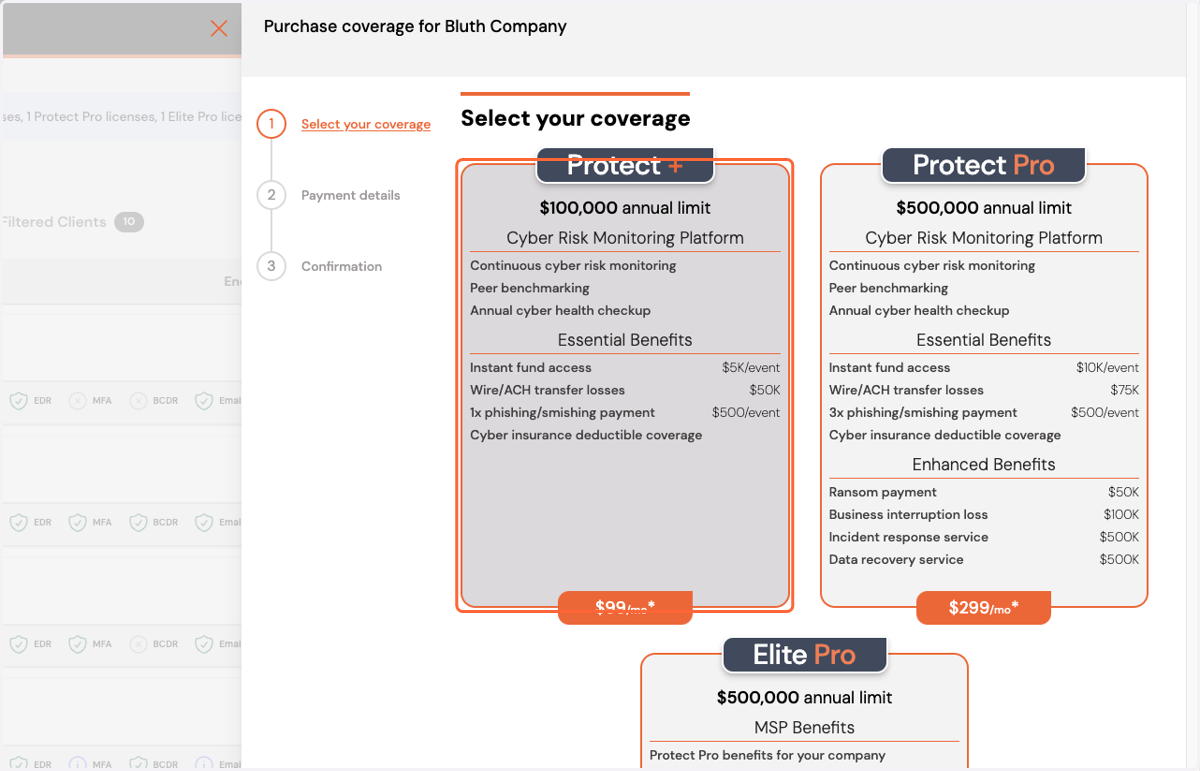
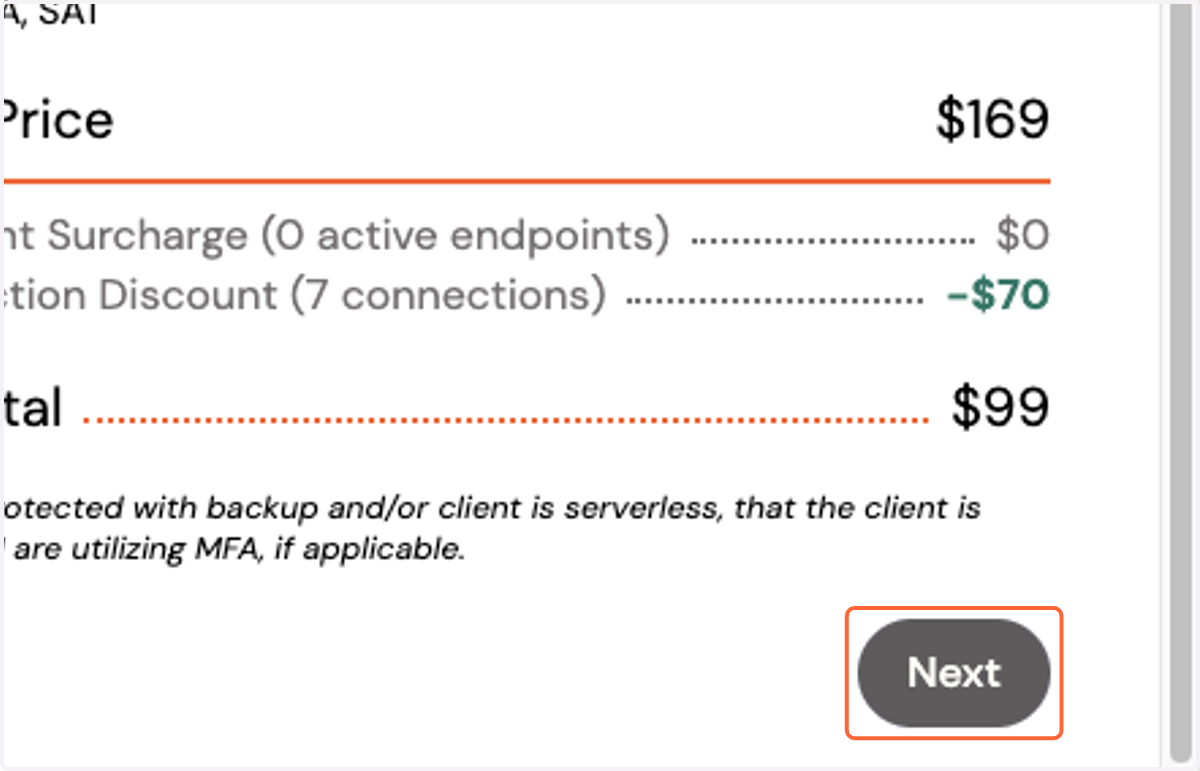
4. Click on Next
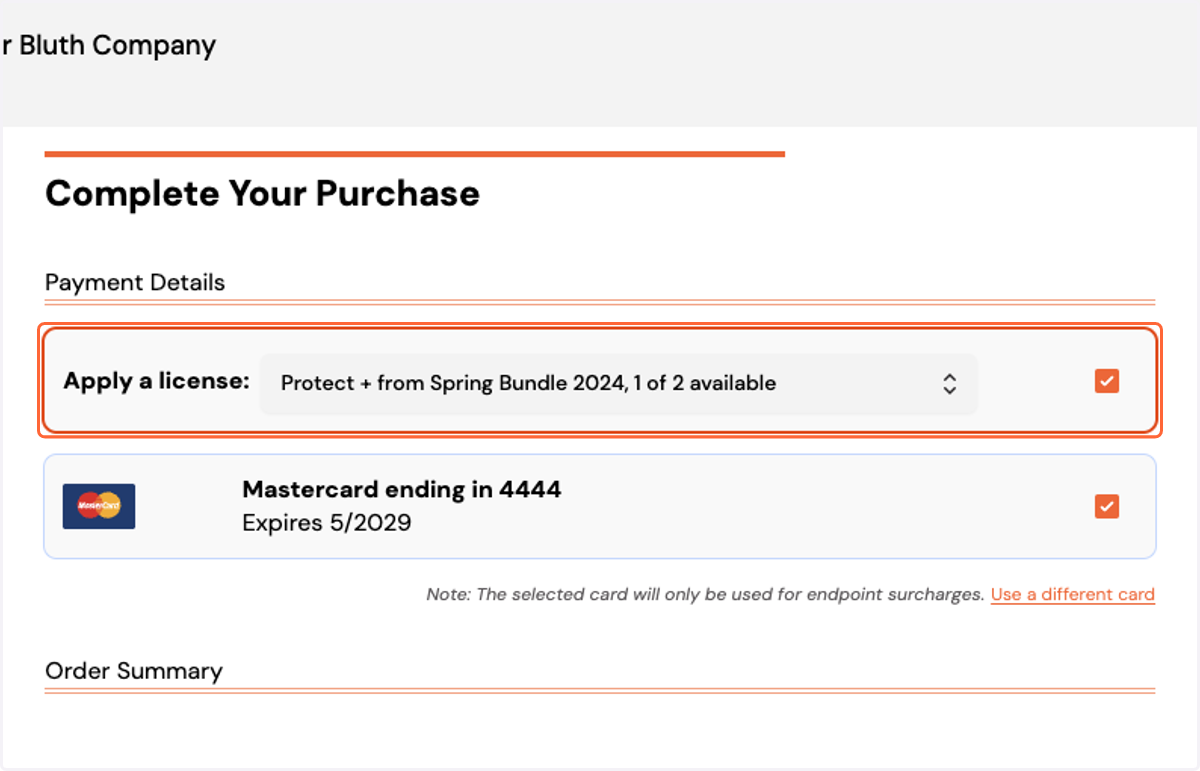
5. You can select an available license, or
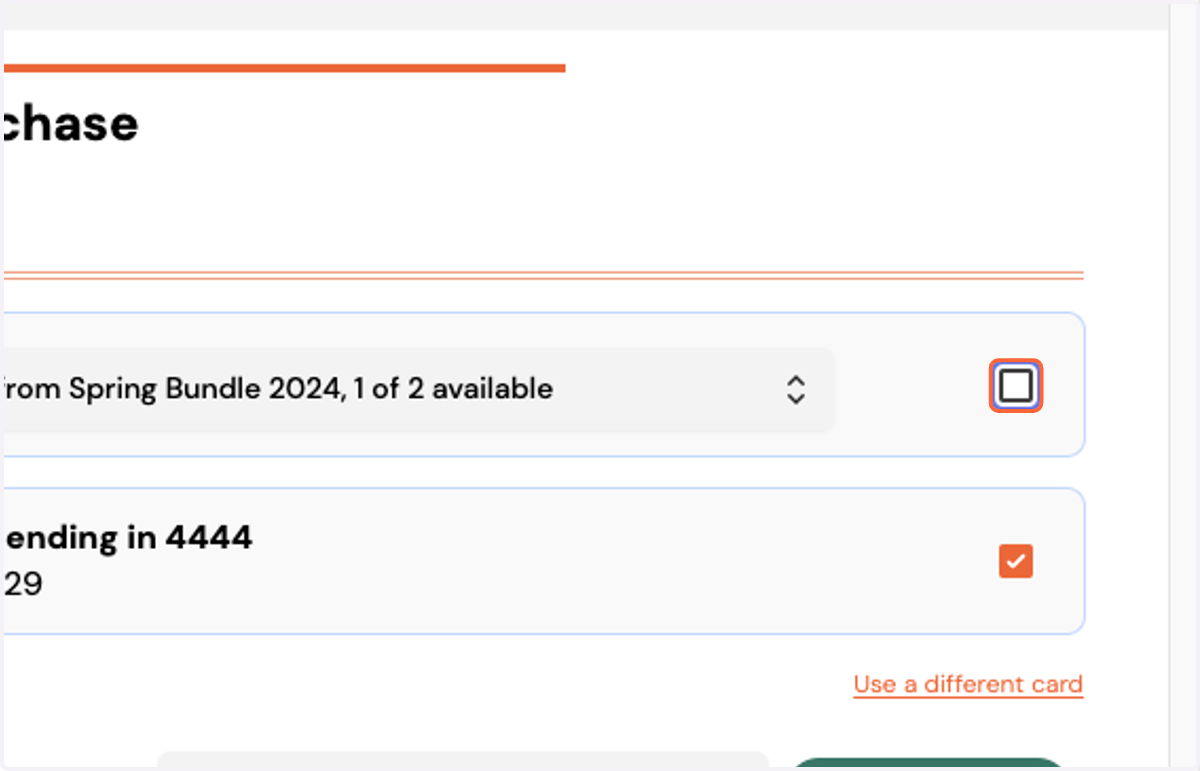
6. Uncheck the box to purchase a warranty without using a license
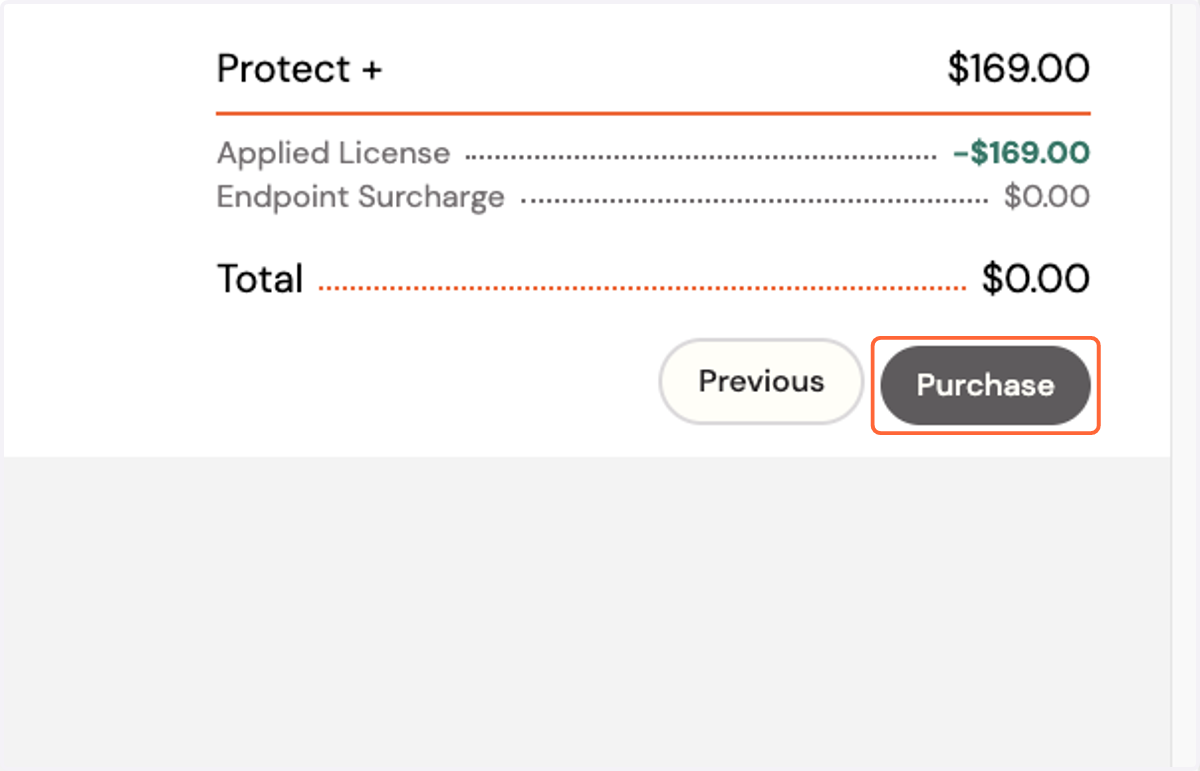
7. Click on Purchase
If applying a license, you may only be charged for any additional endpoints, otherwise if you are not using a license, you will be charged the amount indicated.
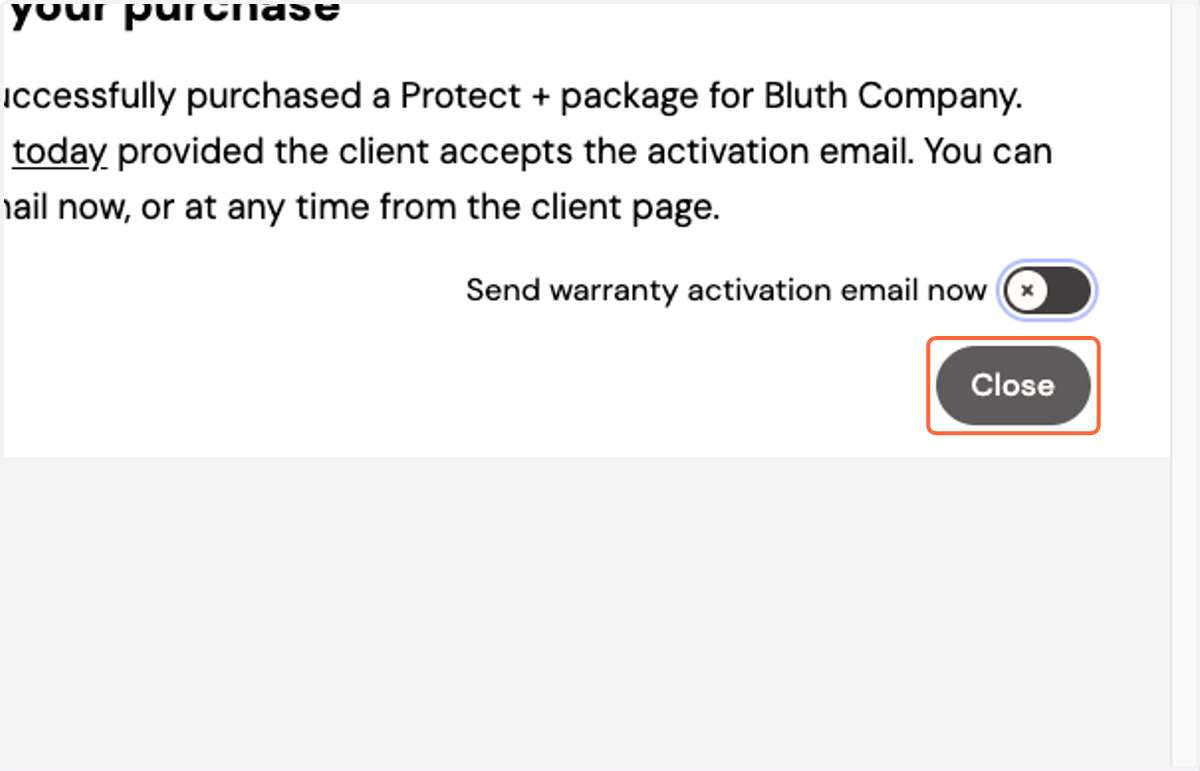
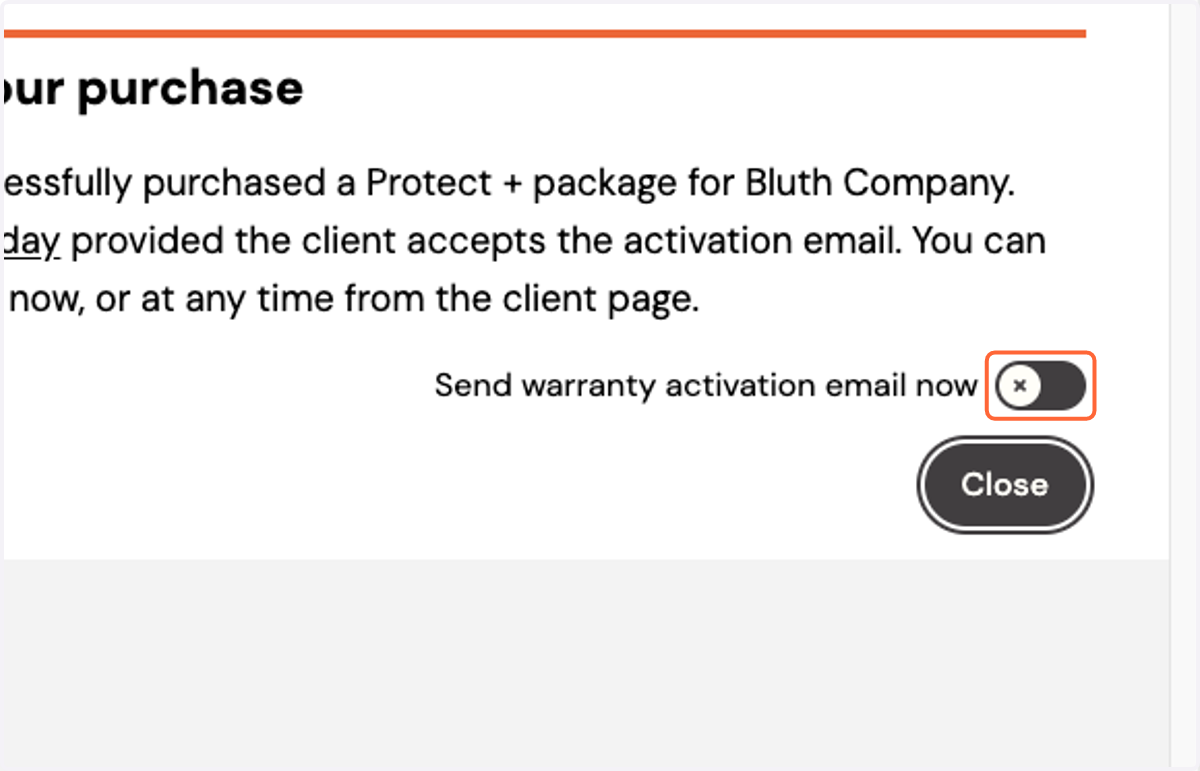
8. You may send the activation email now by checking the toggle
You will be able to perform this step outside of this wizard.
9. If sending activation email, enter the client details
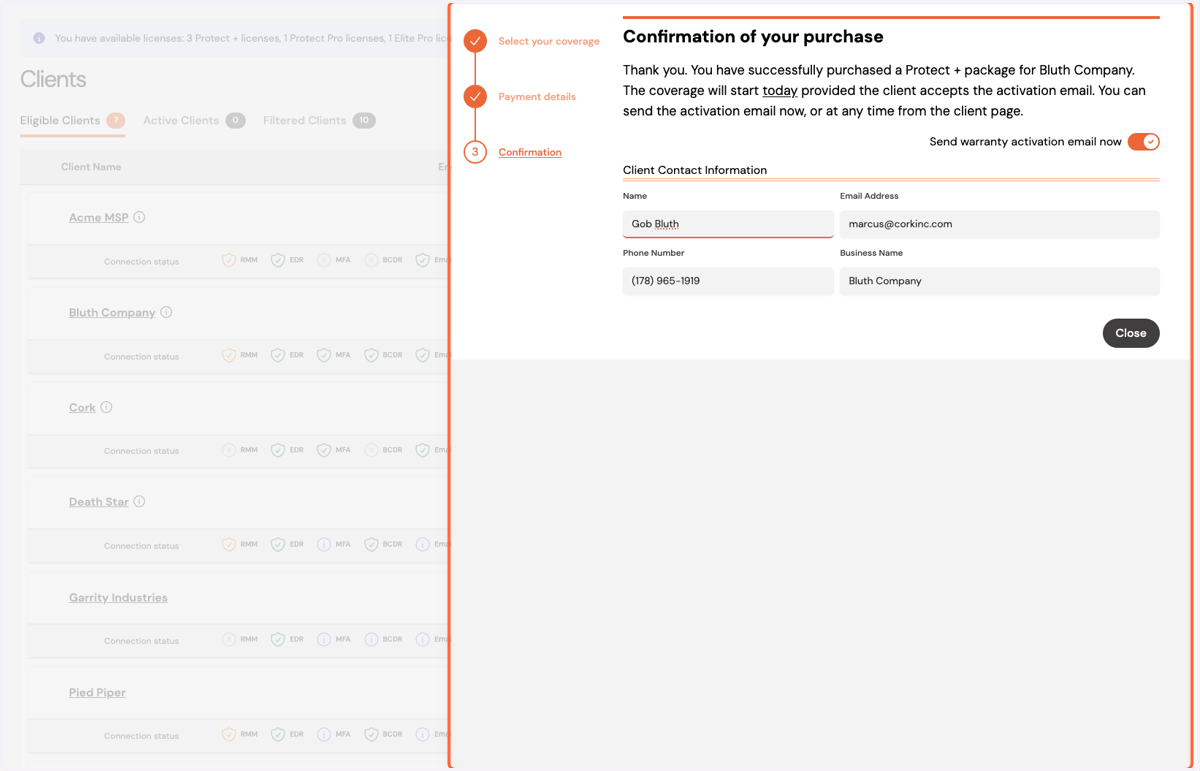
10. Click on Close