Creating a New Post in CONNECT
Whether you're looking for advice or want to share your thoughts, you'll find posting in CONNECT is simple!
Big I Illinois: Premier Education & Membership for Insurance Agents
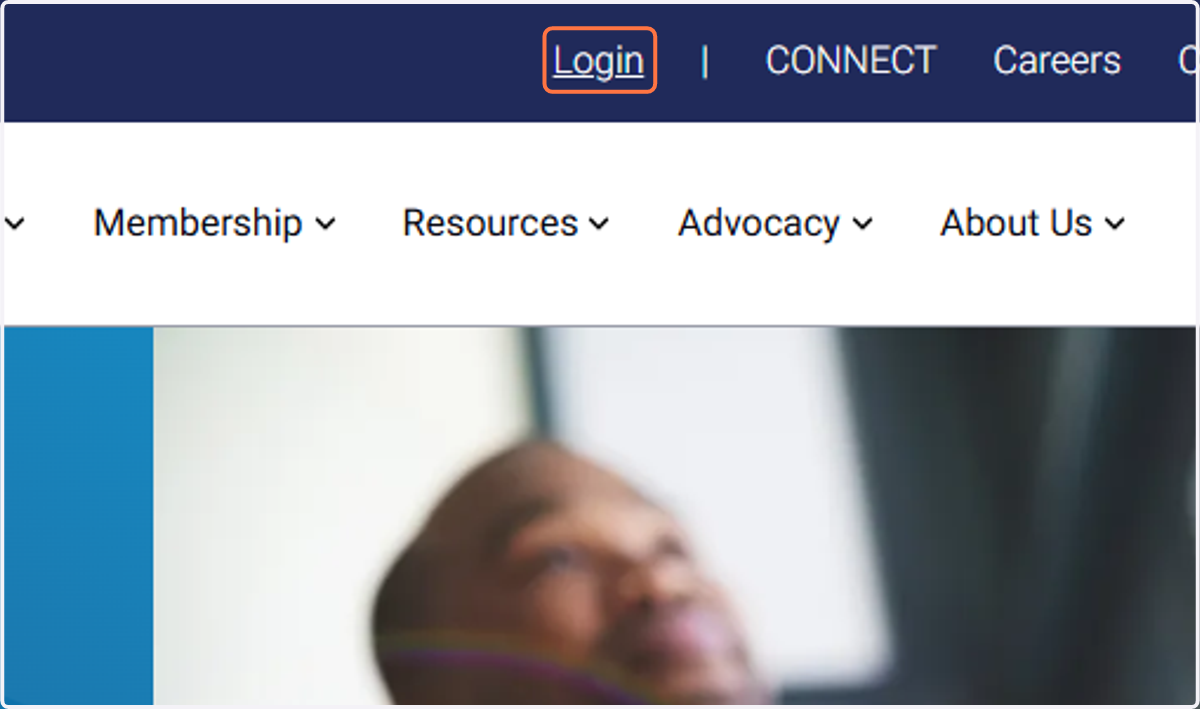
1. Login to the Big I Illinois website.
Only agency members have access to CONNECT.
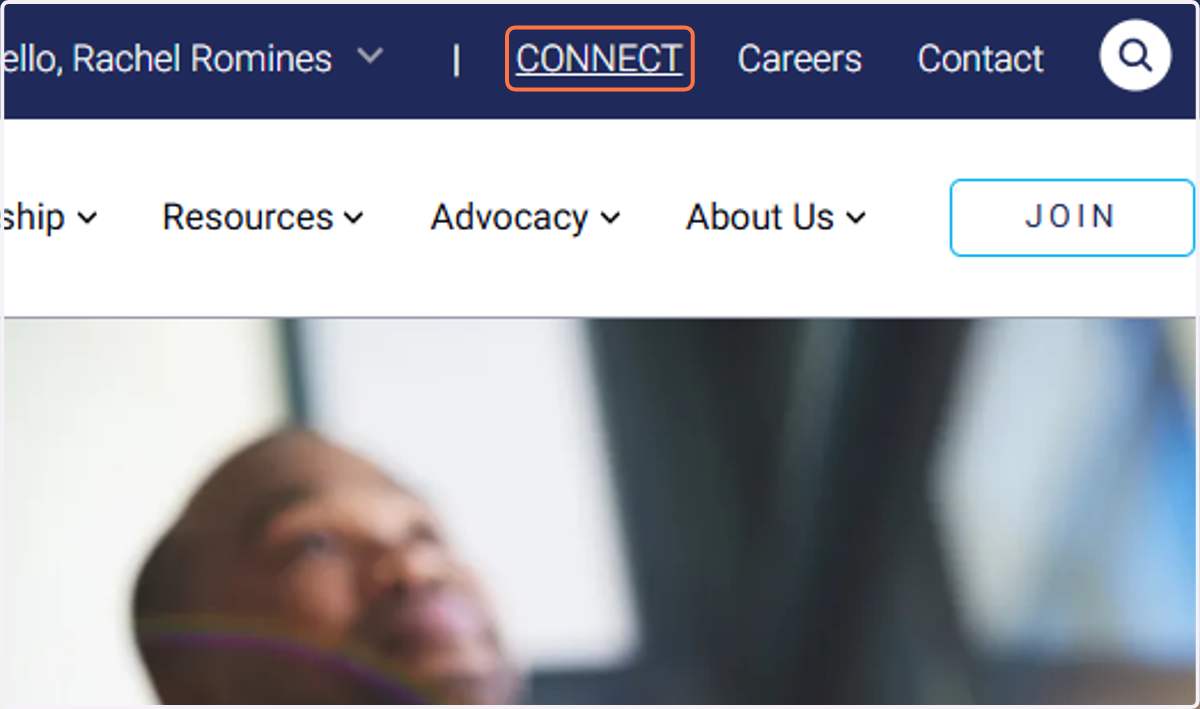
2. Click on CONNECT
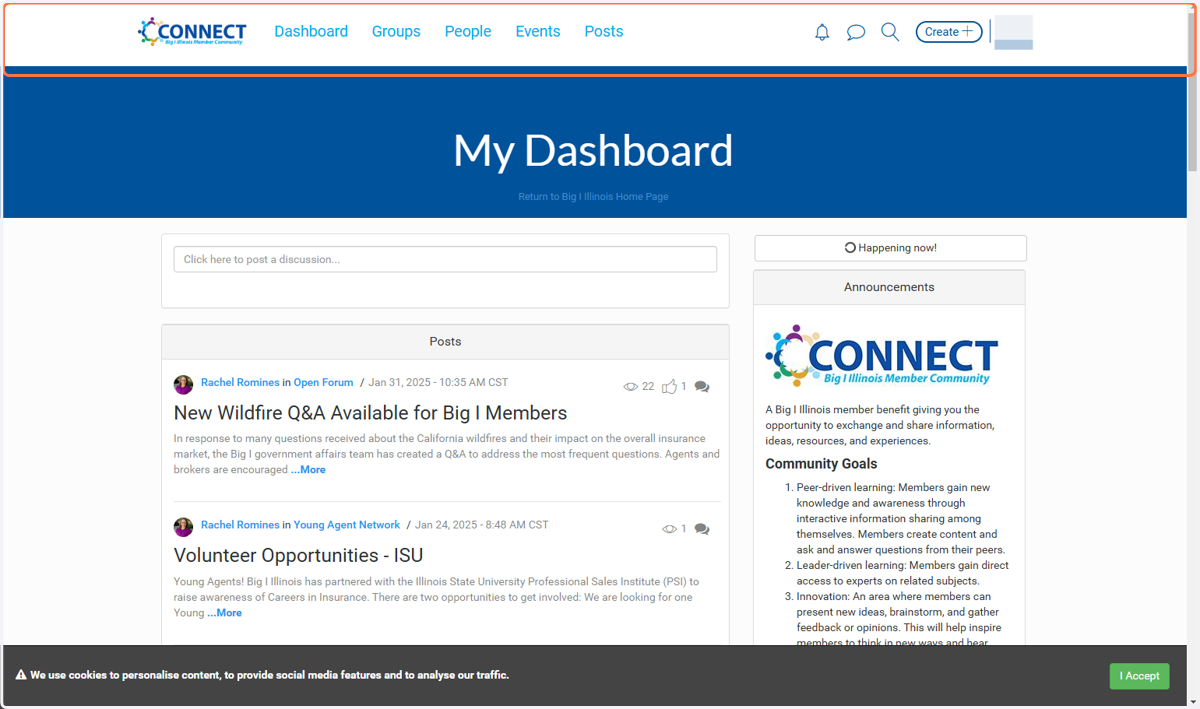
3. This is your dashboard.
Explore the area! This is your starting point.
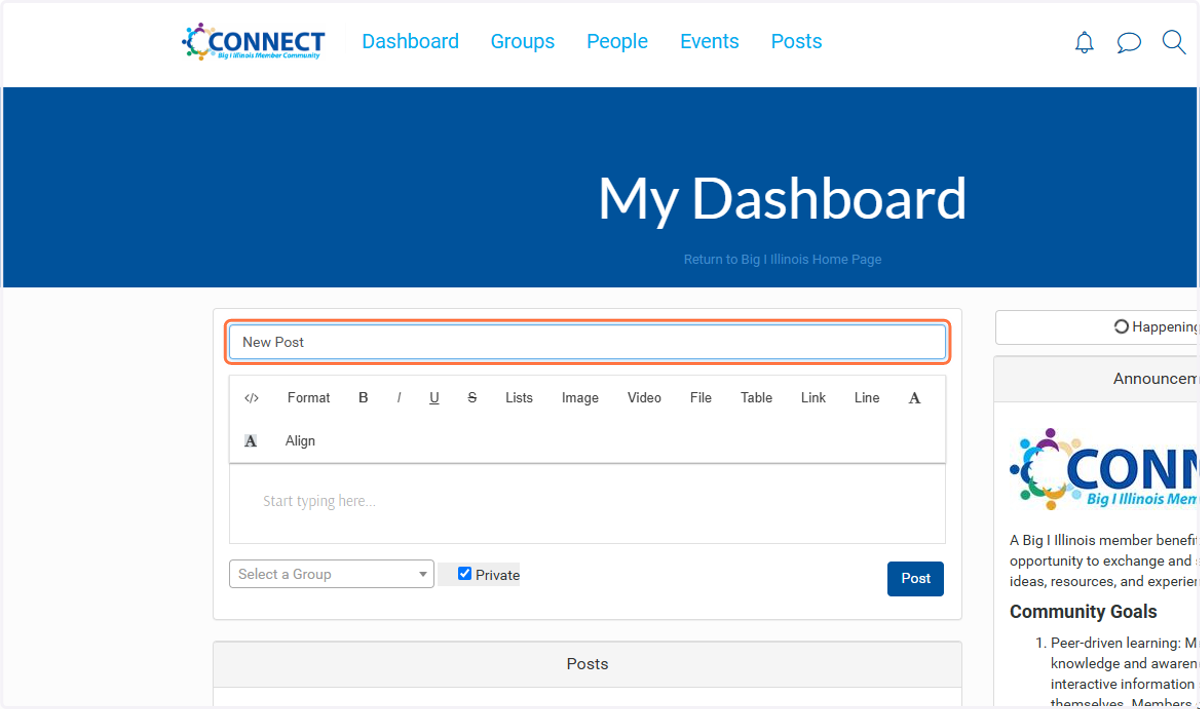
4. To add a post, simple start with your Subject text.
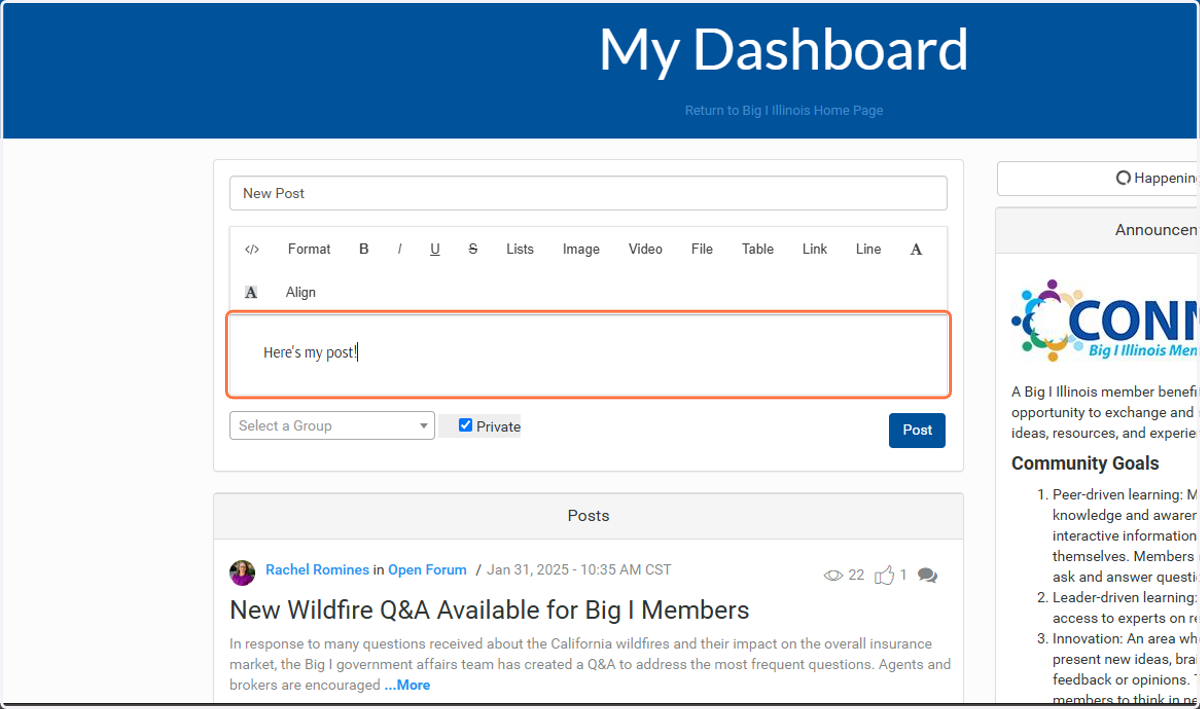
5. Type in the editor.
You can include links, files, and more.
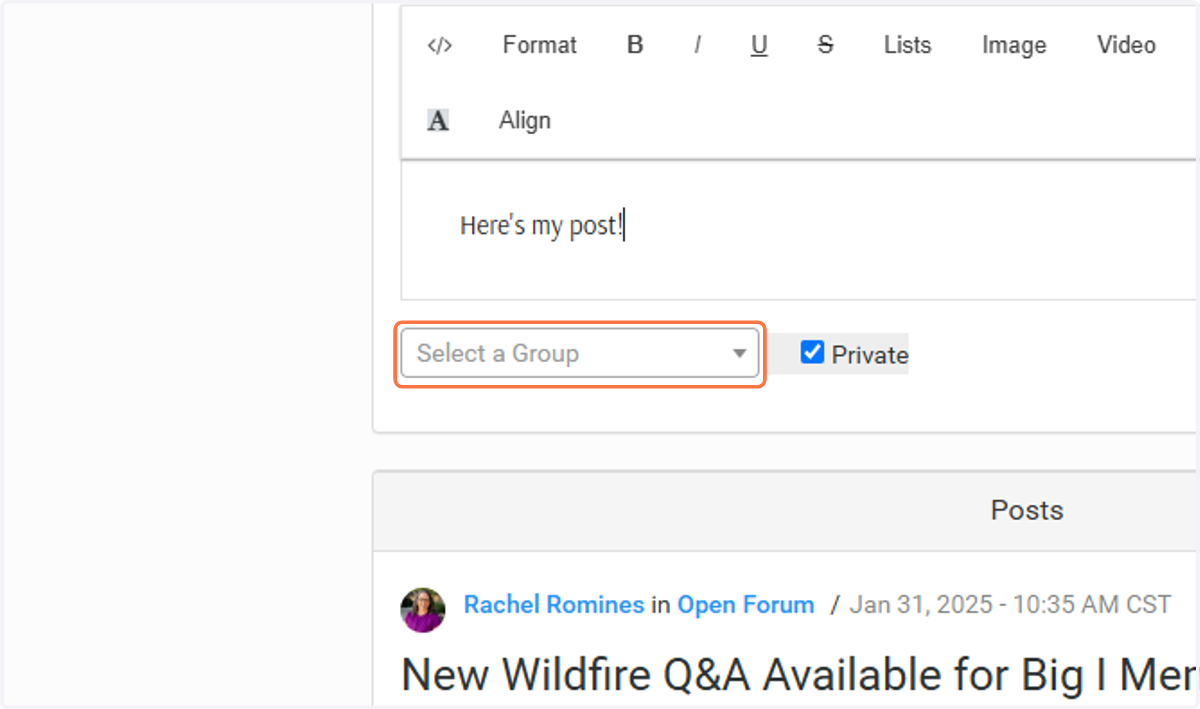
6. Click on Select a Group
You'll have to select a group before posting. Only the groups you are a part of will be shown in the list.
7. Ready?! Click on Post!