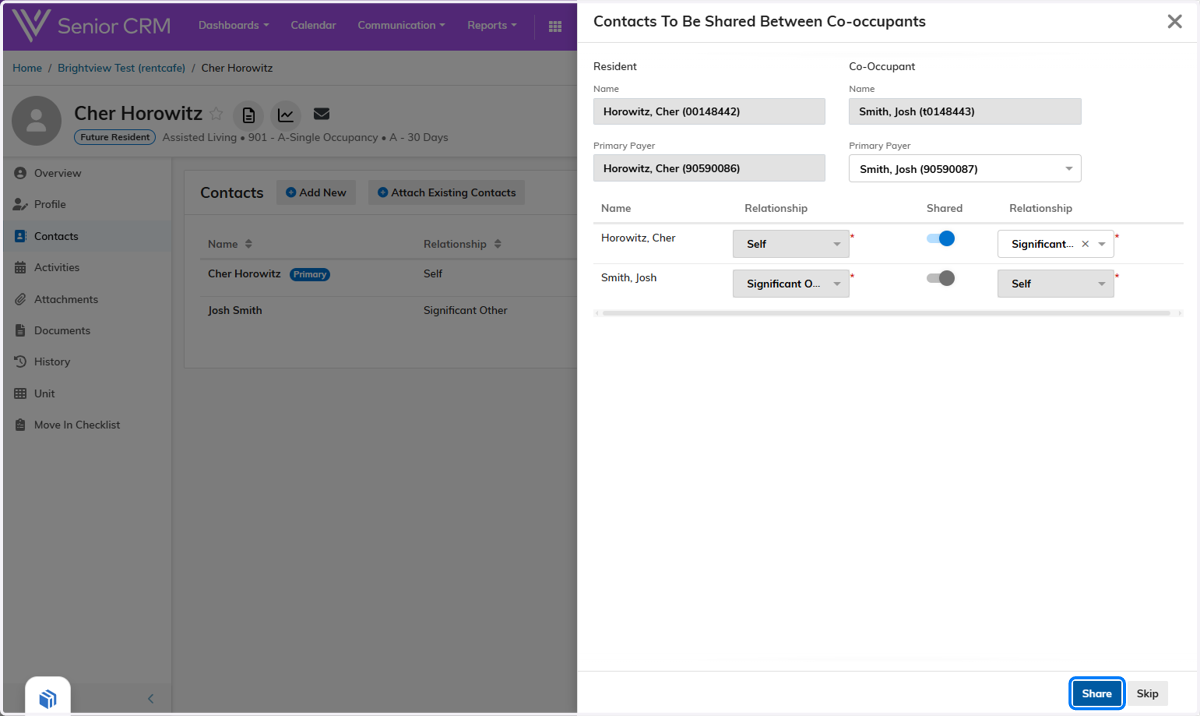
Link Co-Occupant in Senior CRM
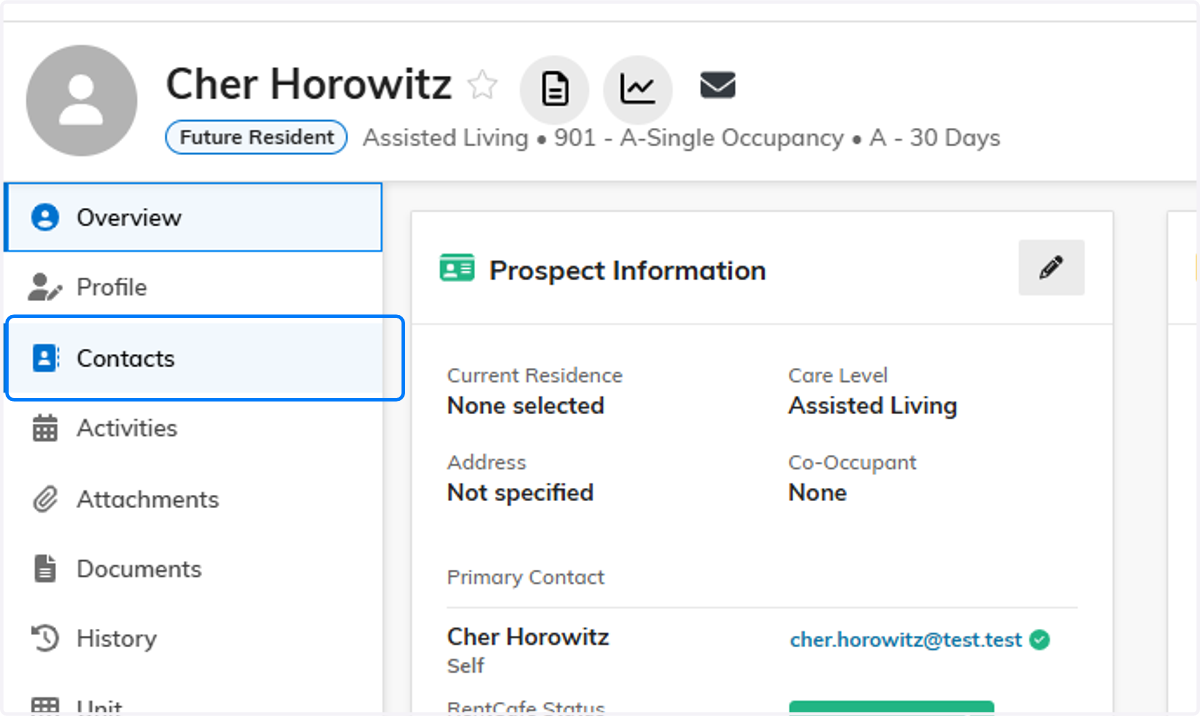
1. Link Co-Occupant: Click on Contacts
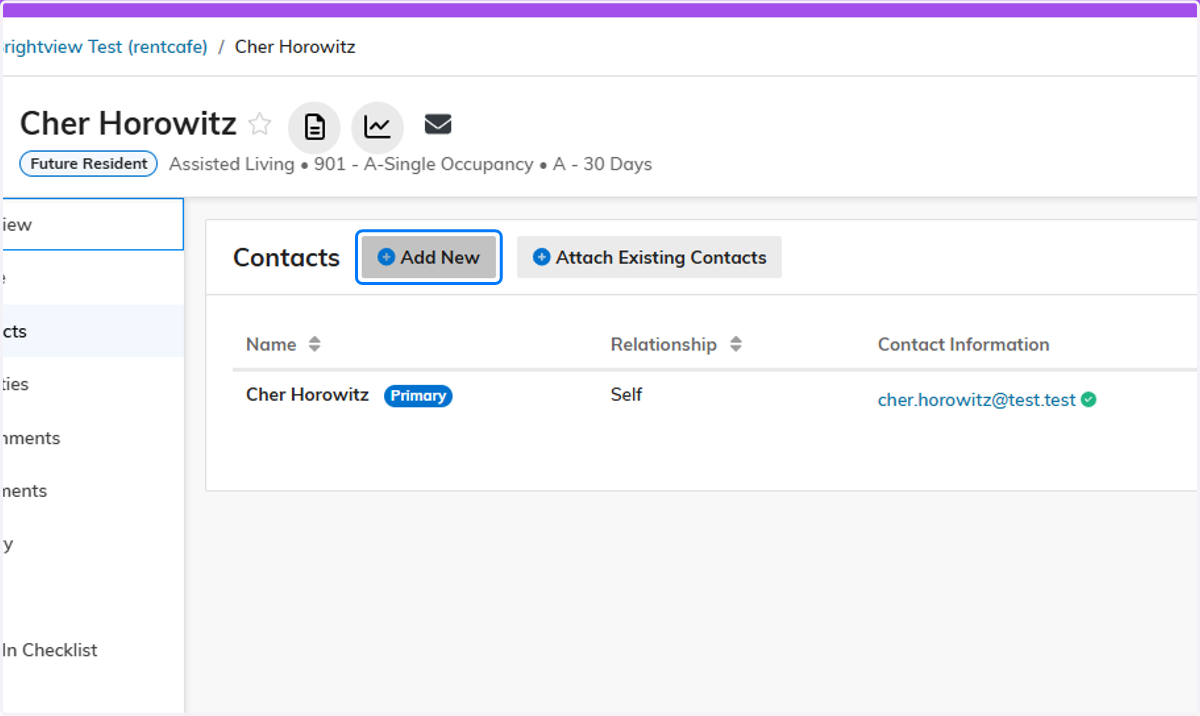
2. Click on Add New
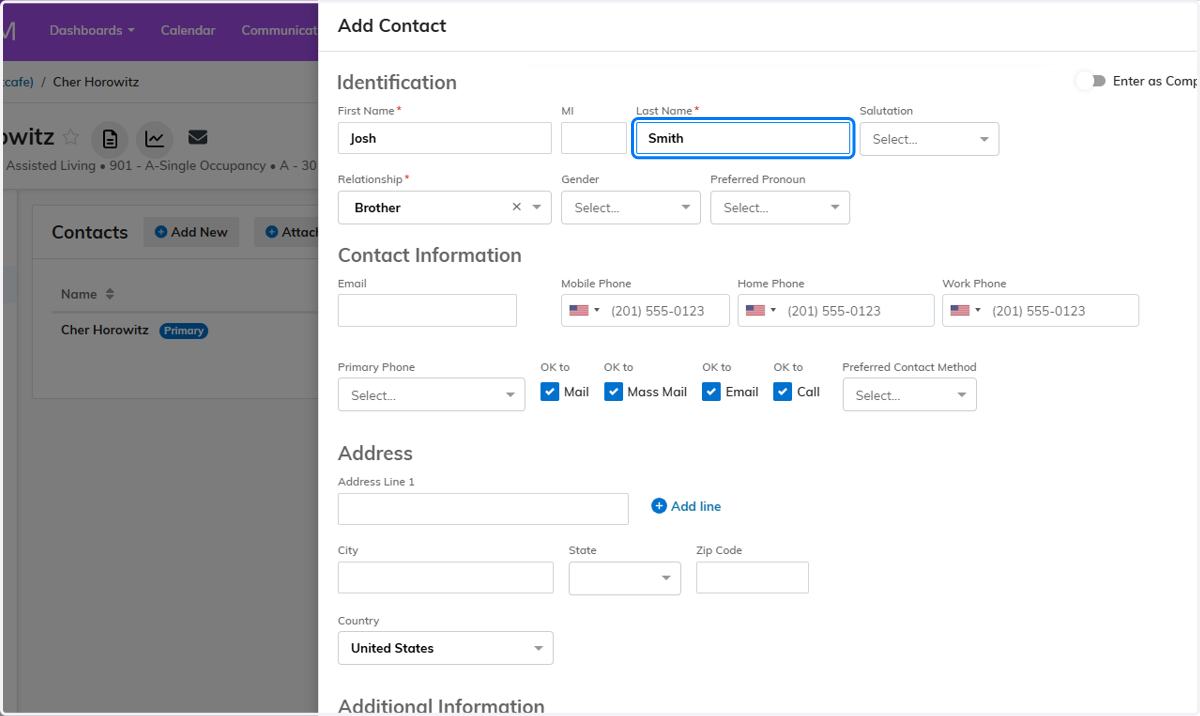
3. Enter Contact Details
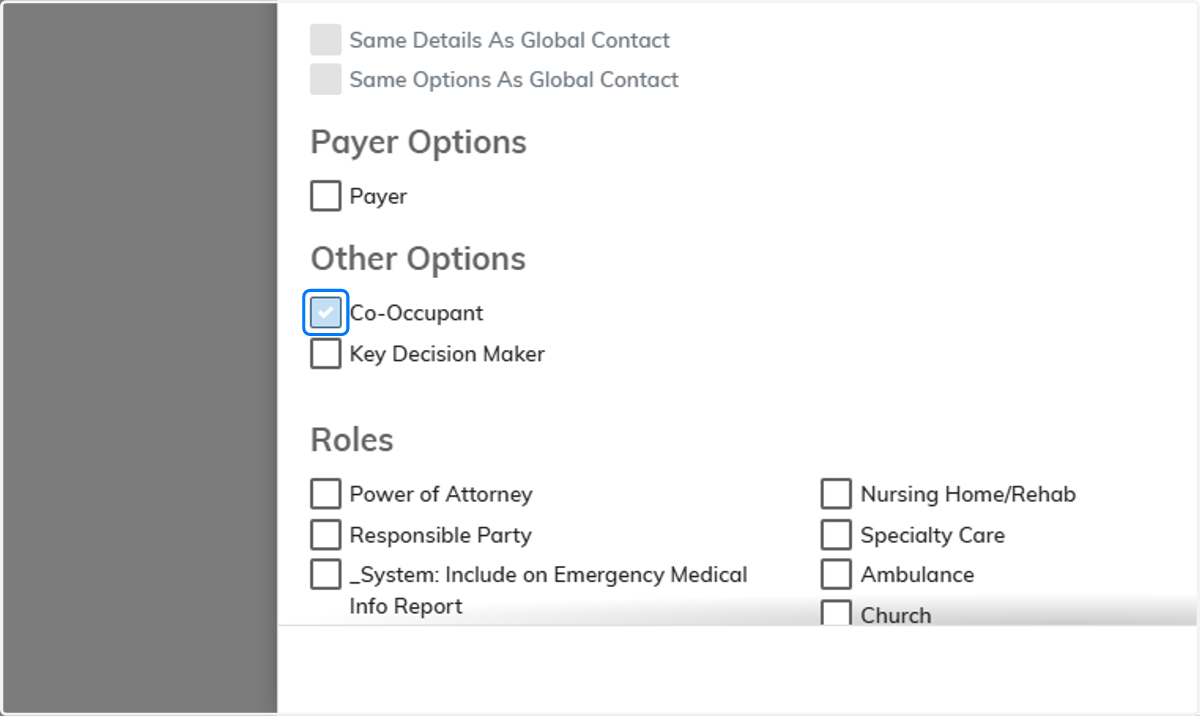
4. Flag Co-Occupant
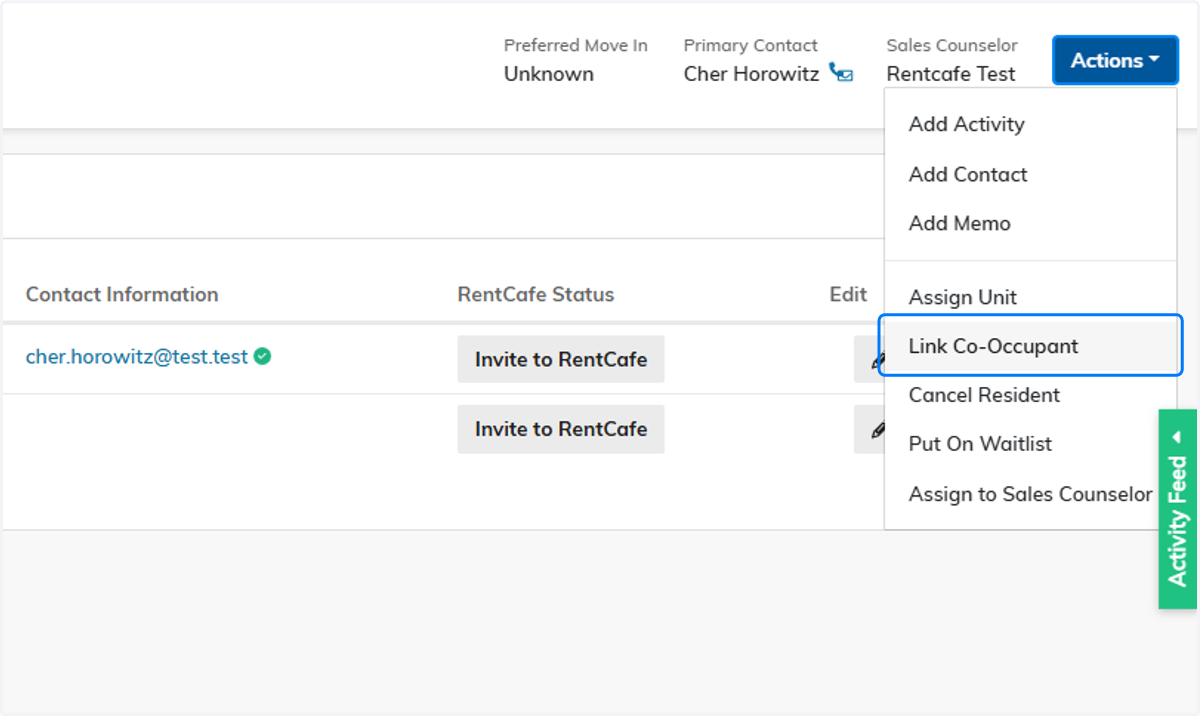
5. Actions menu > Link Co-Occupant
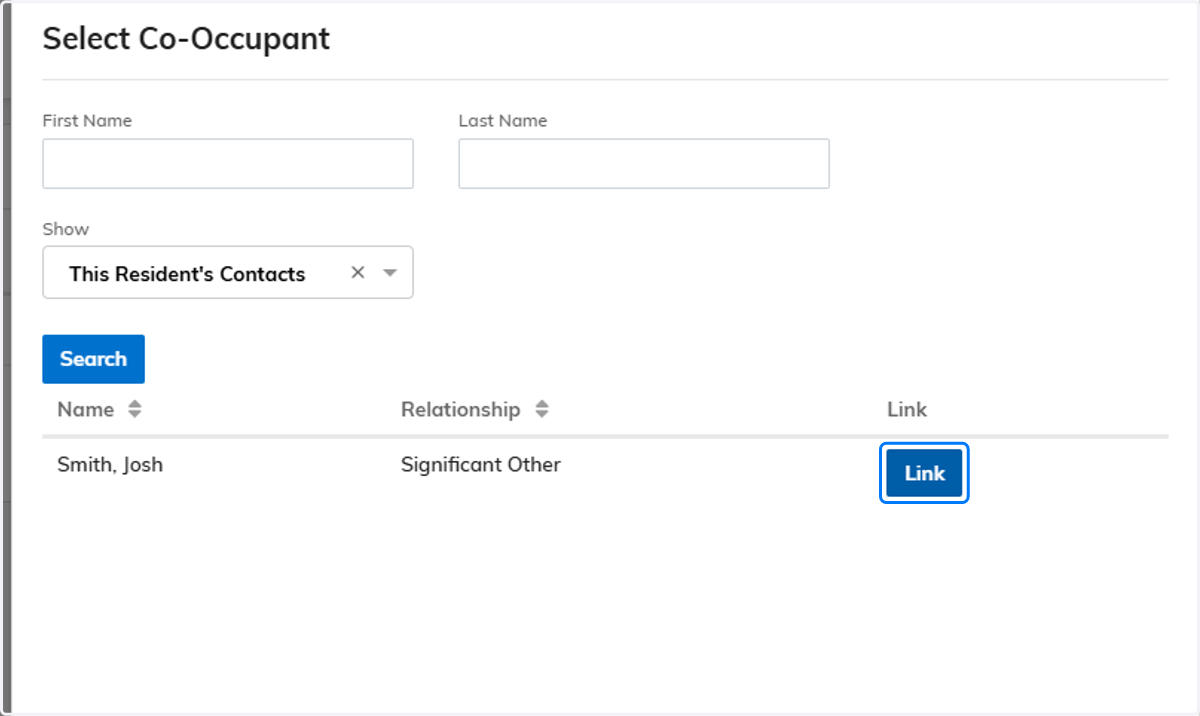
6. Select Co-Occupant to Link
(The next screen may take a few seconds to load)
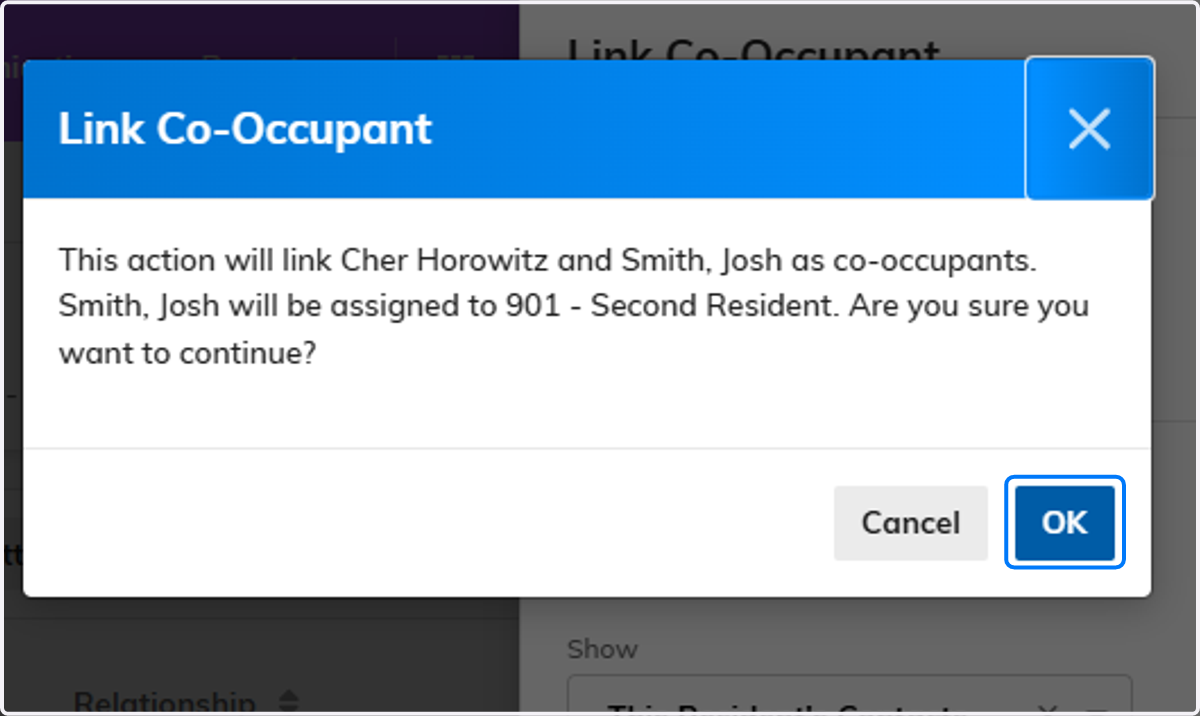
7. Click on OK
8. Select Relationship
Click Share