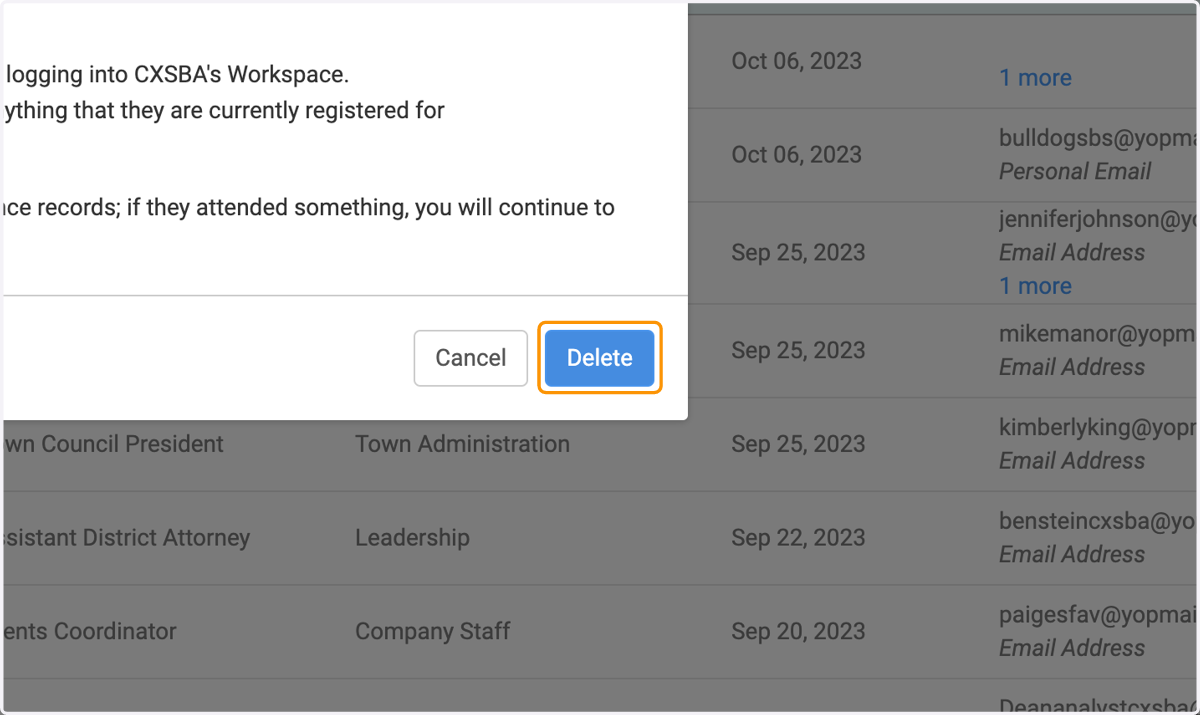
Deactivate or Delete a Person
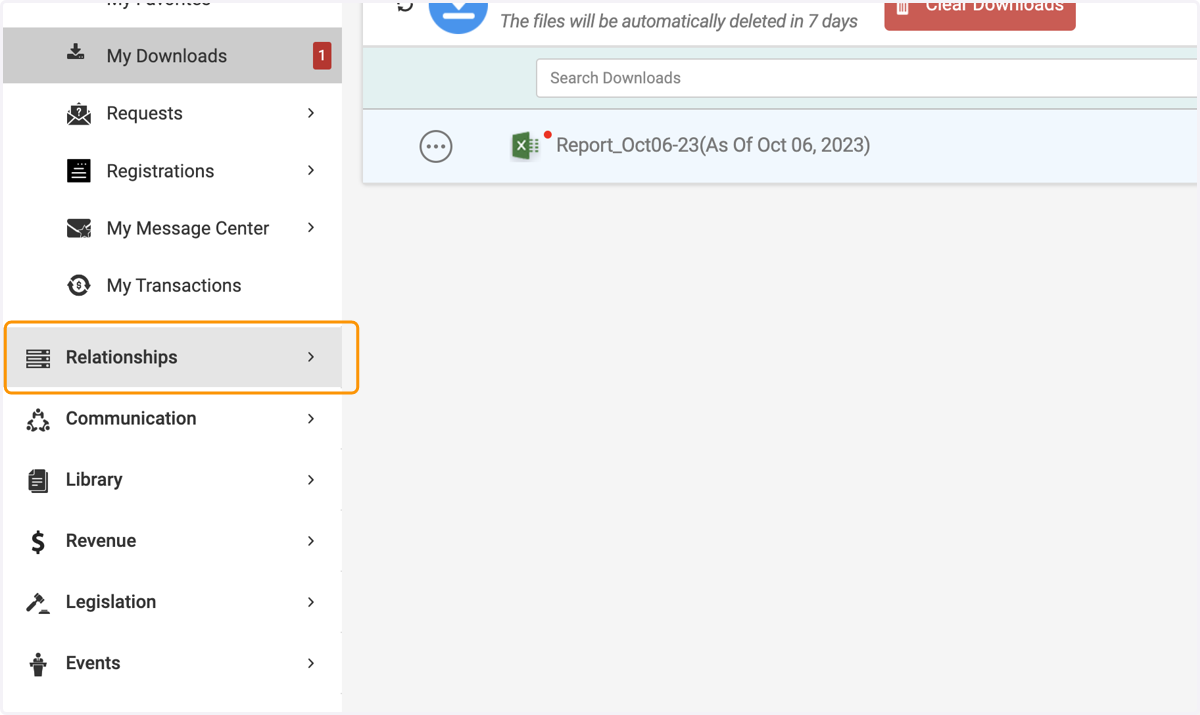
1. Click on Relationships
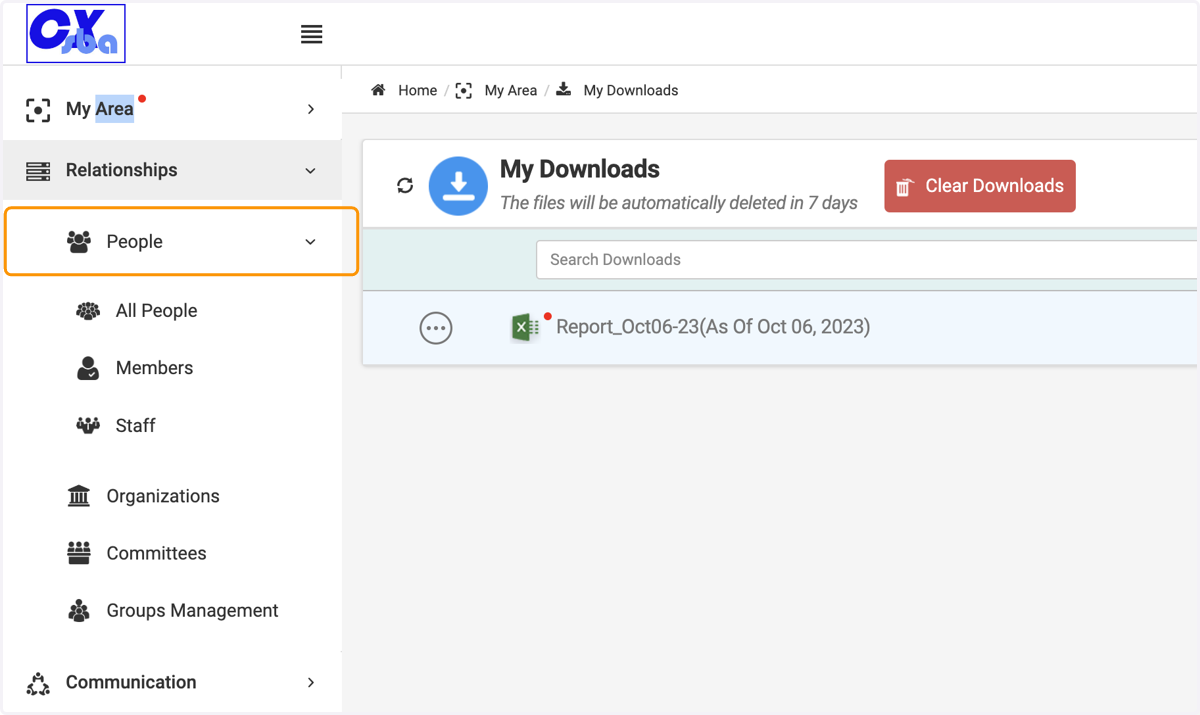
2. Click on People
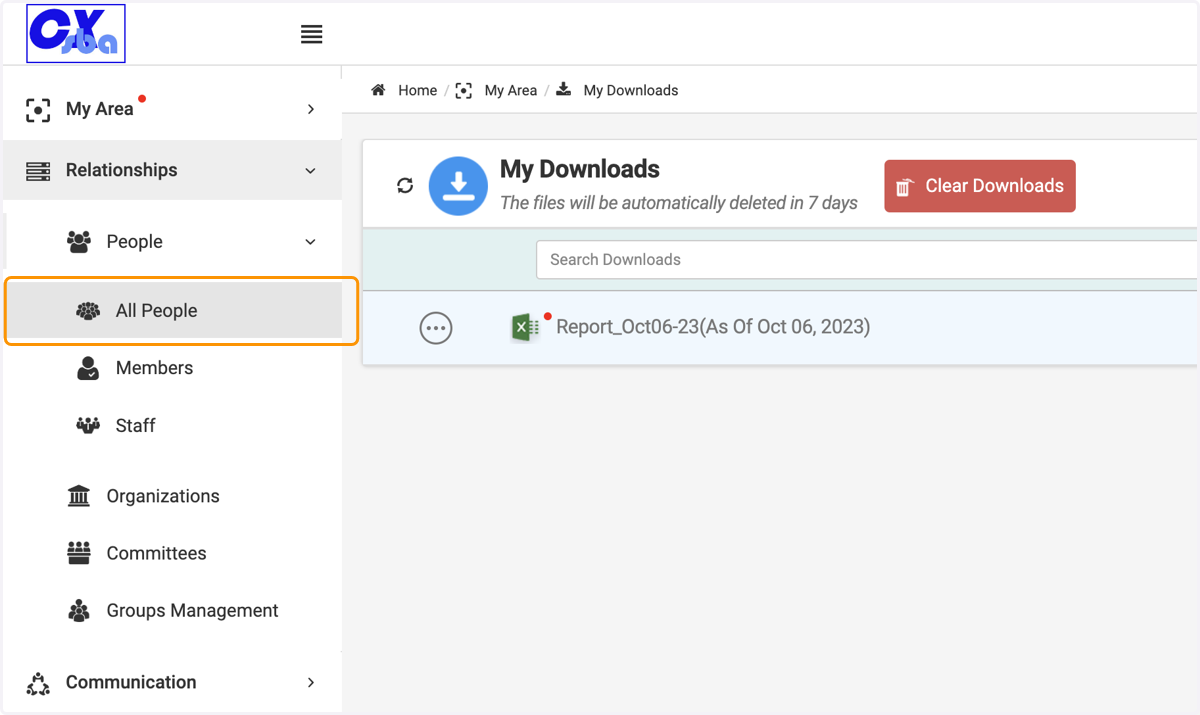
3. Click on All People
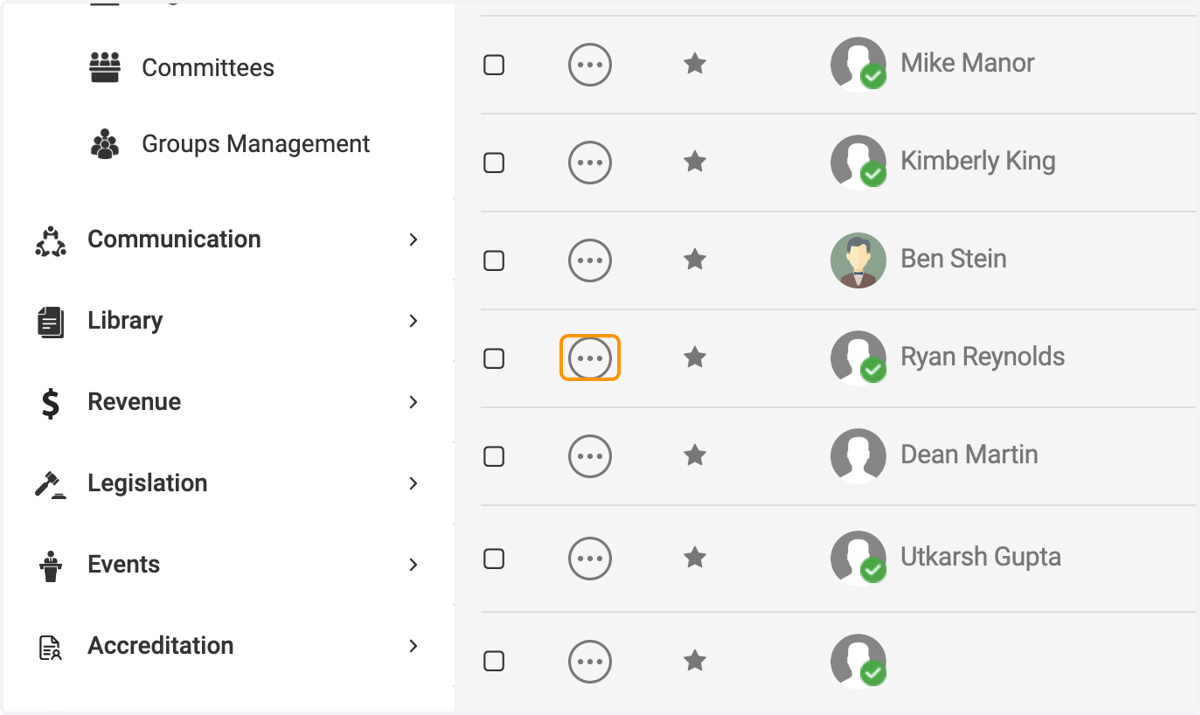
4. Click on 3 dots option button
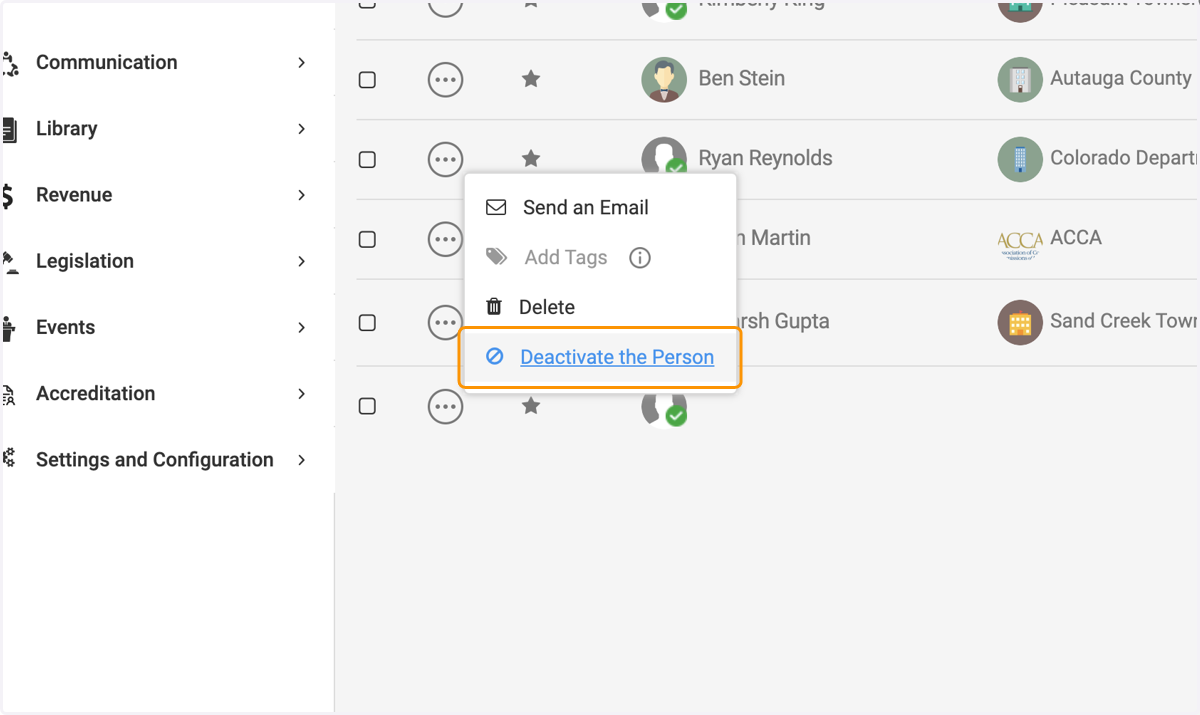
5. Click on Deactivate the Person
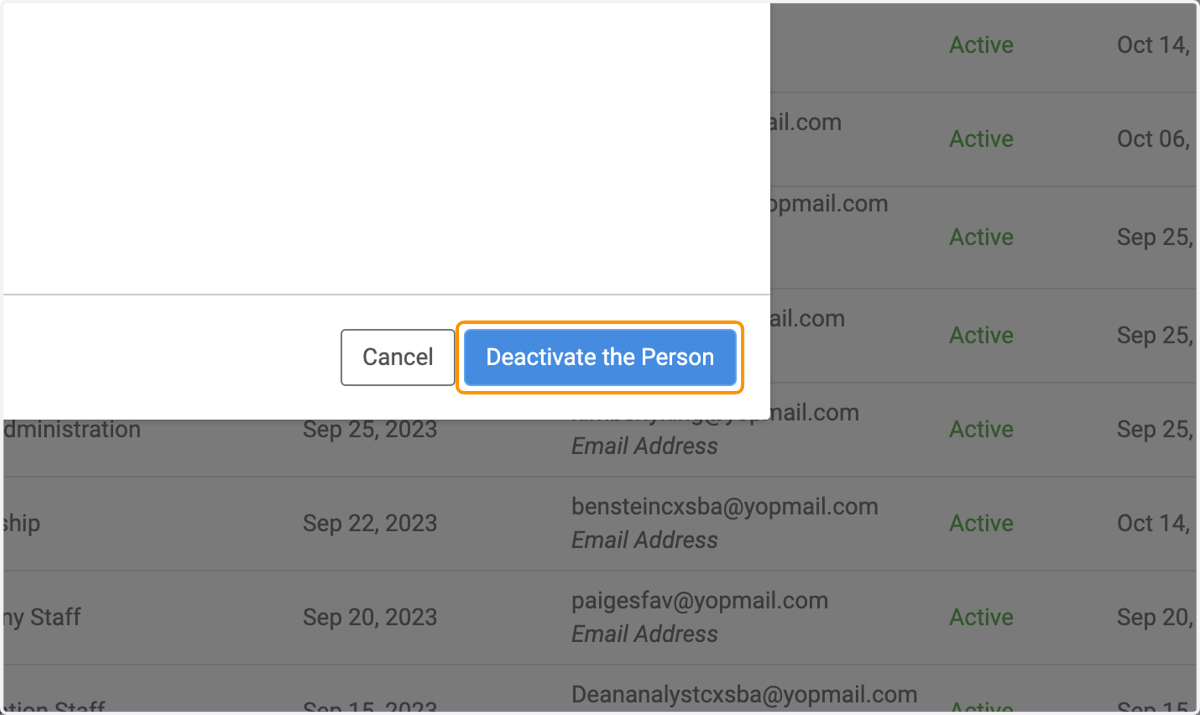
6. Click on Deactivate the Person Button
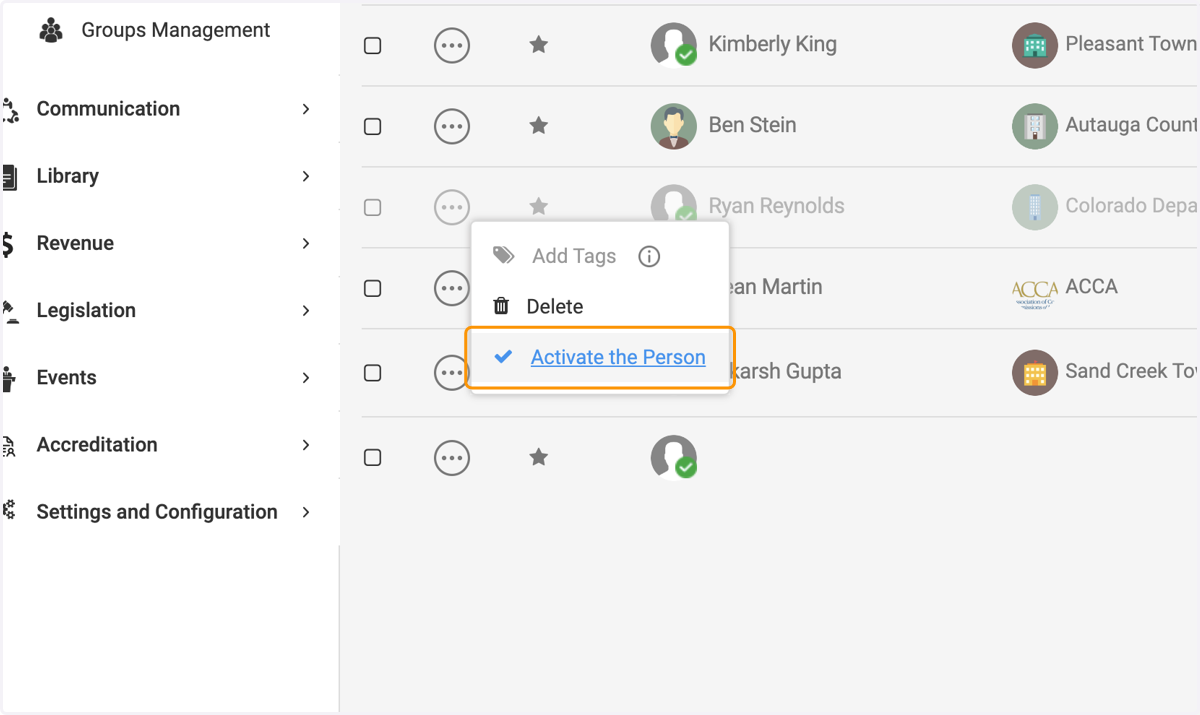
7. Click on 3 dots option button
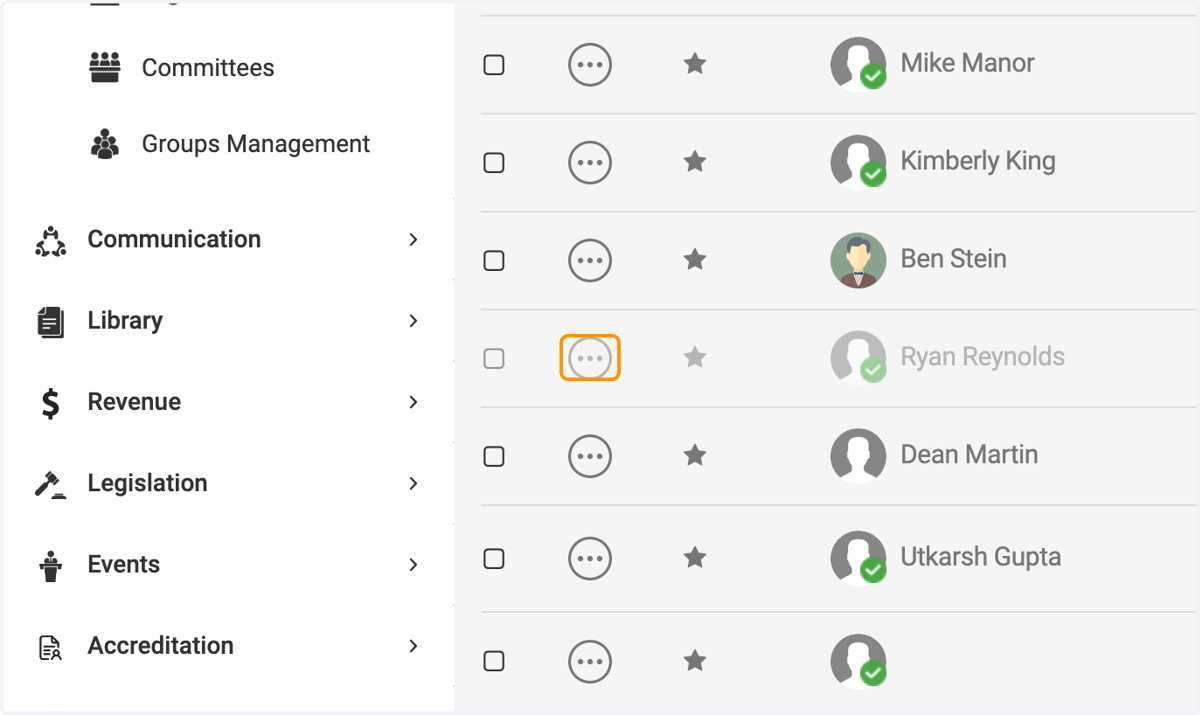
8. Click on Activate the Person
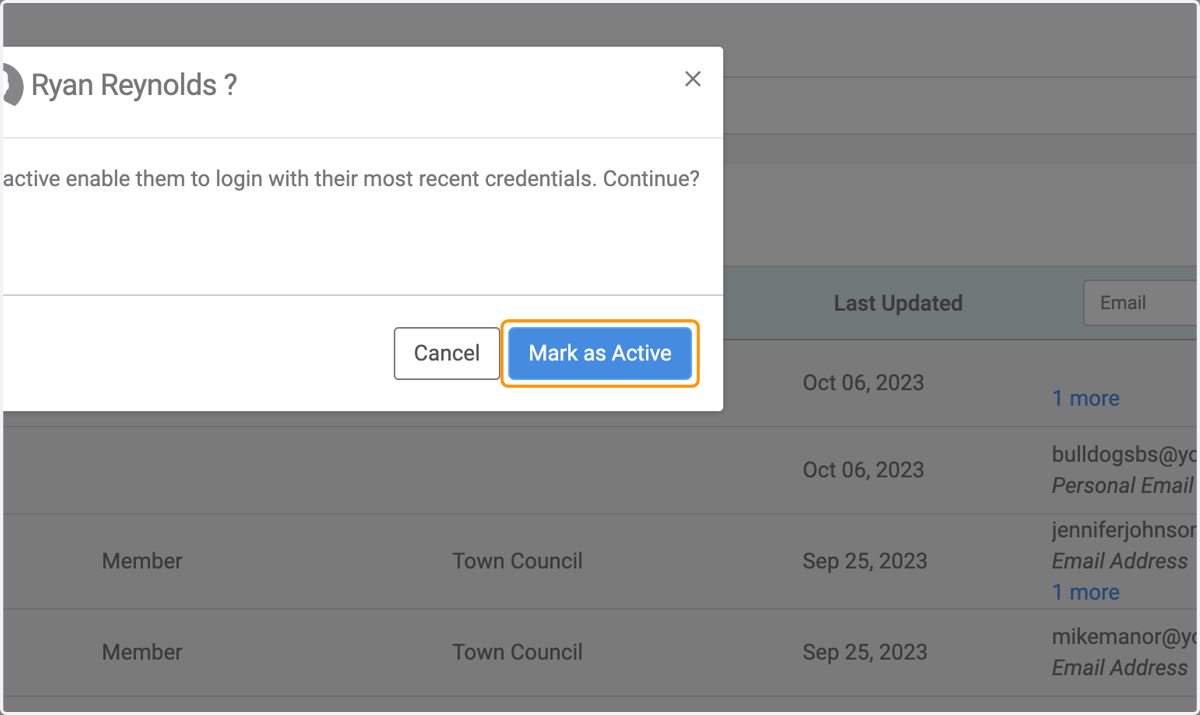
9. Click on Mark as Active
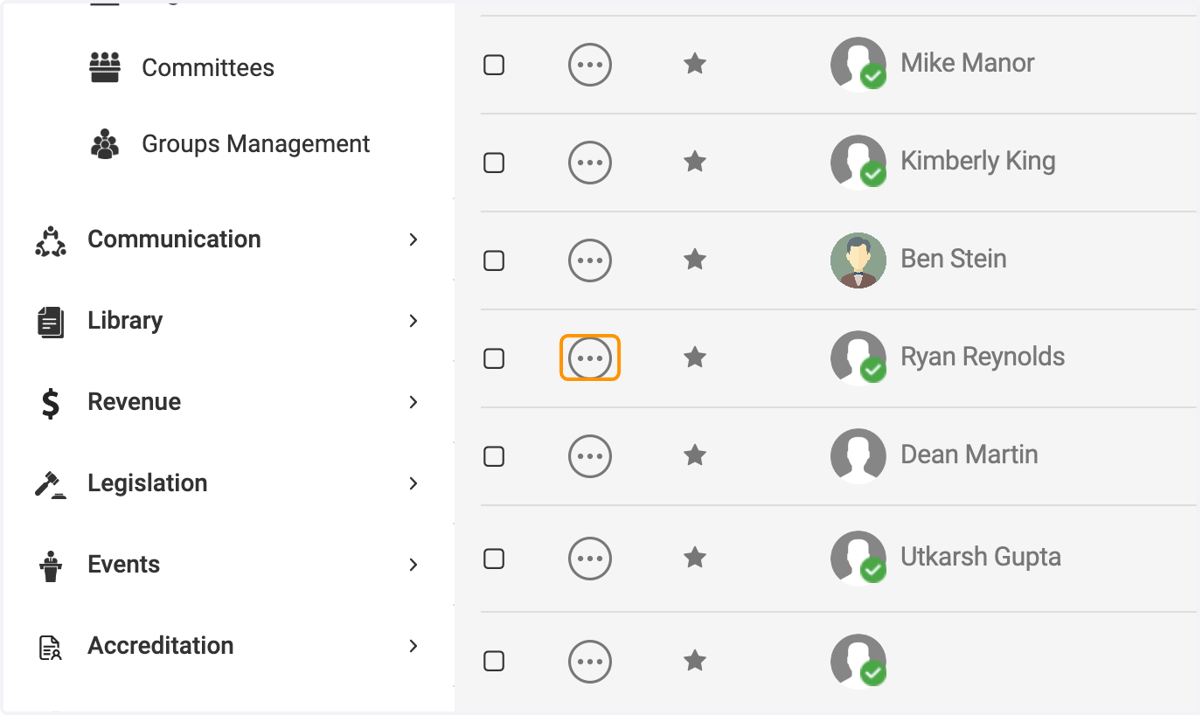
10. Click on 3 dots option button
11. Click on Delete
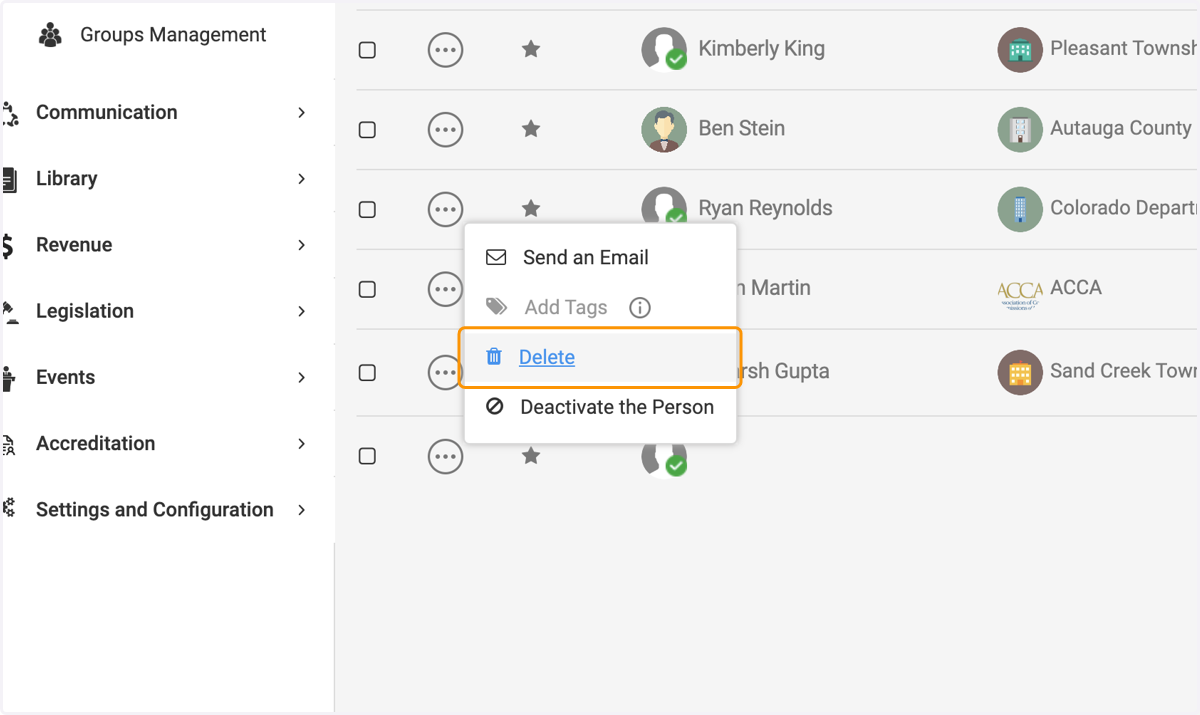
12. Click on Delete