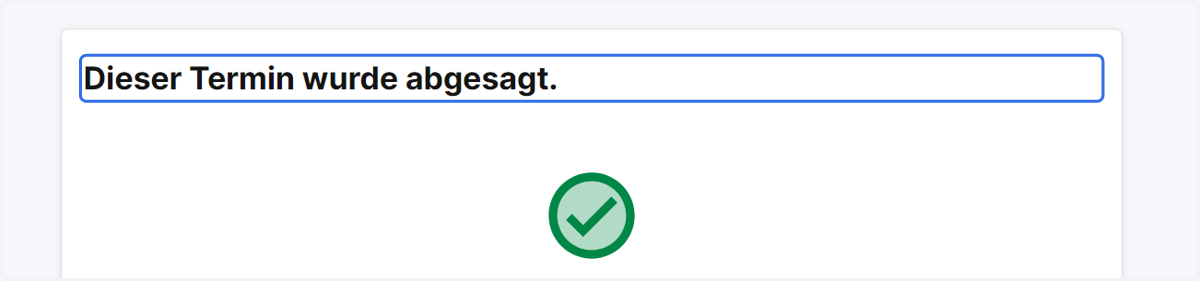
Appointment Management Link to move or cancel an appointment
1. Click on View appointment in browser
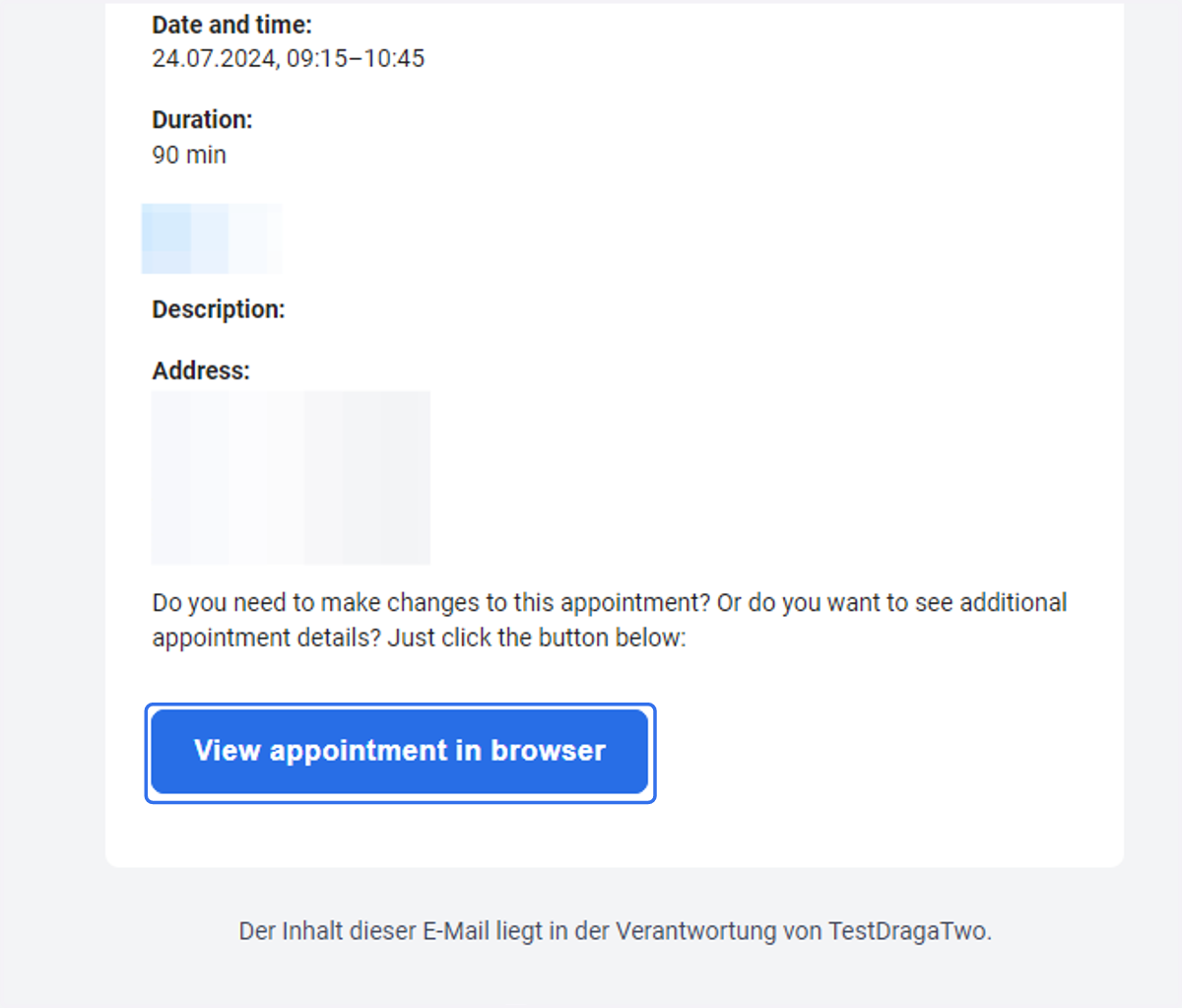
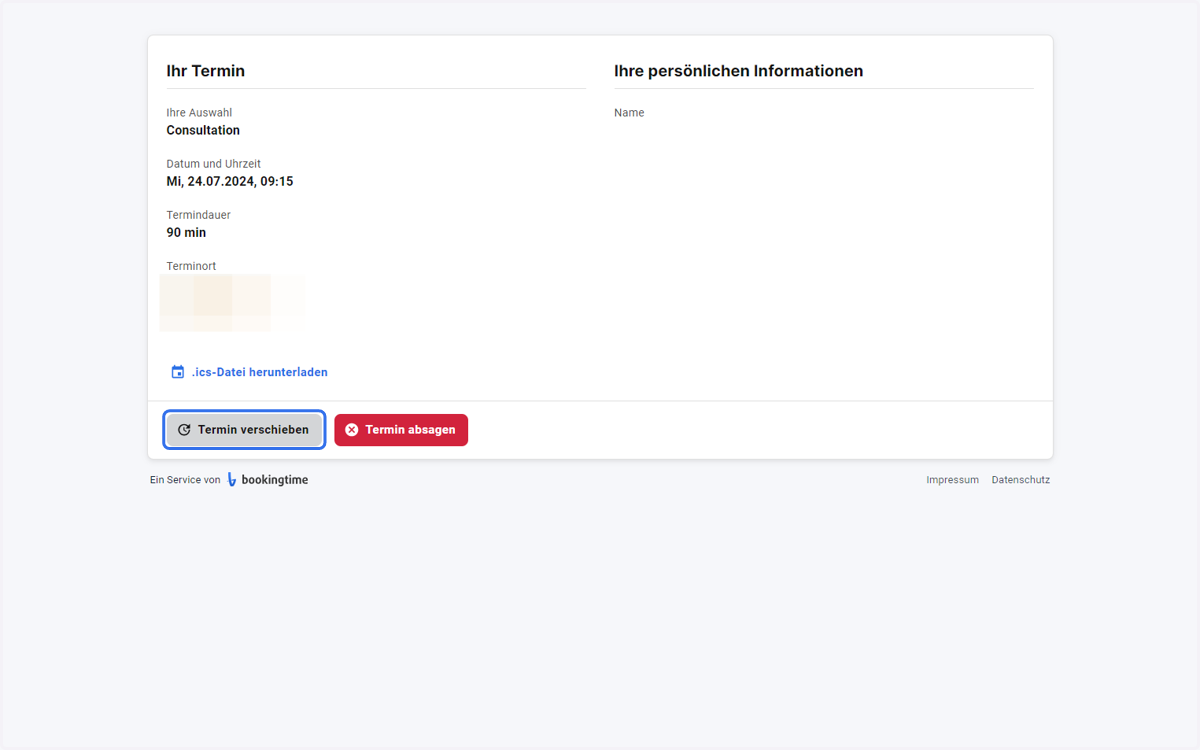
A new window will open: appointment-module | bookingtime
2. Click on Termin verschieben
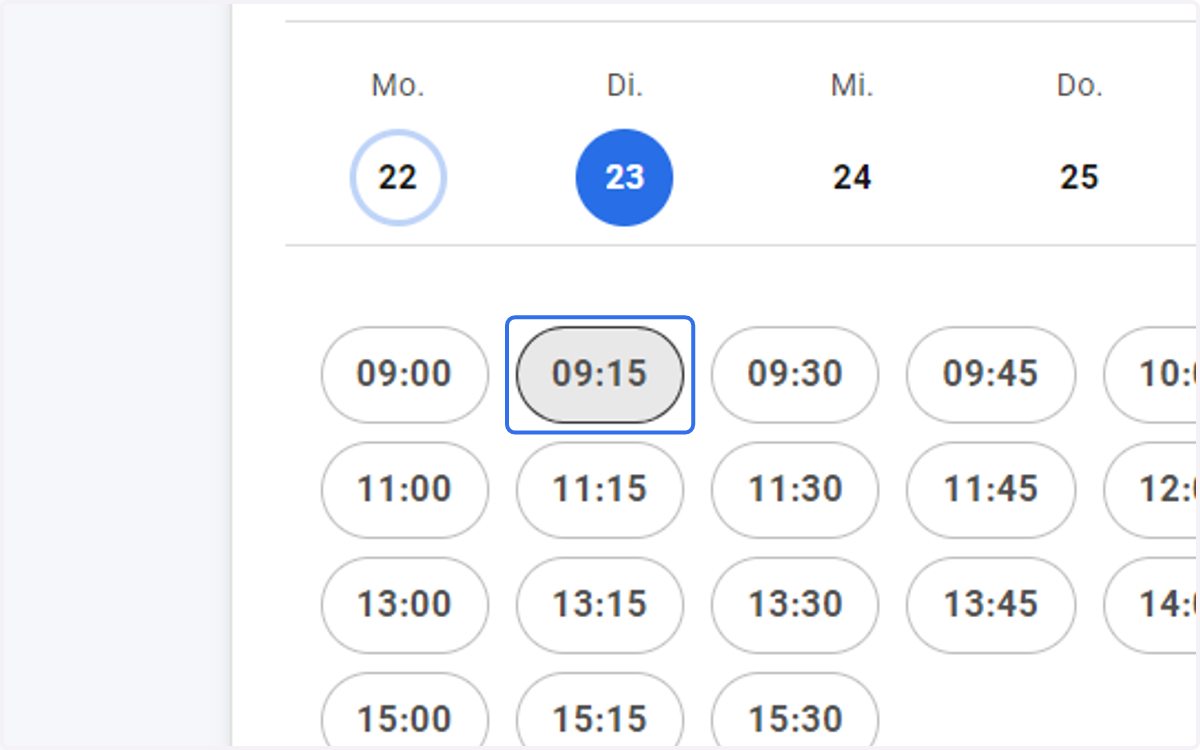
3. Select a new date
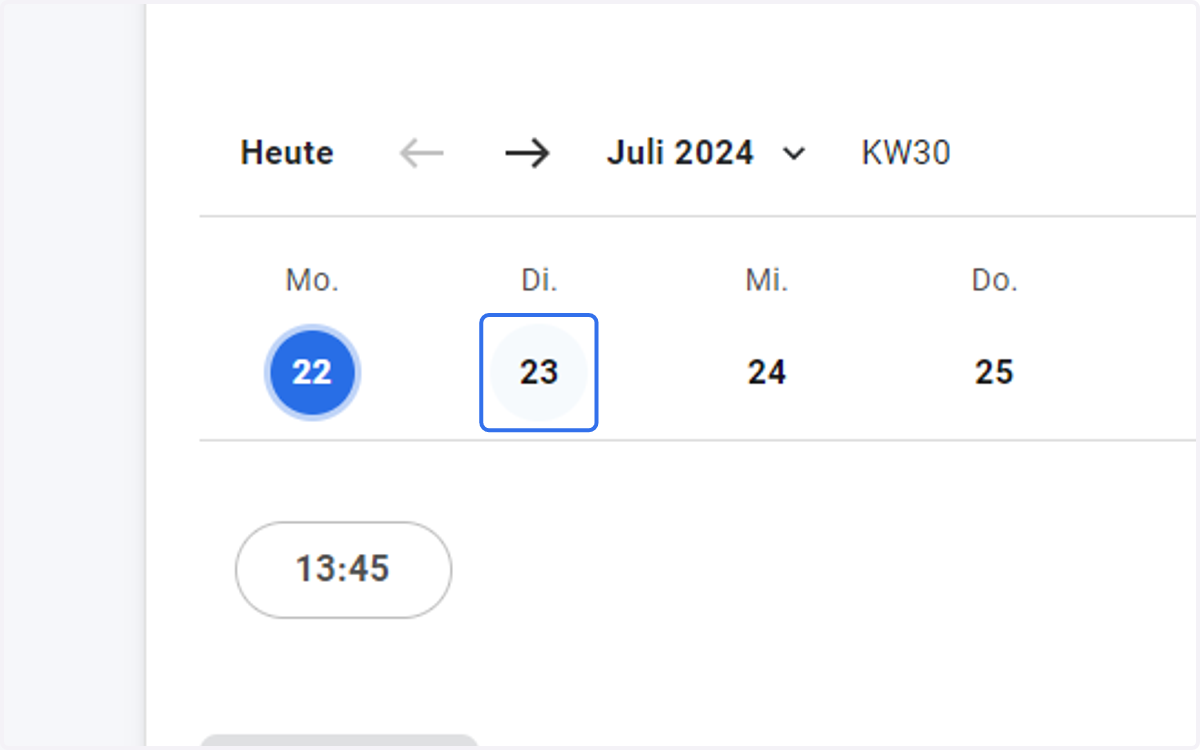
4. and a new time
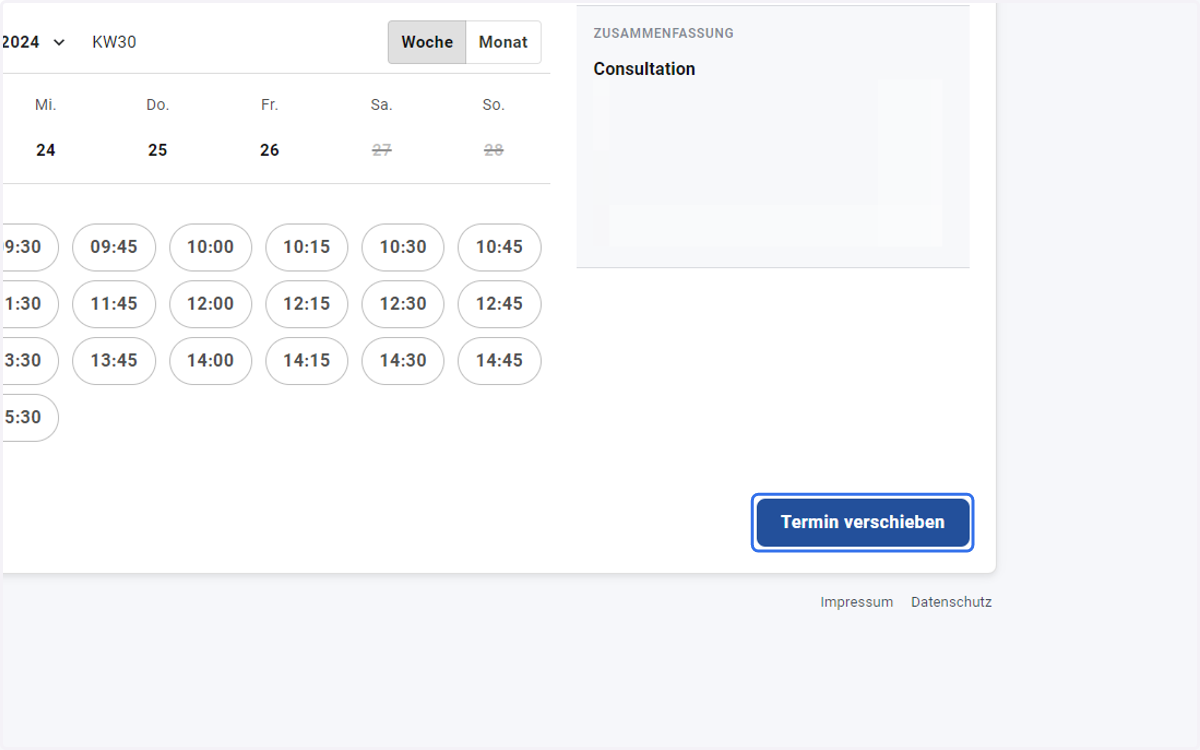
5. Click on move appointment
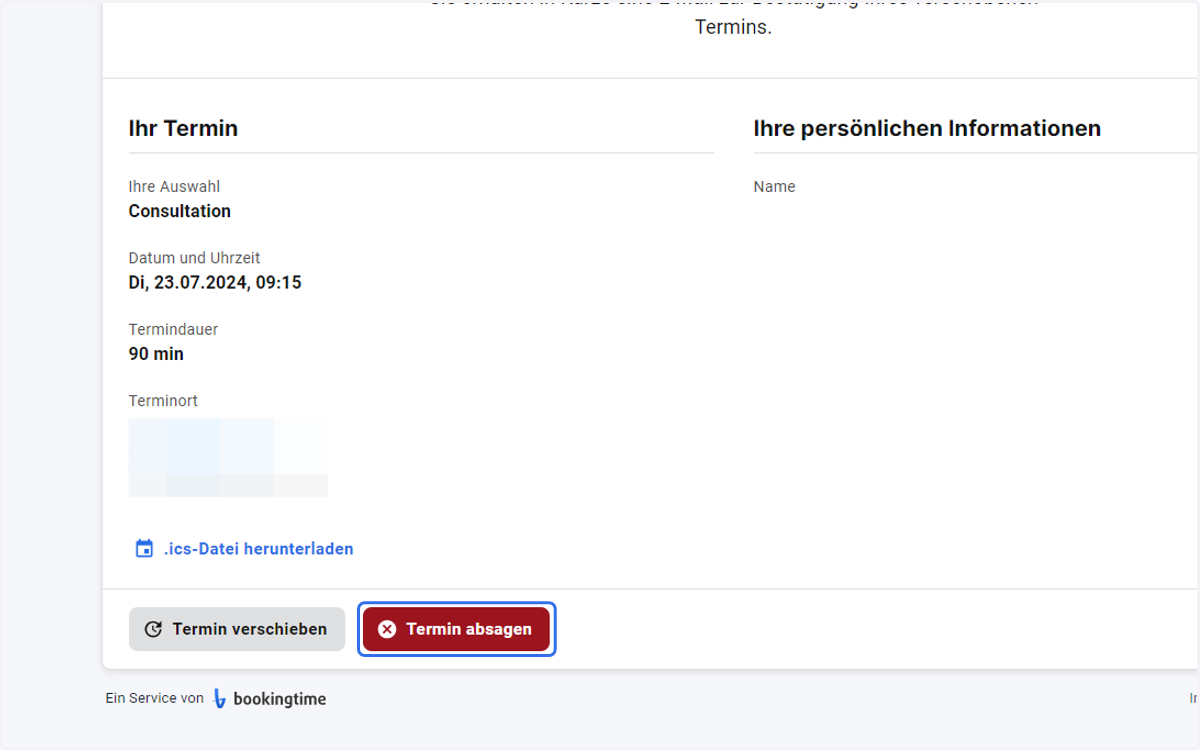
6. Or you can just cancel the appointment
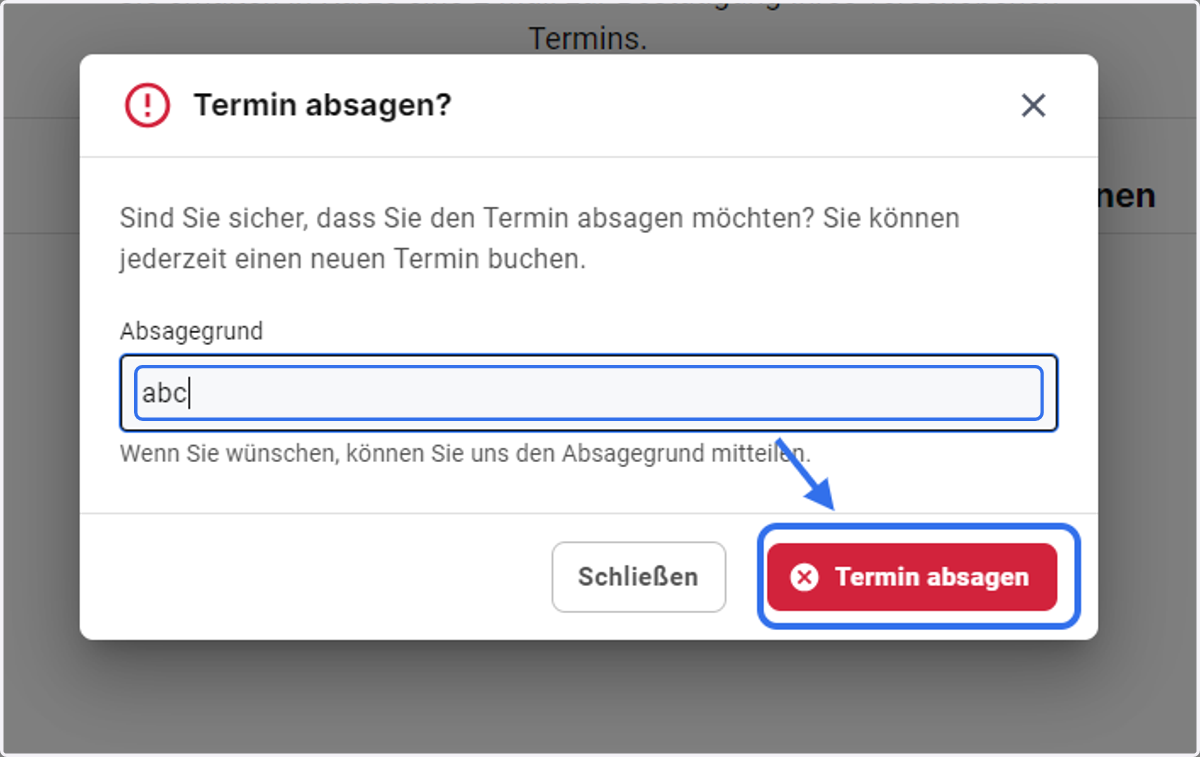
7. Type a reason for cancellation if you like and click on cancel appointment
8. A message will appear and confirm the appointment has been cancelled