Lubbock Apartment Association | LAA Using your member account
Using and utilizing your LAA member account to get the most out of your membership.
Lubbock Apartment Association | LAA
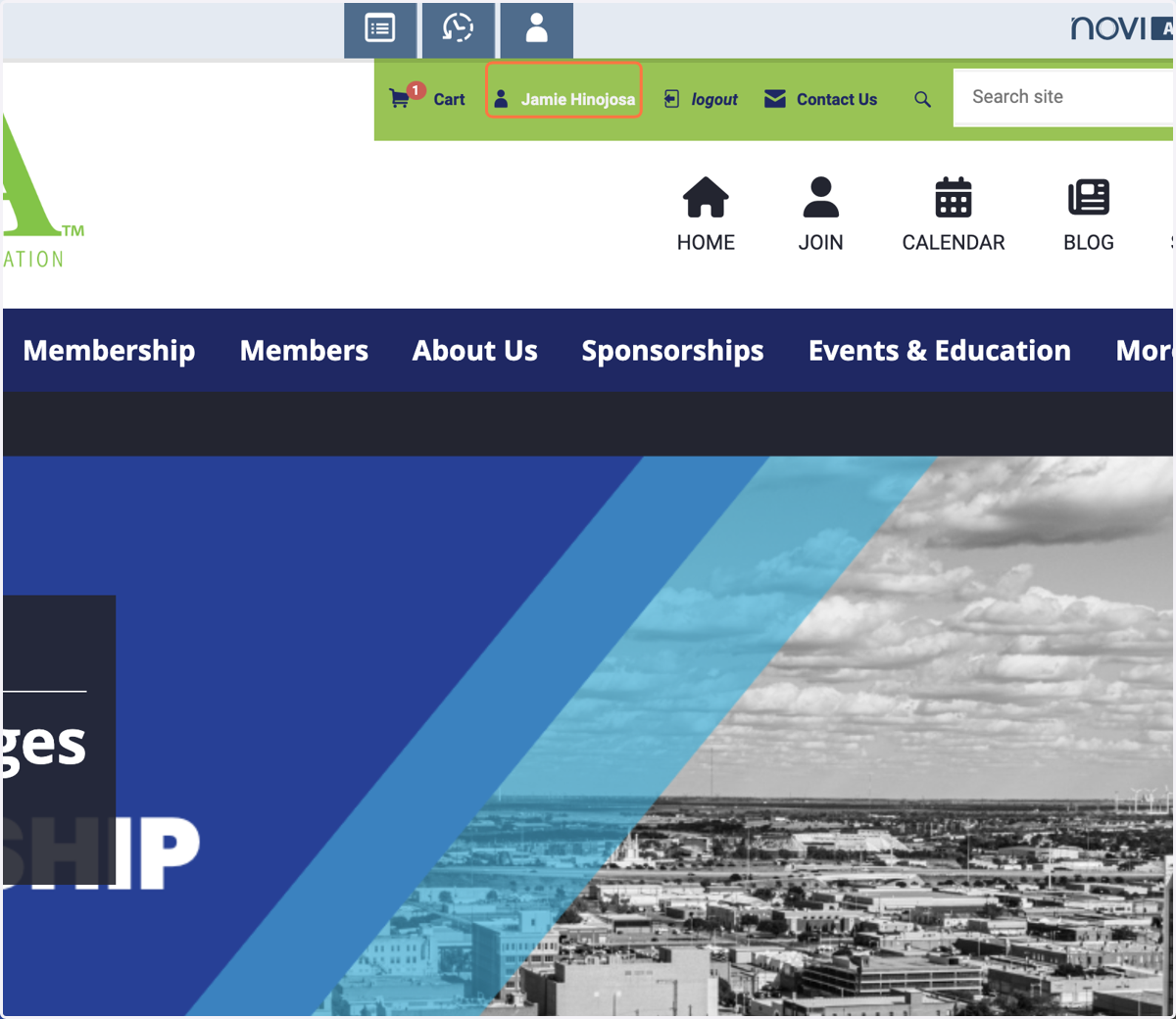
1. Click on your name.
After you have logged into your account, you will see your name in the navigation bar. Click your name to access account your Member Compass® profile. If you don't have an account, click the login link and follow the steps to set up your account.
2. Member Dashboard
Depending on your account privileges, you can view your company's current invoice and pay them.
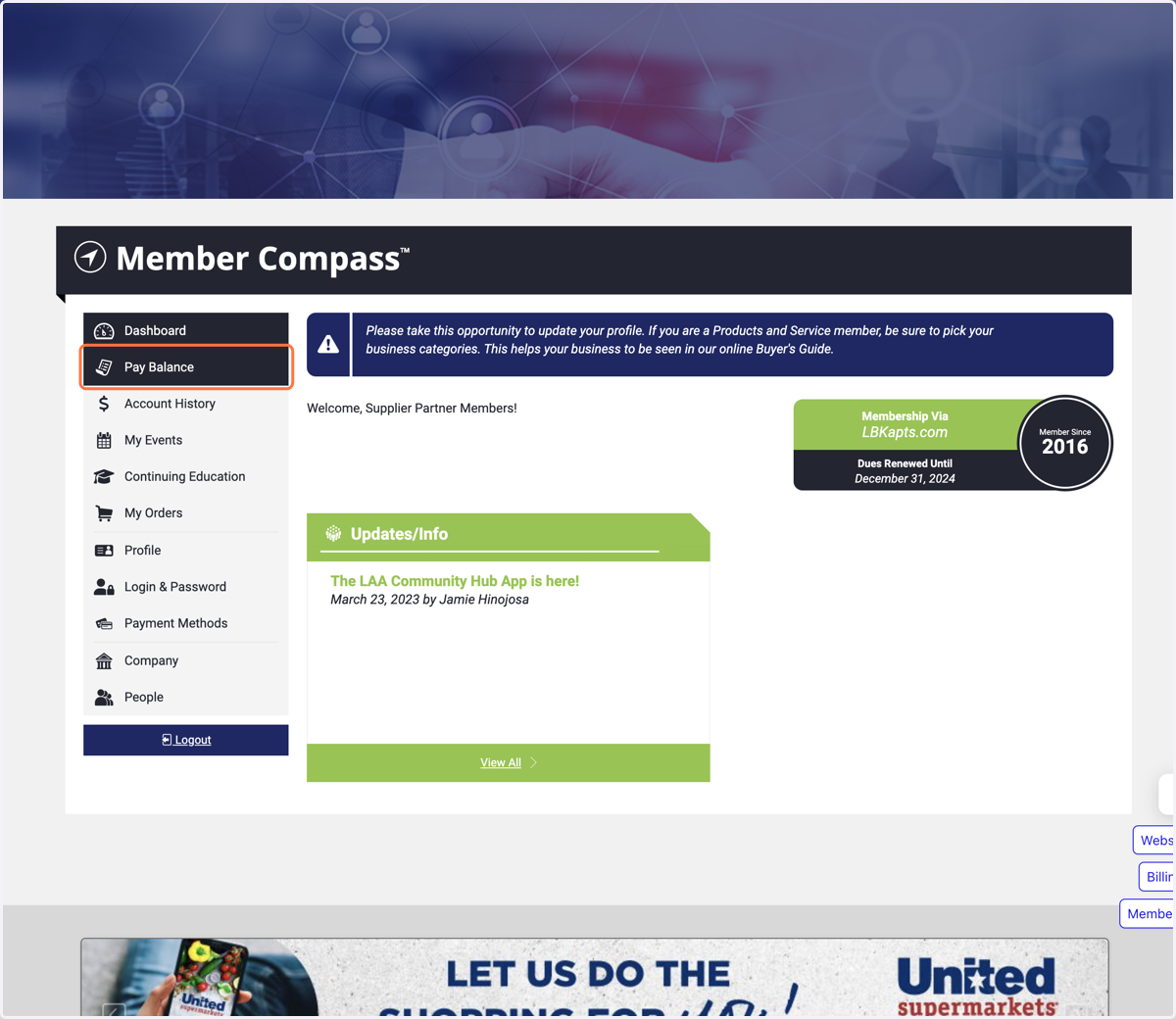
3. Click on Pay Balance
You can view outstanding invoices and pay them here. Being paid up is the best!
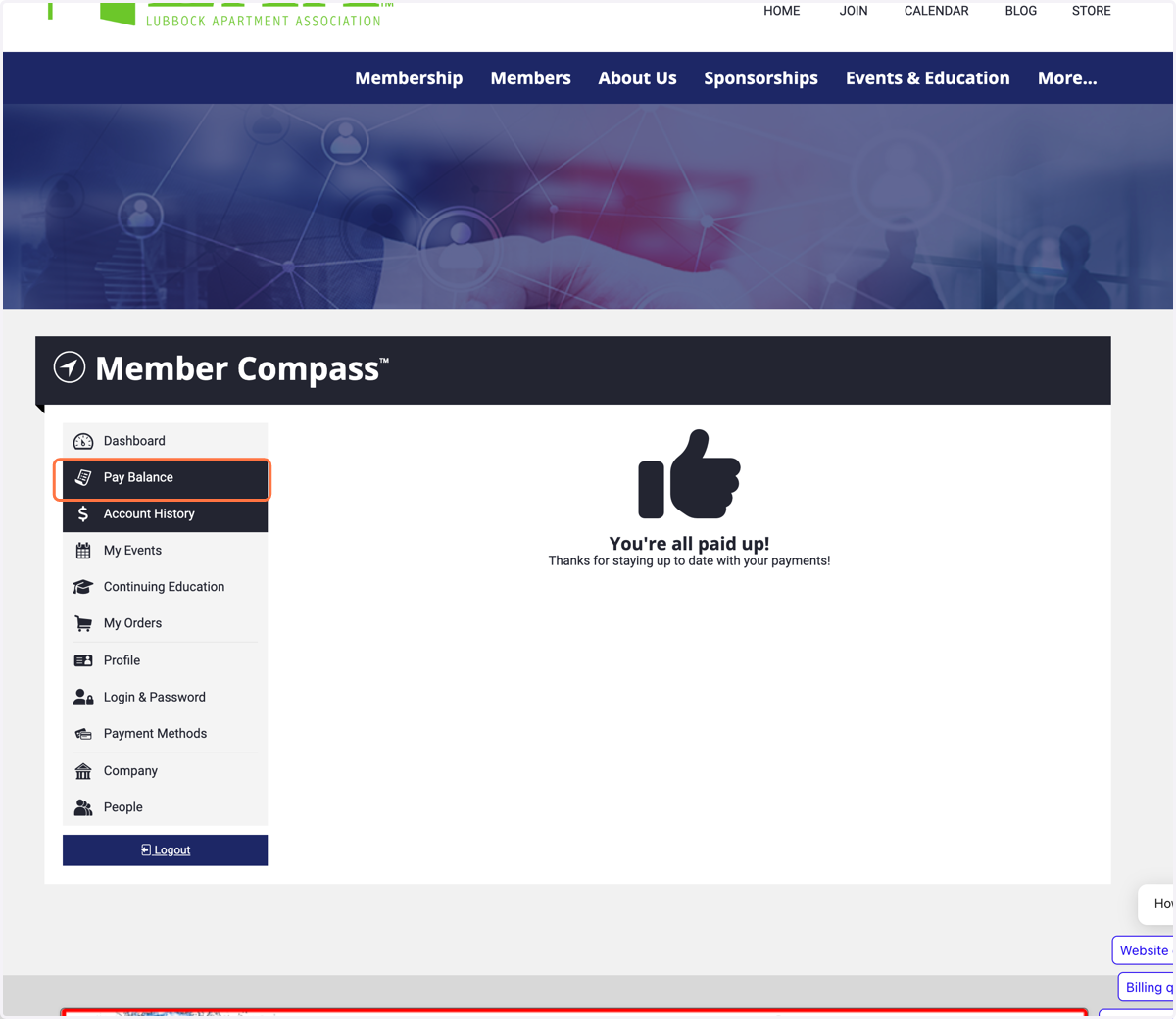
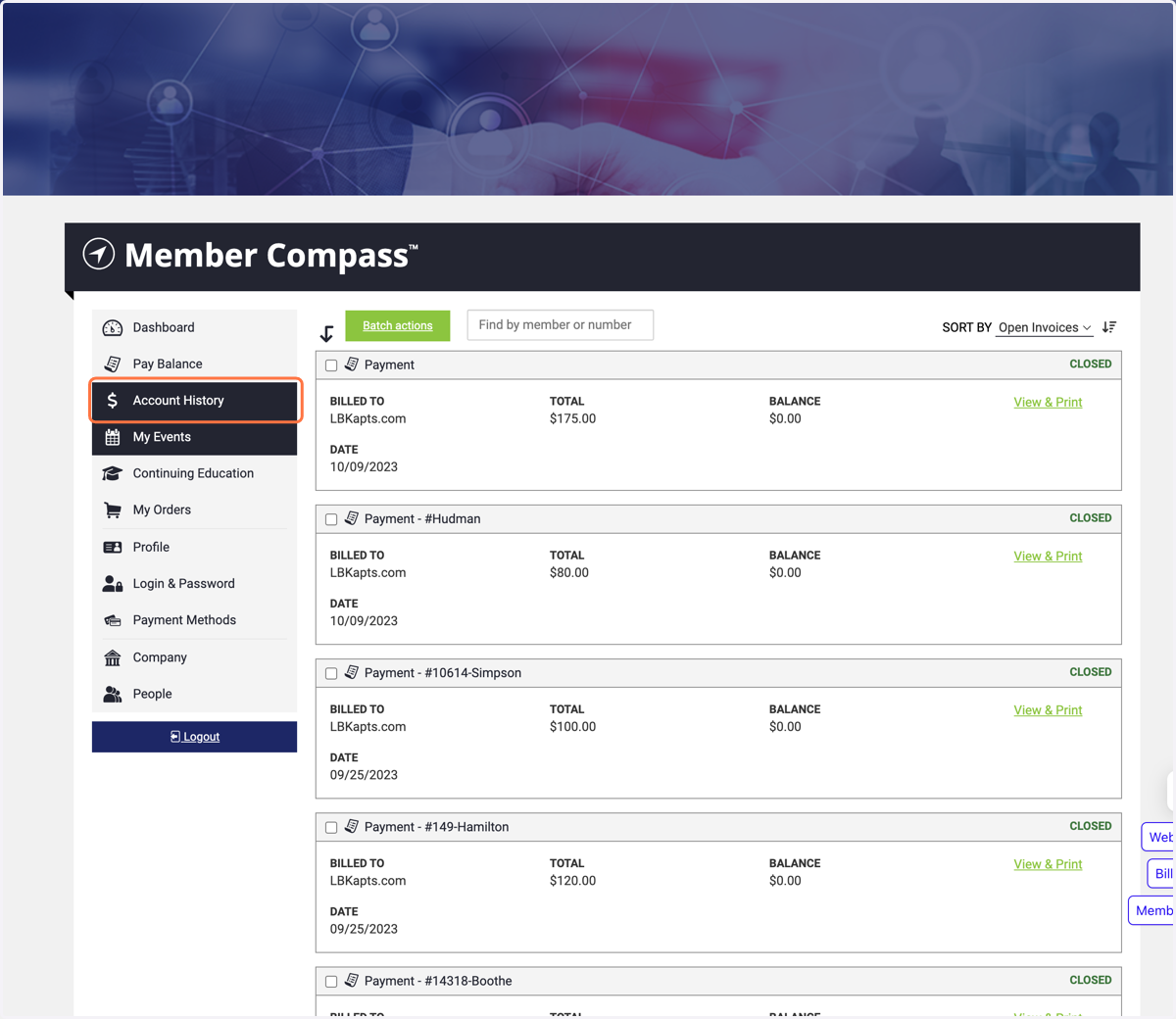
4. Account History
Here, you can view all invoice that have been paid and closed
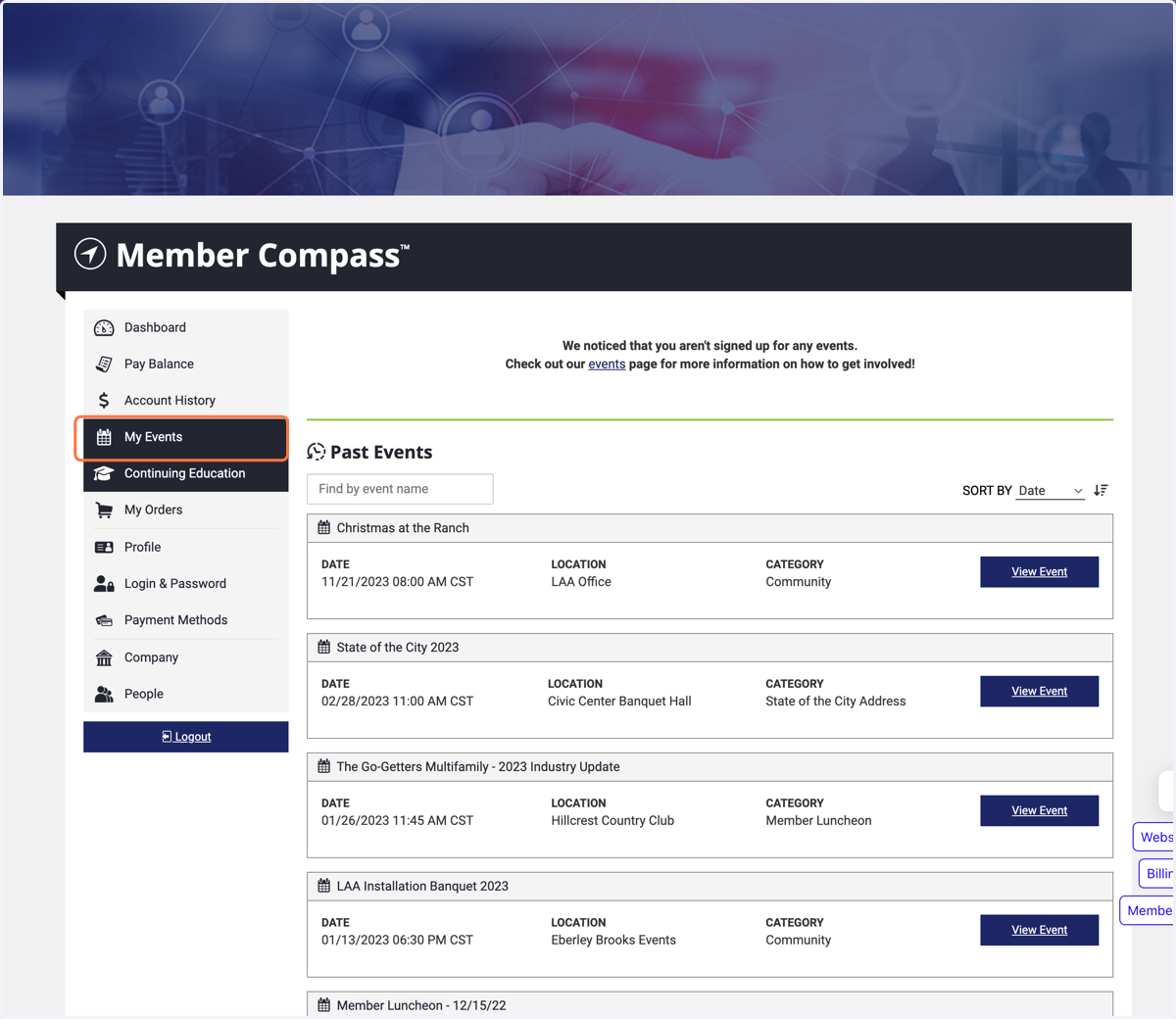
5. My Events
Here, you can keep track of events you have been registered for. You can also view the event details.
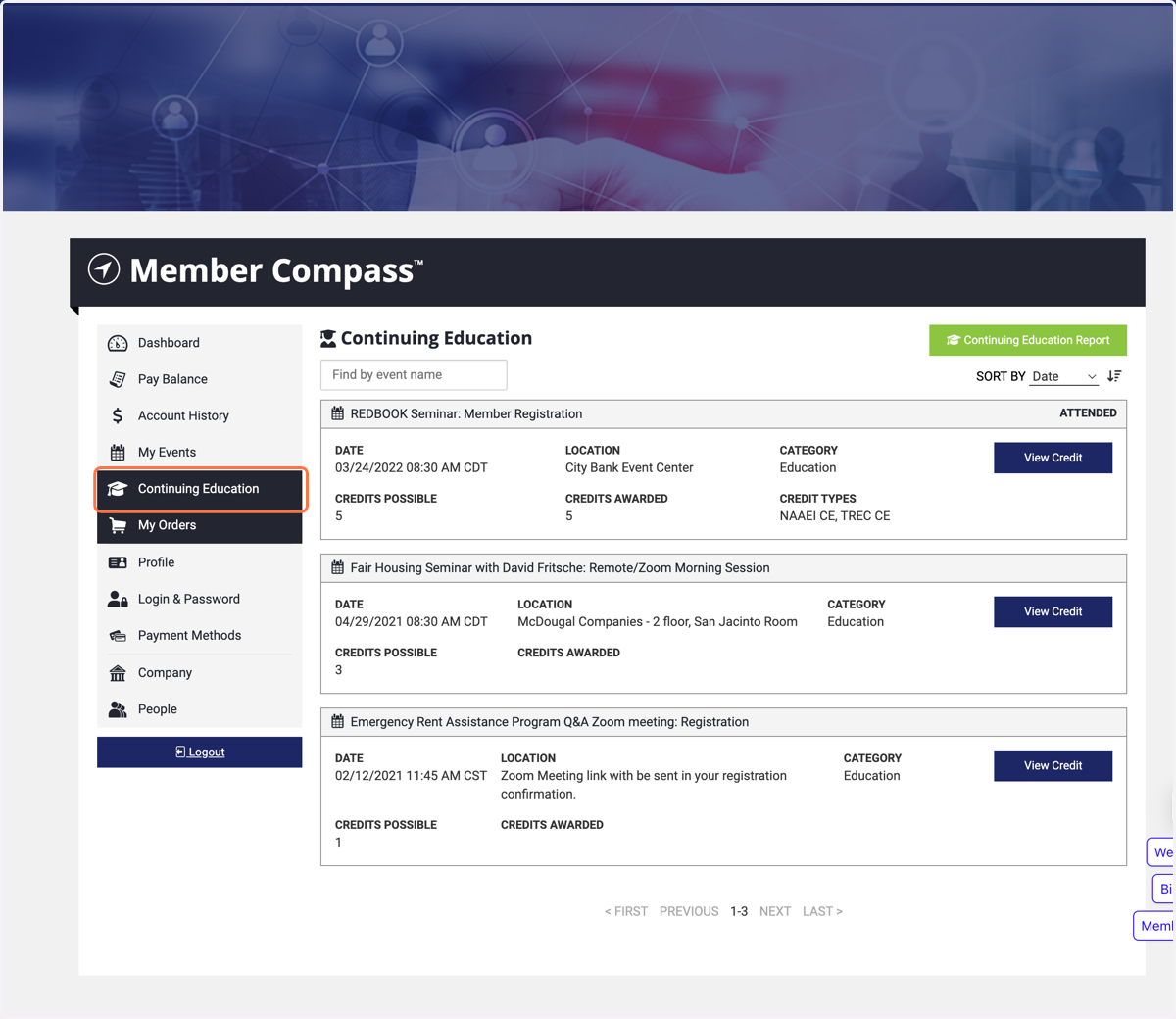
6. Continuing Education Credits
As a registered account holder, you can keep track of your education credits to maintain your organization's CEU compliance. You can also generate a credit report for easy submission to your compliance department.
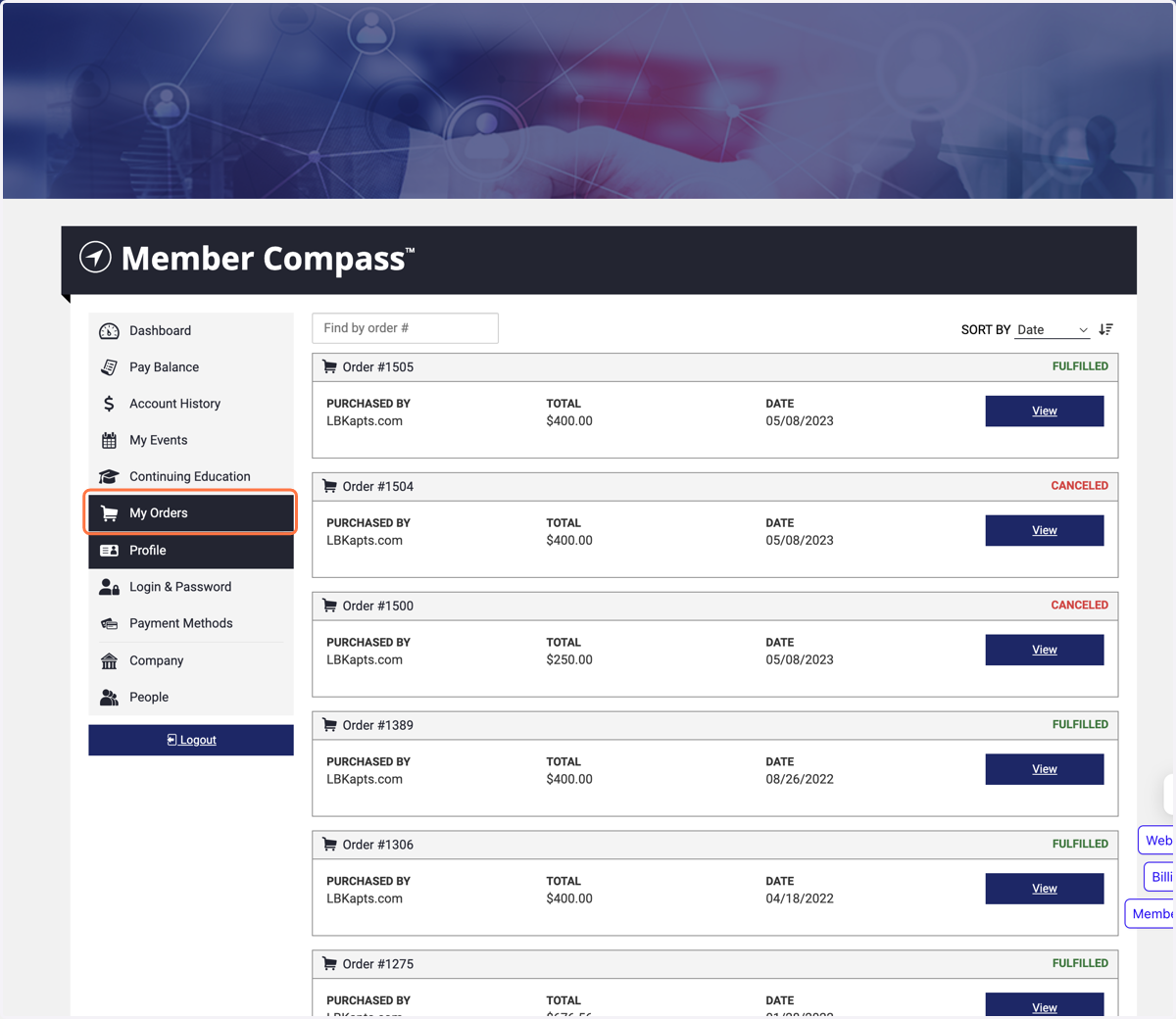
7. Product Purchases
If you have purchased a product from our store, you can keep track of your purchases here.
8. Update your profile
Update your profile information, contact details, and volunteer for committees on this page.
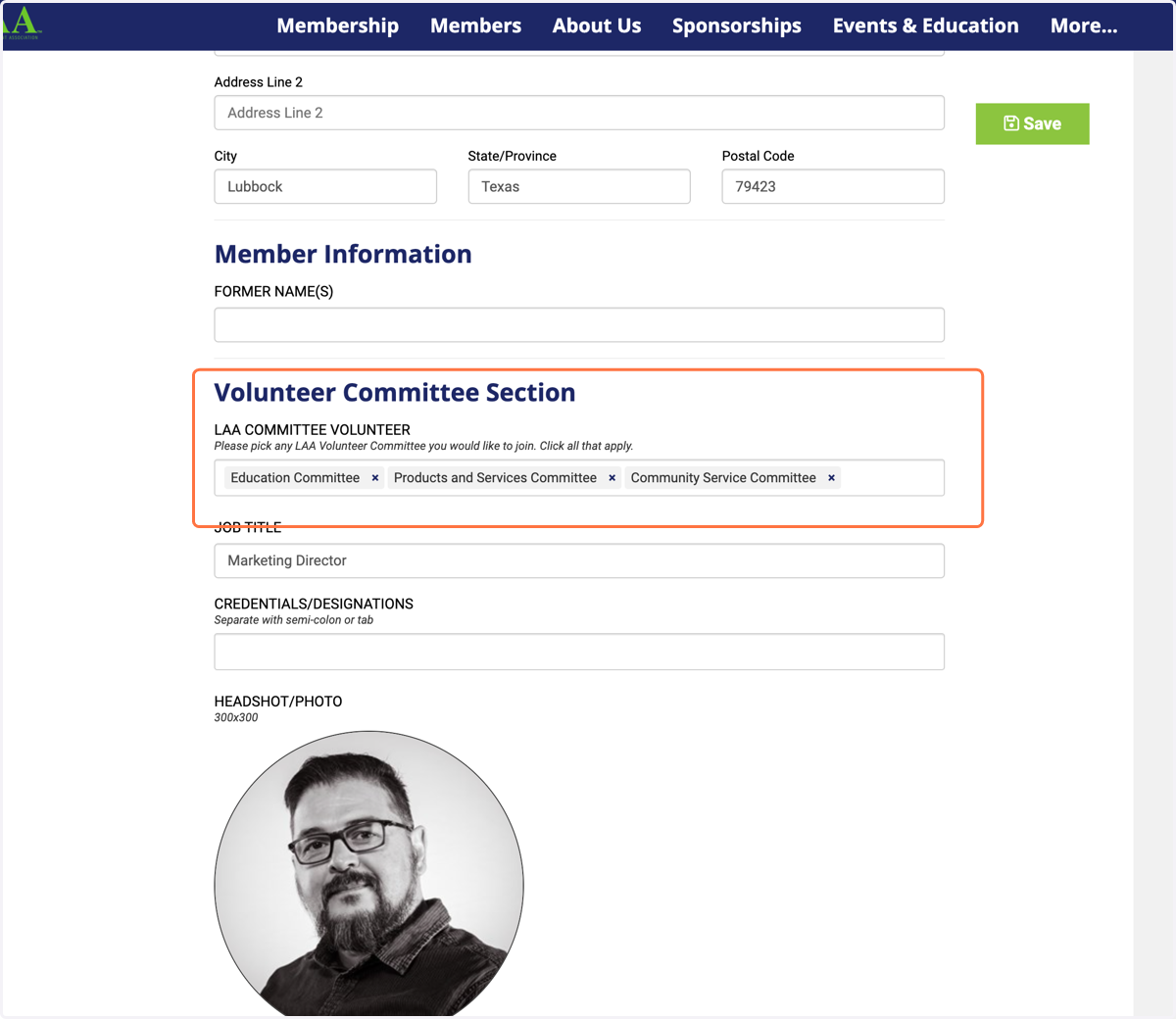
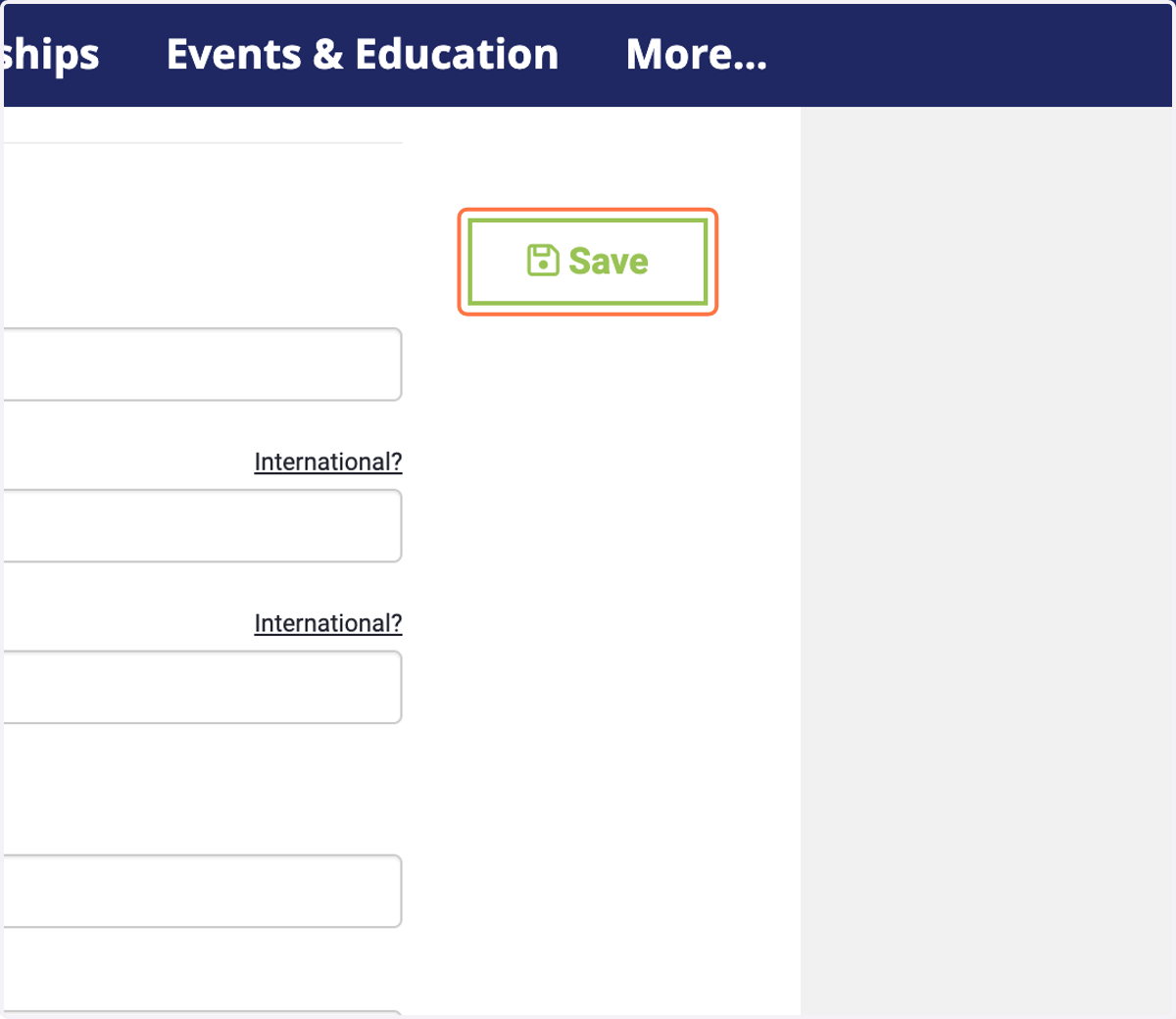
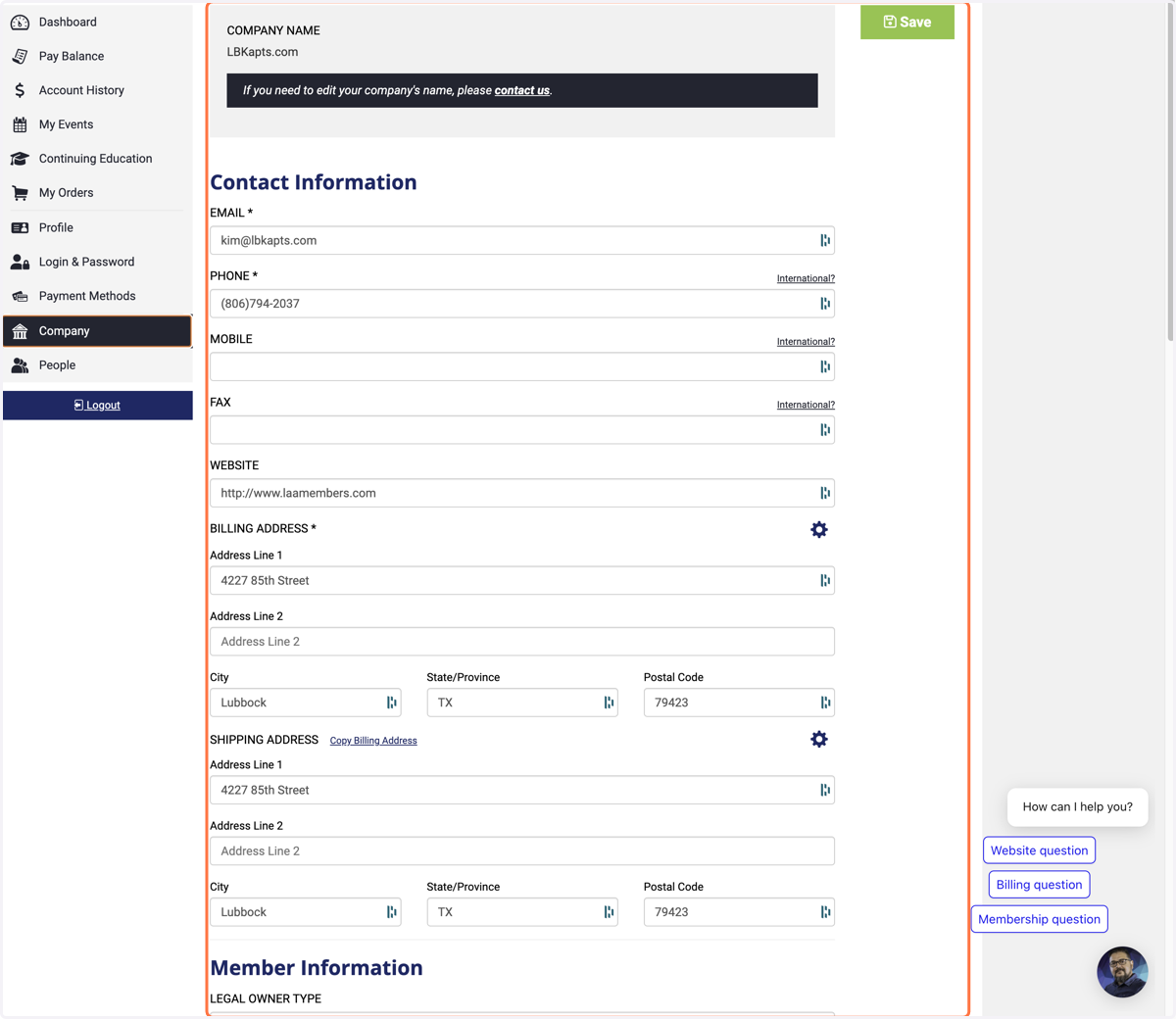
9. Be sure to click to the save button if you have made any changes or updates to your profile.
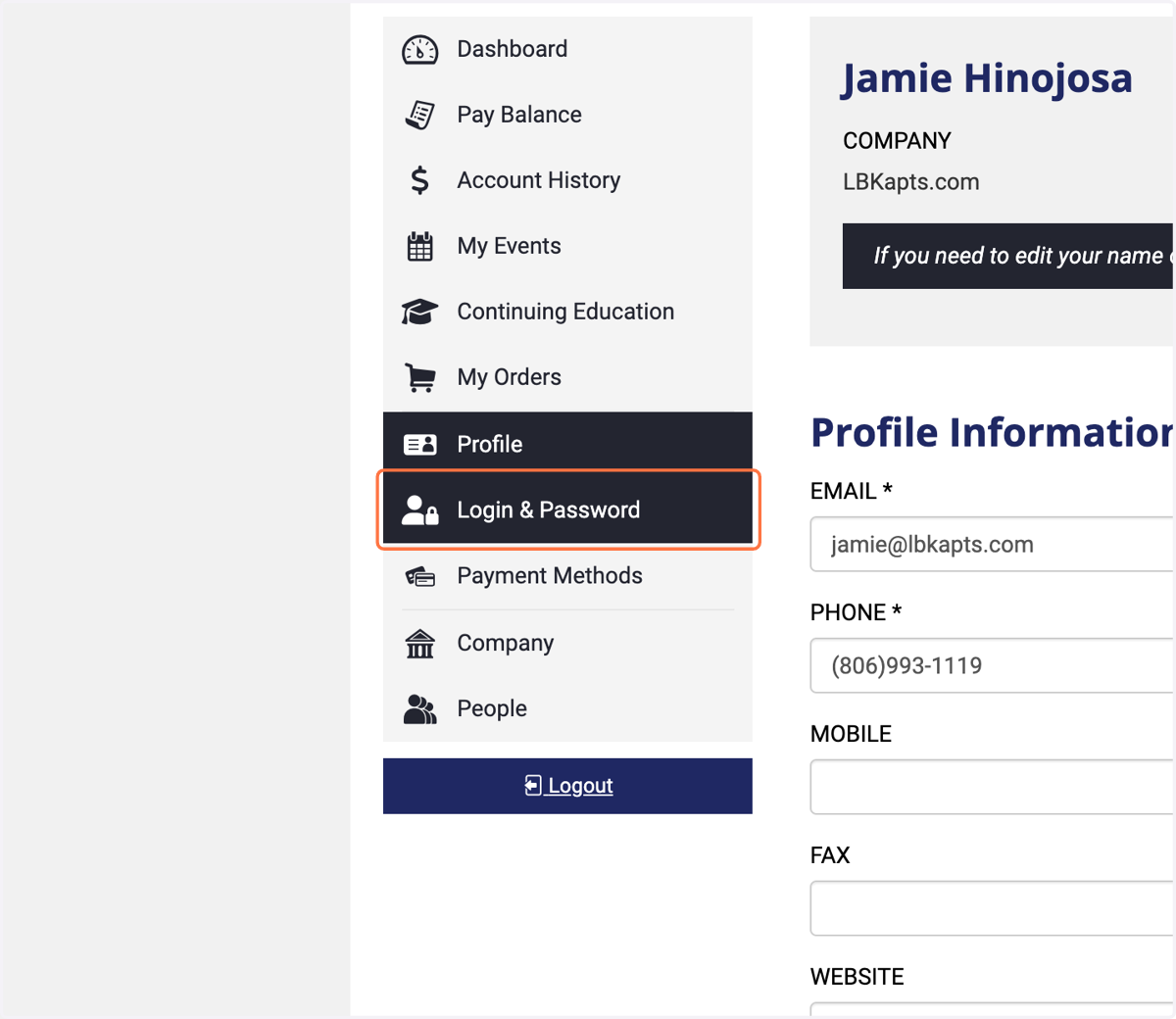
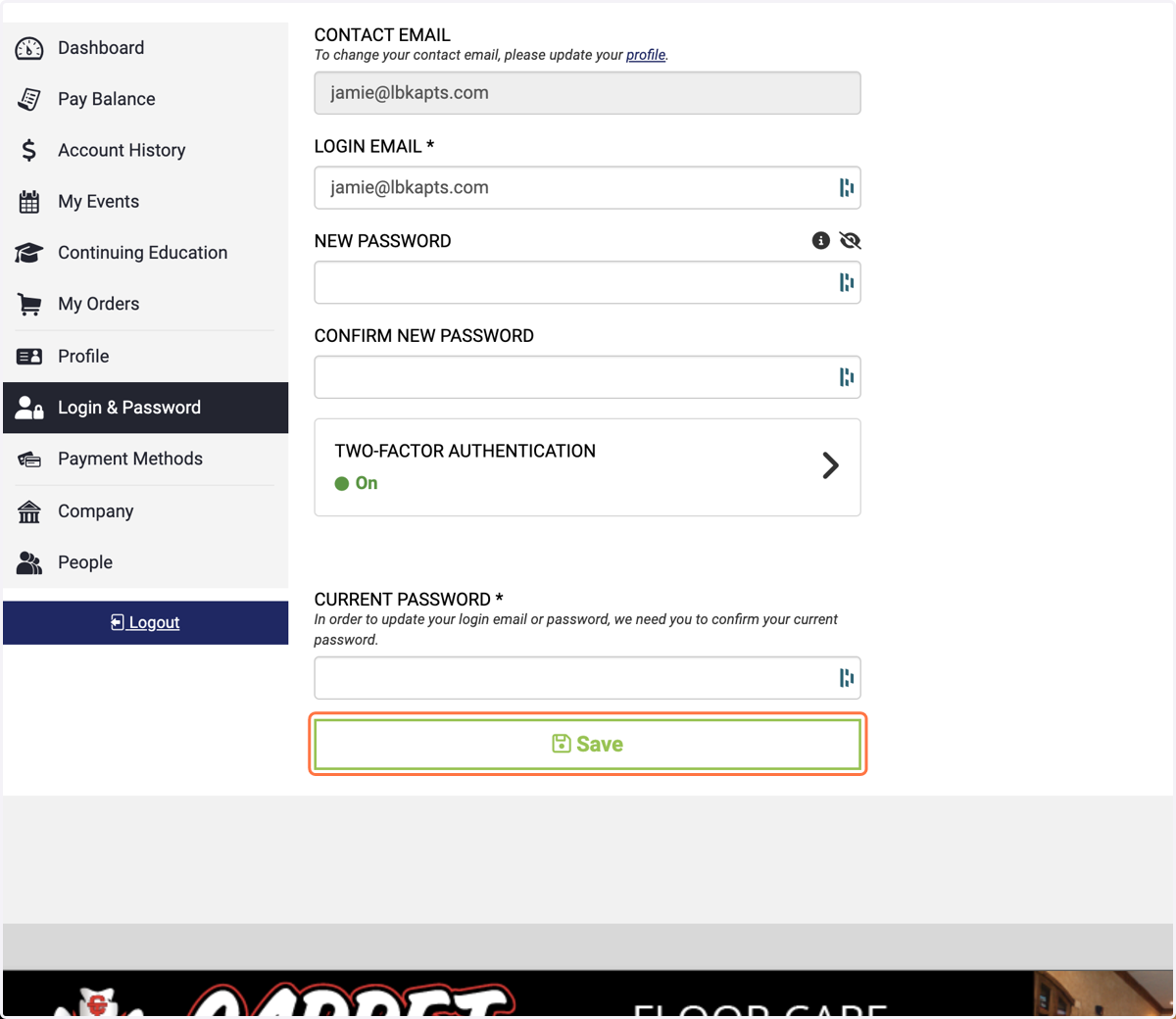
10. Update your Login & Password
11. Click on Save
12. If you have admin access, you can make company-wide updates.
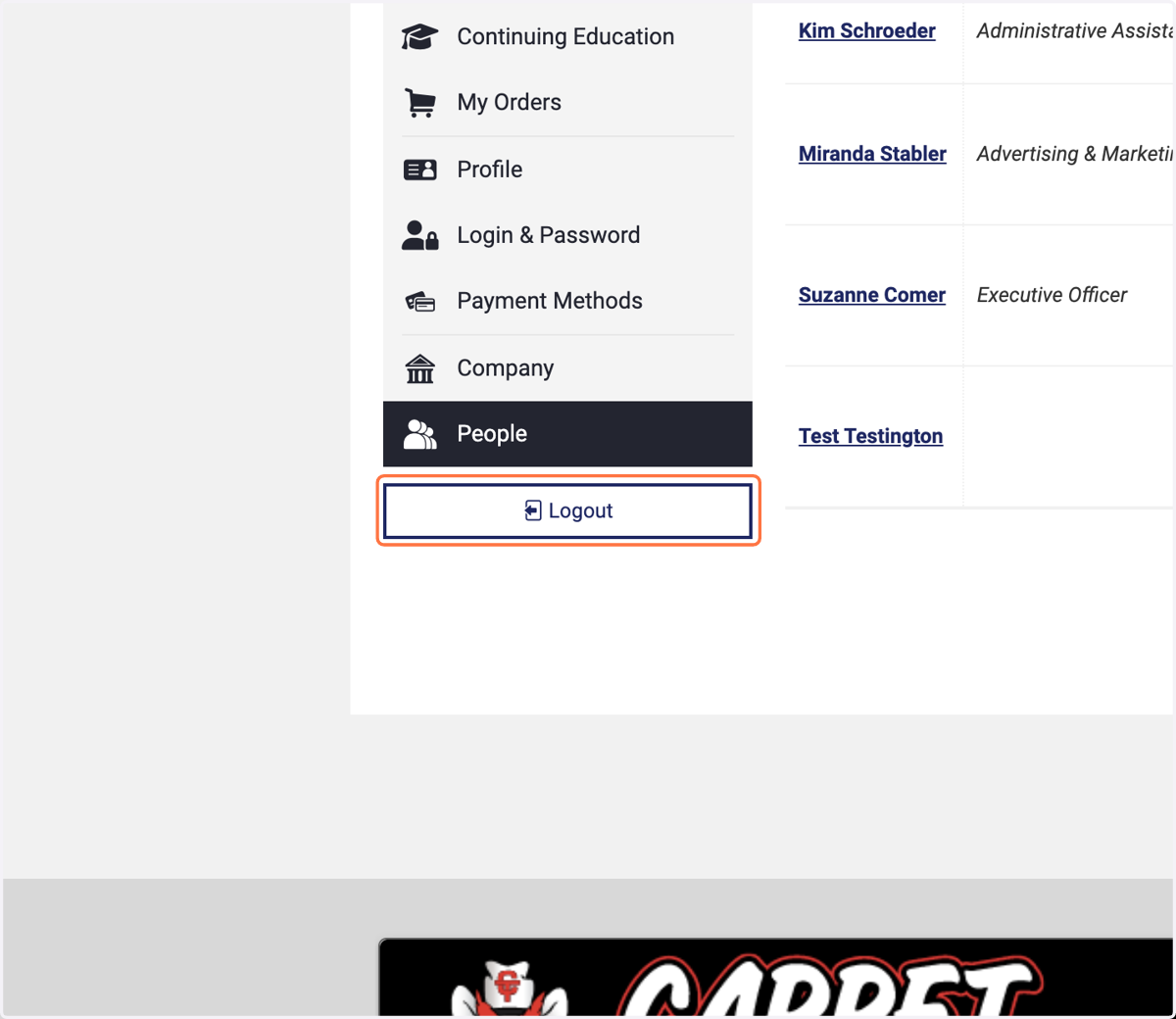
13. Logout
Be sure to logout when you have completed you session on laamembers.com