Access Champion Chapter Submit Activity
Future Business Leaders of America, Inc. - Fake High School - For Demo
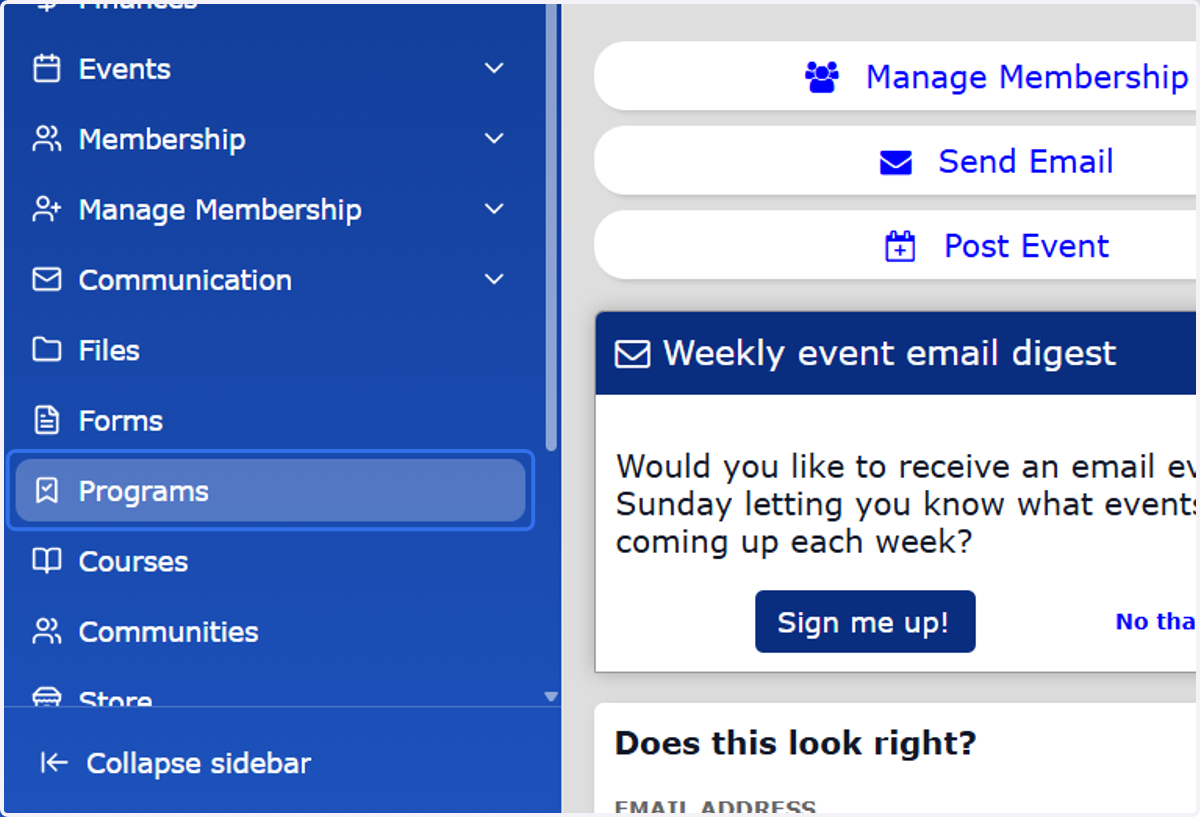
1. Sign into CONNECT and click on programs (left navigation pane).
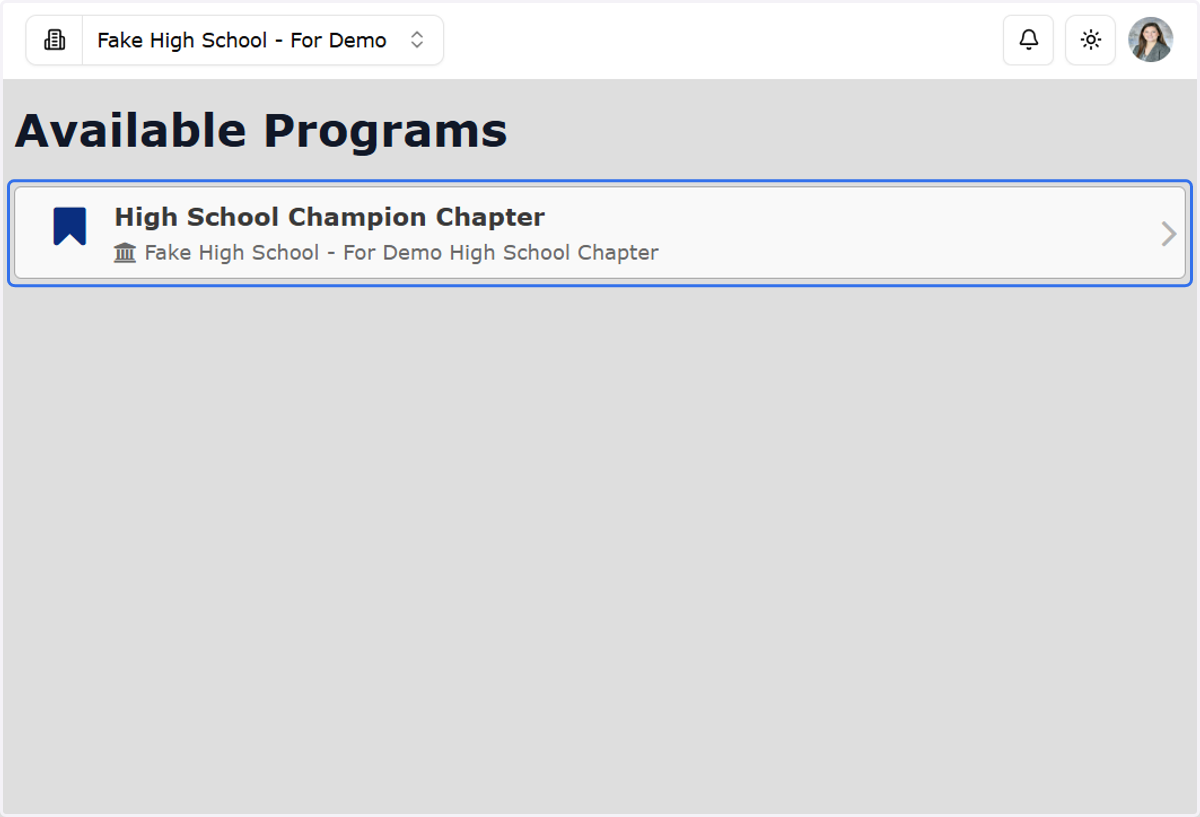
2. Click on Champion Chapter.
You will see the division level that is associated with your local chapter.
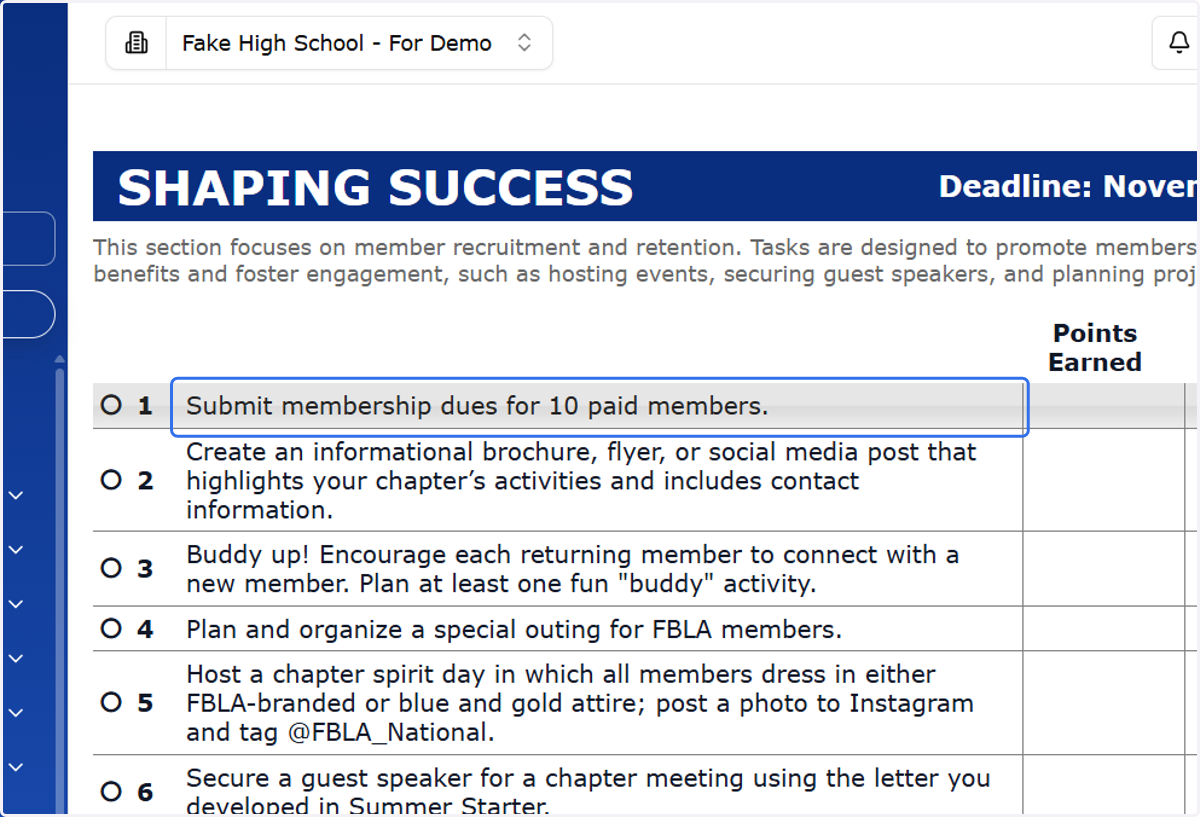
3. Click on the activity you wish to submit.
Once a season deadline has closed, you will not longer be able to click on the activities.
4. Describe how your chapter completed this activity in the textbox.
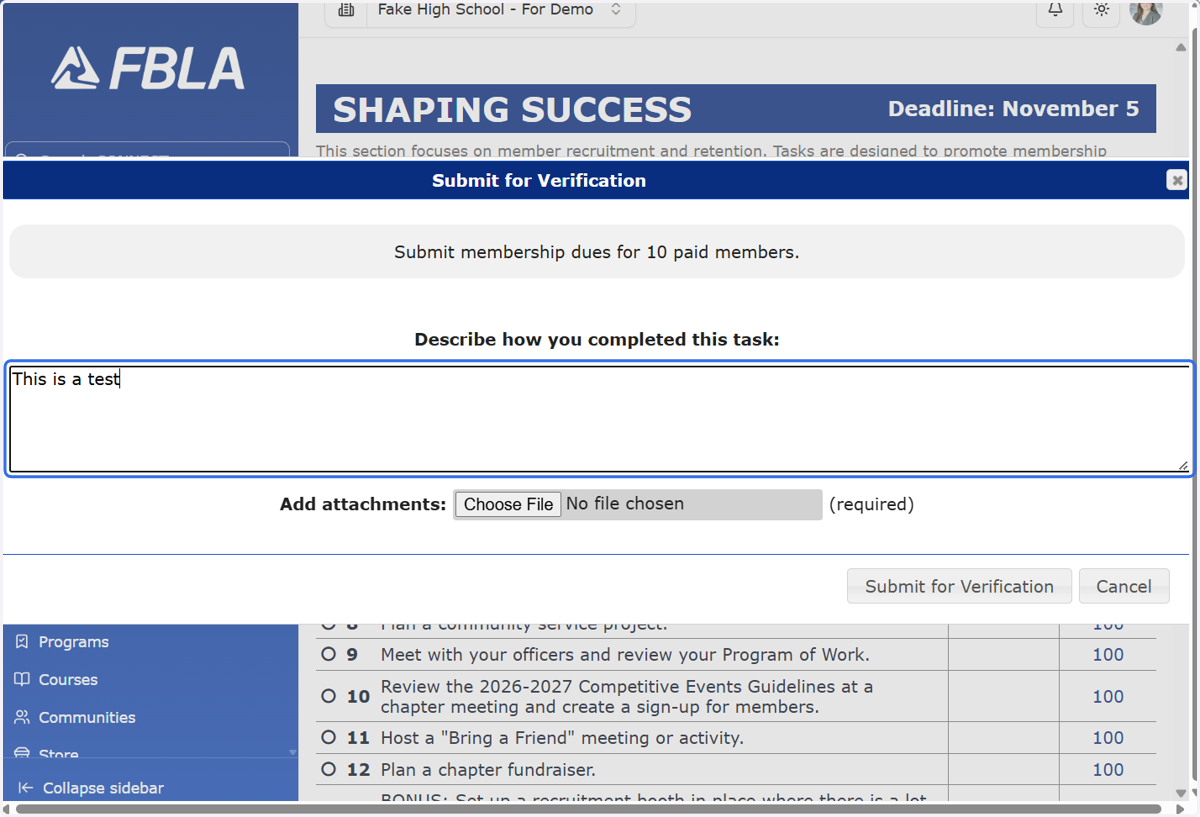
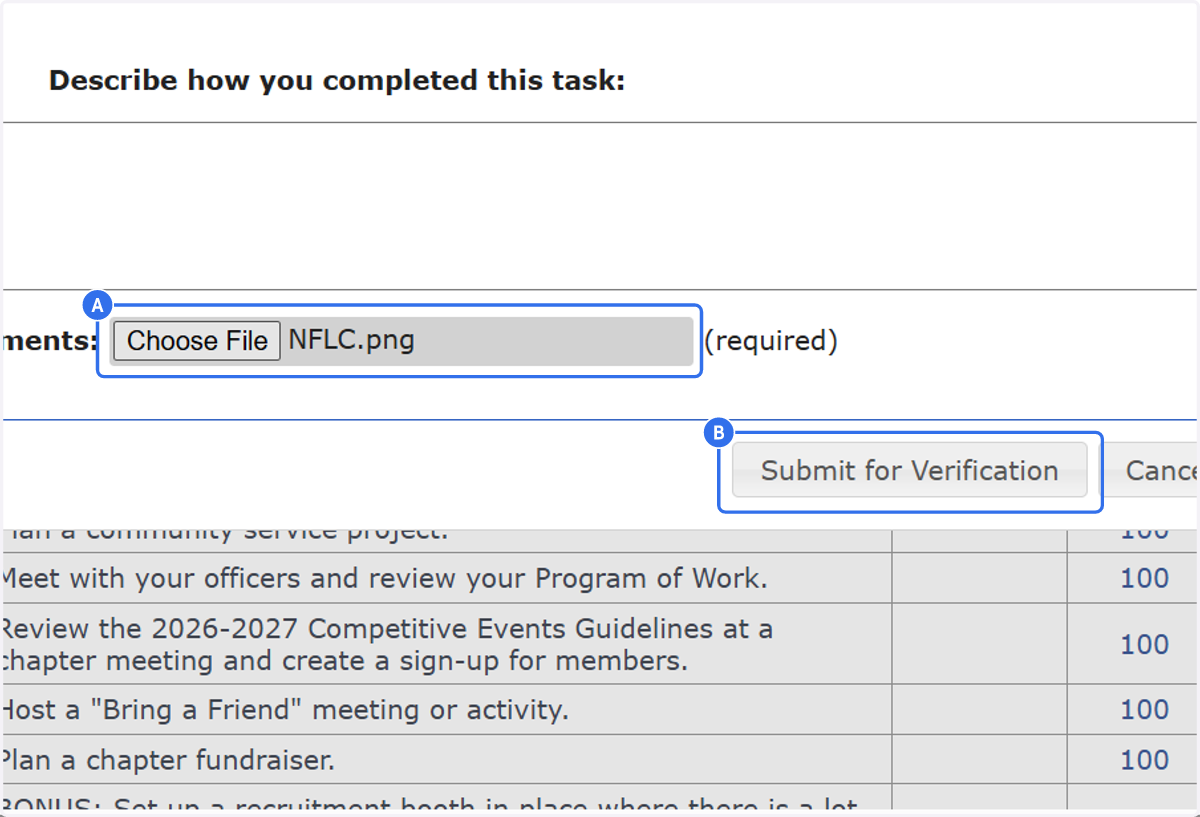
5. A. Attach the file associated with this activity (if required).
5. B. and click "Submit for Verification".