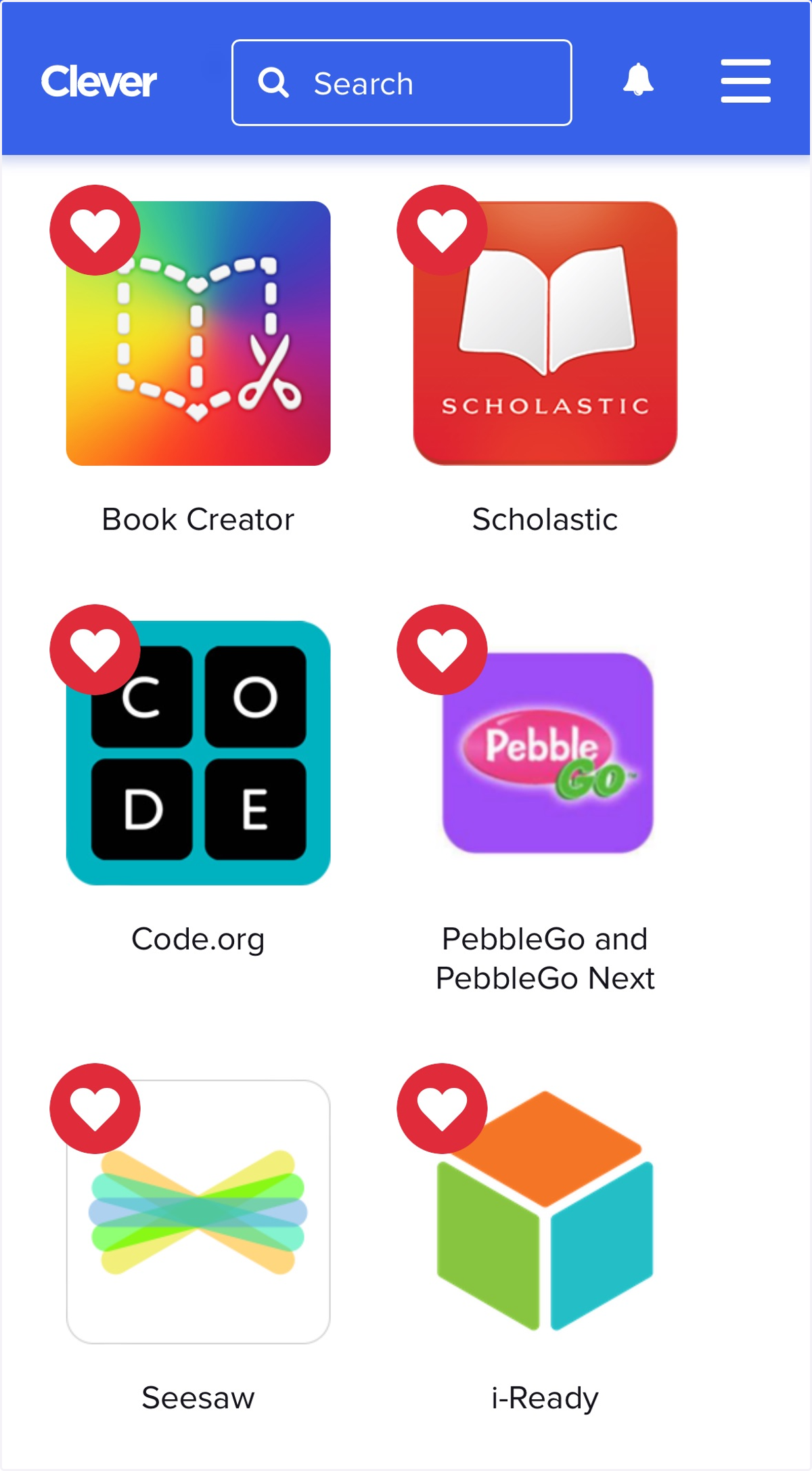
Students Grades 3-6: Log in to Clever from Home iPad/iOS device
1. Download the Clever app on your iOS device
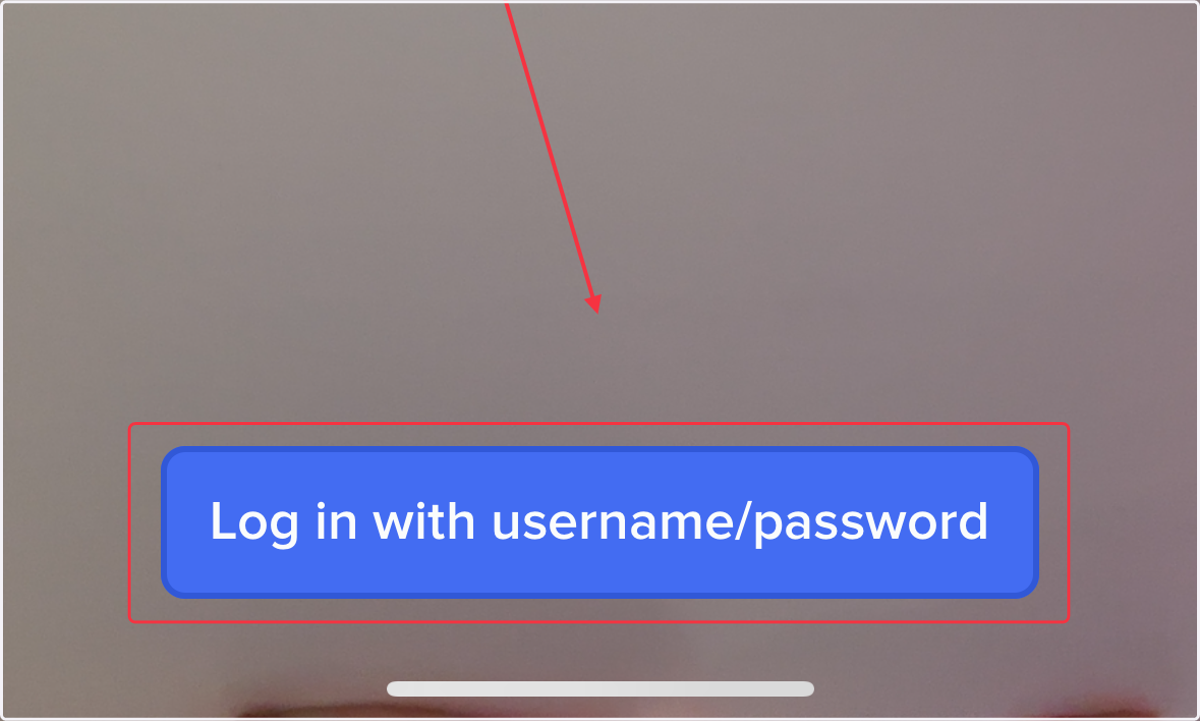
2. Open the Clever app and select Log in with username/password
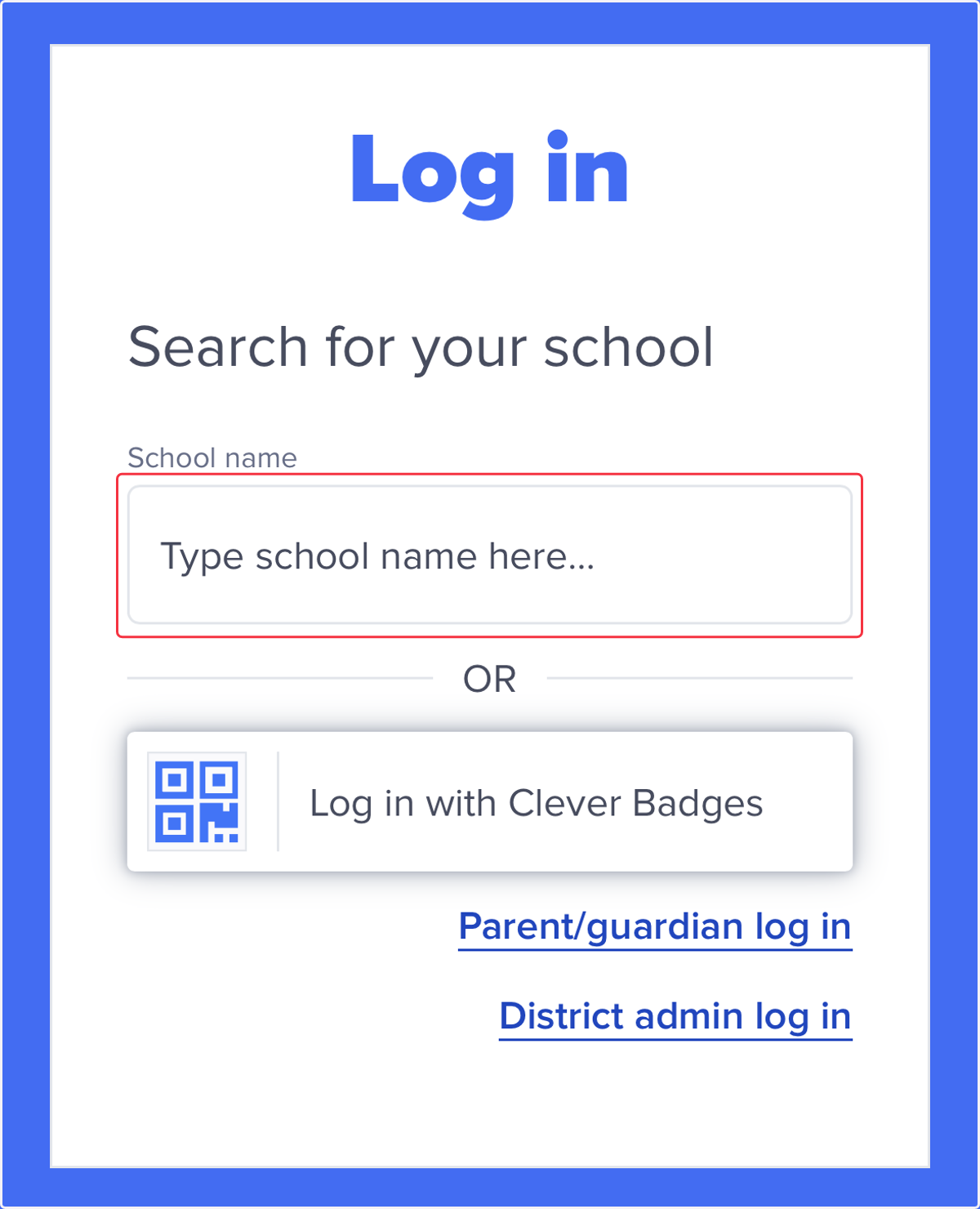
3. Type your school name in the box and select the option that is followed by "Edmonds School District #15, WA"
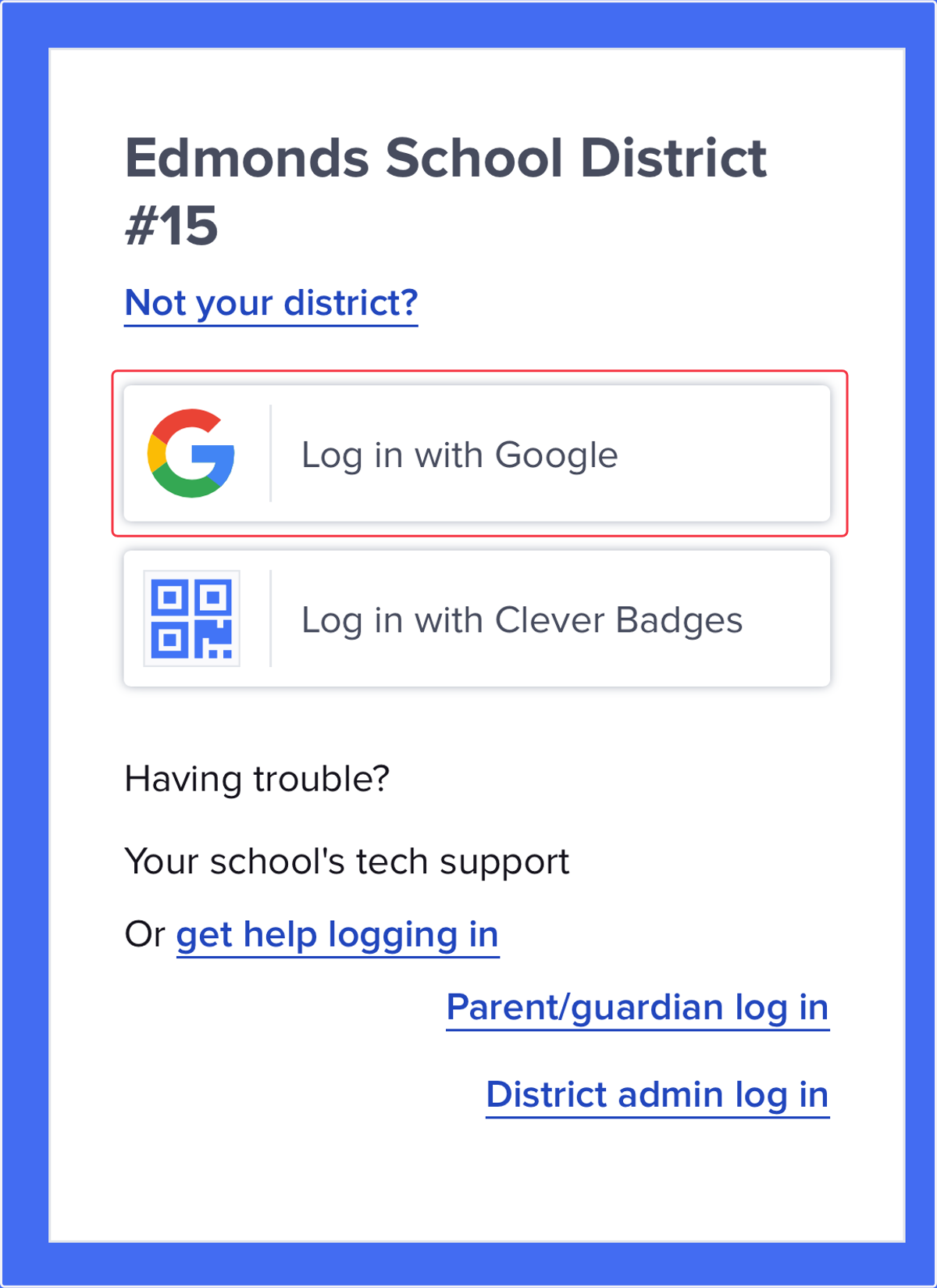
4. Click Log in with Google
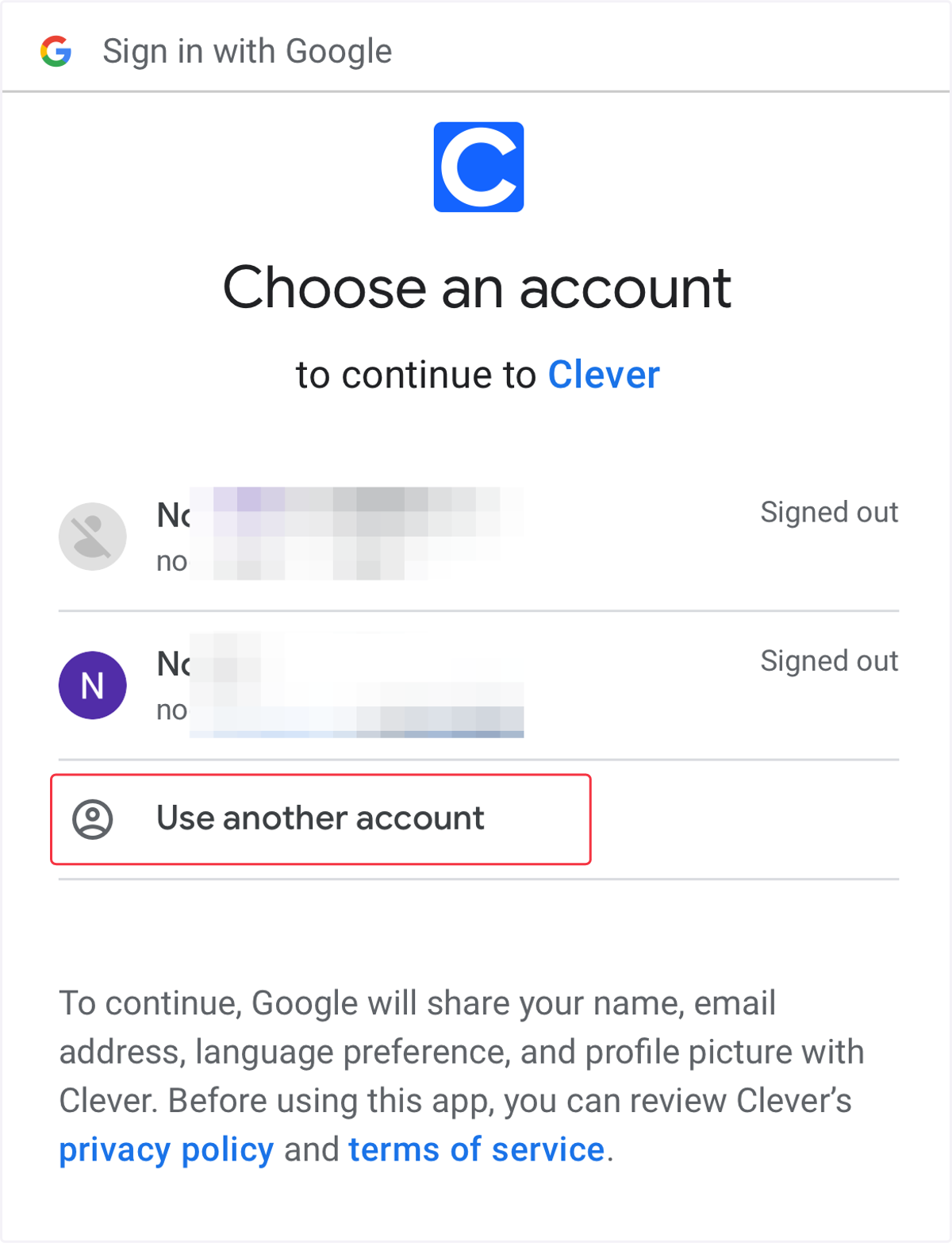
5. Choose your Edmonds School District account if it's already listed. Otherwise, select Use another account
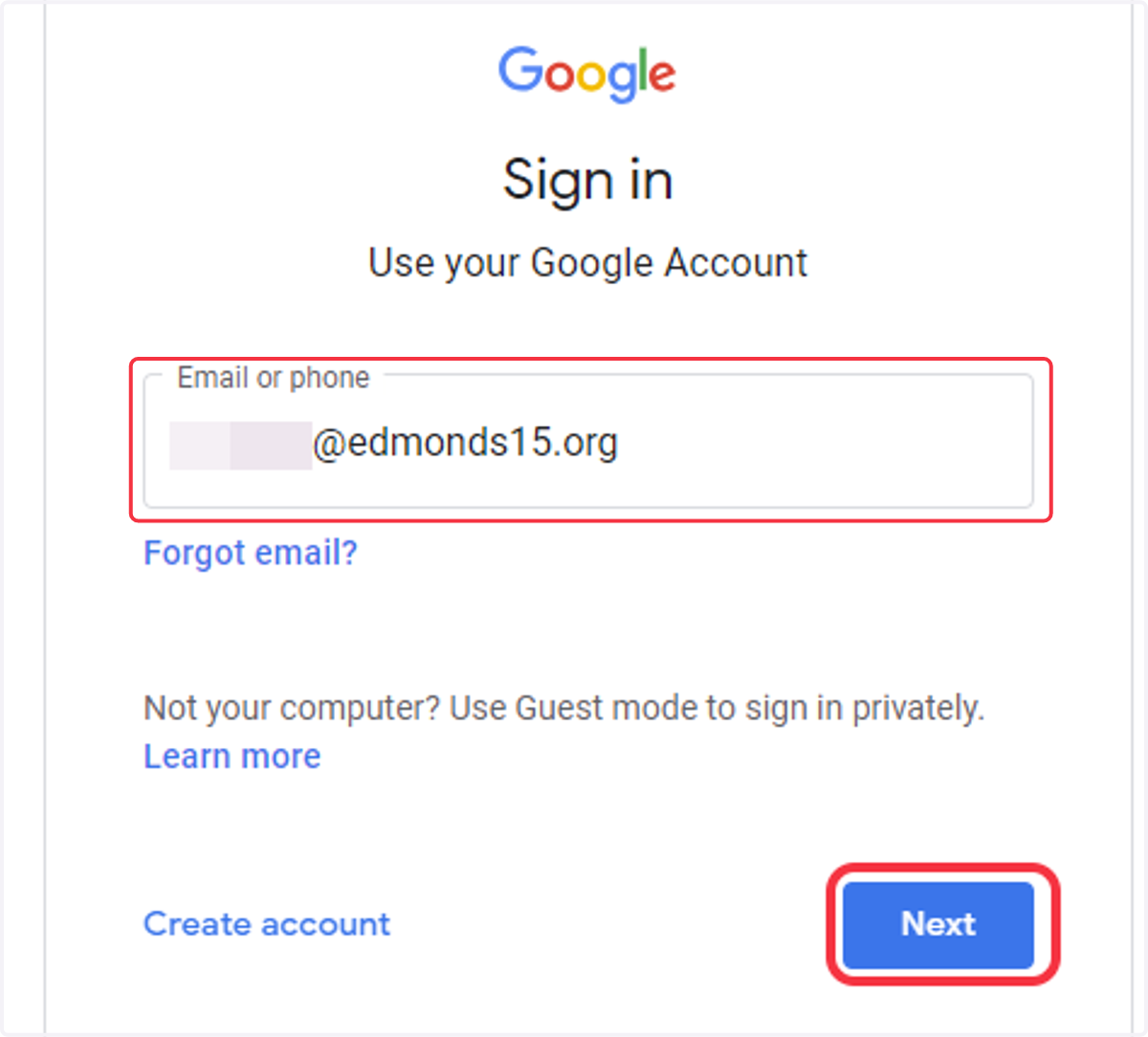
6. Enter Edmonds School District full email address including "@edmonds15.org" and click Next
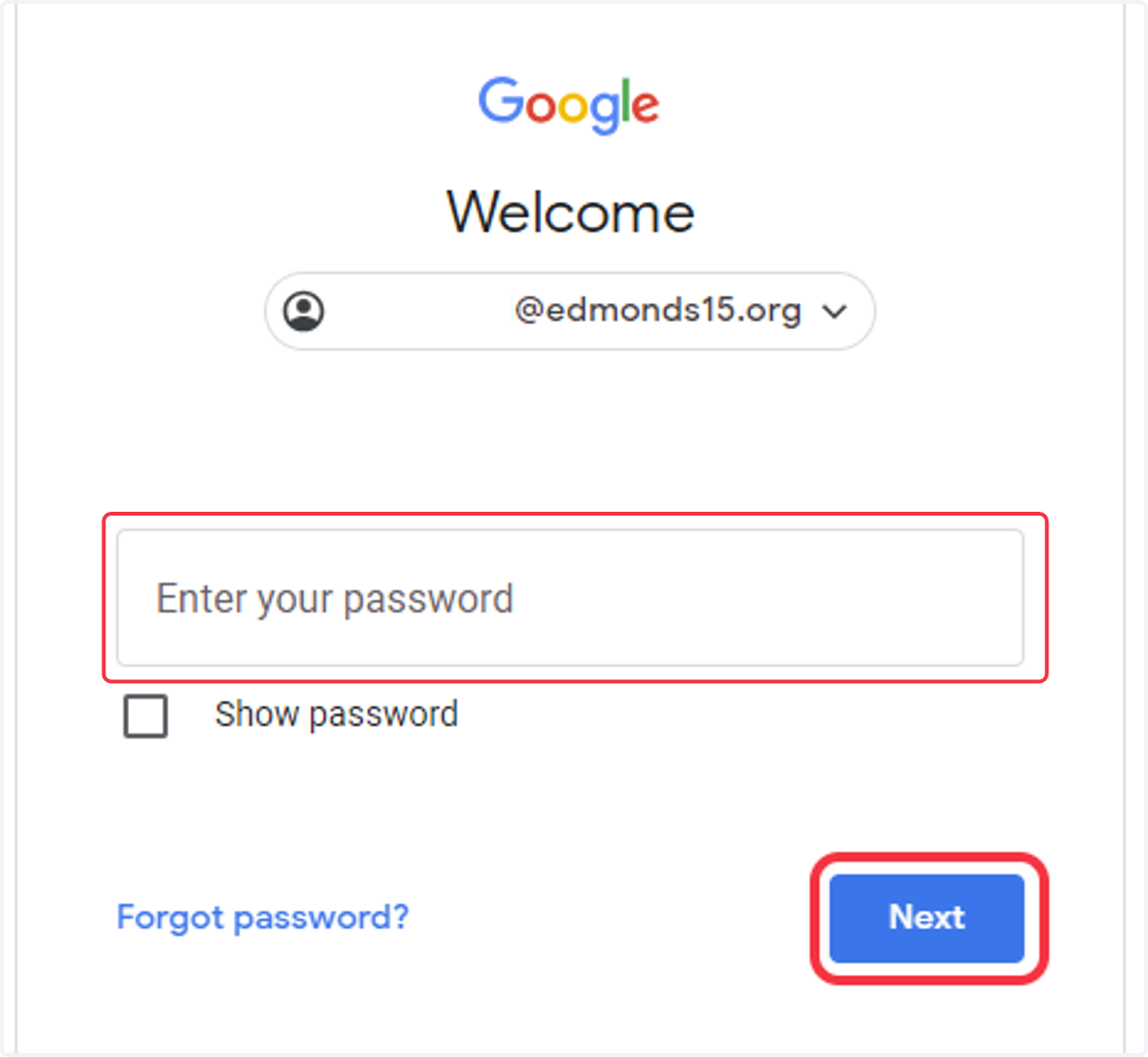
7. Enter your Edmonds School District password and click Next
8. Now you are logged in to Clever!