How Create and Process Material Issue and Scrap Requests in Odoo-iLines iProcurement
Odoo
1. Click on iProcurement
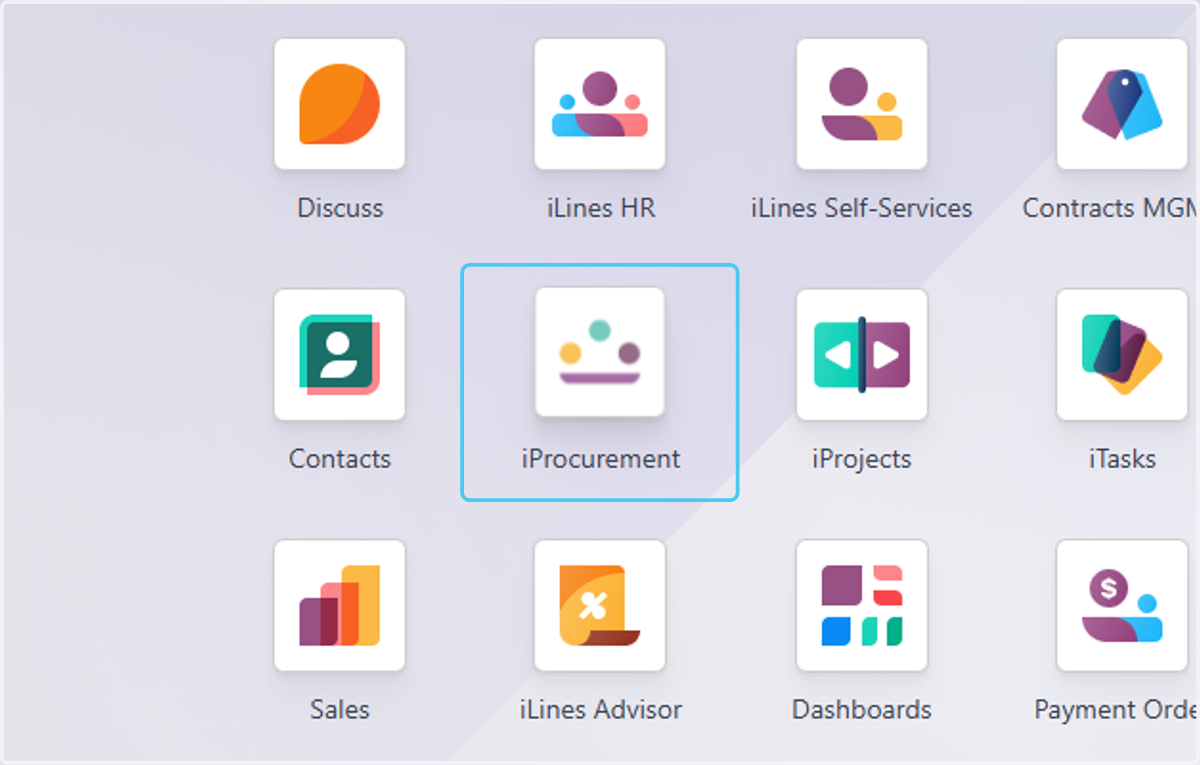
2. Click on Issue Requests
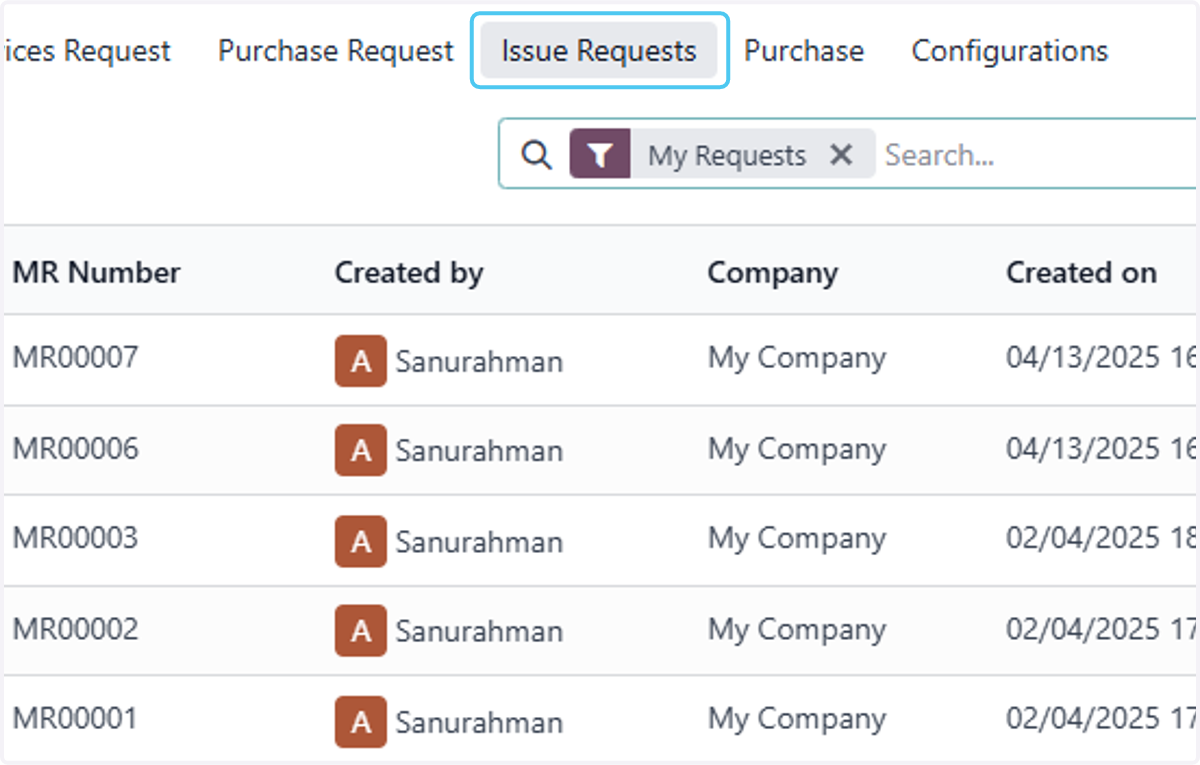
3. Click on Issue Requests
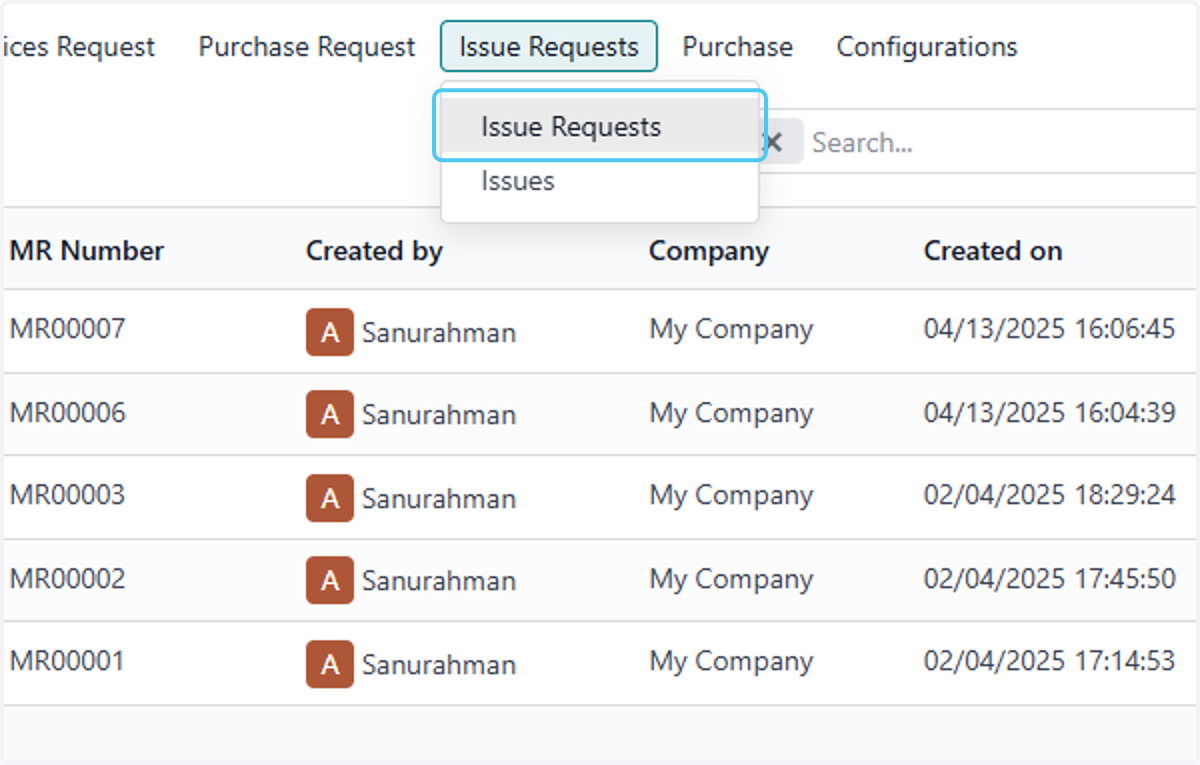
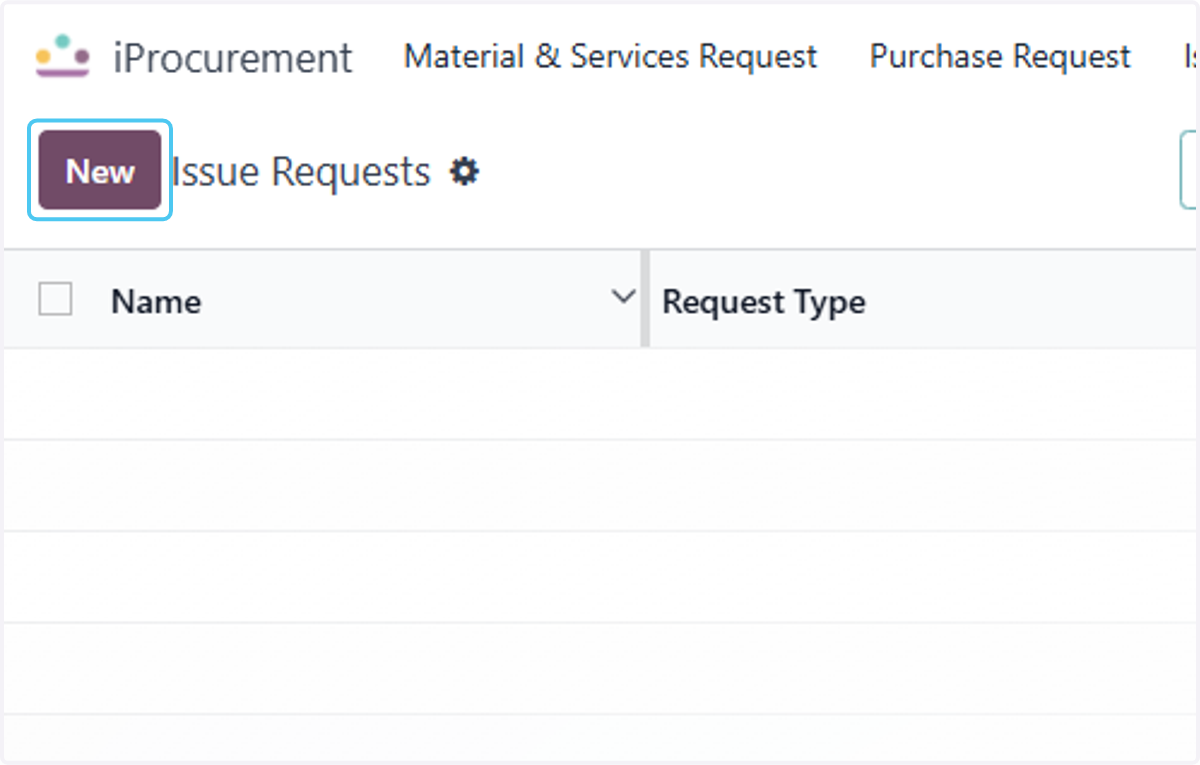
4. Click on New
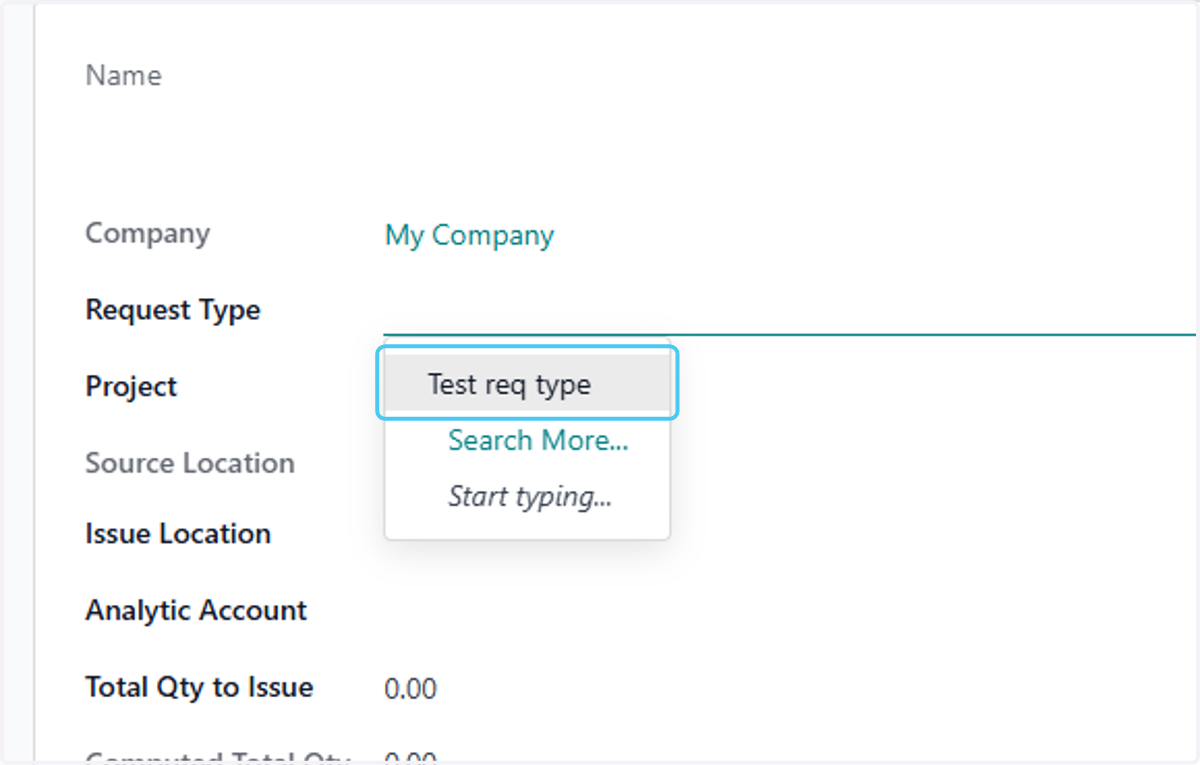
5. Click on Test req type and Select Request Type
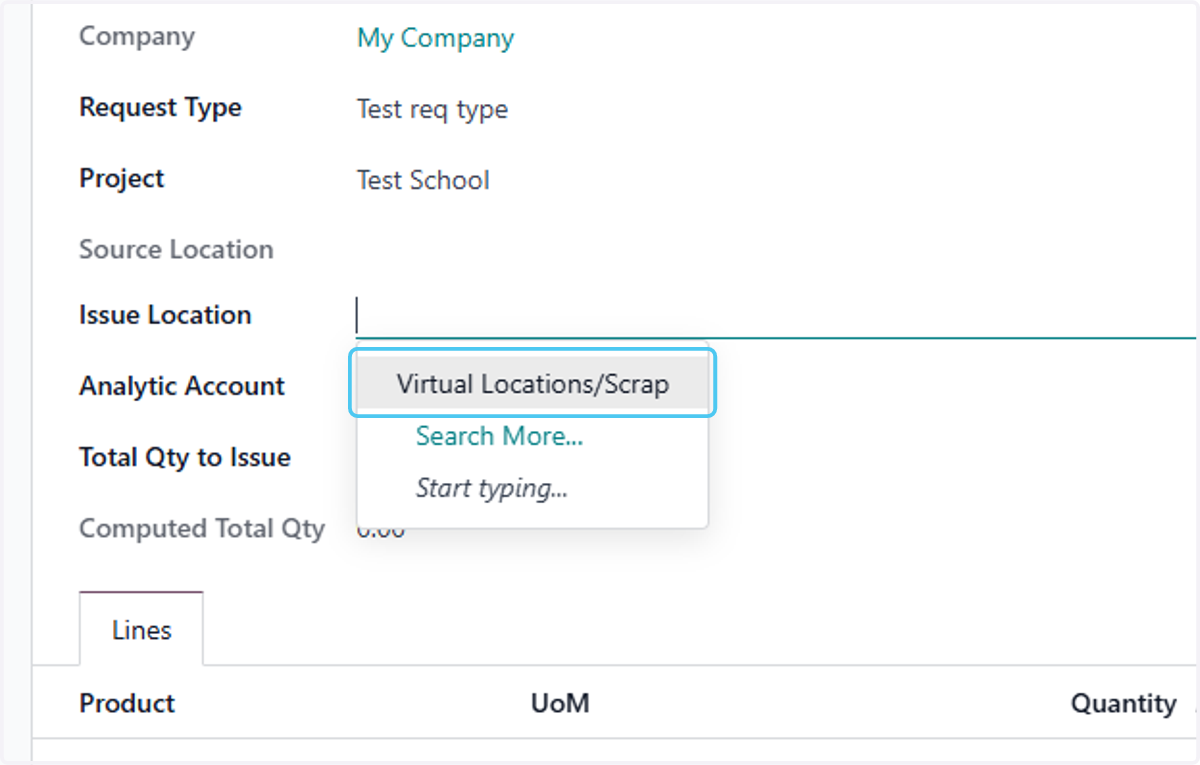
6. Click on Issue location and Select the Issue location
7. Click on Total Qty to Issue
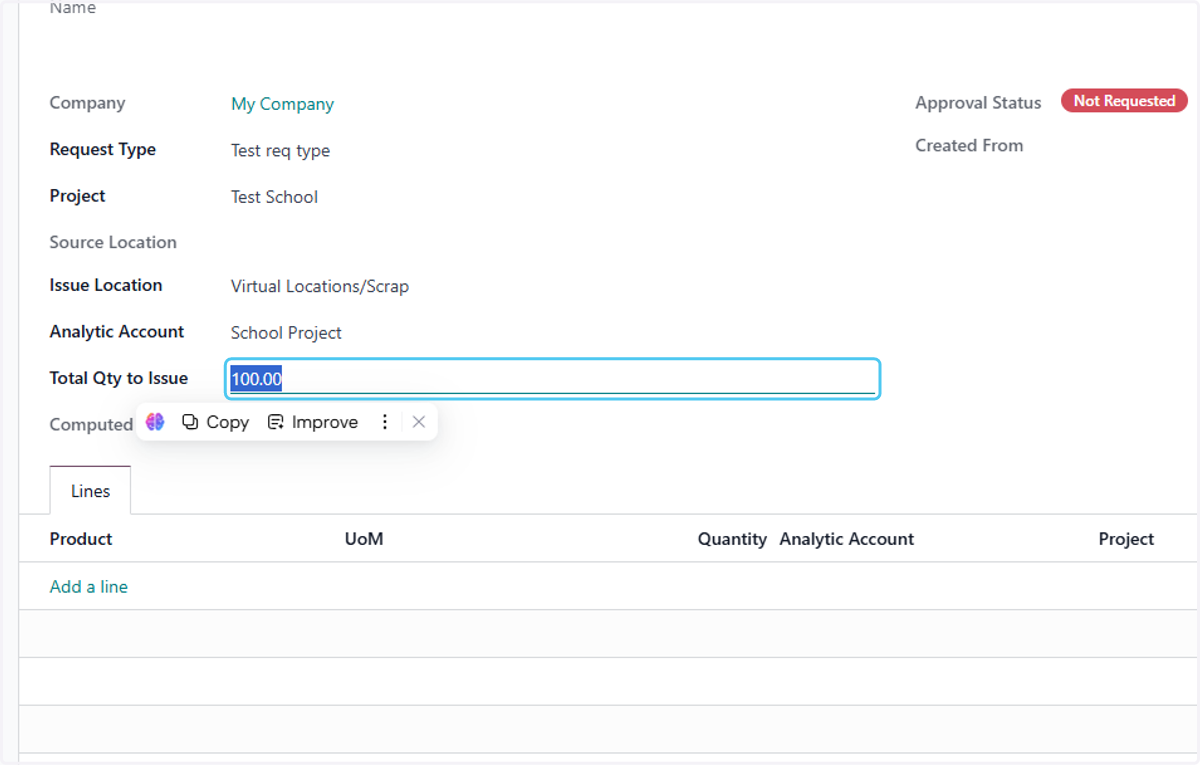
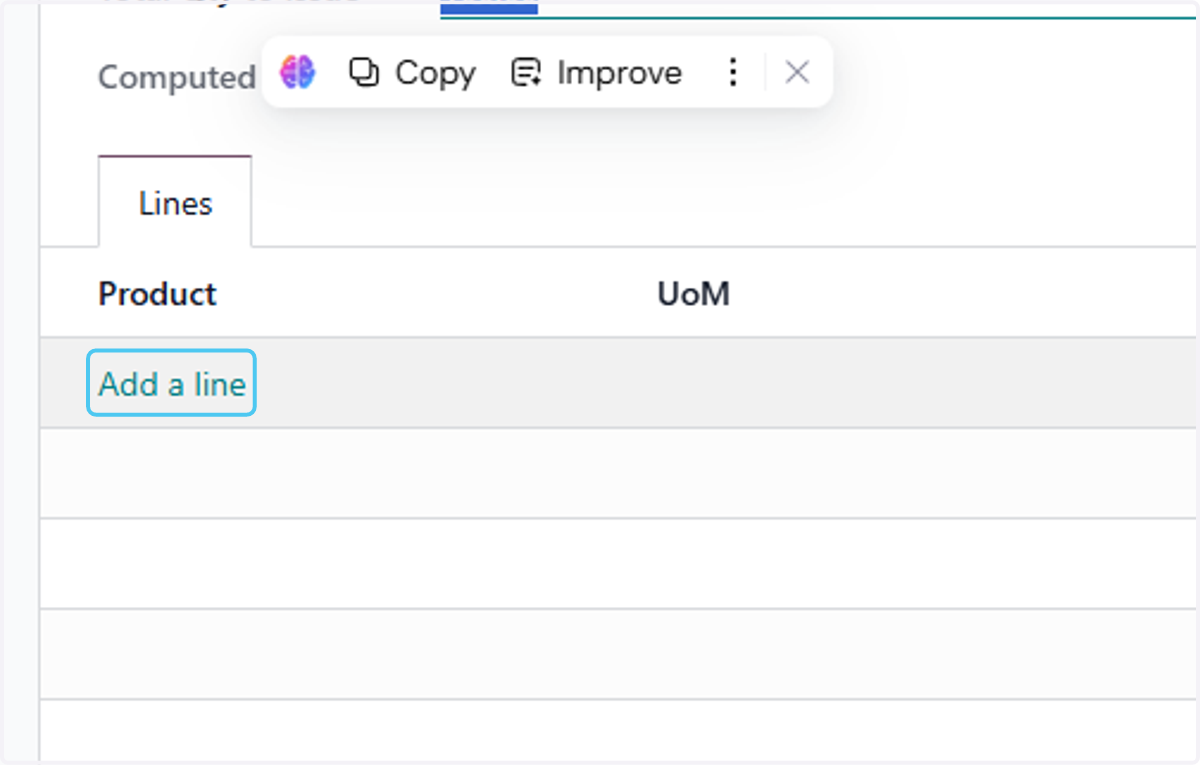
8. Click on Add a line
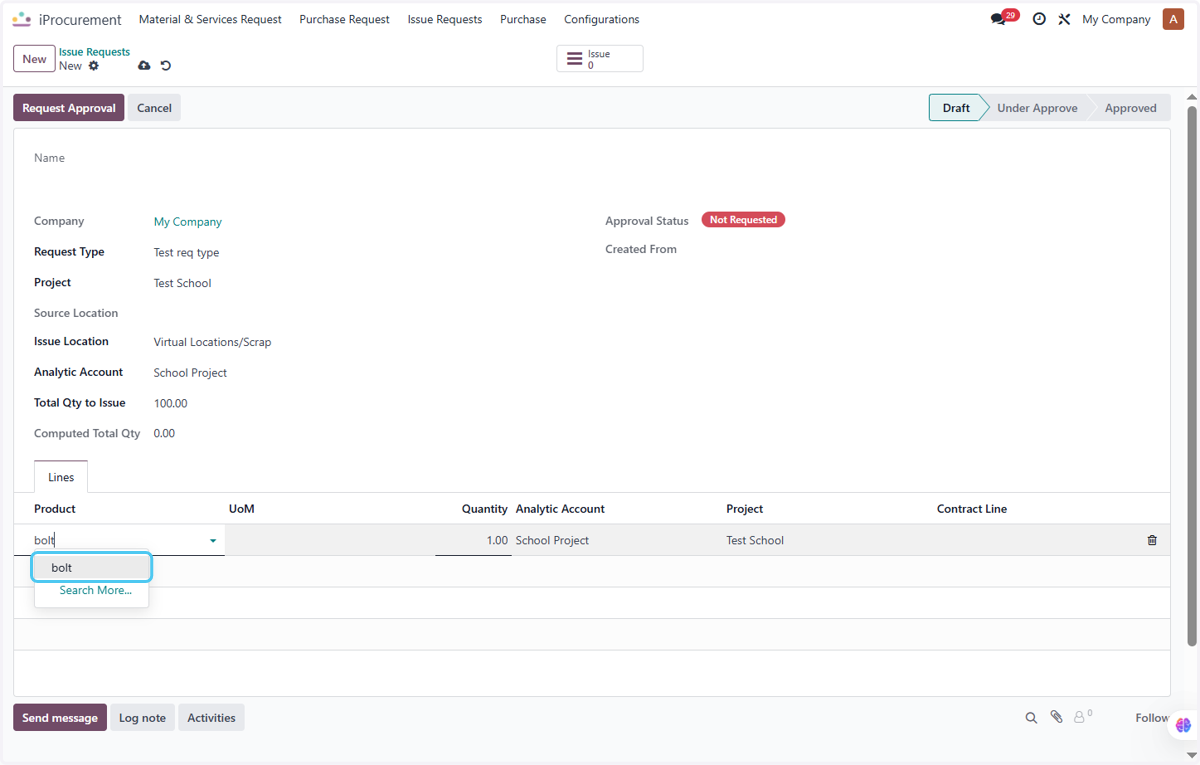
9. Click on bolt
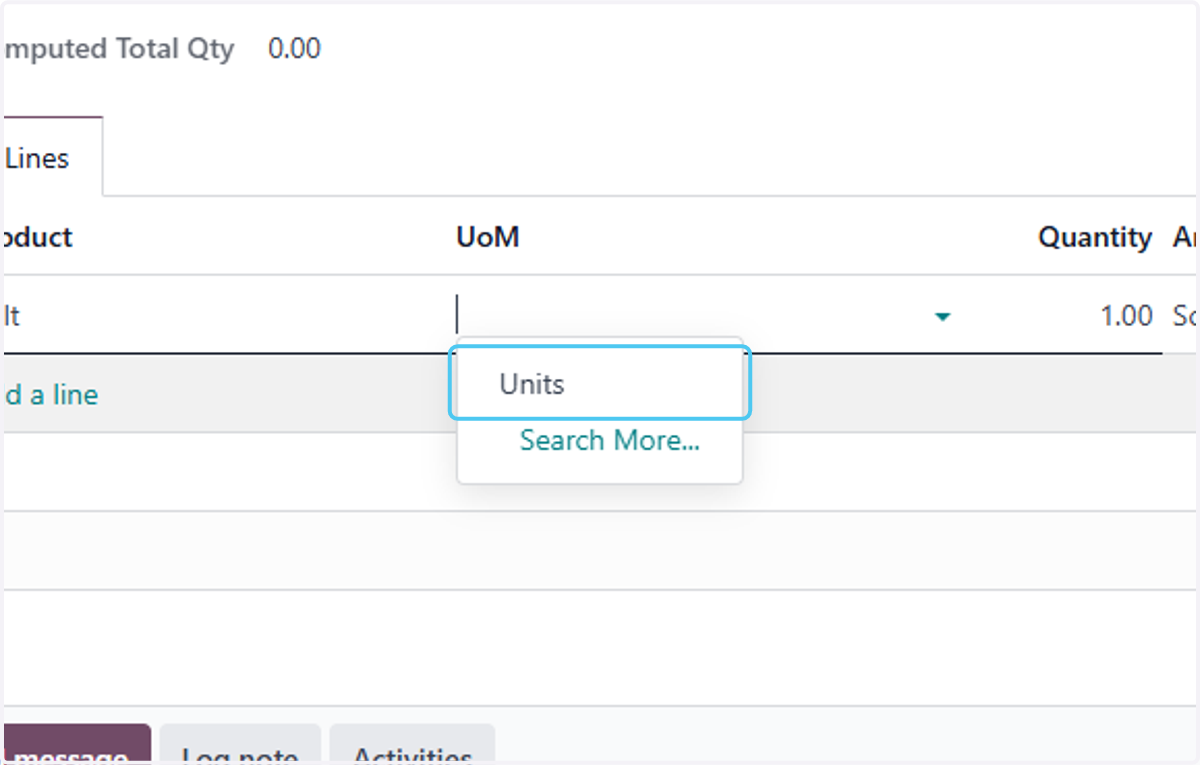
10. Select the Unit of Measurement
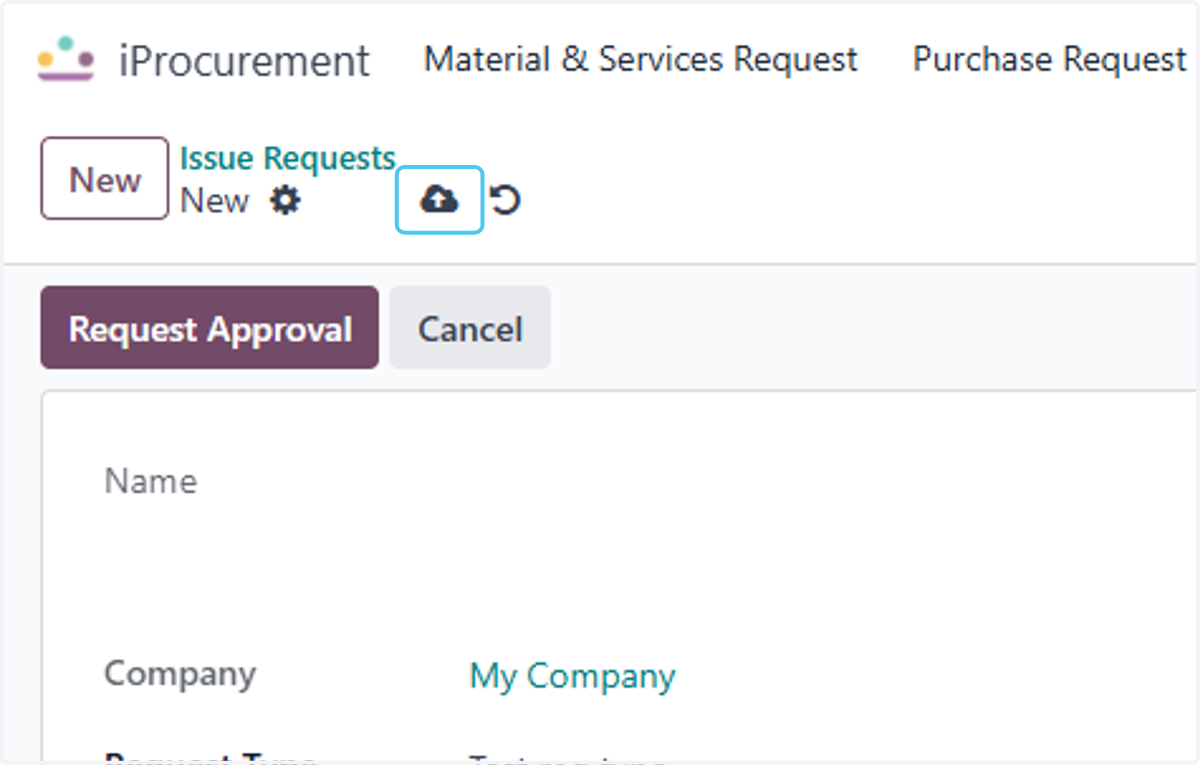
11. Click on Save manually
12. Click on Request Approval
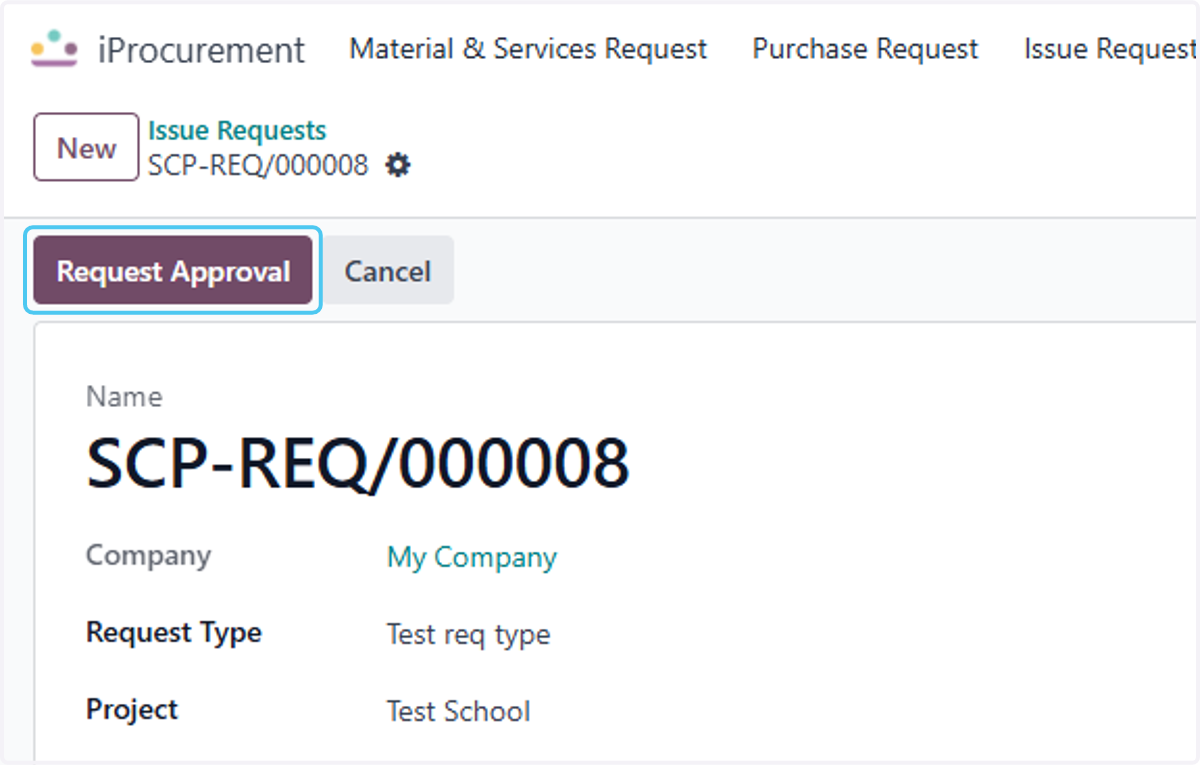
13. Click on First Approval
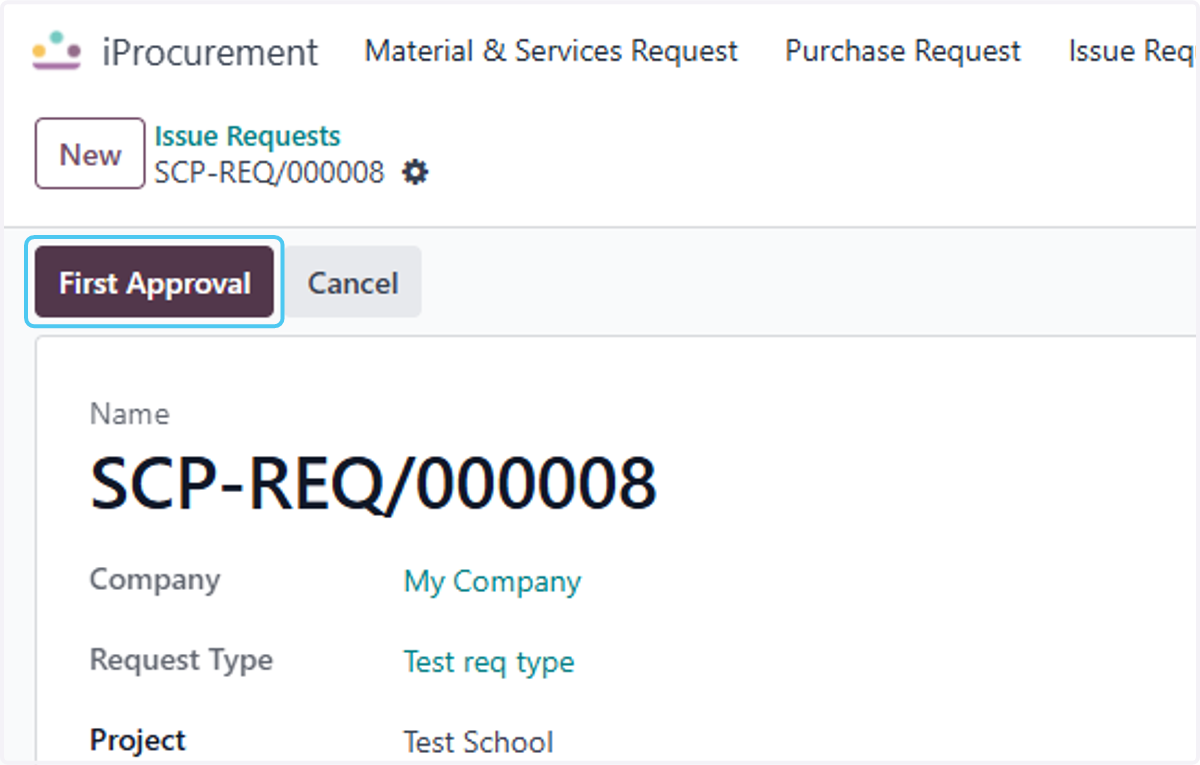
14. Click on Second Approval
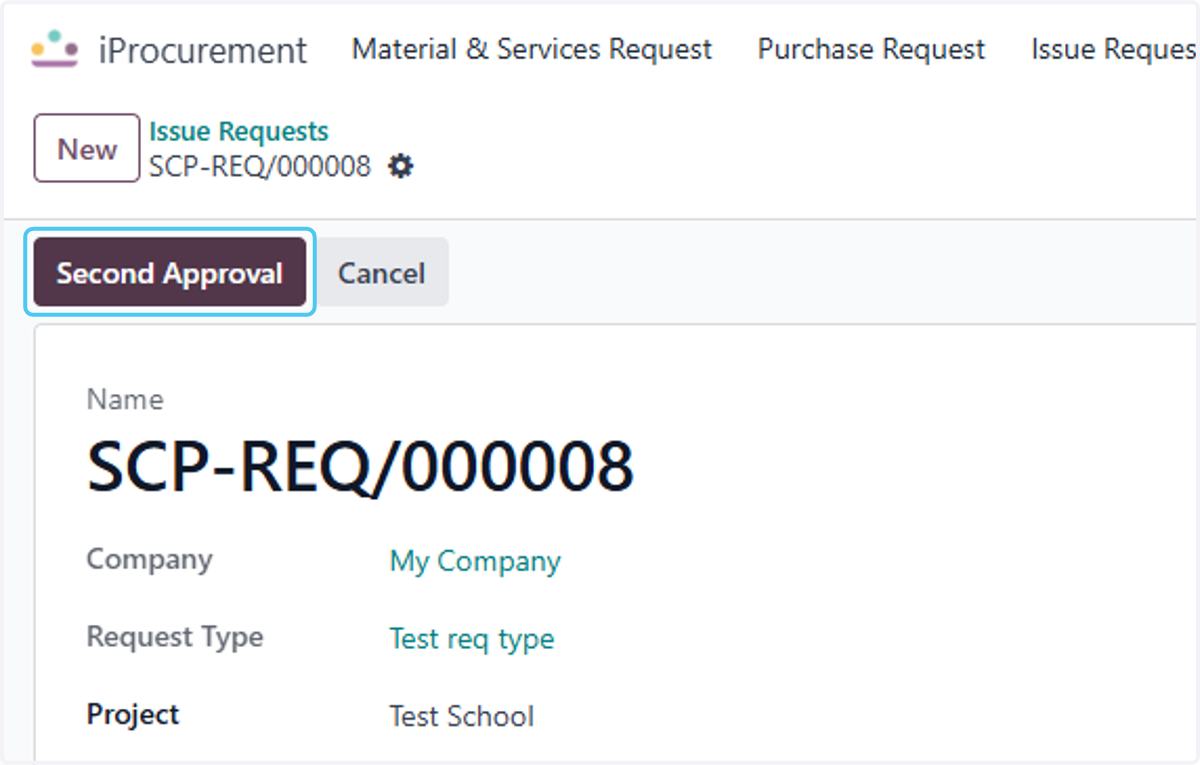
15. Click on Issue
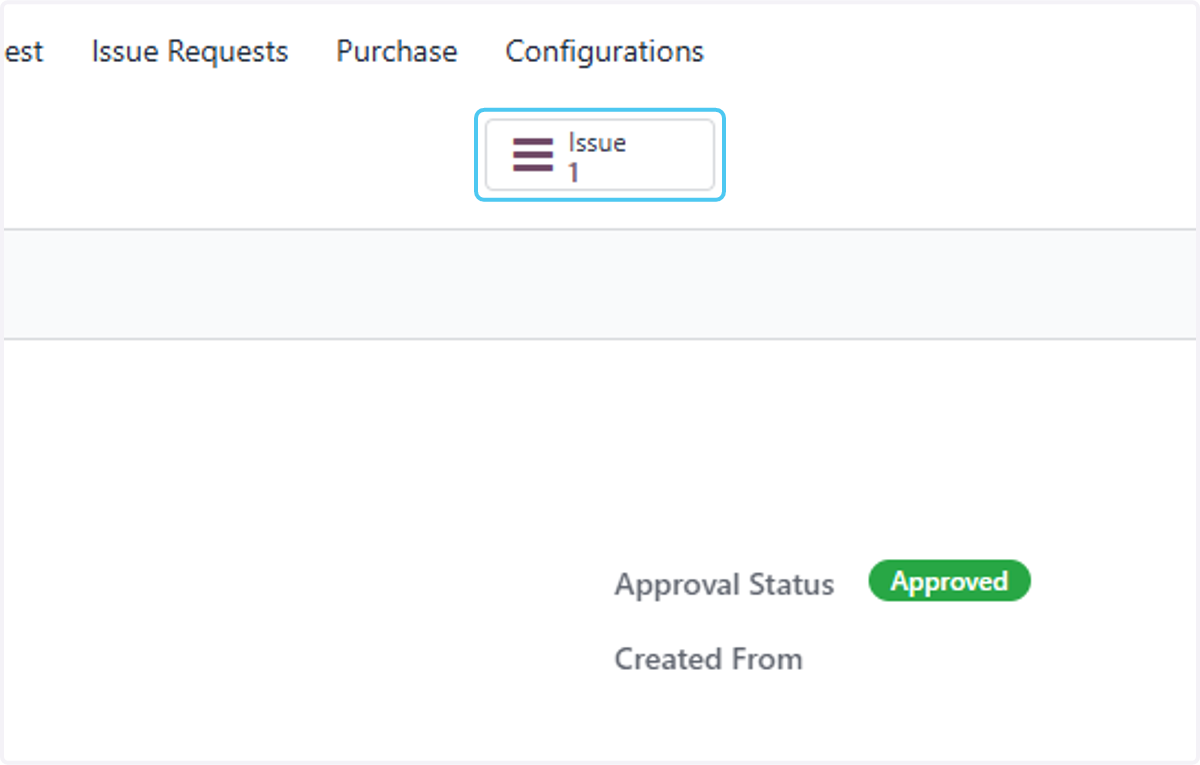
16. Click on Issue
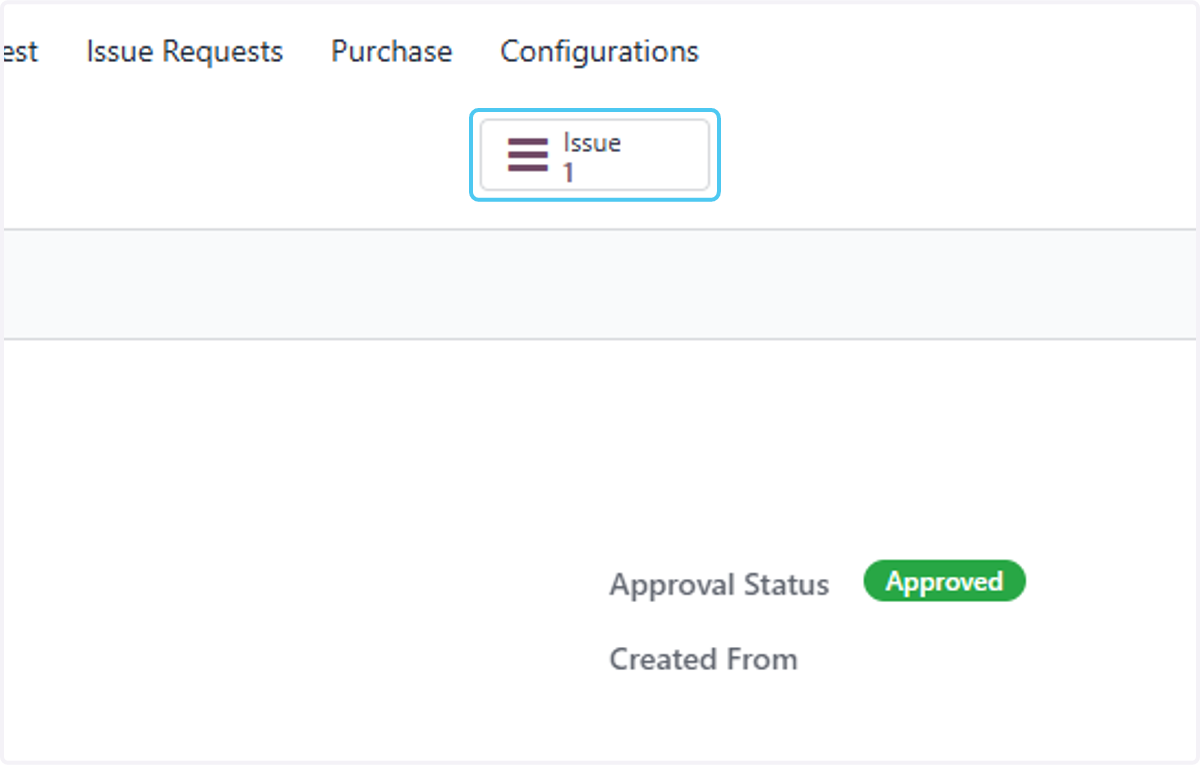
17. Select the Request
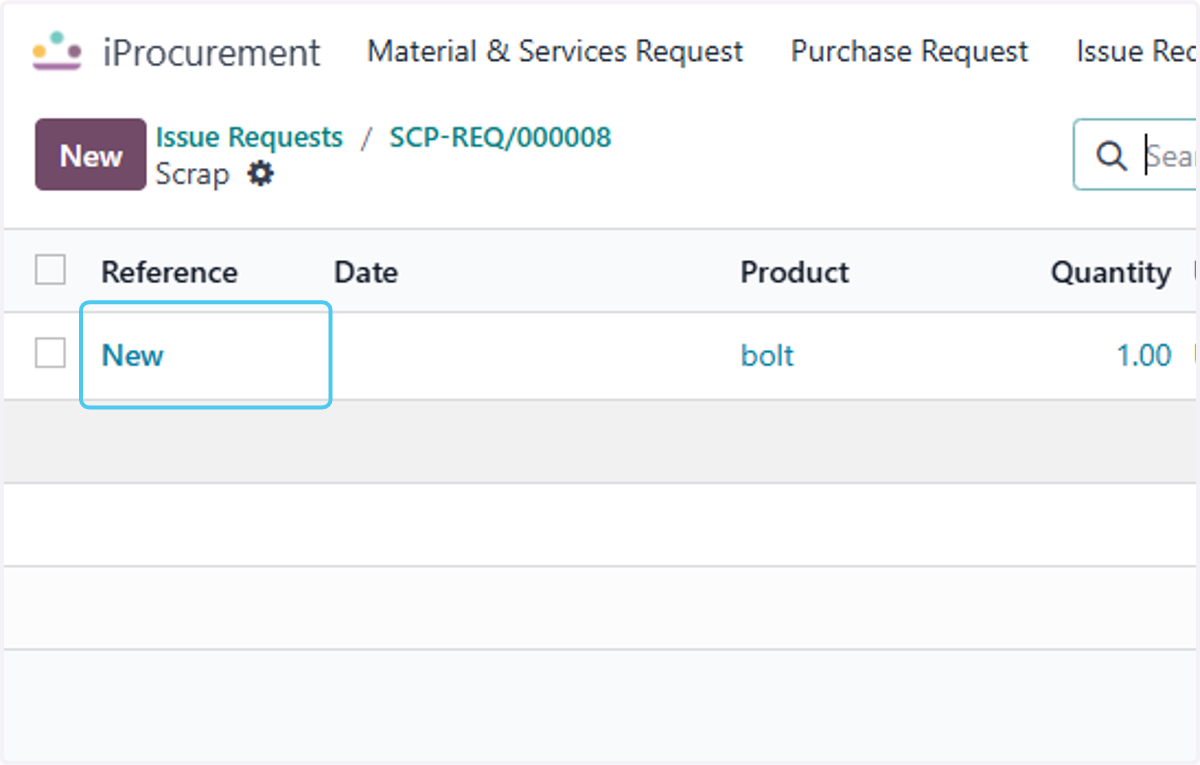
18. Click on Package if you want to add package
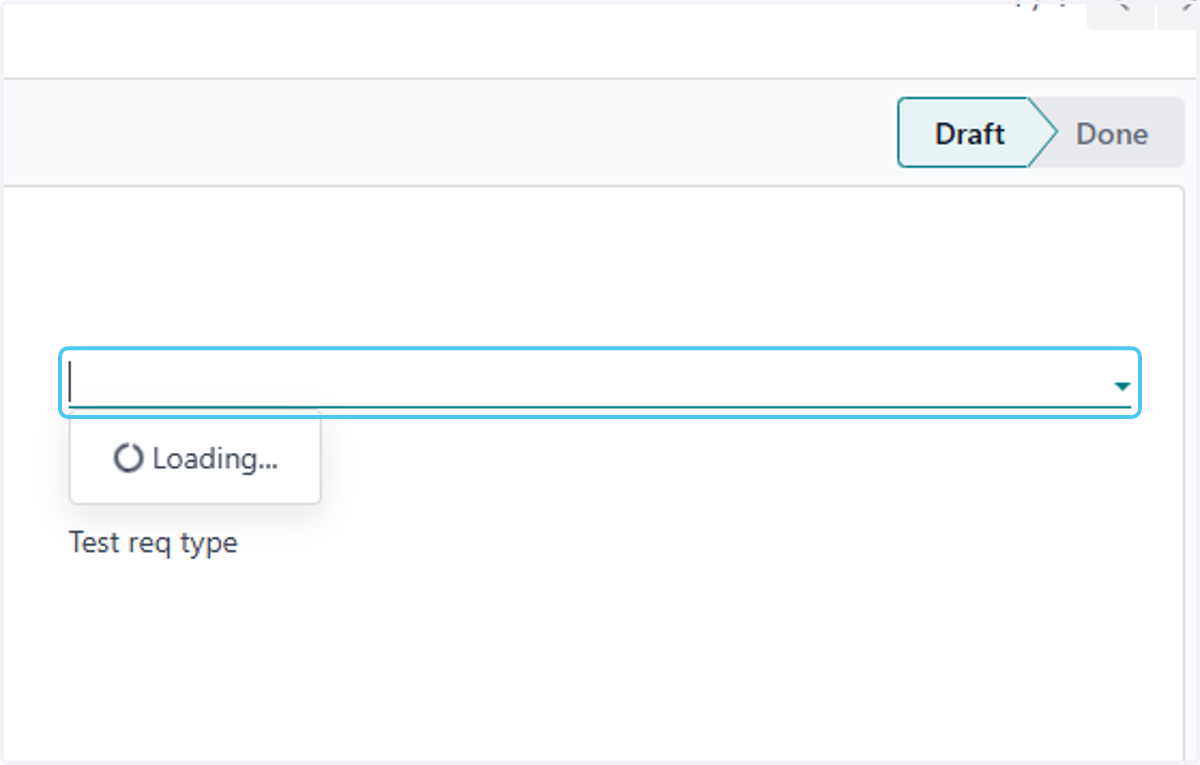
19. Click on Owner
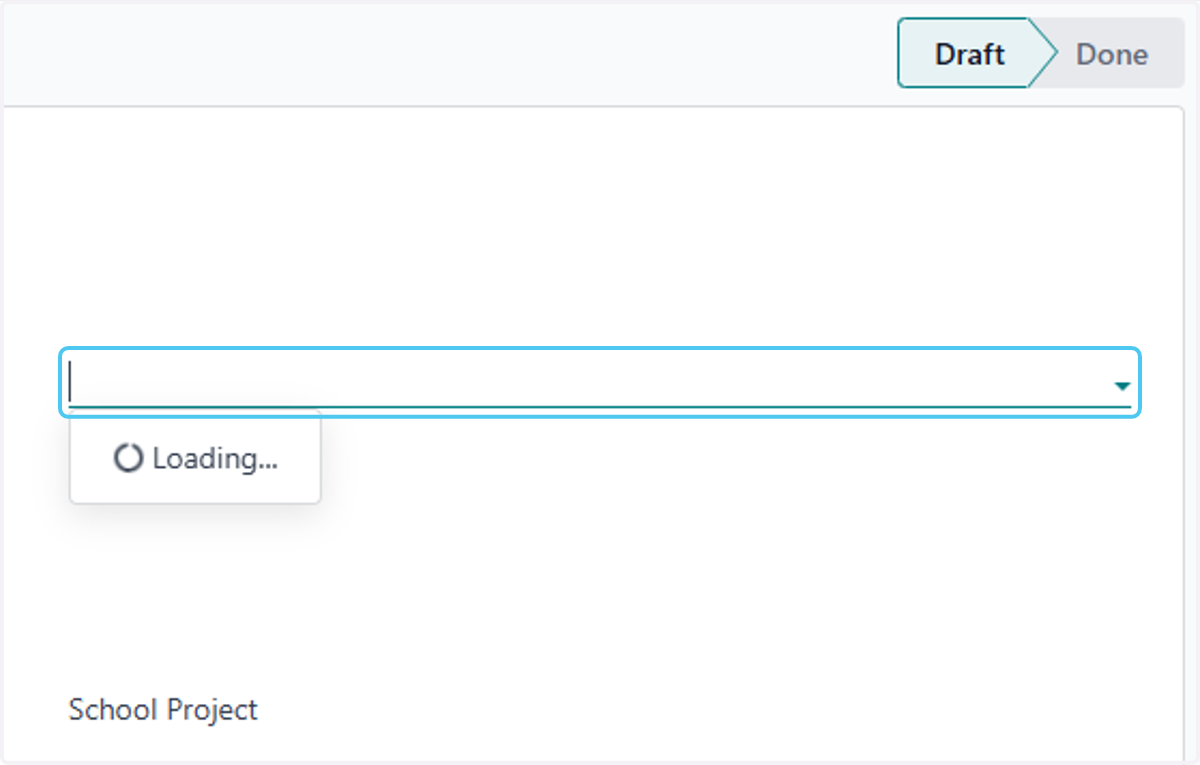
20. Click on lotSerial to add any serial of the Product
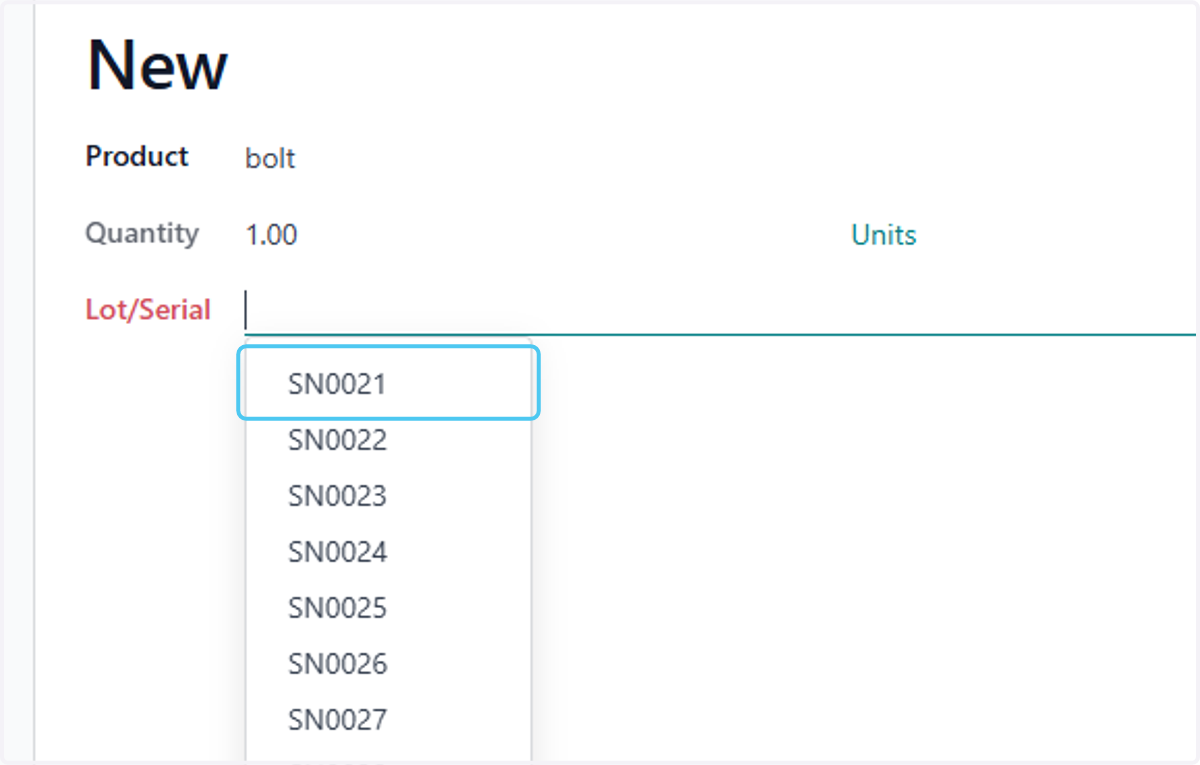
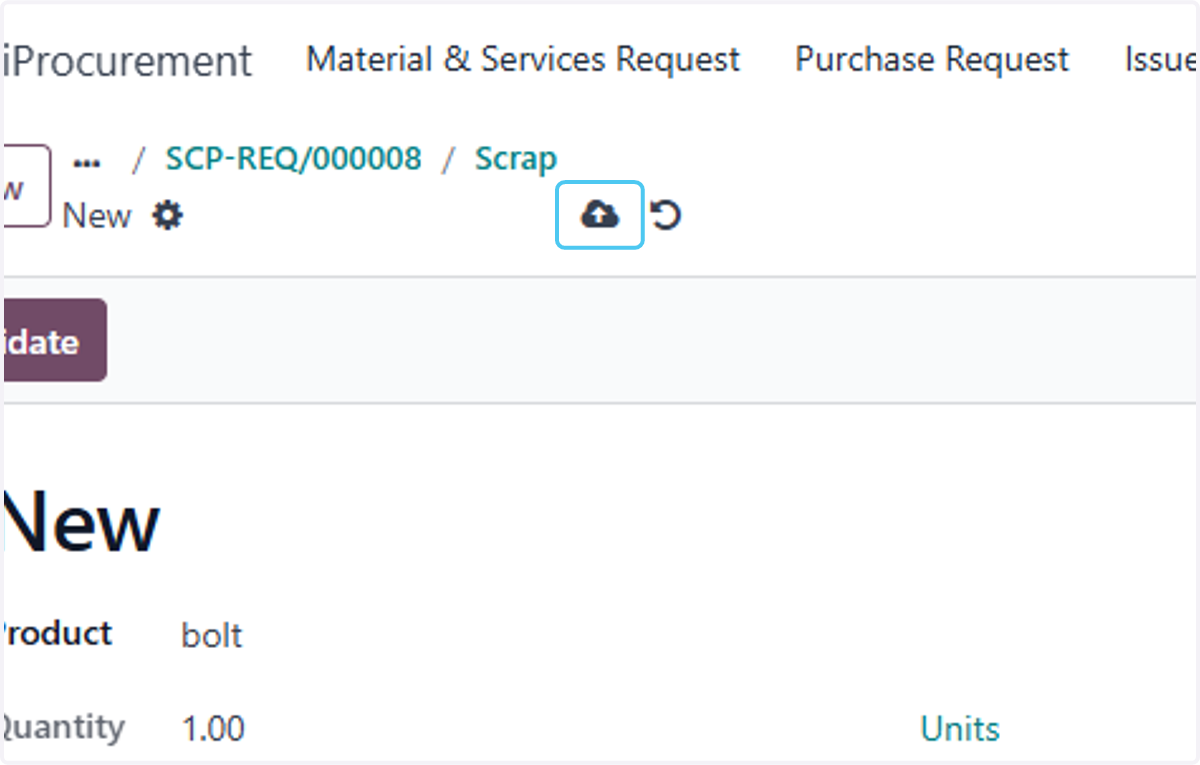
21. Click on Save manually
22. Click on Validate
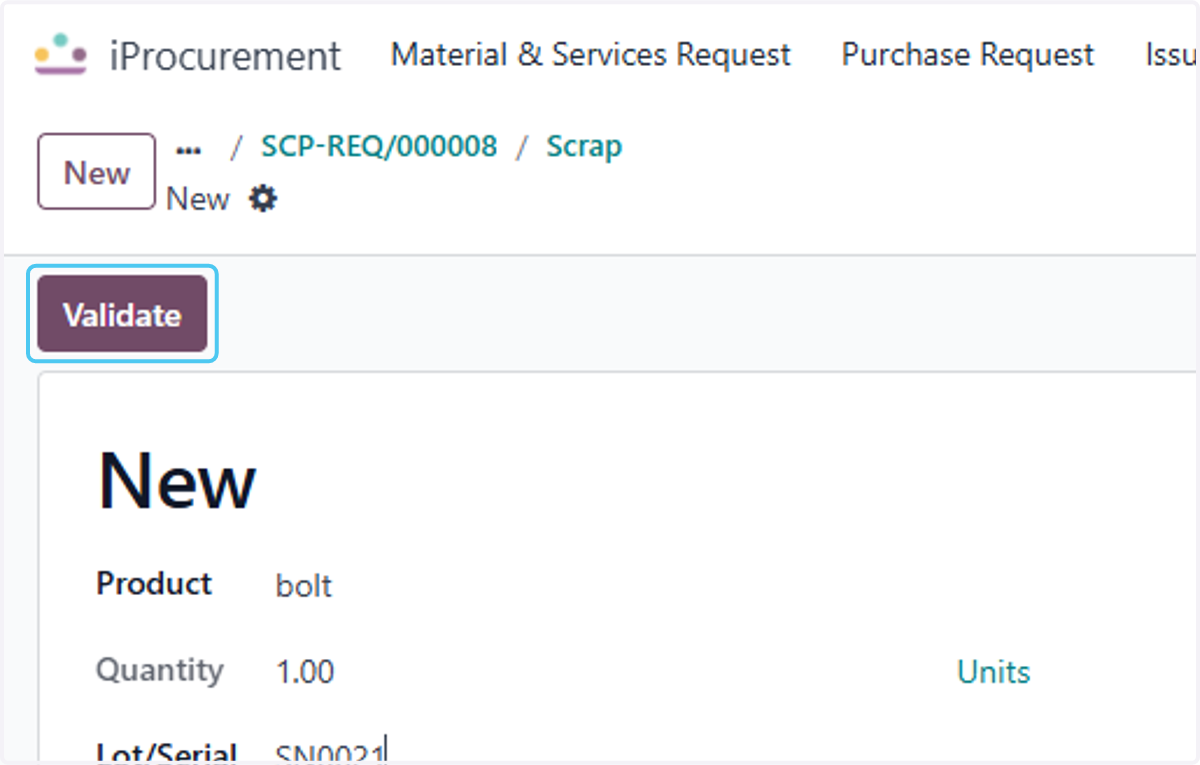
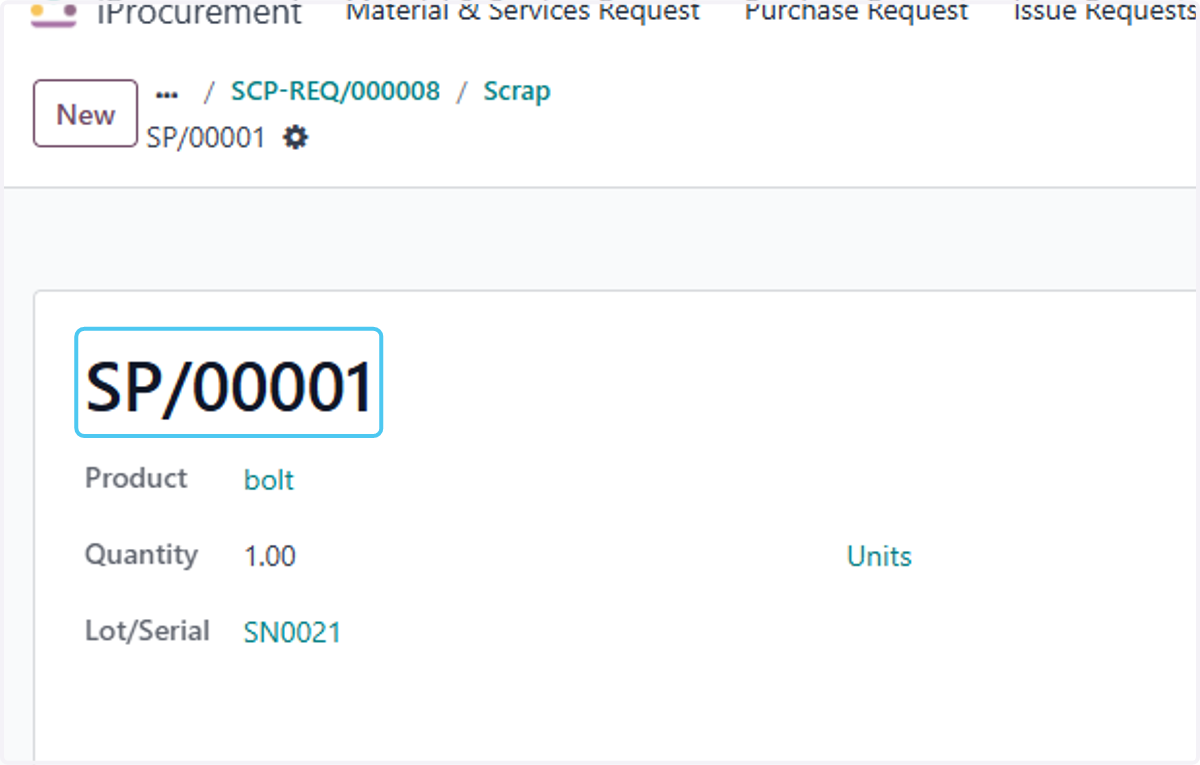
23. Finaly the Process of the Issue to Scrap is Completed