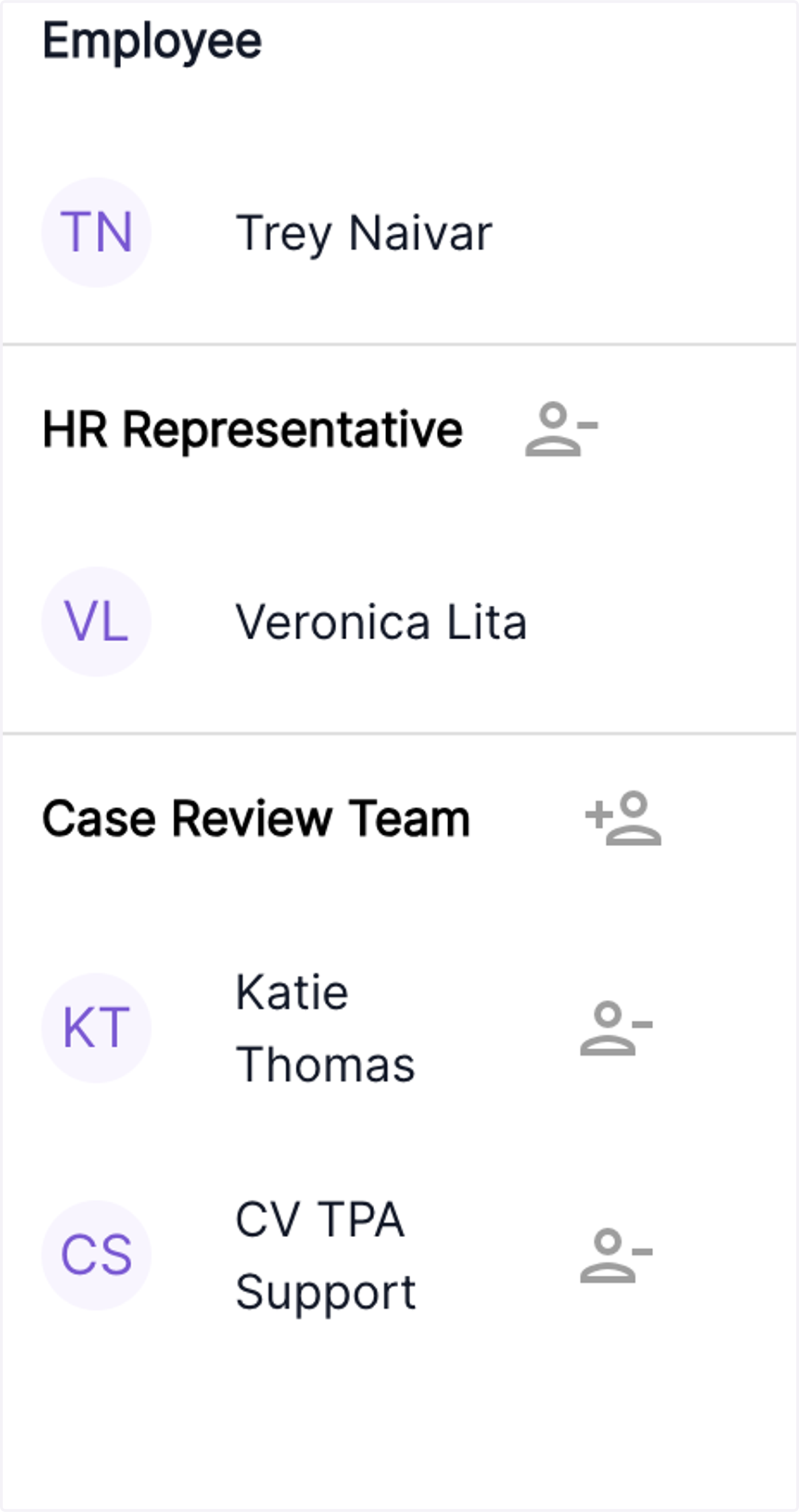
Nov 8 Release Notes- Allow CV admins and HR admins to reassign/remove the “HR Representative” within a case
Need to make a change to the HR team assigned to a case? CV Admins and HR Admins now have the flexibility to easily remove or reassign the assigned HR representative, ensuring that the case is in the best hands
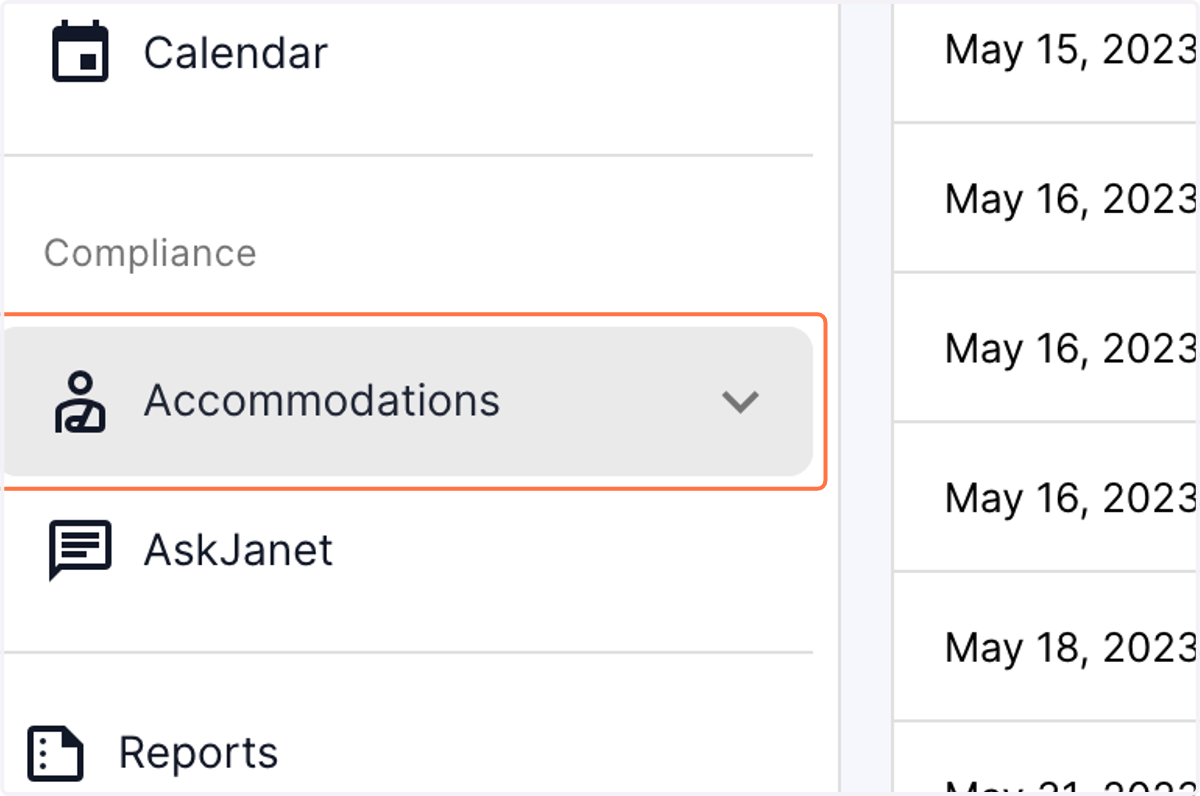
1. Click on the "Accommodations" menu in the Compliance section of the dashboard.
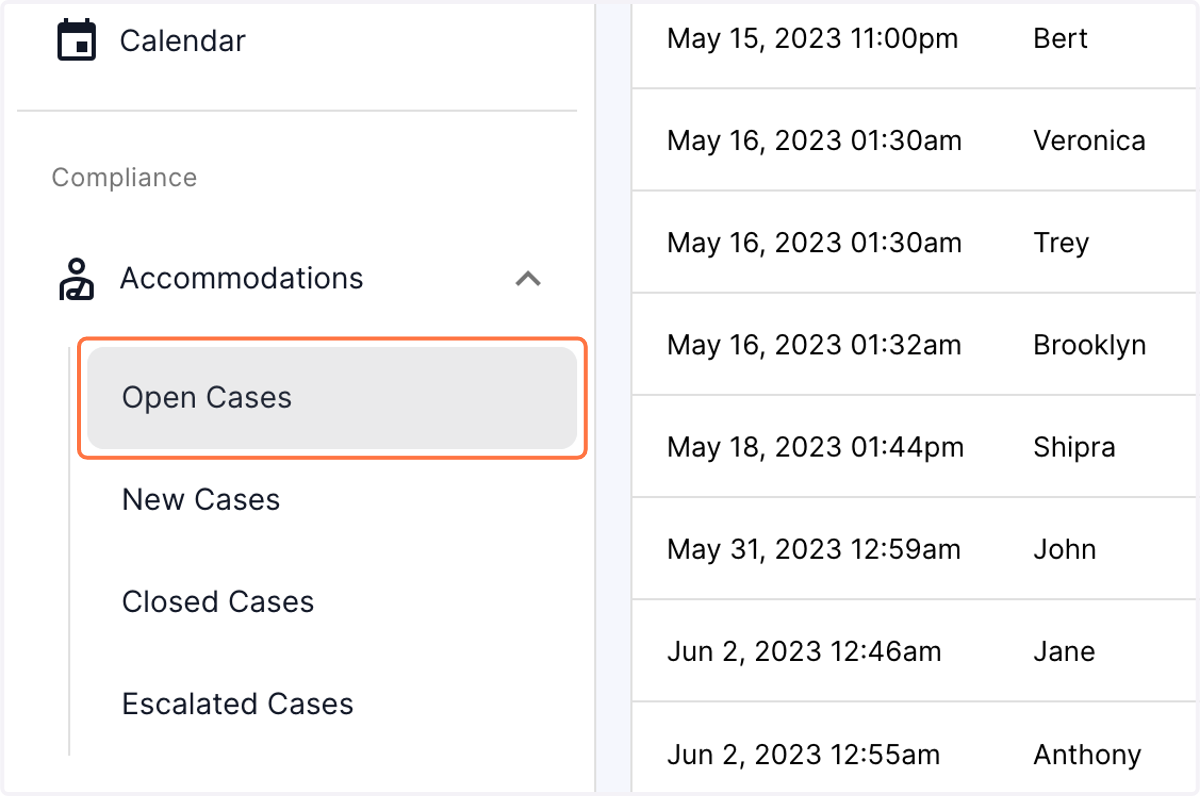
2. Click on Open Cases
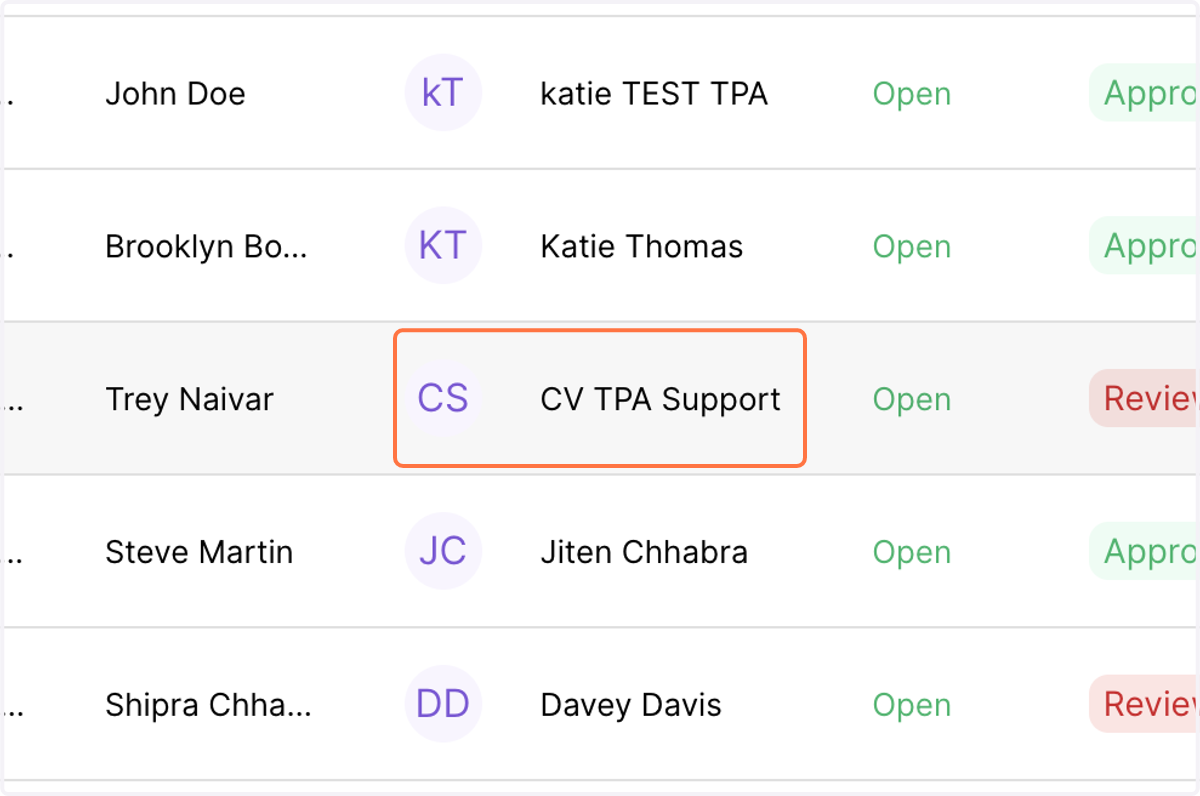
3. Click on an active case which is still under process
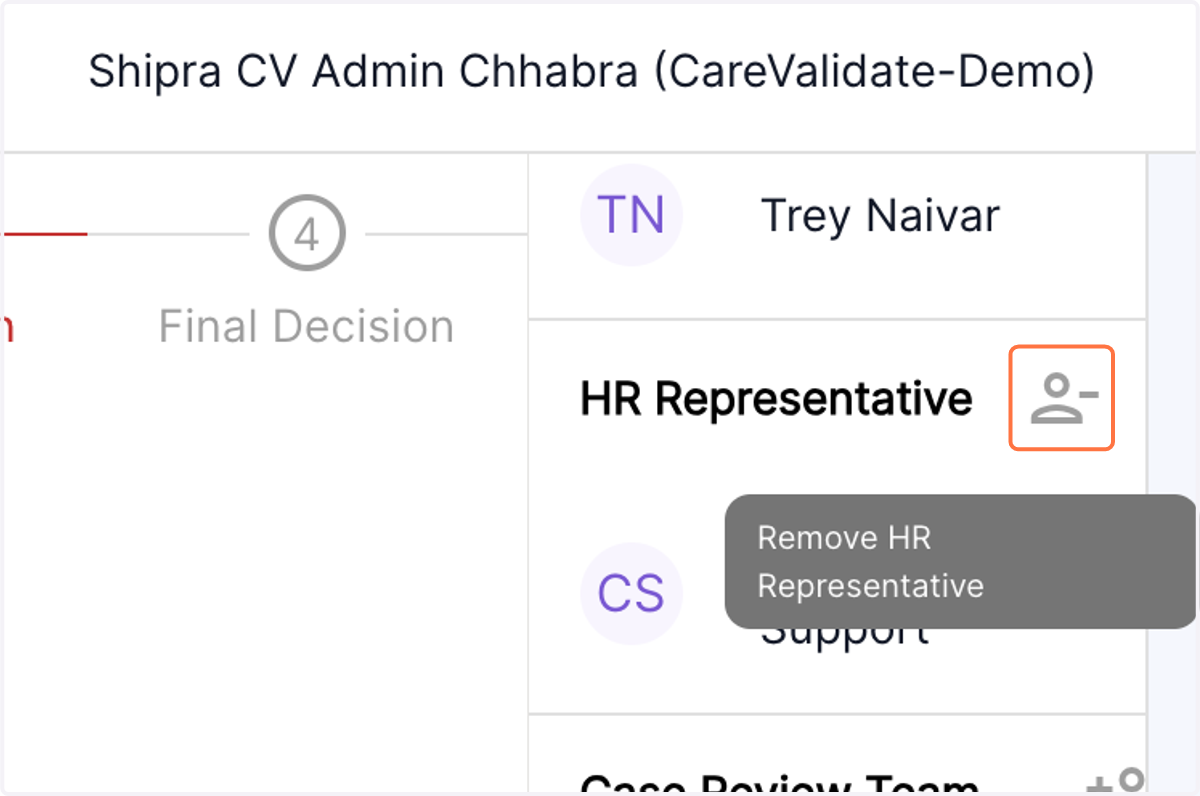
4. In the right panel, you will see the team assigned to a particular case. Click on Remove HR representative.
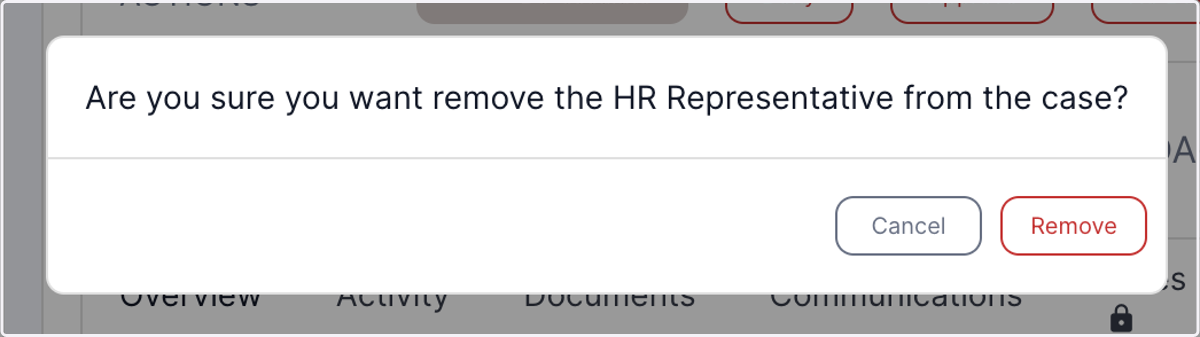
5. You will now be given an option to remove the existing HR representative.
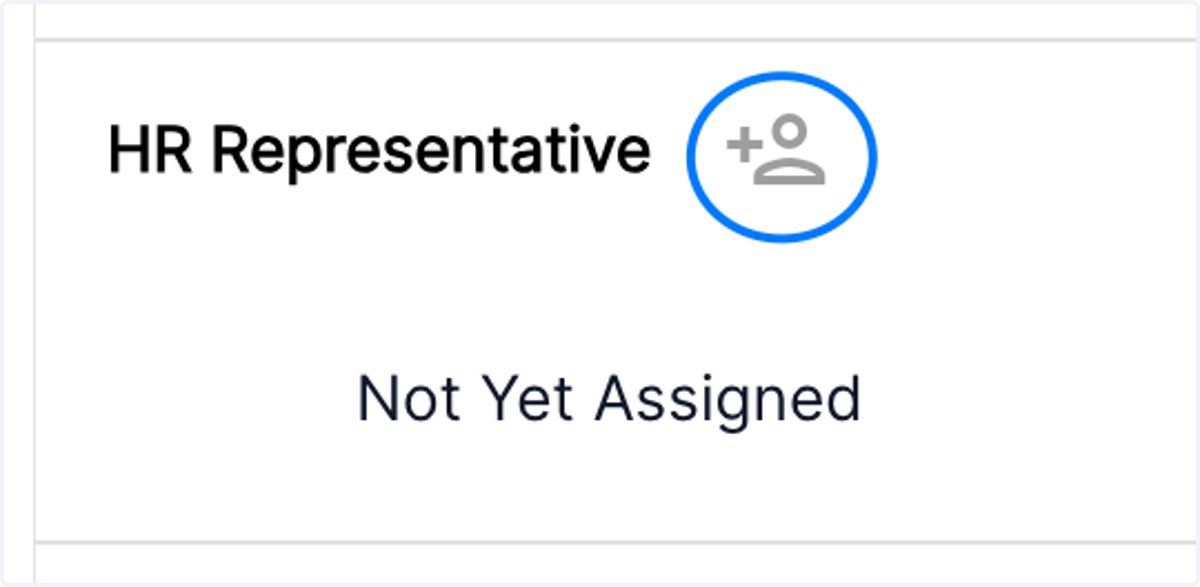
6. Once the existing HR rep has been removed, you will have the ability to reassign the a new HR representative by clicking on the add person tab
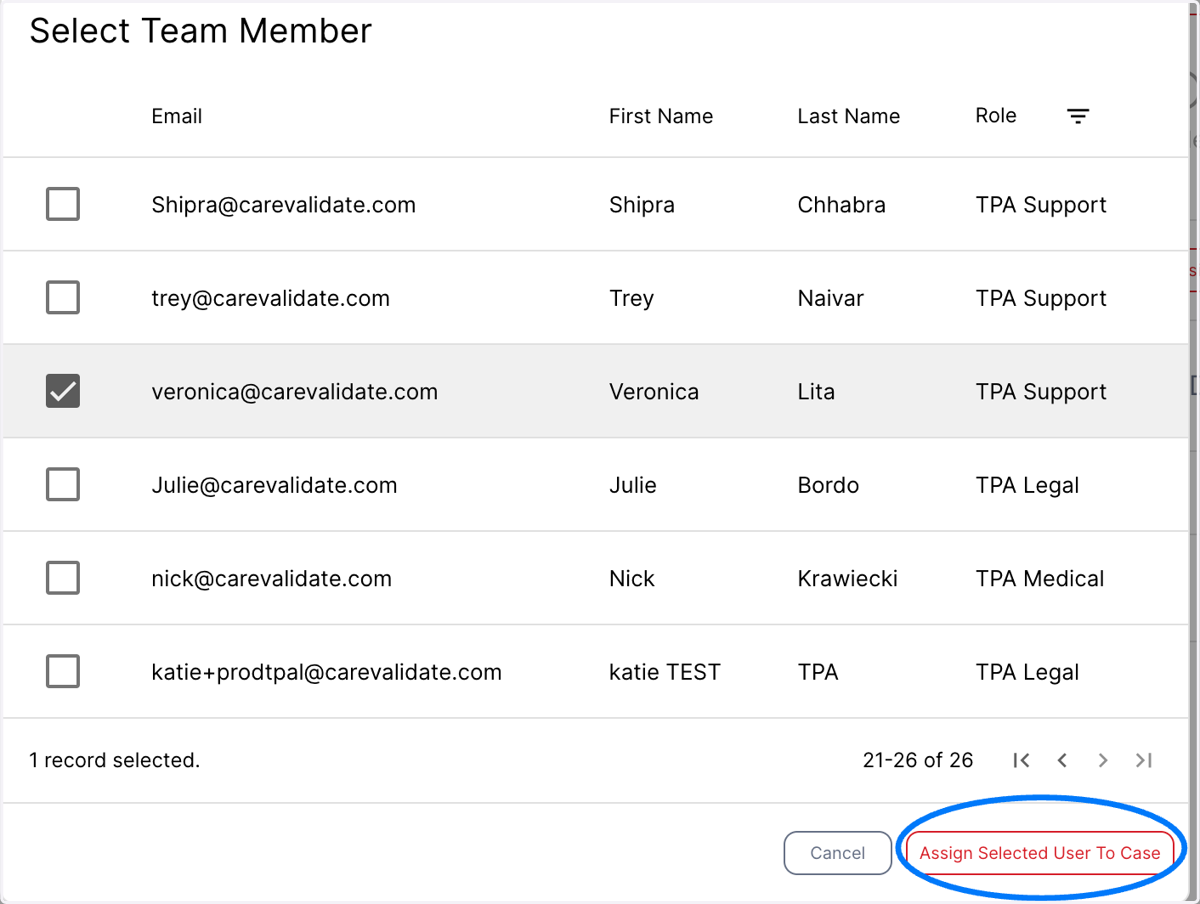
7. The Add person tab will automatically open the directory of employees with the specified roles. Select the desired employee and click on "assign selected employee" at the bottom right corner of the screen.
8. The selected employee will now be shown in the team assigned to the case.