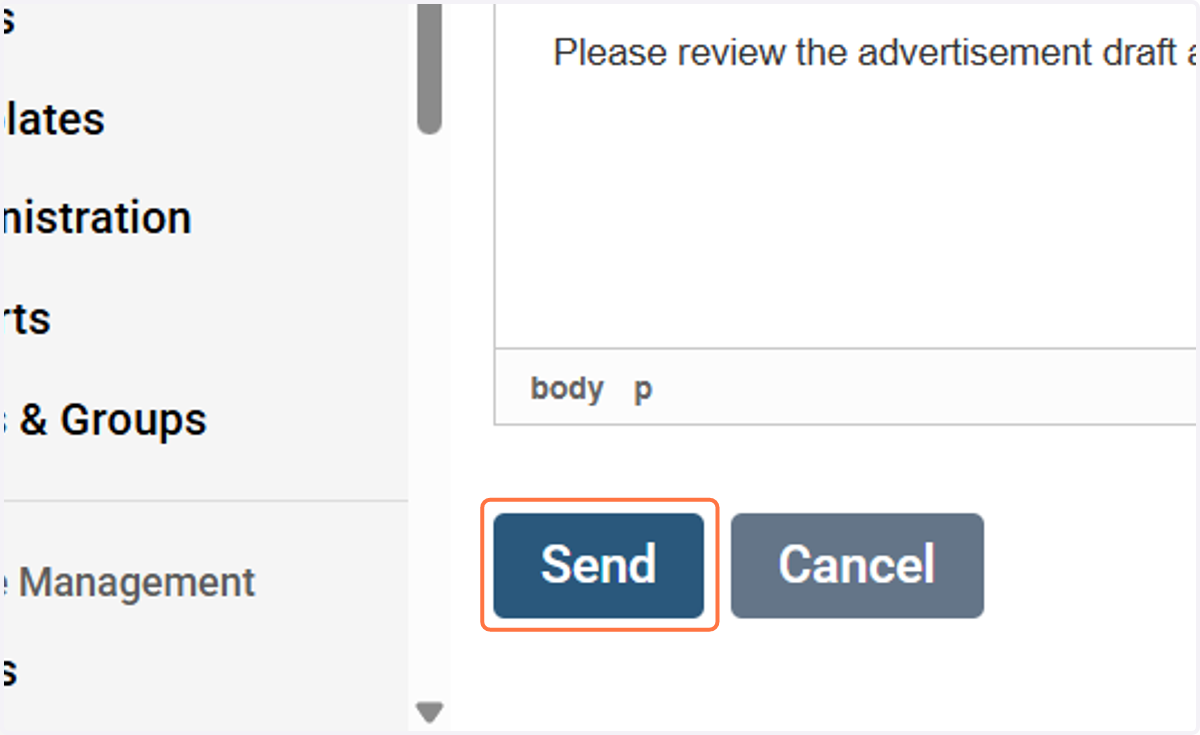
H. Review Faculty Request Packet Submit to Department Chair
Interfolio
1. Review all details of the Faculty Search Request Packet before submitting to your Department Chair for review and approval.
Approval steps beyond this level include:
Your Department Chair
Your College Level Admin Check (Dean's Office staff and Associate Dean)
Your Dean Approval
Provost Level Admin Check (Daniele Holland and Janele Krzywicki)
Provost Approval
Upon Provost approval, you as the requestor will receive an email notifying you that your search is approved. You can then post your job by updating the "Open Date" to the date you received the approval email.
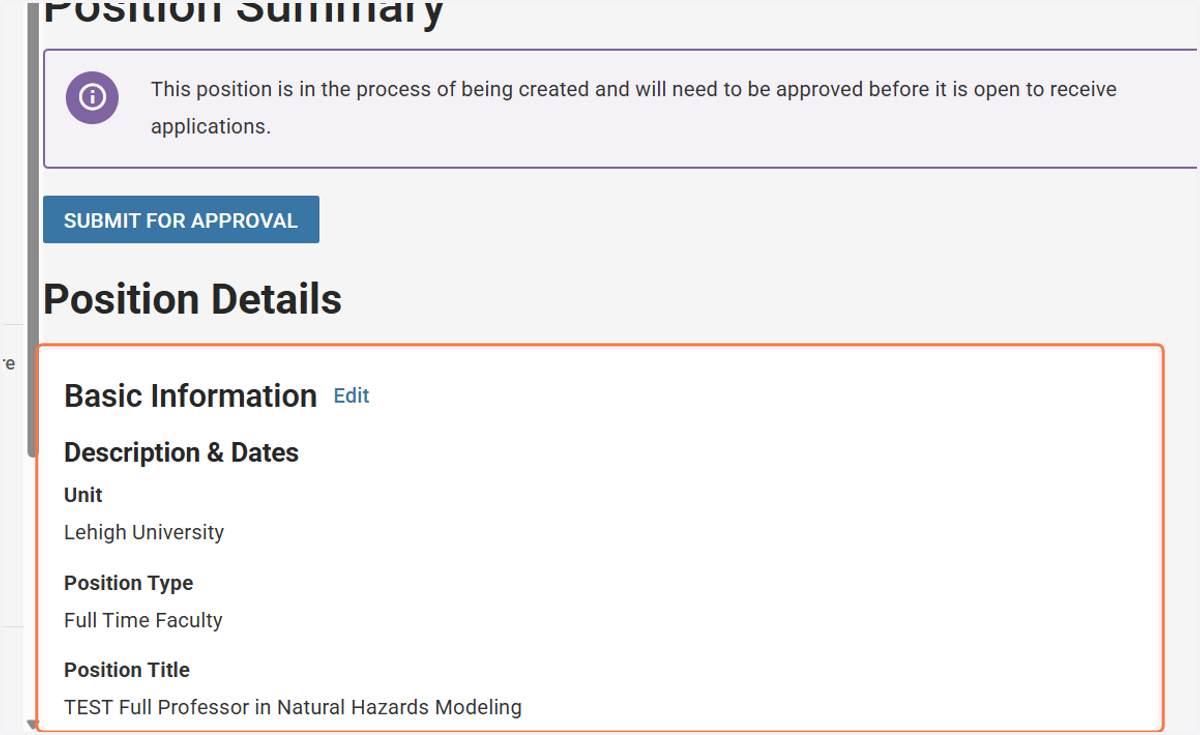
2. Click on position notes
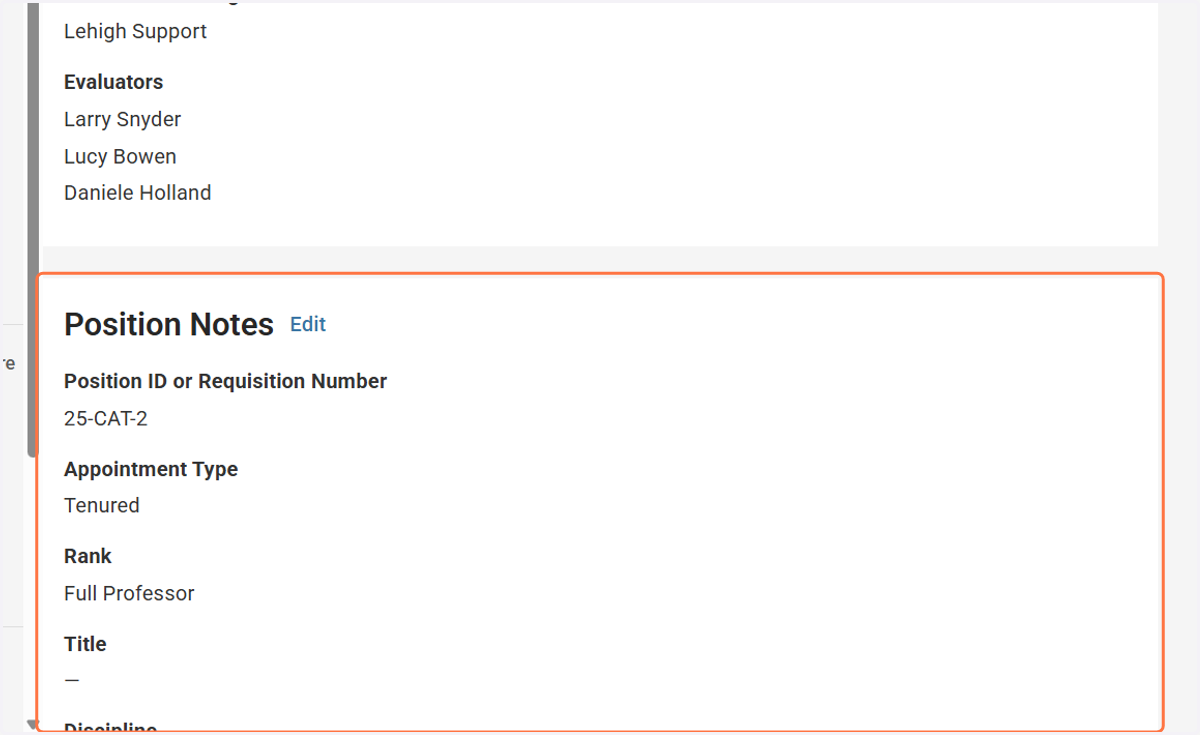
3. Click on SUBMIT FOR APPROVAL
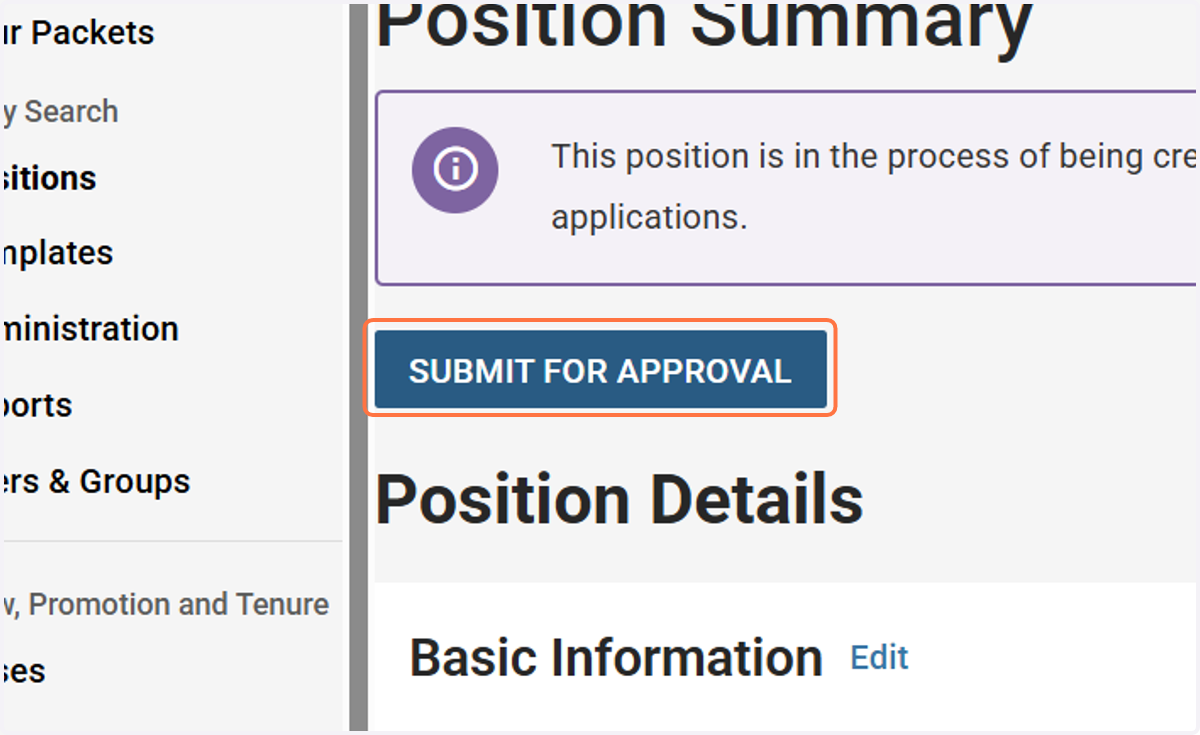
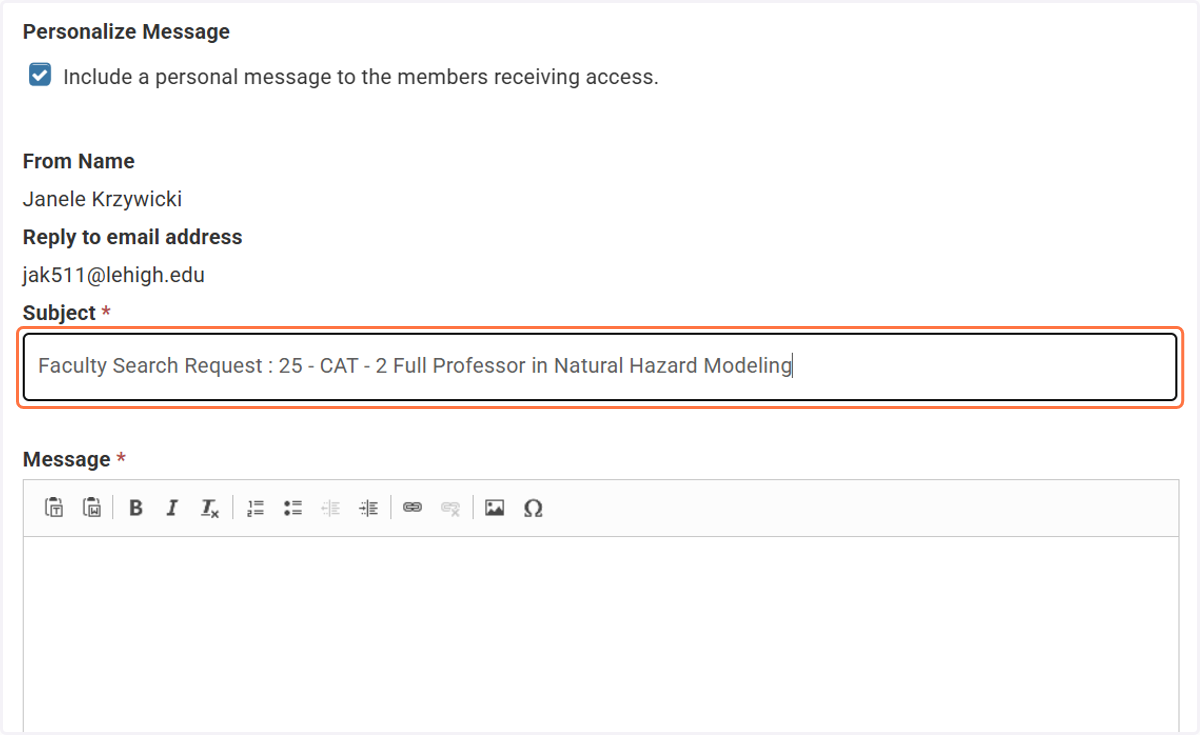
4. Insert a subject for the message to be sent to your Department Chair re: this request. Please use the Faculty Search Number and title of the position in your subject line. (example) "Faculty Search Request : 25 - CAT - 2: Full Professor in Natural Hazard Modeling"
Message can simply say "please review the DRAFT advertisement, details, and required documents for this search".
5. Click on Send