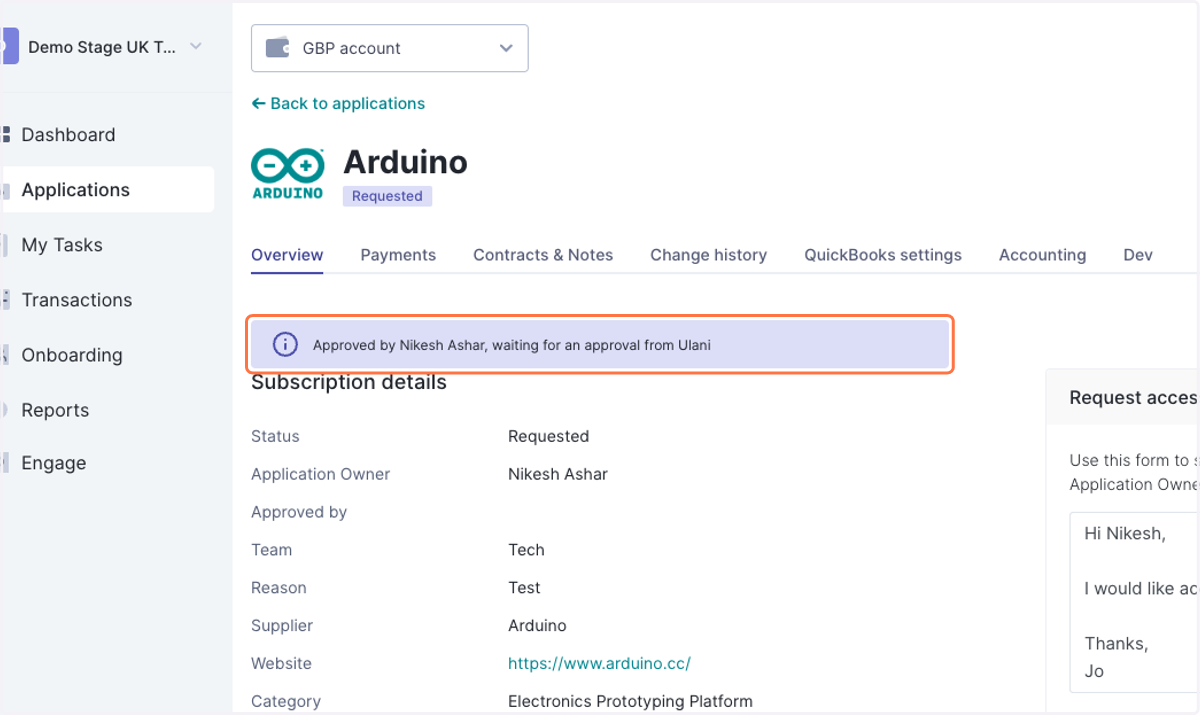
Resolve new application requests
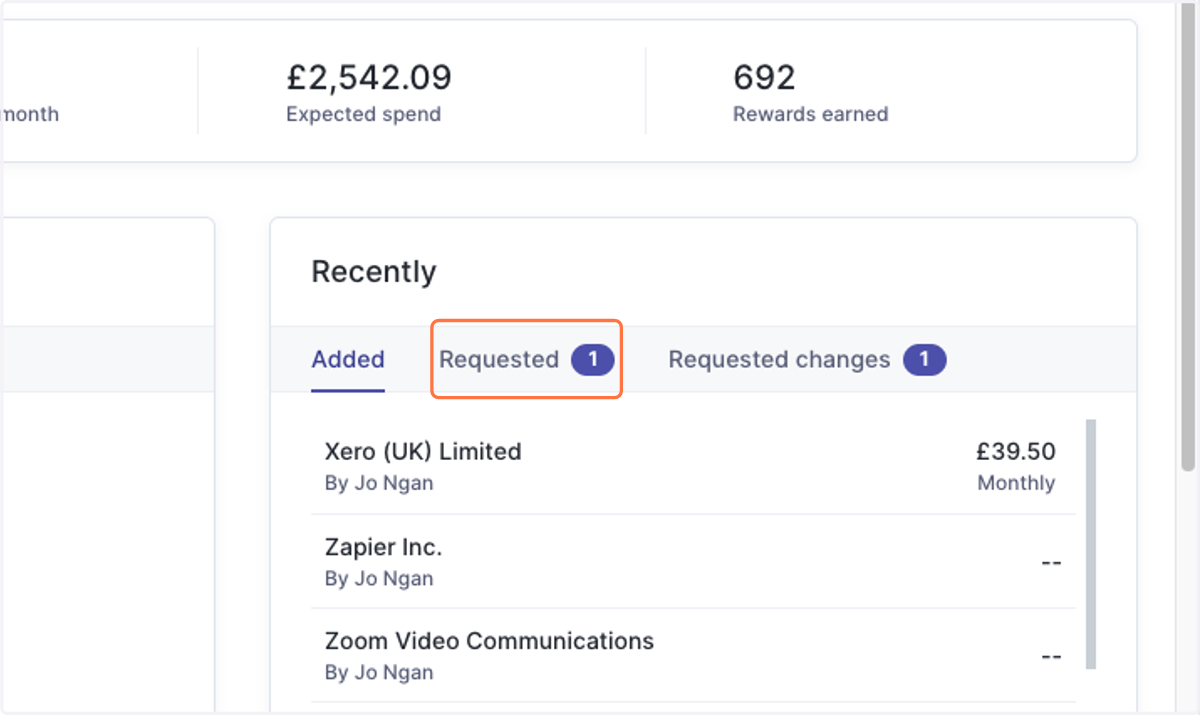
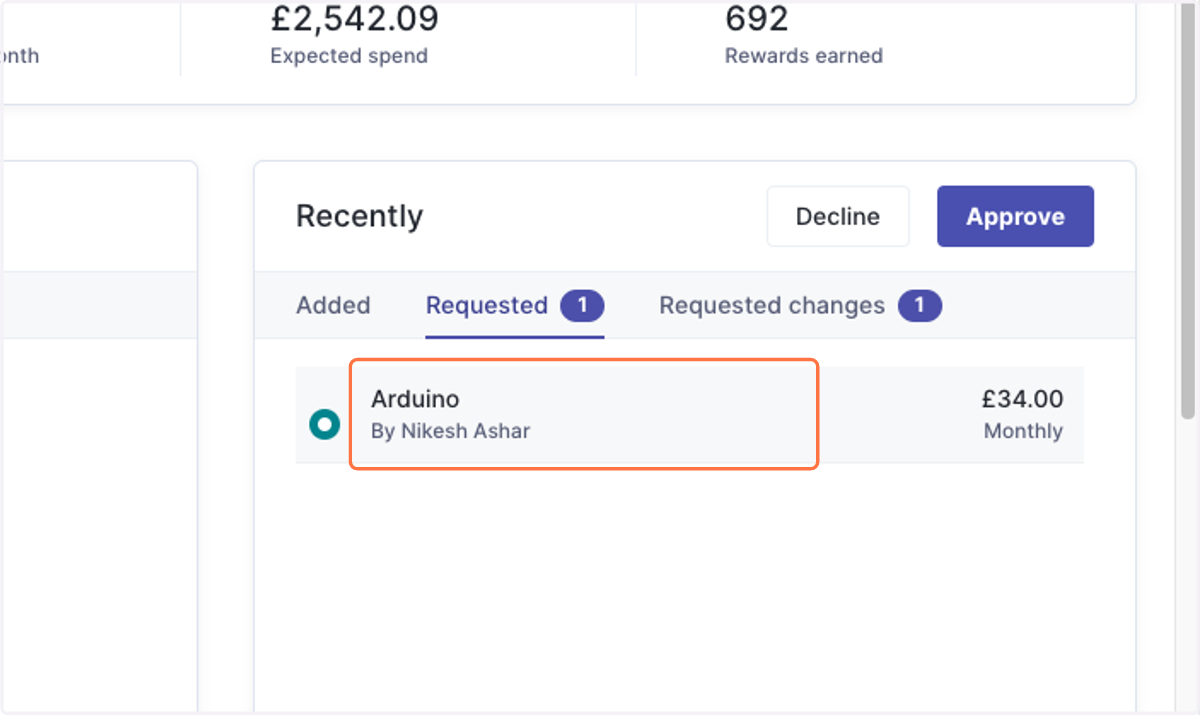
1. Head to Dashboard > Recently > Requested.
2. As a quick action, you can check the circle to the left of the entry...
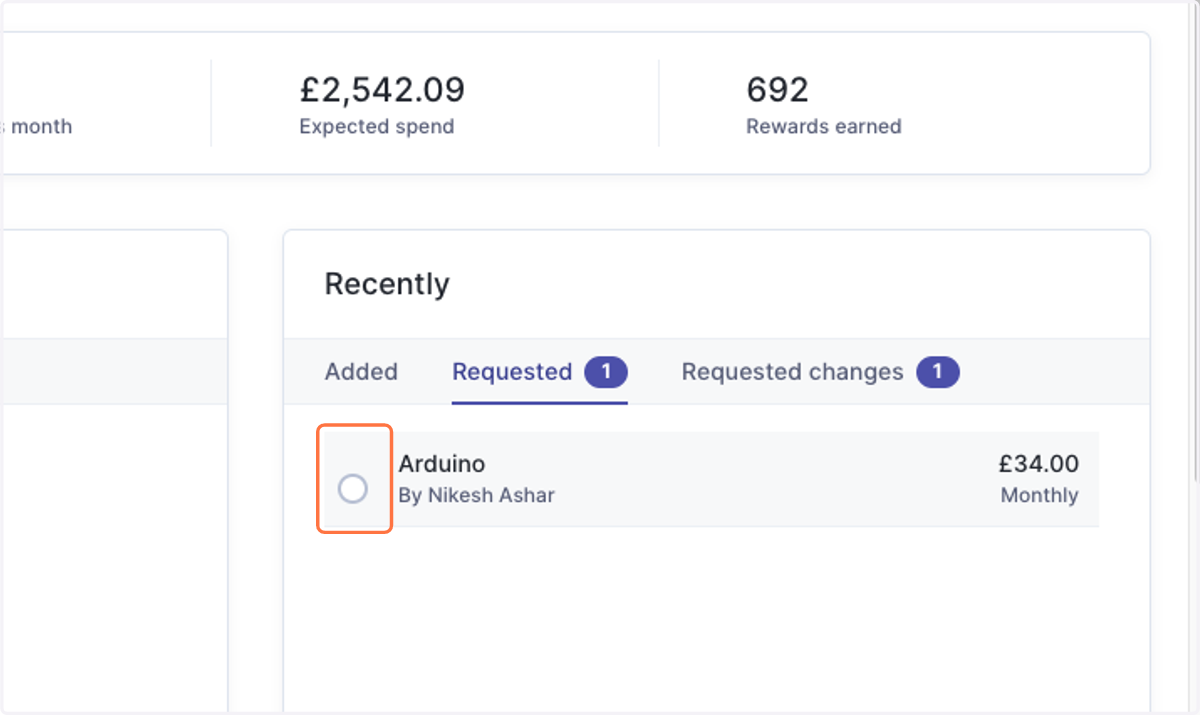
3. And approve or decline the new application request.
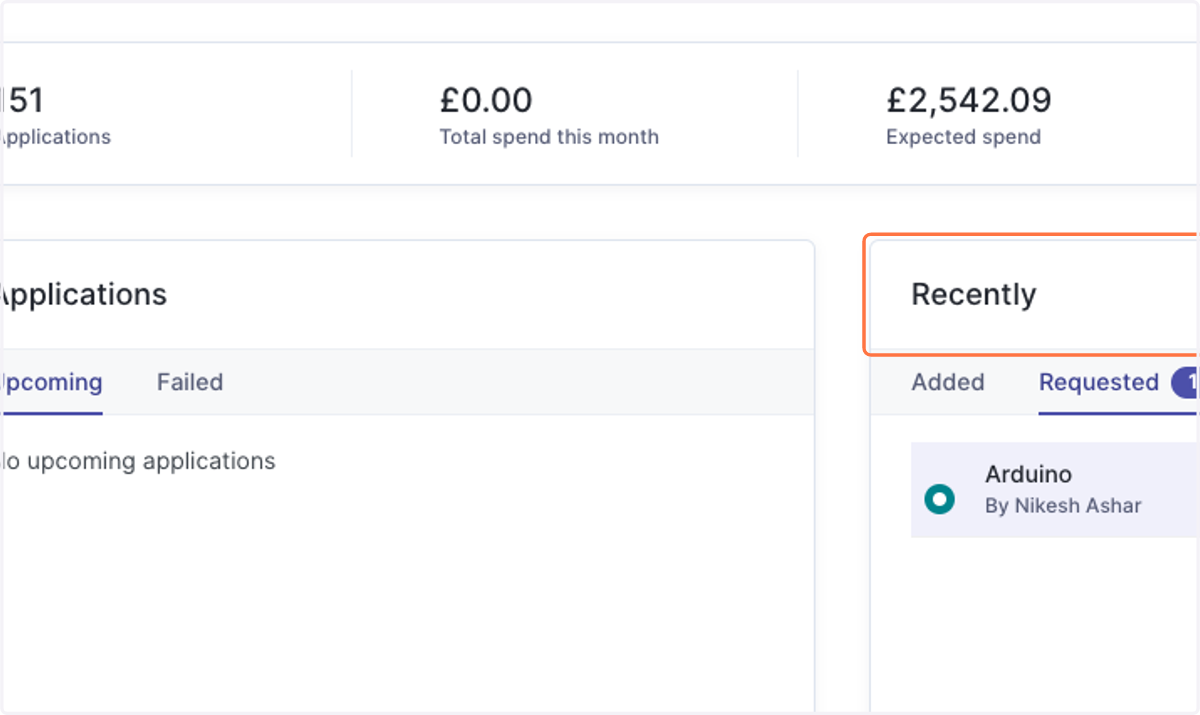
4. If you want to have a closer look at the application details, you can click on the entry to head to the application's Overview tab.
5. The resolution buttons can be found at the top right of the application.
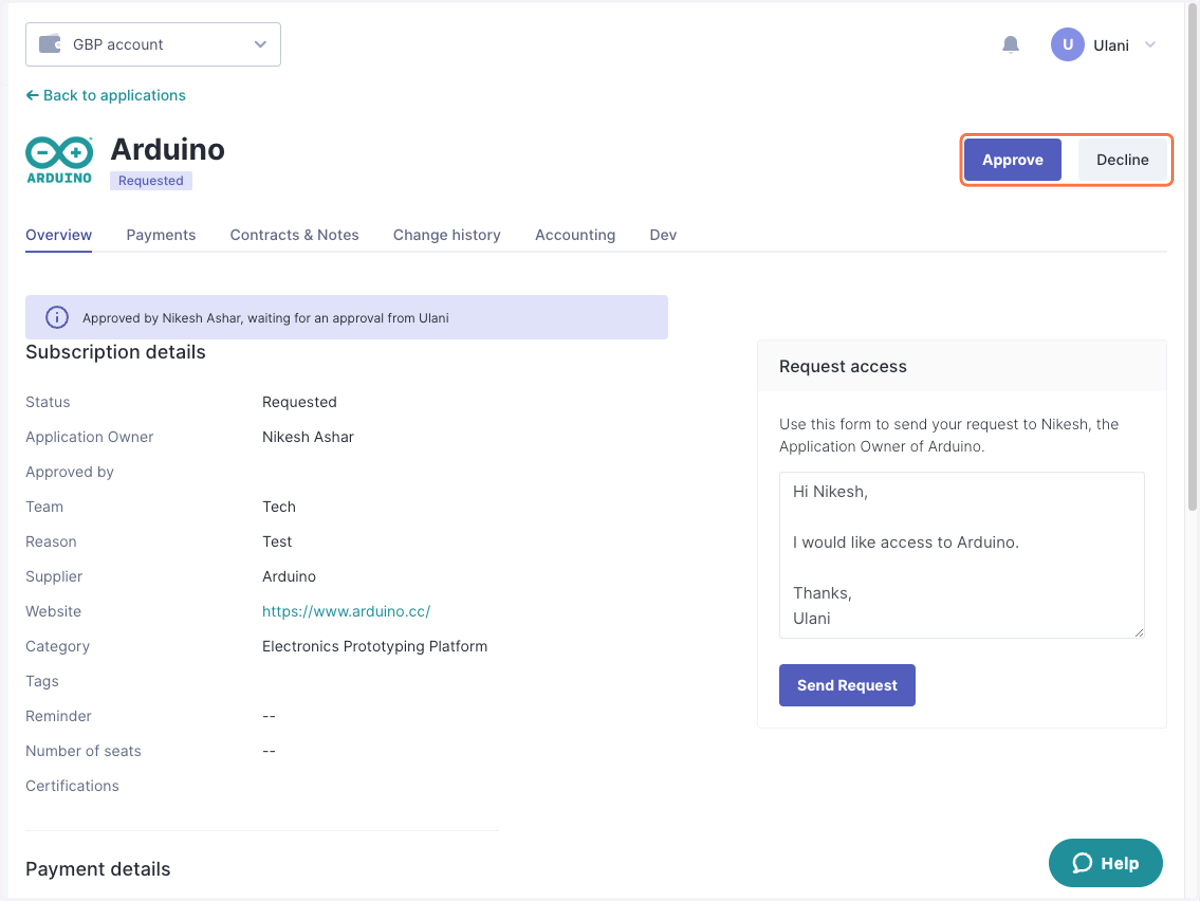
6. If additional approval is required, the request will get redirected to the appointed approver. You will see the status summary.