How to add or remove a person to an organization
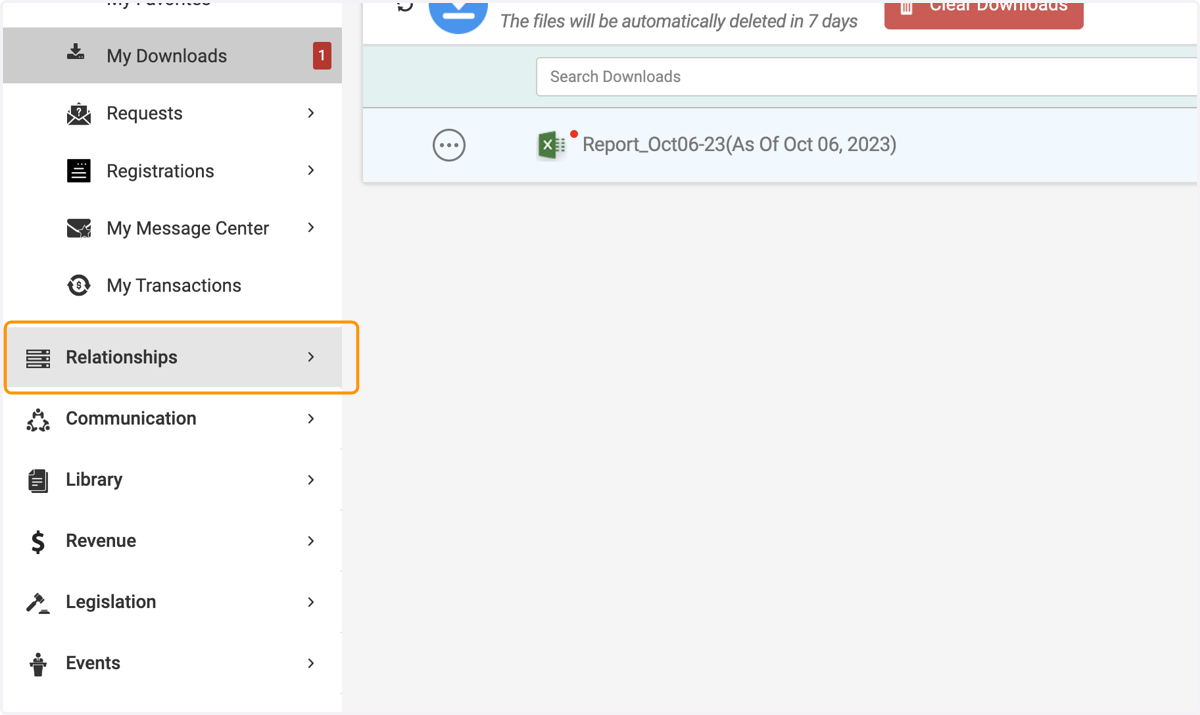
1. Click on Relationships
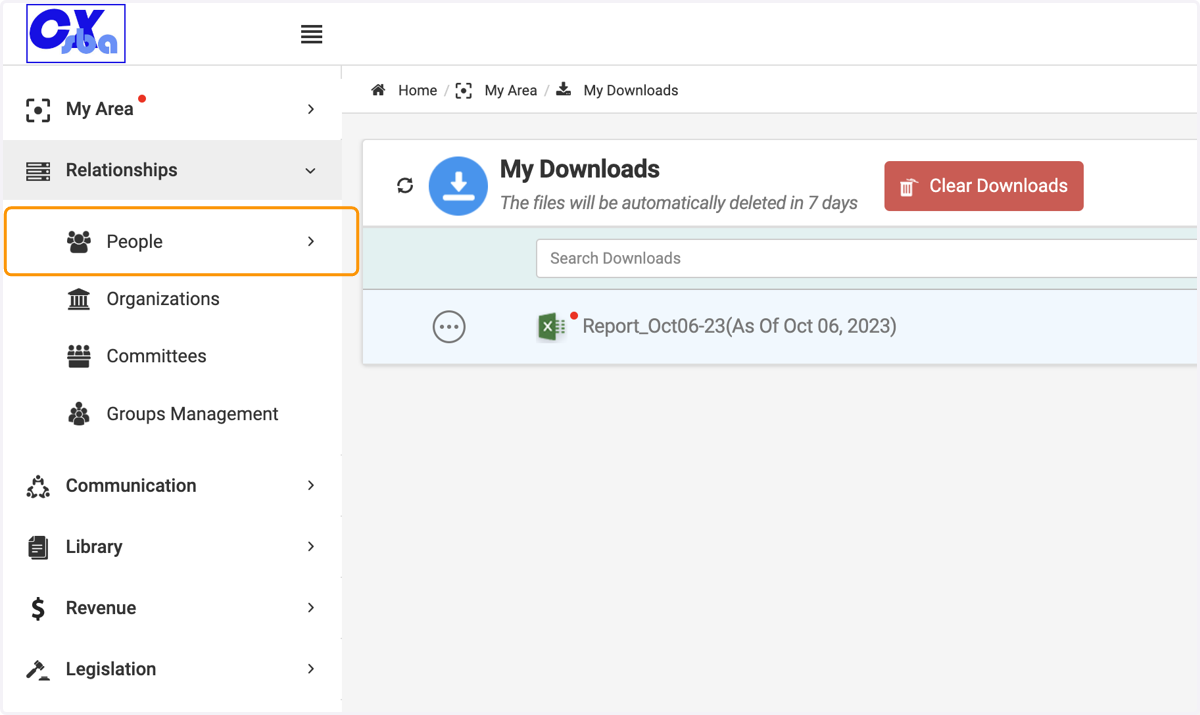
2. Click on People
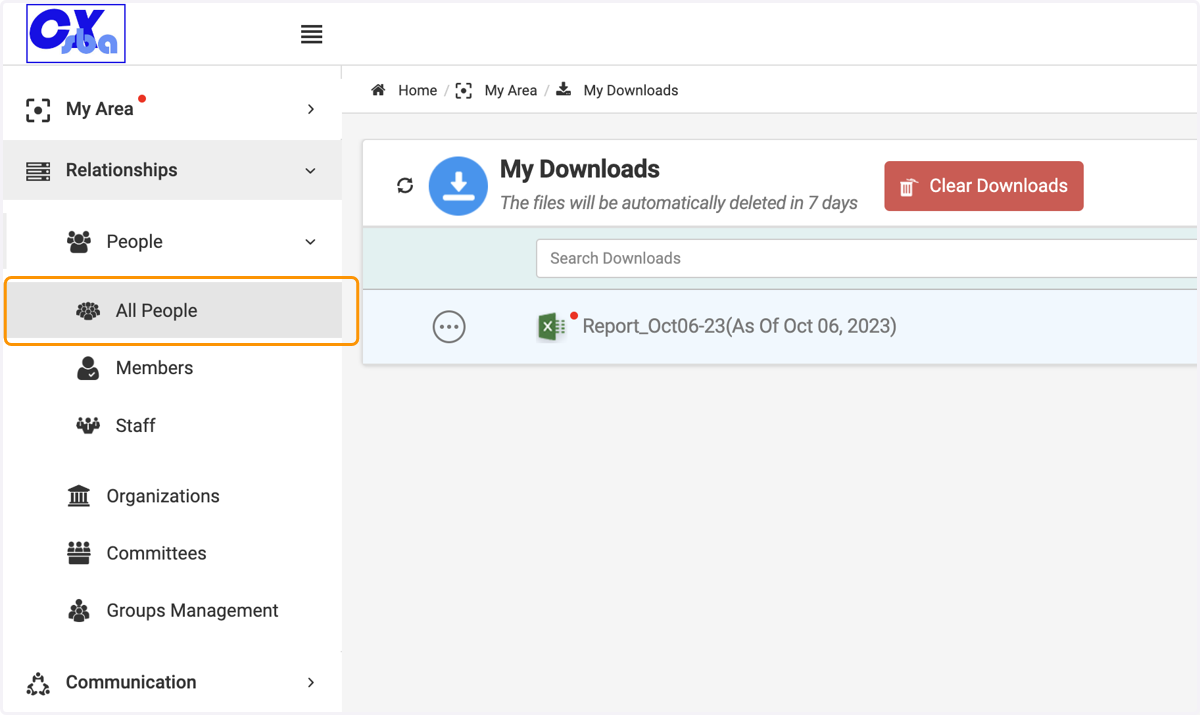
3. Click on All People
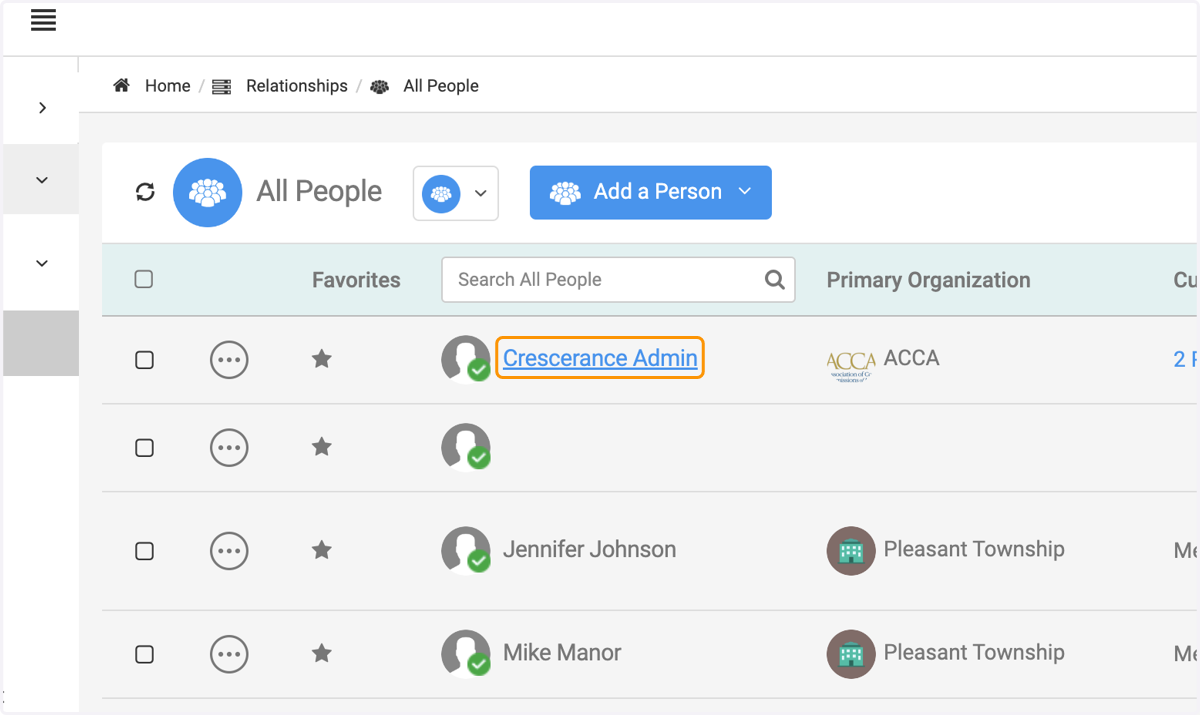
4. Click on the person's record
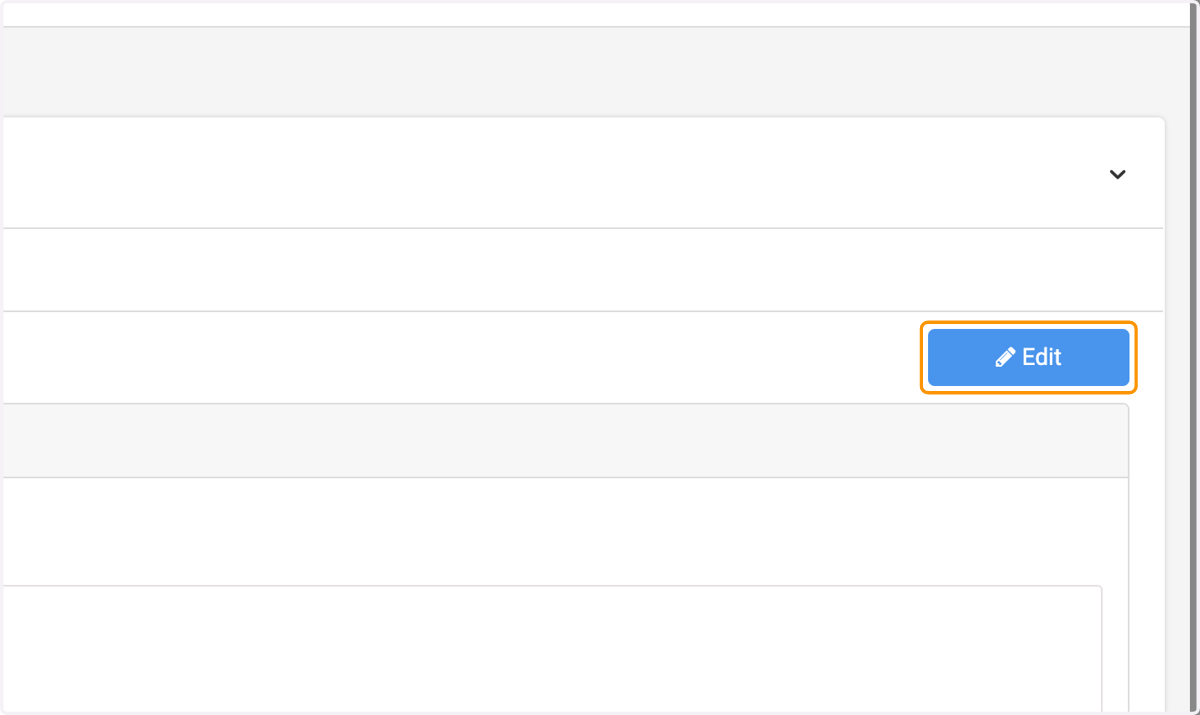
5. Click on Edit
6. Locate the bin button, and delete the organization

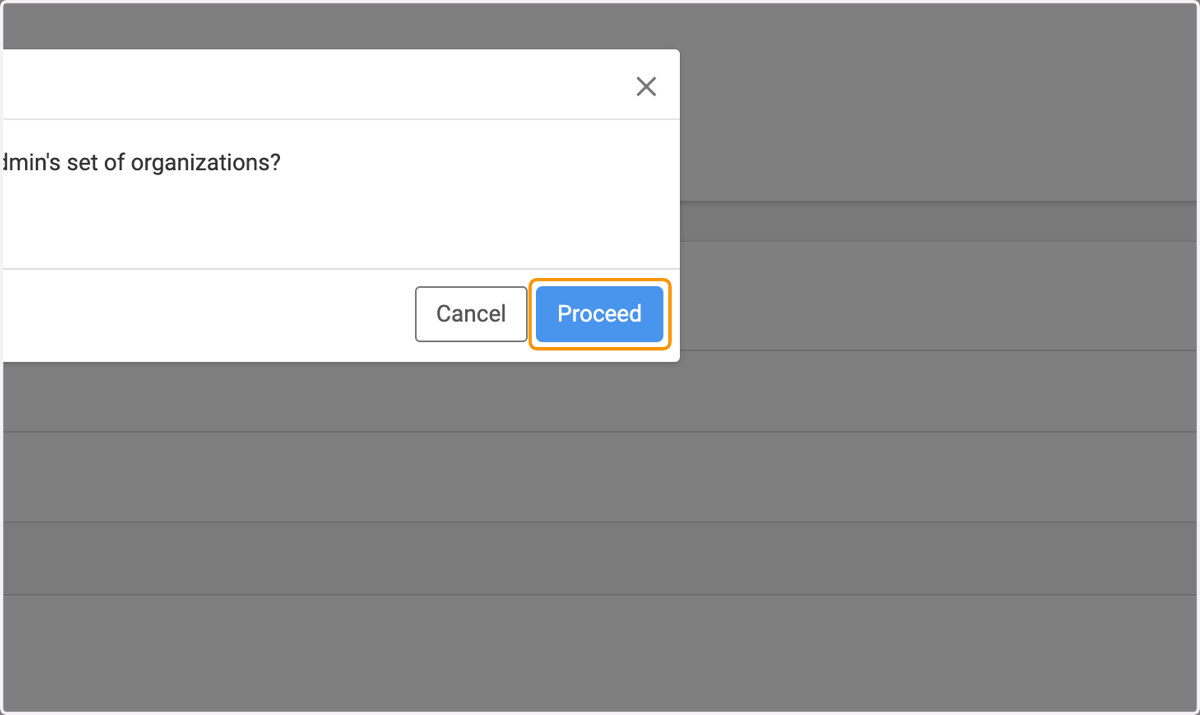
7. Click on Proceed
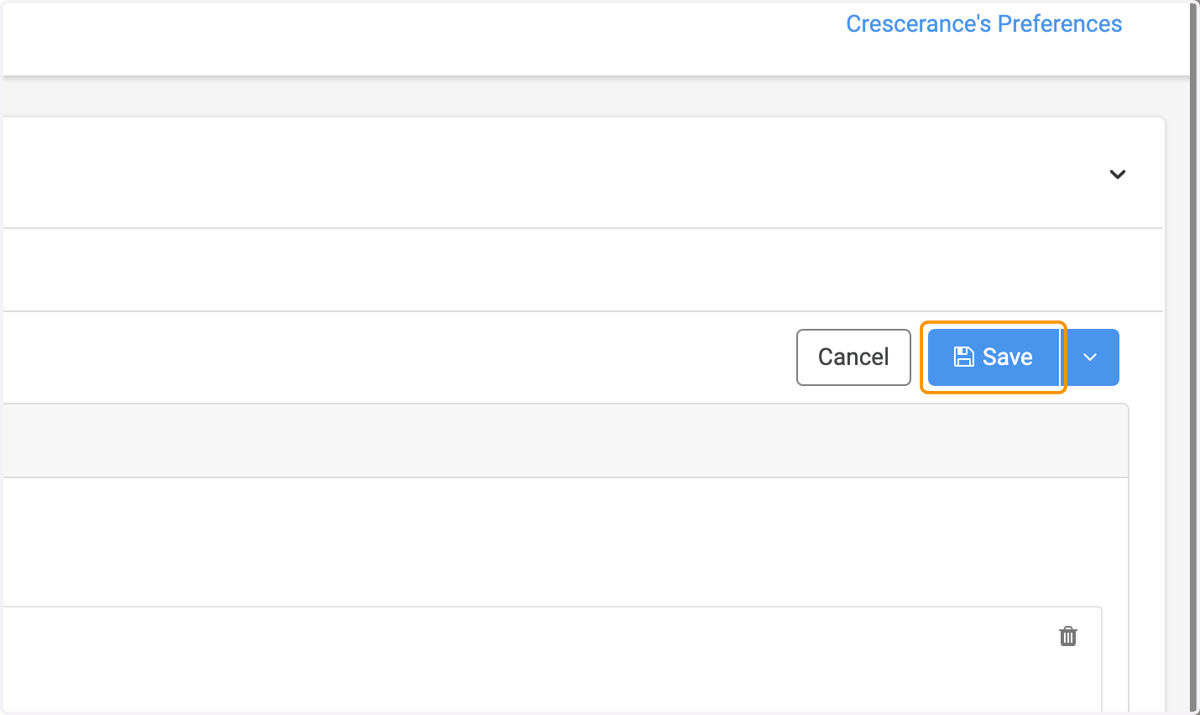
8. Click on Save