How to download and text message pharmacy prescription cards
1. How to download and text message pharmacy prescription cards
This tutorial starts from your Compliant Clients Home Page
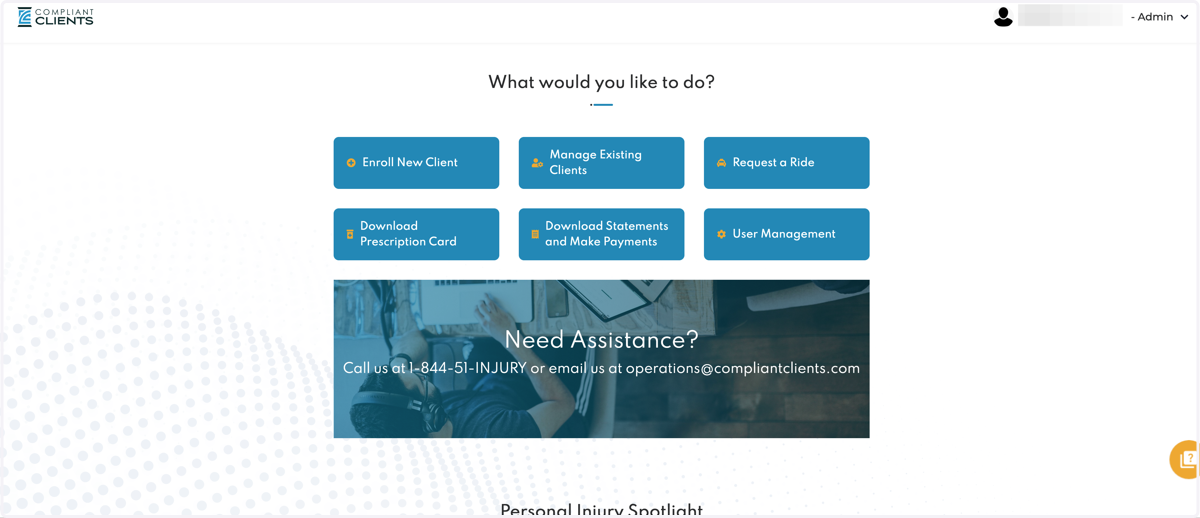
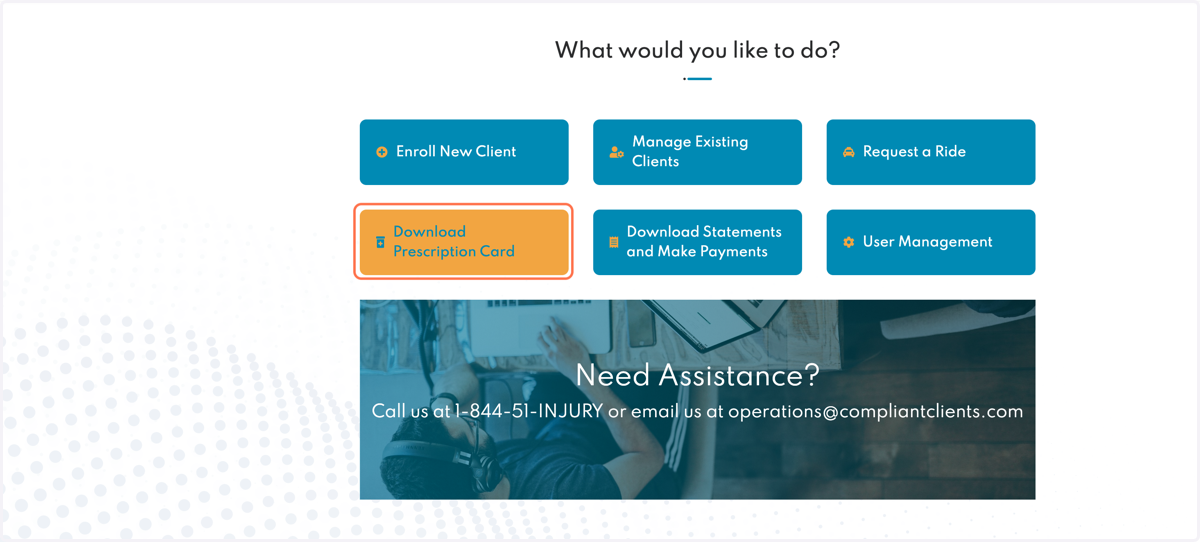
2. Click on Download Prescription Card
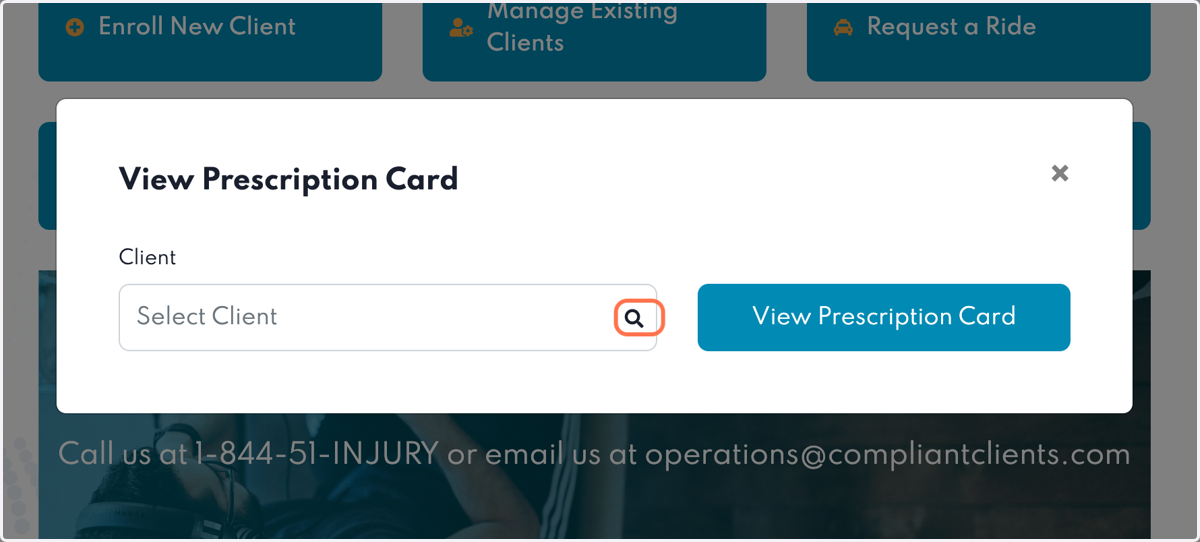
3. Search for your client by clicking on the magnifying glass
Note: Only active clients who you have previously enrolled for pharmacy service will show here! If you don't see your client here, please enroll them for pharmacy services first!
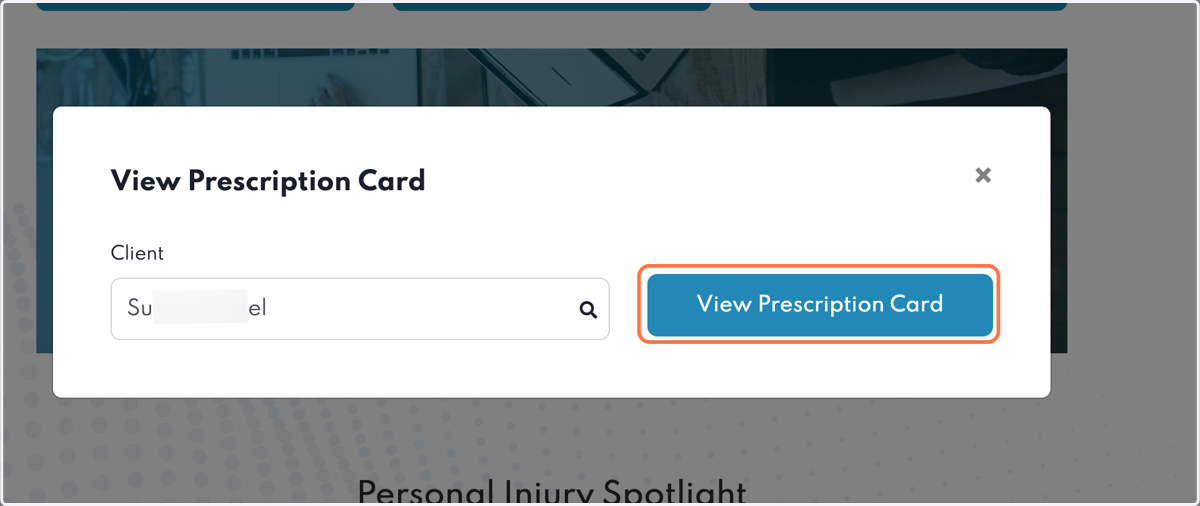
4. Click on View Prescription Card
5. Your client's pharmacy card is now ACTIVE and ready for use!
Pro-tip: Ask your clients during case intake if they would prefer their medications to be billed to their case so you can enroll your client in the beginning. Don't wait for your client to miss taking their injury-related medications before enrolling them for pharmacy coverage.
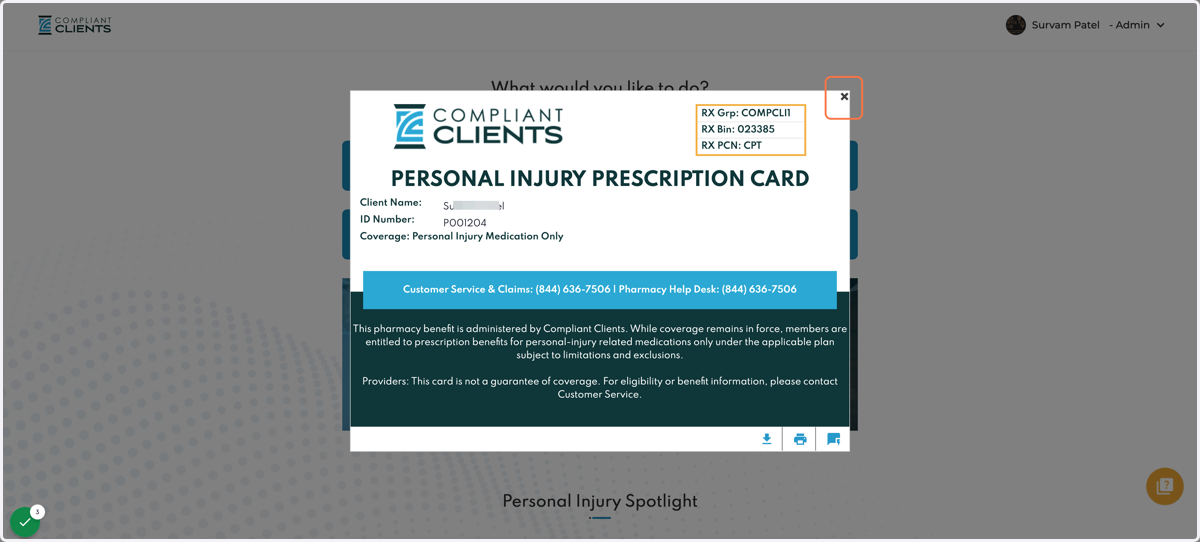
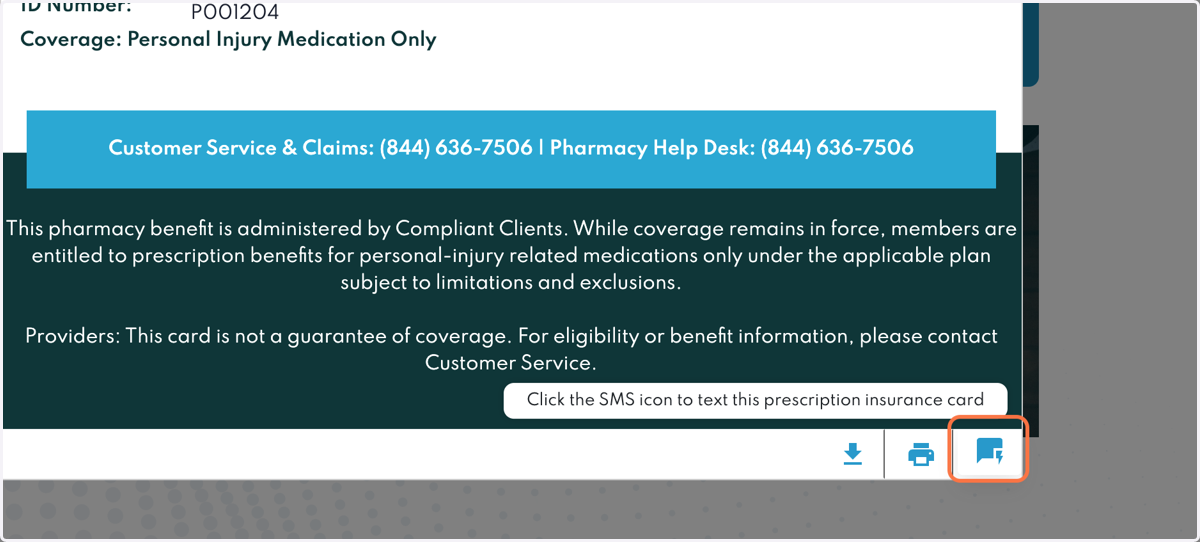
6. Text message the card directly to your client by clicking this icon
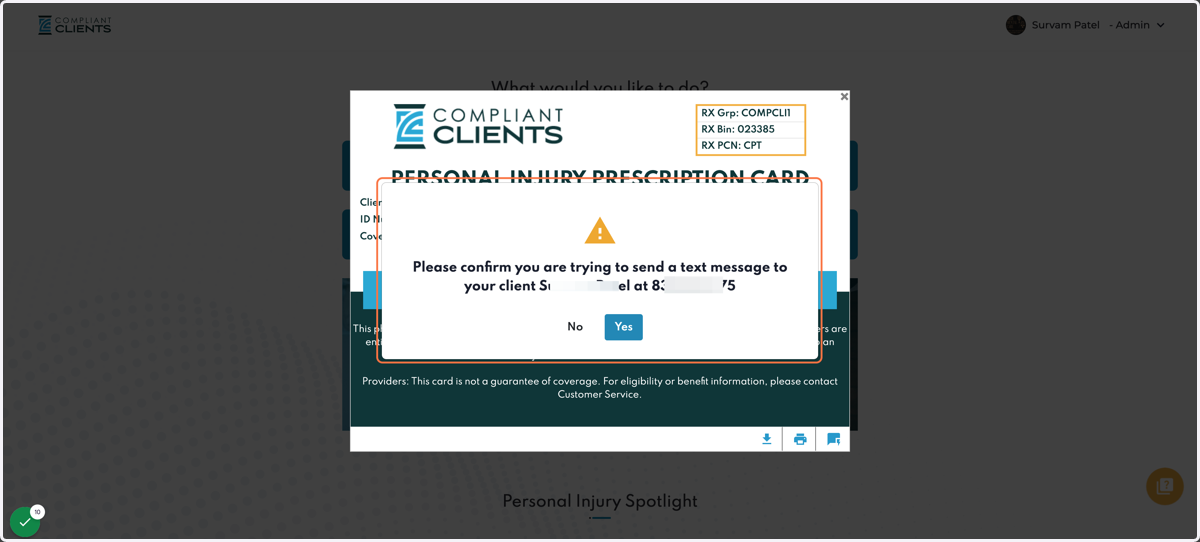
7. Click 'Yes' to send the pharmacy card via text message to your client.
If your client doesn't have a mobile phone, you can just download a copy and email it to them or tell them the information over the phone.
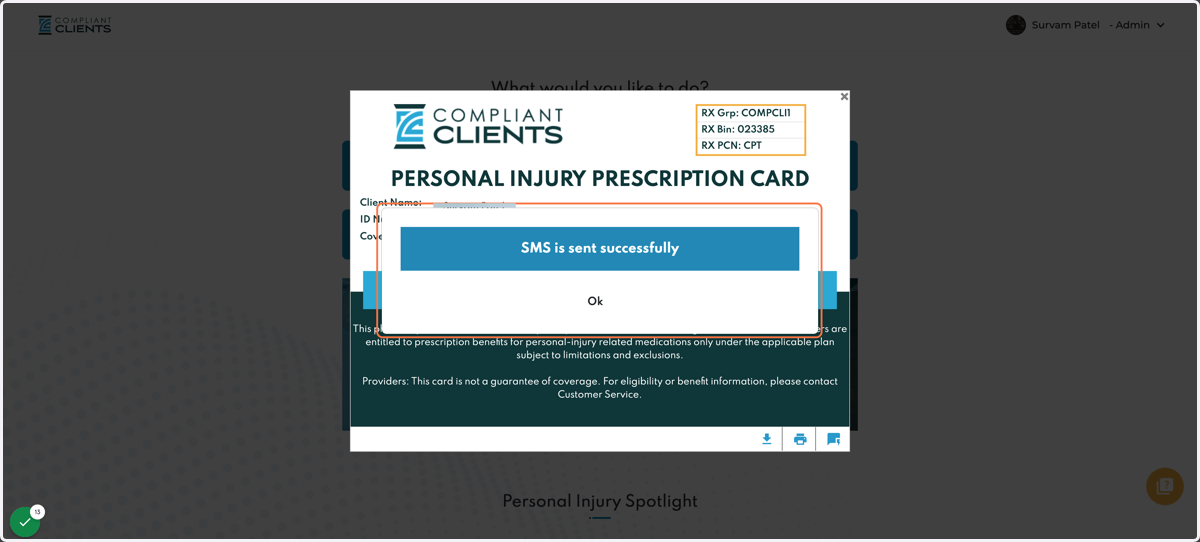
8. You will be notified if the text message has been sent successfully.
You can relax knowing your clients have access to their injury-related medications, which will help document their pain and suffering.
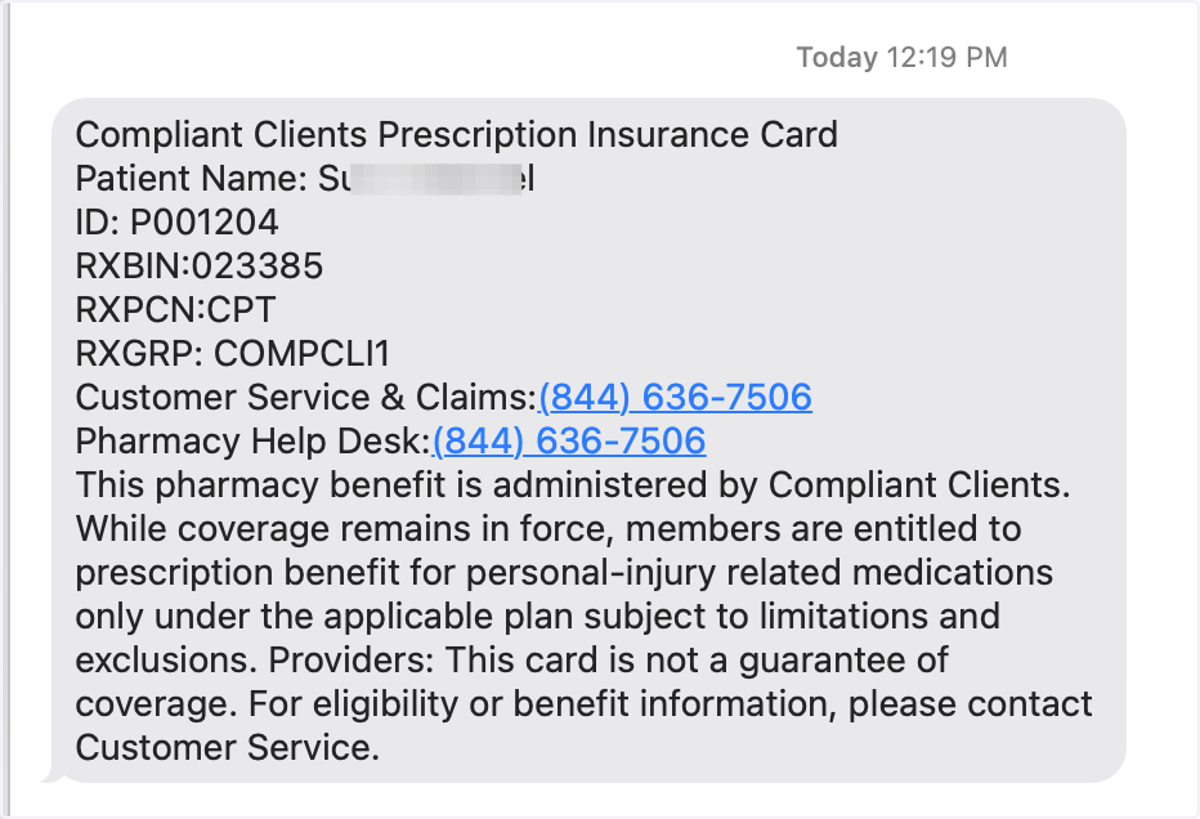
9. Your client will receive a text message that looks like this
They can show this information to their pharmacist - it will cover 100% of their injury-related medications.
10. Click this icon to PRINT the pharmacy card.

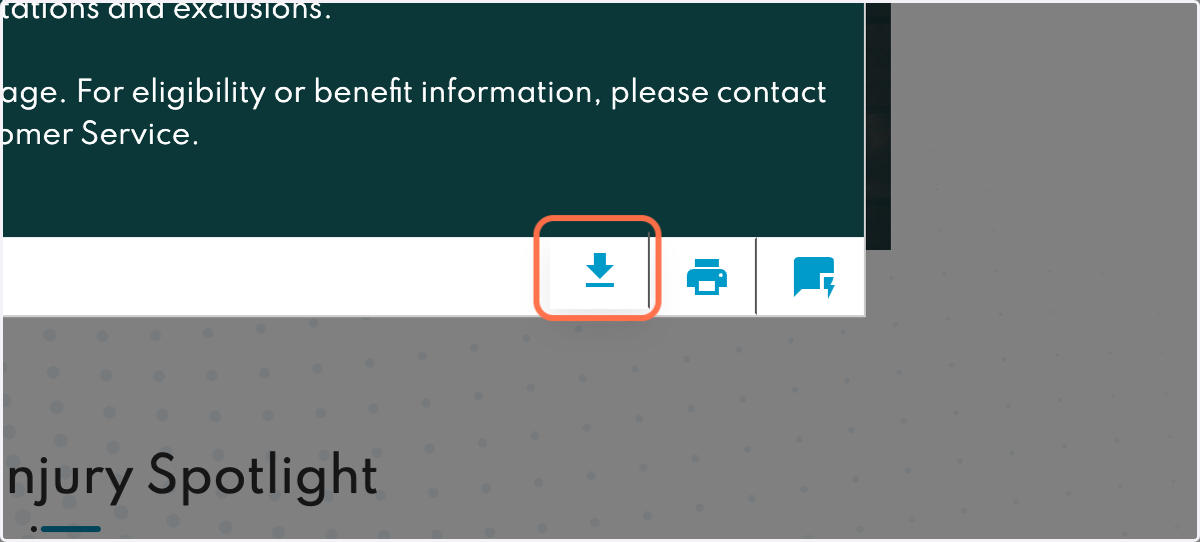
11. Click this icon to DOWNLOAD the pharmacy card as a PDF.
12. Contact us if you have any questions
Improve your case outcomes by preventing gaps in treatment!