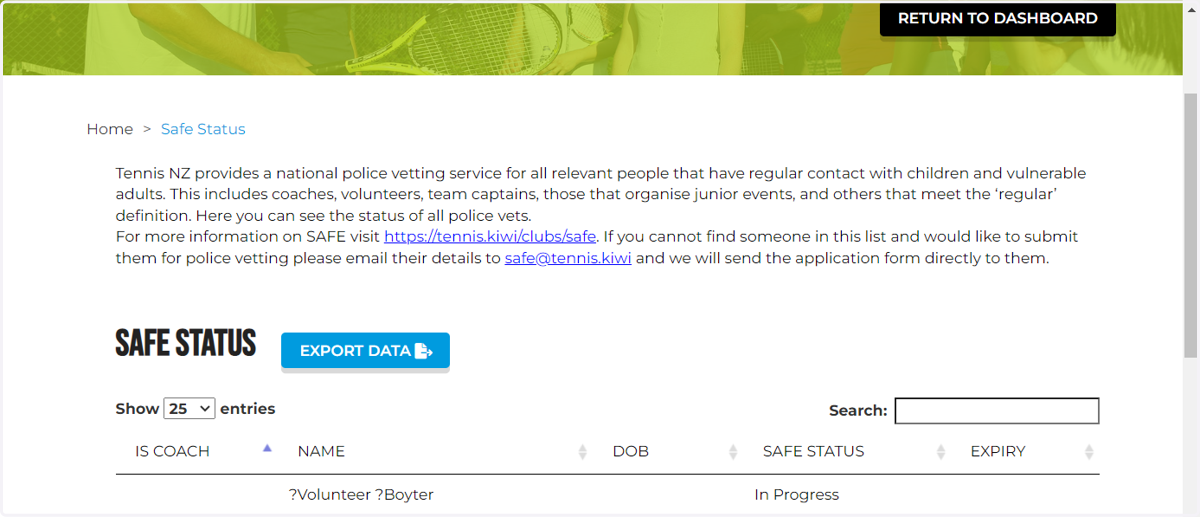
Portal Admin: Adding volunteers, managers and staff to check SAFE status in portal
1. Let's Start

2. IMPORTANT!
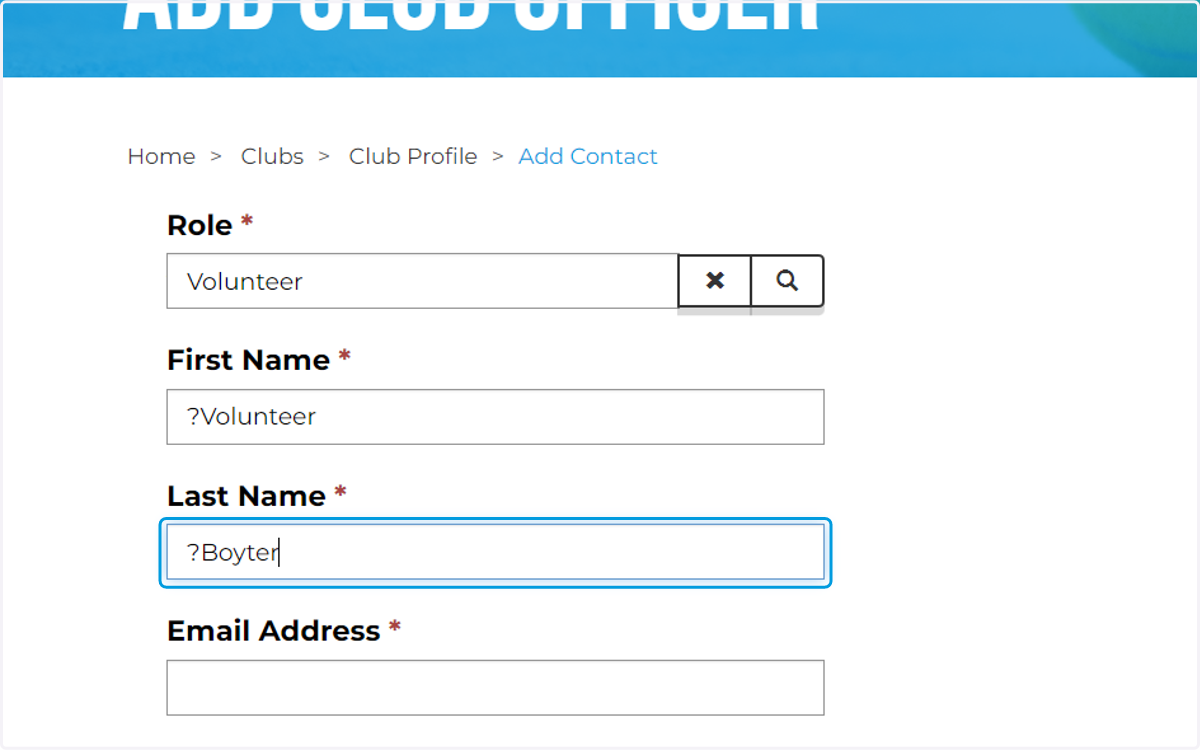
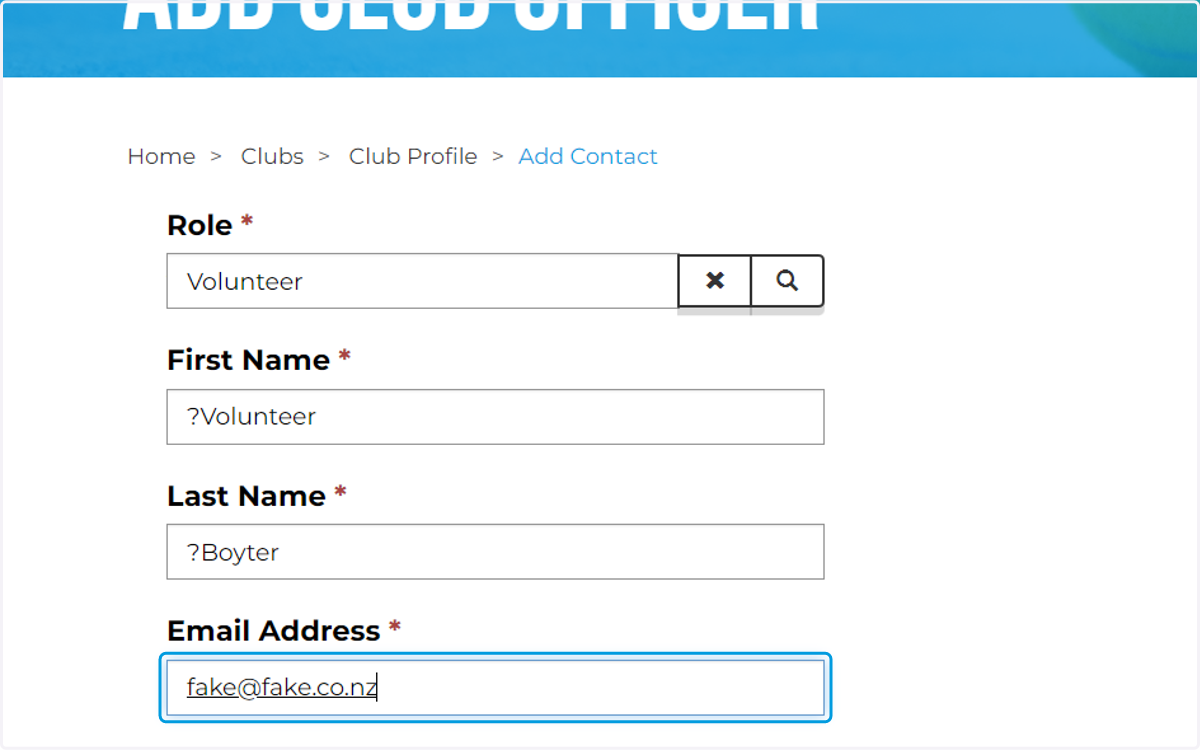
The following steps will show you how to add names into the club's portal. It is essential and vital that you enter the Legal, Full and Correct Information of your club officers, entering the correct information will ensure the contact is linked and attached to their SAFE report. A good tip is to reach out to the person submitting their vet to ensure they give you the correct email, contact and name they used to submit their police vet. All submitted vets receive an automatic email upon completion of the form, we recommend you ask them to forward onto you to ensure you are capturing the correct name and email address.

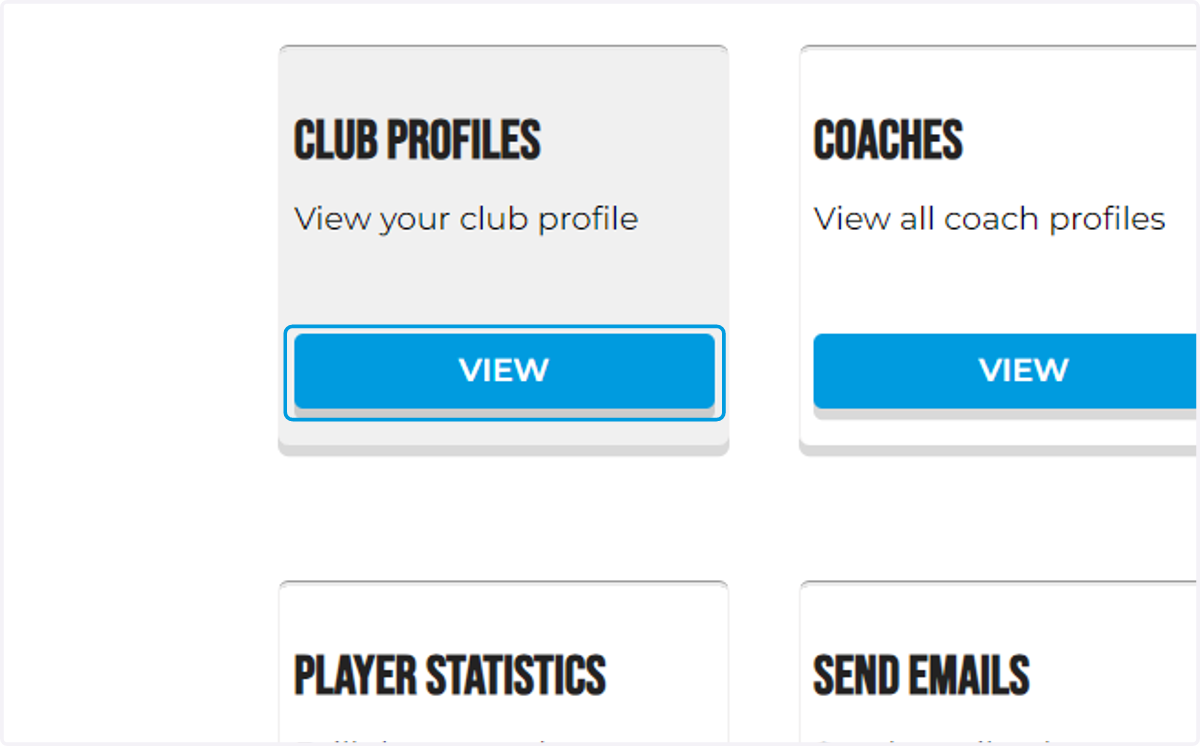
3. Click into your club profile
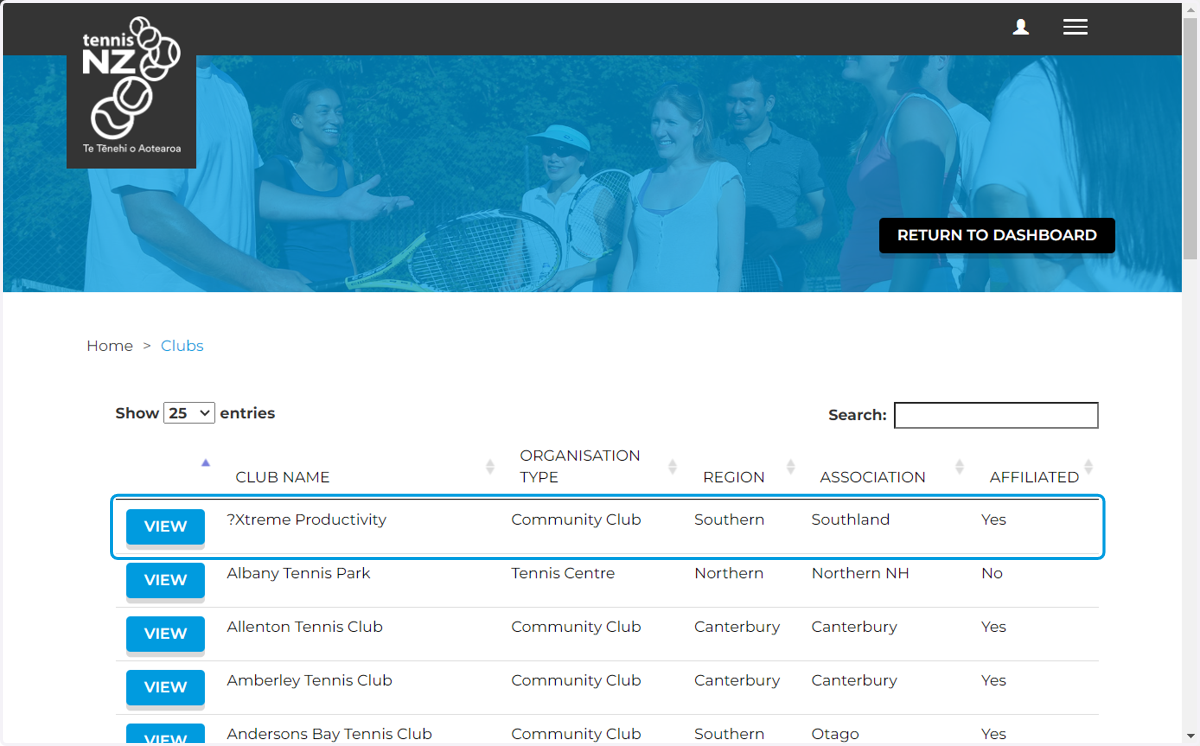
4. Click on row
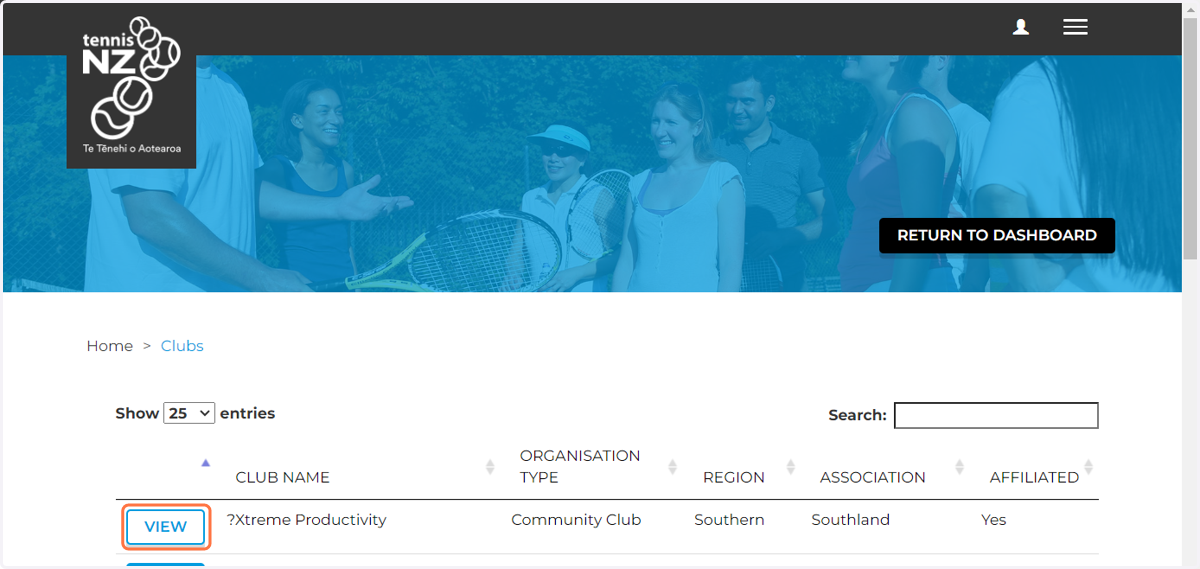
5. Click on VIEW
6. Scroll down to your club officers
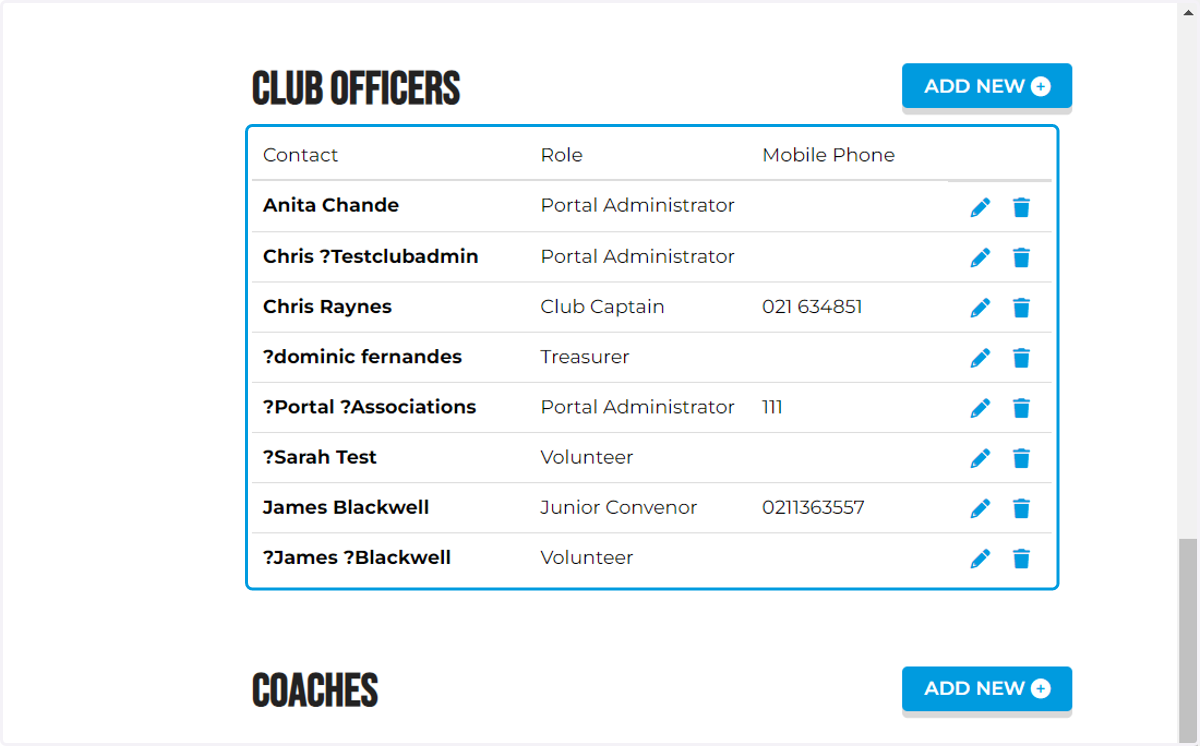
7. Click on ADD NEW
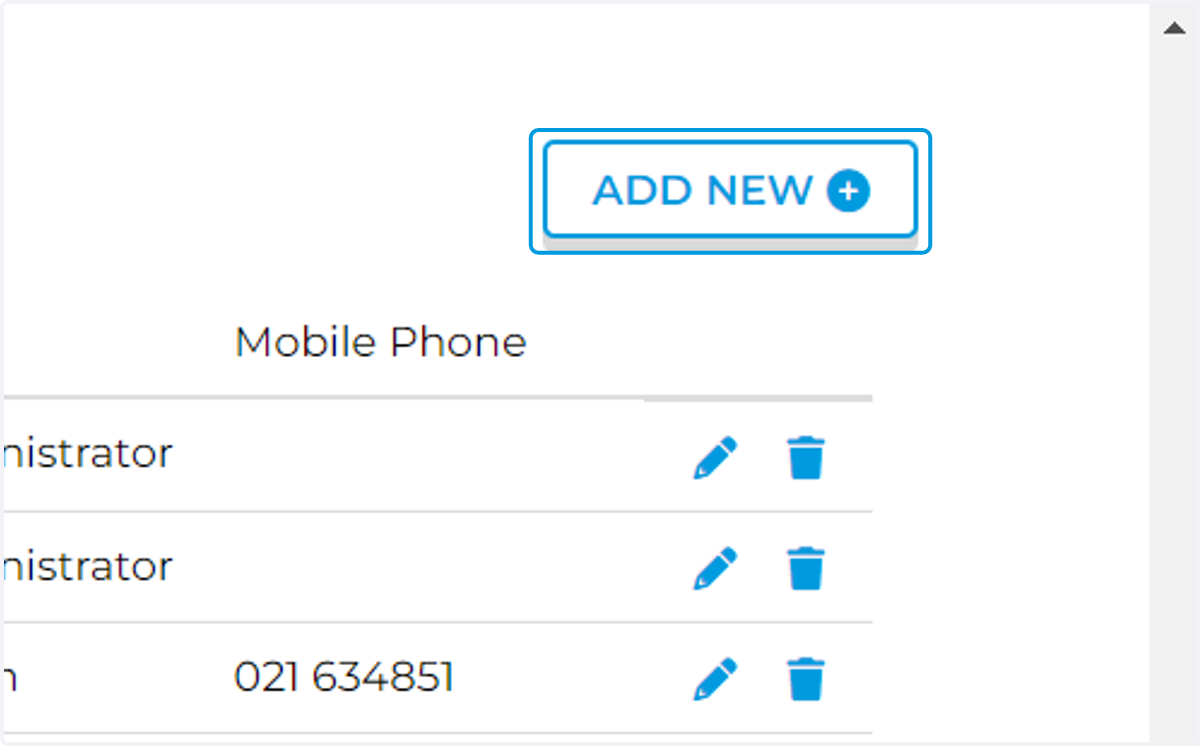
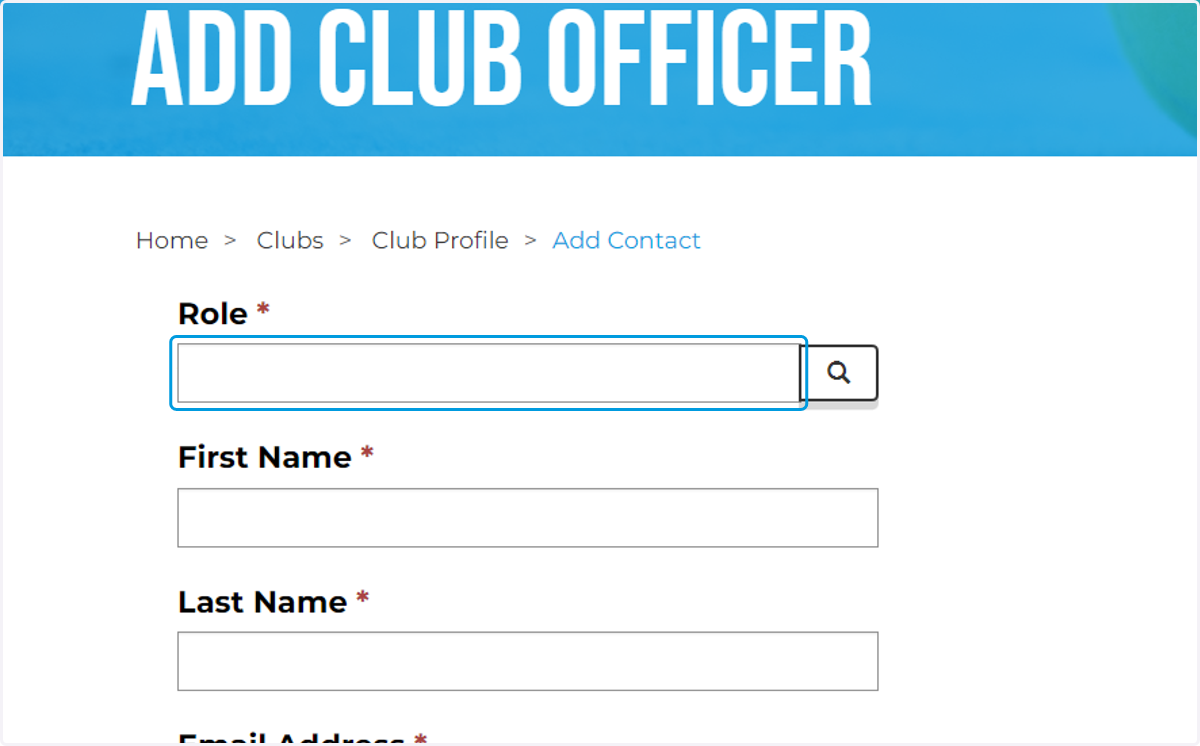
8. Click on Role, then...
9. Click on the magnifying glass button
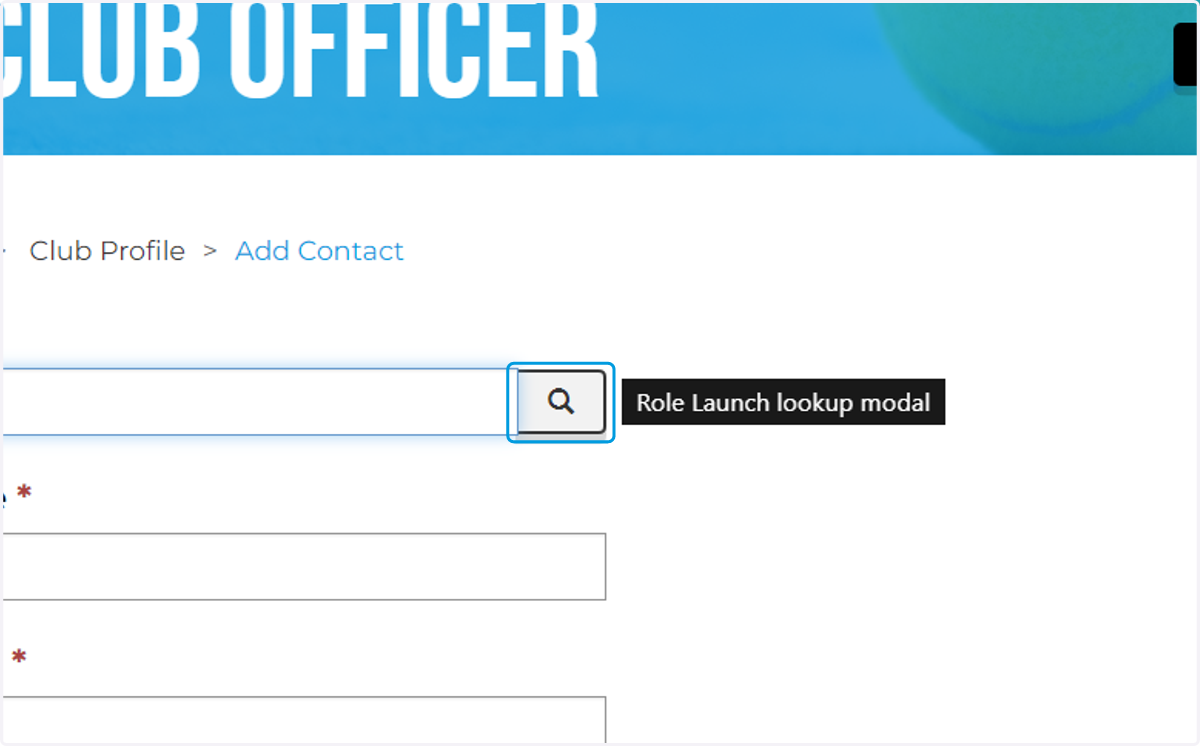
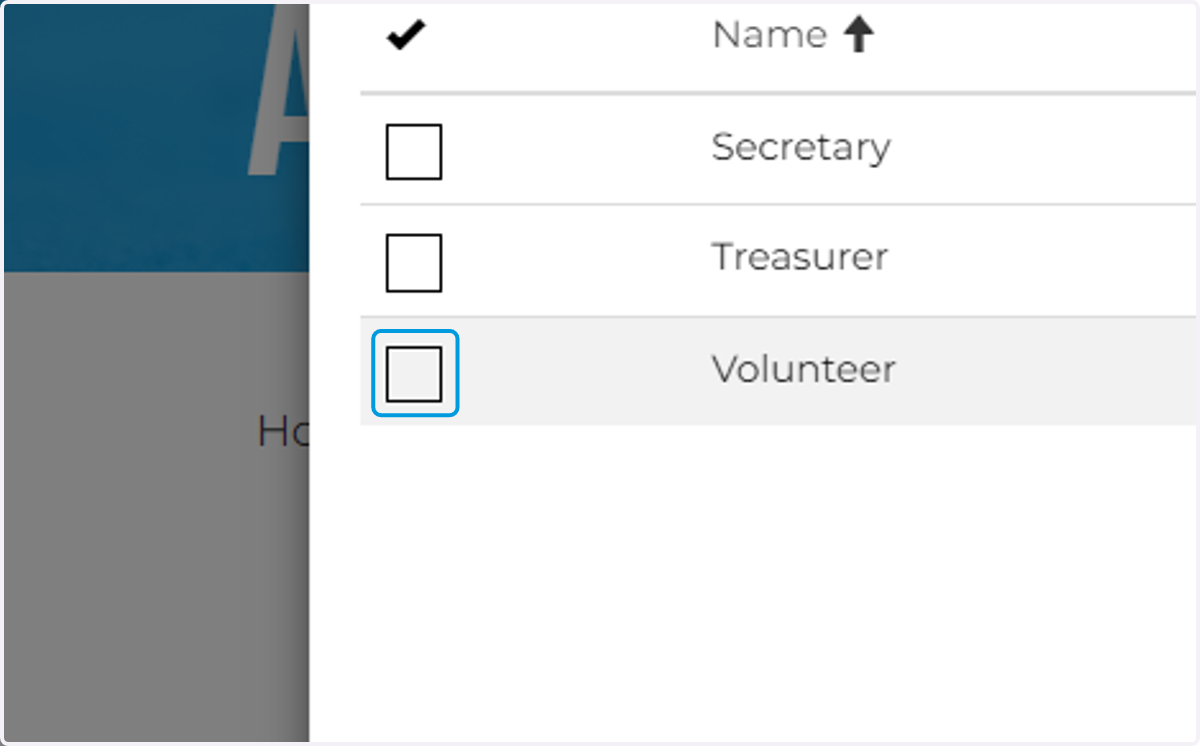
10. Go through and find volunteer or any other relevant club role
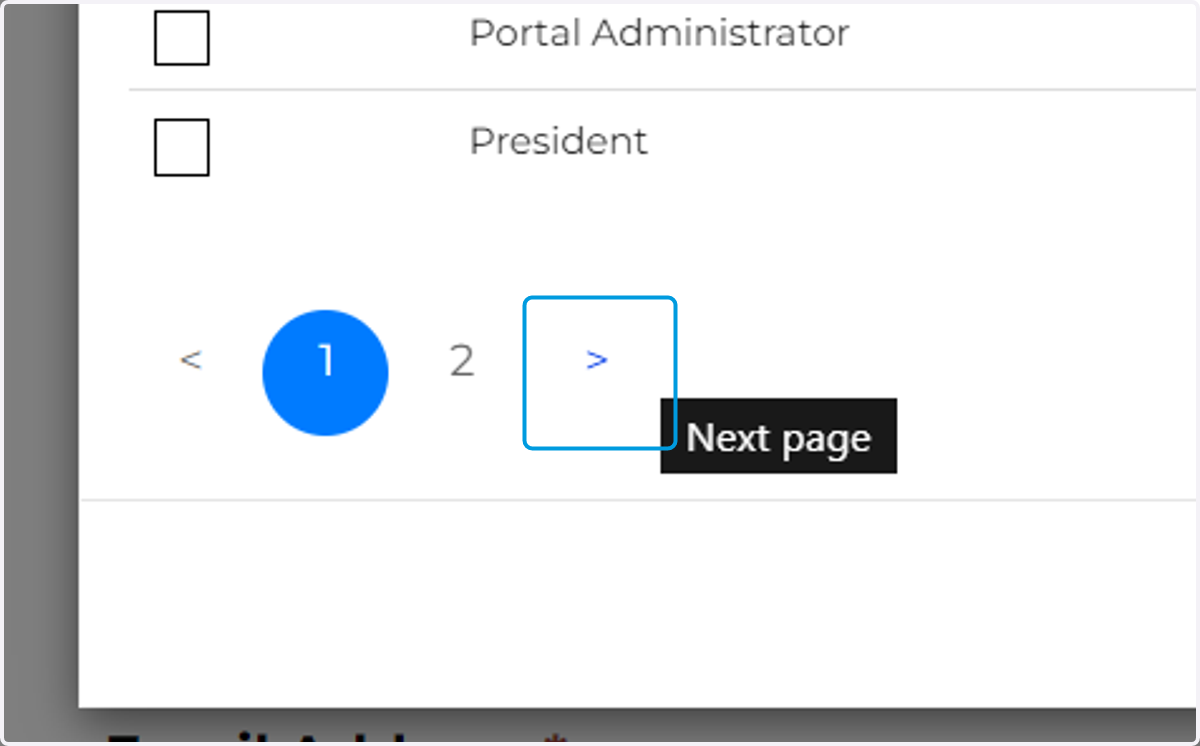
11. Click on Checkbox
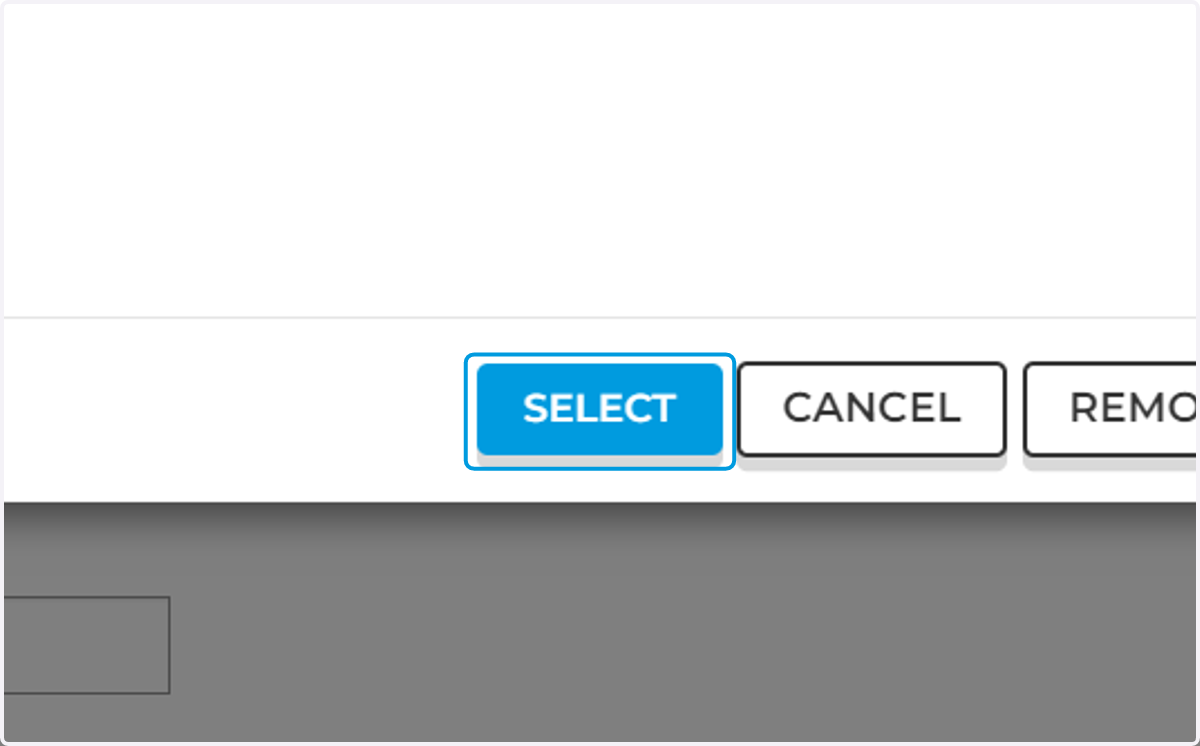
12. Click on SELECT
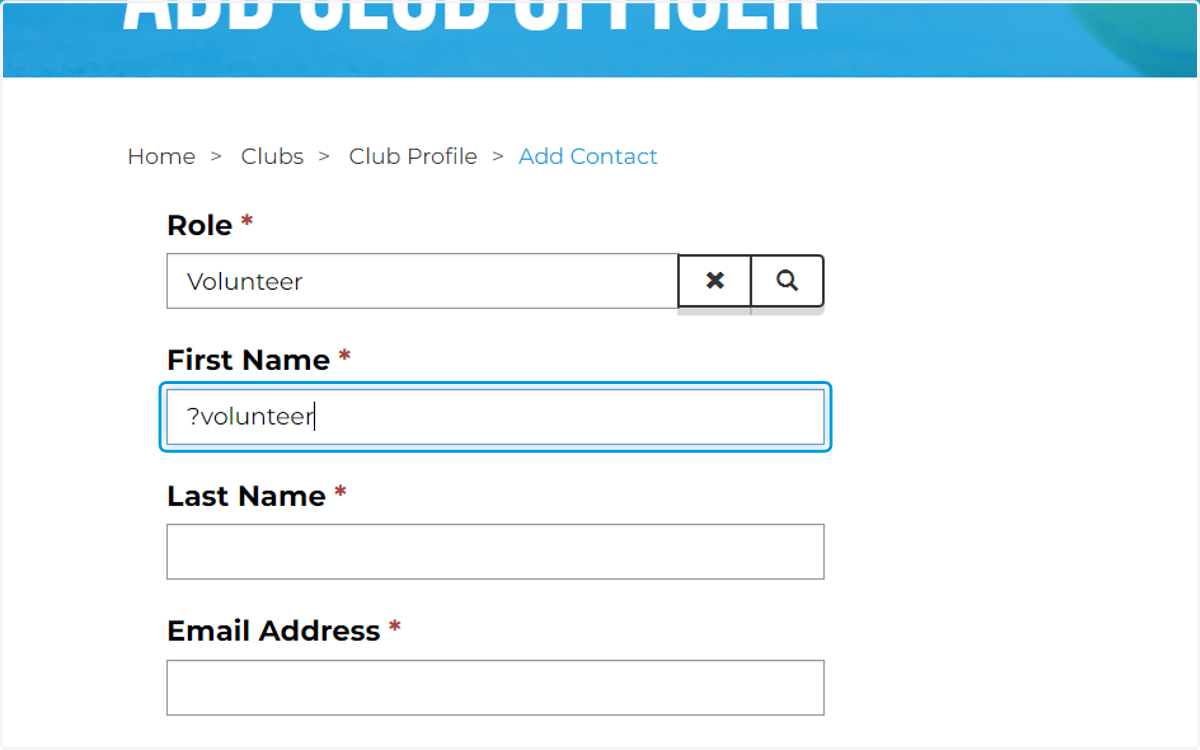
13. Click on First Name
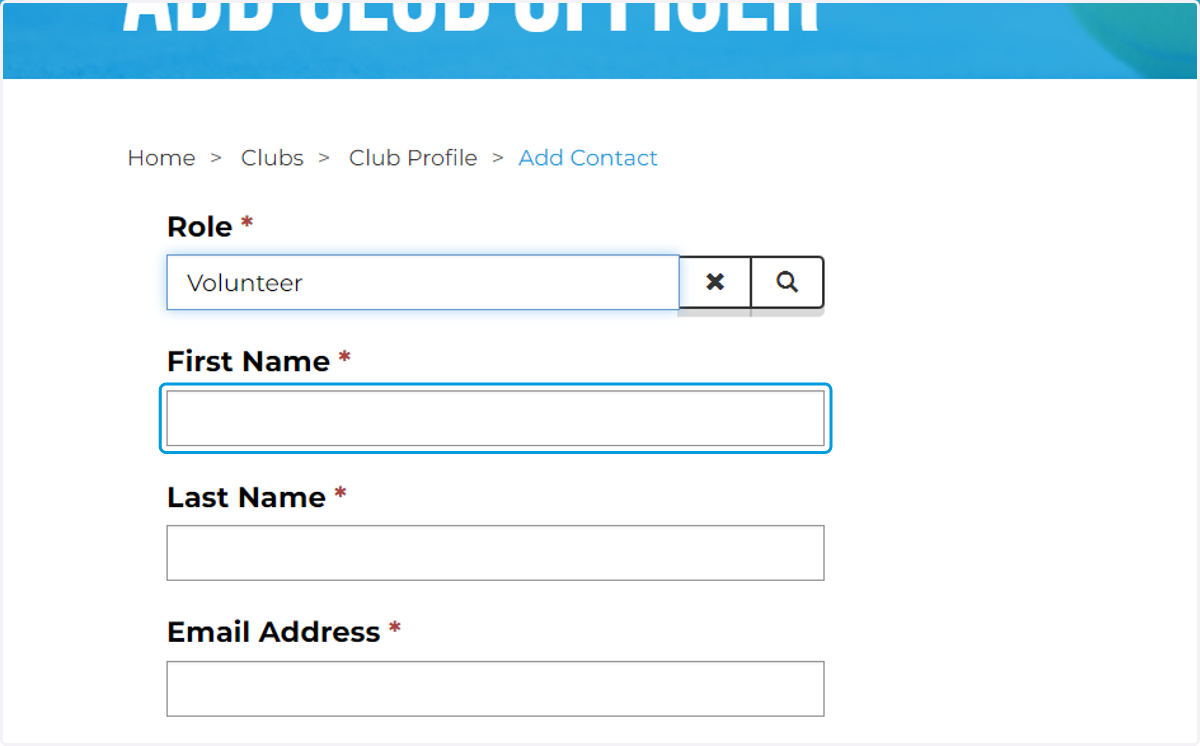
14. Type First name
15. Type Last name
16. Type email address
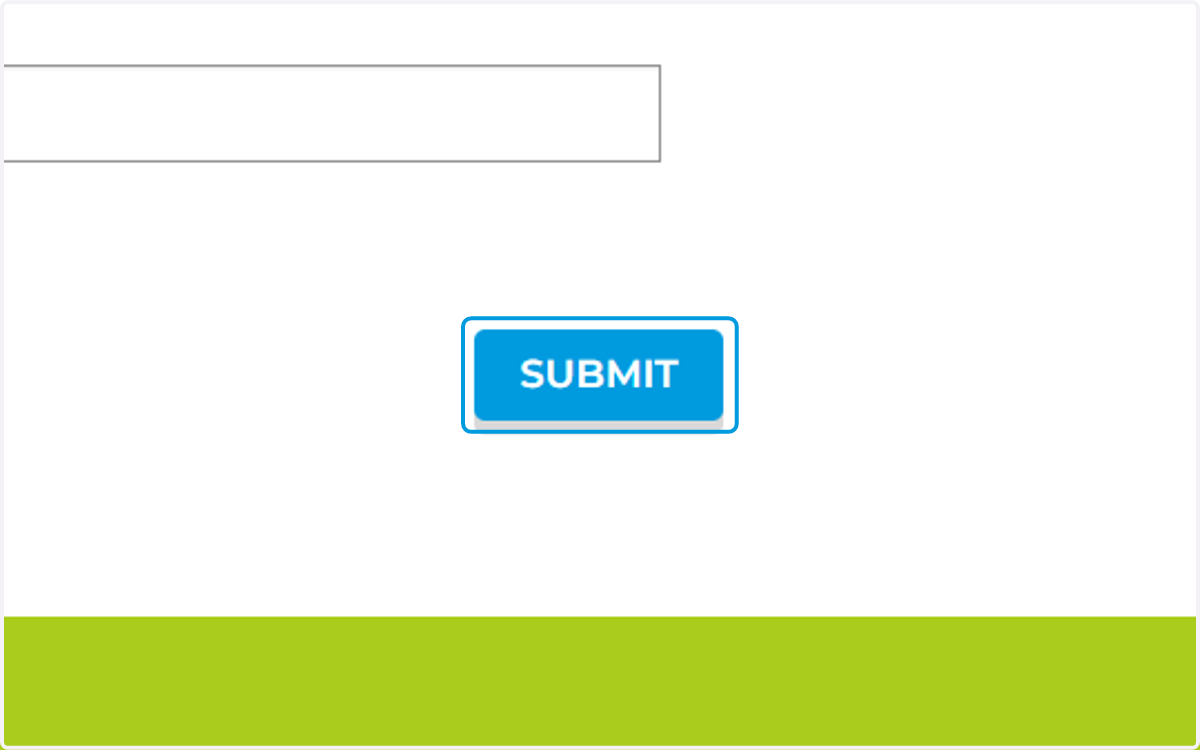
17. Click on Submit
18. Then go back to home page
19. Click on VIEW under Safe Status
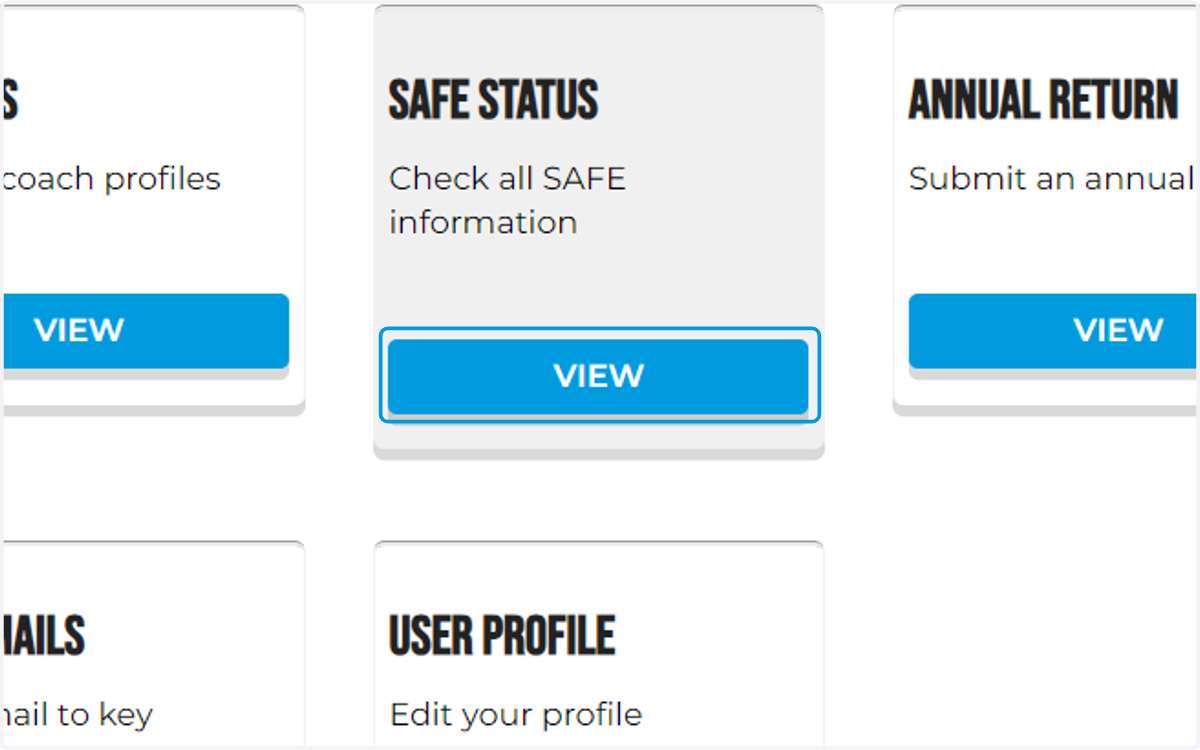
20. And any people who have a safe status of any kind at your club will appear here